Check out Tabit's exciting new features!
Don't miss out on these innovative tools and improvements
Tabit PAD
- Customer Tags, now easier to manage
- Stay ahead of payment device issues
- Clearer manager approvals for open discounts
Customer Tags, now easier to manage
Customer Tags are now easier to manage and available in more places across Tabit. You can now use them in OTC and TD orders on the PAD, making it easier for staff to view customer context and keep service more consistent.
Customer Tags are also now managed from one central place in Tabit Office, helping you keep tagging aligned across products. If you already set up Customer Tags for Tabit Guest, they’ll be moved automatically.
For more information, see Setting up and using Customer Tags.
Stay ahead of payment device issues
Tabit PAD now includes a dedicated health check for Ingenico and Magtek devices, helping your team identify connectivity problems early and stay ready to take payments.
You’ll also see a clearer card status icon and a health check screen with more visibility into what’s happening, so managers can troubleshoot faster and avoid surprises at checkout.
For more information, see Payment device connectivity health check.
Connected |
Payment device is off and cannot be found |
Clearer manager approvals for open discounts
Manager approvals for open discounts are now clearer and faster to review. When approving an open discount from the map, the approval prompt now shows the item name, giving managers better context at a glance and helping reduce confusion during busy service.
The prompt also presents the approval details in a clearer way, so it’s easier to understand exactly what the discount applies to before approving.
Tabit Office
Smarter permissions and smoother employee management in Tabit Office
The Staff page has been renamed Staff Management and overhauled to make it more intuitive and easier to manage employees, understand access levels, and assign permissions with confidence.
These changes include:
- More flexible permissions, broken down to specific actions and reports
- A clearer employee overview with filters and a cleaner layout
- Simpler employee setup on one scrollable page, including faster PIN setup and helpful tooltips
- Consistent permission handling across employee creation, editing, imports, and roles
Learn more about the full list of permissions and how to add a new employee
Tabit Order
- Help guests find exactly what they need faster with Item Tags
- Display item availability based on notice time
- Add multiple images to an item
Help guests find exactly what they need faster with Item Tags
Tabit Order can now be filtered by Item Tags on both desktop and mobile, making it easier for customers to find items that match dietary needs or preferences. Multiple Tags can be selected, showing only items that meet all selected criteria.
Items can only be filtered by Item Tags, not by Badges
Learn more about how this filter works here
Display item availability based on notice time
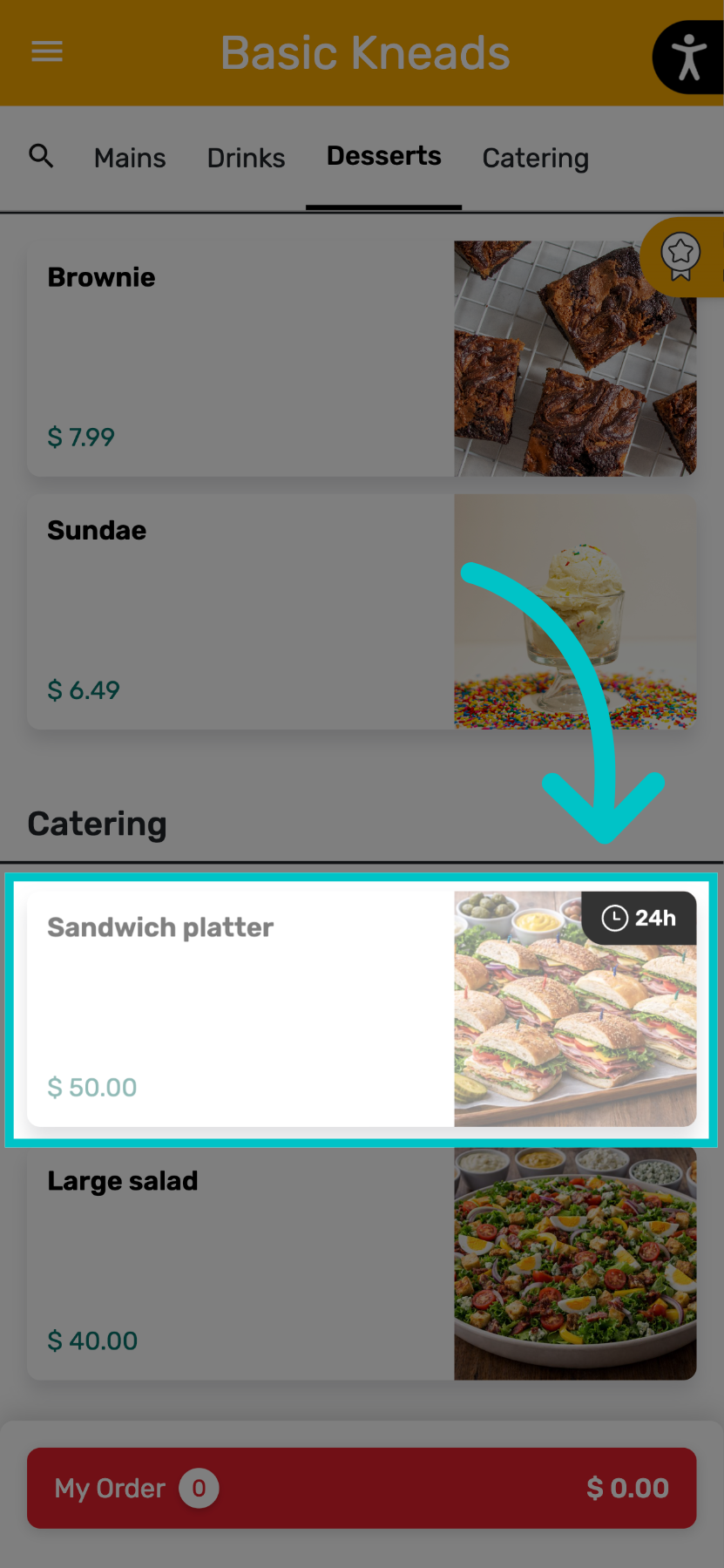
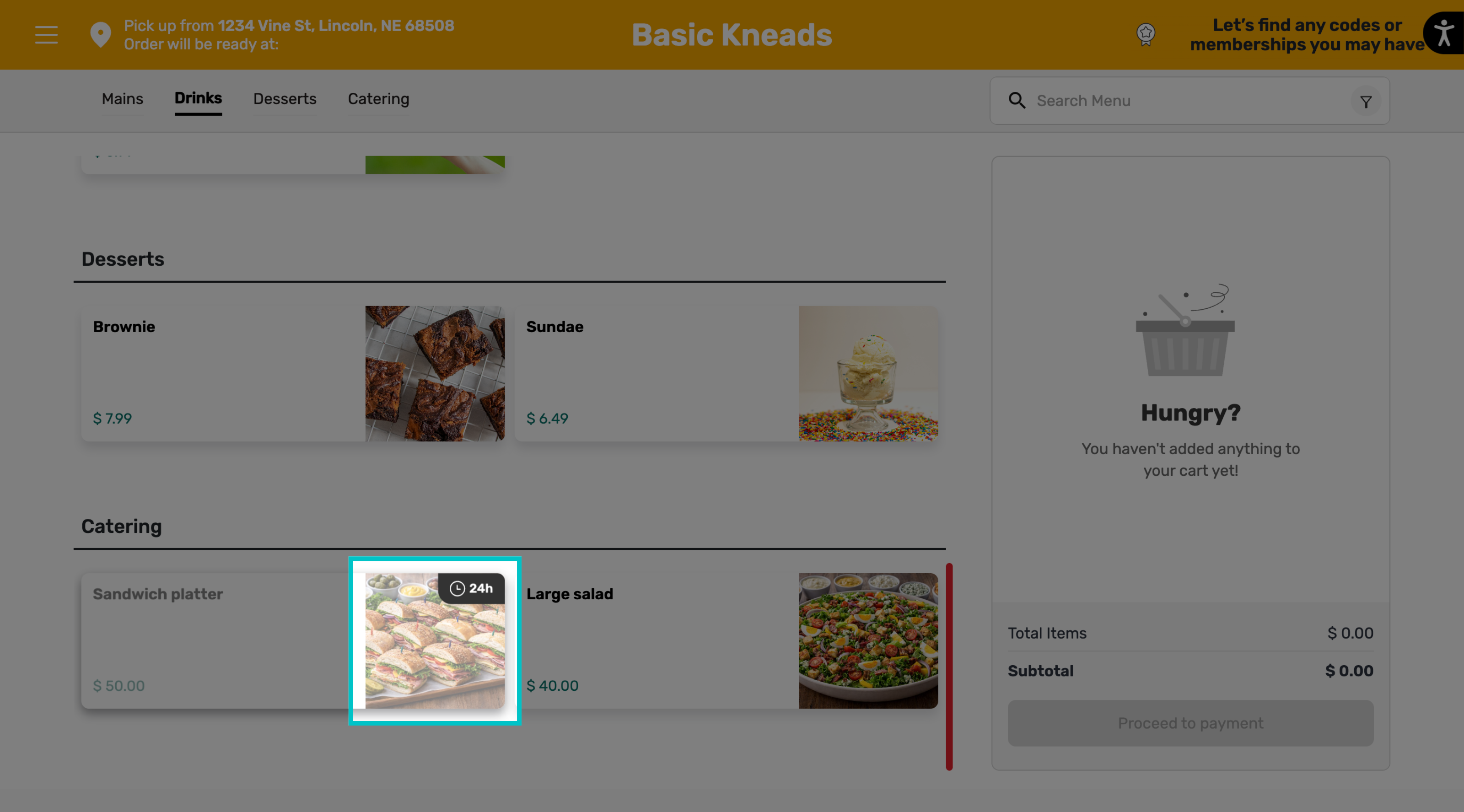
Some menu items require advance notice to prepare. These items are now always visible on the menu, but can only be added to the cart if the selected order time meets the required preparation window.
If the notice requirement is met, the item can be ordered as usual. If not, the item will appear with a clear message indicating the minimum notice required, and cannot be added to the cart. Availability is checked per item.
Add multiple images to an item
You can now add up to four images per item to enhance the guest experience on Tabit Order. Multiple images allow you to showcase different angles, variations, or details to help drive engagement and conversions.
Additional images will only appear on Tabit Order and not on other platforms such as the PAD or Tabit Kiosk
Learn how to add multiple images to an item
Tabit Integrations
Tabit + DoorDash Marketplace: The integration you've been waiting for
Tabit now integrates with DoorDash Marketplace, for seamless order management from the moment the order is placed until it's delivered to the customer.
Tabit Shift
- Enhanced messaging for managers and staff
- Easier blank schedule building
Enhanced messaging for managers and staff
Tabit Shift now supports more targeted and flexible team communication with two new messaging updates.
Managers can filter message recipients to only employees who haven't submitted their availability yet — no more messaging the entire team for scheduling reminders. Simply go to the notification center, select + Message, tap Send to, and choose the missing-availability filter.
Additionally, employees can now message each other directly within the platform, reducing the need for external messaging tools while keeping managerial oversight intact.
Learn how to use employee messaging in Tabit Shift
Easier blank schedule building
Empty schedules can now be generated with employee quotas, without automatically assigning employees to the cells, allowing more flexibility when building the schedule.
How it works:
-
When creating a schedule, tap the three dots in the top right of the screen and select Create empty schedules
-
Then select which schedule to create and it will appear with time slots as configured, but no employees automatically assigned to them
Tabit Loyalty
Customize the Customer Profile
-
-
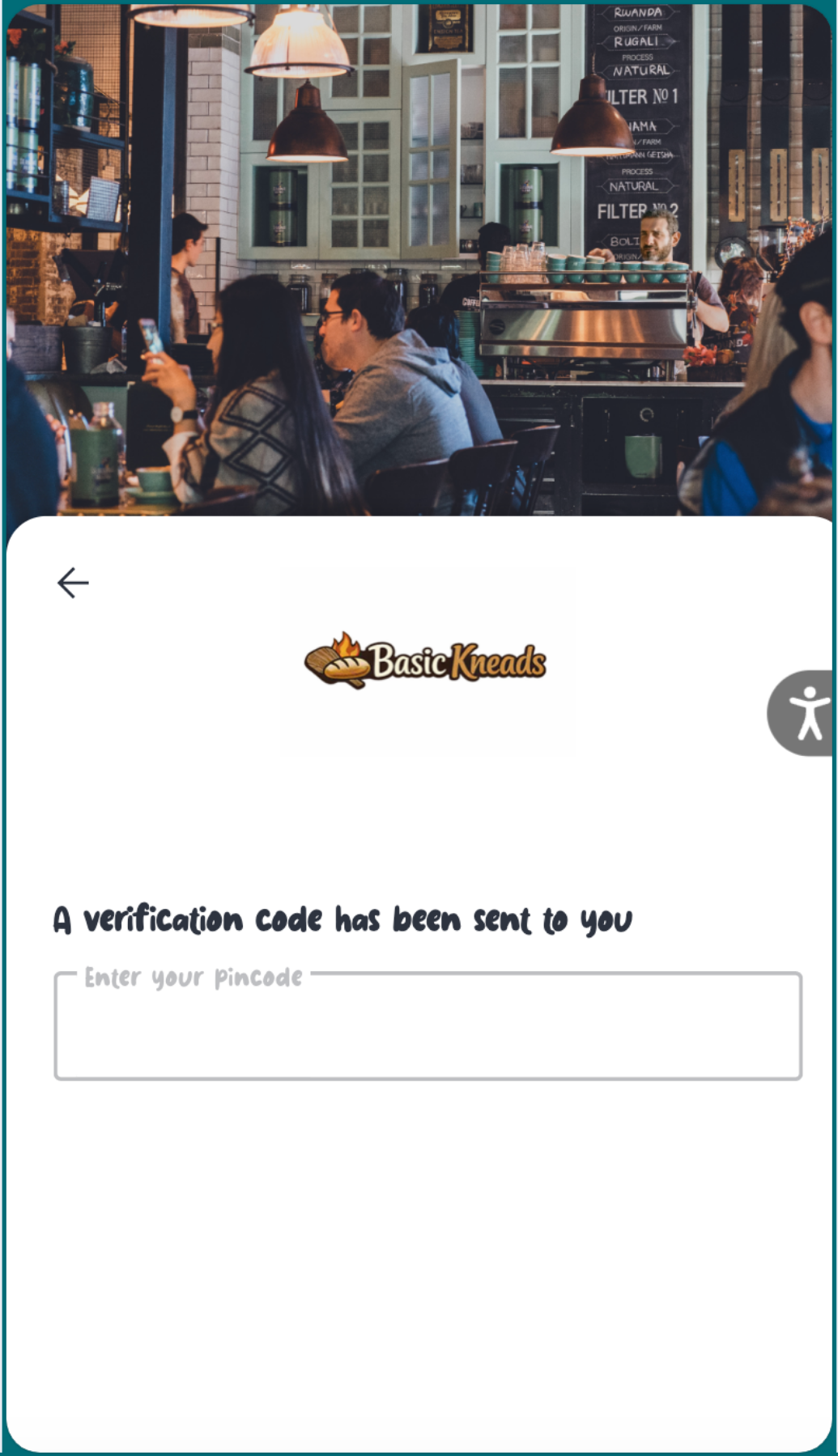
Uploading custom fonts
-
Adding custom loading animations
-
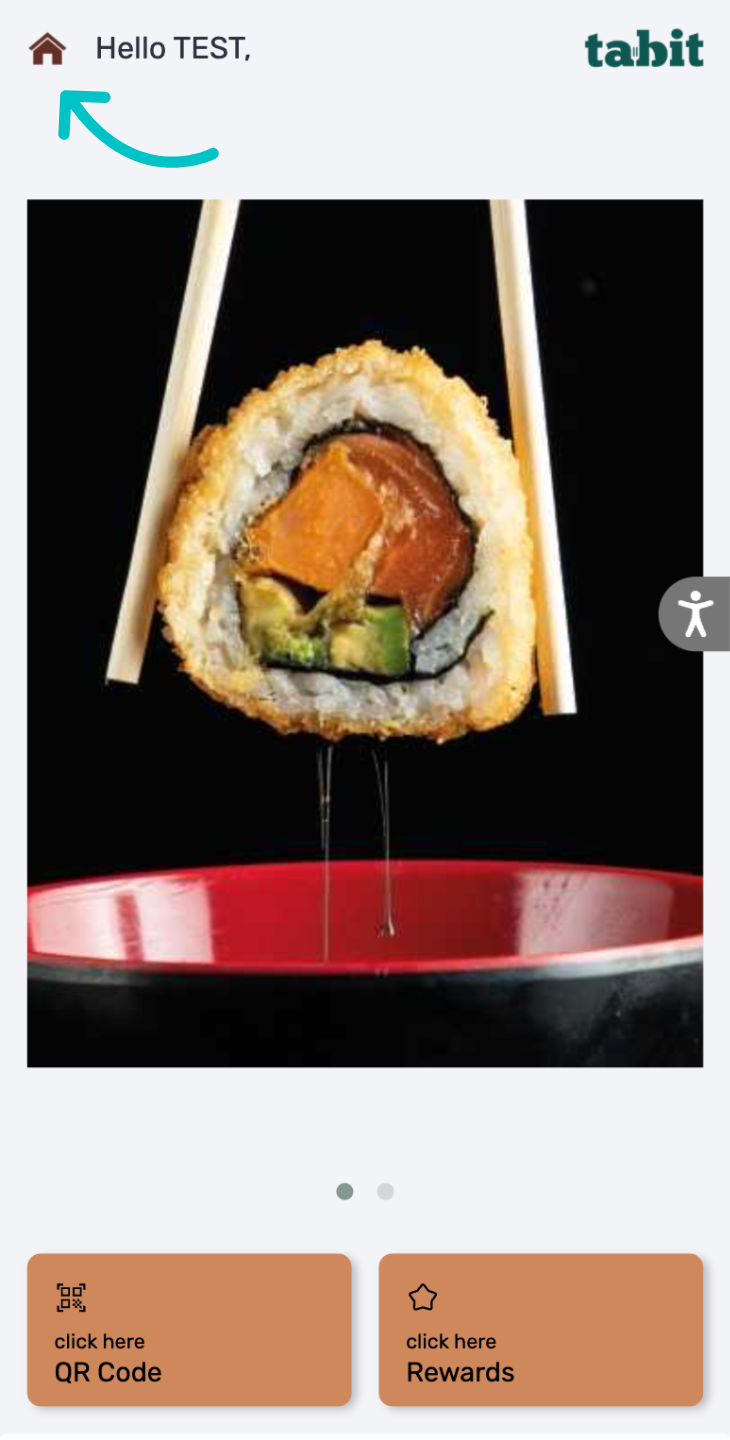
Adding a custom menu icon
Tabit Guest
Override all messaging for Special Days
Recently, we added the ability to add custom messages for online booking for Special Days without affecting regular weekday messaging. This has been expanded to apply to all communication with the guest, including SMS text messages, emails, online reservations, and more.
Please contact your Tabit representative to configure messaging for Special Days
Tabit Kiosk
- Add smart upsells to your Kiosk
- Display nutritional information
Add smart upsells to your Kiosk
Smart upsells have expanded to Tabit Kiosk, appearing before checkout with relevant item suggestions. The system automatically evaluates the cart and surfaces the best-matching upsell based on predefined conditions and priority rules. As the cart changes, so does the recommendation, keeping suggestions accurate to what the customer is actually ordering.
Learn how to create smart upsells for Tabit Kiosk
Display nutritional information
Nutritional information, previously available only in Tabit Order, is now shown on Tabit Kiosk.