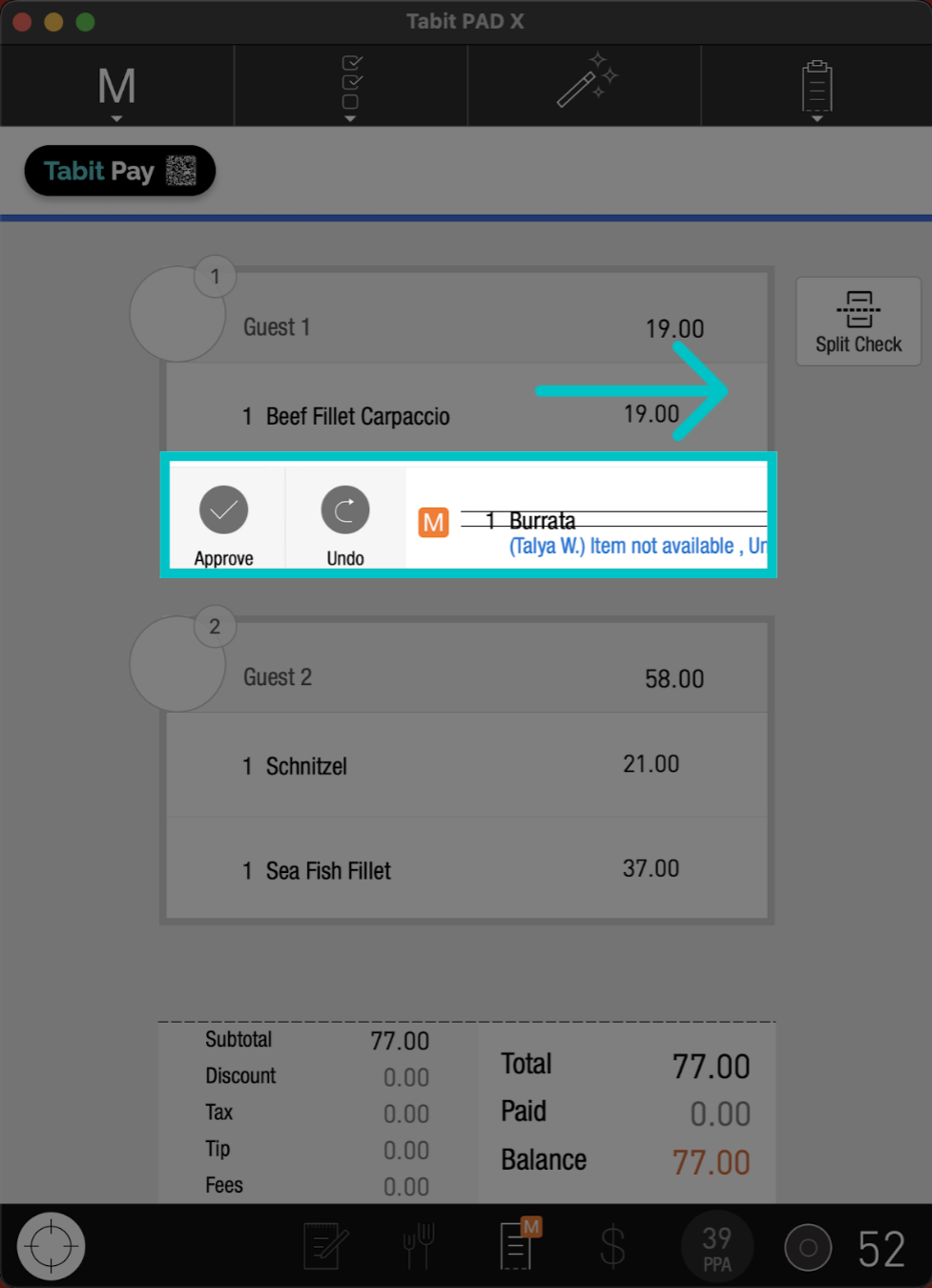
When a non-manager profile (server, bartender, TD, or OTC) requests a comp or void, it must be approved by a manager to apply it to the check and allow the order to be closed. With facial recognition, managers can instantly approve these actions without logging into their own user profile.
Facial recognition must be configured for manager users to enable this function. If it hasn’t been set up yet, visit our Setting Up Facial Recognition on the PAD article and contact your Tabit Representative to have it activated
Follow the steps below to get a manager's approval without logging out:
-
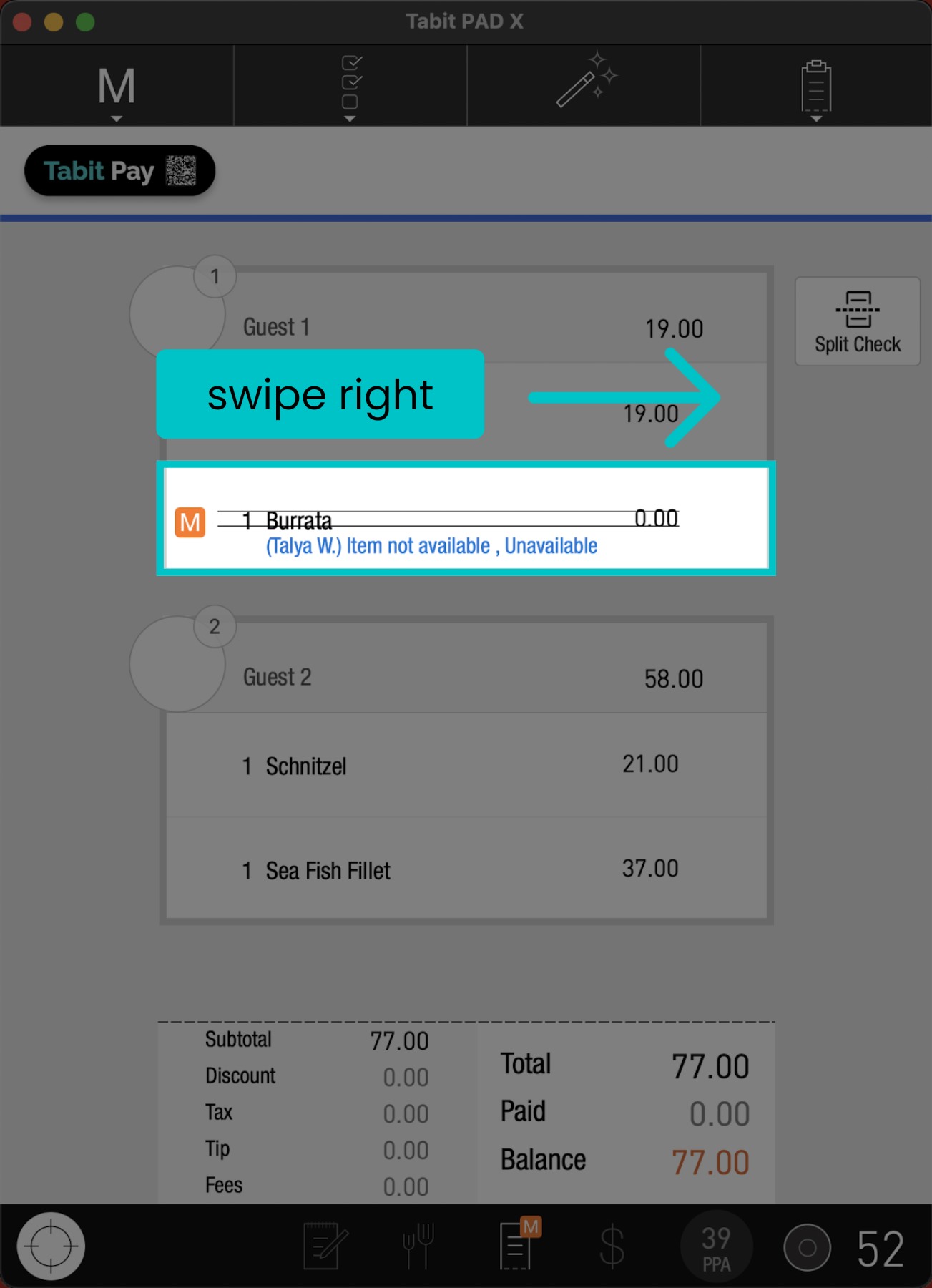
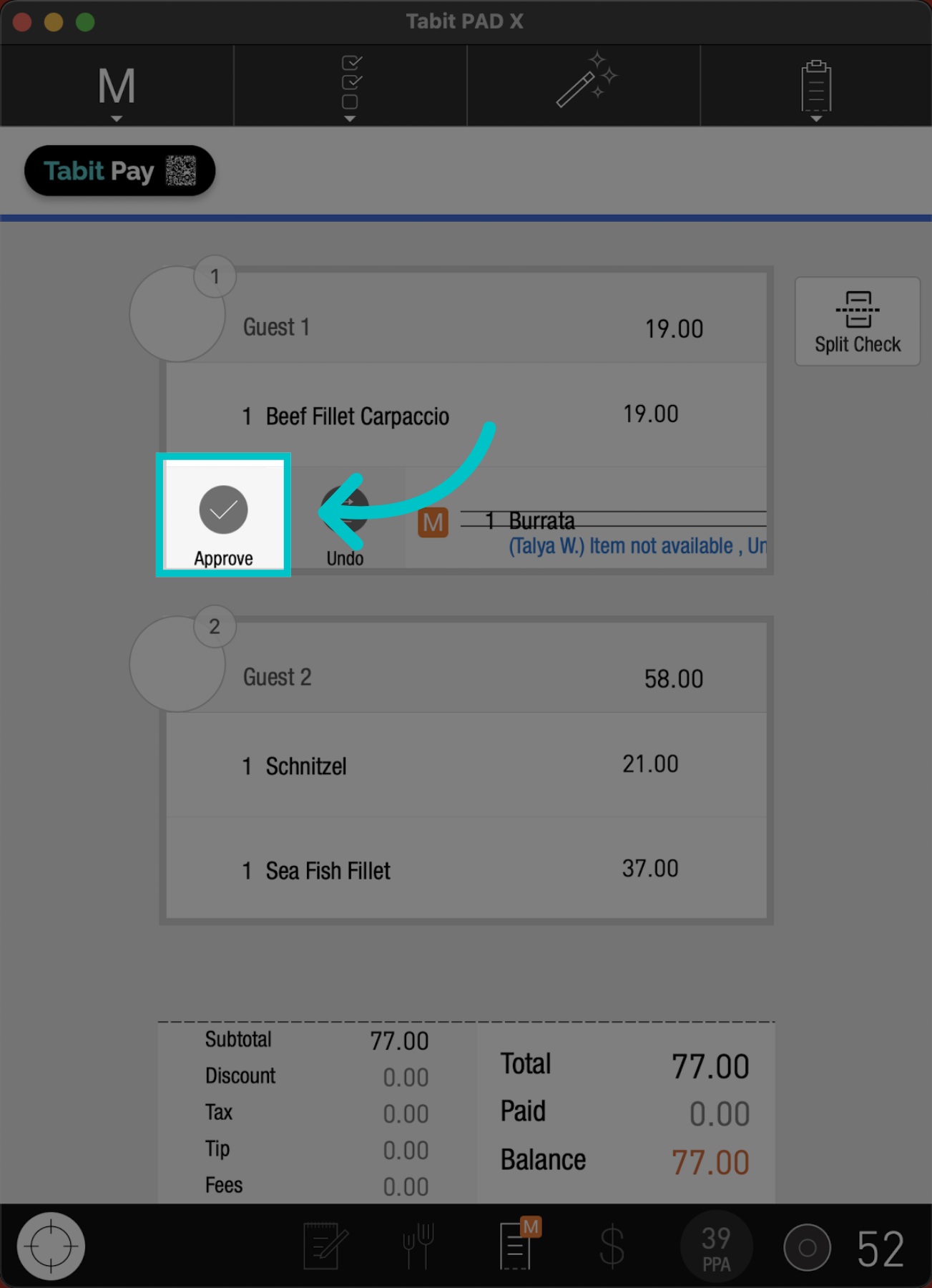
Once the comp or void is requested, swipe the item to the right, and tap Approve
-
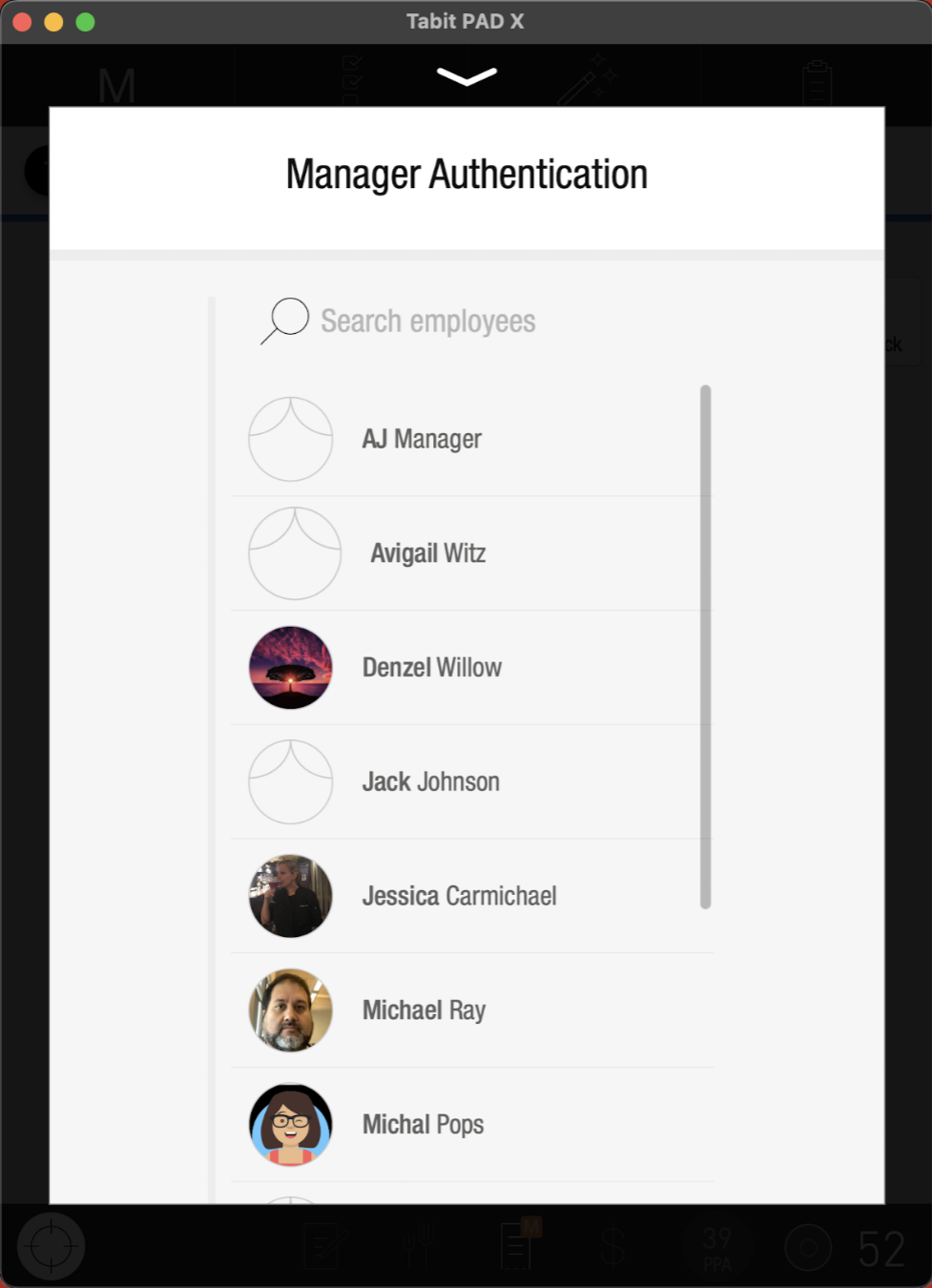
Select the relevant manager for approval
-
Ensure the Pad is positioned facing the manager for facial recognition
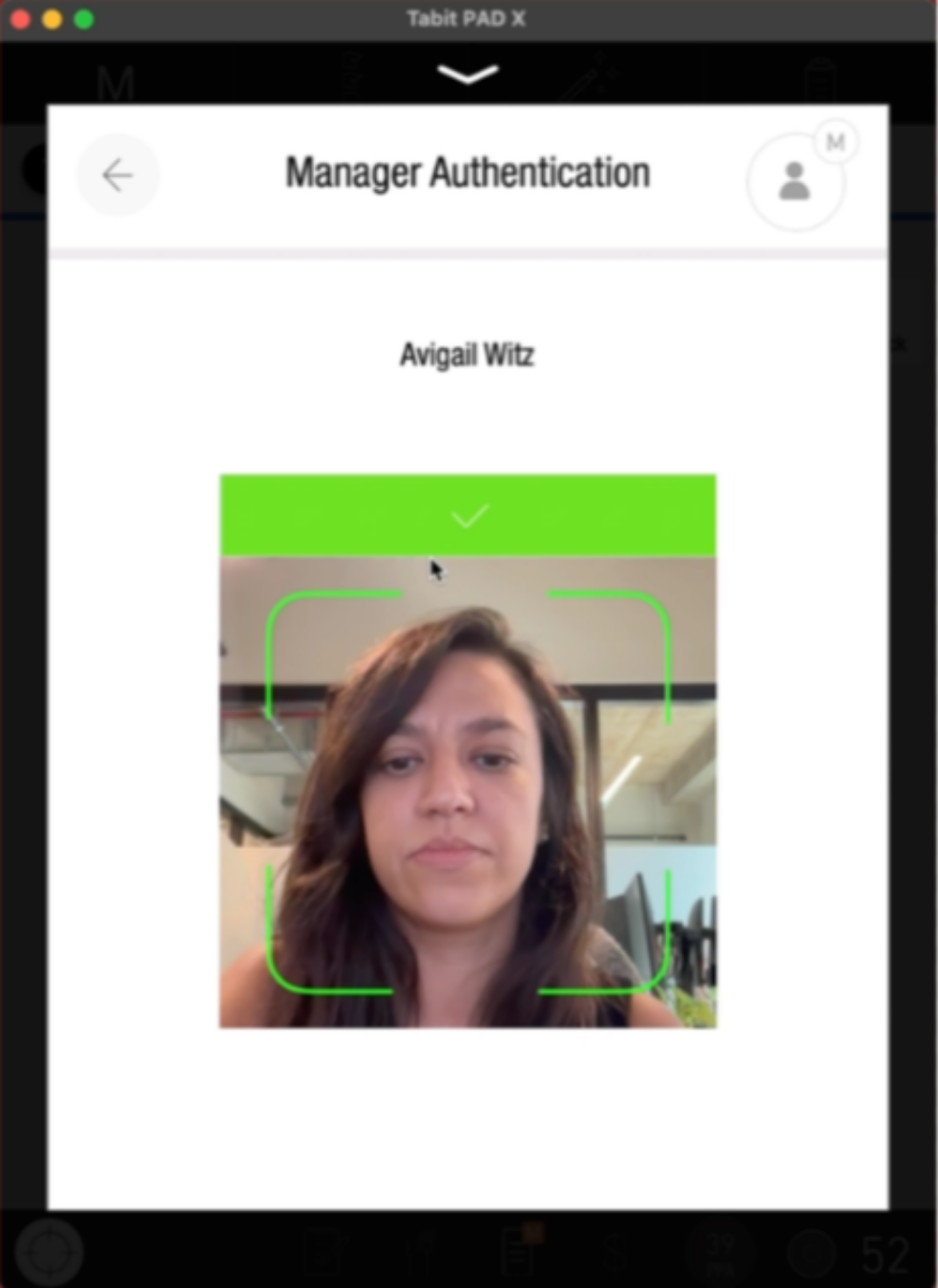
-
You're request is now approved
Learn here how to approve comps or voids without facial recognition