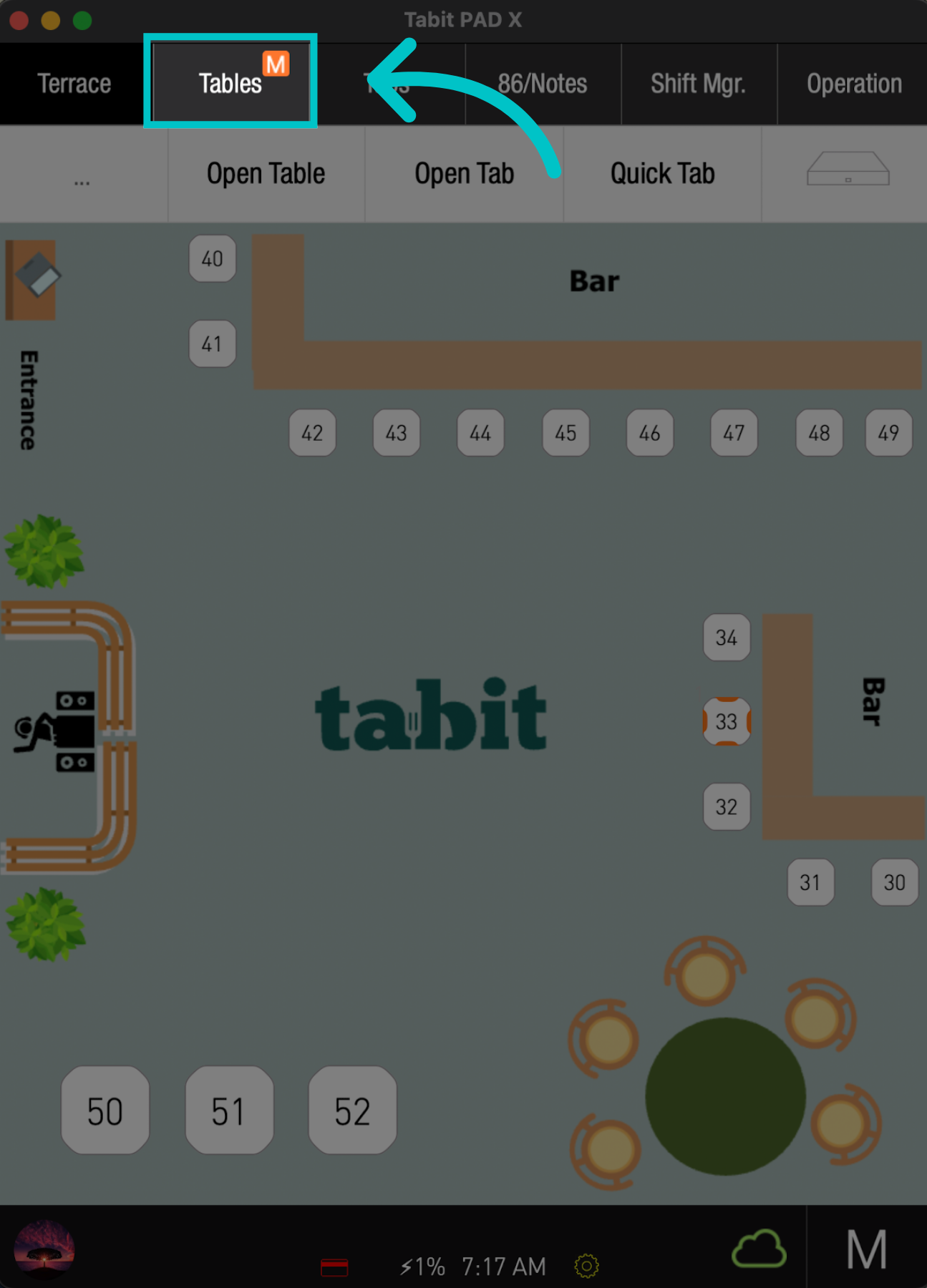
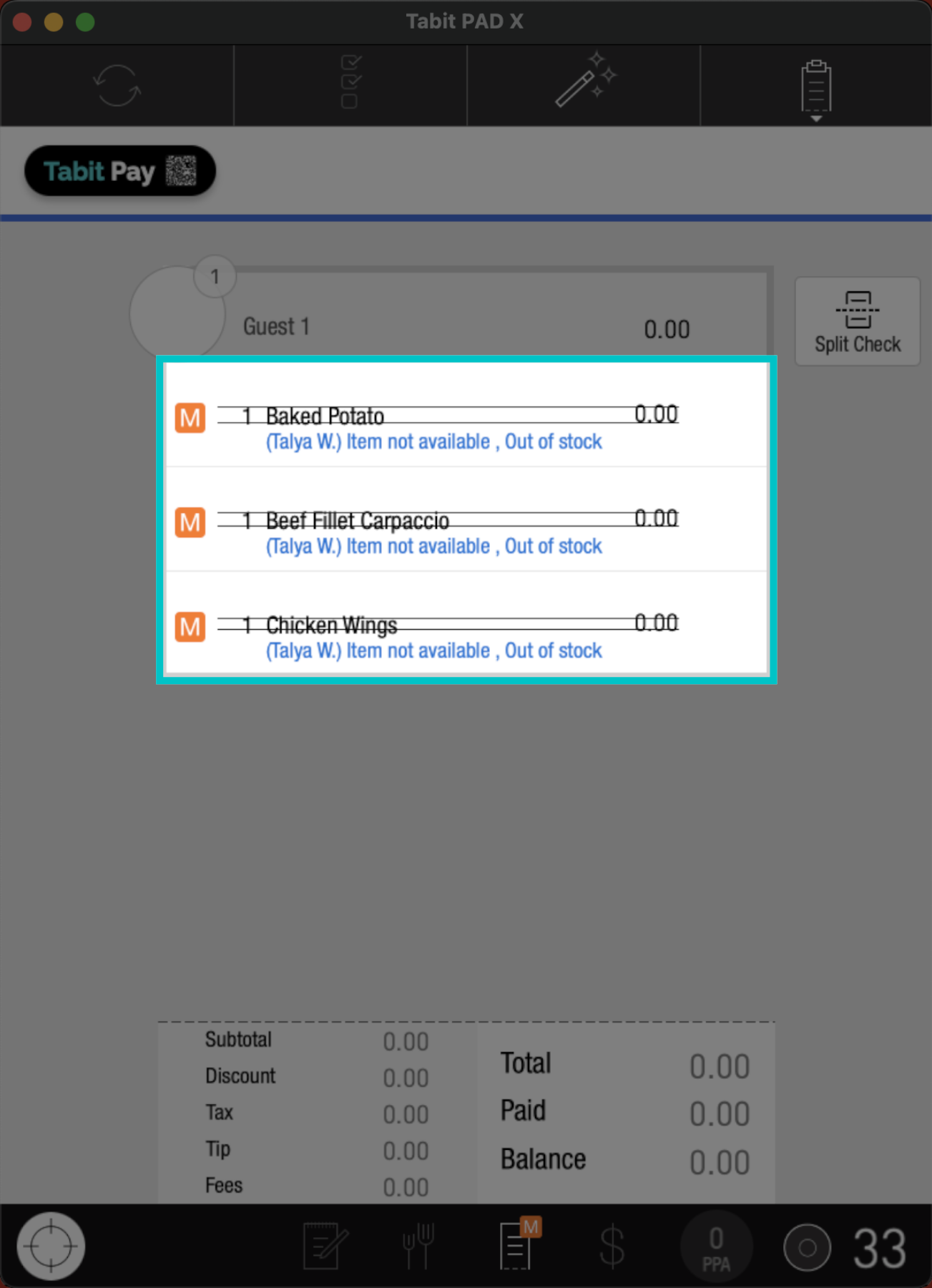
Comp and void actions allow you to remove or discount items from a guest check. This action can be applied to individual items or multiple items. When a non-manager profile requests a comp or void, a manager's approval will be required.
Follow the steps below to request a comp or void:
-
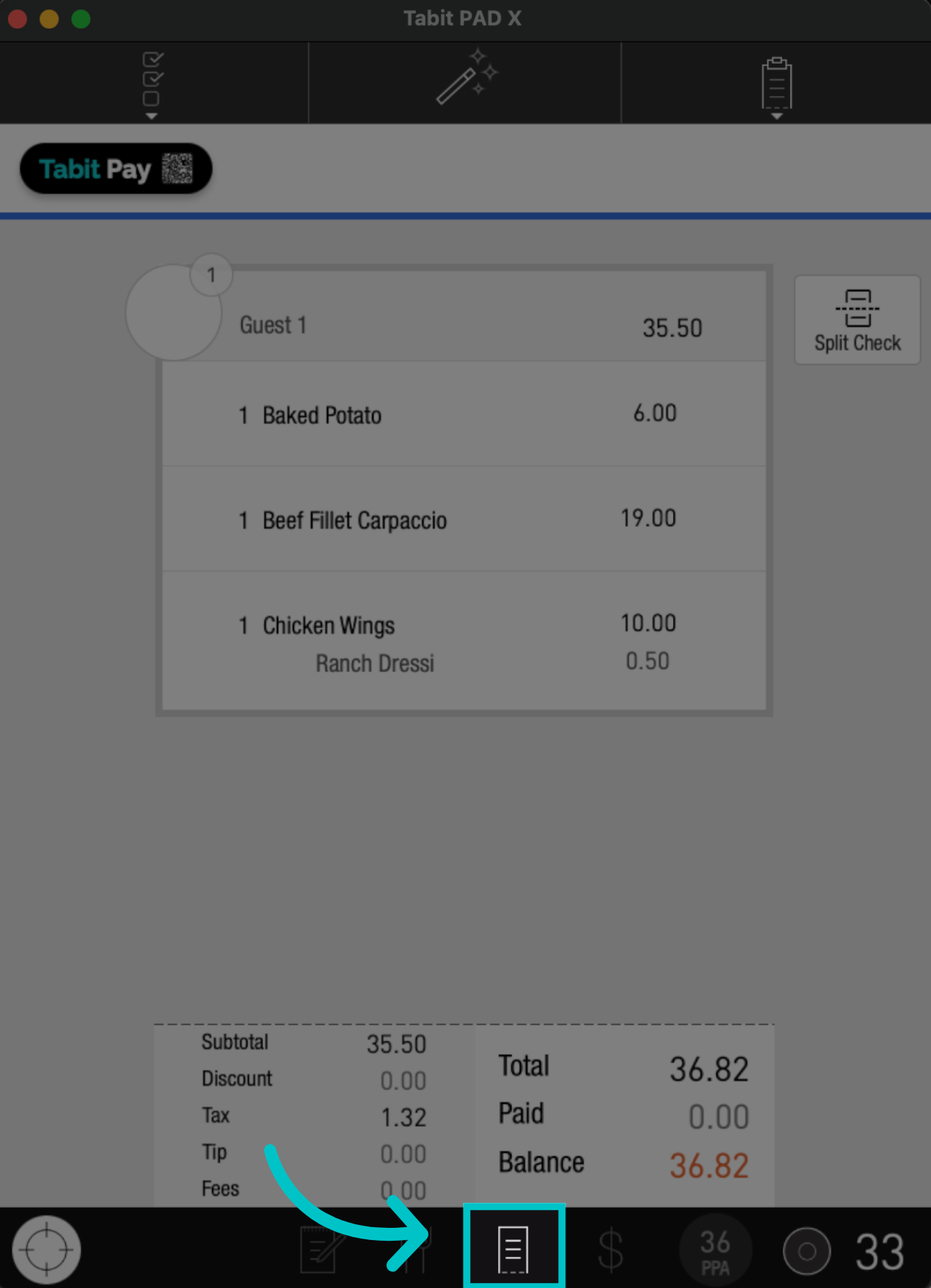
Go to the Check screen, and continue accordingly
-
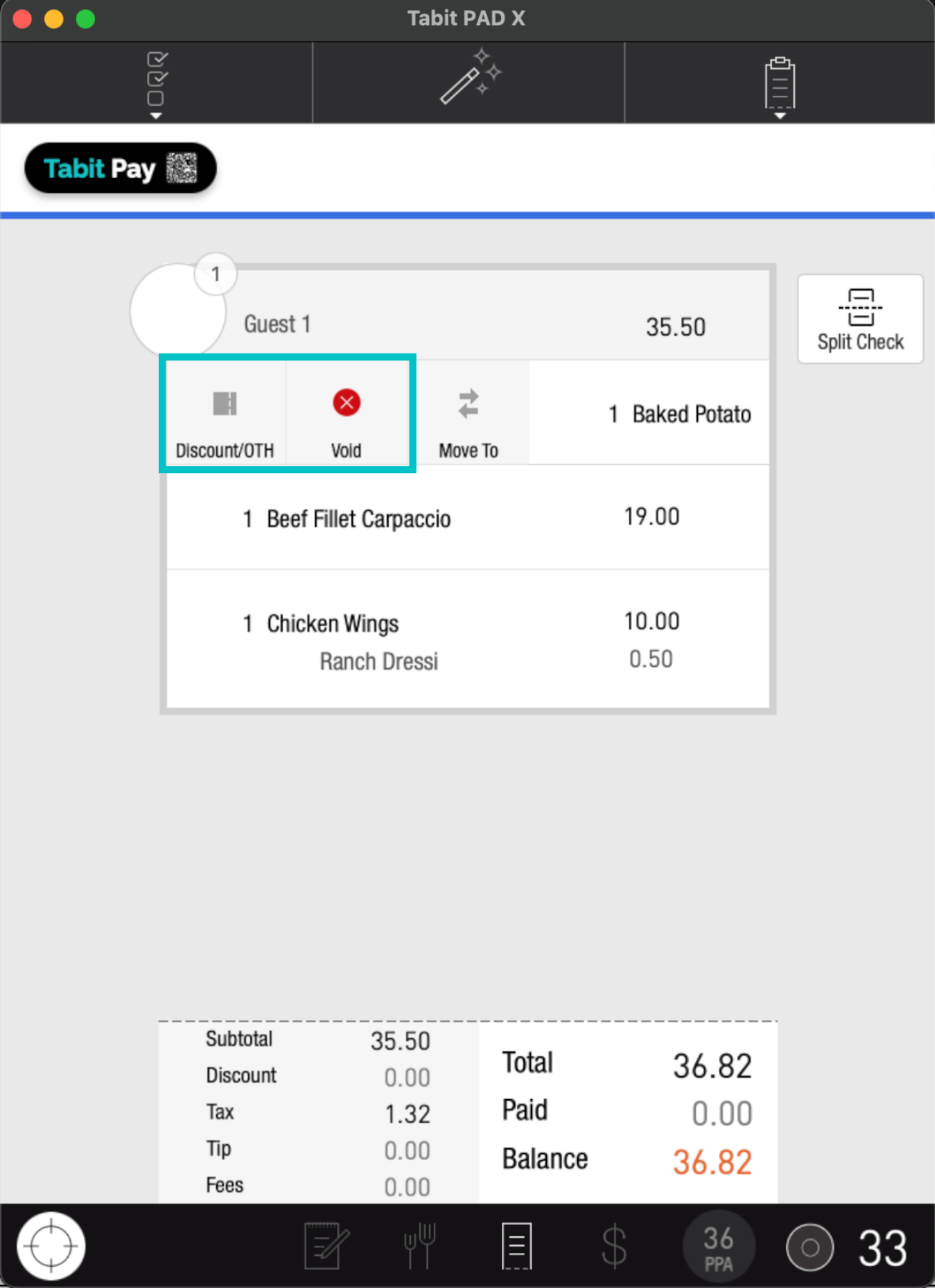
To comp or void a single item, Swipe it to the right, and select the desired action
-
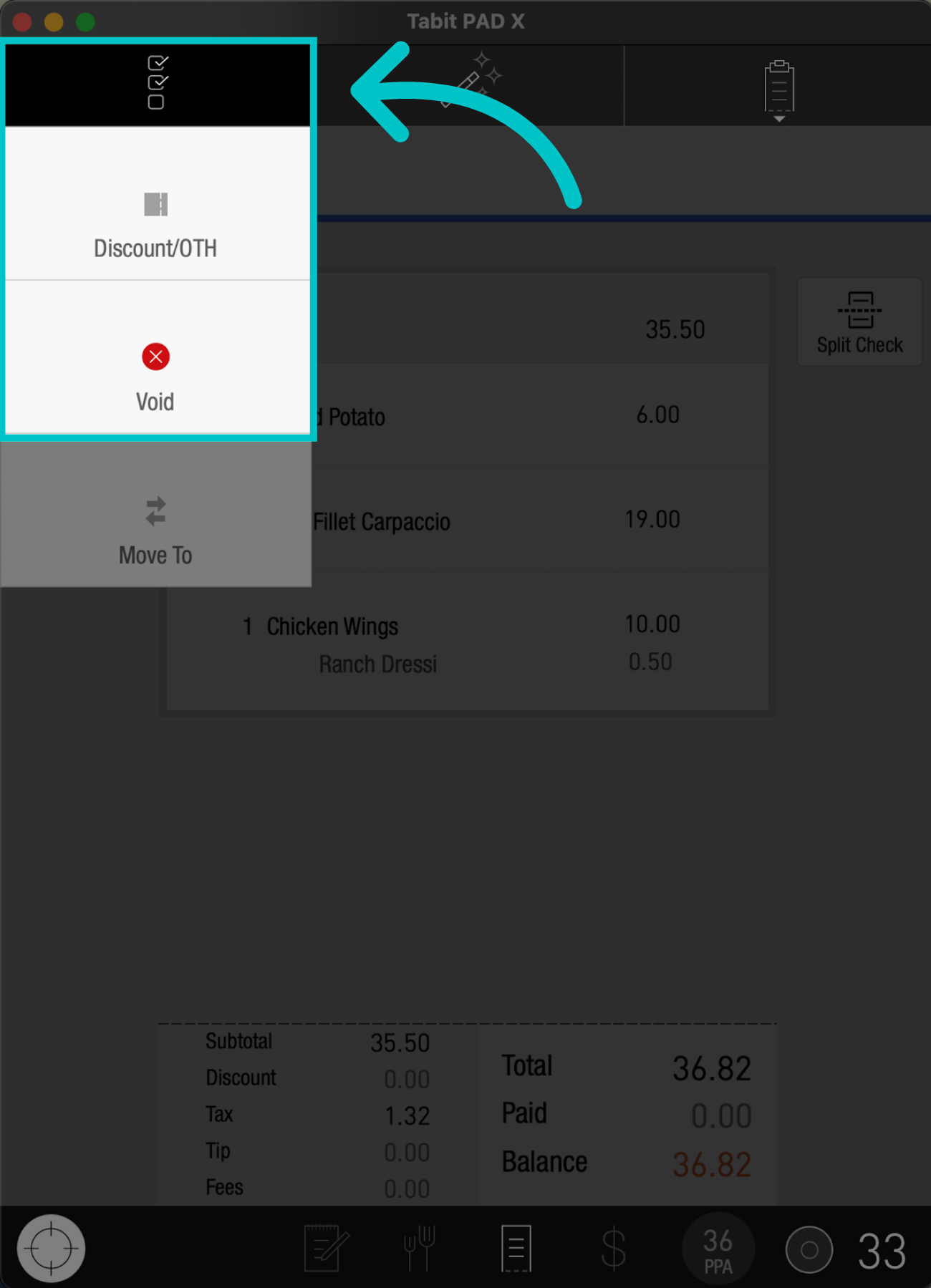
To comp or void multiple items, tap the Check list icon, and select the relevant action
-
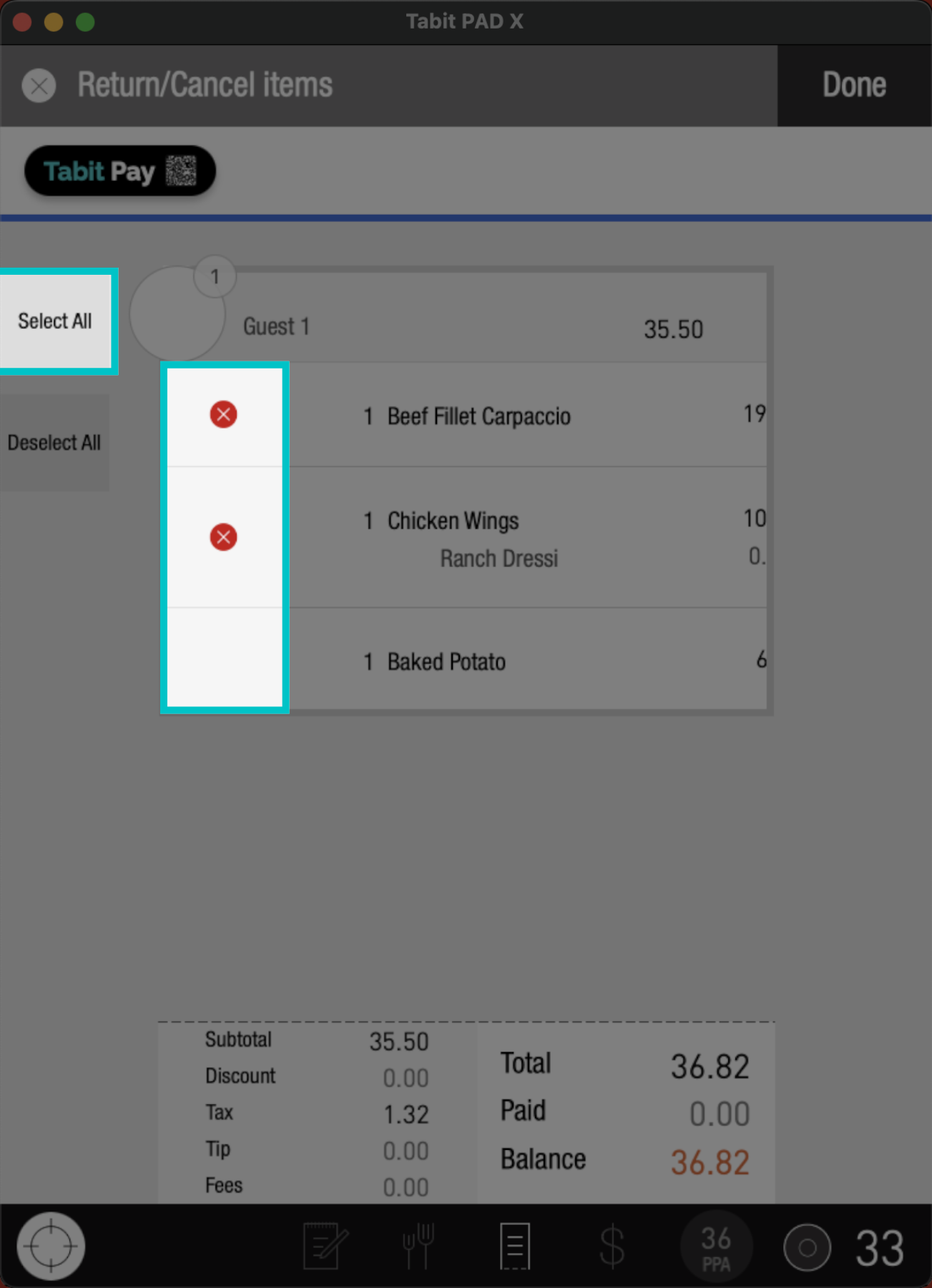
Now, Check the box next to the Items you want to comp or tap Select All to apply it to all items on the list
-
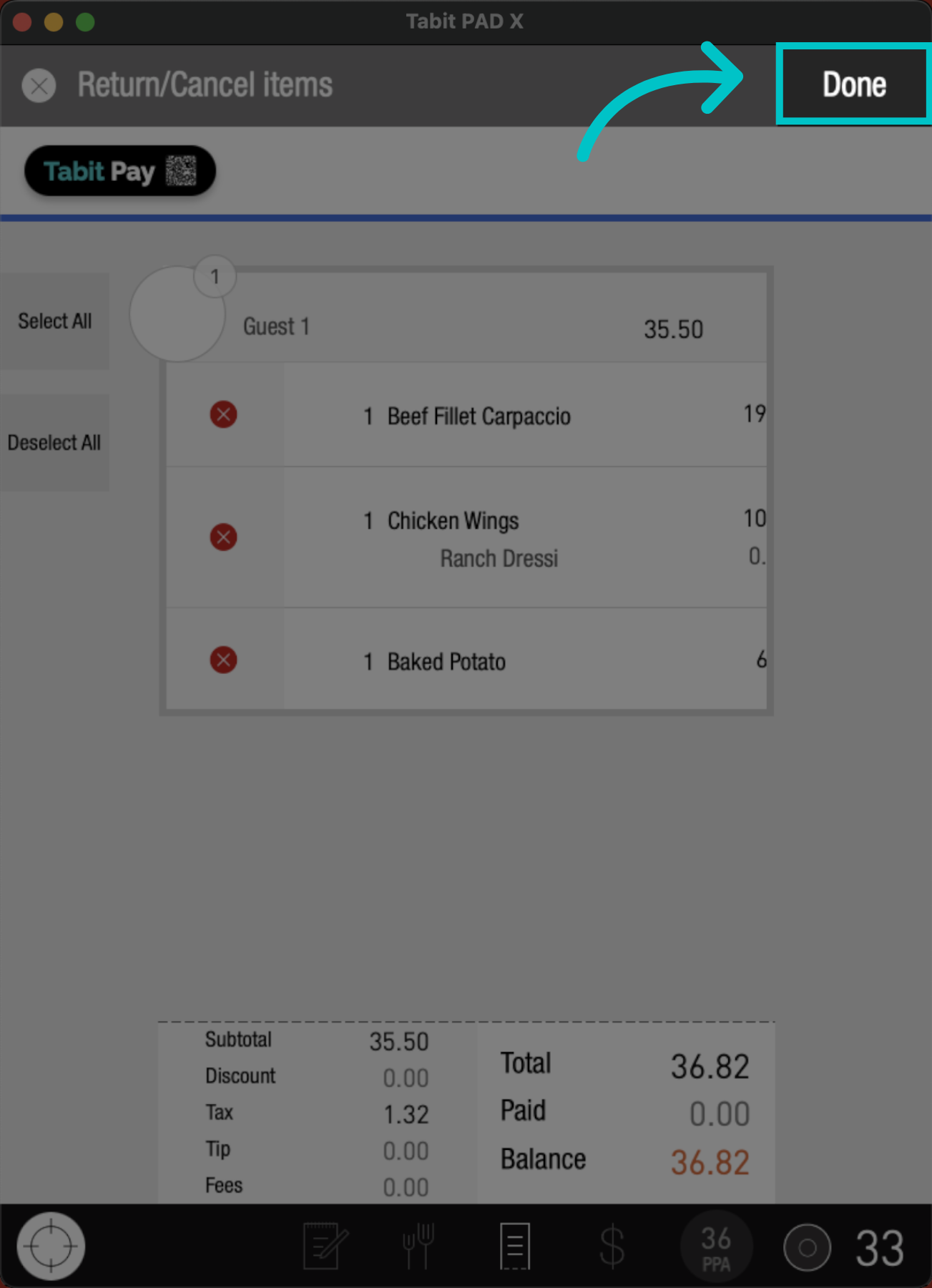
Then, tap Done
-
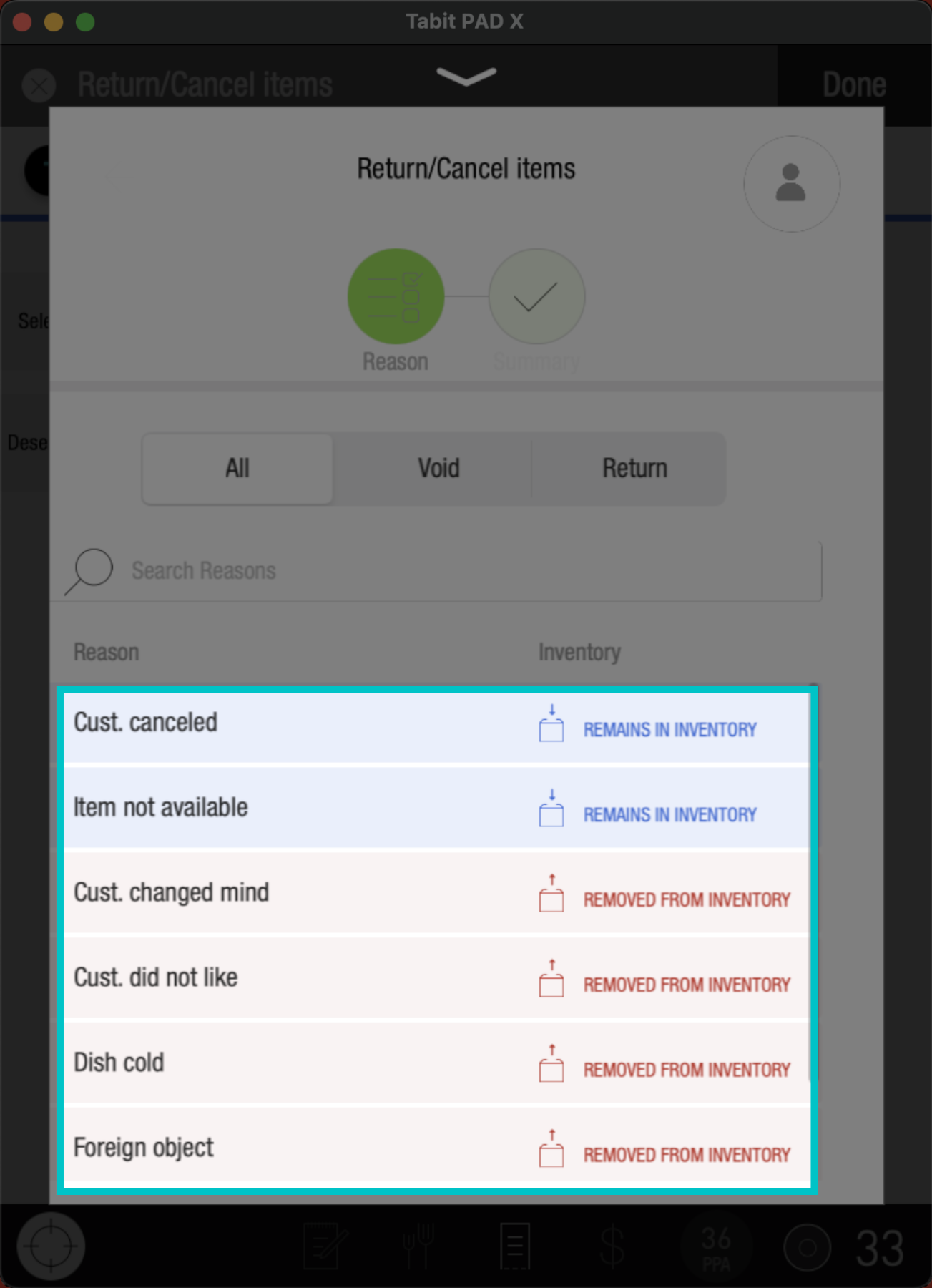
Now, select a Reason for the comp or void
-
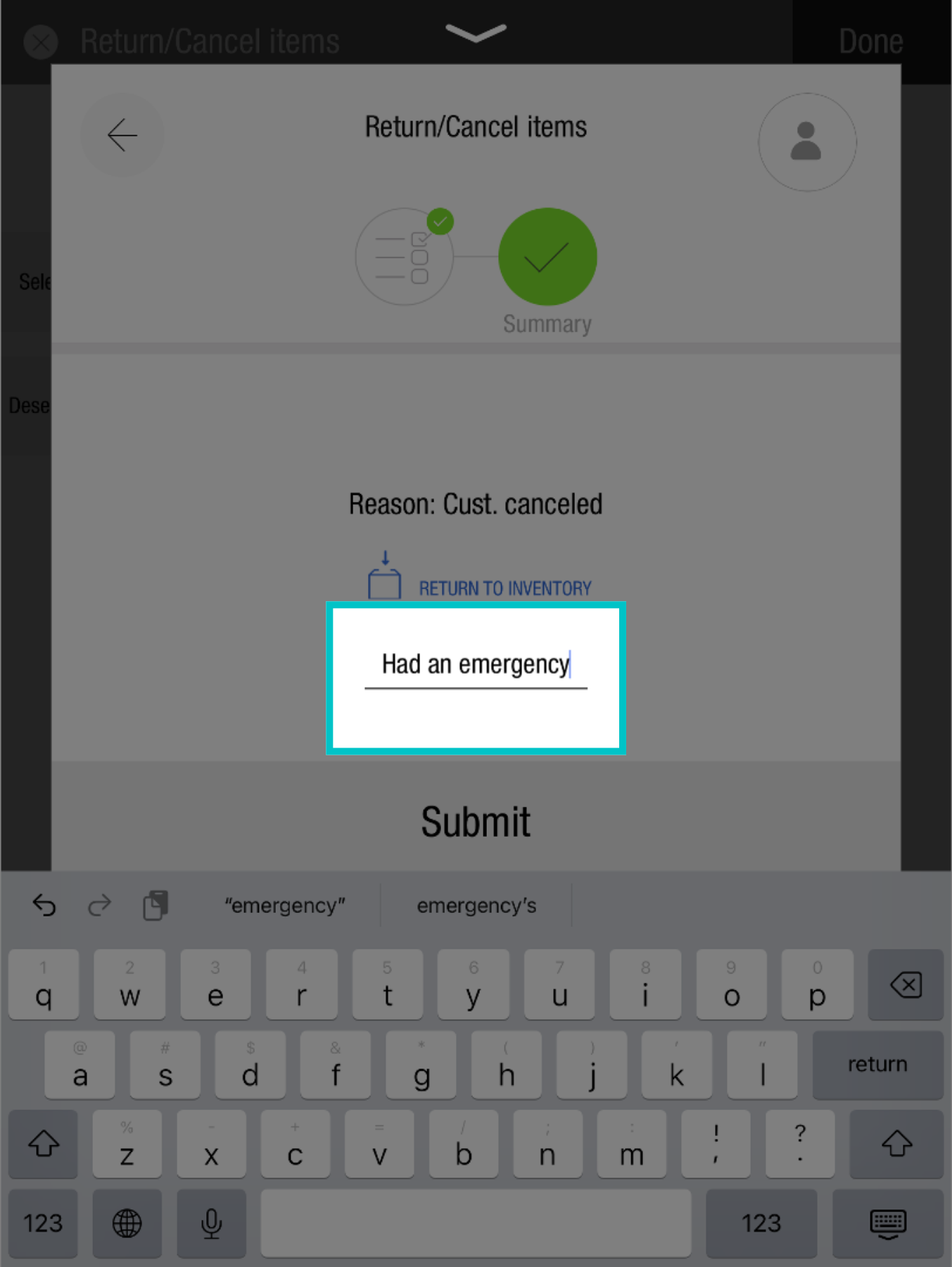
And add an Explanation (minimum of five characters)
-
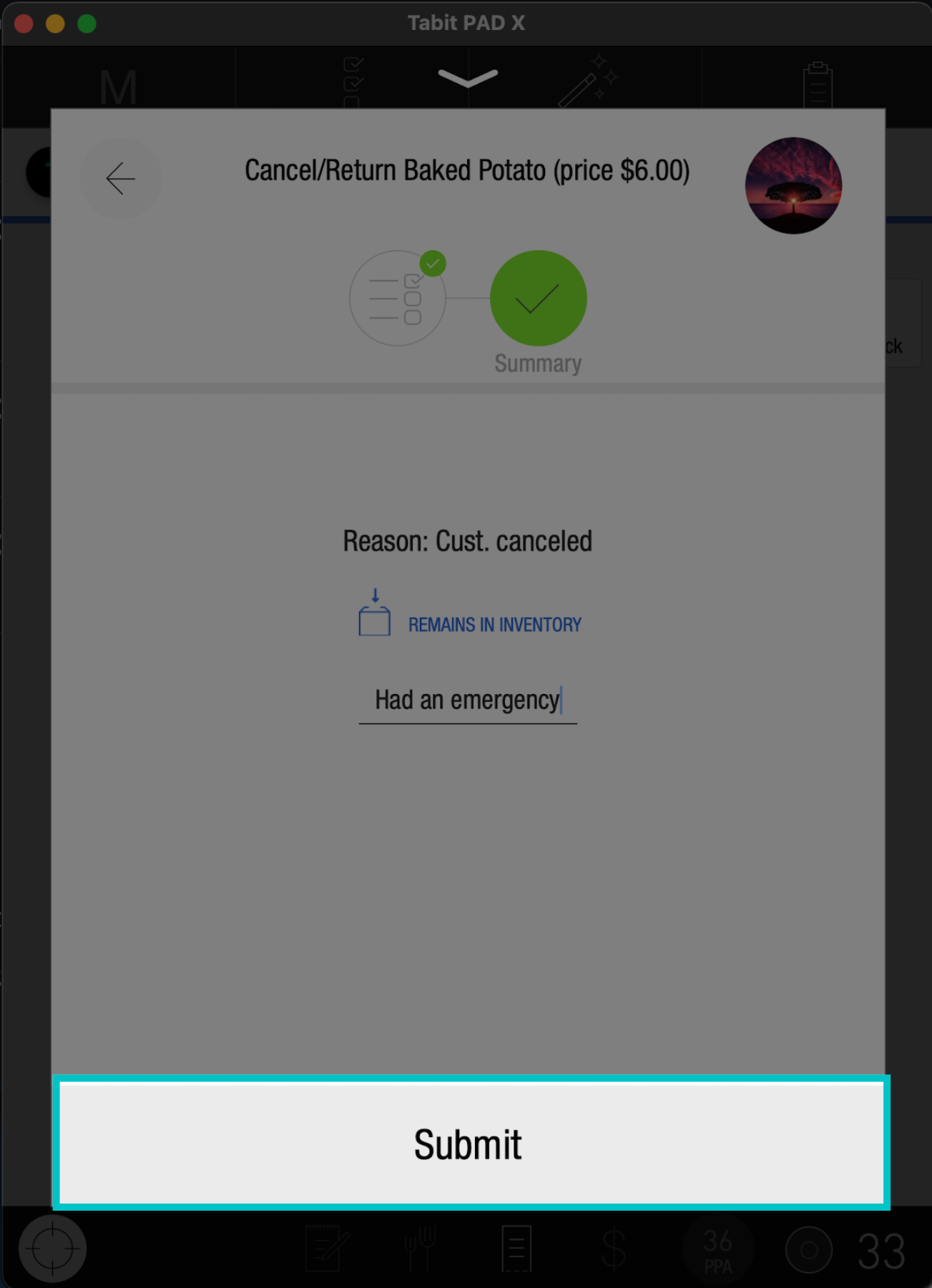
Submit to complete the process
-
If a non-manager performs the request, manager approval will be required to complete the action