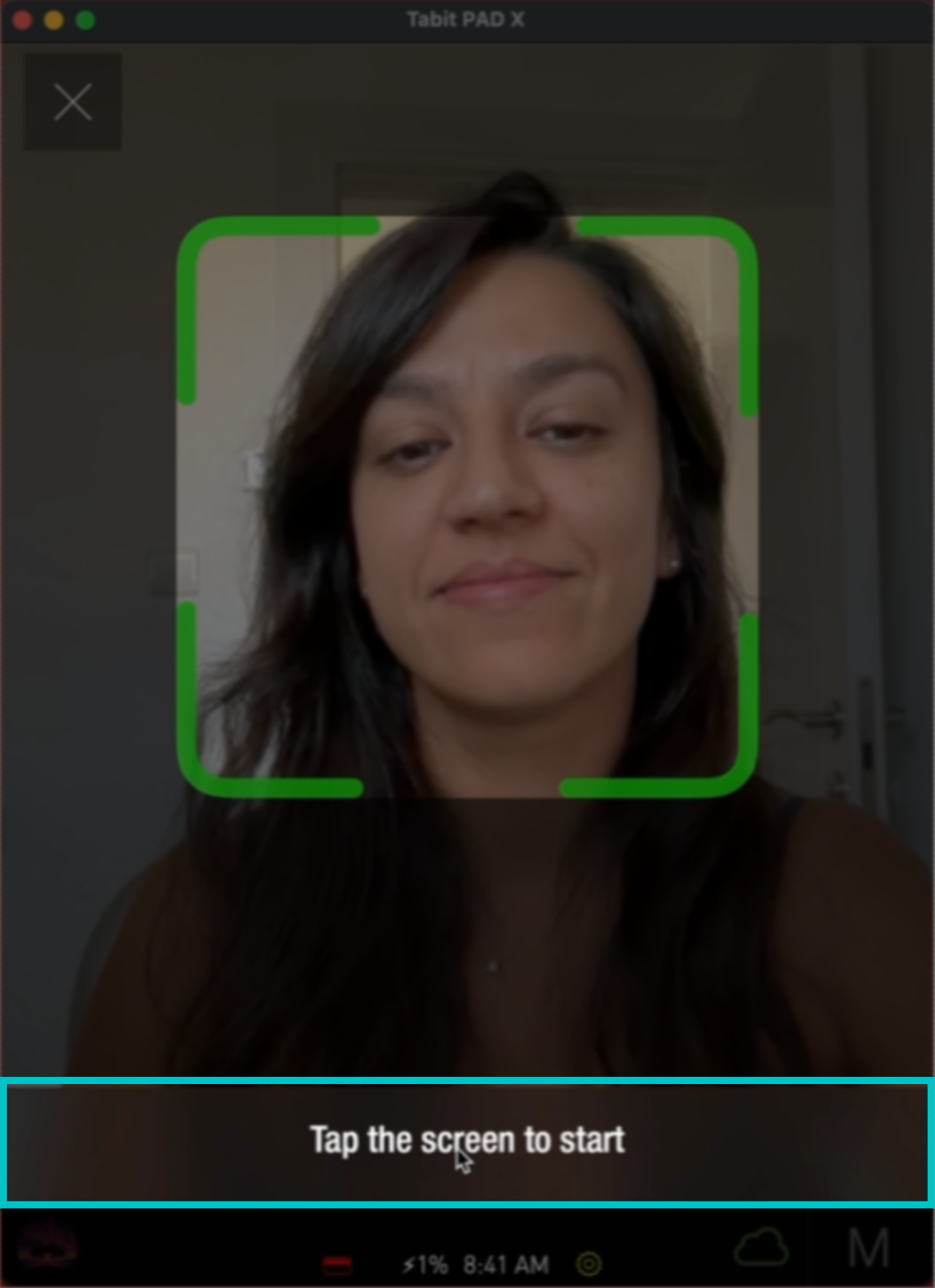
Facial recognition is used for employee login and clock in on the PAD.
To enable facial recognition for your restaurant, please contact your Tabit Representative
Follow the steps below to set up facial recognition:
-
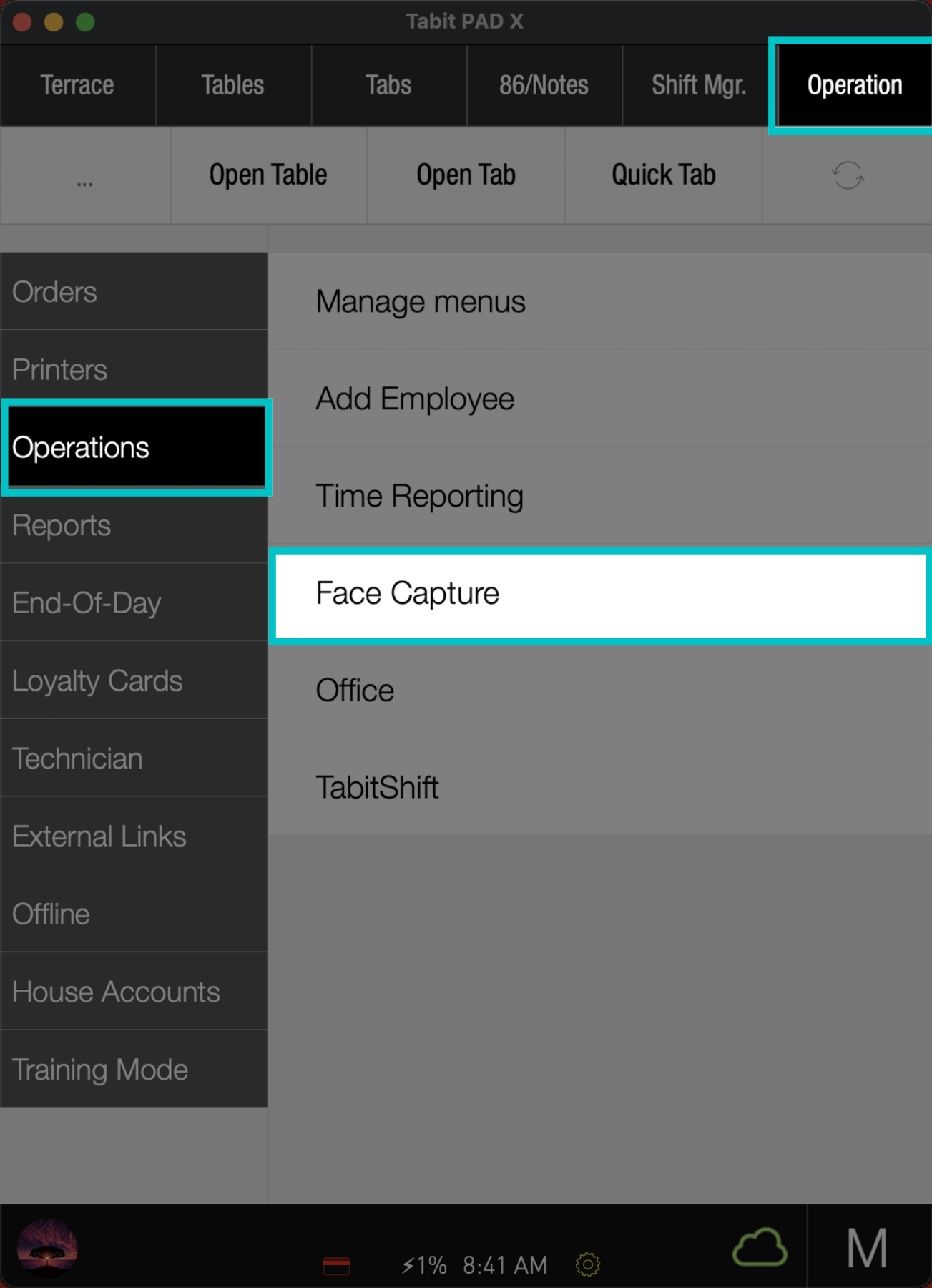
From a manager profile, go to Operation > Operations > Face Capture
-
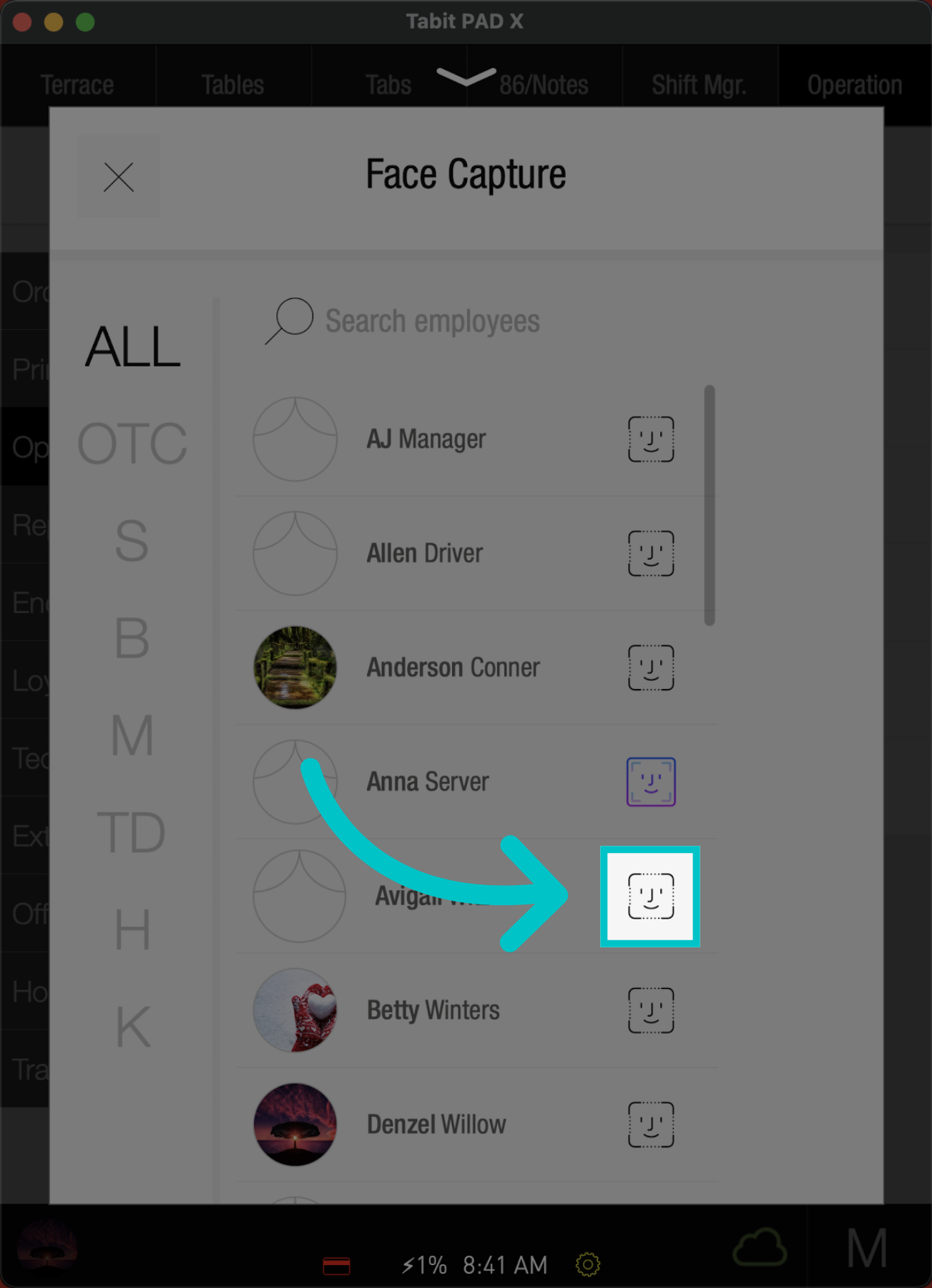
Locate the employee and tap the Face Capture icon next to it
If facial recognition is already set up, the icon will appear in color
-
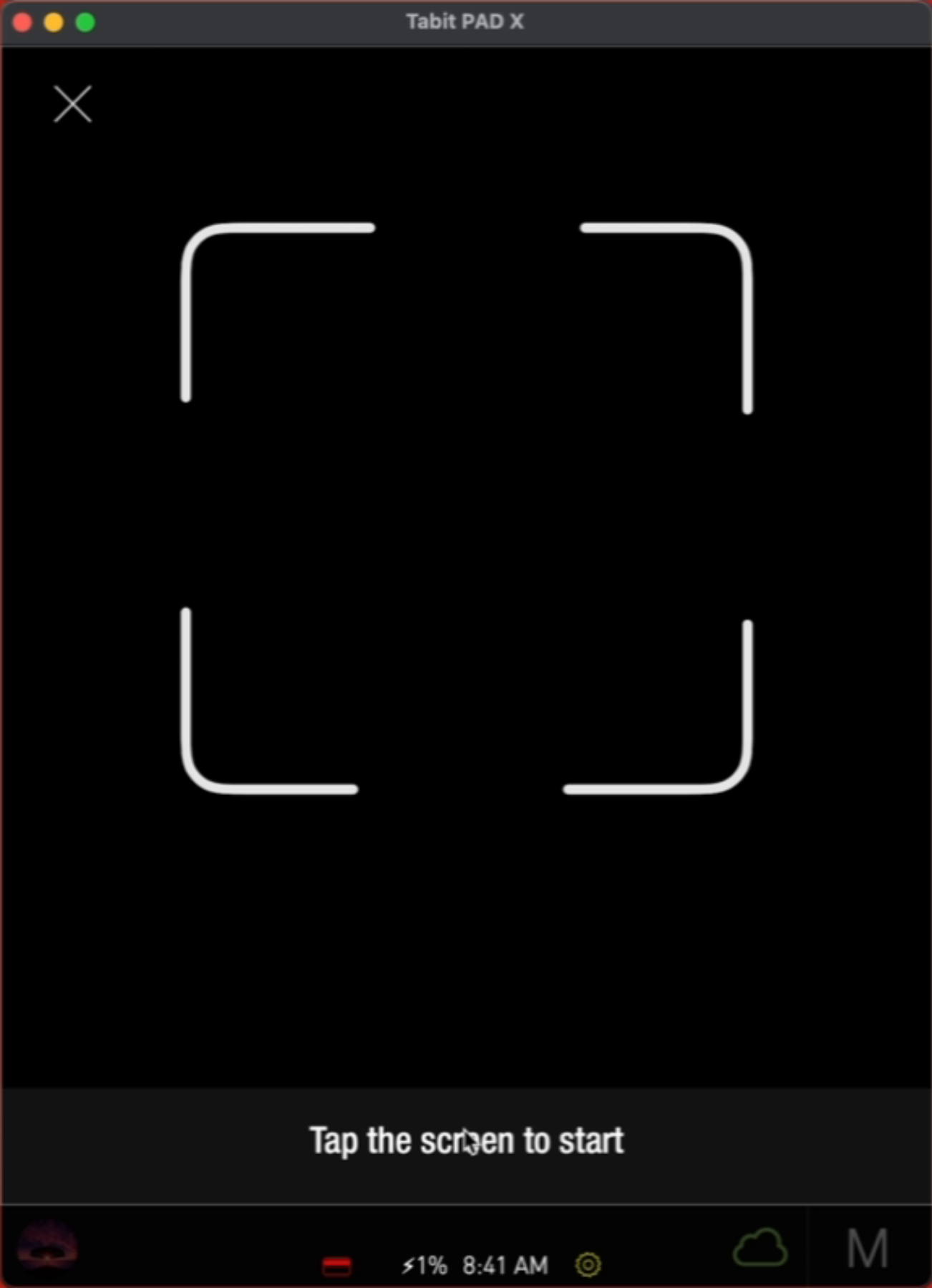
Now, select Tap the screen to start, and follow the directions
-
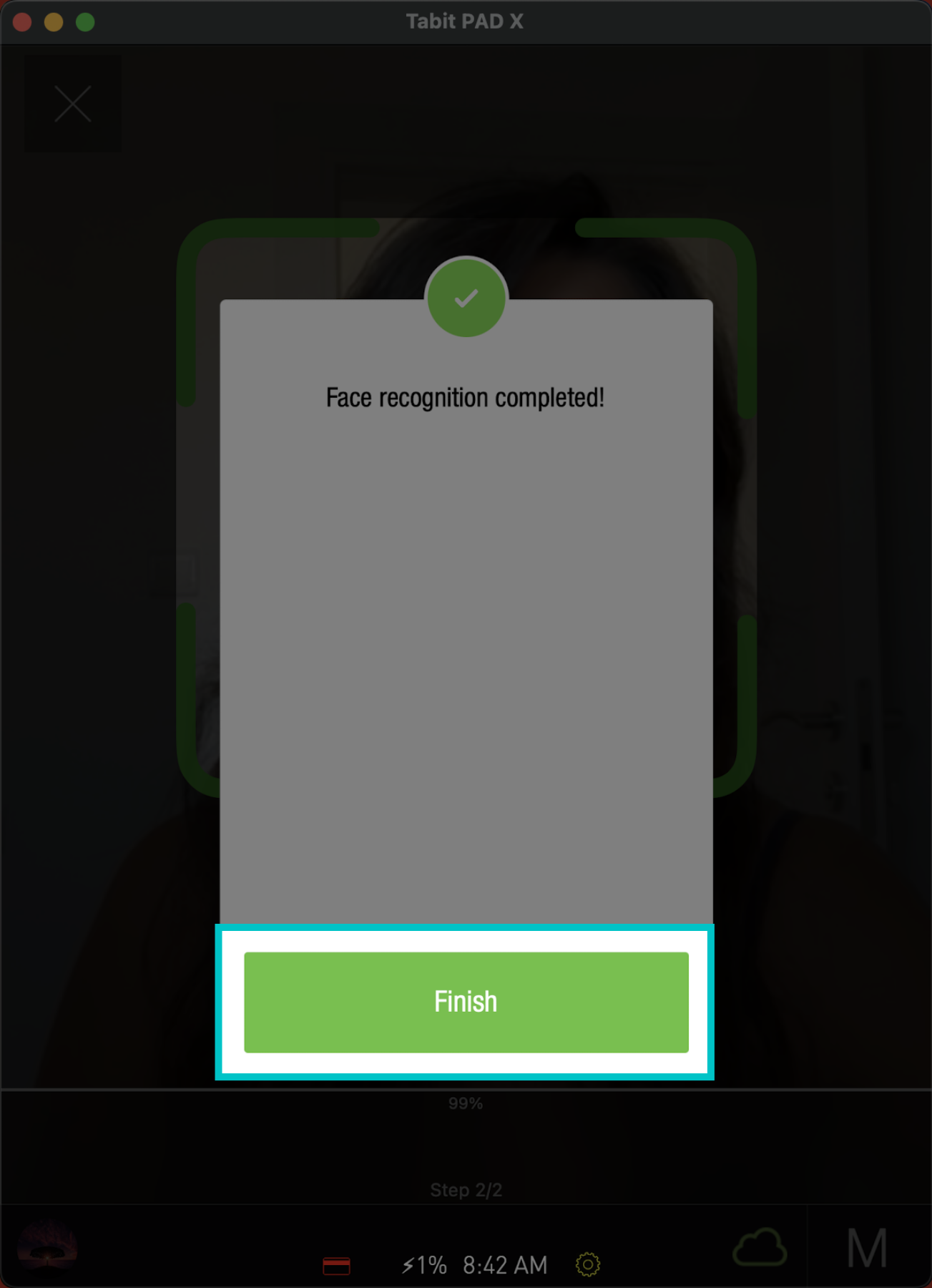
Tap Finish to complete the setup
-
Now this user will be able to log in and clock in with facial recognition