Adding a new employee from the PAD is a quick way to set up staff on the go. While it offers basic setup options, Tabit Office provides more advanced capabilities. After creating the user on the PAD, you can later use Tabit Office to edit or expand their settings as needed.
Learn here how to edit an employee user in Tabit Office
Each employee must have a unique email address. Once an email is assigned to a user, it cannot be reused for another user
Follow the steps below to add a new employee from the PAD:
-
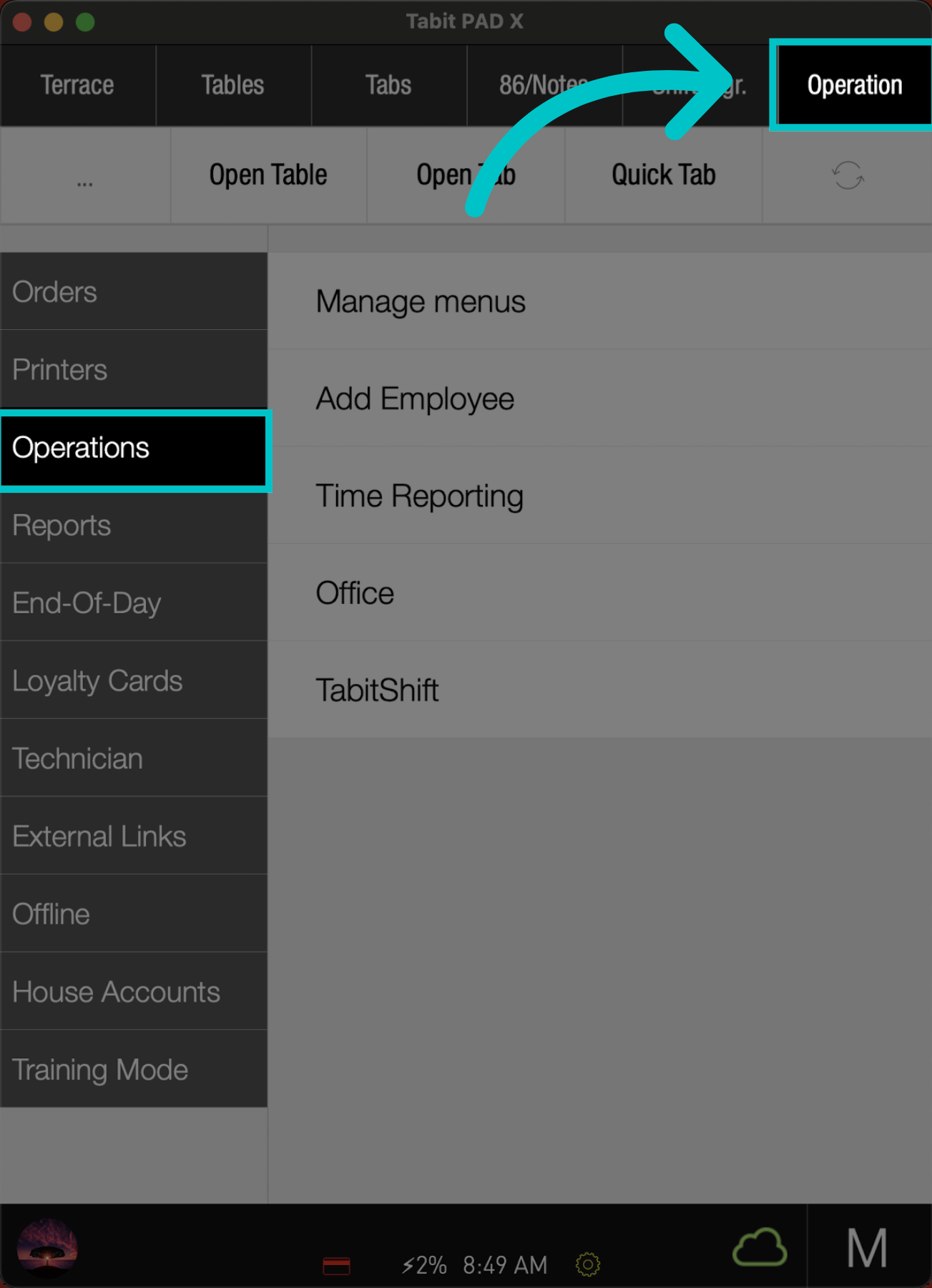
From the Operation tab, go to Operations
-
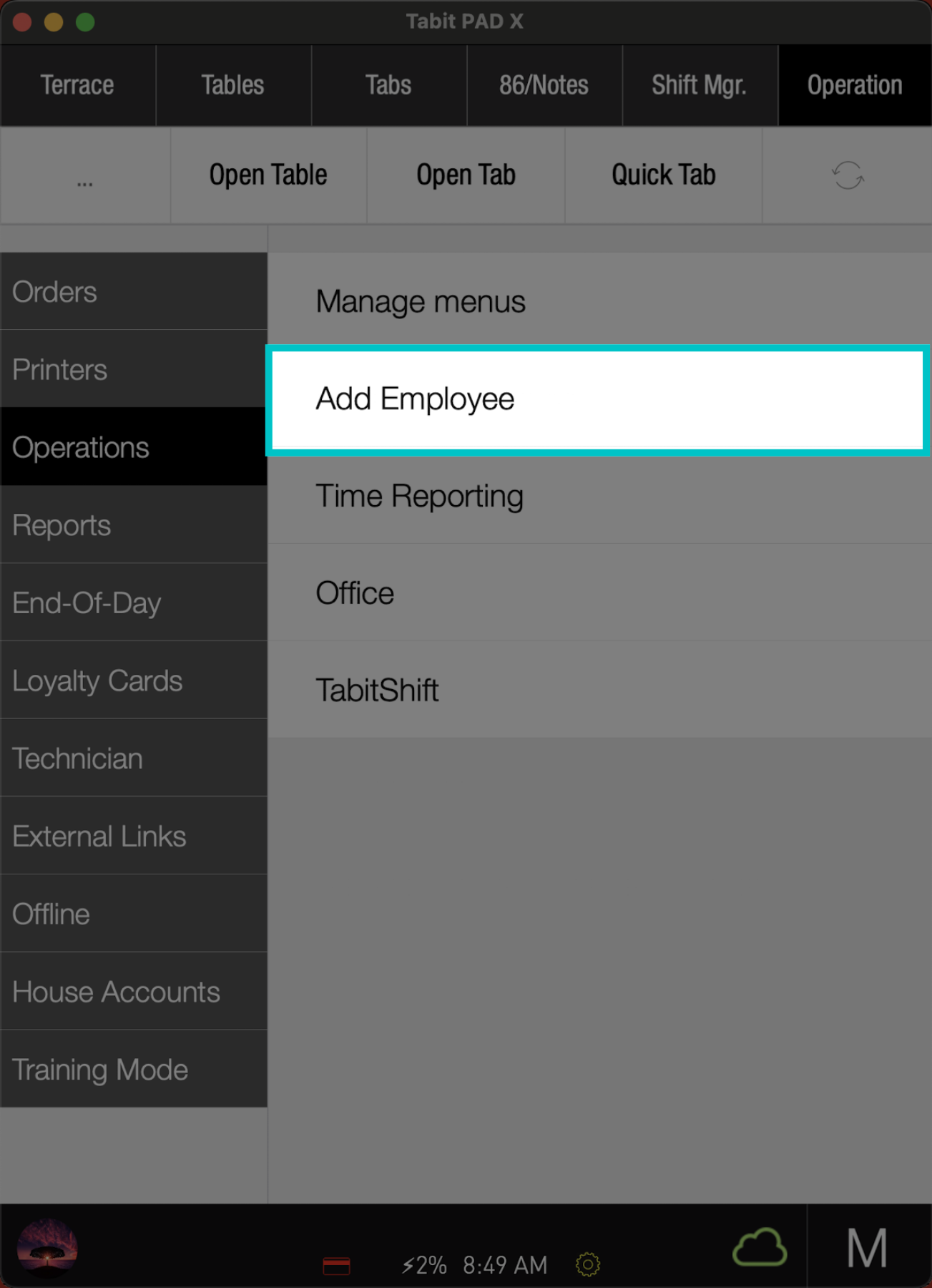
Tap Add Employee
-
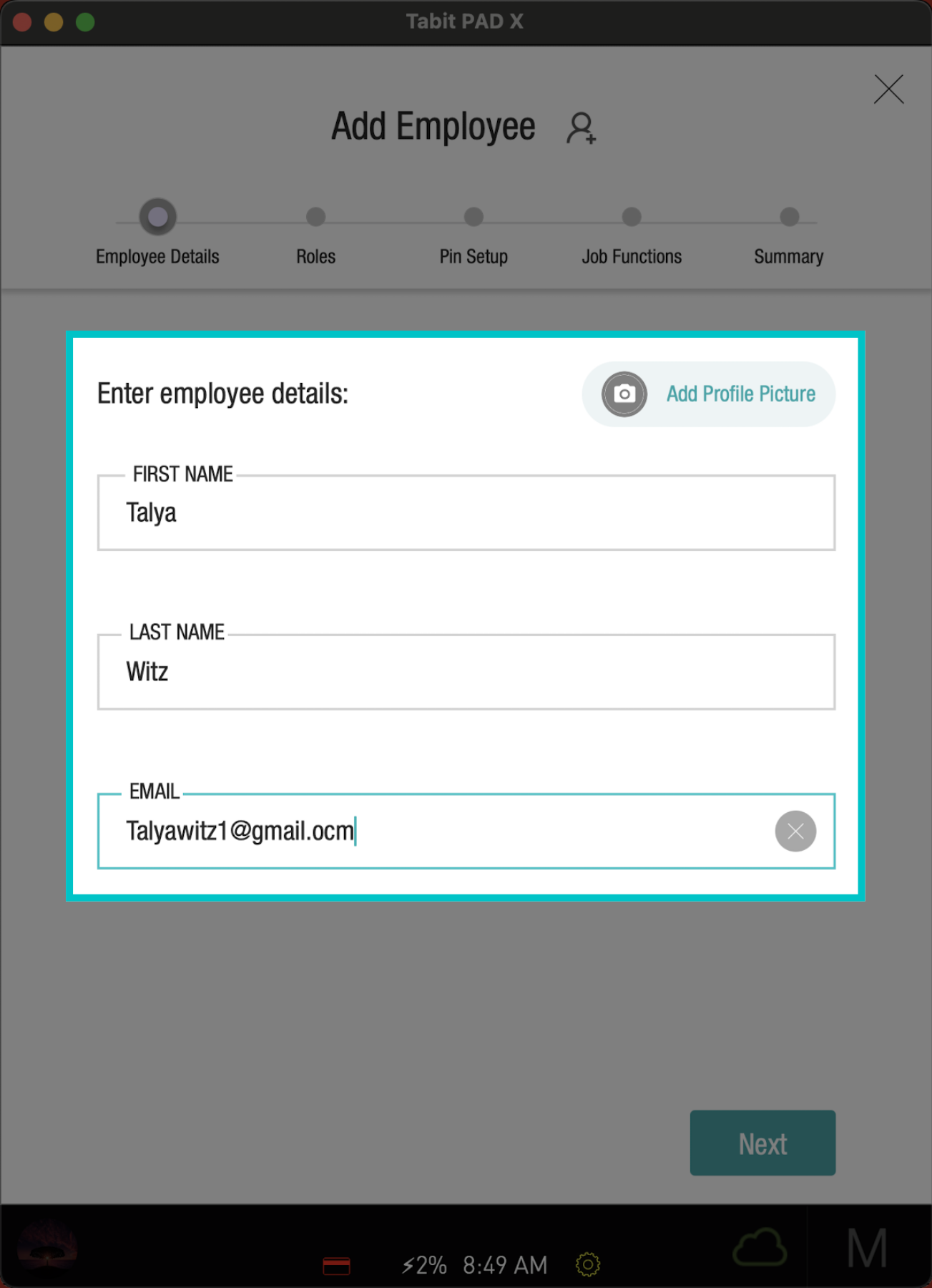
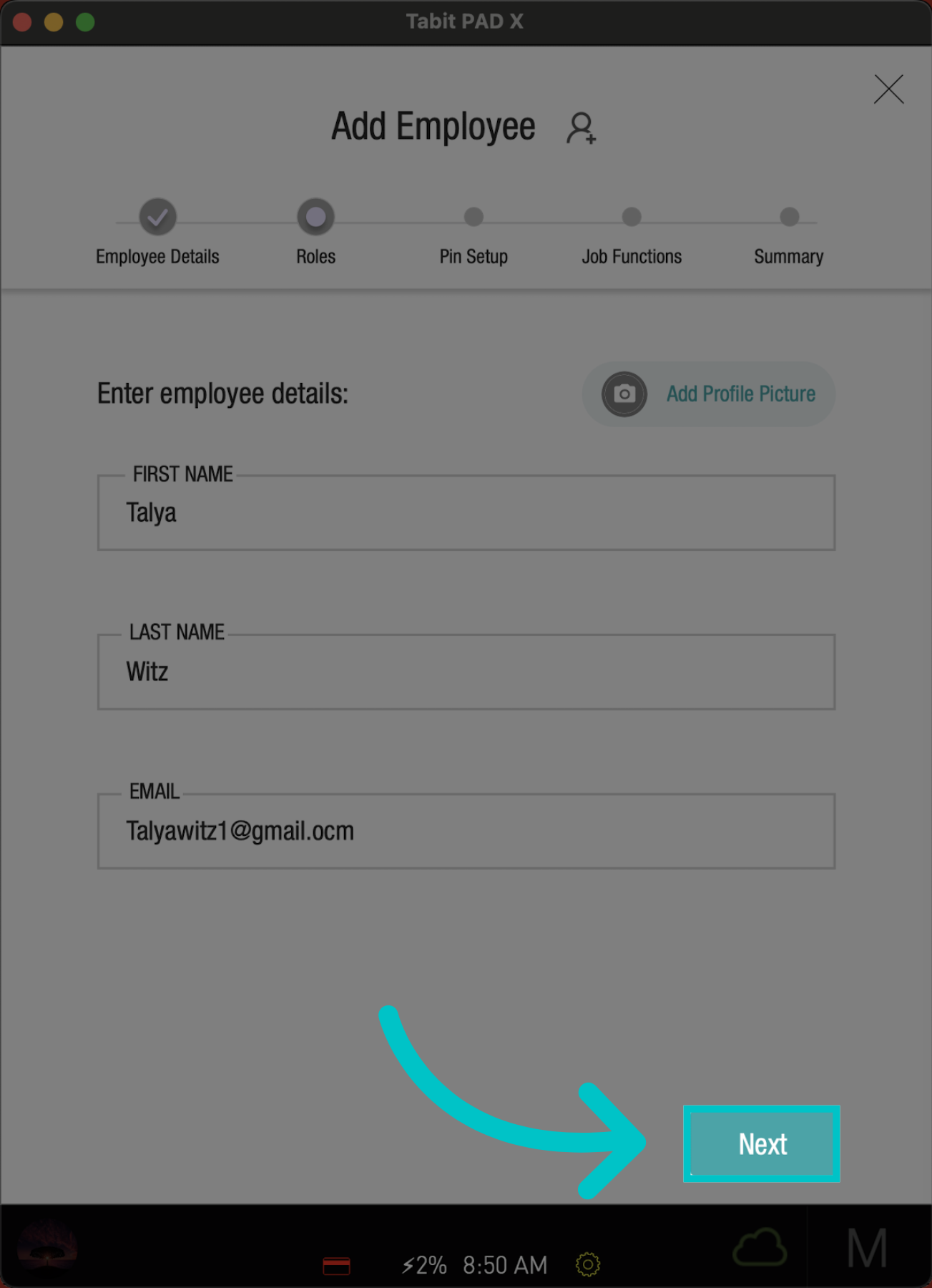
Begin by entering Employee Details: first name, last name, email, and add a profile picture of the employee if needed
-
Then, tap Next
-
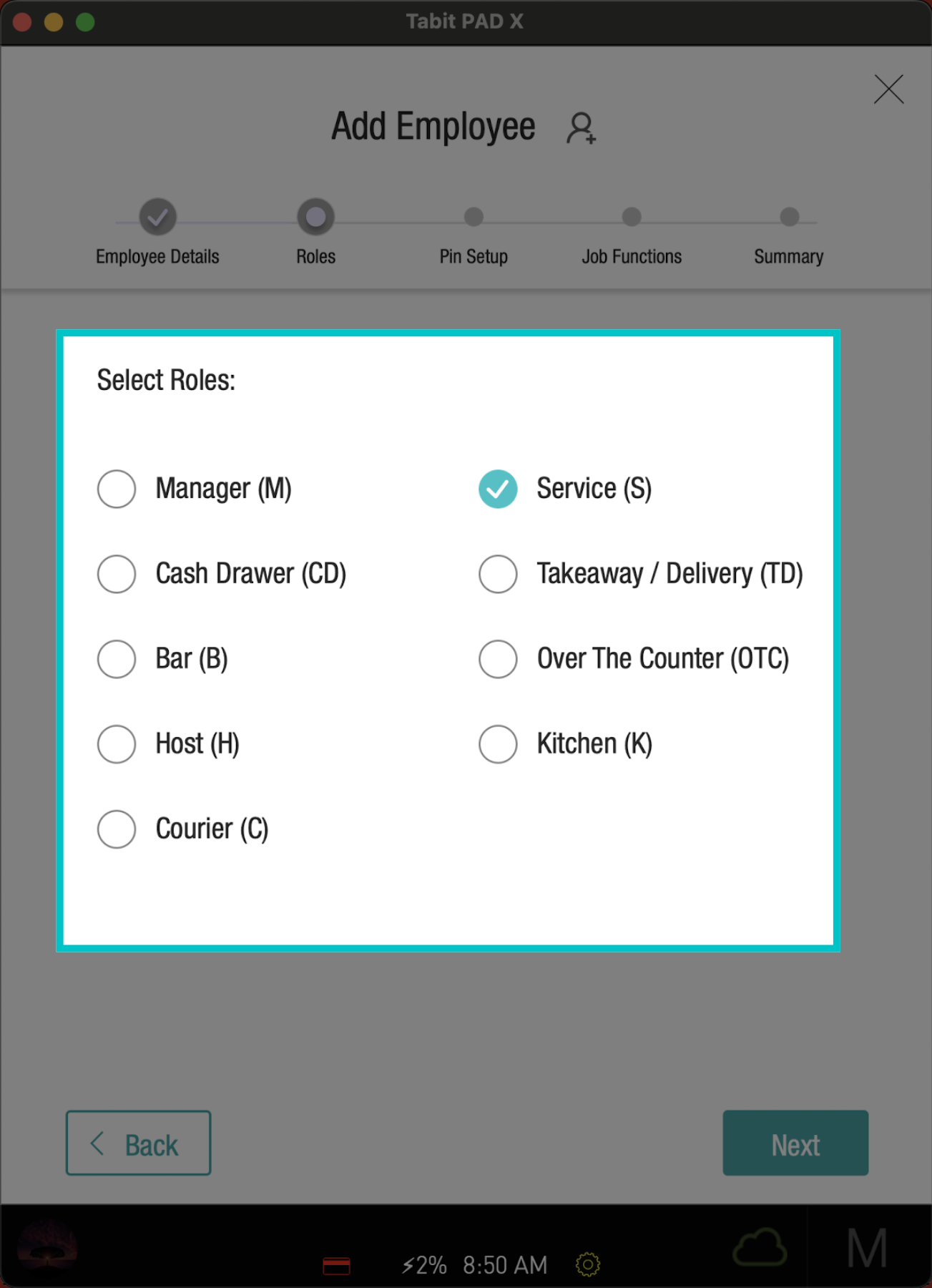
Now, select the employees' Roles
-
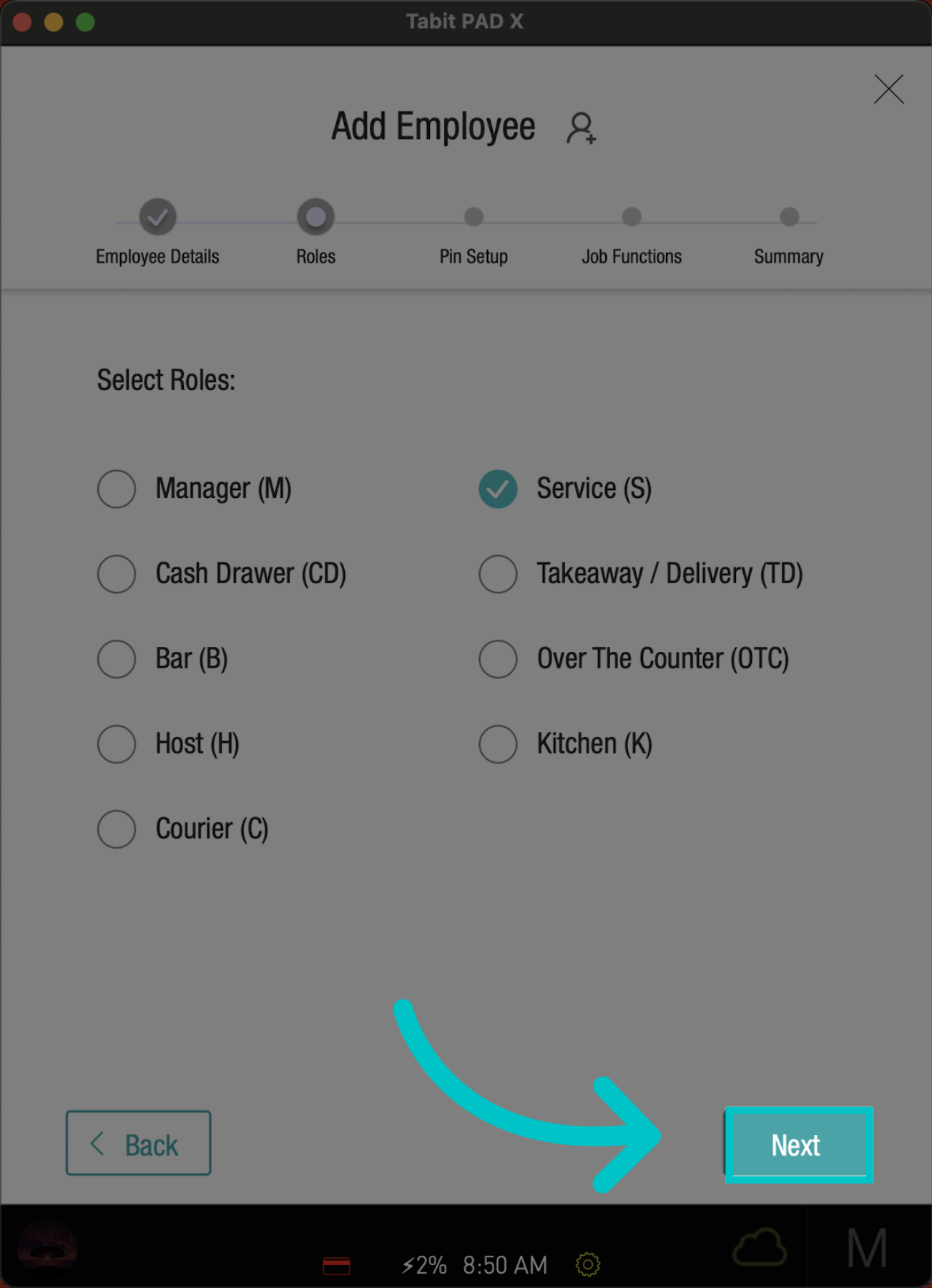
Select Next and move on to the next step
-
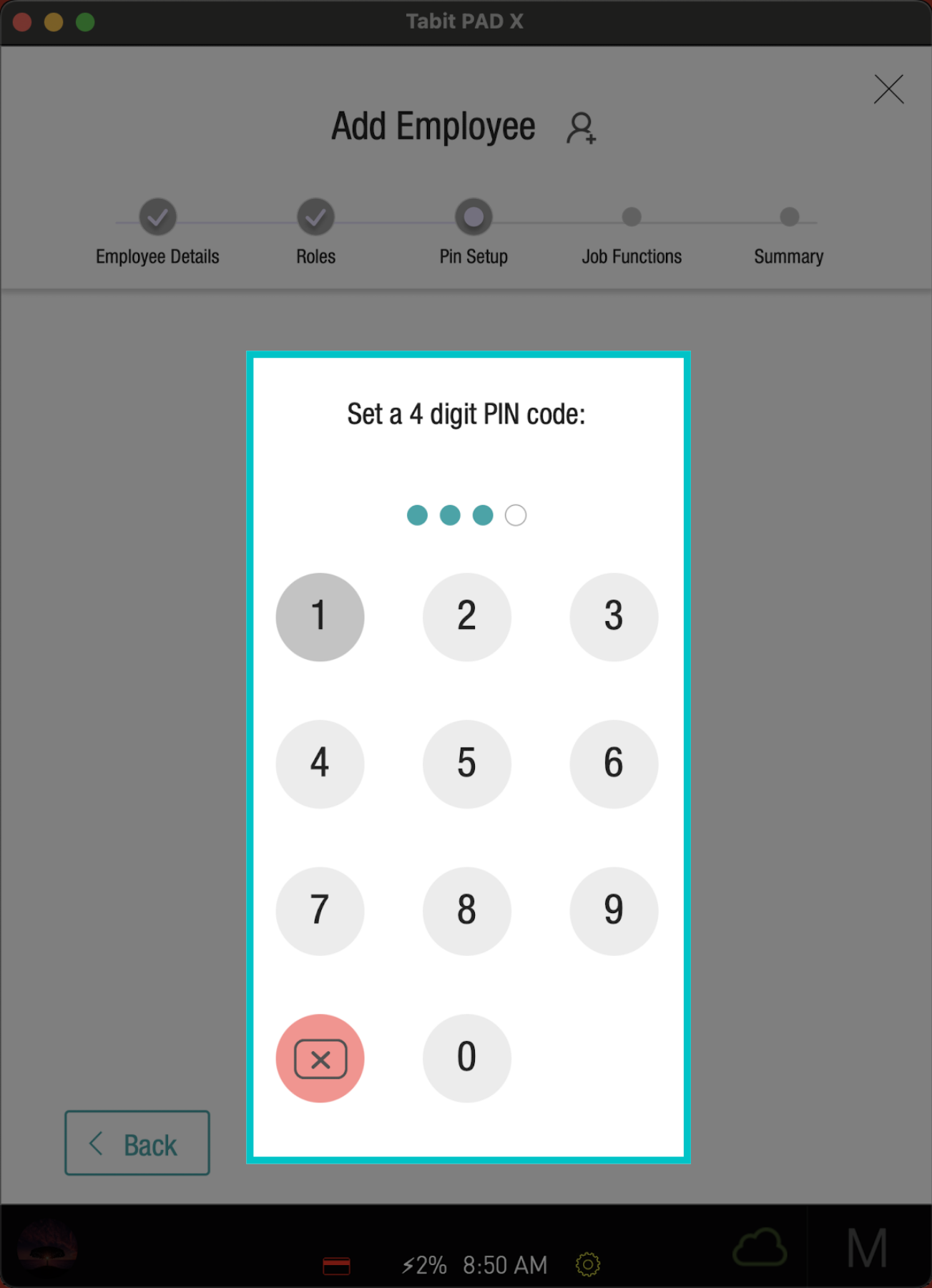
Enter a four-digit Code for login, and repeat it to confirm
-
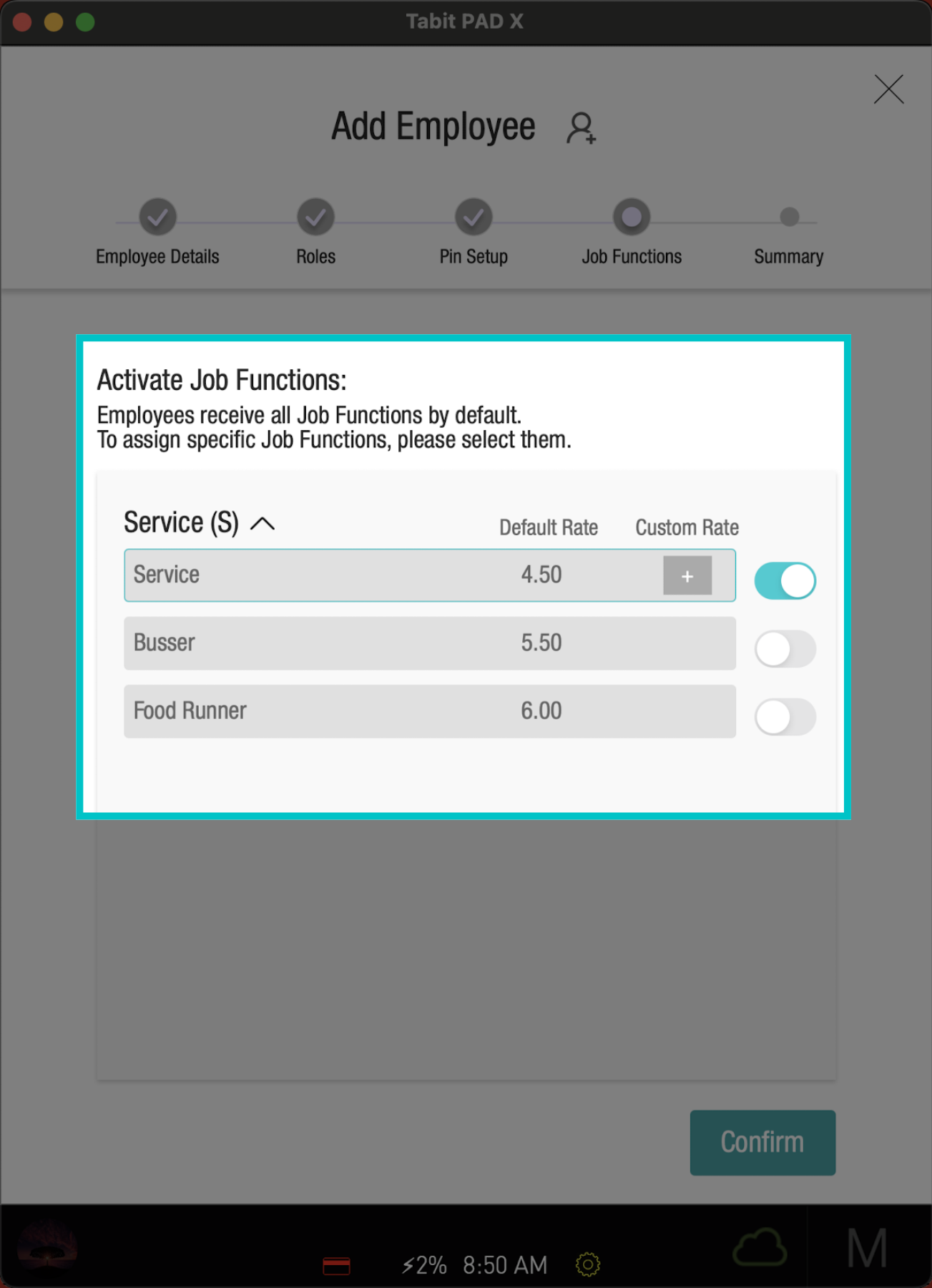
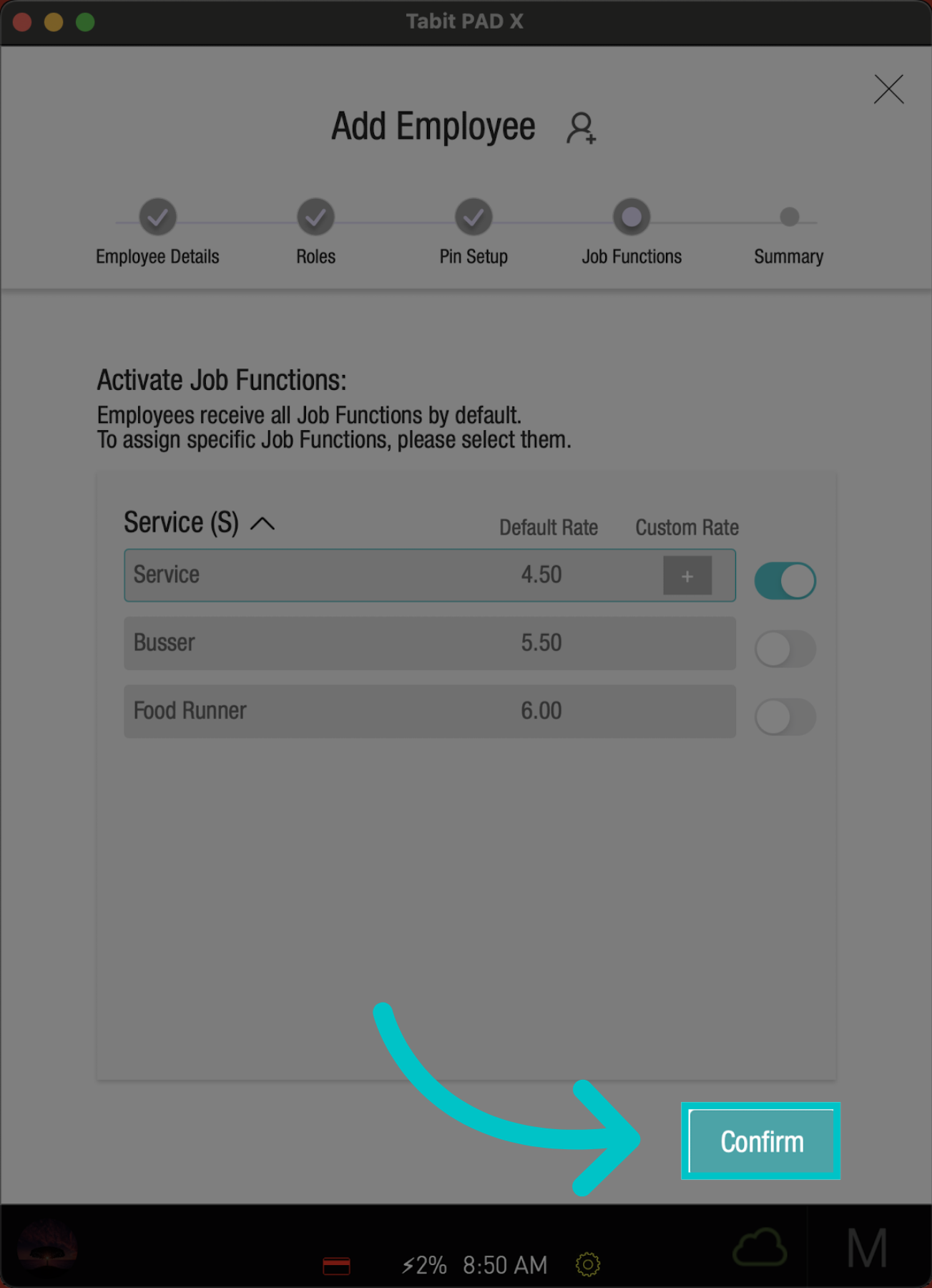
Then, activate the relevant Job Functions
-
And Confirm
-
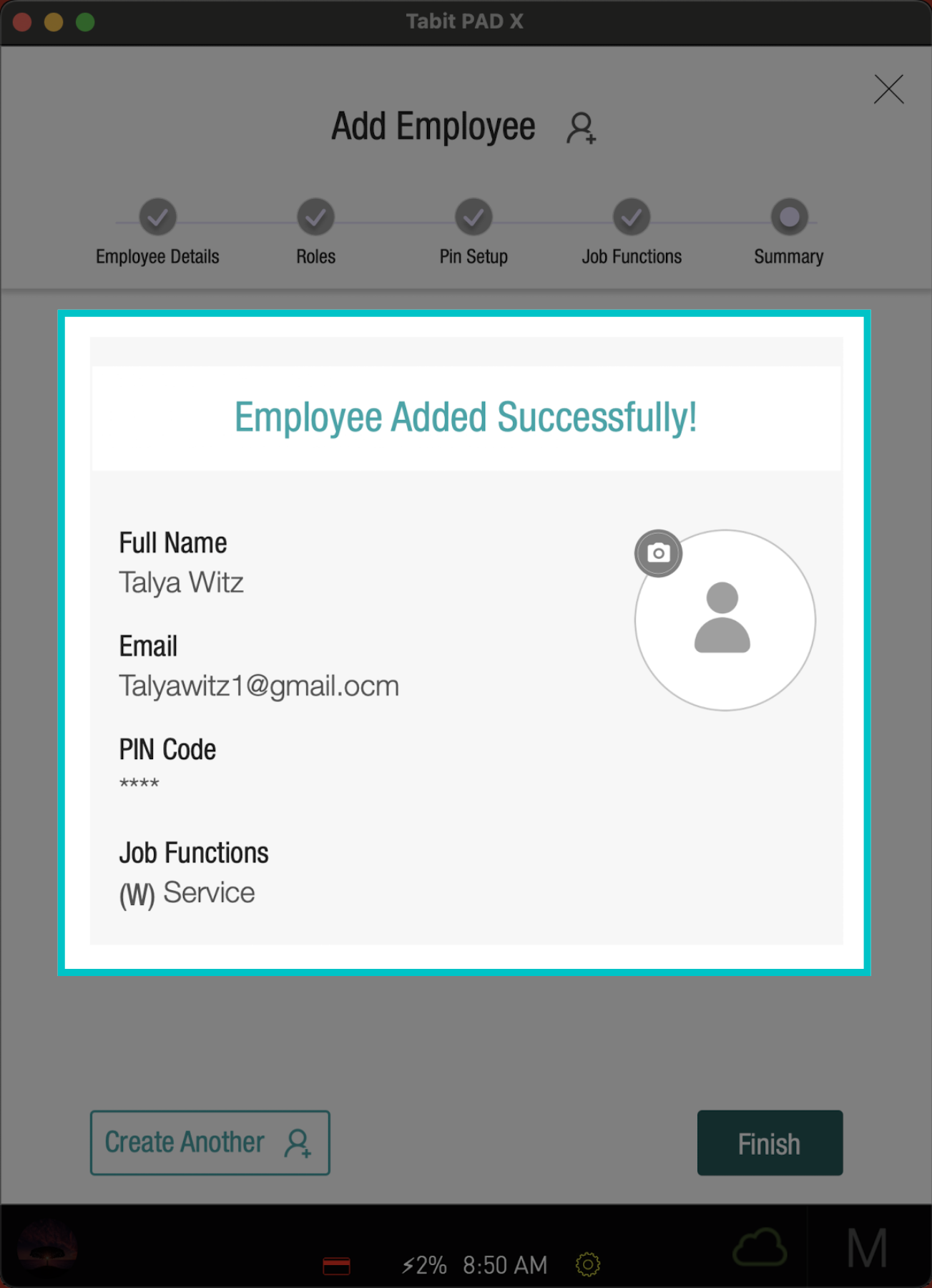
Now, review the details
-
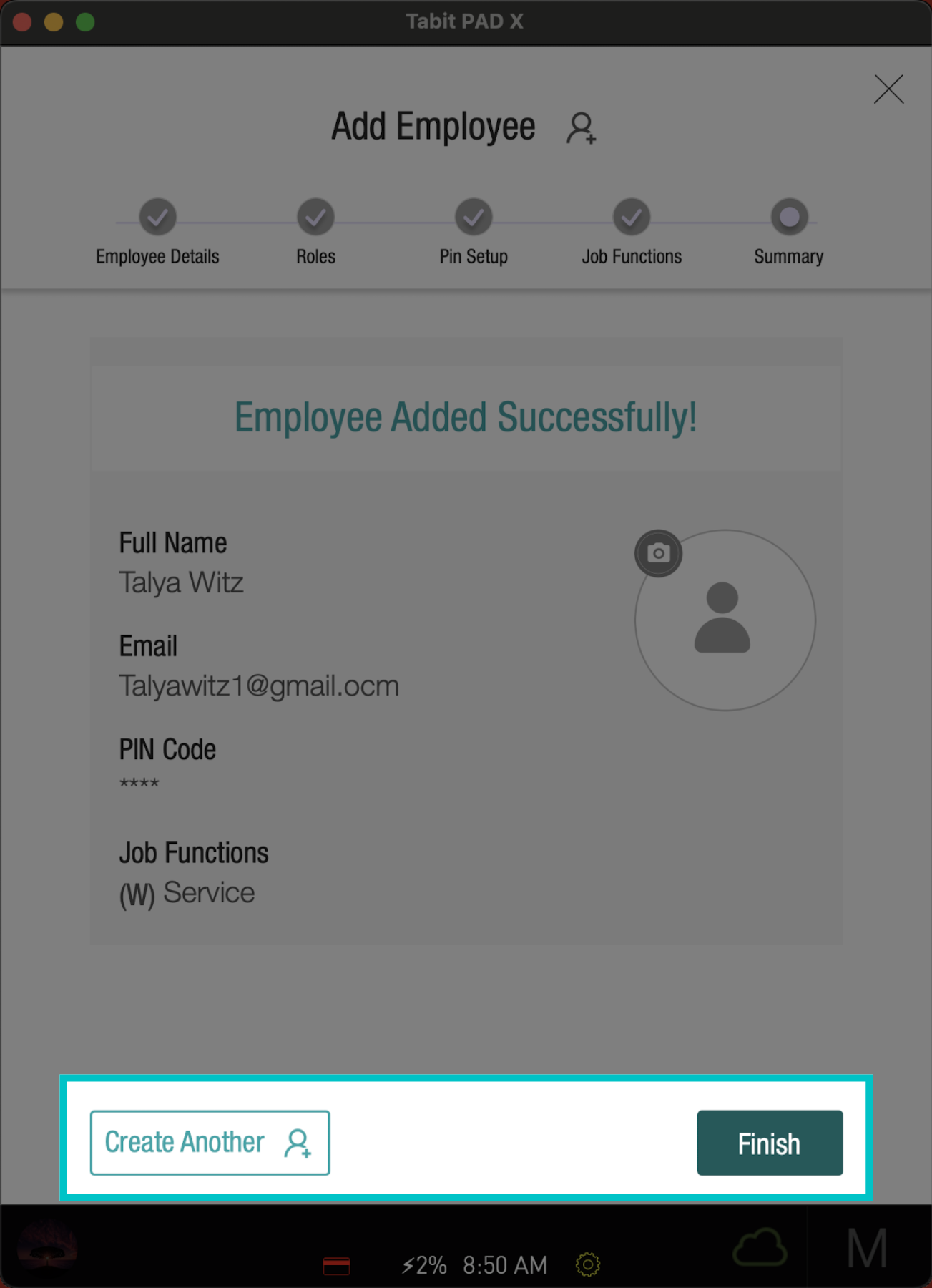
And select Create Another to add another employee, or select Finish to end and exit the screen
-
Now, the employee user will appear both on the pad and in Tabit Office