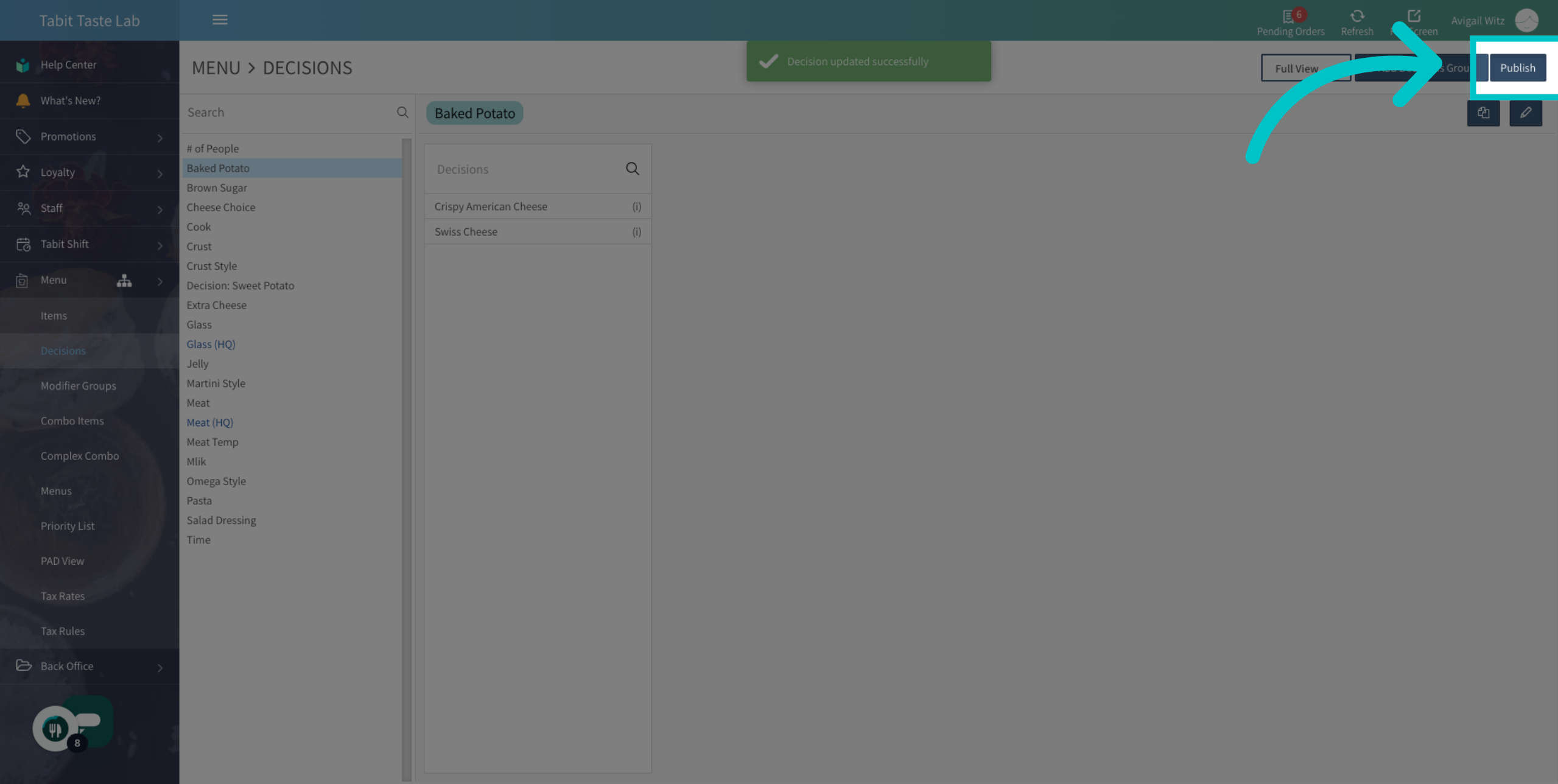
Sometimes the name of a decision item should appear differently from its default item name, especially in customer-facing scenarios. For example, the decision item 'Crispy American Cheese' will look more appealing than just 'American Cheese' as an add-on for a baked potato.
Follow the steps below to update a decision item name:
-
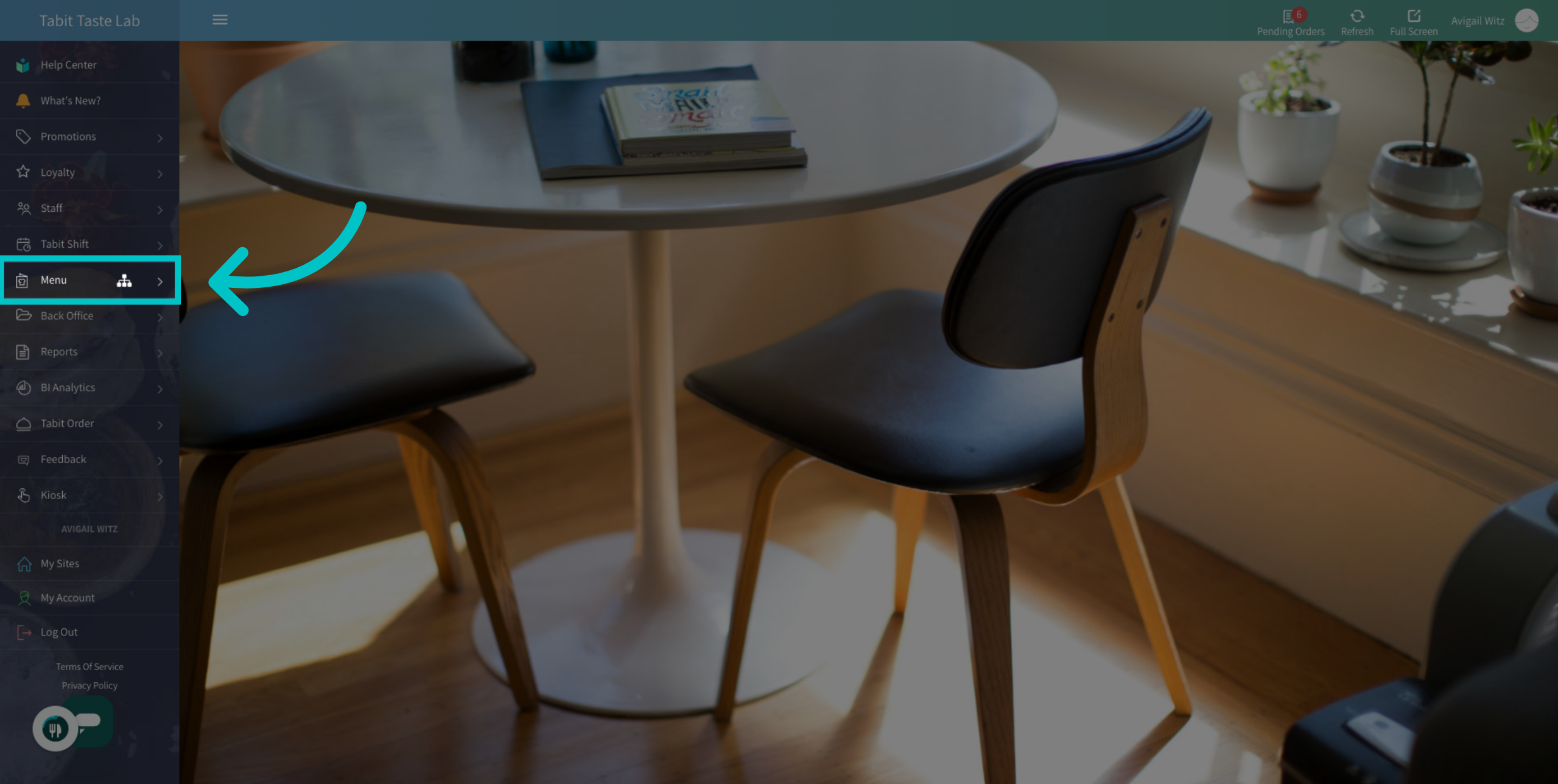
In Tabit Office, go to Menu
-
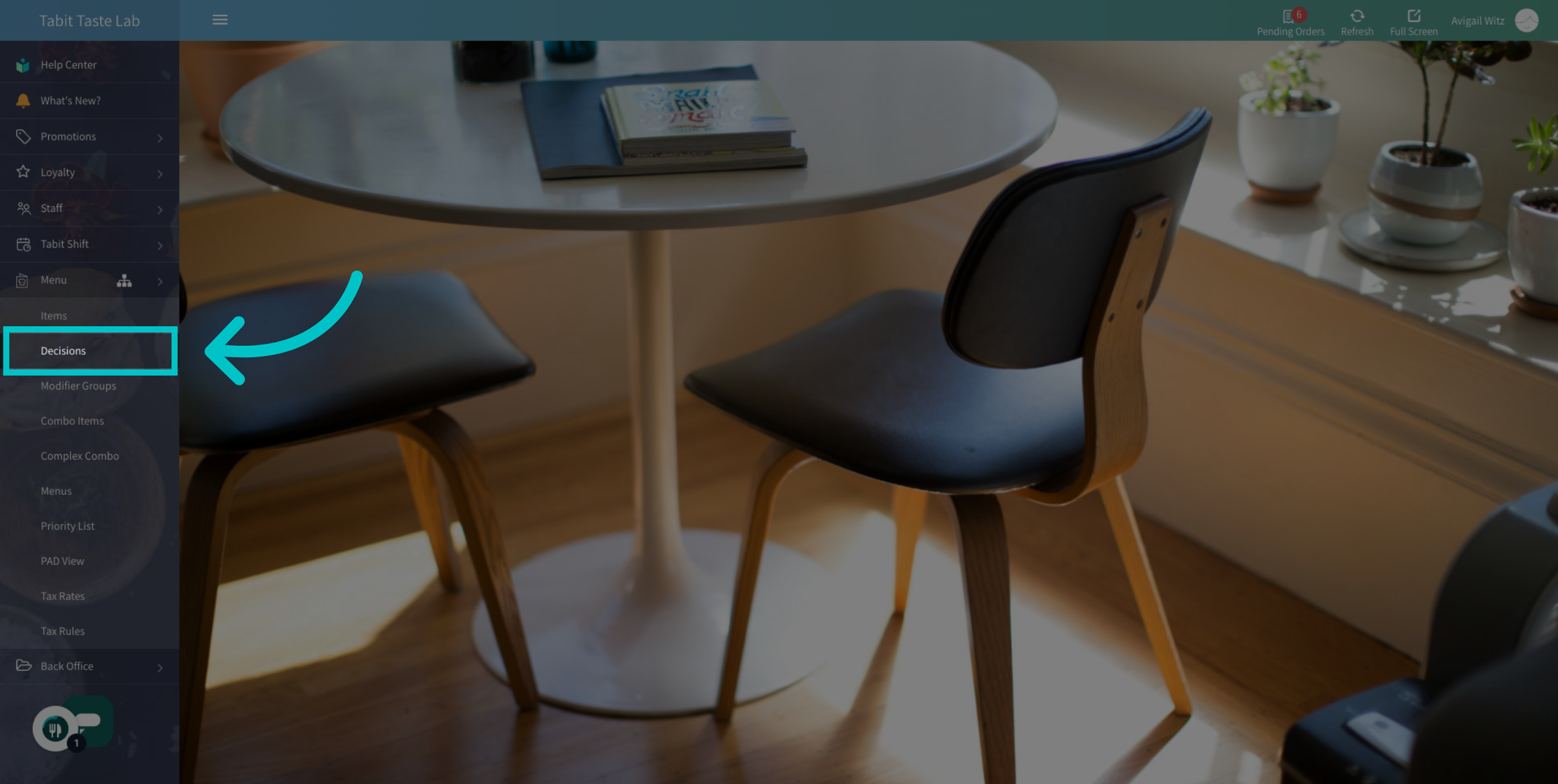
Navigate to the Decisions section
-
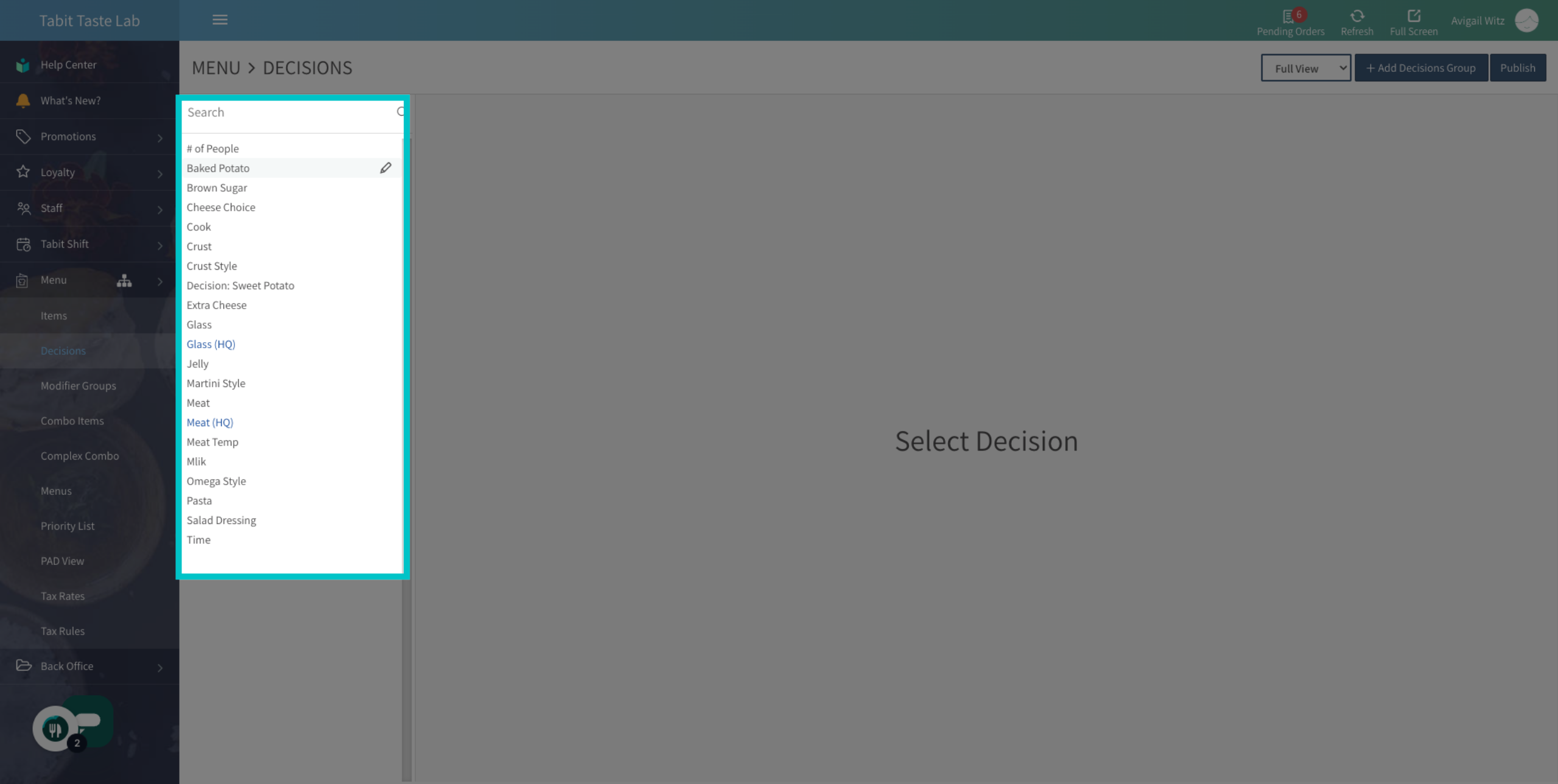
Search and select the relevant Decision Group
-
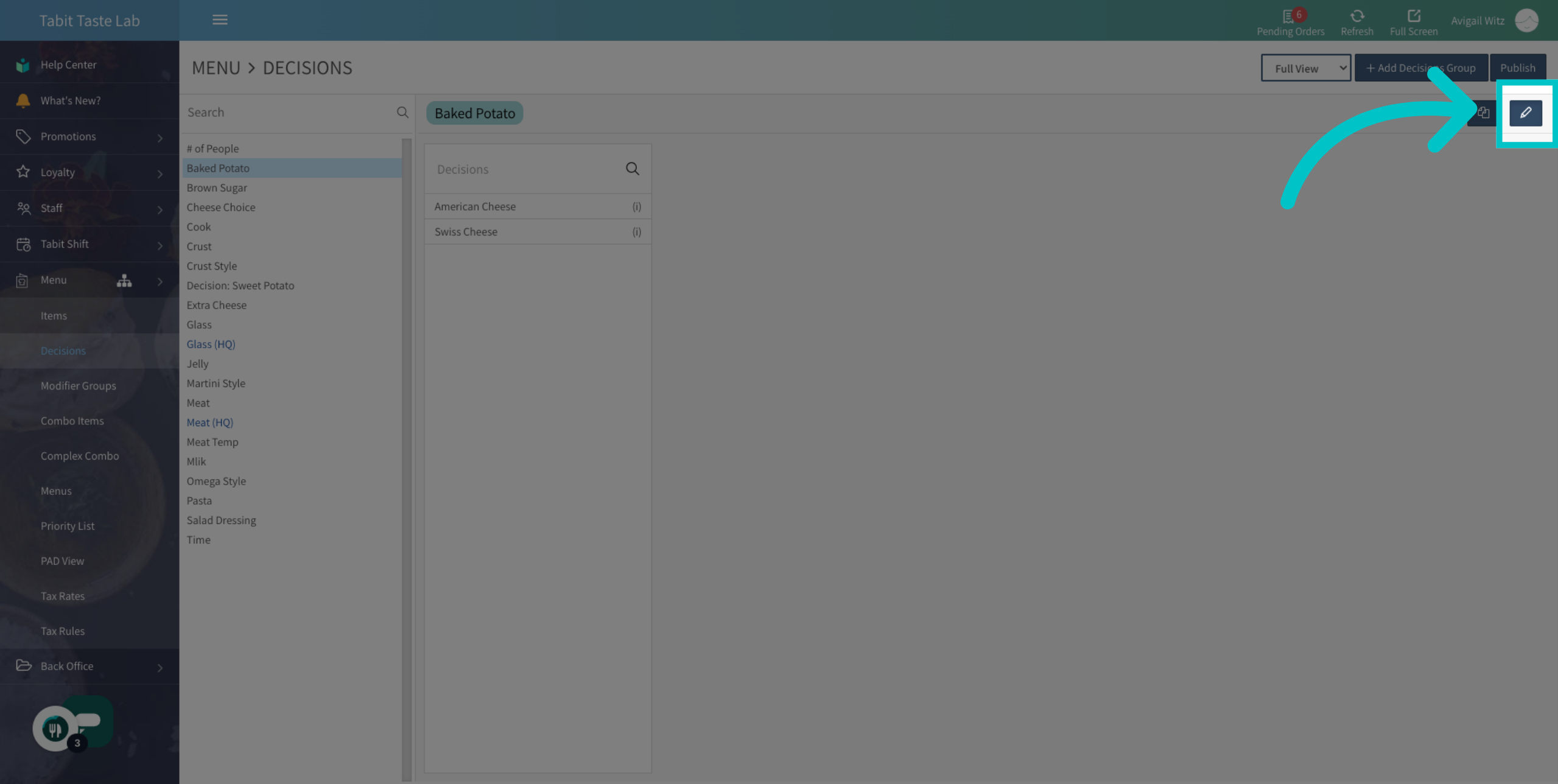
Then select the Edit icon
-
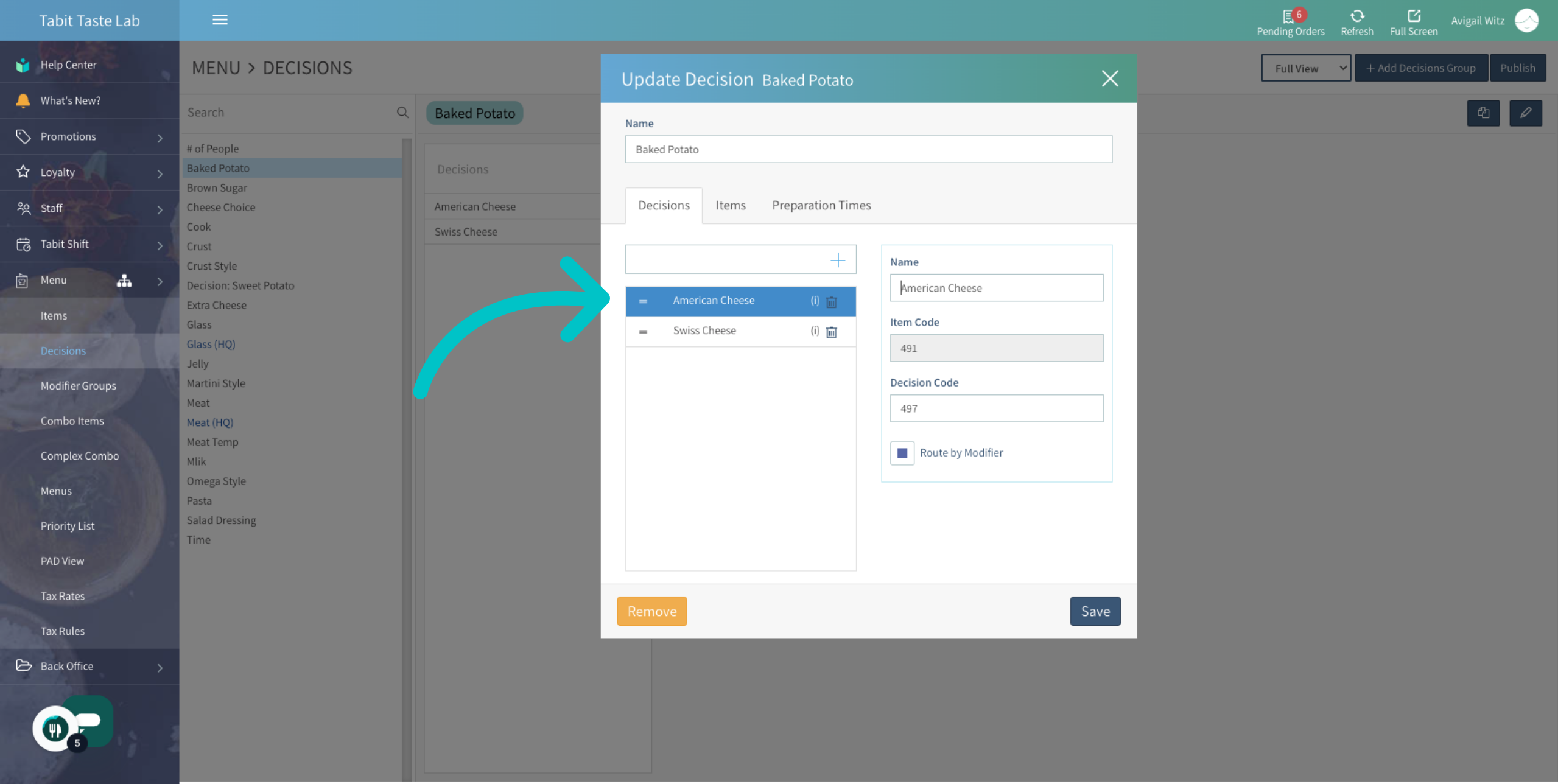
Select the decision you would like to edit
-
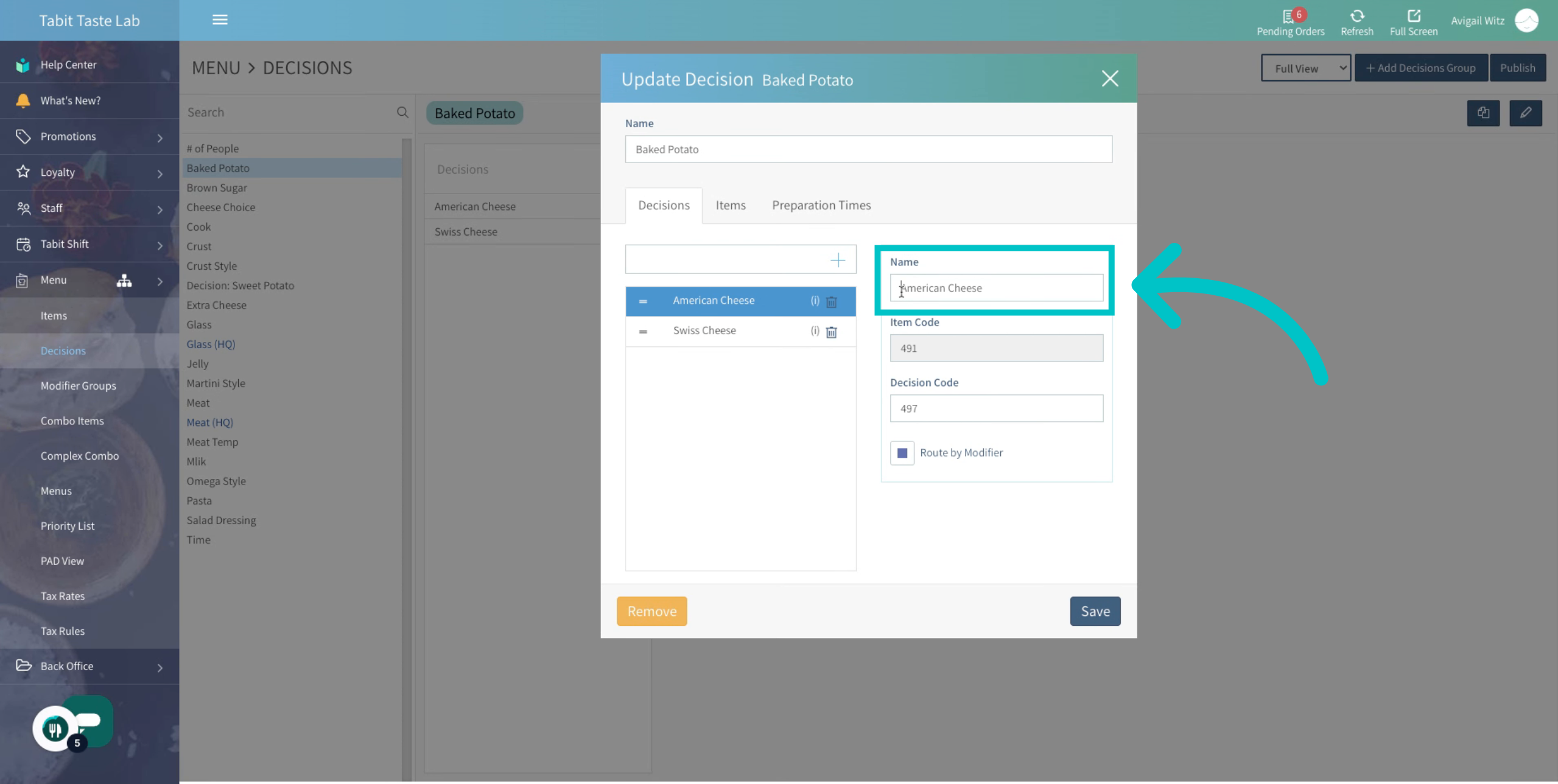
Edit the name of the decision
-
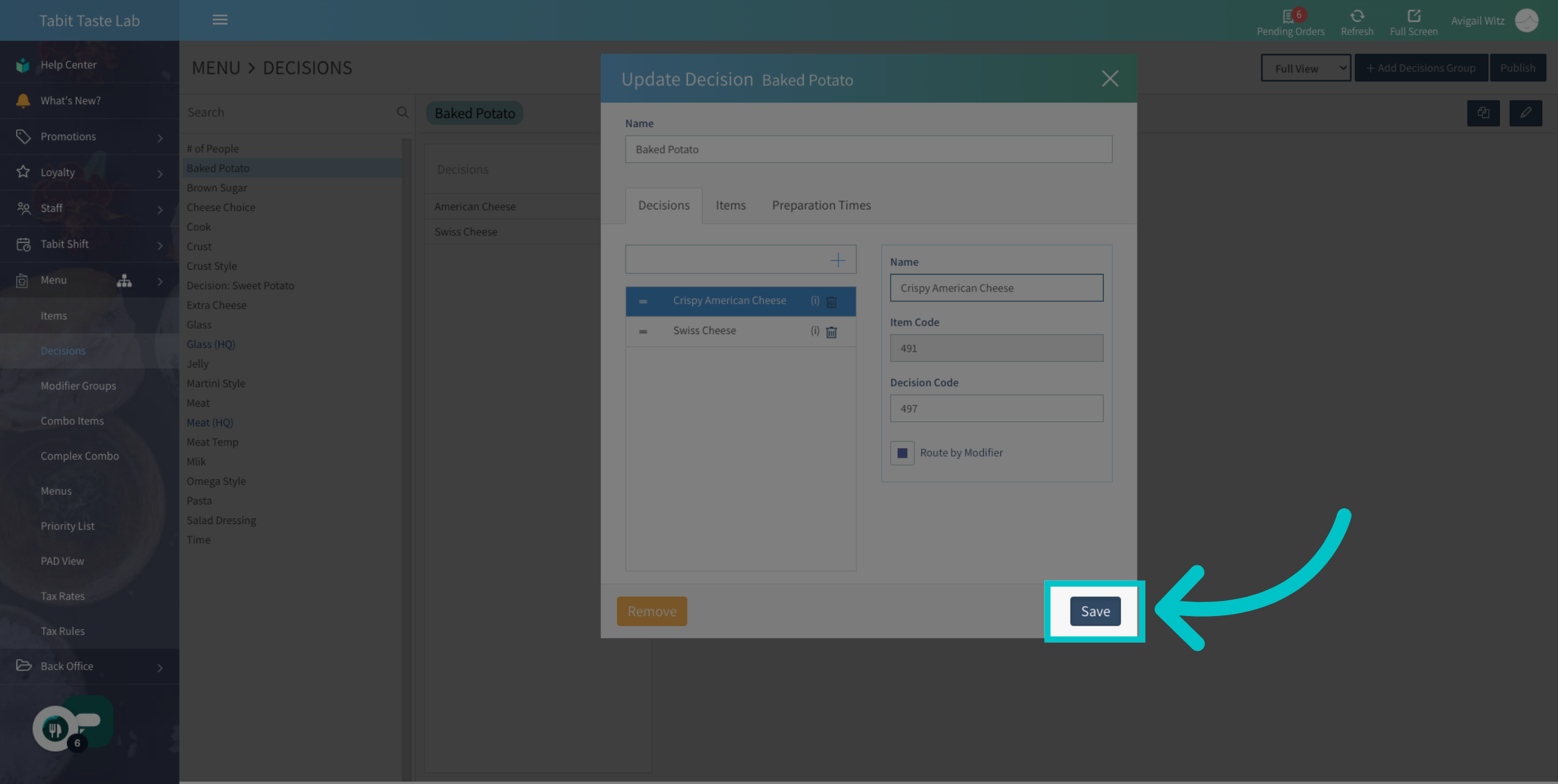
Select Save to save the changes made
-
Don't forget to Publish to update the changes to all Tabit platforms