PAD views visibility depends on three key settings:
- Menu view (enabled/disabled)
- Menu publish status
- Manager-only menu permission
- Time slot limitations
Managers can see all menus, even those with restricted access, unless the menu is unpublished
Follow the steps below to enable menu view visibility:
Enable menu view
This setting can be adjusted from both the PAD and Tabit Office. For more information, continue to our Turning menus on/off in PAD view article
Unpublished PAD view
-
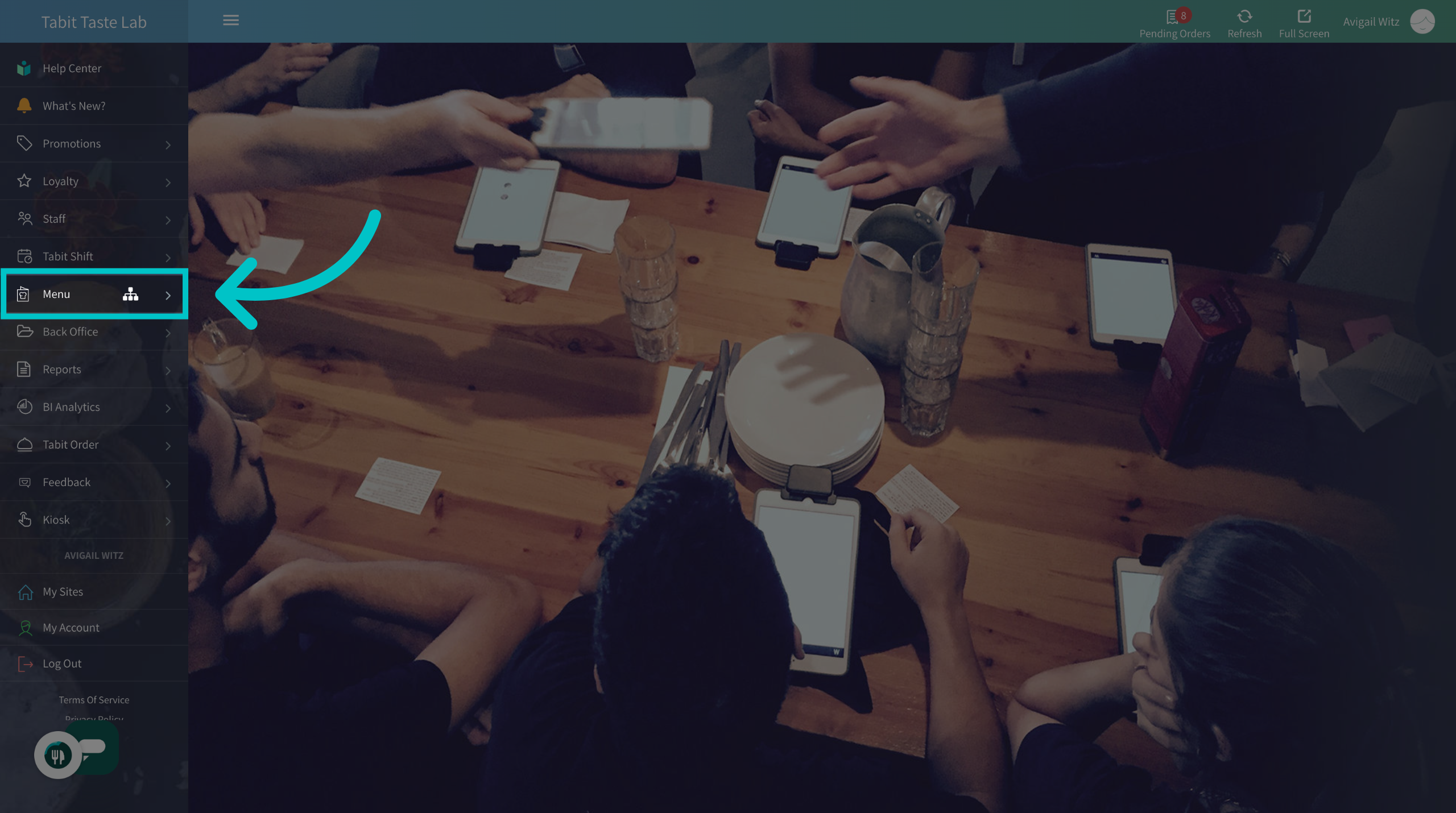
In Tabit Office, go to Menu
-
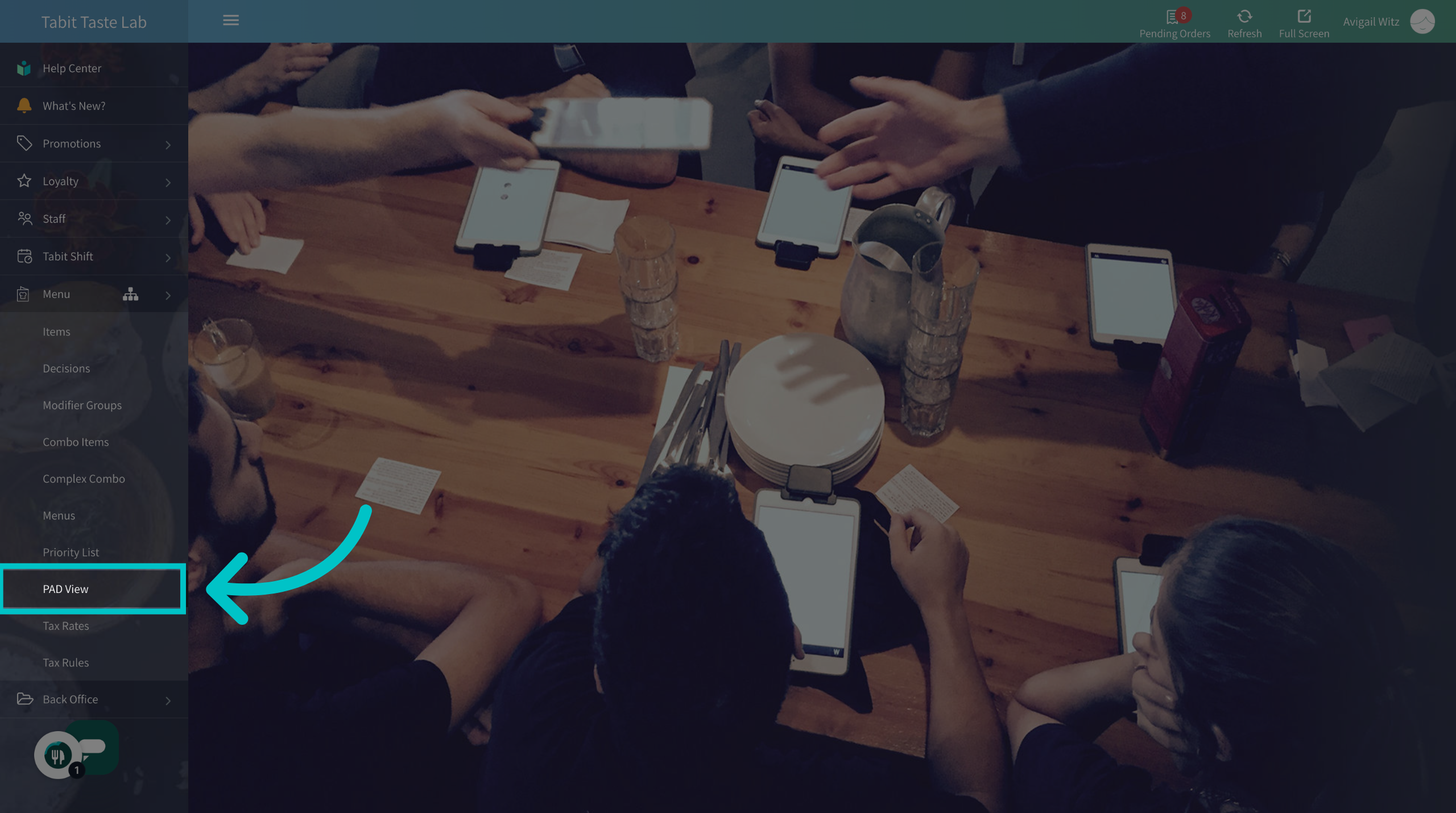
Navigate to the PAD View section
-
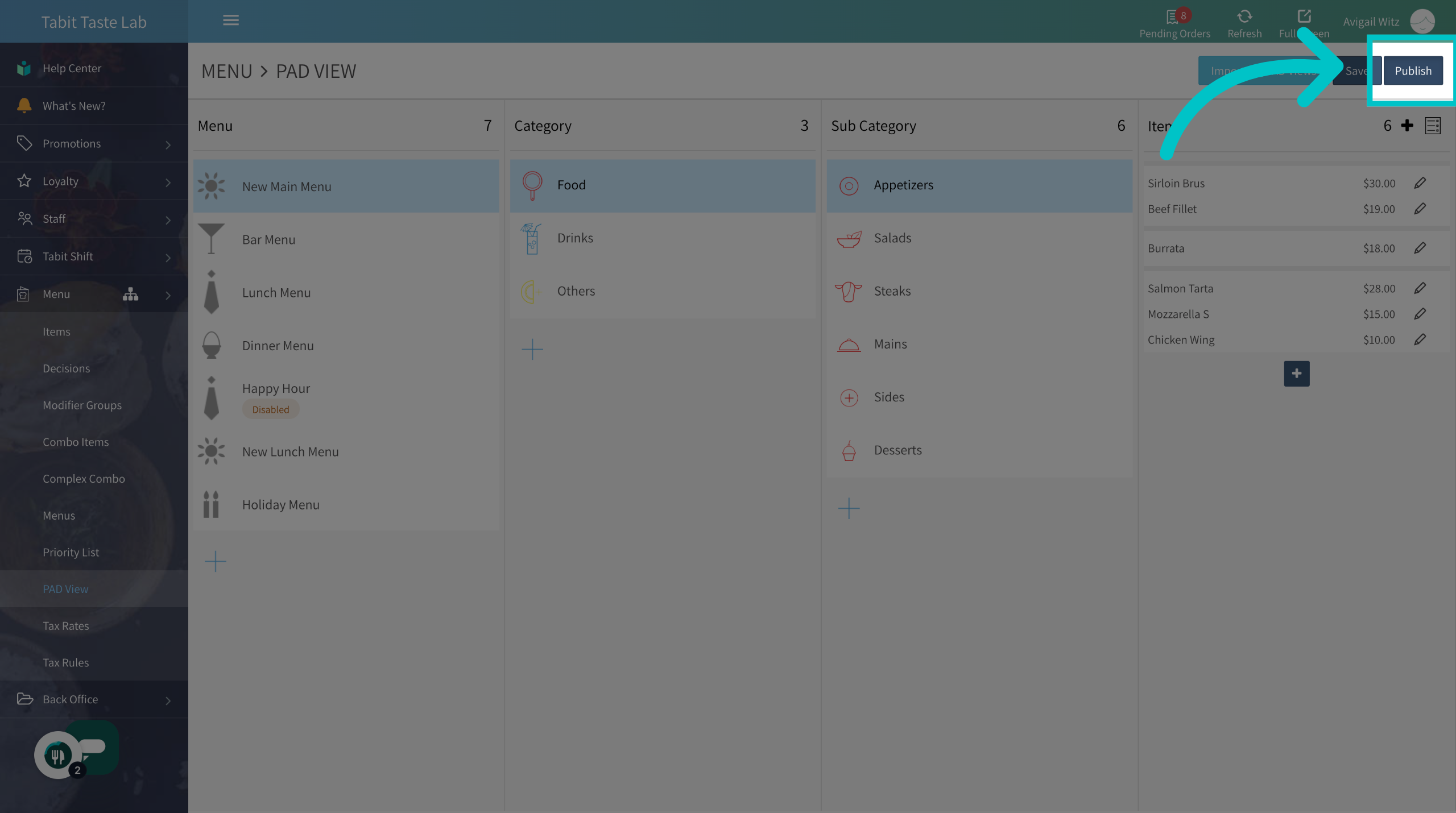
Select Publish on the top right
-
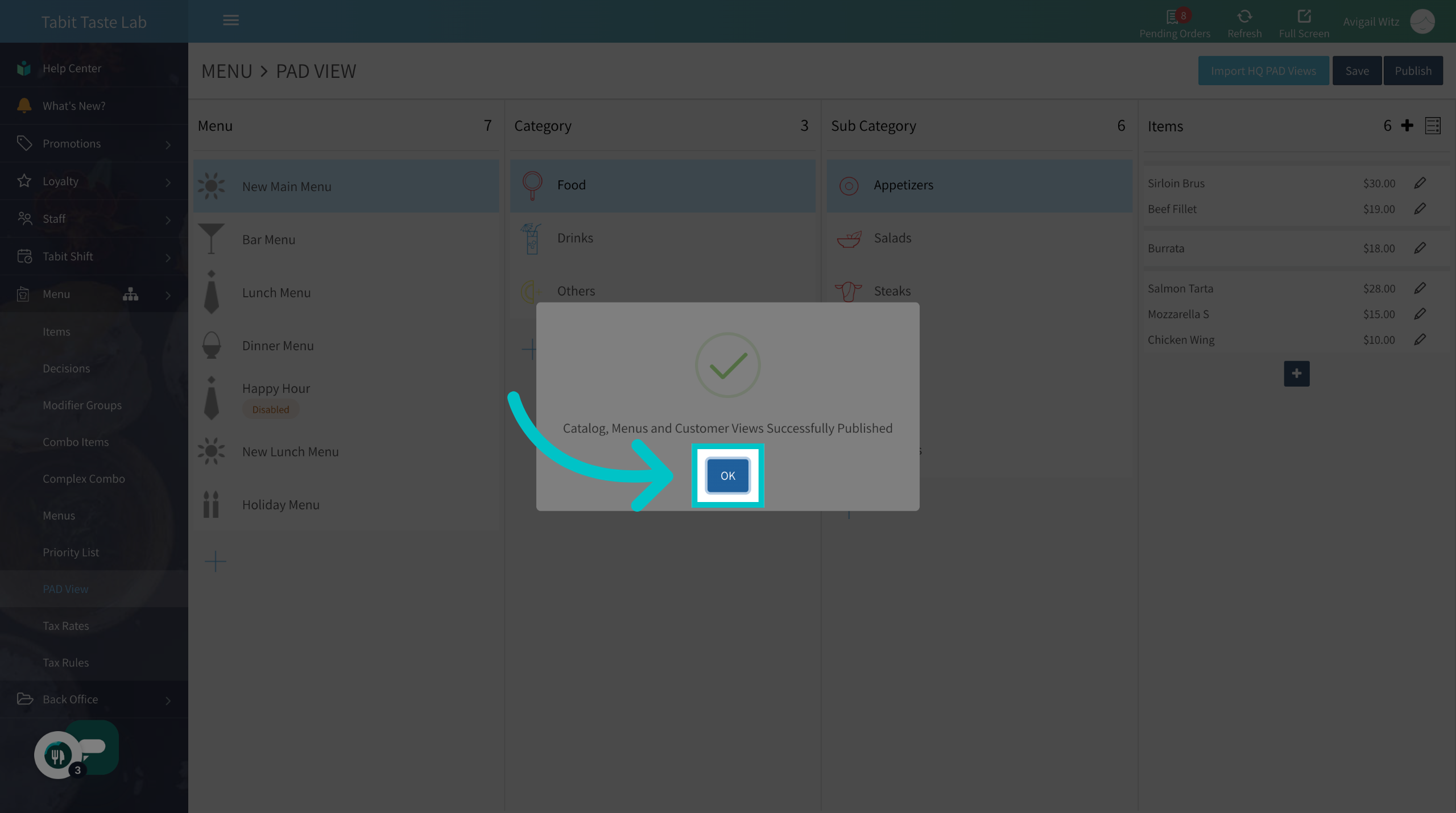
Confirm the action
Disable manager only view
-
On the PAD from the Operation tab, go to Operations
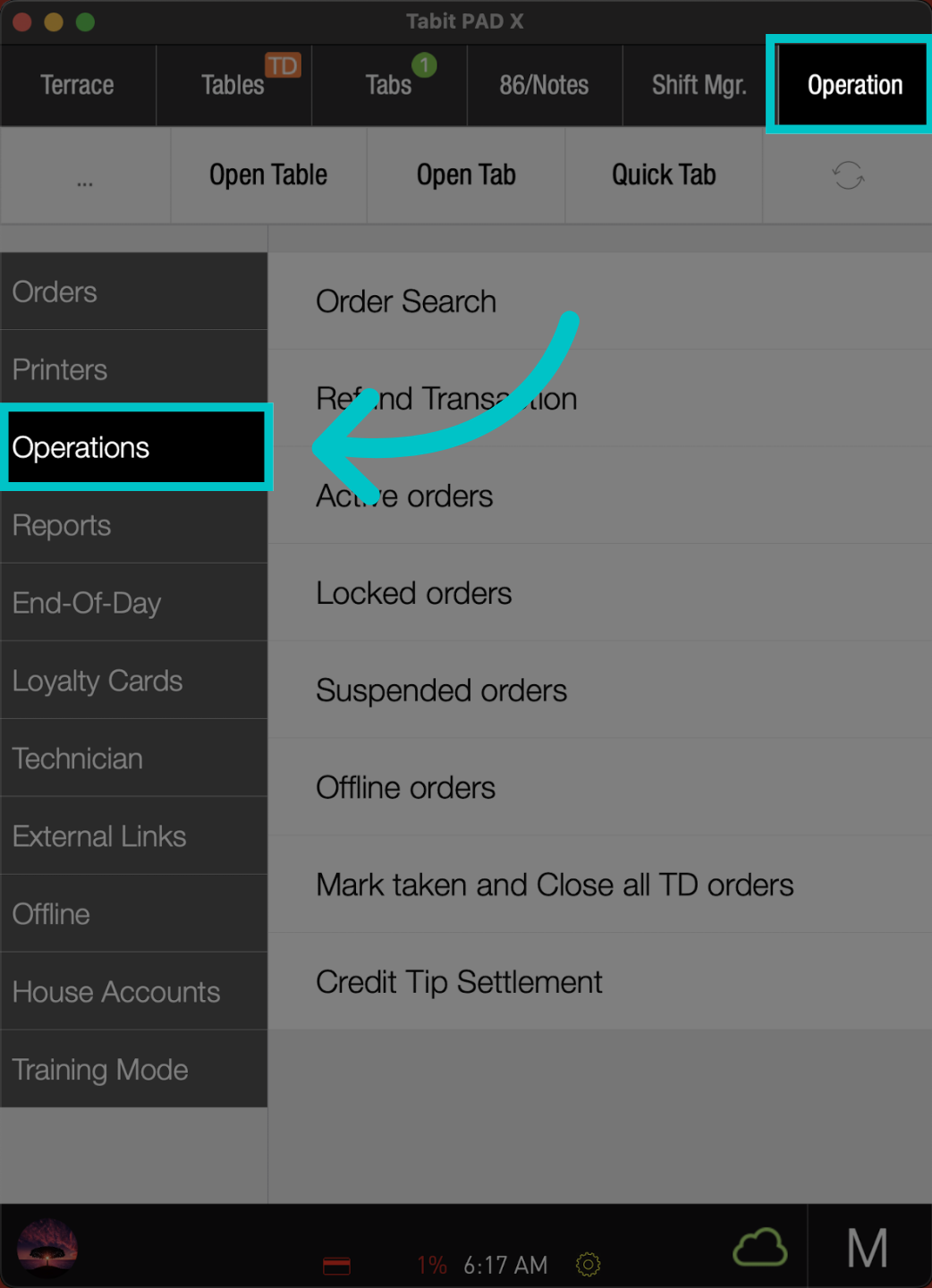
-
Select Manager menus
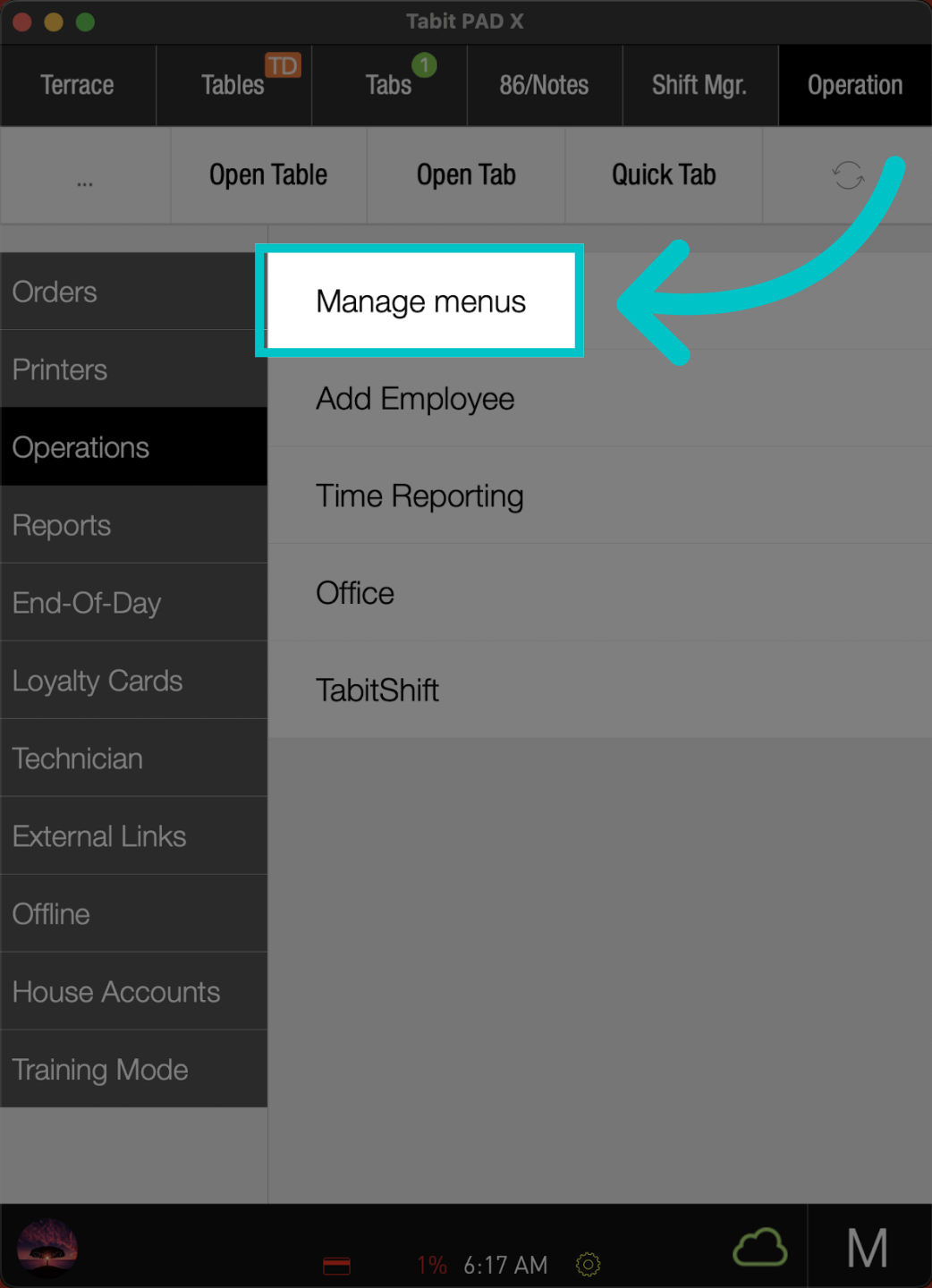
-
Notice the Orange M indicating the manager-only limitation
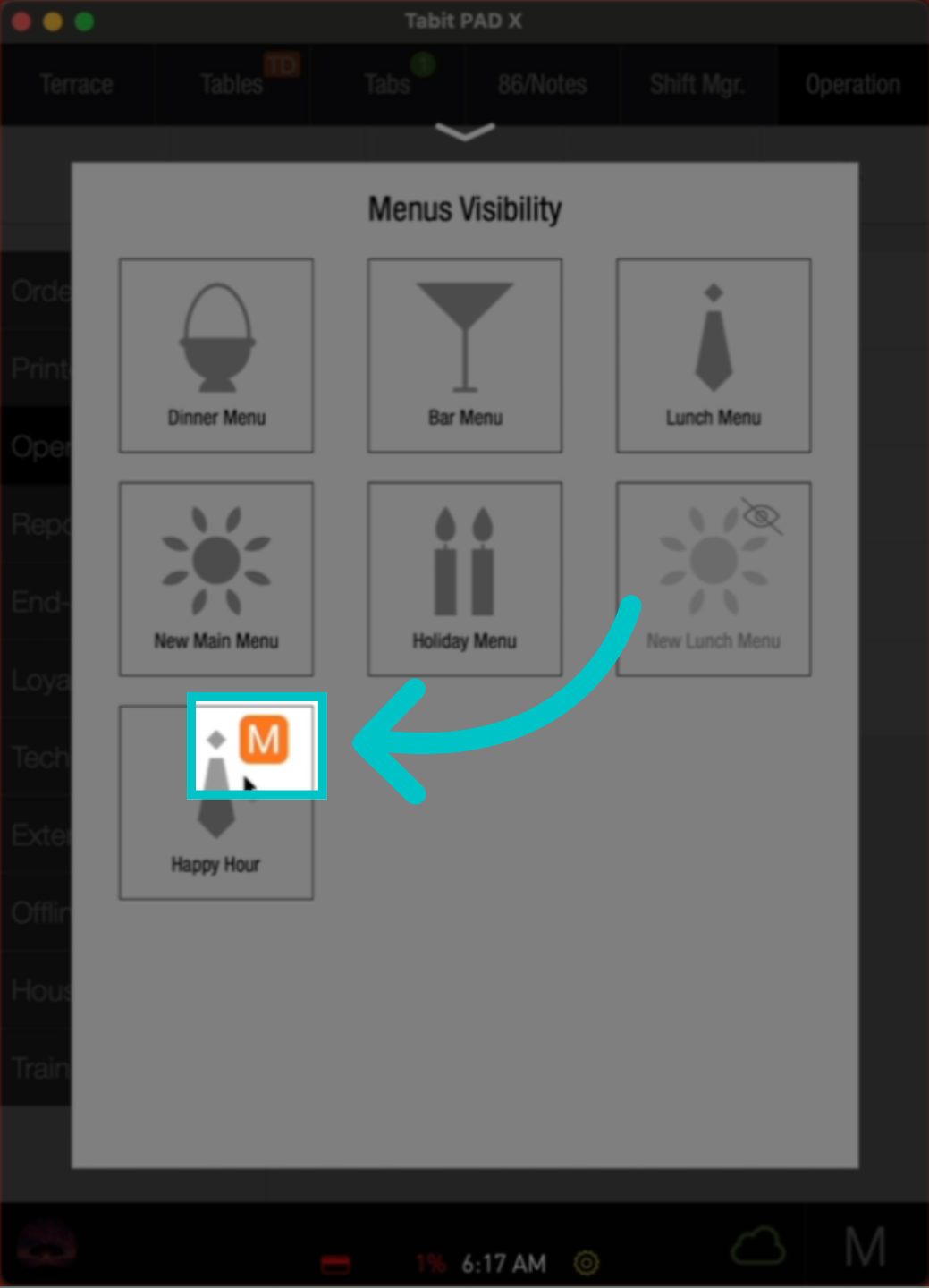
-
Locate the relevant menu and tap it
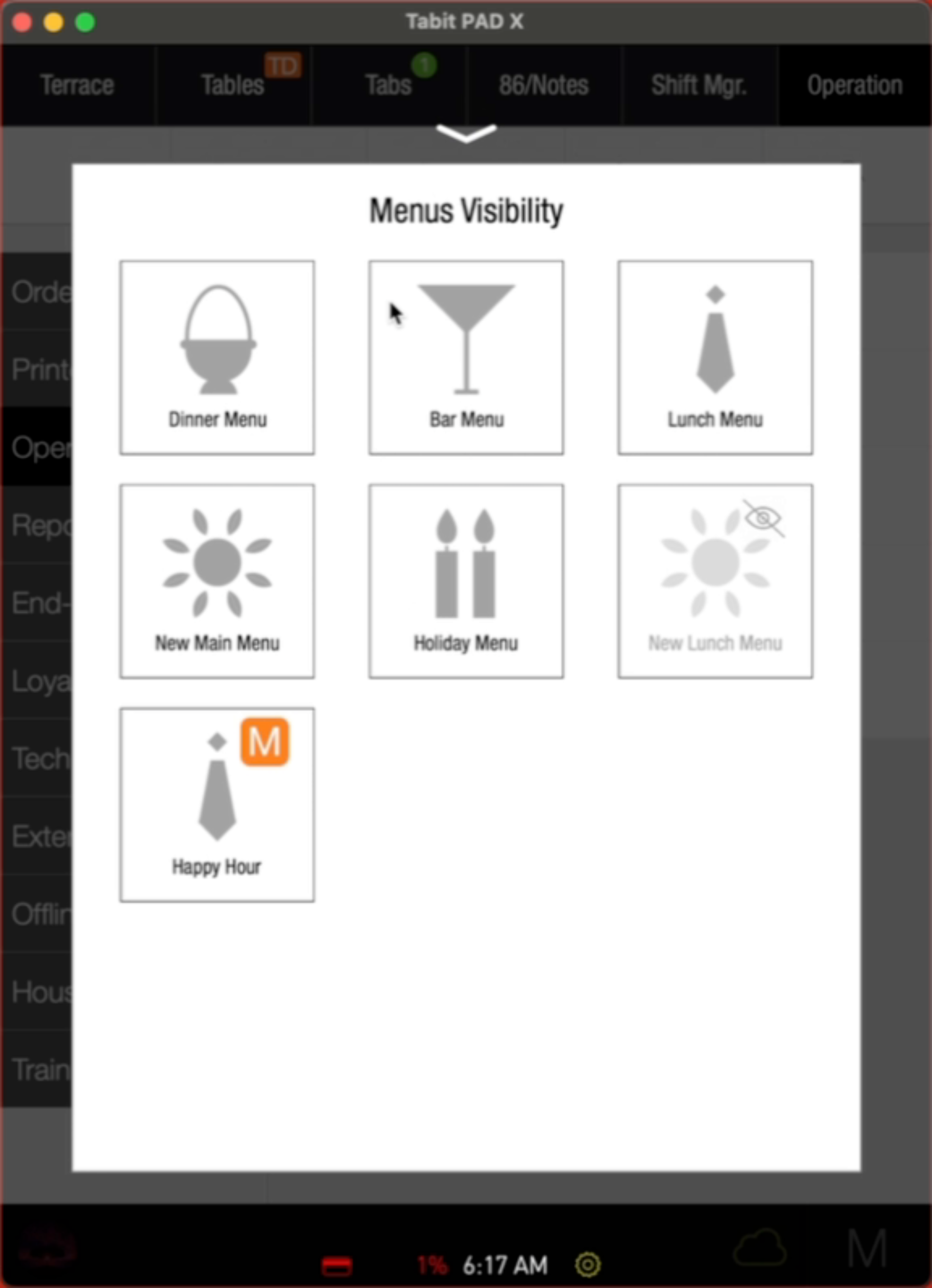
-
Now the menu will be visible to all profiles on the pad. To reapply the limitation, repeat the process
Time slot limitations
Menus can be restricted to specific days and times using time slots. To disable this restriction from the PAD, follow the steps above to remove it using a manager's profile. To change the setup, visit our Setting up time slots for PAD view article