Performing a test print helps ensure your printer is configured correctly and producing clear, accurate output. This process allows you to confirm the setup and check print quality.
Follow the steps below to perform a test print:
-
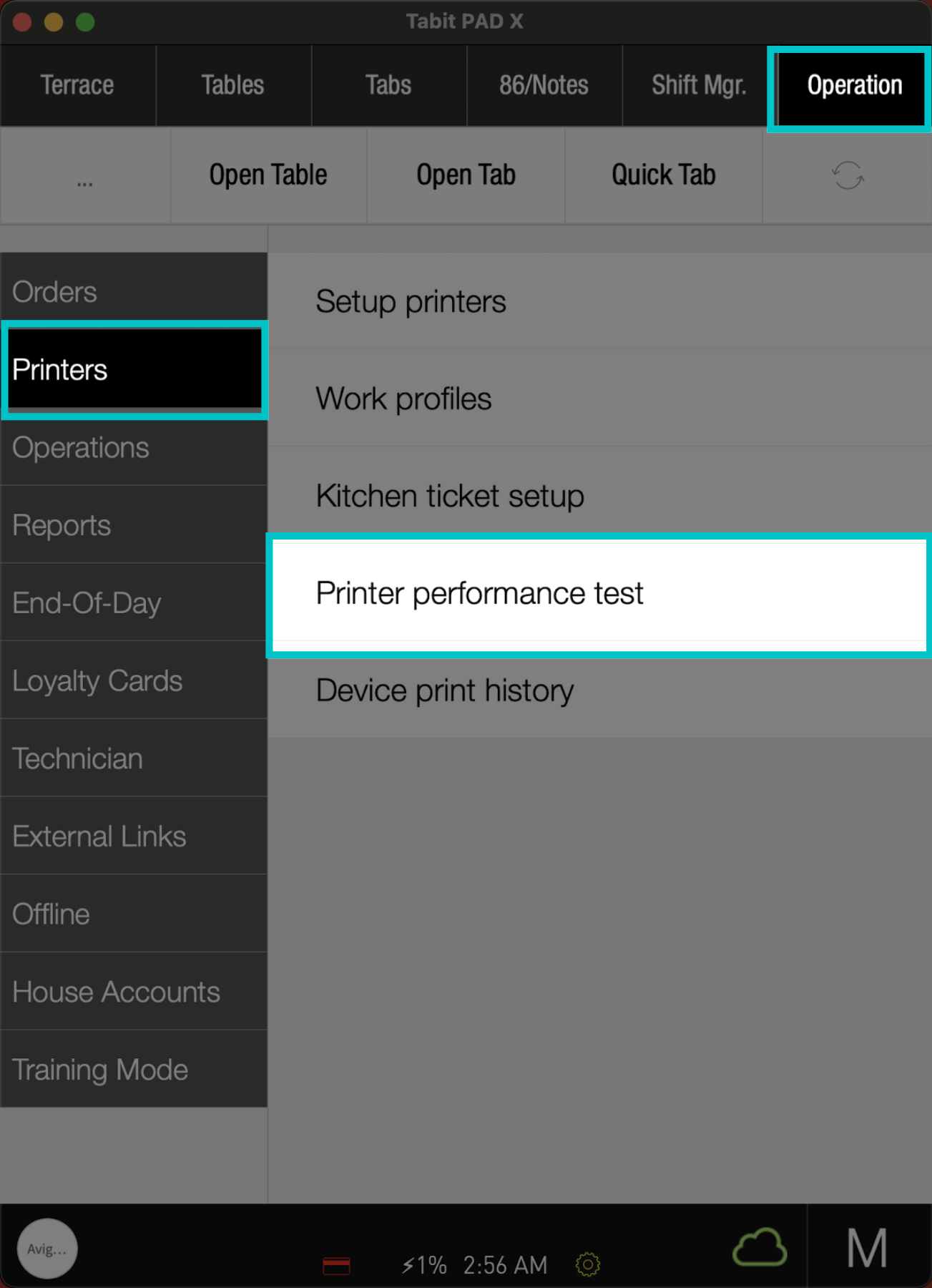
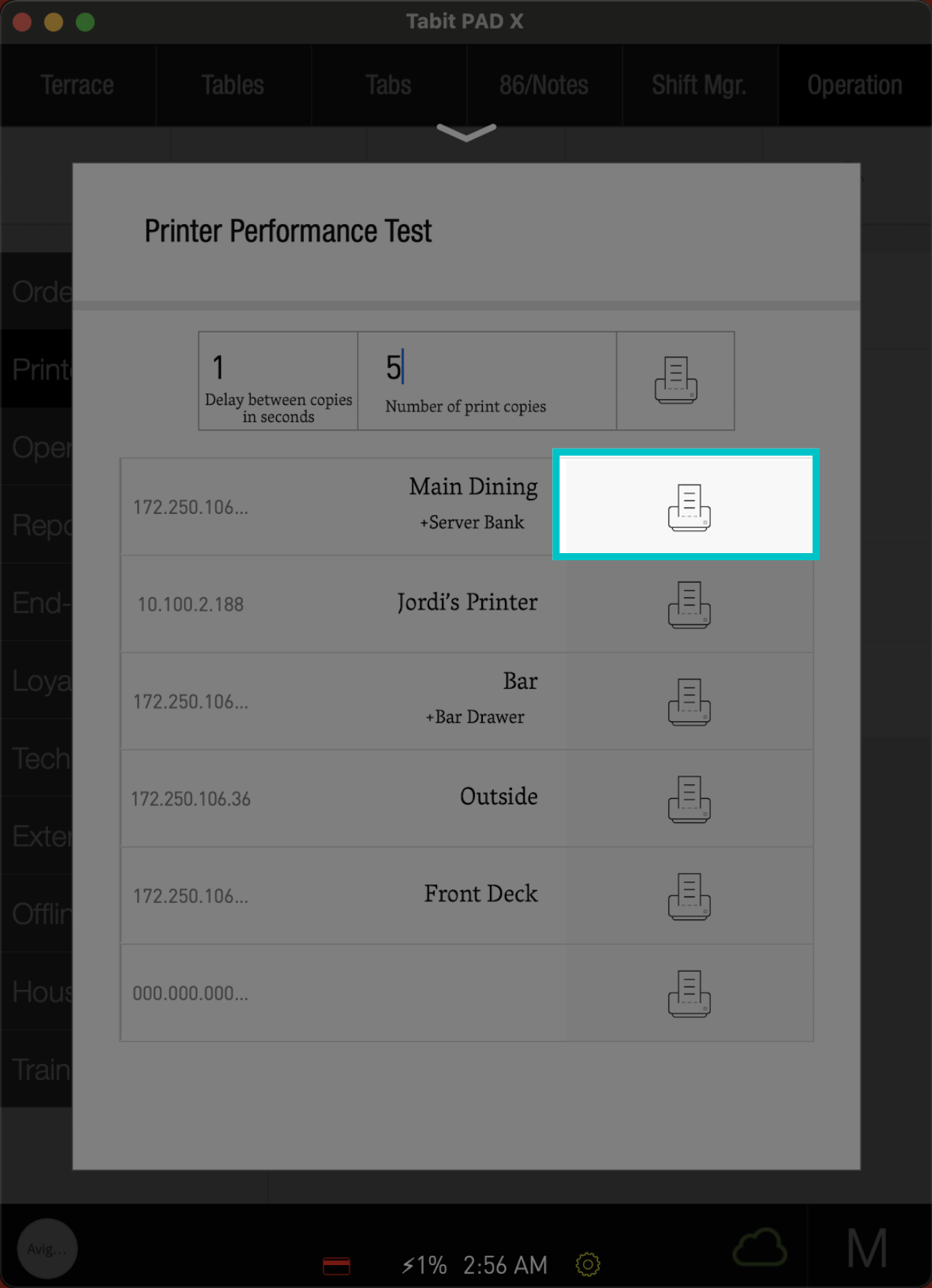
From a manager profile, go to Operation > Printers> Printer performance test
-
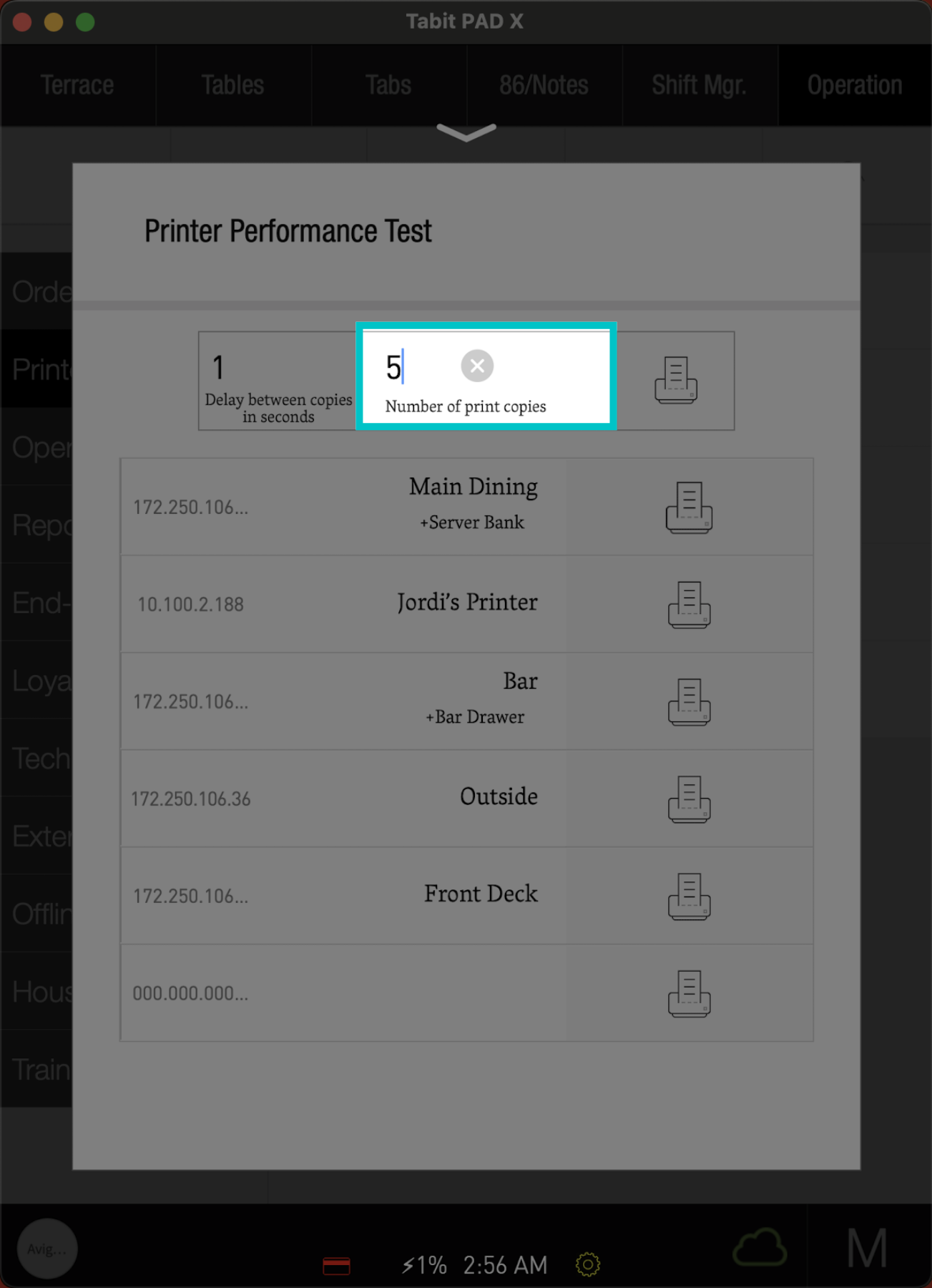
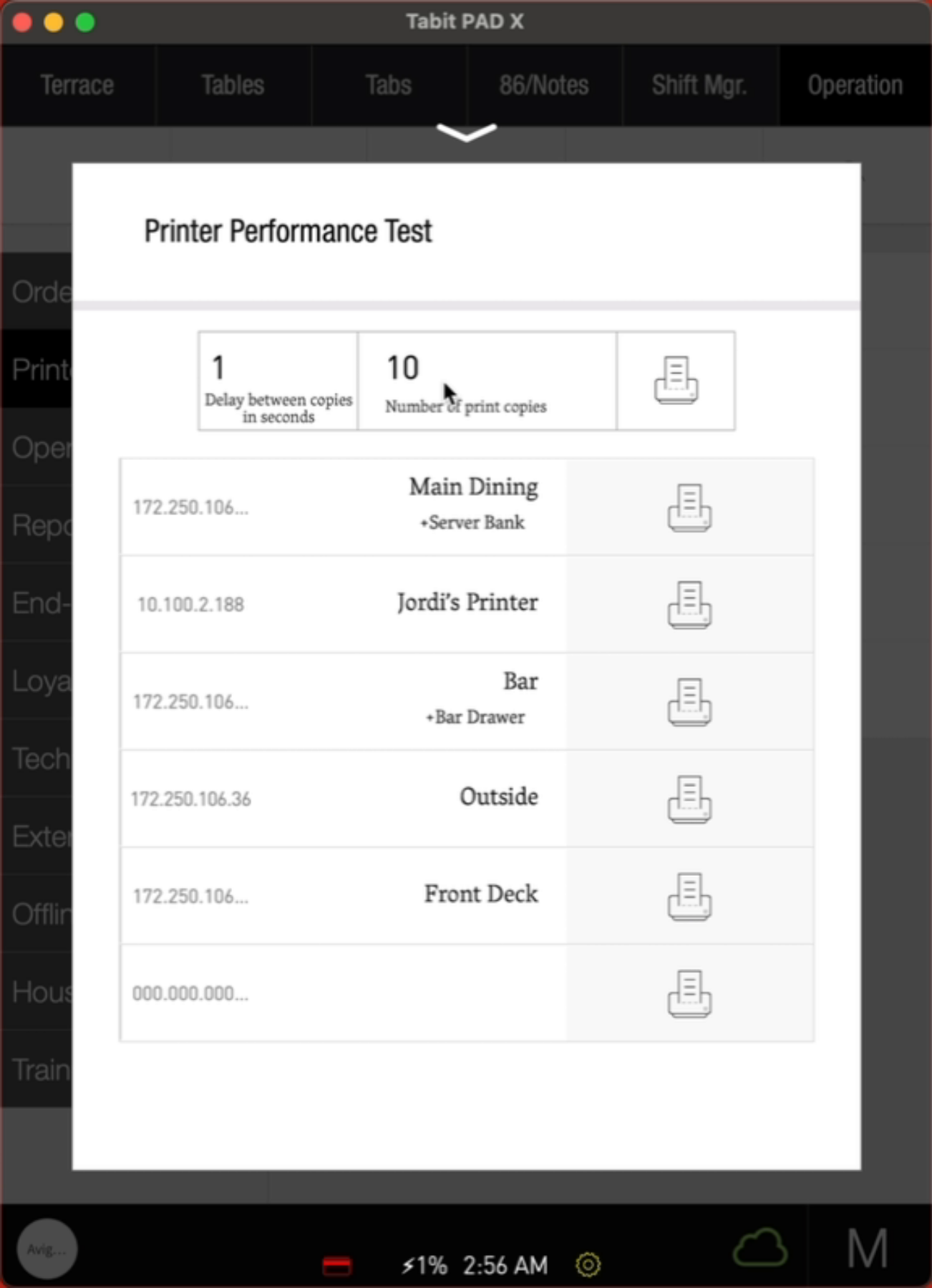
Enter the Number of Copies as needed
-
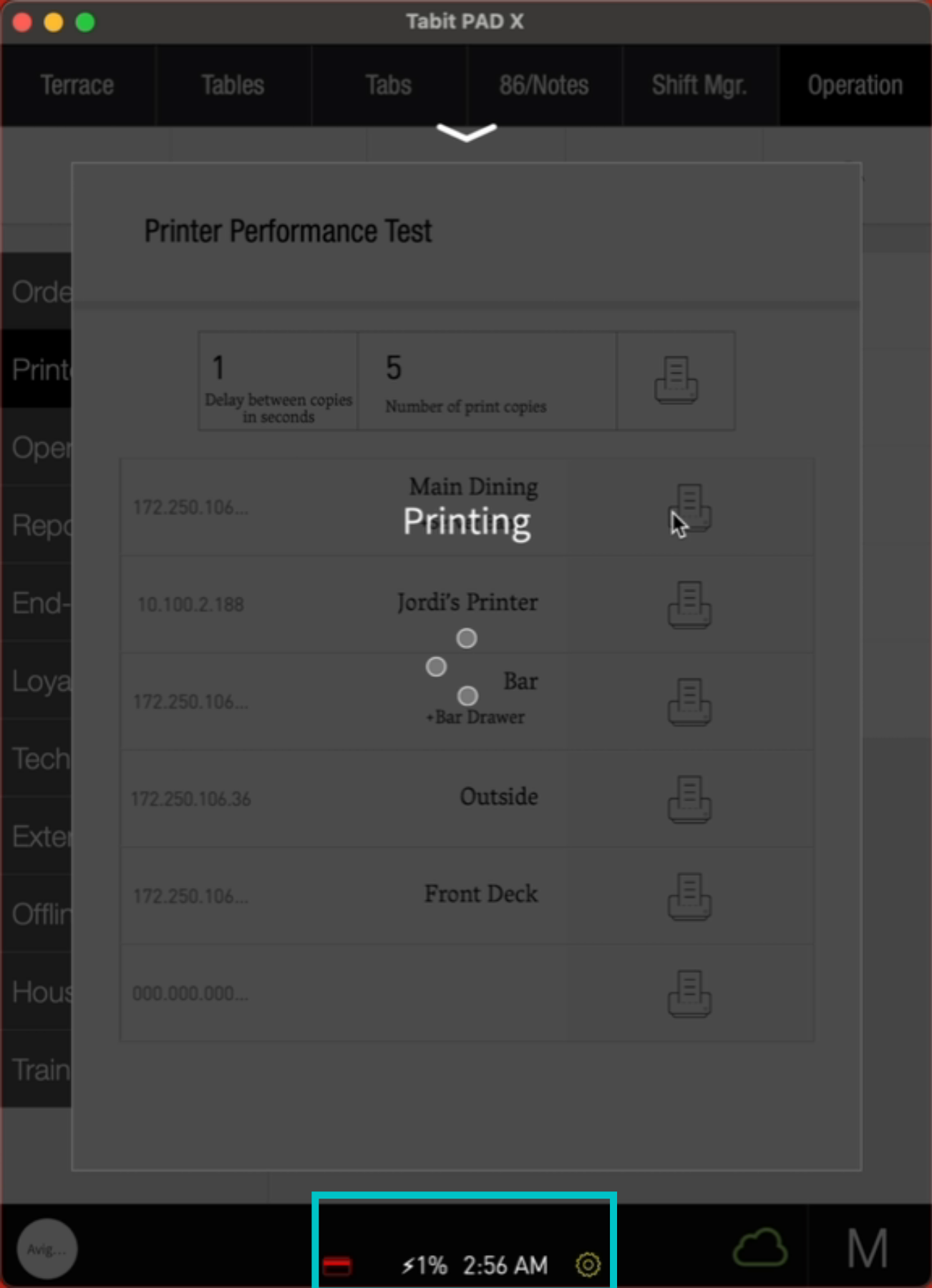
Tap the Printer icon next to the printer you would like to test.
-
The printing process will now begin, and you will be able to see how many tickets have been printed out of the total