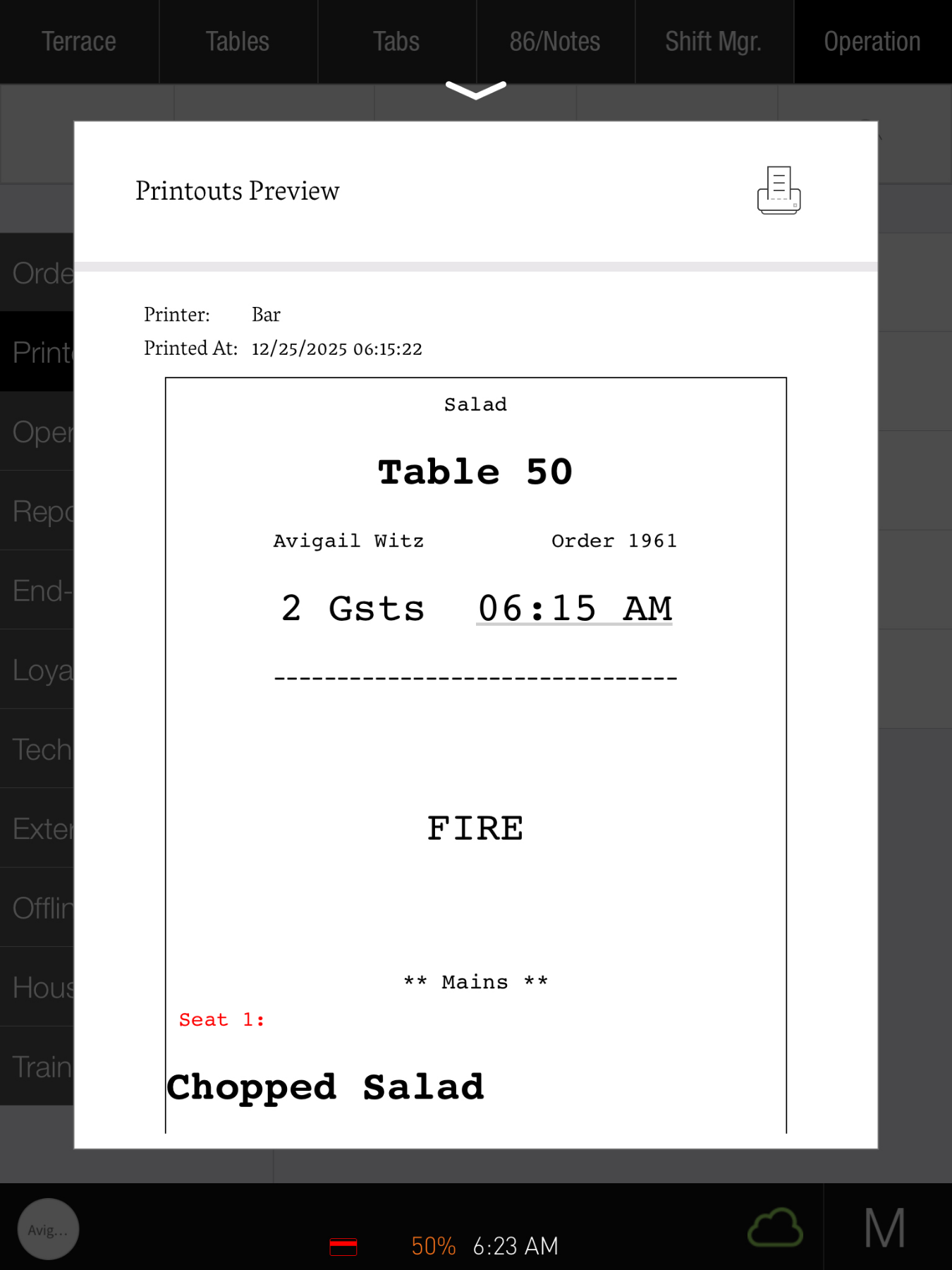
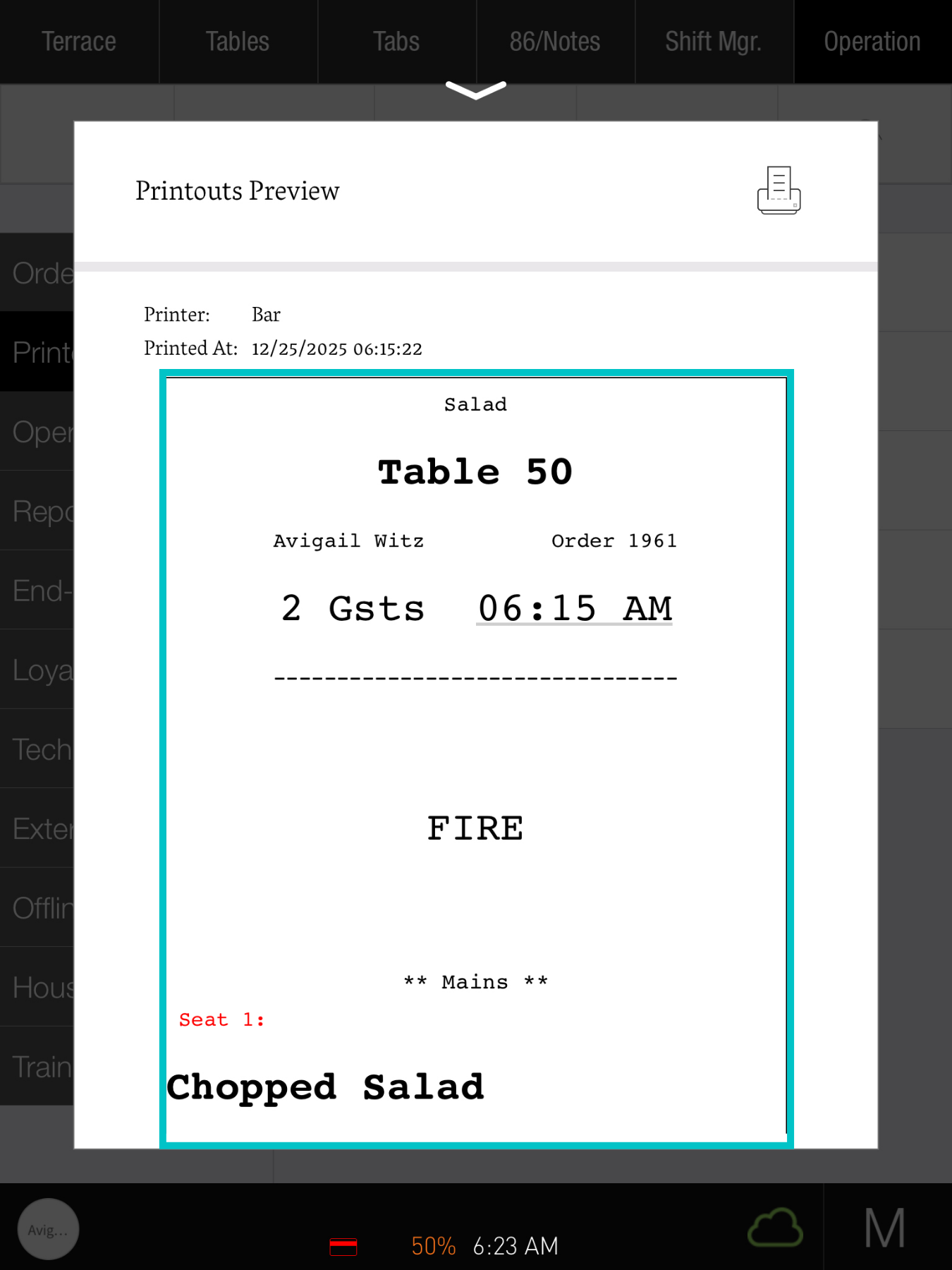
Device print history helps managers confirm that kitchen tickets, bills, and receipts are sent successfully and printed at the correct station. It’s also a useful check after changing printer or routing settings, so you can make sure the new setup is working as expected.
Device print history is PAD specific, regardless of which user is logged in
Follow the steps below to view device print history:
-
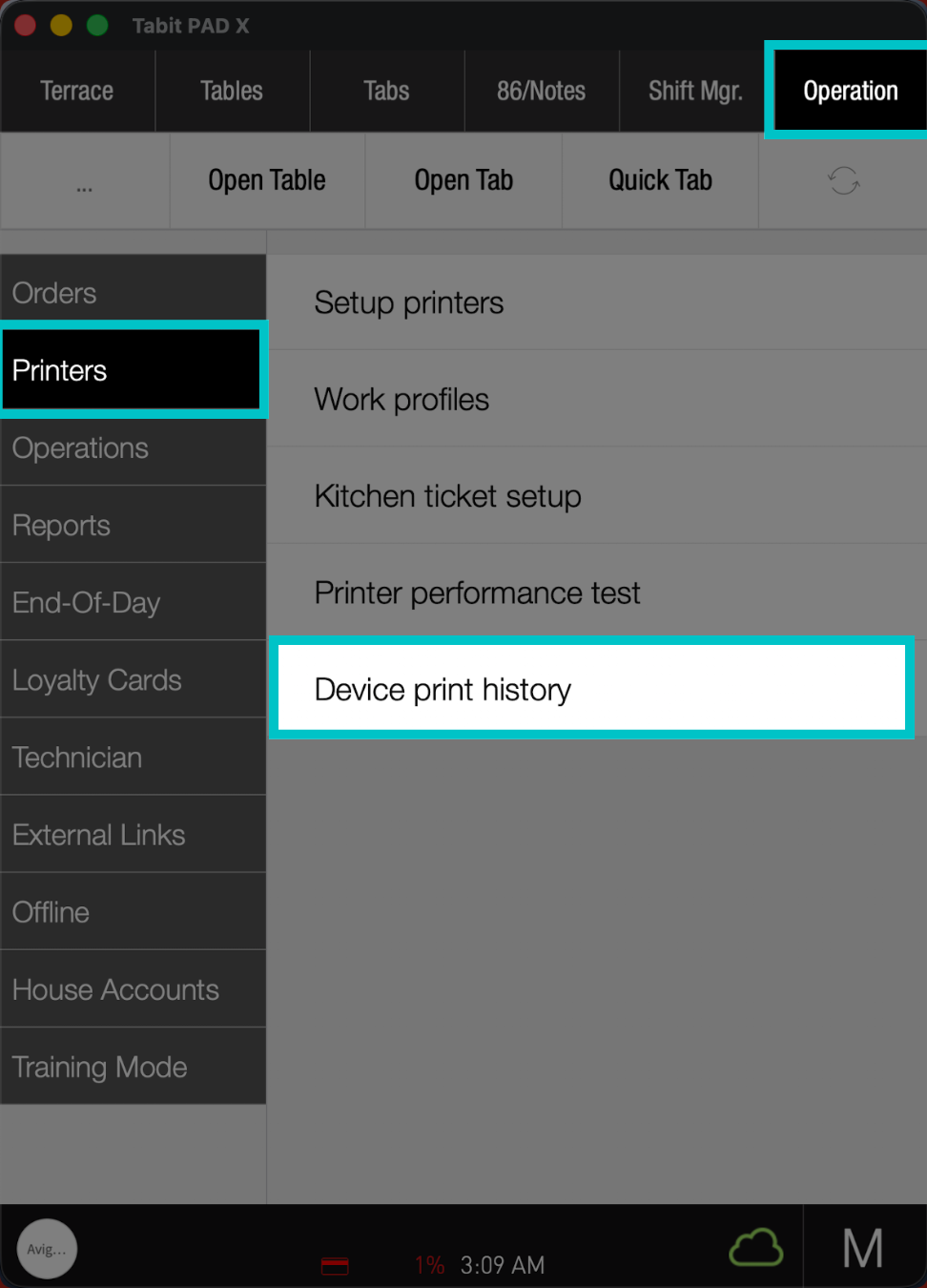
From a manager profile, go to Operation > Printers > Device print history
-
Here, you can see the most recent print job sent from this pad, including where and when it was printed, and the view of the printed copy
-
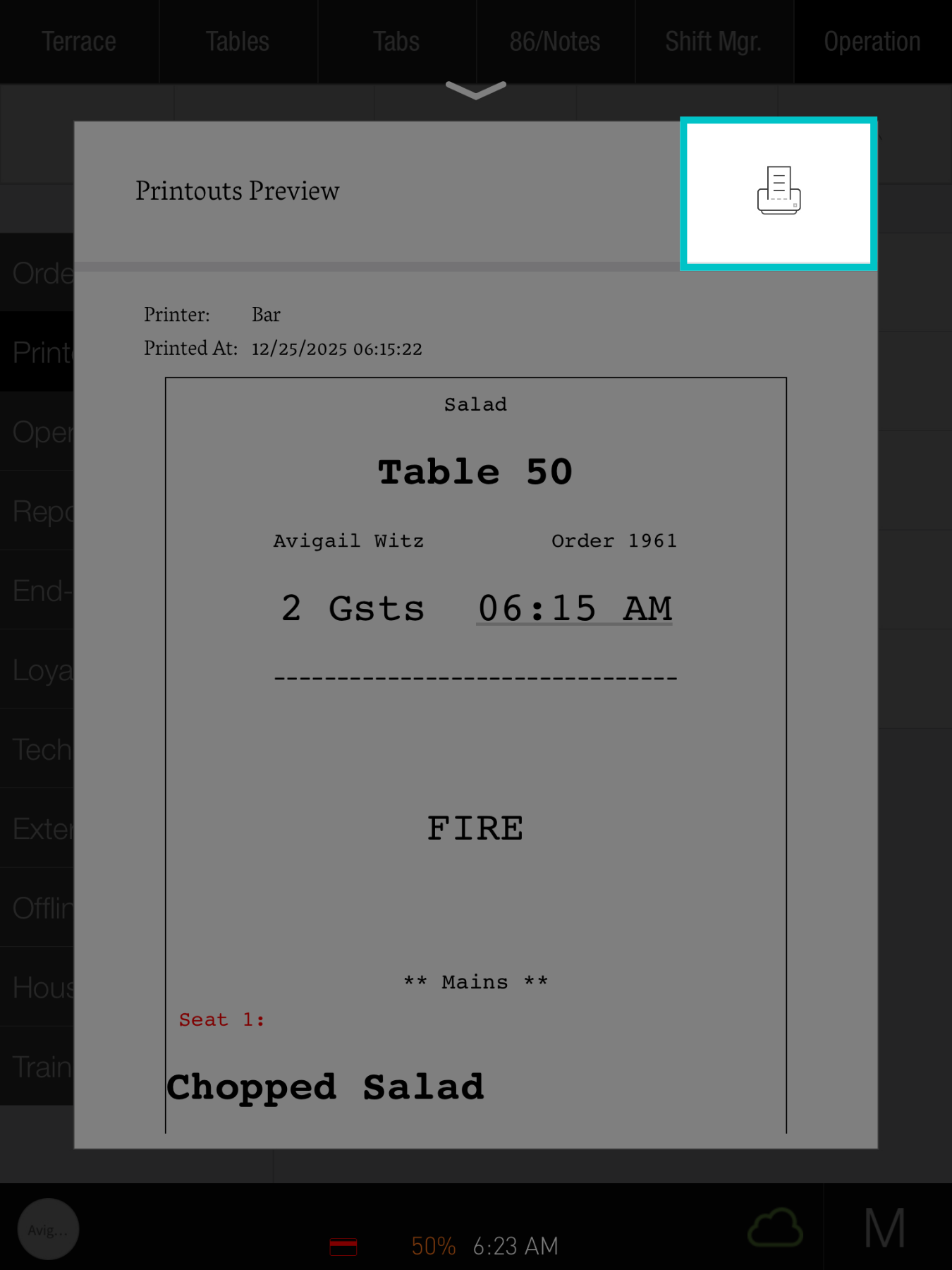
Select the Printer icon on the top right to reprint the ticket
- Swipe to the right to view previous prints
- You can now review your pad's device print history anytime you need to view past printouts