There are two kinds of suspended orders:
- Technical suspension: an order suspended by a Tabit representative due to an escalation
- Manager suspension: future orders are suspended by the system or manually by a manager
Suspended orders can only be resumed by a Manager or Support
Follow the steps below to resume a suspended order on the pad:
-
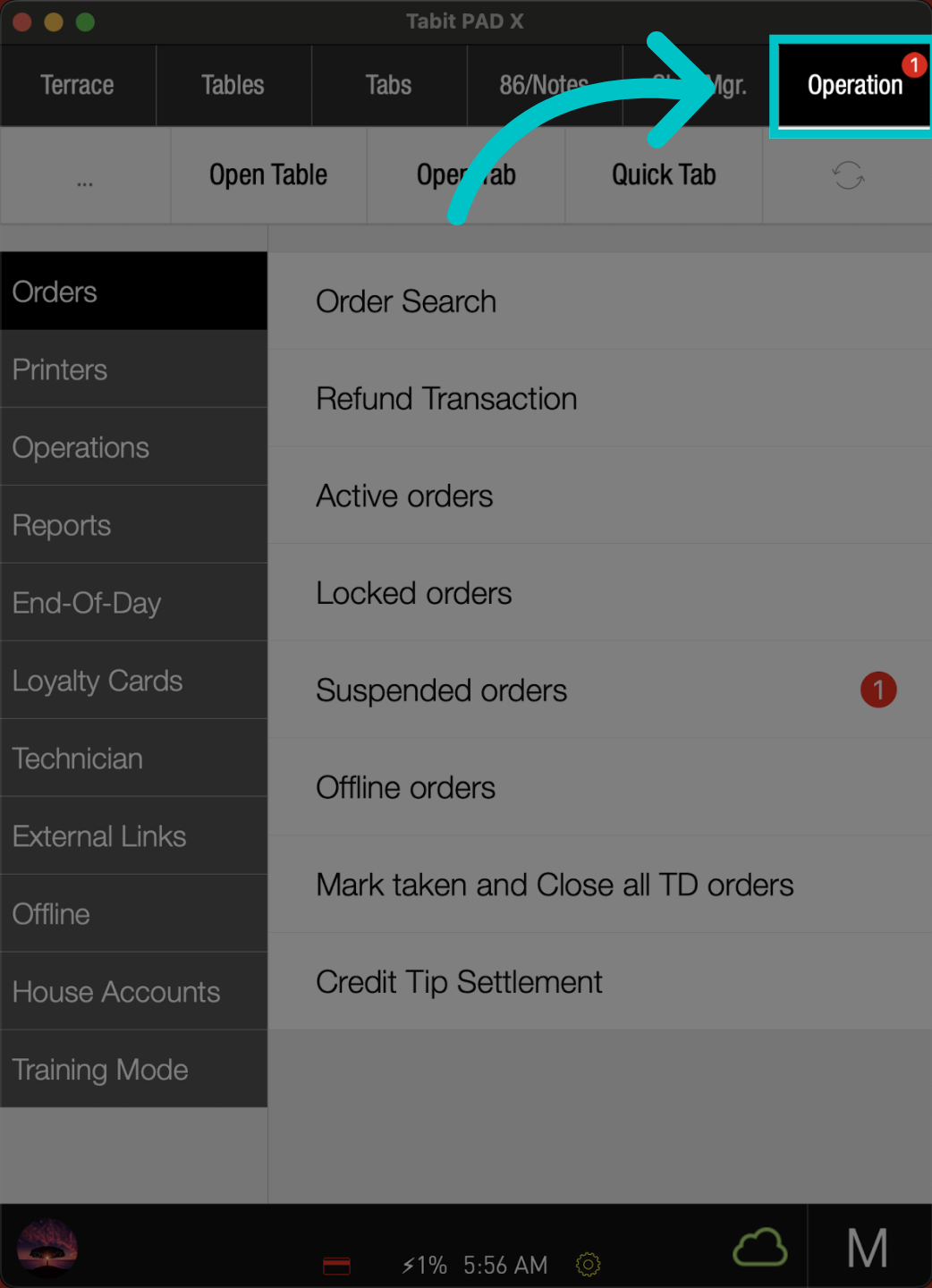
From a manager user, go to the Operation tab
-
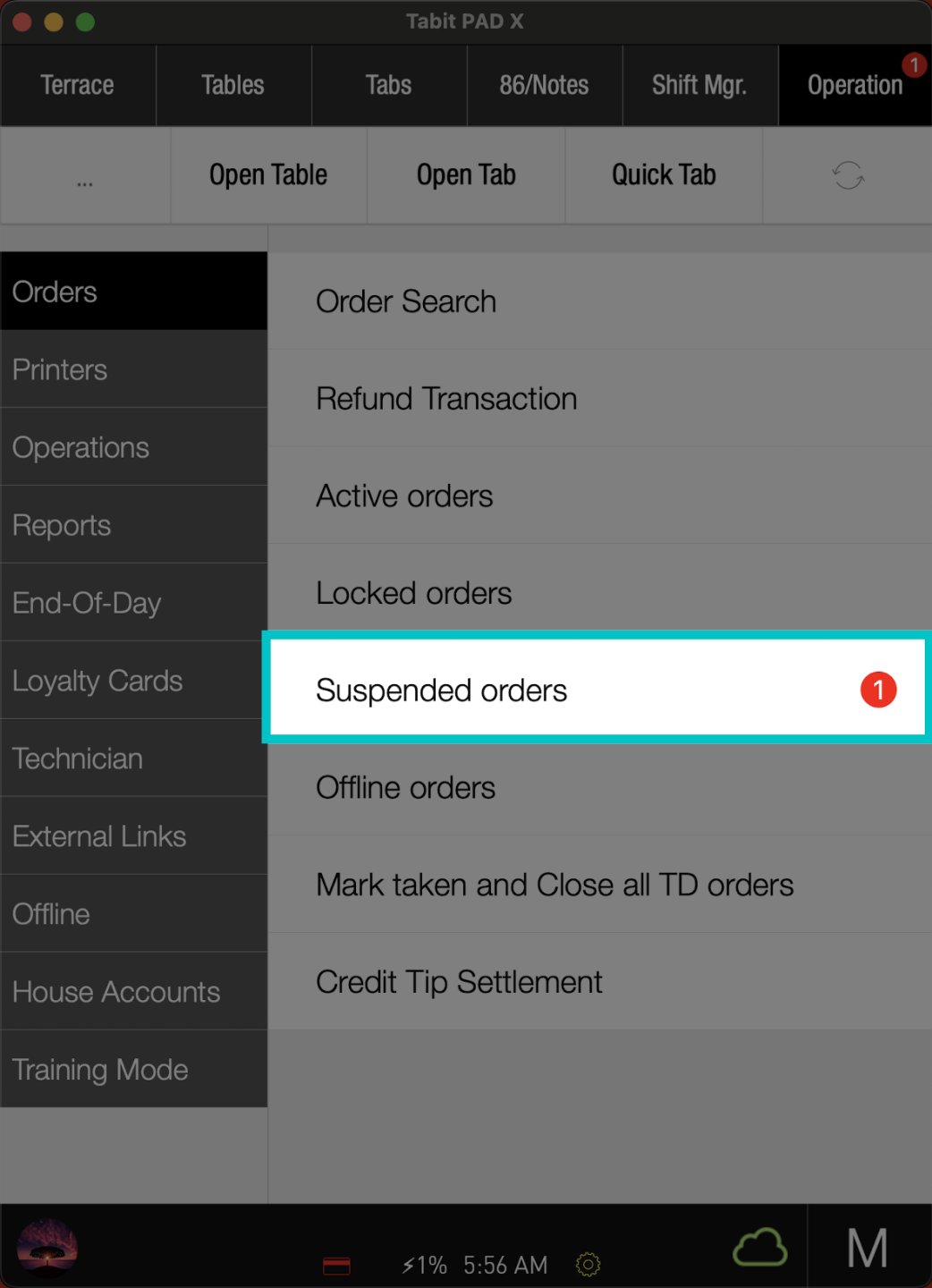
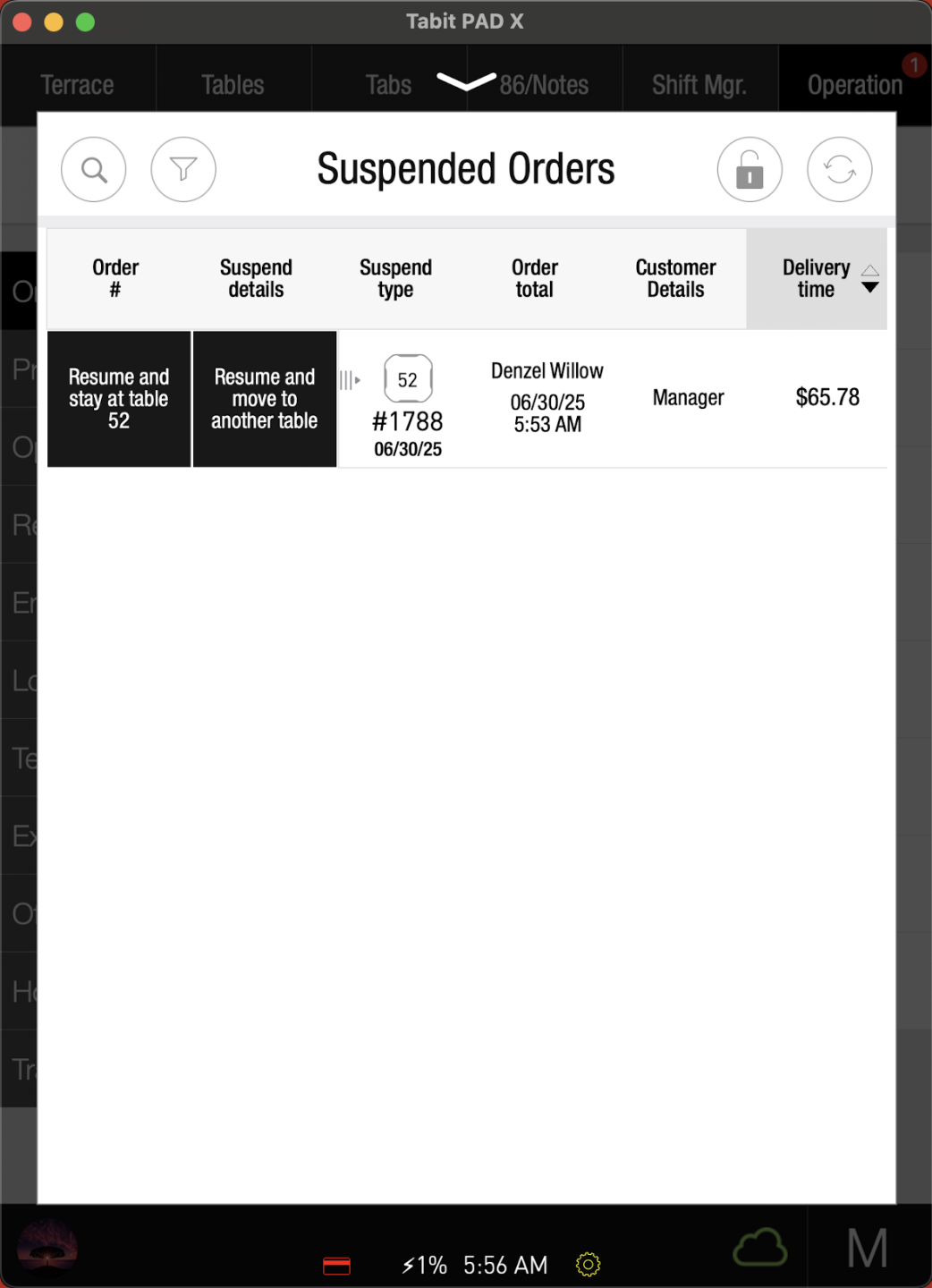
Tap Suspended orders
-
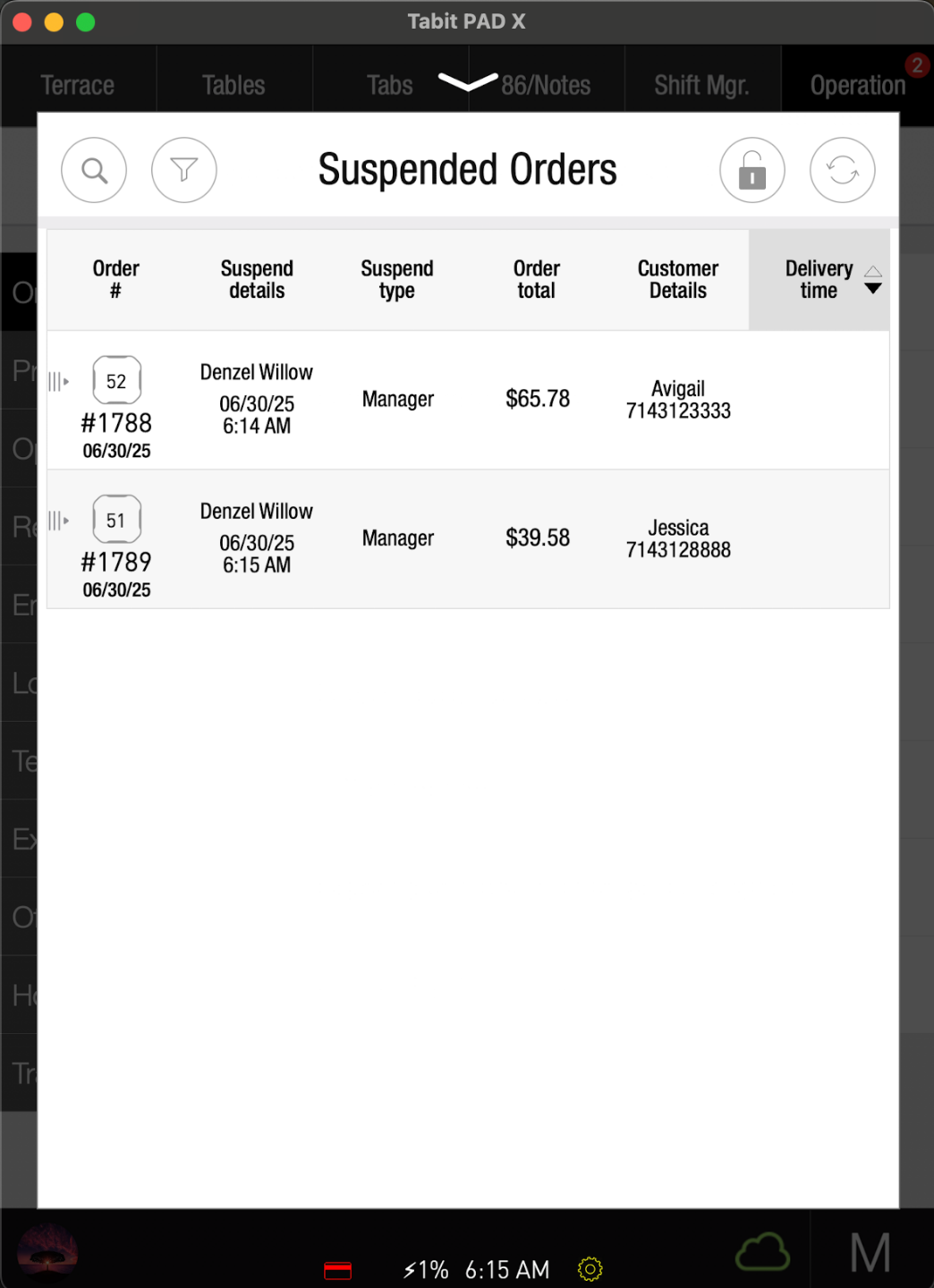
Select the relevant order from the list
-
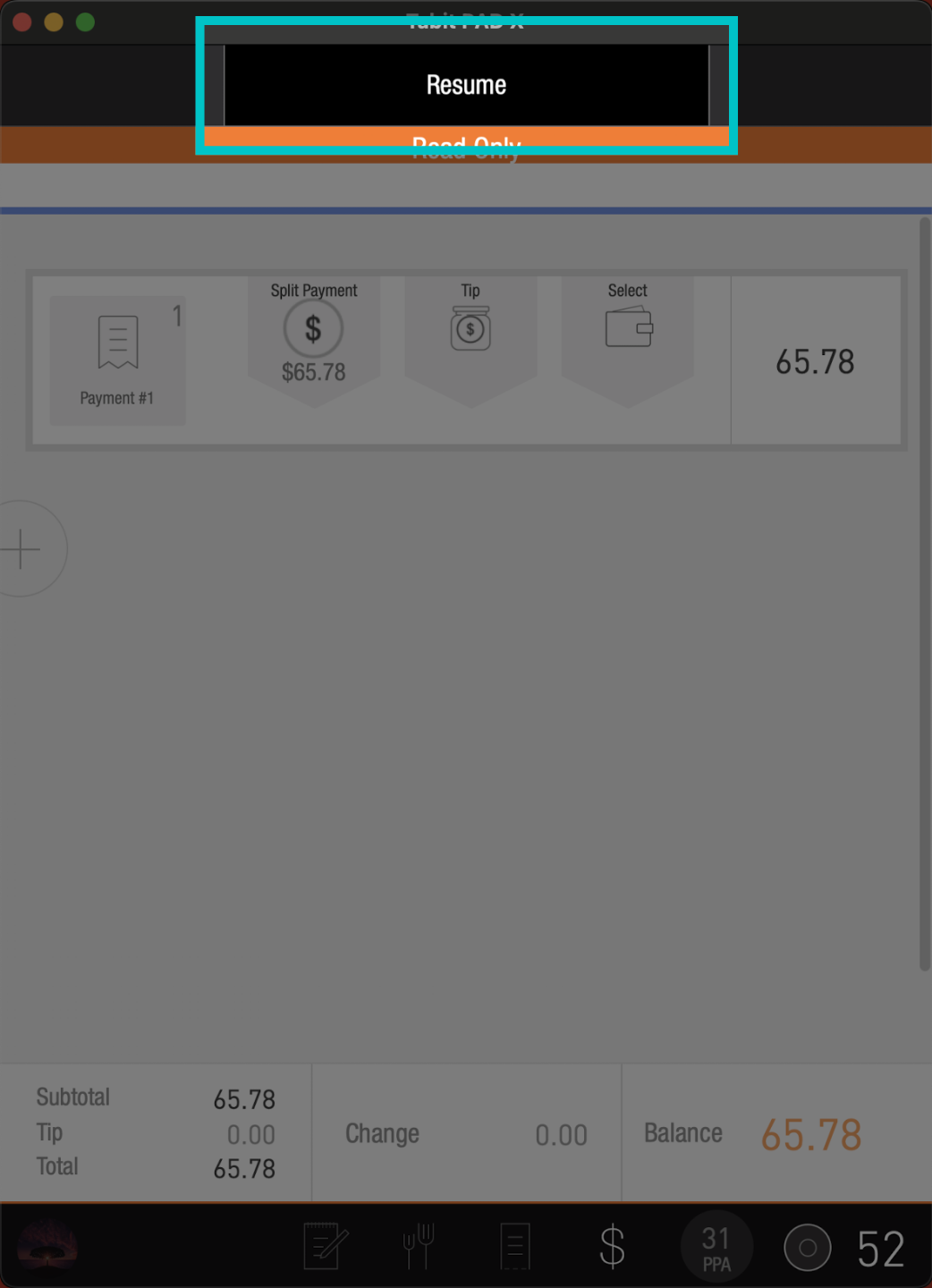
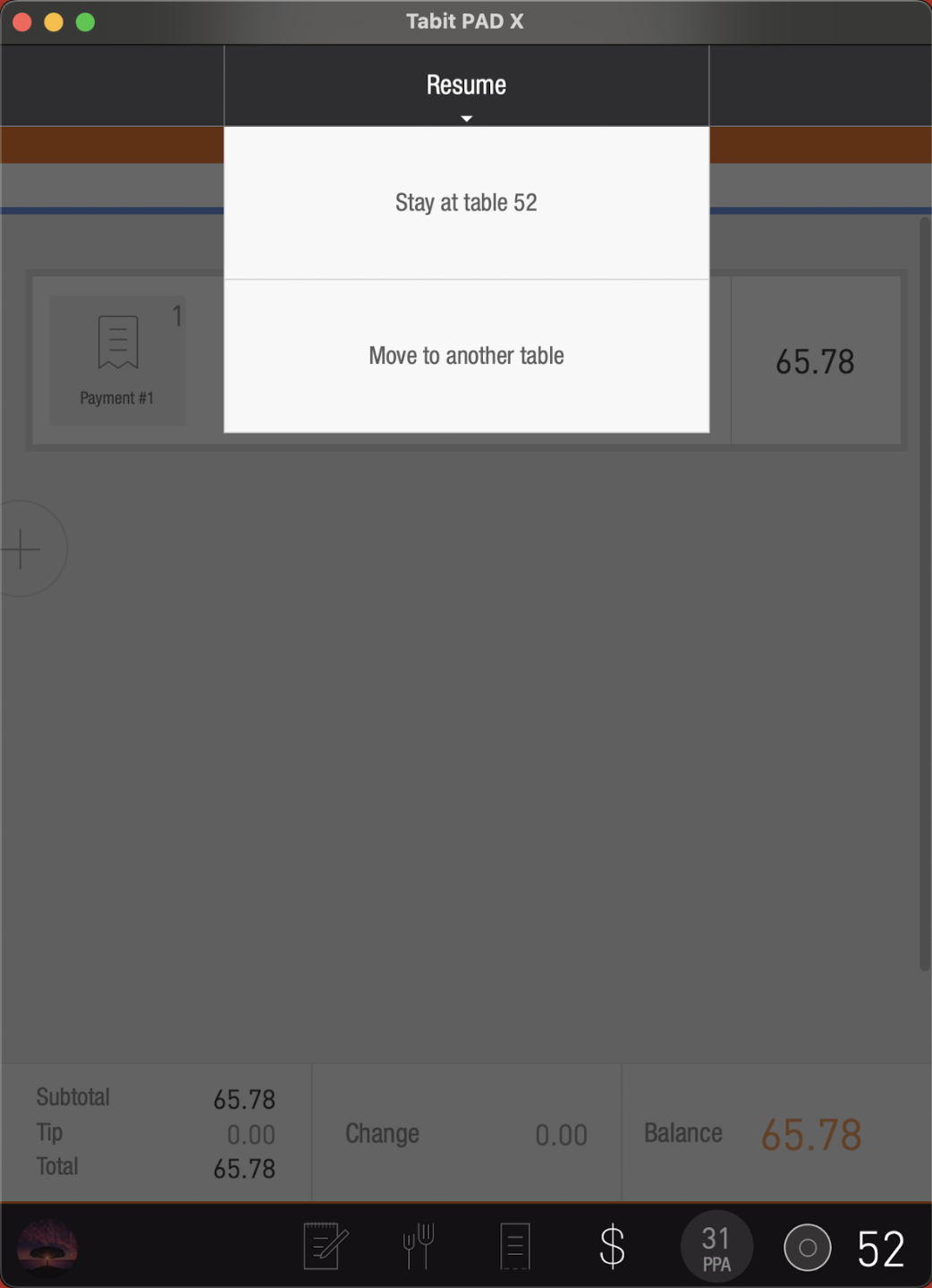
Tap Resume at the top of the screen
-
Continue with the relevant option
-
Another option to resume the order is to swipe the order to the right, and continue from there
-
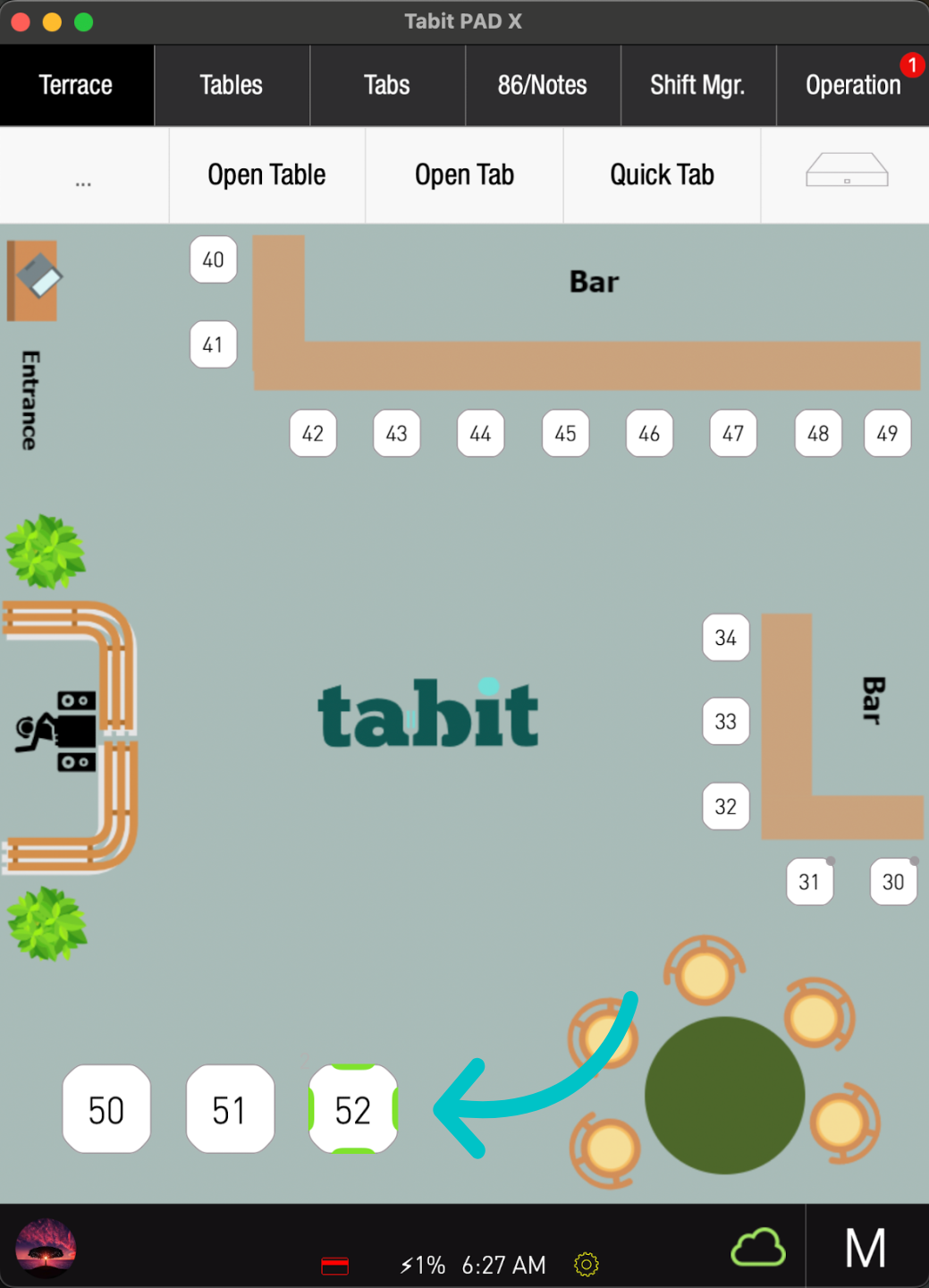
Now, the order will appear on the pad, and you will be able to continue as needed
Learn here how to create a future order on the PAD