Locking tips prevents further adjustments to tip-out percentages, ensuring the calculations remain unchanged and accurate. Continue to learn how to run and lock tip calculations in Tabit Shift.
-
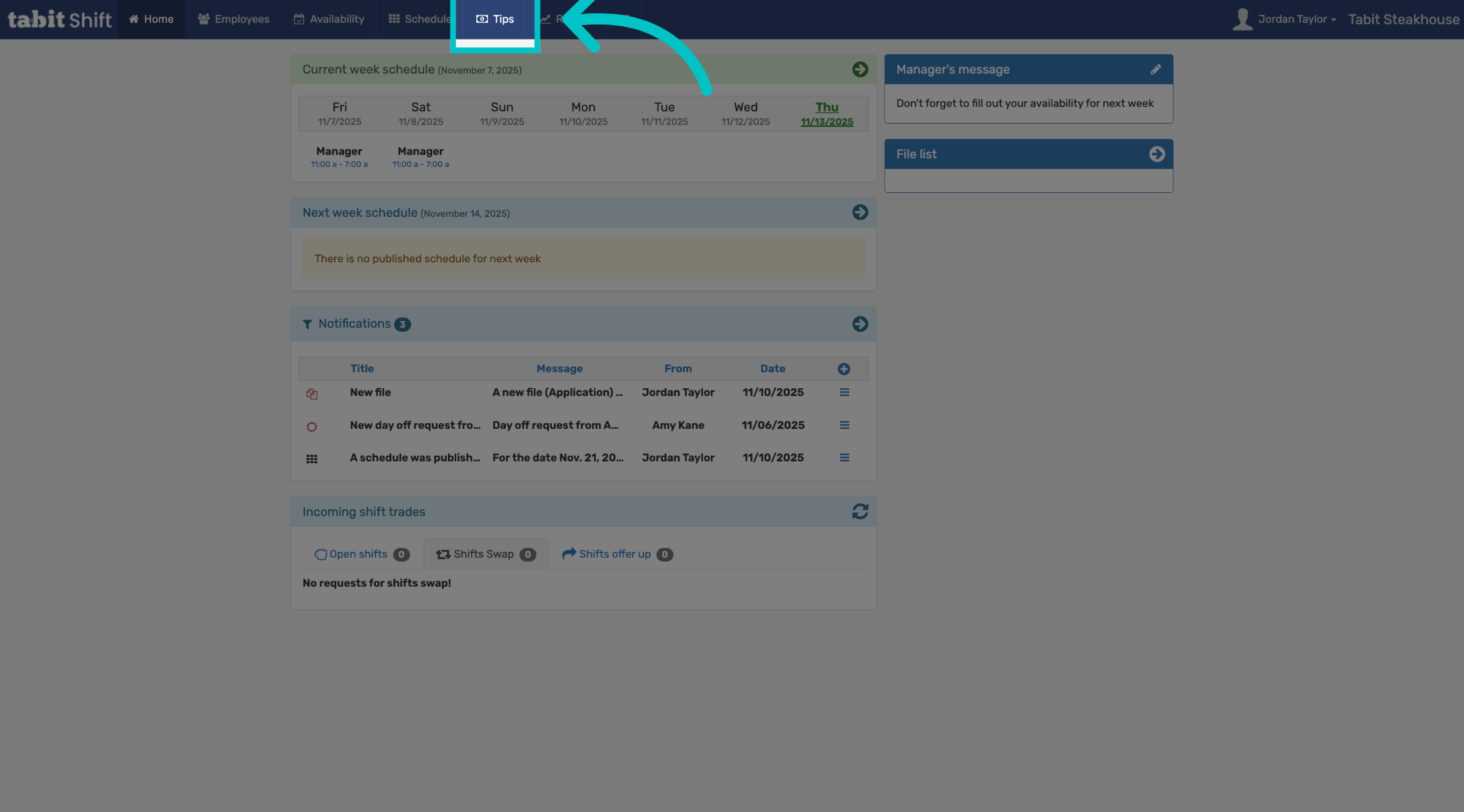
In Tabit Shift, select the Tips tab
-
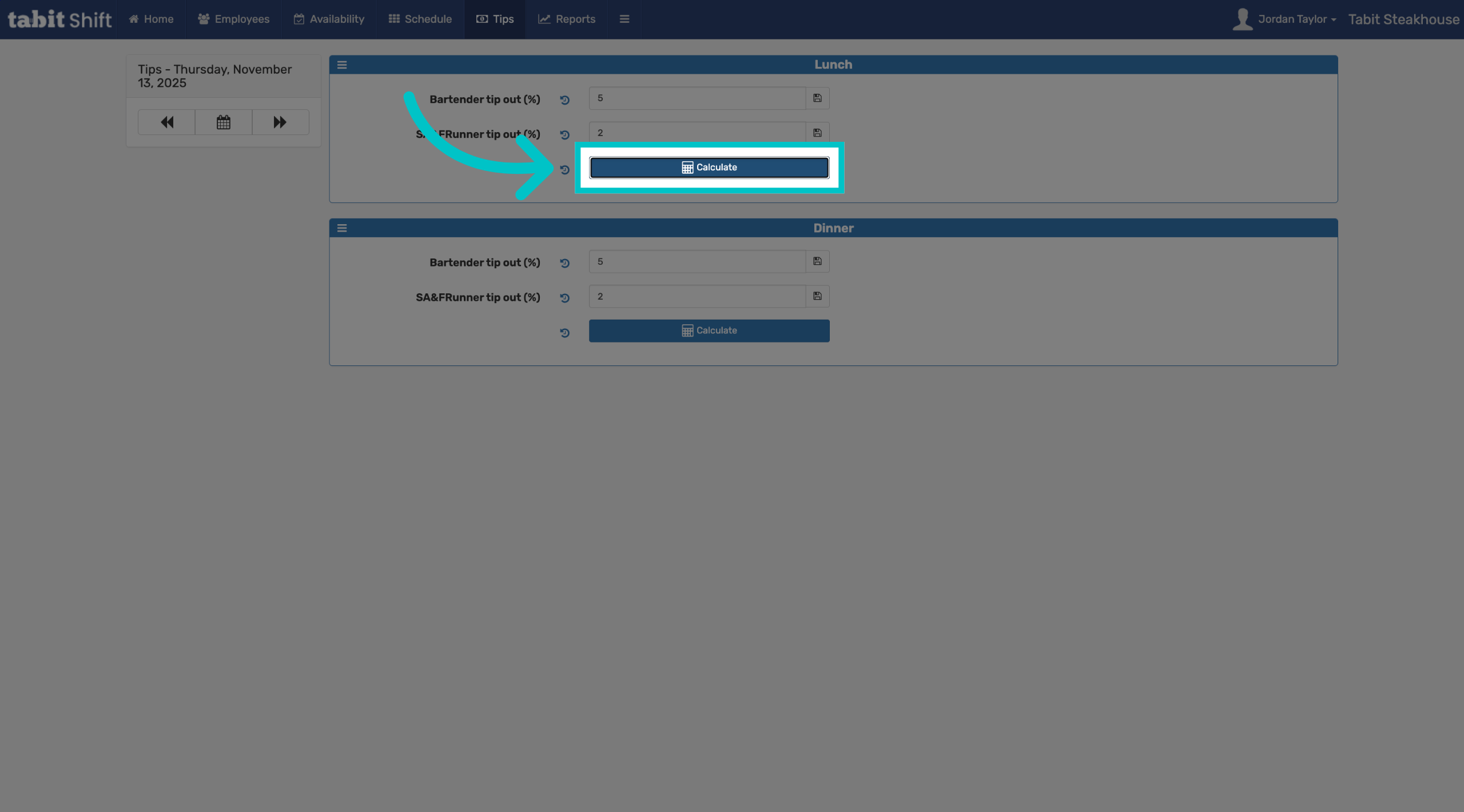
Confirm that the tip-out percentages are correct and select Calculate. If your tips are separated by daypart, you can run and lock calculations for each period separately
-
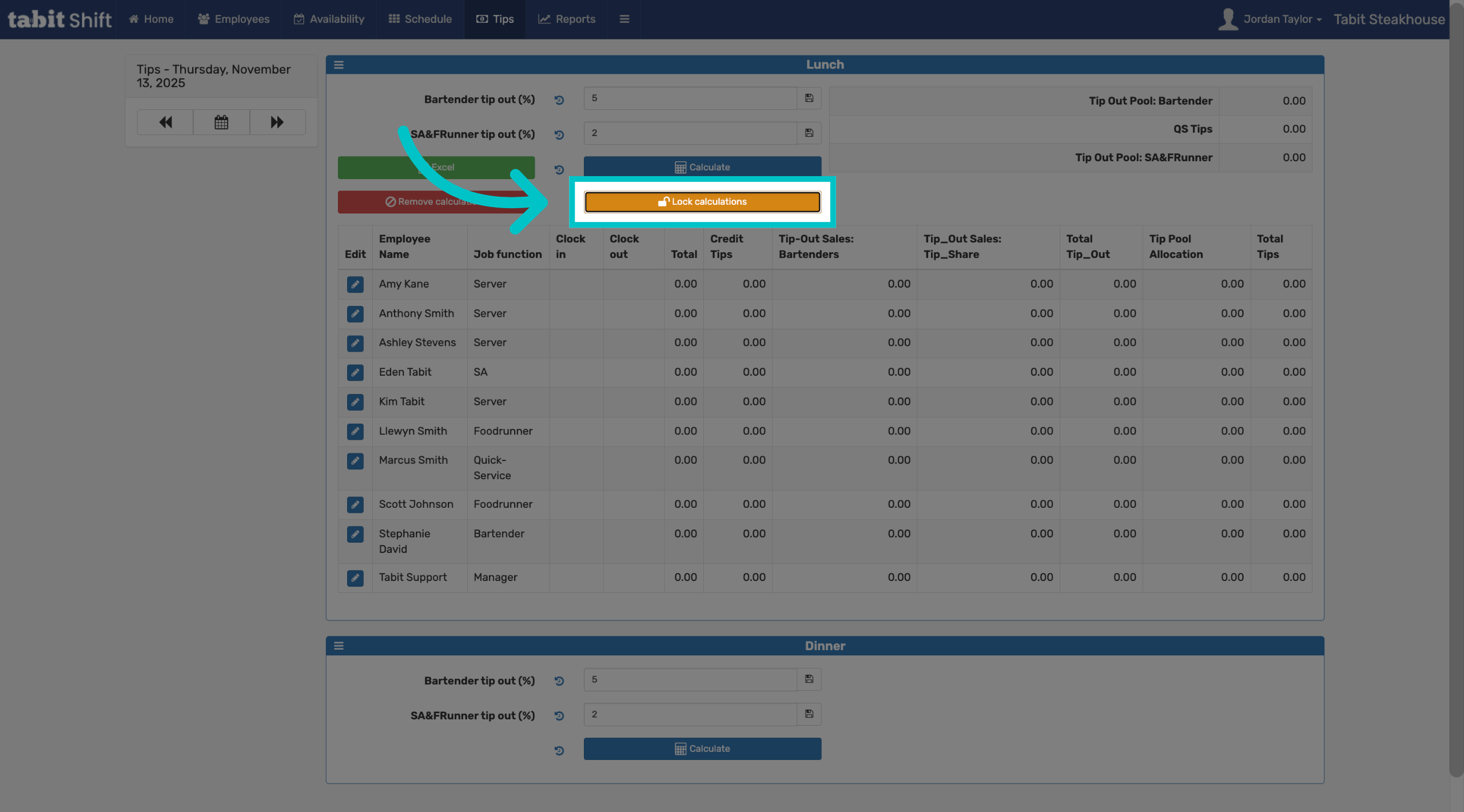
Select Lock calculations to prevent further changes to the calculated tips
-
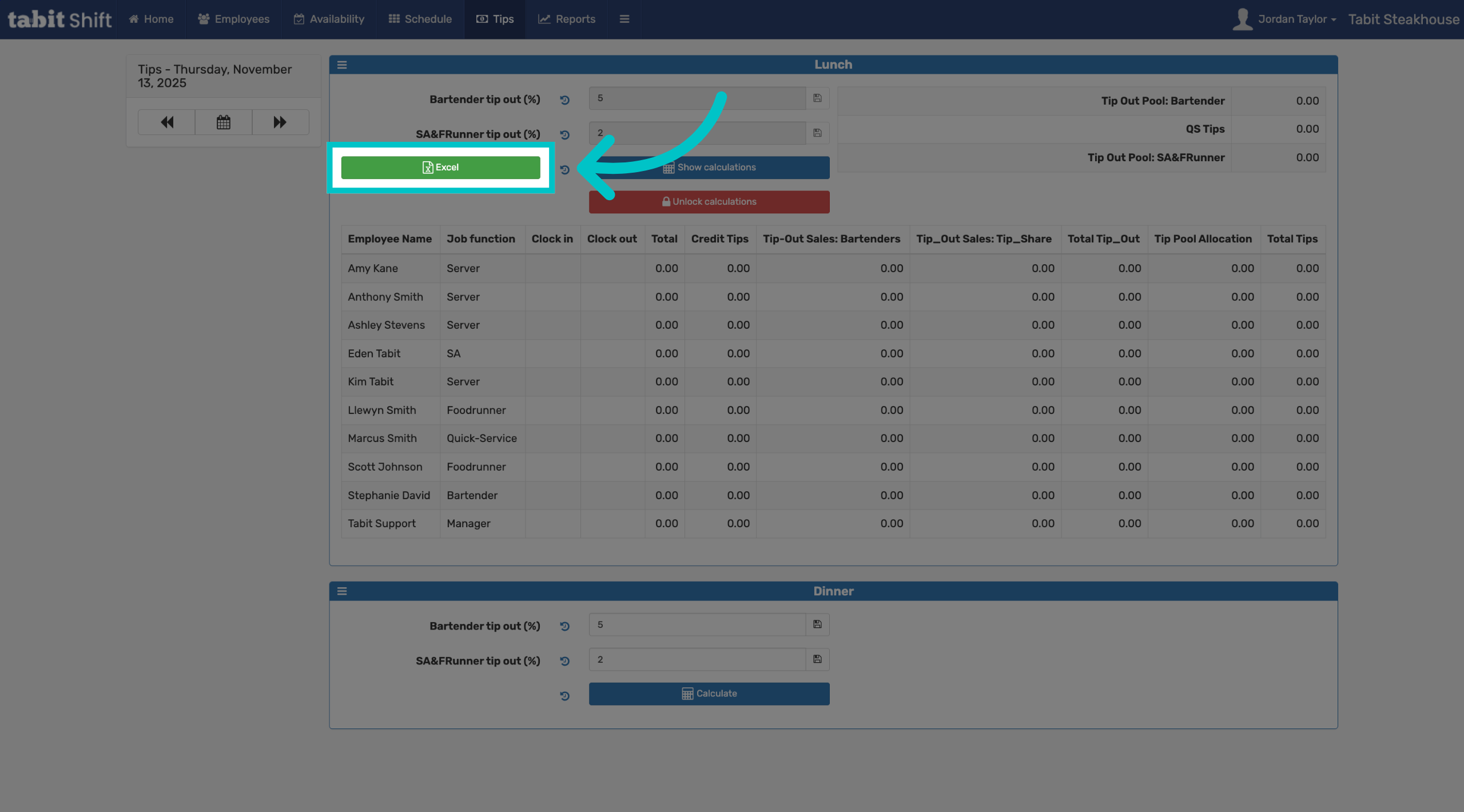
You can also export the locked report to Excel if desired
-
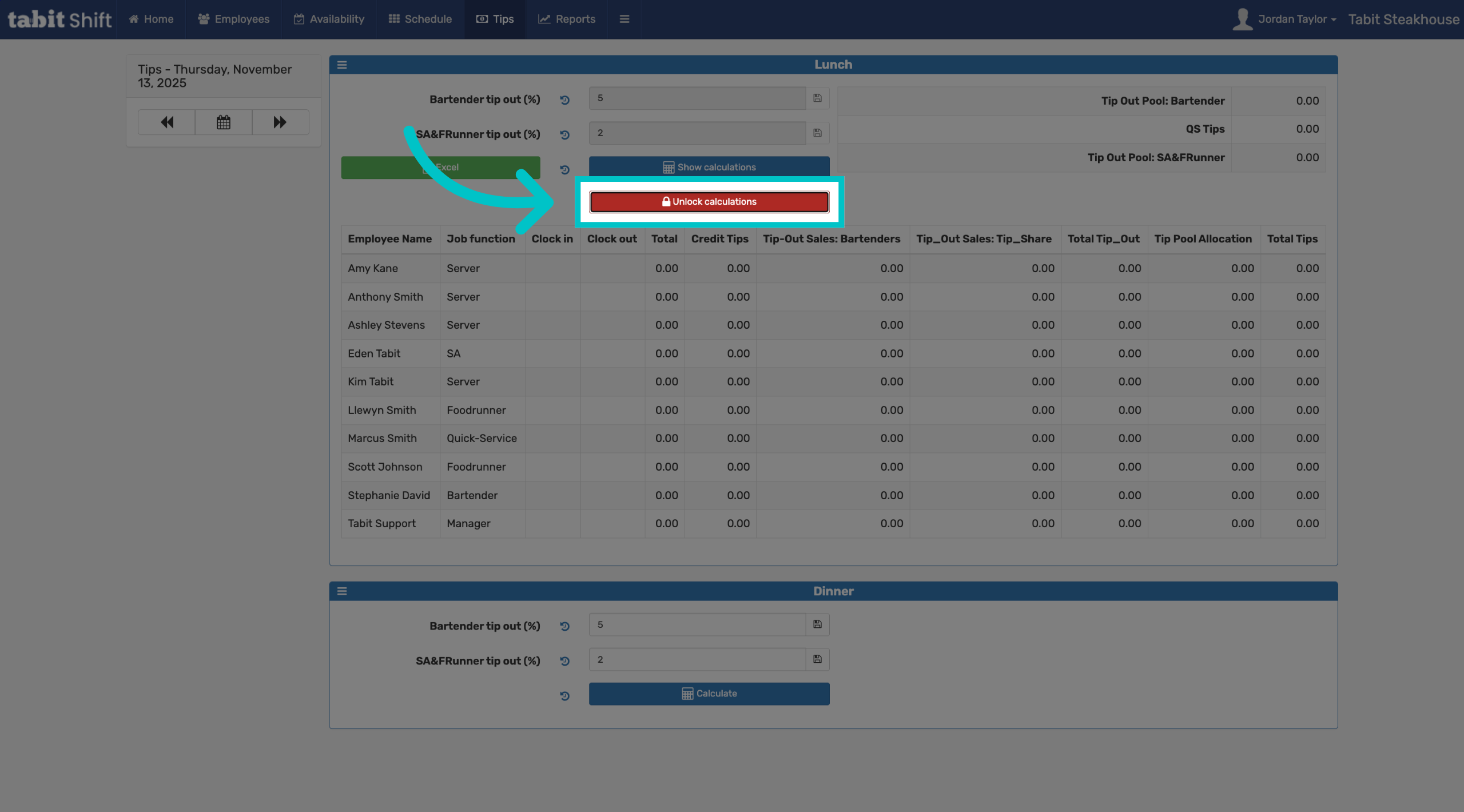
If needed, select Unlock calculations to allow changes to the previously locked tip calculations
-
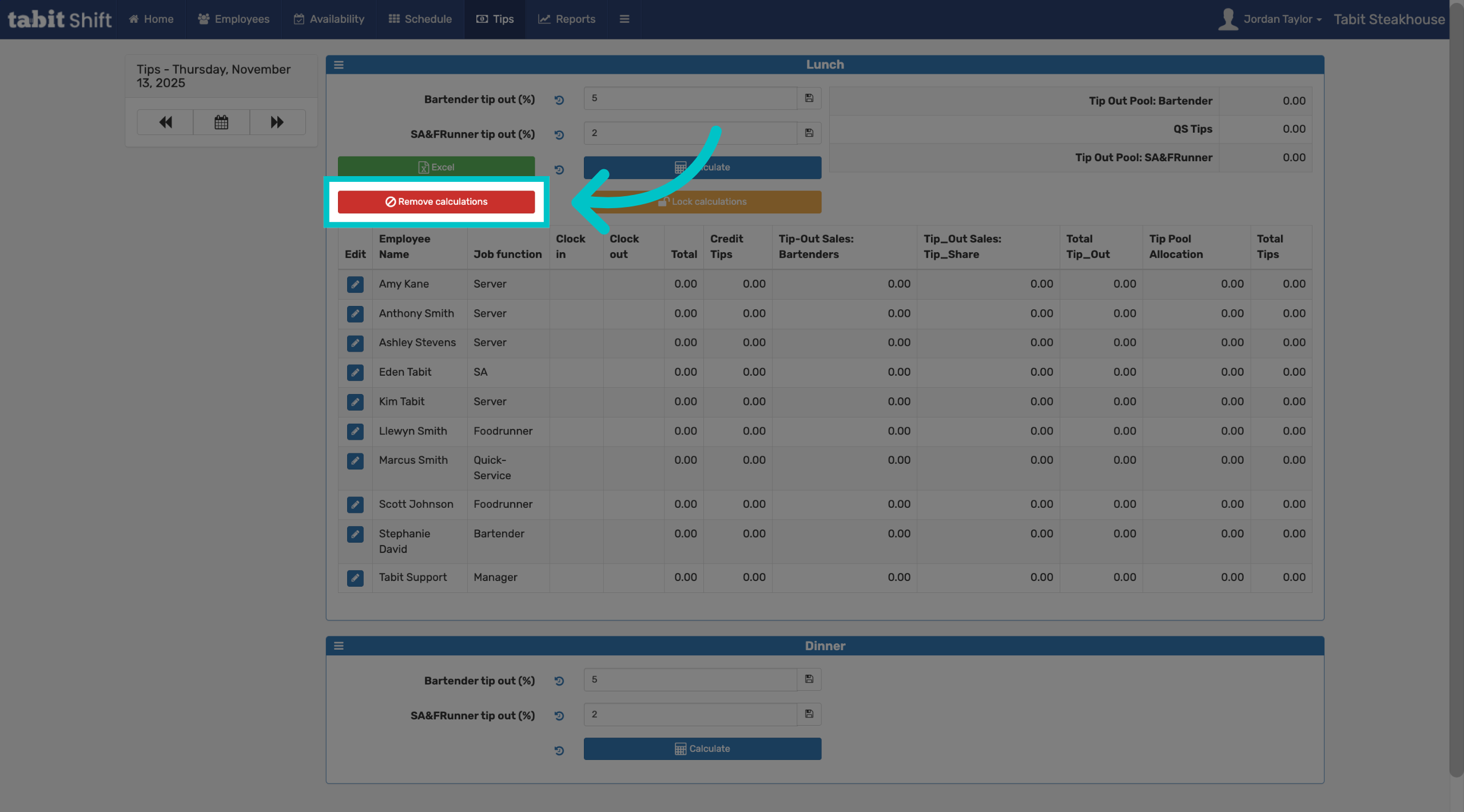
Select Remove calculations to delete the existing tip calculations from the system