Work hours refer to the Tabit Order operating hours. You can customize these hours for each day or use the default setting.
Follow the steps below to set up work hours for Tabit Order:
-
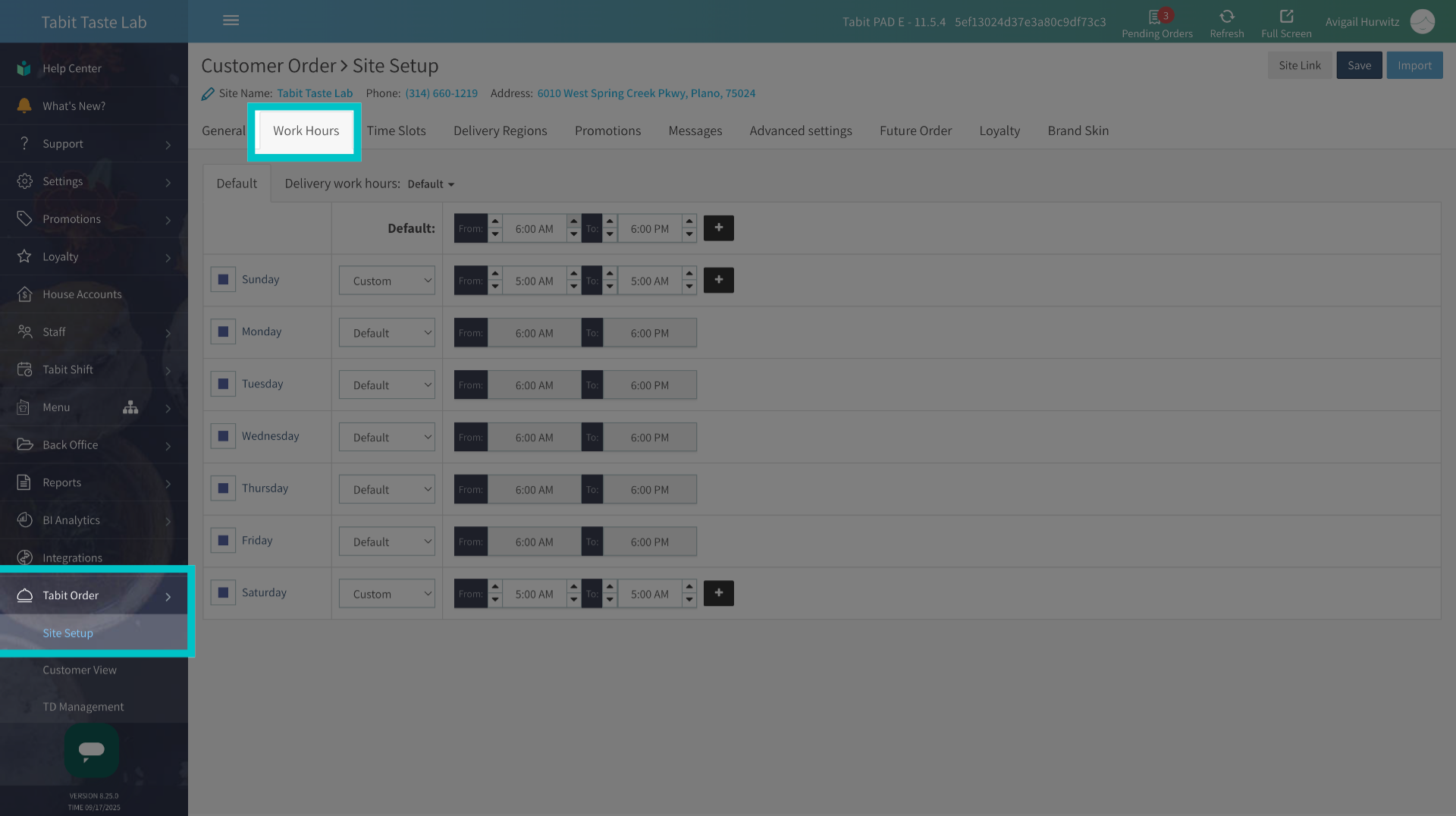
In Tabit Office, go to Tabit Order > Site Setup > Work Hours
-
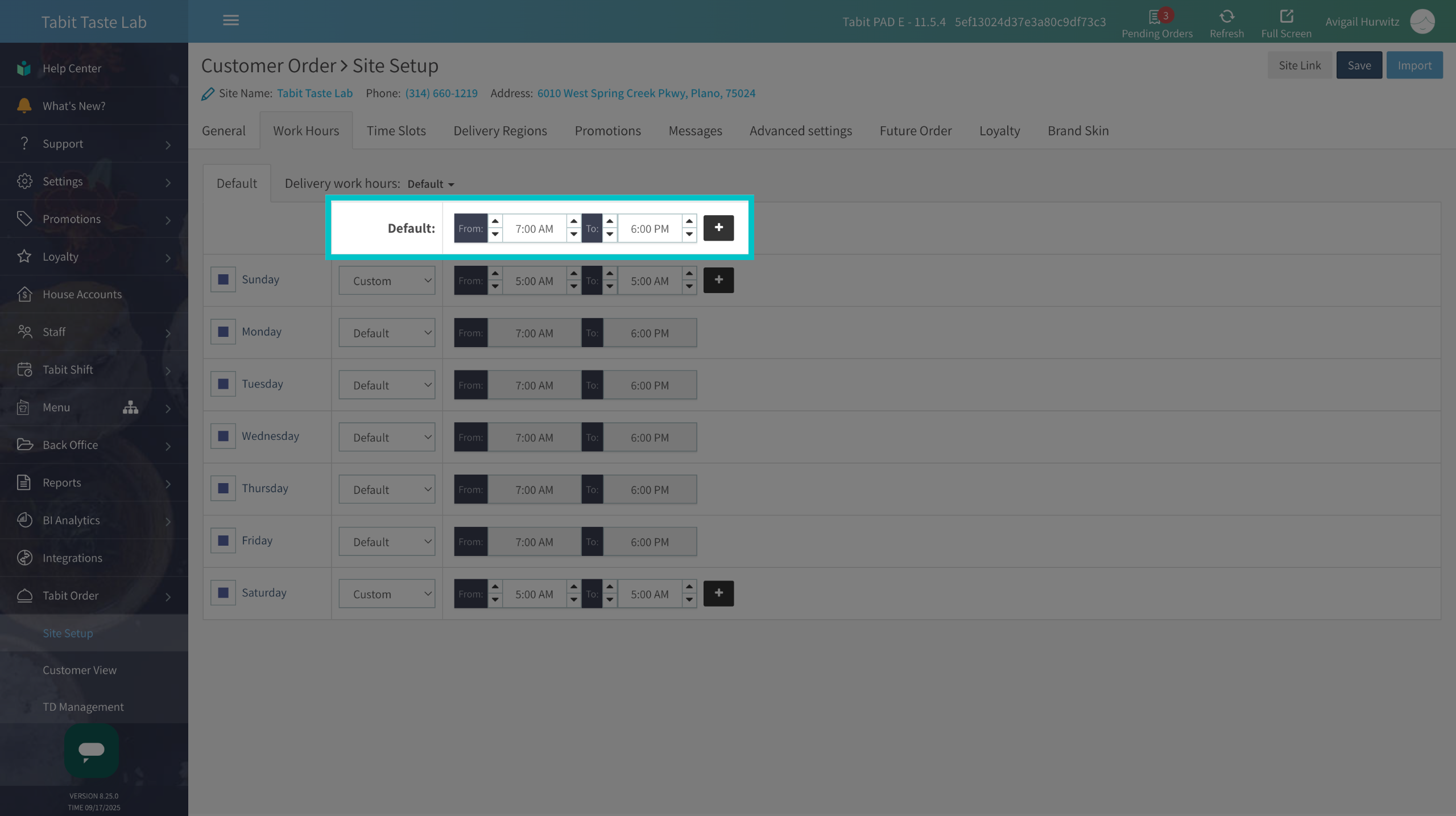
Set the Default work hours by editing the From and To fields. Use the arrows to adjust the hours and minutes
The Plus (+) icon allows you to set multiple time sets, which is useful if Tabit Order is available only during specific hours or if the restaurant does not operate for a full day
-
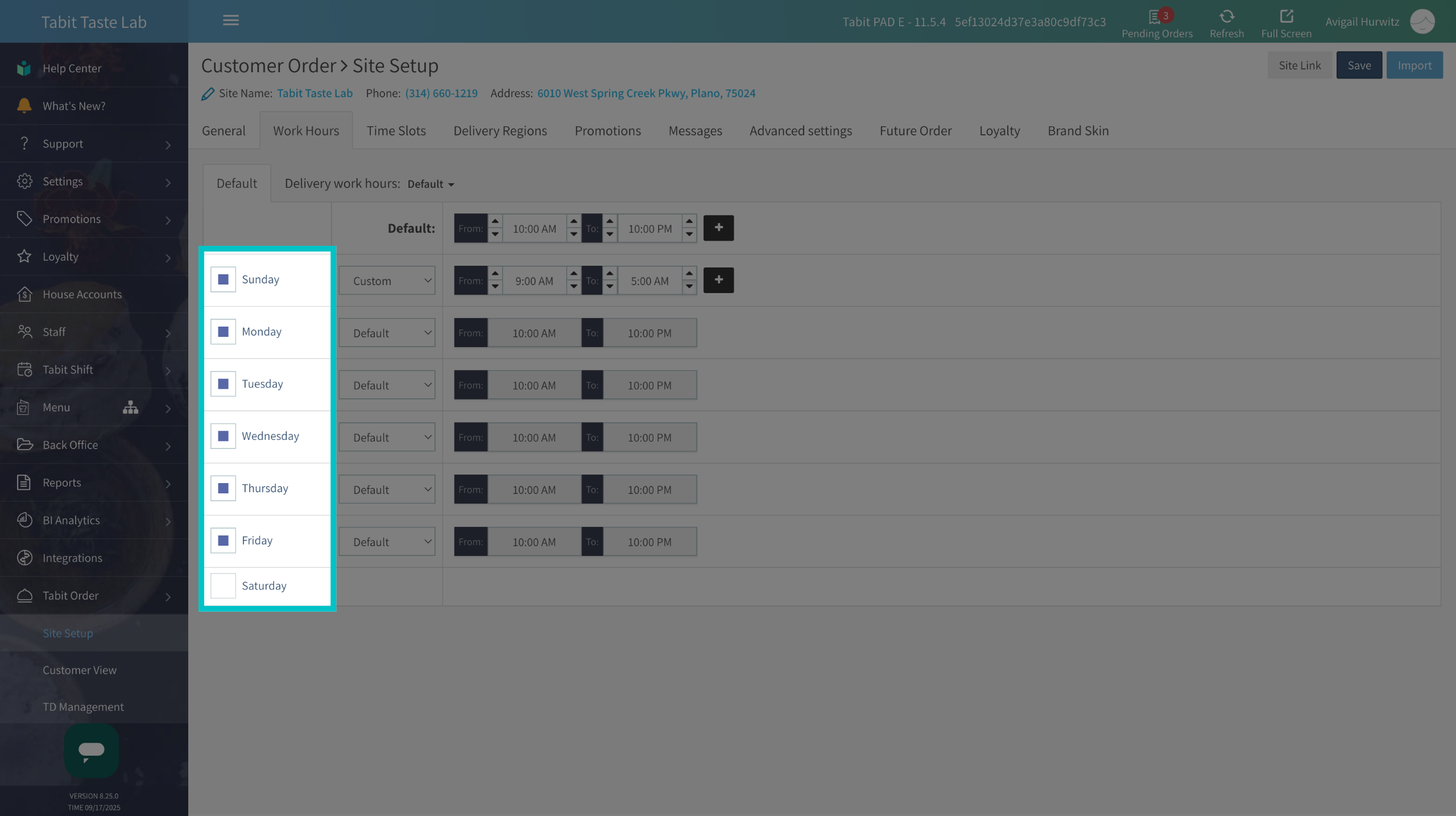
Check the boxes of the relevant operating days of the week
-
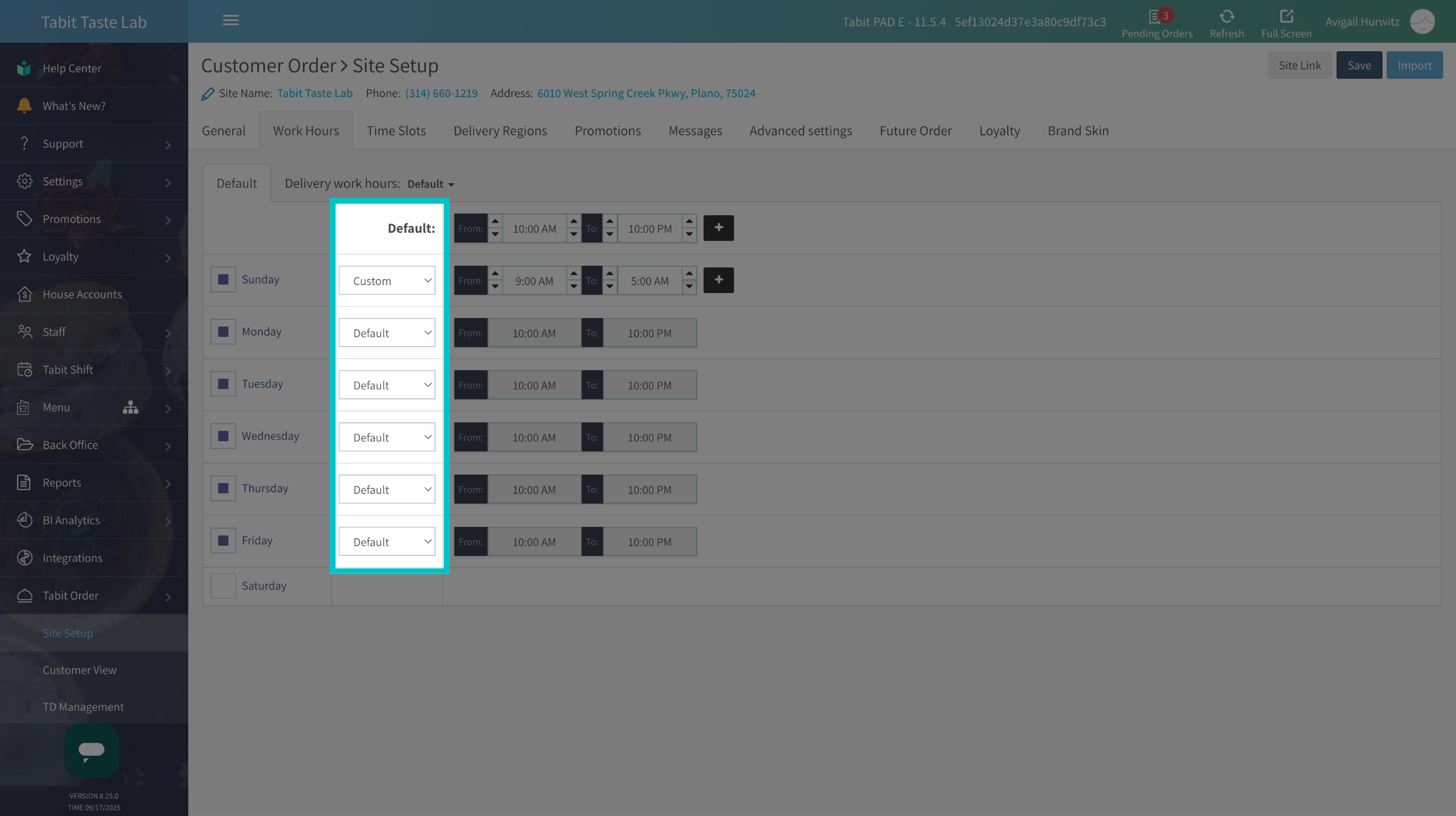
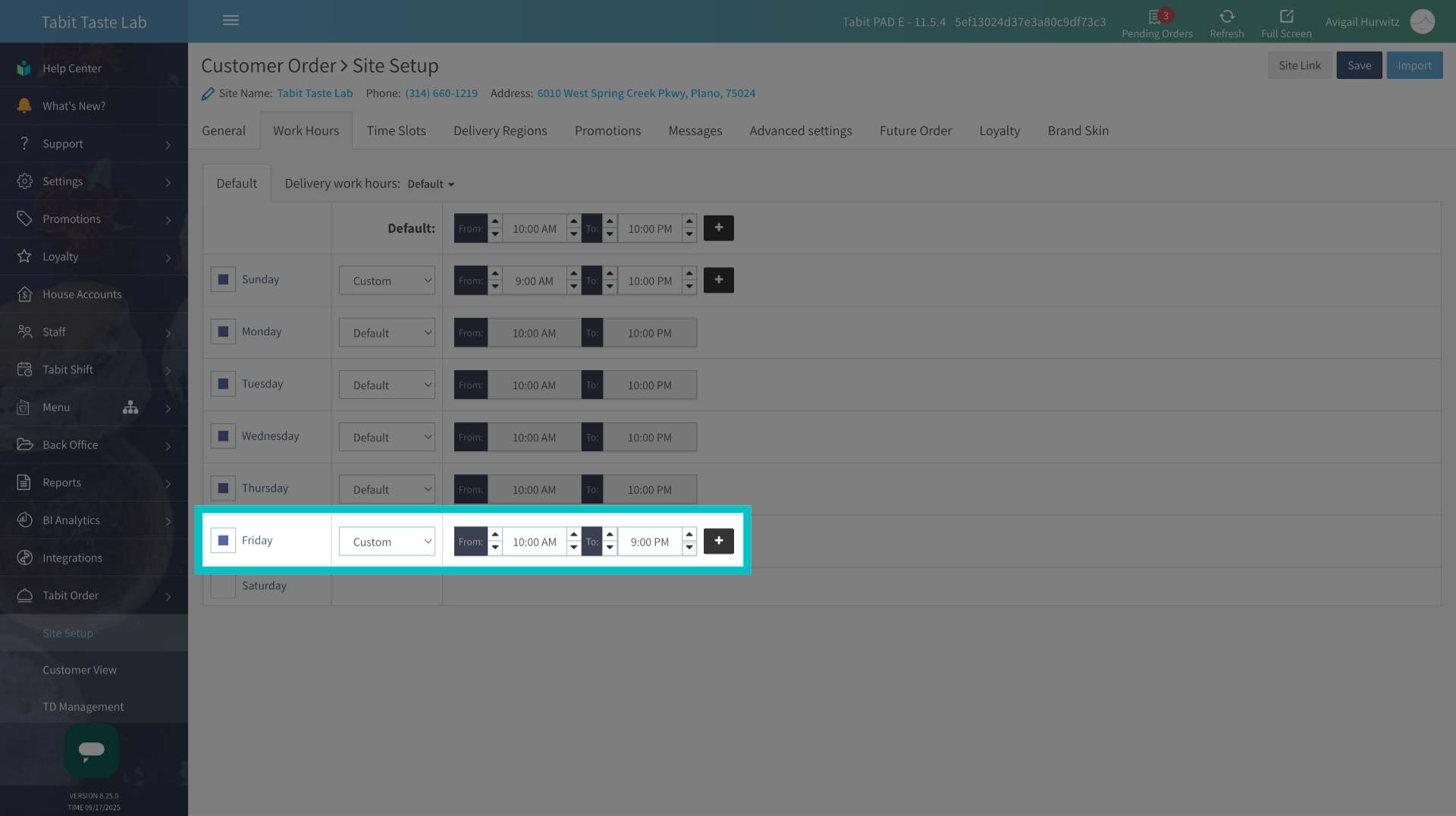
Under the Default column, choose one of the following options:
Default: applies the standard operating hours to that day
Custom: set different hours for that day
-
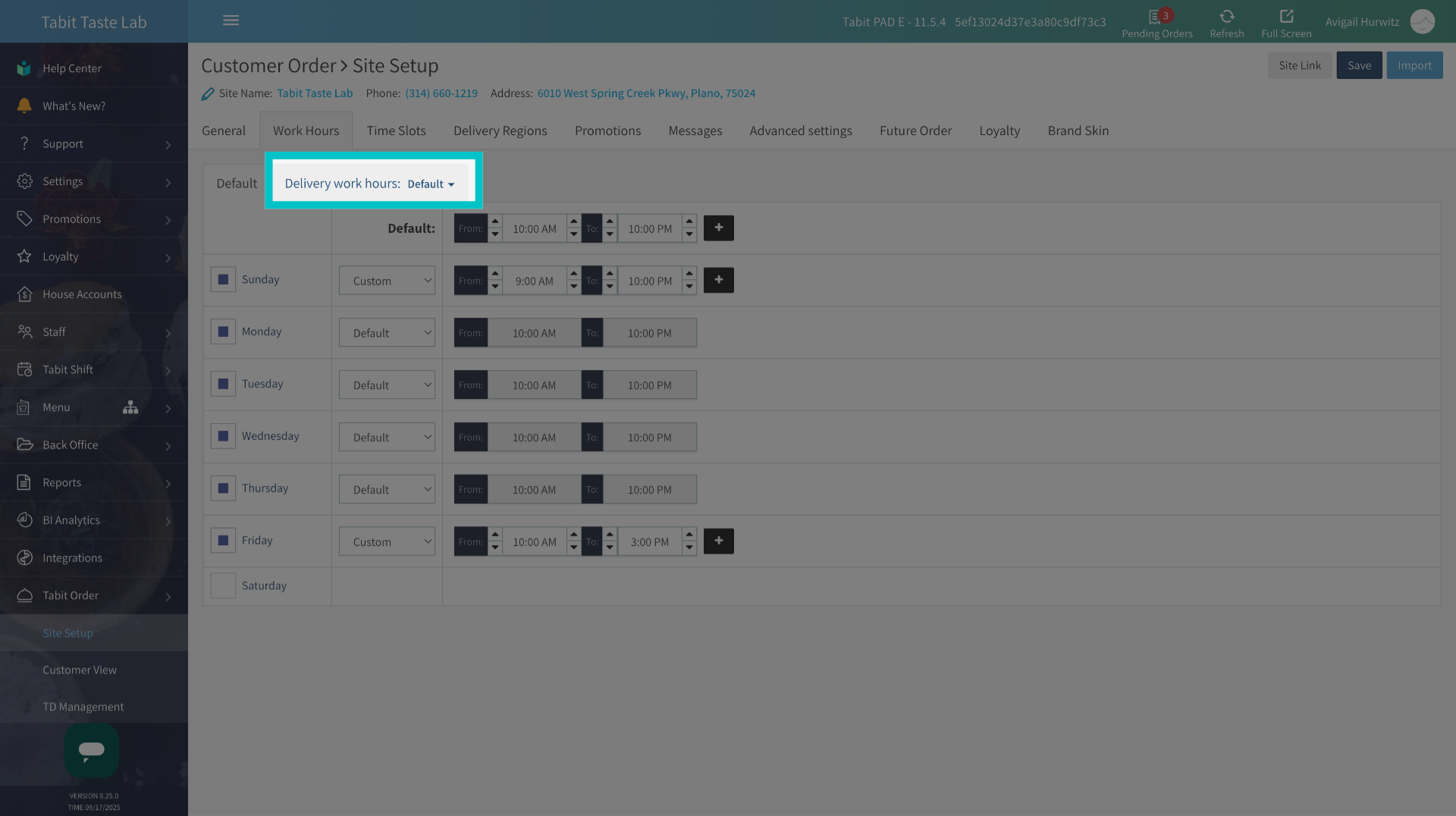
To set different work hours for delivery, go to the Delivery Work Hours tab and select the relevant time slot
Learn how to create a time slot here
- Once all settings are complete, don't forget to select Save to apply the changes