This is the first step in operating an order. From entering the table to firing items to the kitchen, follow the steps below to begin managing your guests' orders.
-
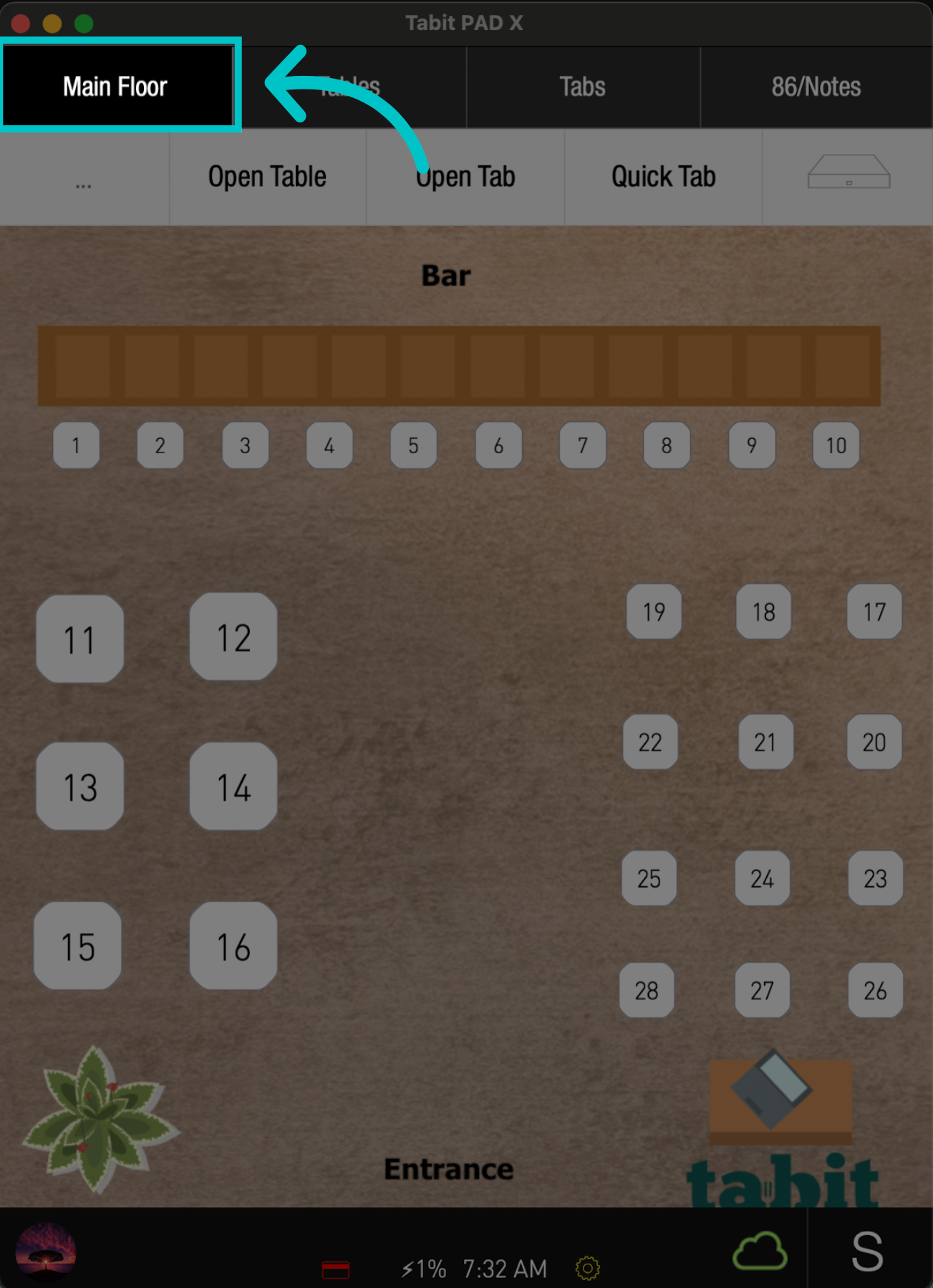
On the pad, tap the Map Name on the top left, select the relevant Map, and tap the desired Table
-
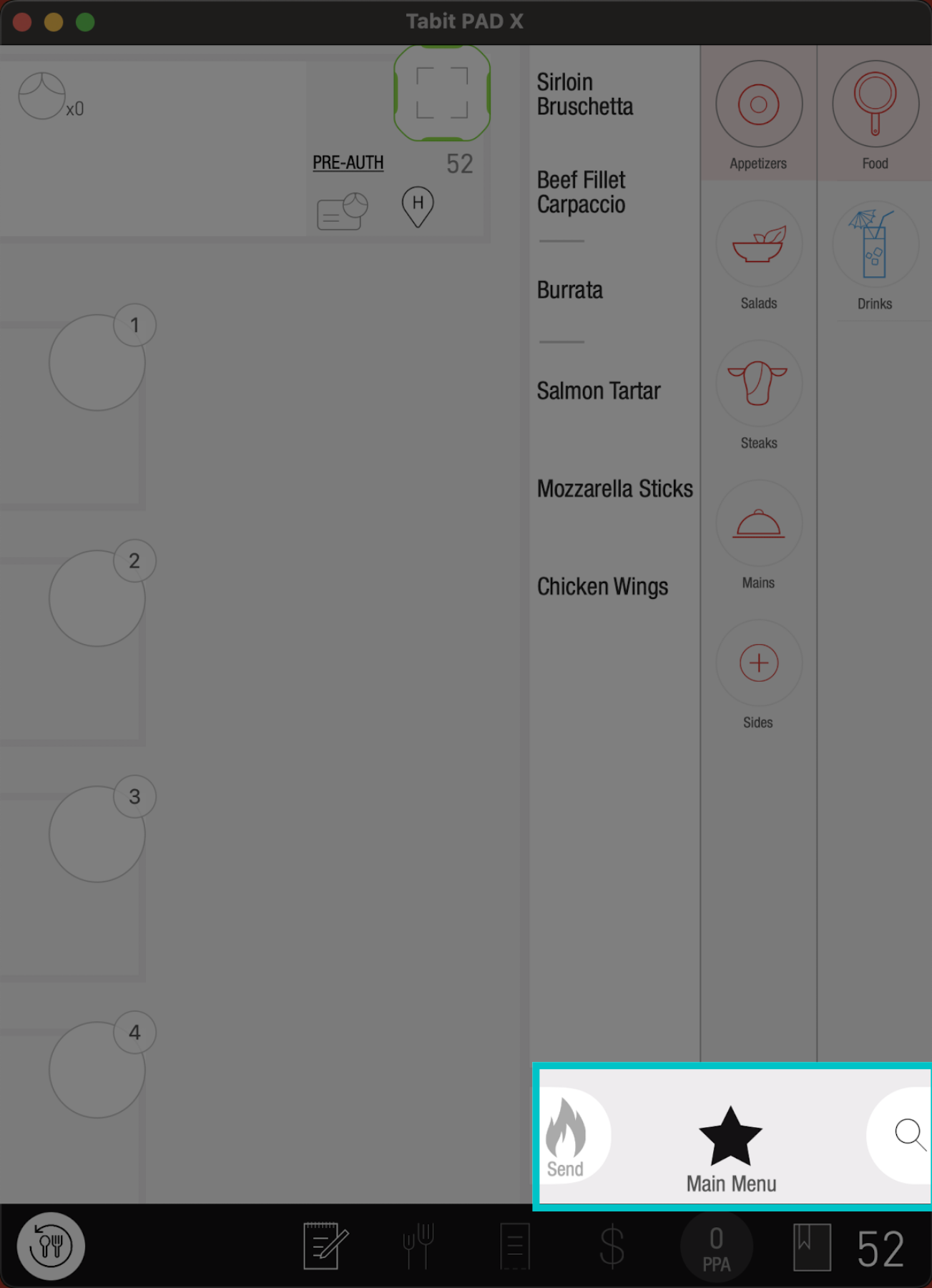
Make sure you see the correct Menu. Tap the Menu Name and select the desired one
-
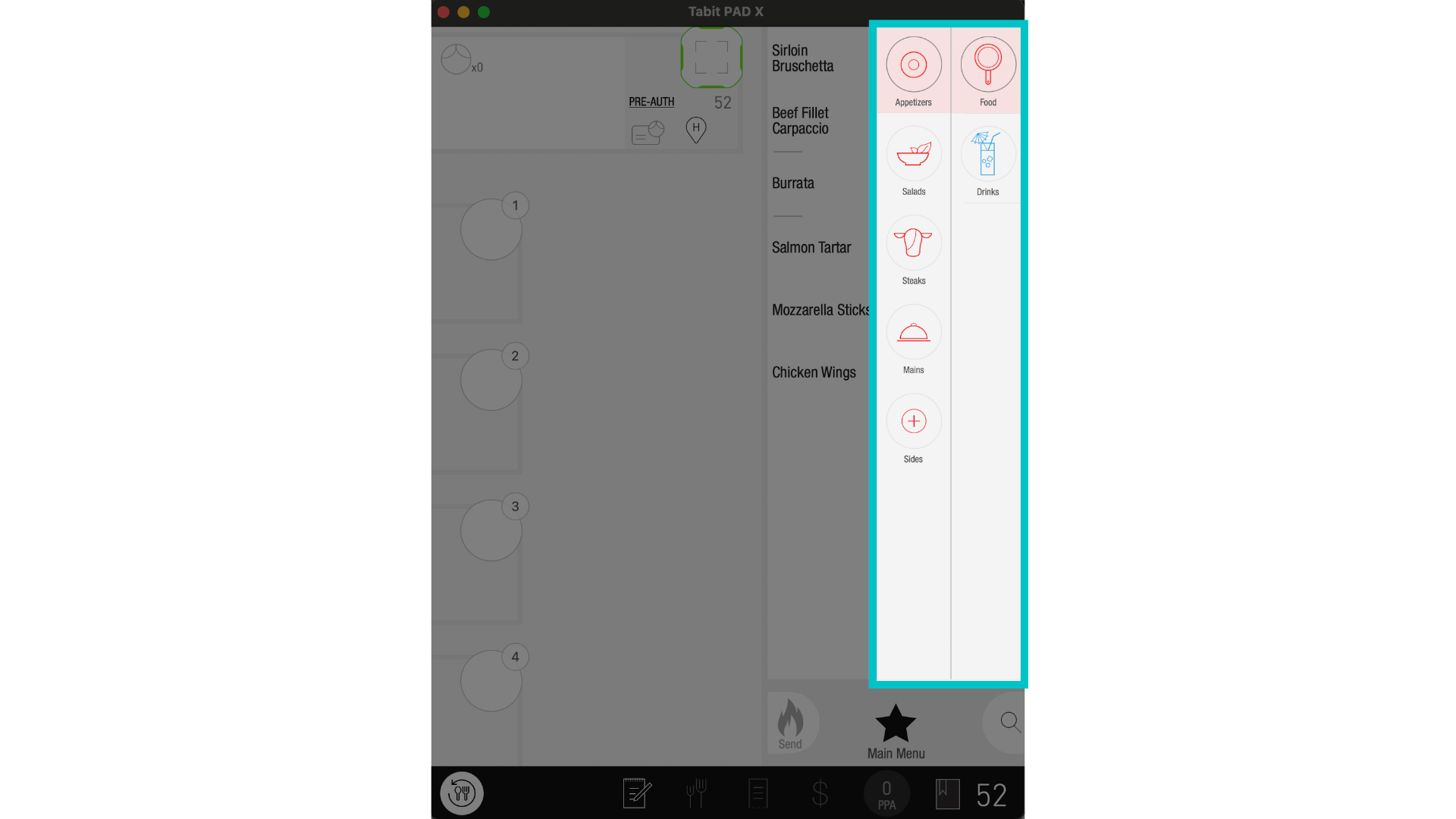
Then, browse through the Menu Categories and Sub-Categories to find the items the guest would like to order
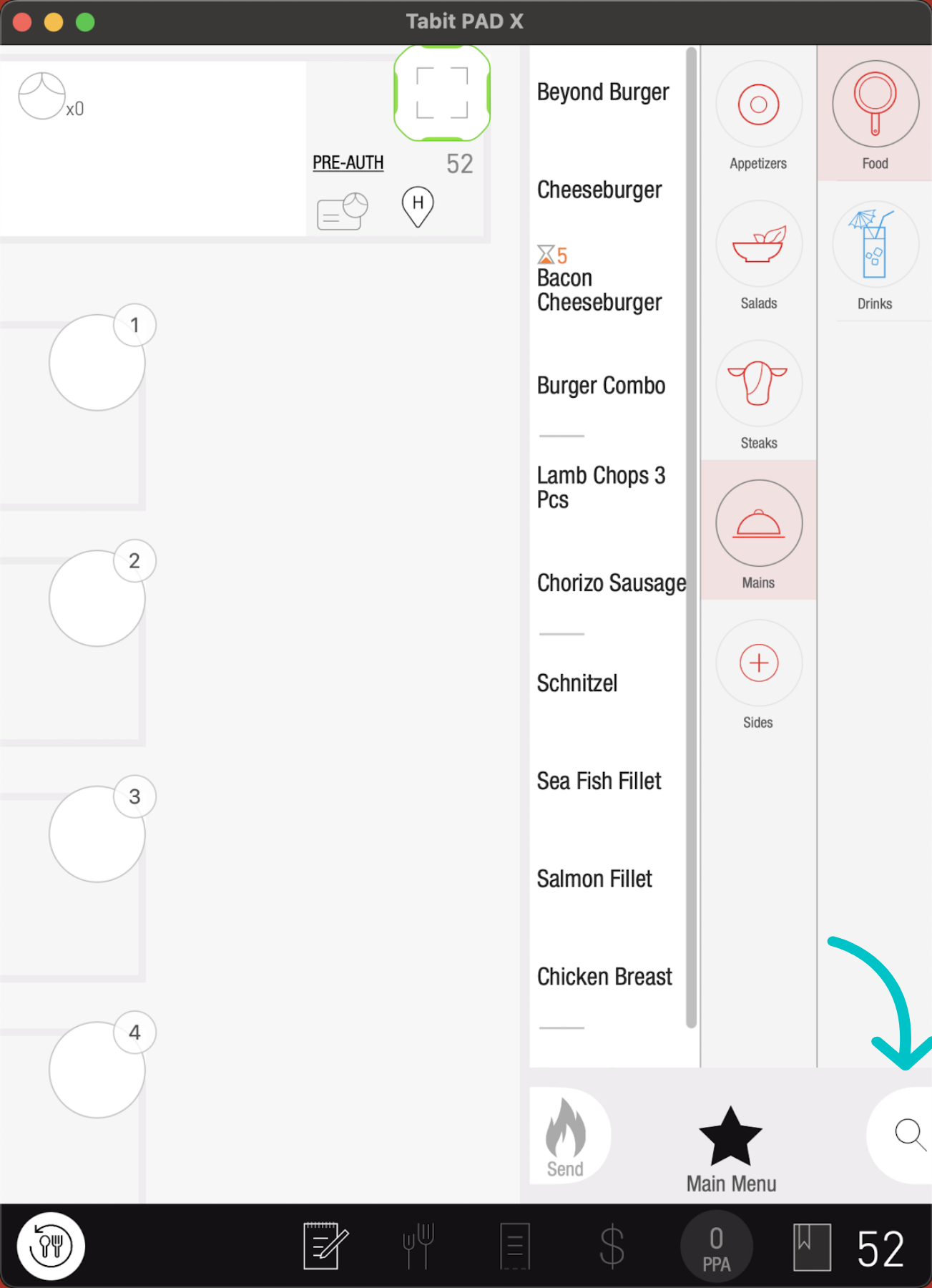
Or use the Search option to locate them
-
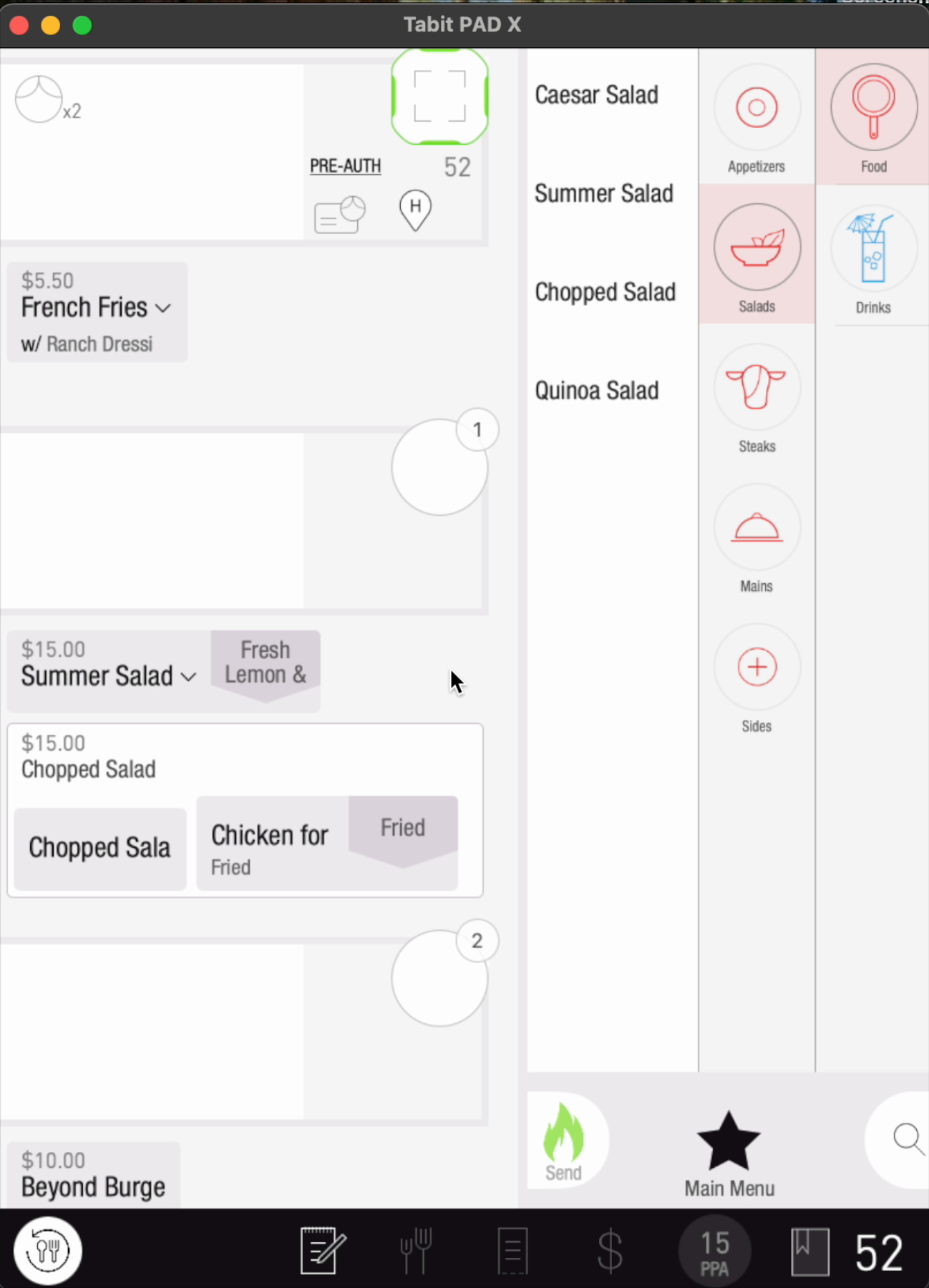
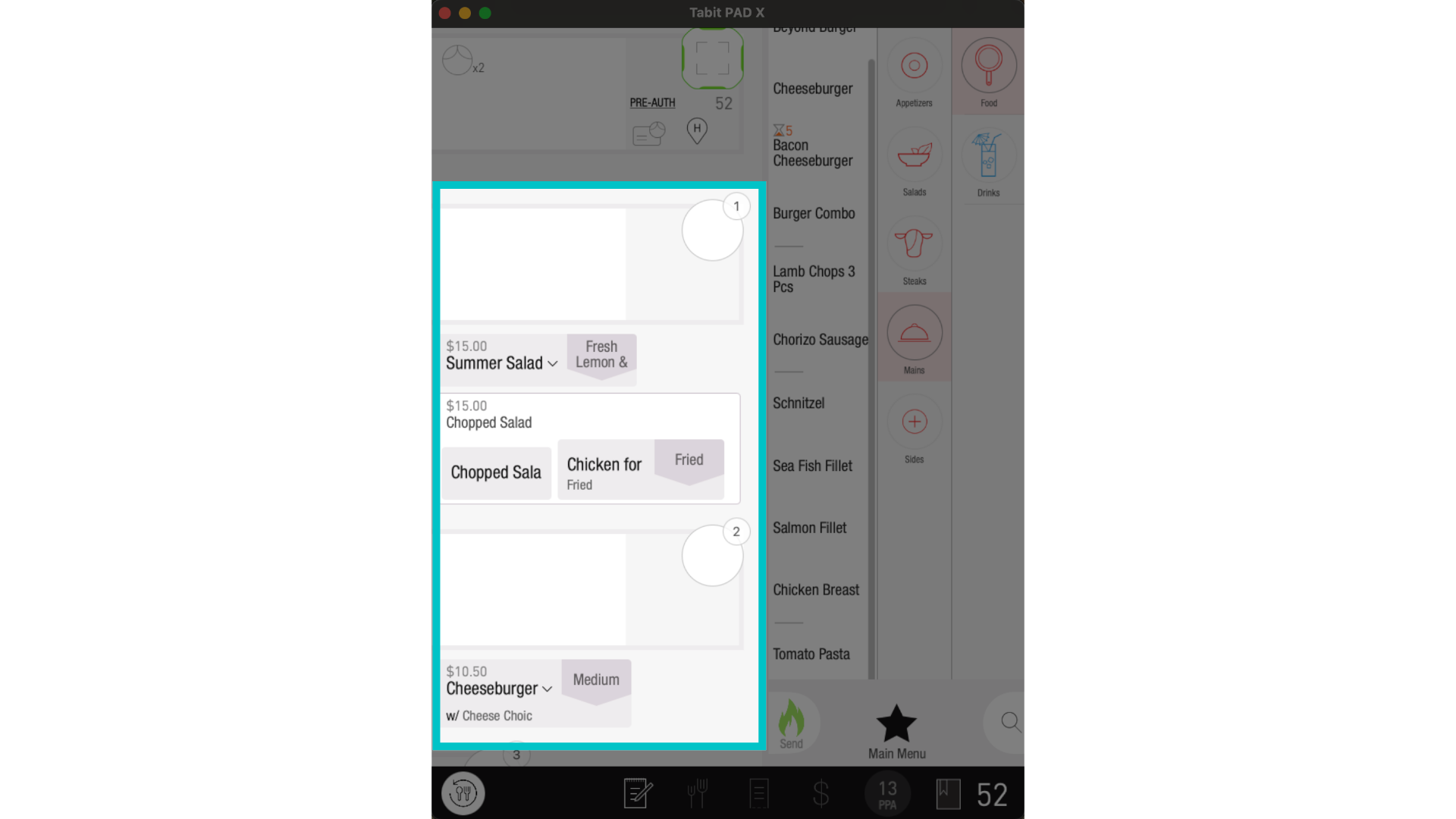
Now, drag the items to the relevant guests, and modify them as needed
-
If an item is ordered for sharing, drag it to the Shared Seat at the top
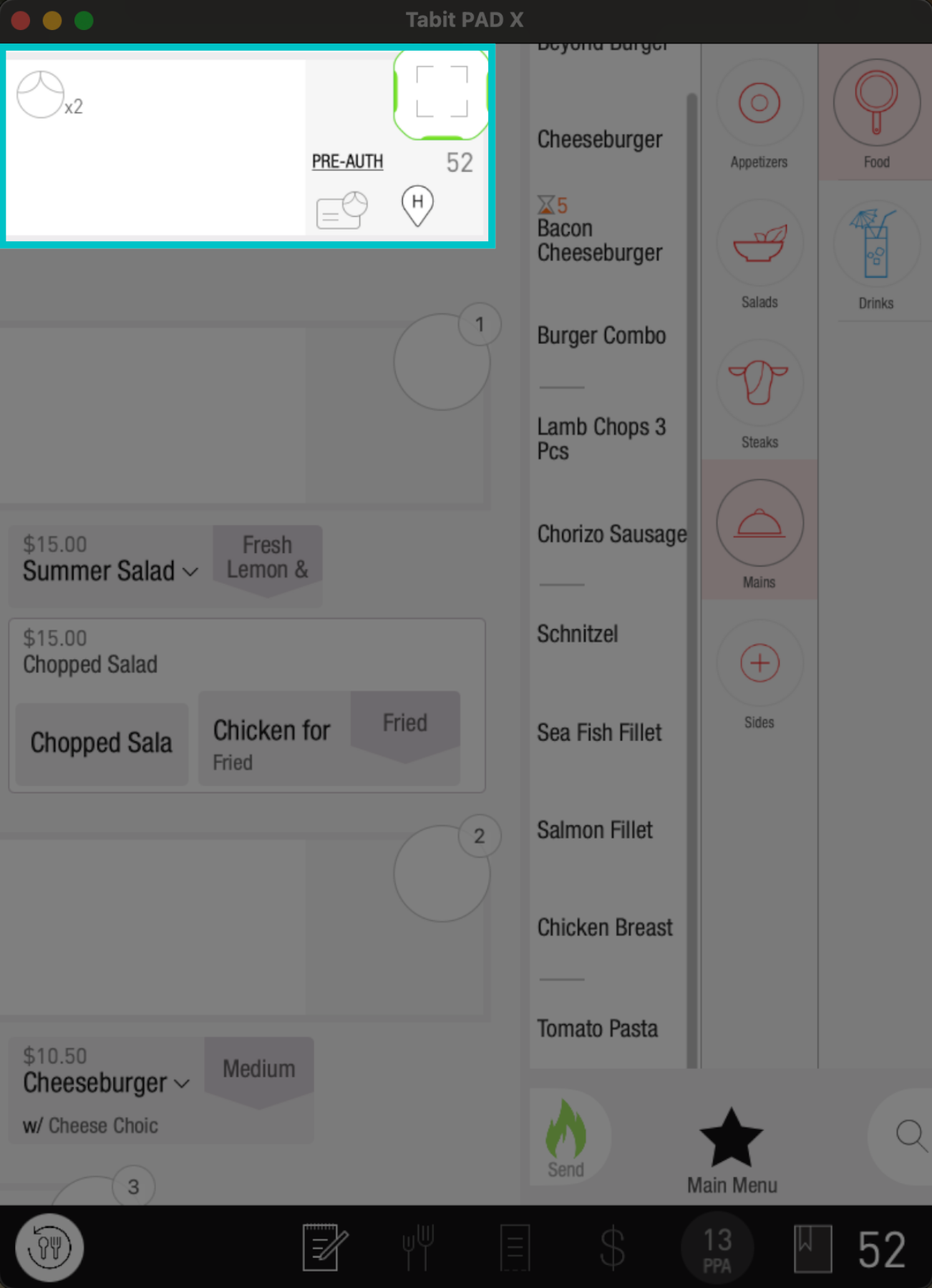
- Note that when scrolling is needed, use Two Fingers to scroll
-
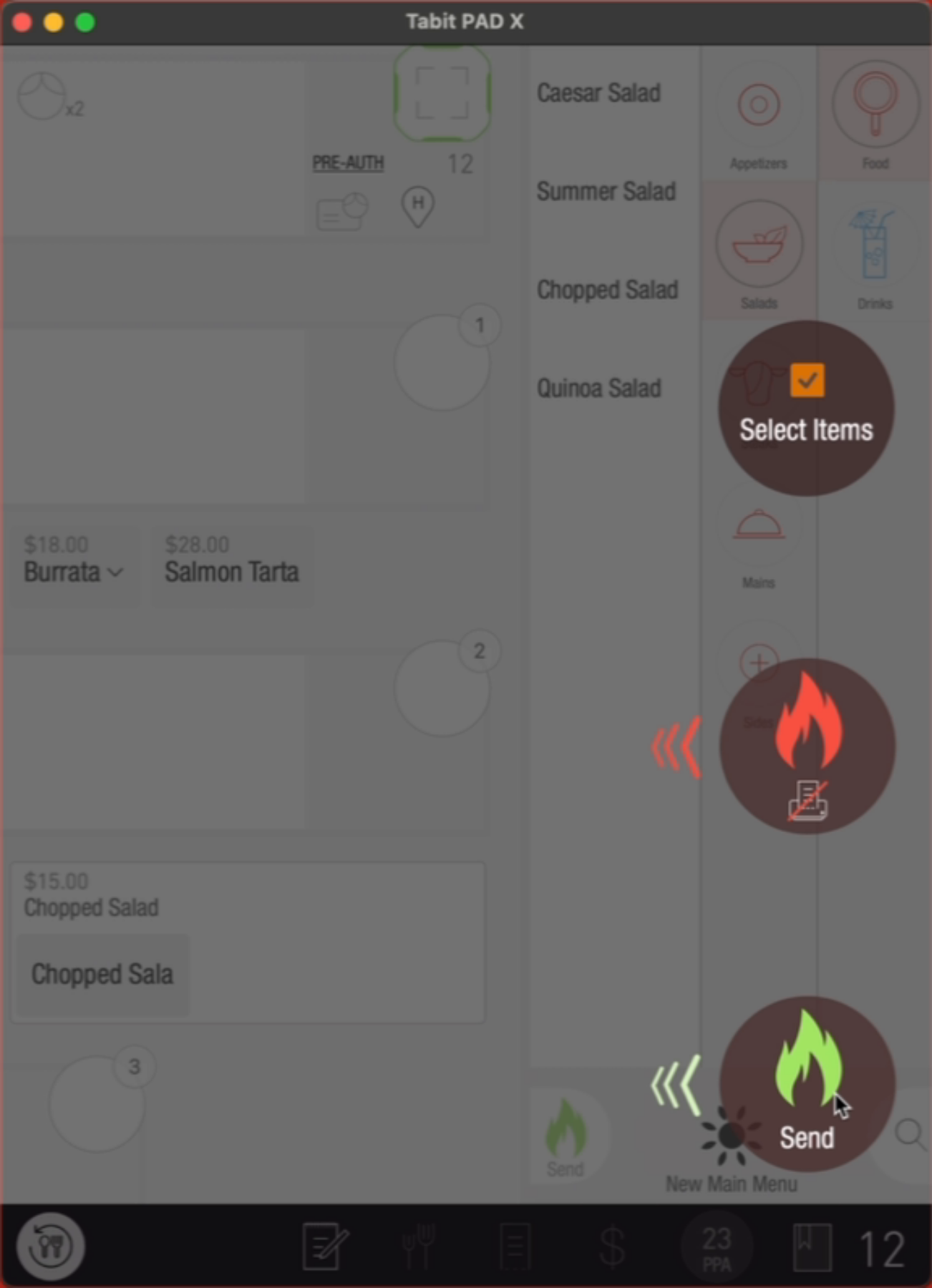
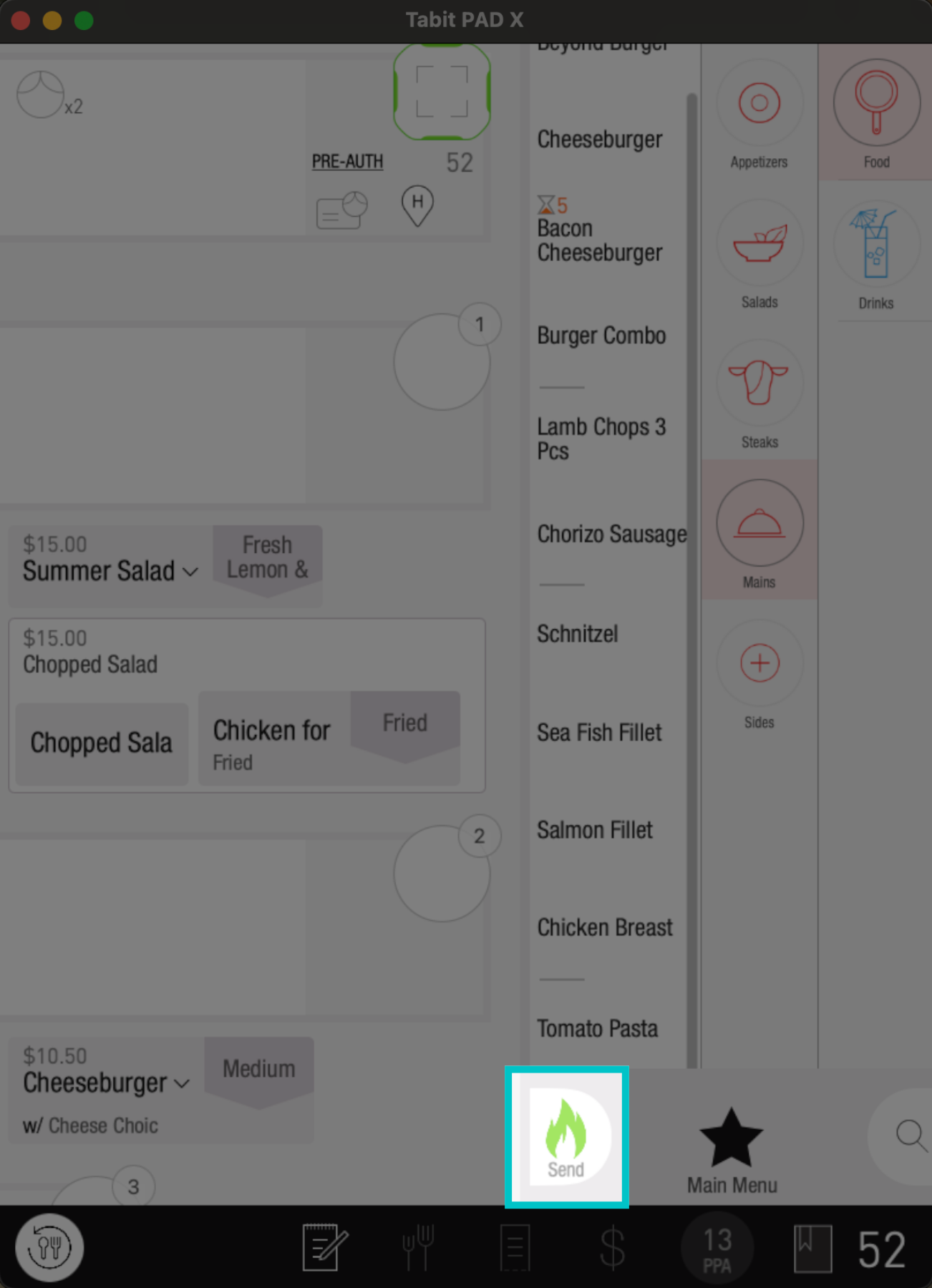
Once all the items are added, tap the Fire icon on the bottom right, and swipe the relevant fire option
-
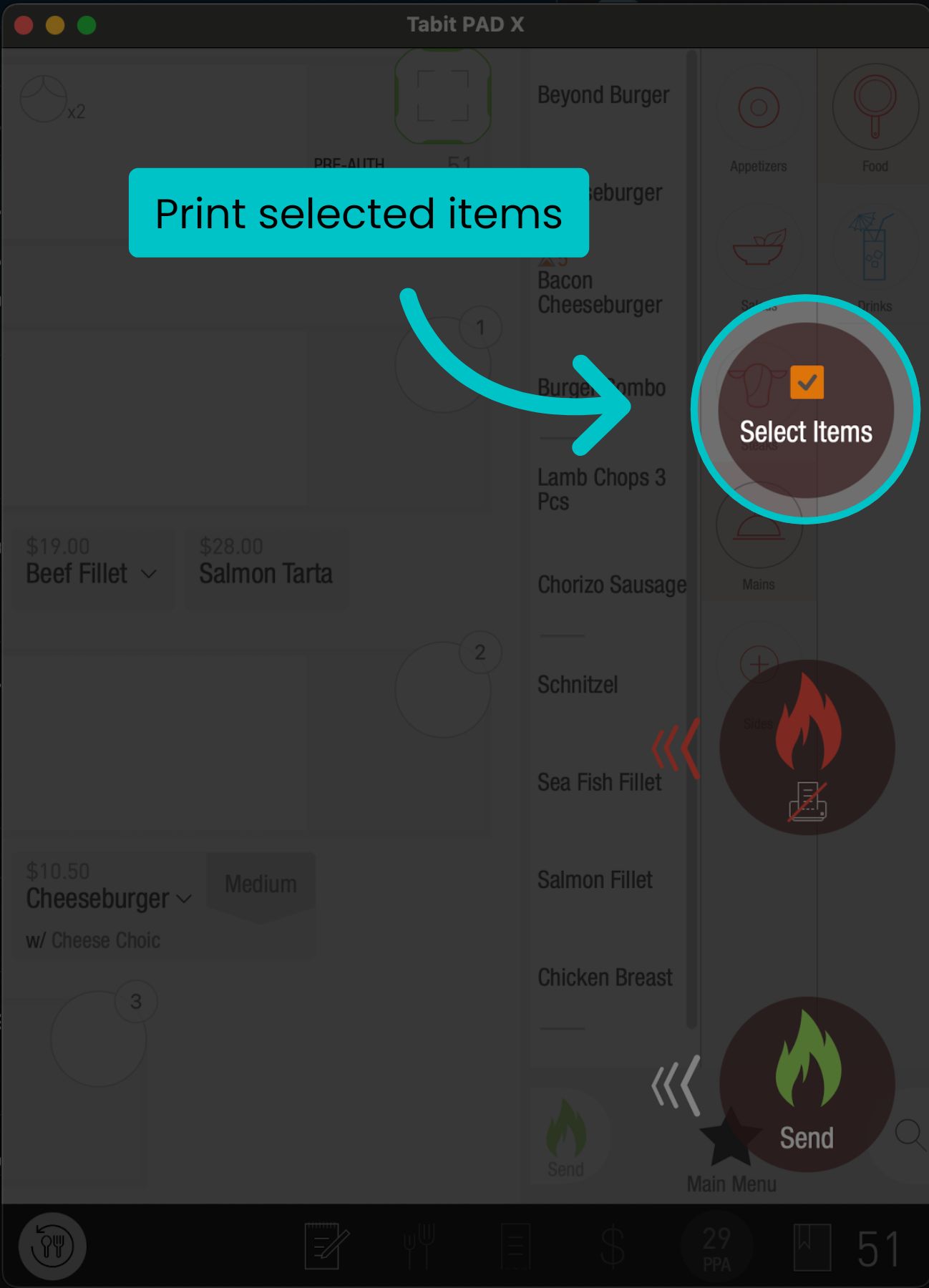
Select items: This option will fire only the selected items to the kitchen and return to the order screen to continue ordering
-
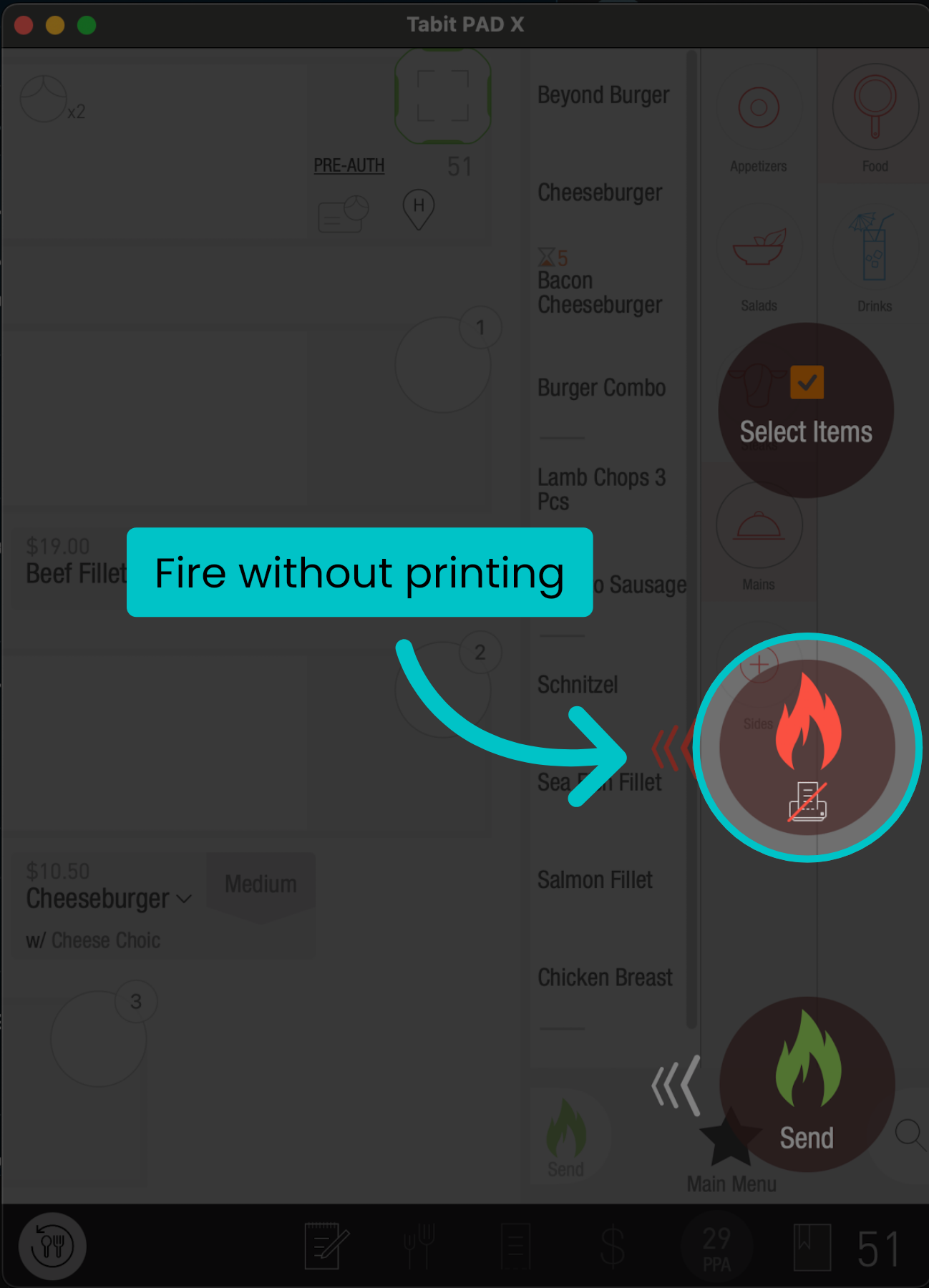
Red fire: Fires the items without printing to the kitchen
-
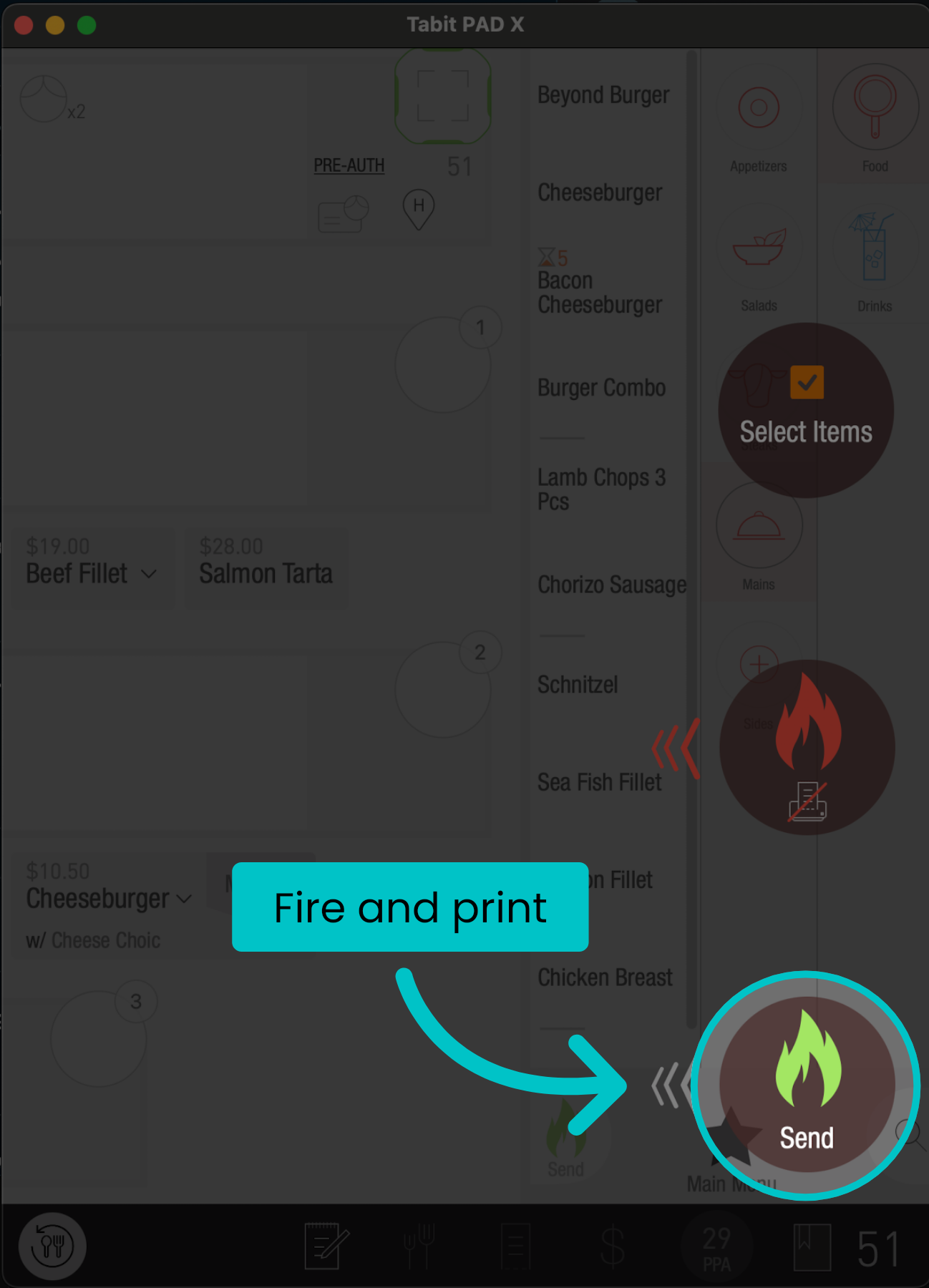
Green fire: Fires and prints the items to the kitchen
-
-
Enter the table at any time and repeat this flow to order more items