A Modifier Group is a set of items or free text options that can be linked to one or more Lead Items. If a group is no longer relevant, it can be easily removed from a single or multiple Lead Items.
Follow the steps below to remove a Modifier Group from a Lead Item:
Through the Lead Item: Ideal for removing a group from one Lead Item
Through the Modifier Group: Ideal when removing a group from multiple Lead Items
Through the Lead Item
-
In Tabit Office go to Menu

-
Navigate to the Items section

-
Search and select the relevant item
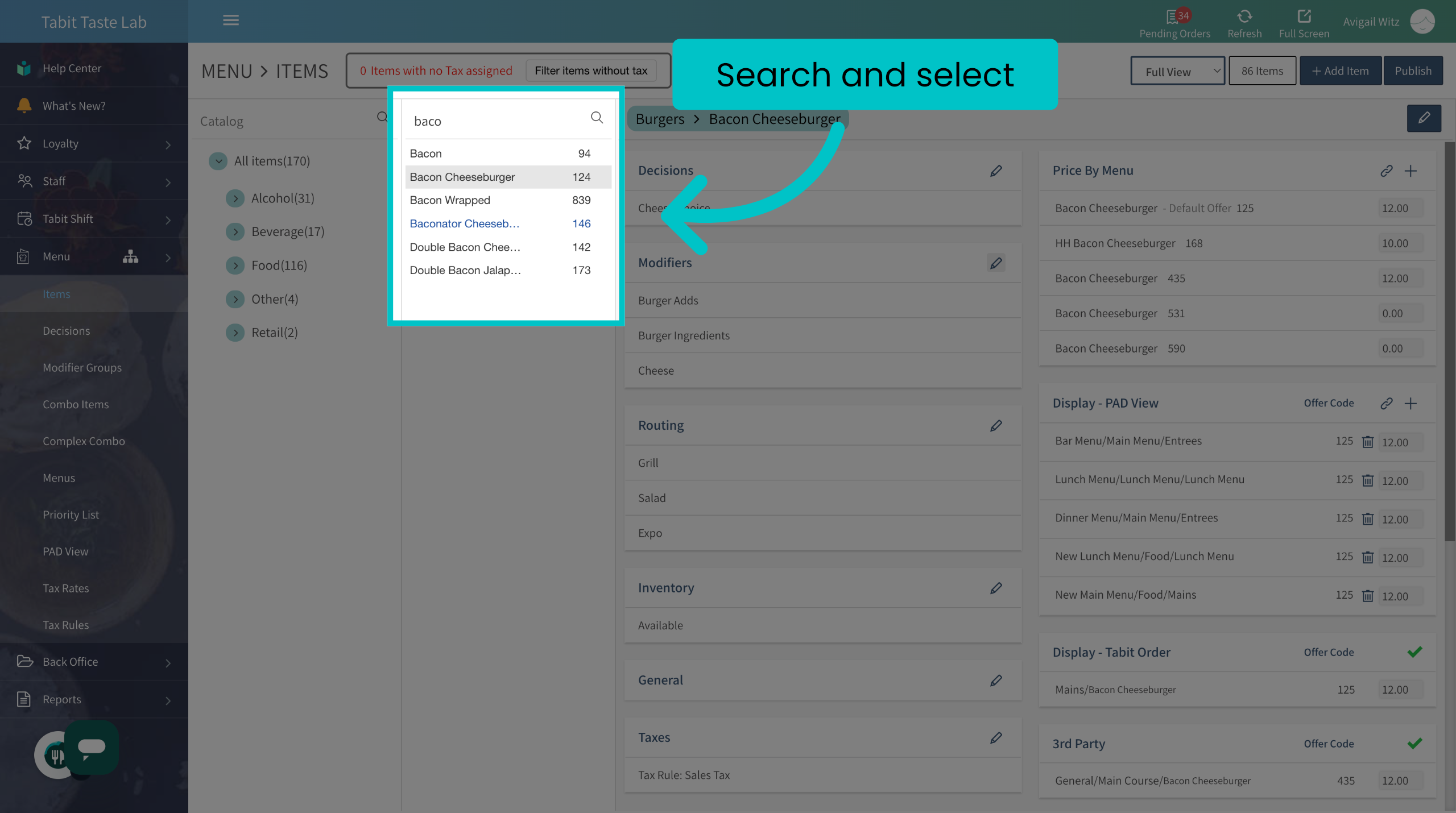
- Select the Edit icon in the Modifiers section
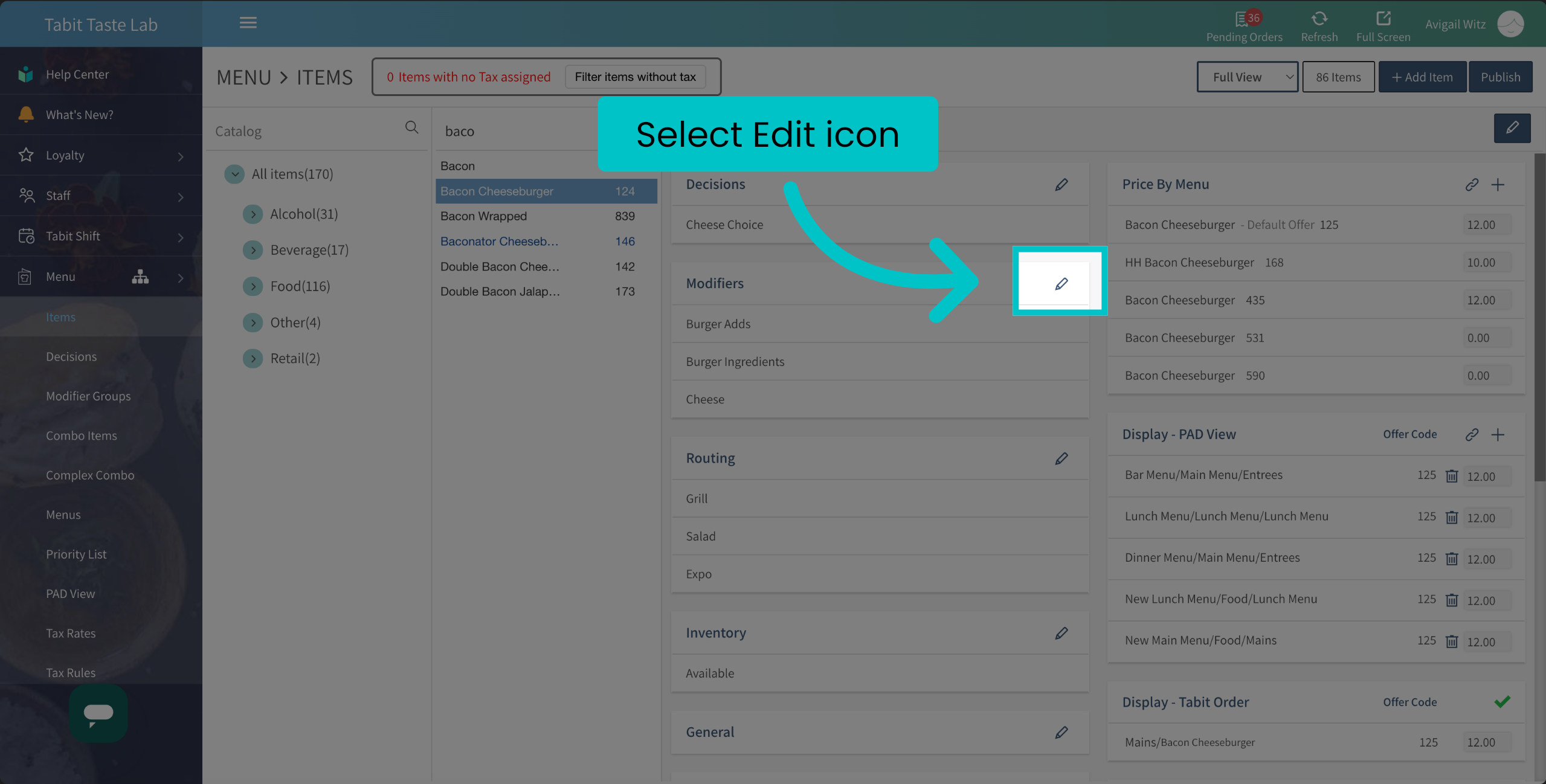
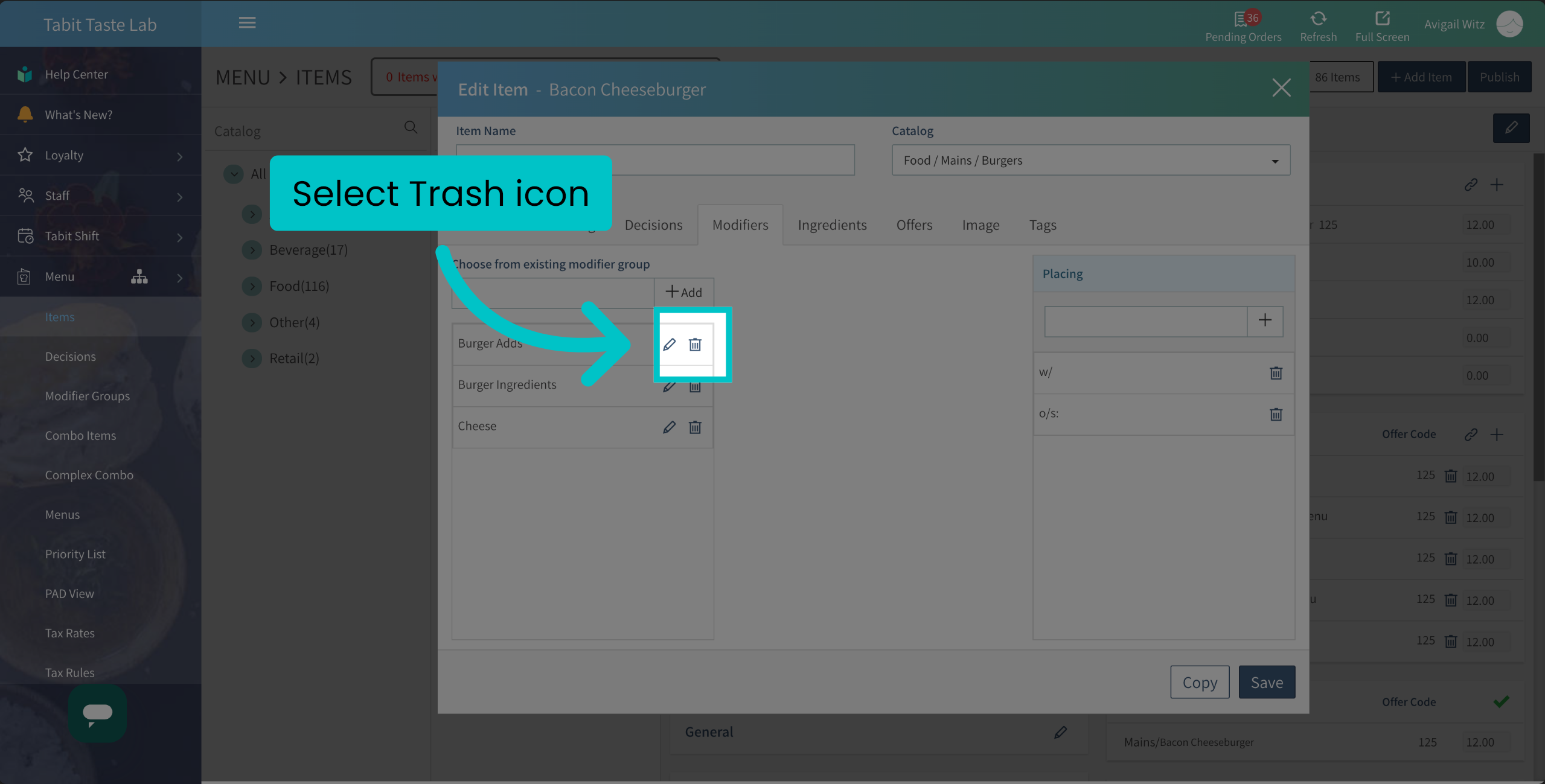
- Select the Trash icon next to the group you want to remove
-
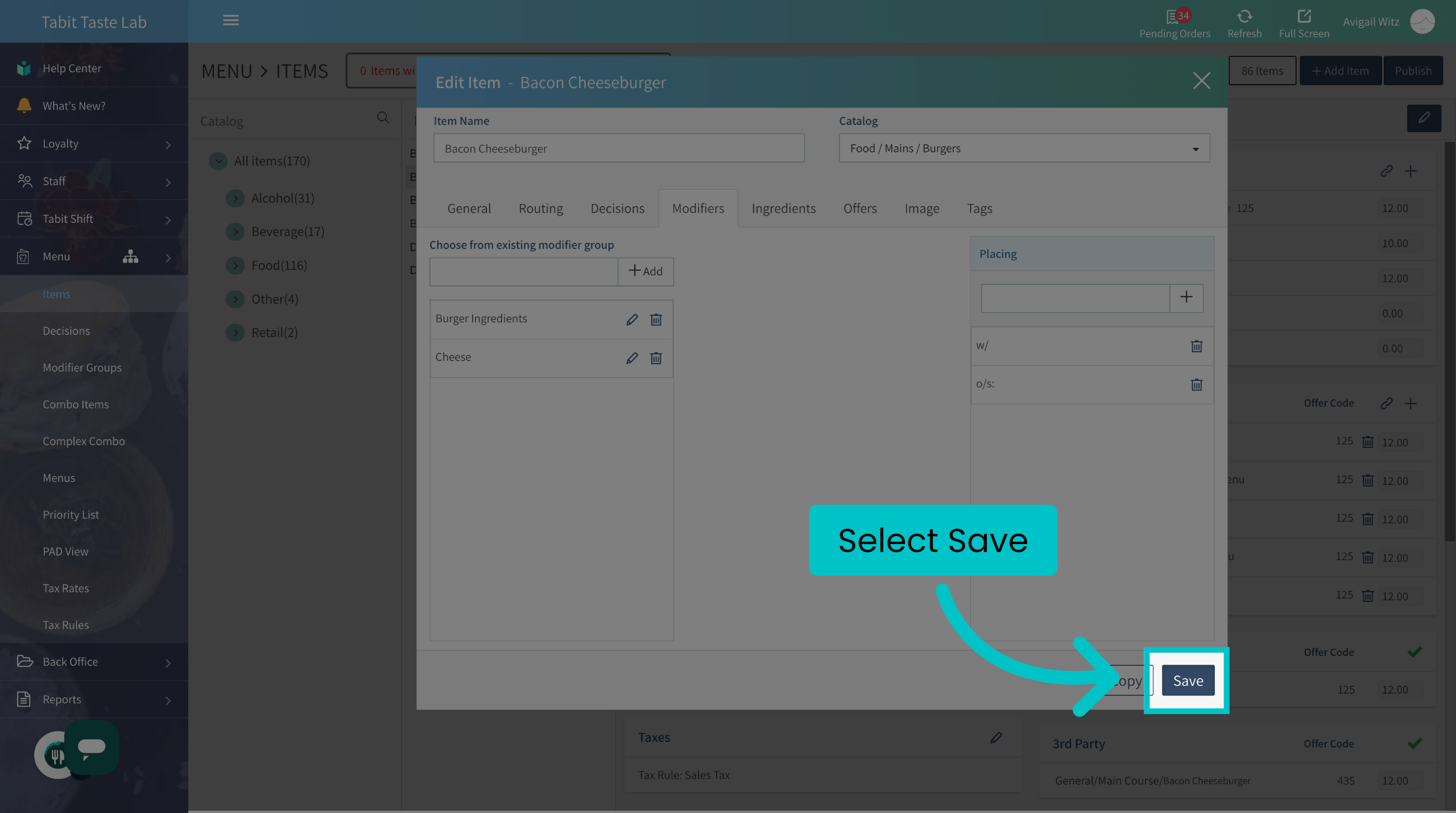
Then, select Save
-
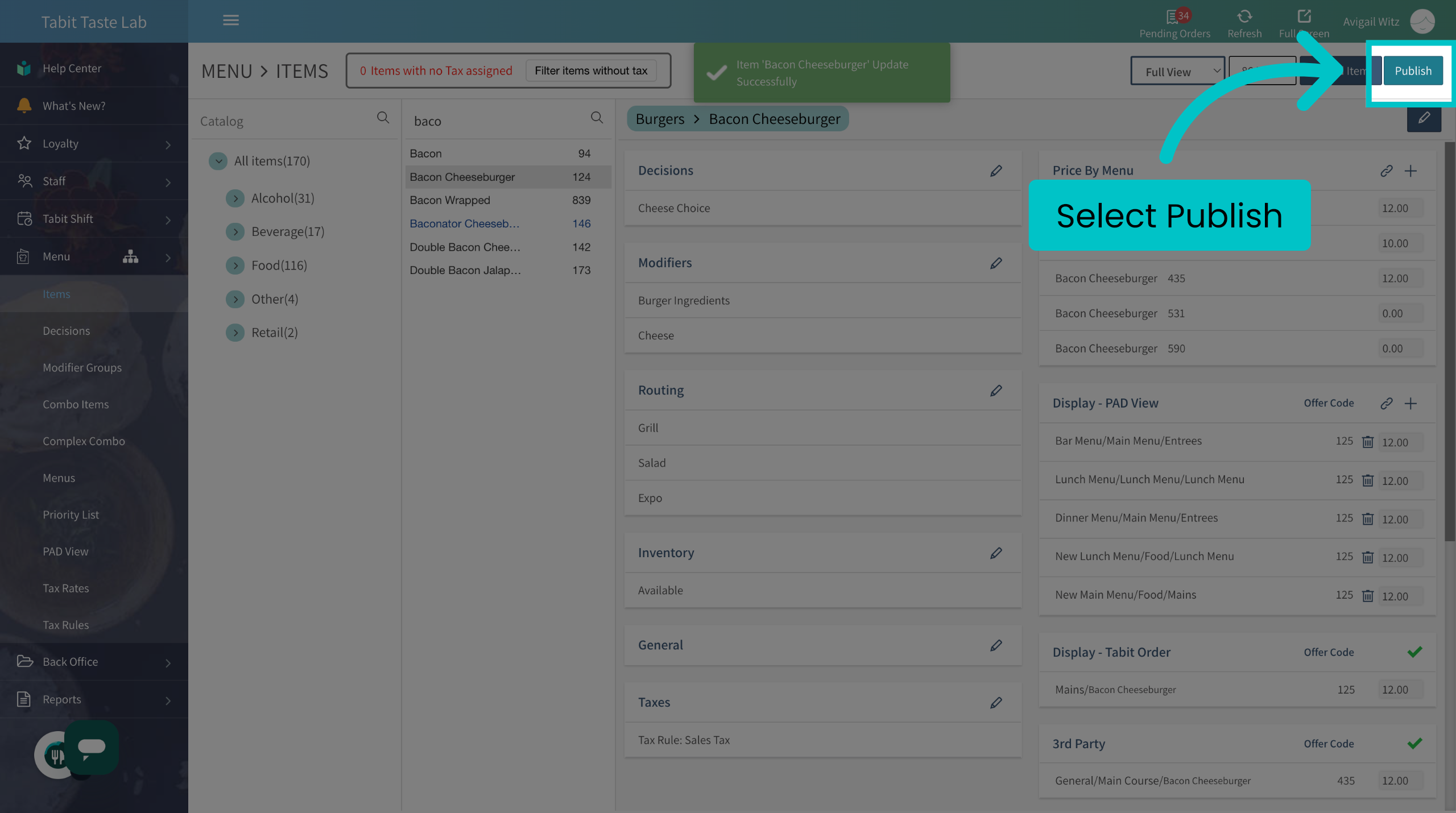
Don't forget to Publish to update the changes to all Tabit platforms
Removed the wrong group? Learn here how to reattach it
Through the Modifier Group
-
In Tabit Office, go to Menu

-
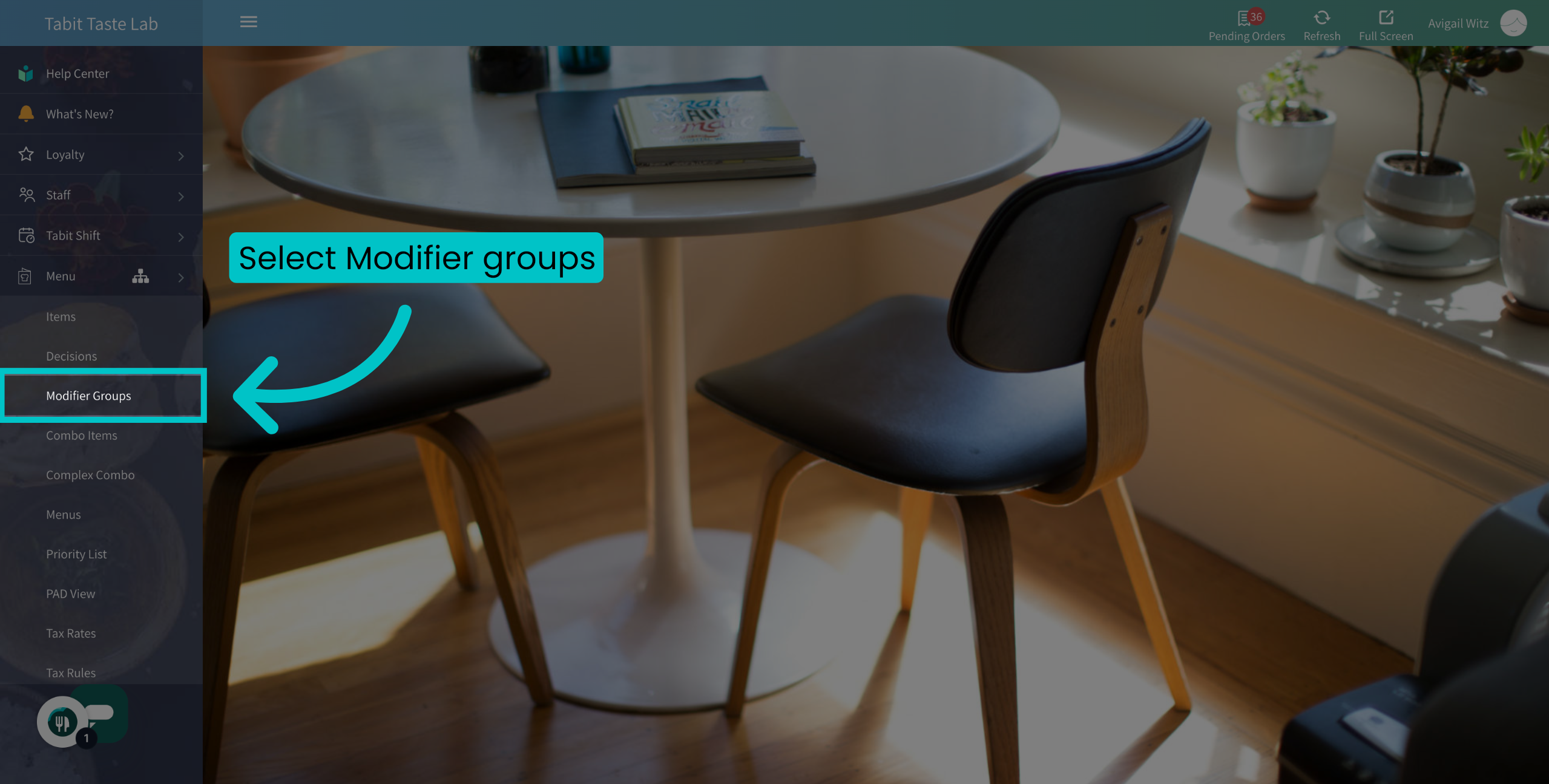
Navigate to the Modifier Groups section
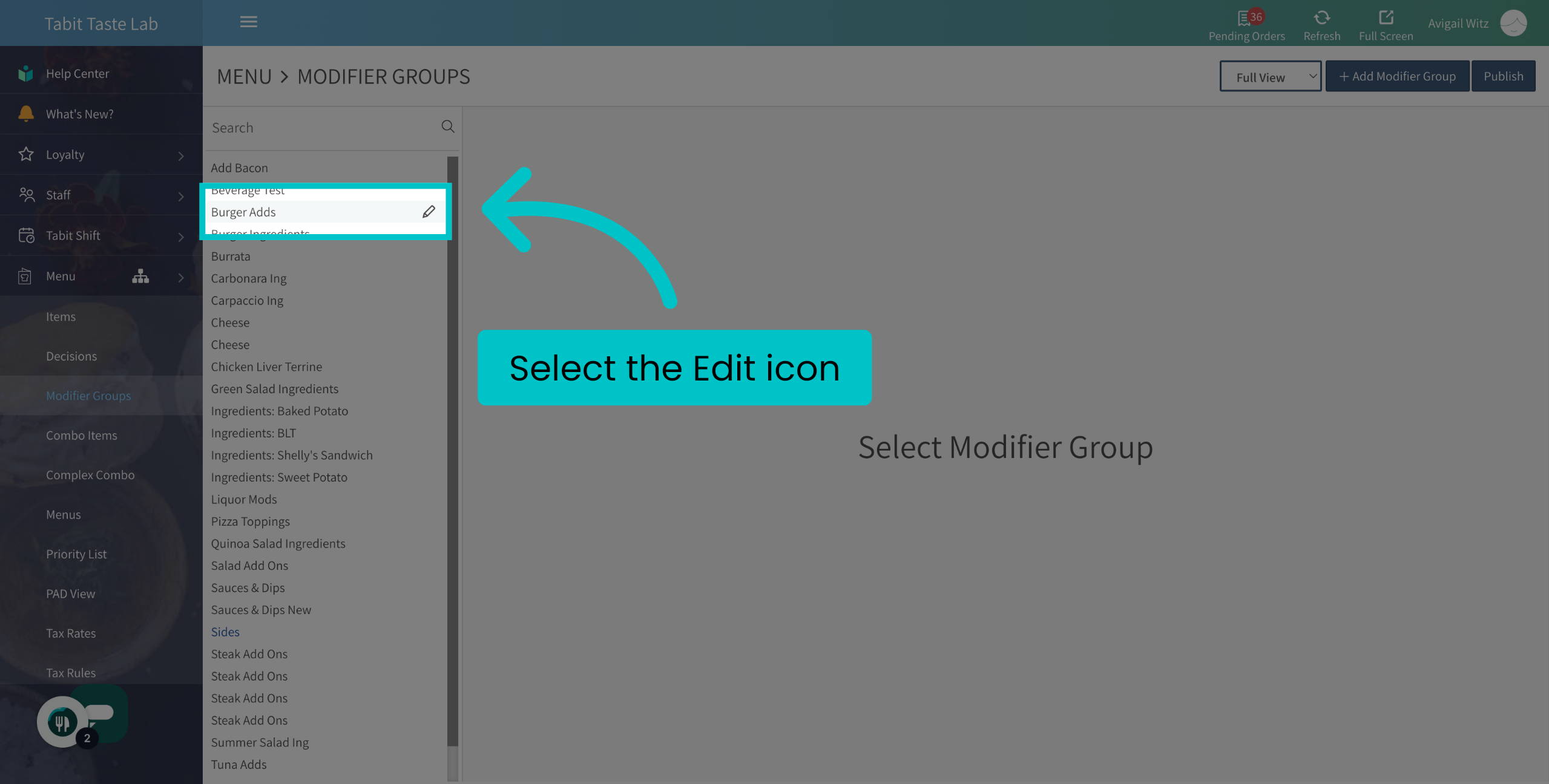
- Hover over the relevant Modifier Group and select the Edit icon next to it
-
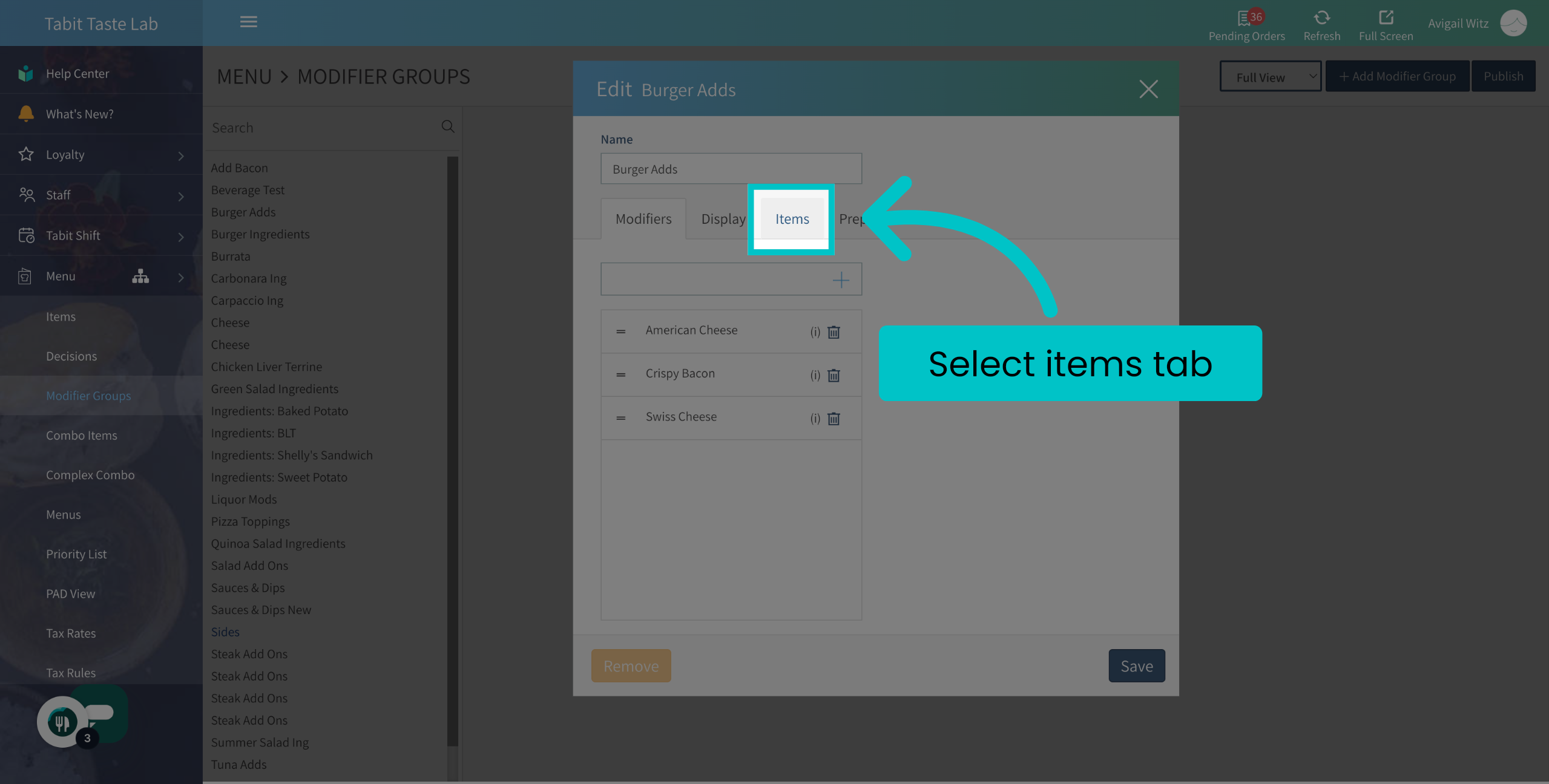
Go to the Items tab
-
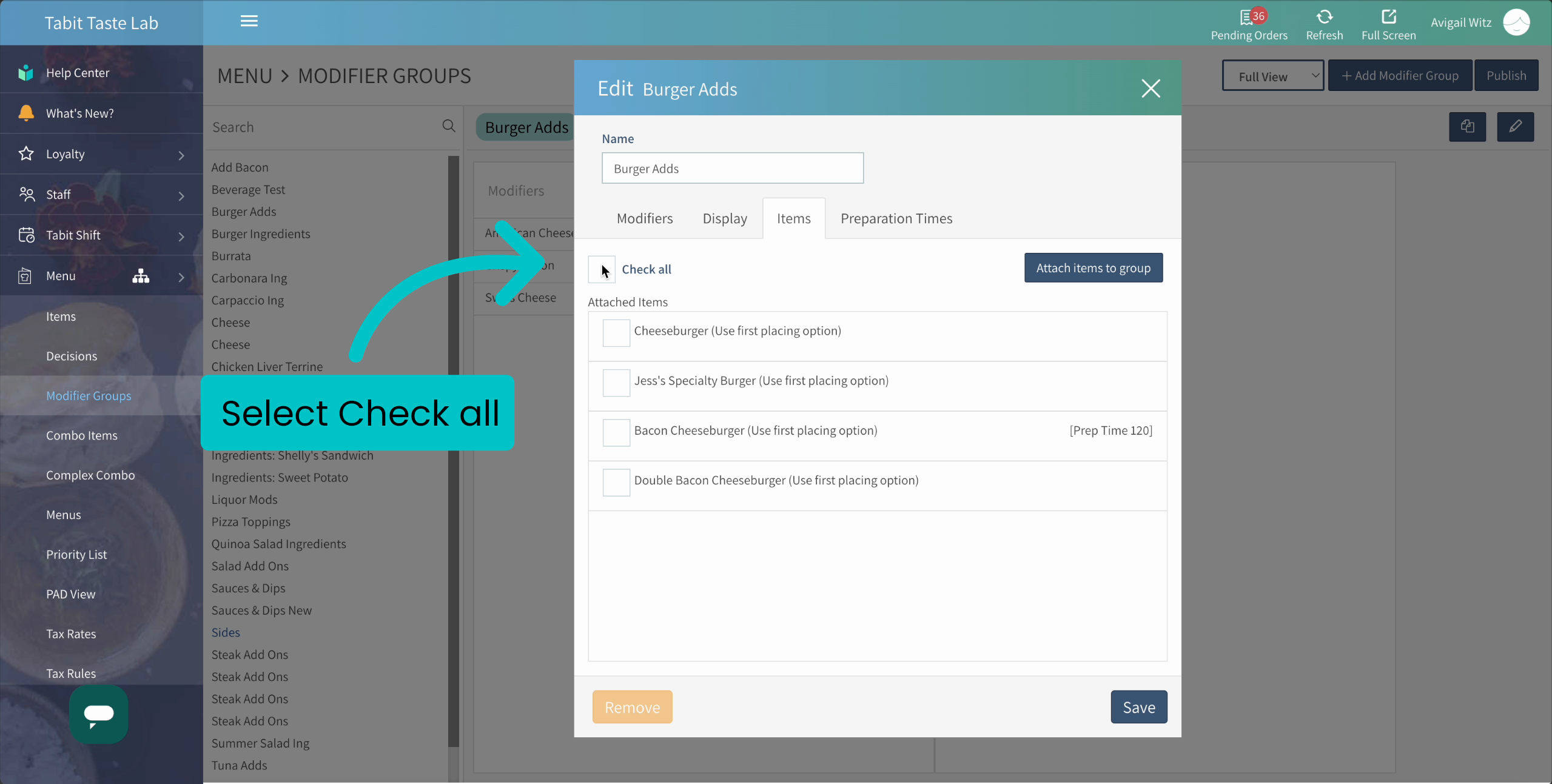
Select Check all to remove all items or individual items you want to remove the group from
-
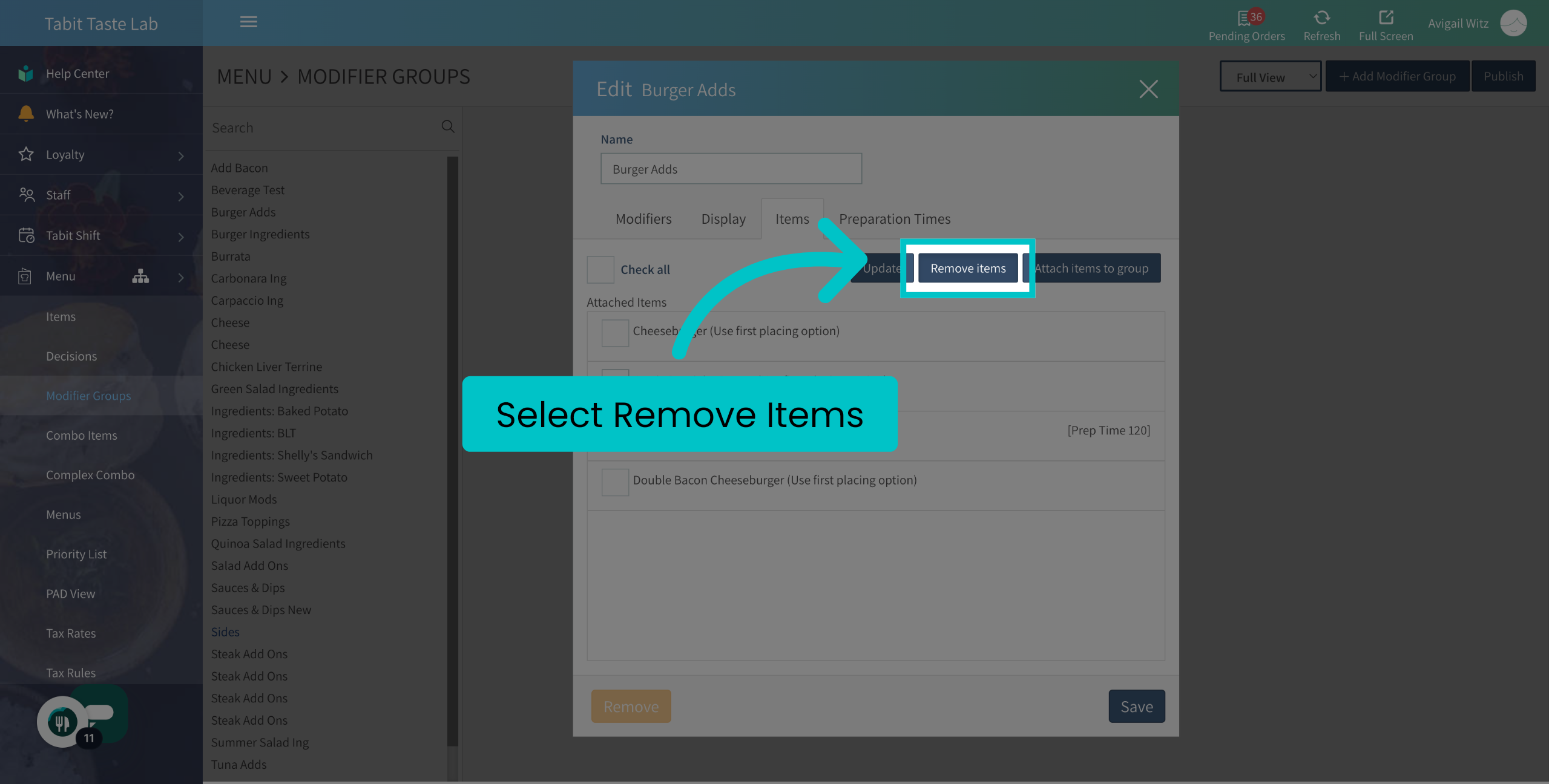
Then select Remove Items
-
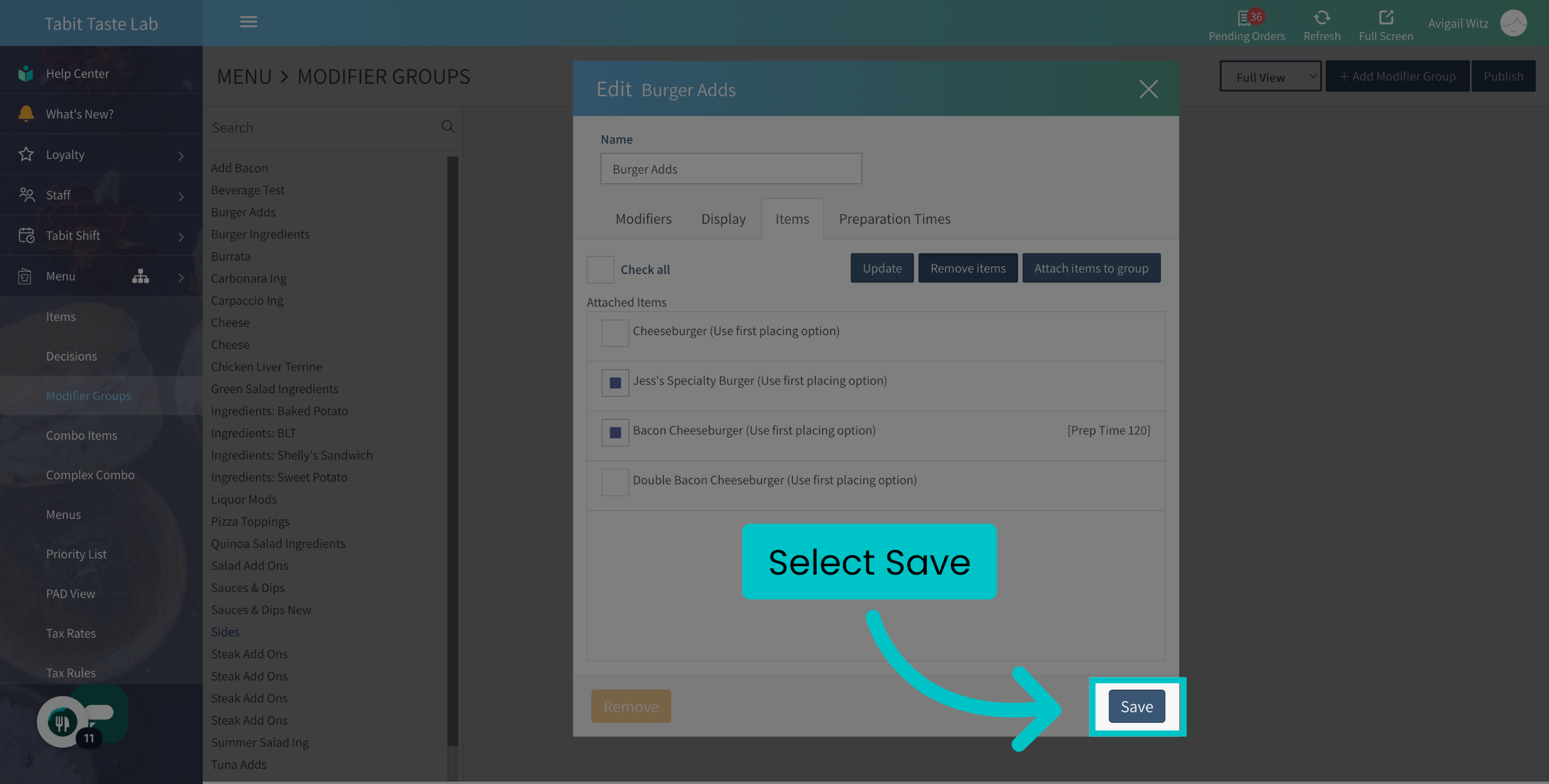
Save
-
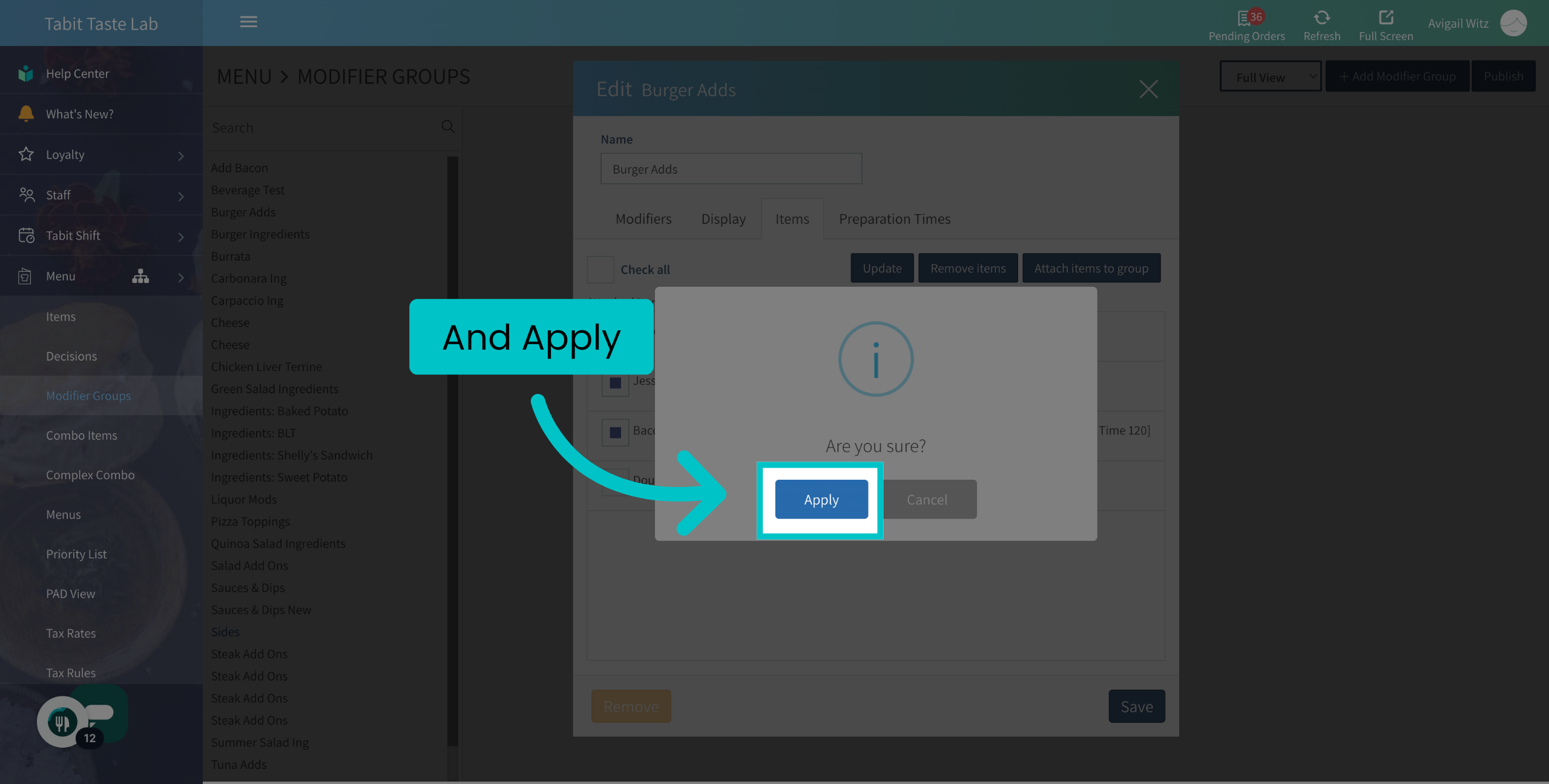
And Apply
-
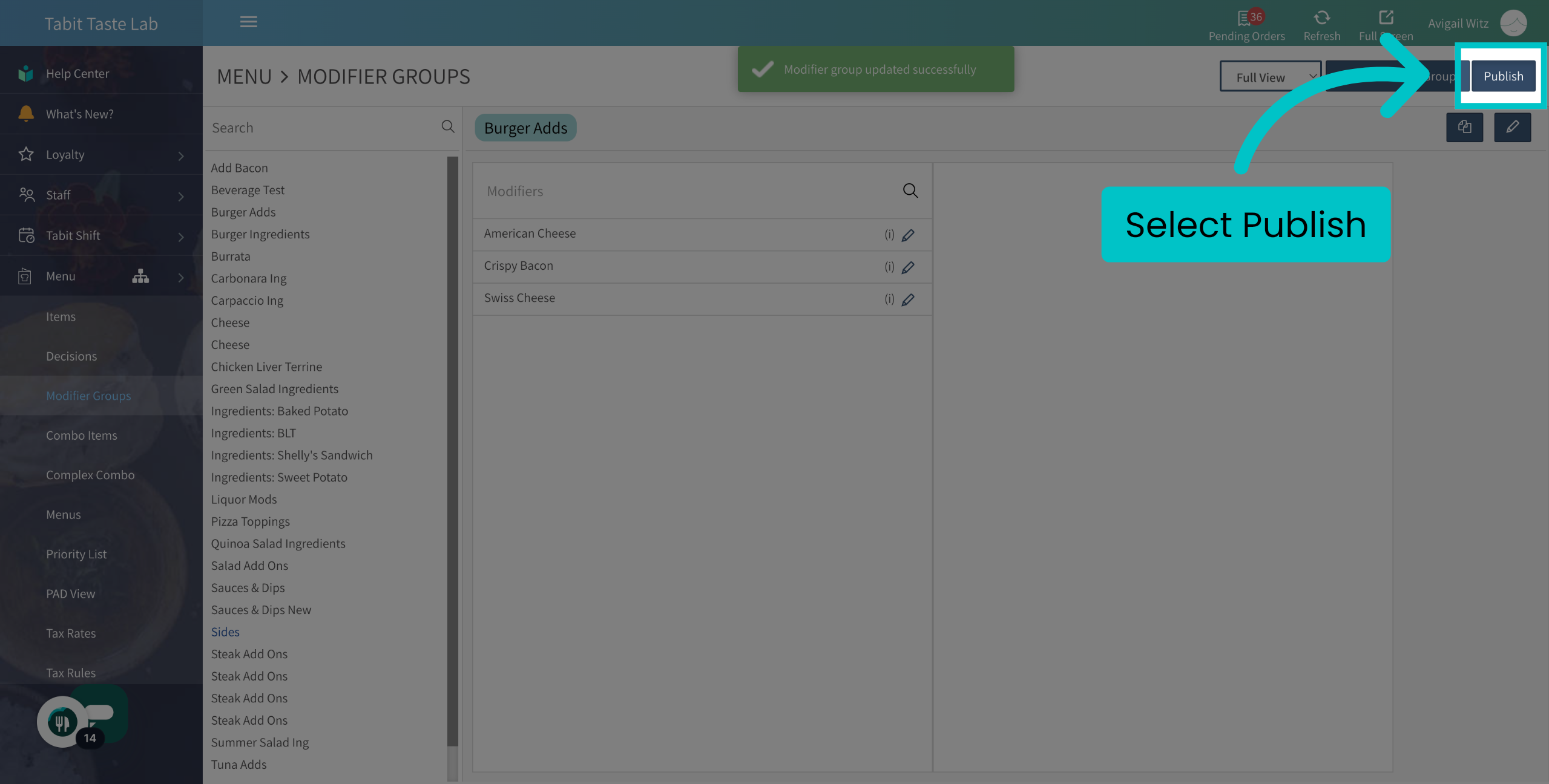
Don't forget to Publish to update the changes to all Tabit platforms
 Removed the wrong group? Learn here how to reattach it