Tabit Guest automatically saves customer information for reservations made using a phone number, giving your team quick access to important guest details when they return. From contact information and reservation history to visit patterns and survey activity, this data helps you deliver a more personalized and informed guest experience.
In this article, you’ll learn where to find customer profiles in Tabit Guest and how to view their reservation history, past orders, and feedback status, all from one place.
Follow the steps below to learn where to find customer information in Tabit Guest:
-
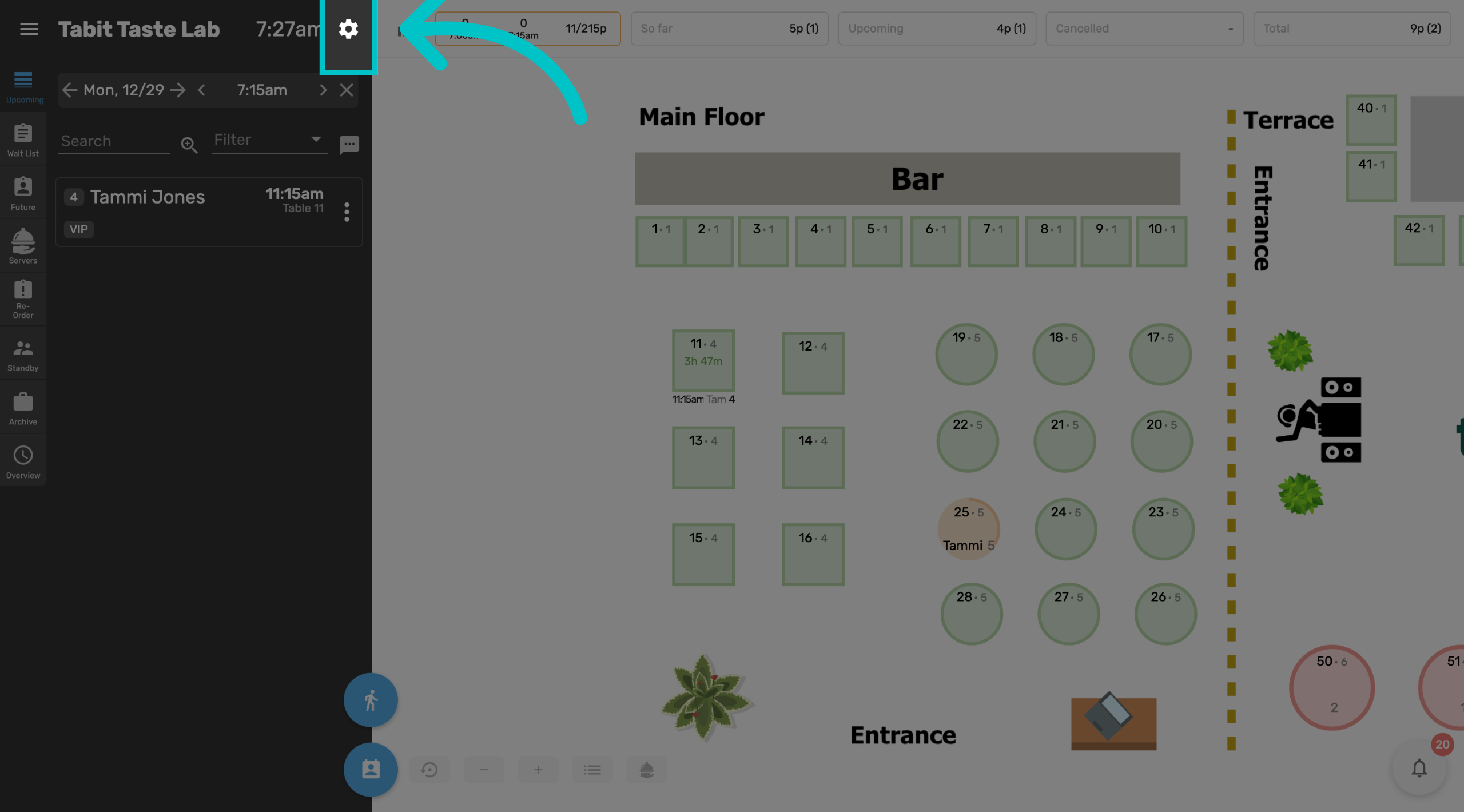
In Tabit Guest, select the cog wheel at the top of the screen
-
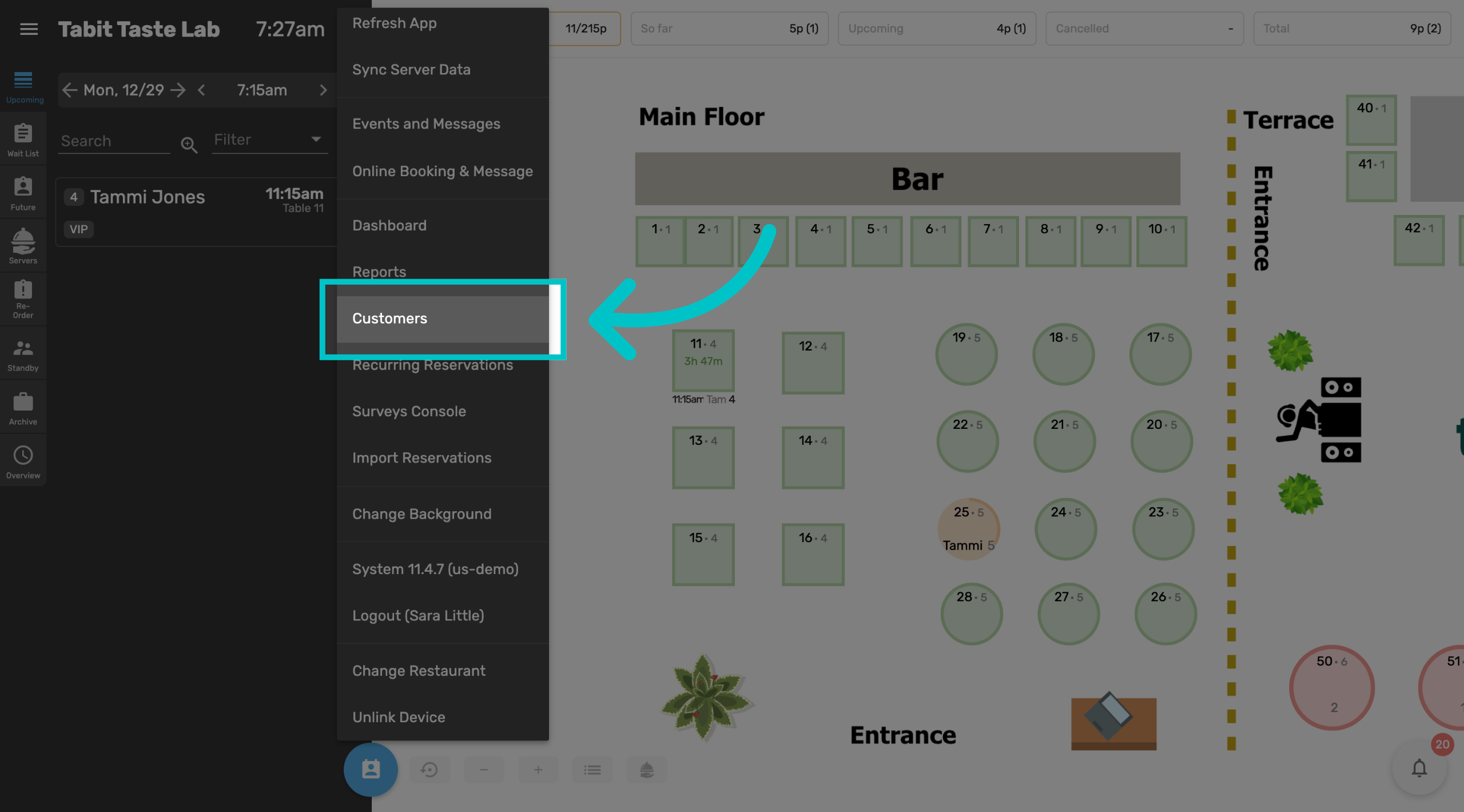
Then select Customers
-
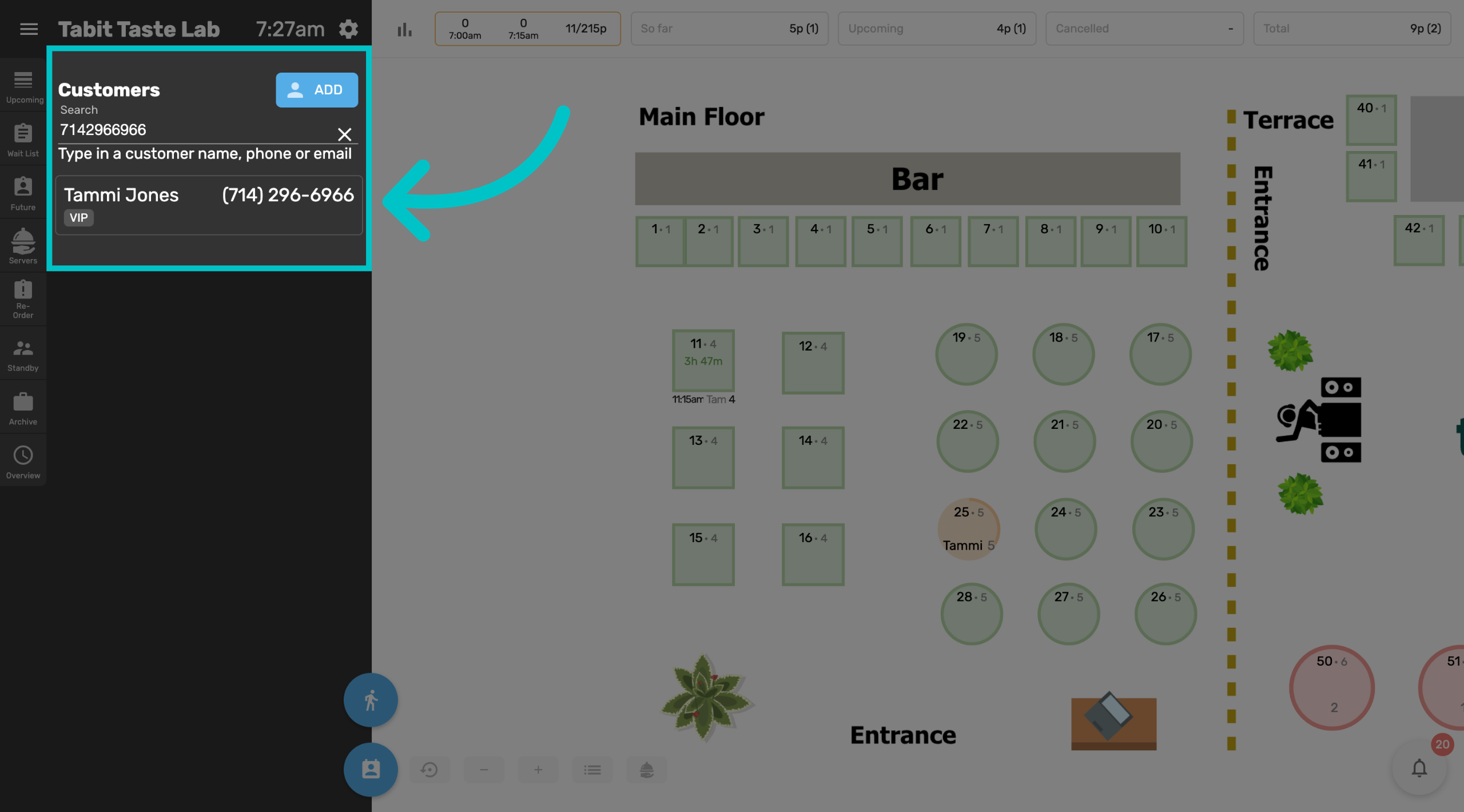
Enter the customer's name, phone number, or email and then select the relevant customer to view their profile
The customer’s phone number serves as the unique identifier. While multiple customers may share the same name or email address, each phone number is linked to only one customer
-
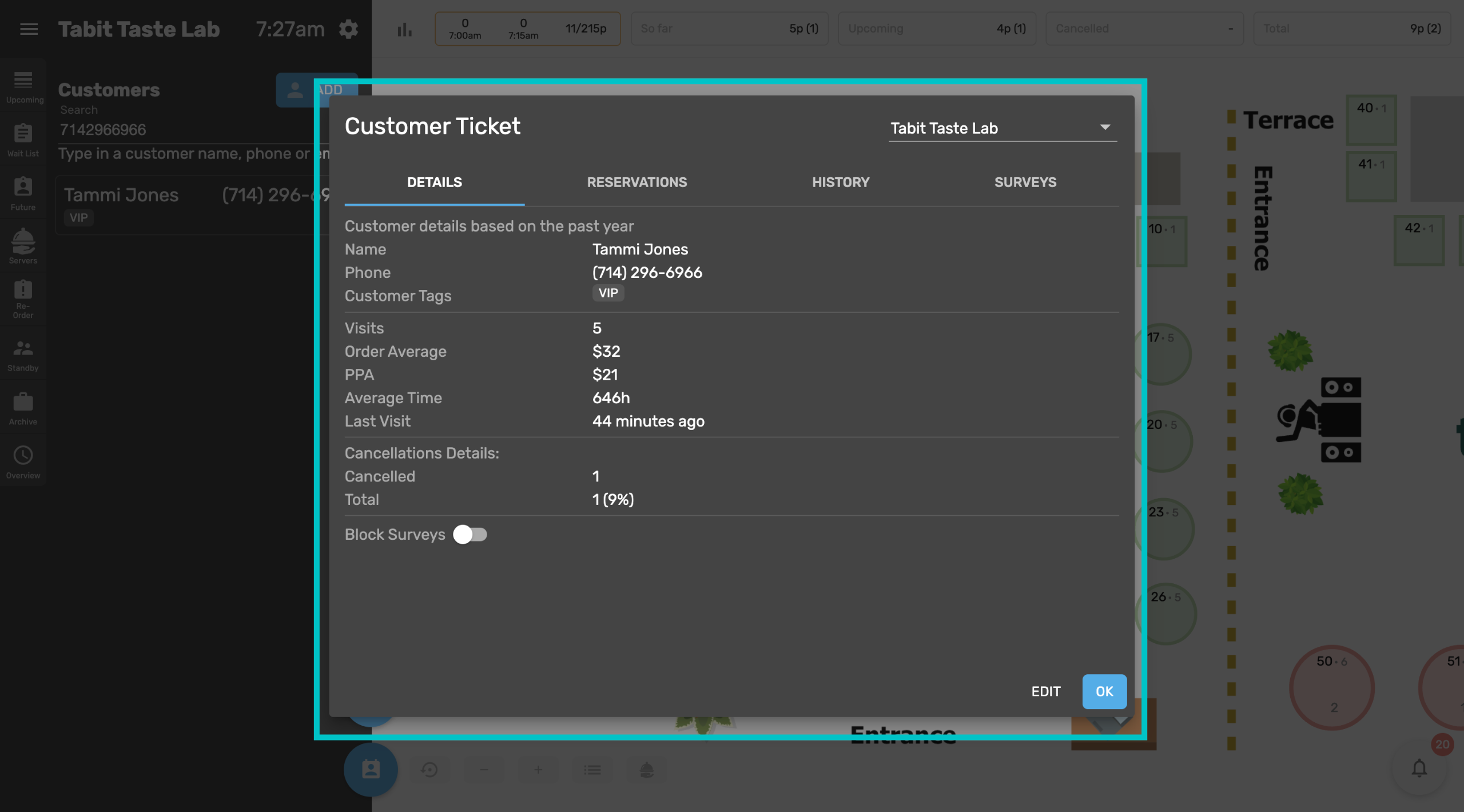
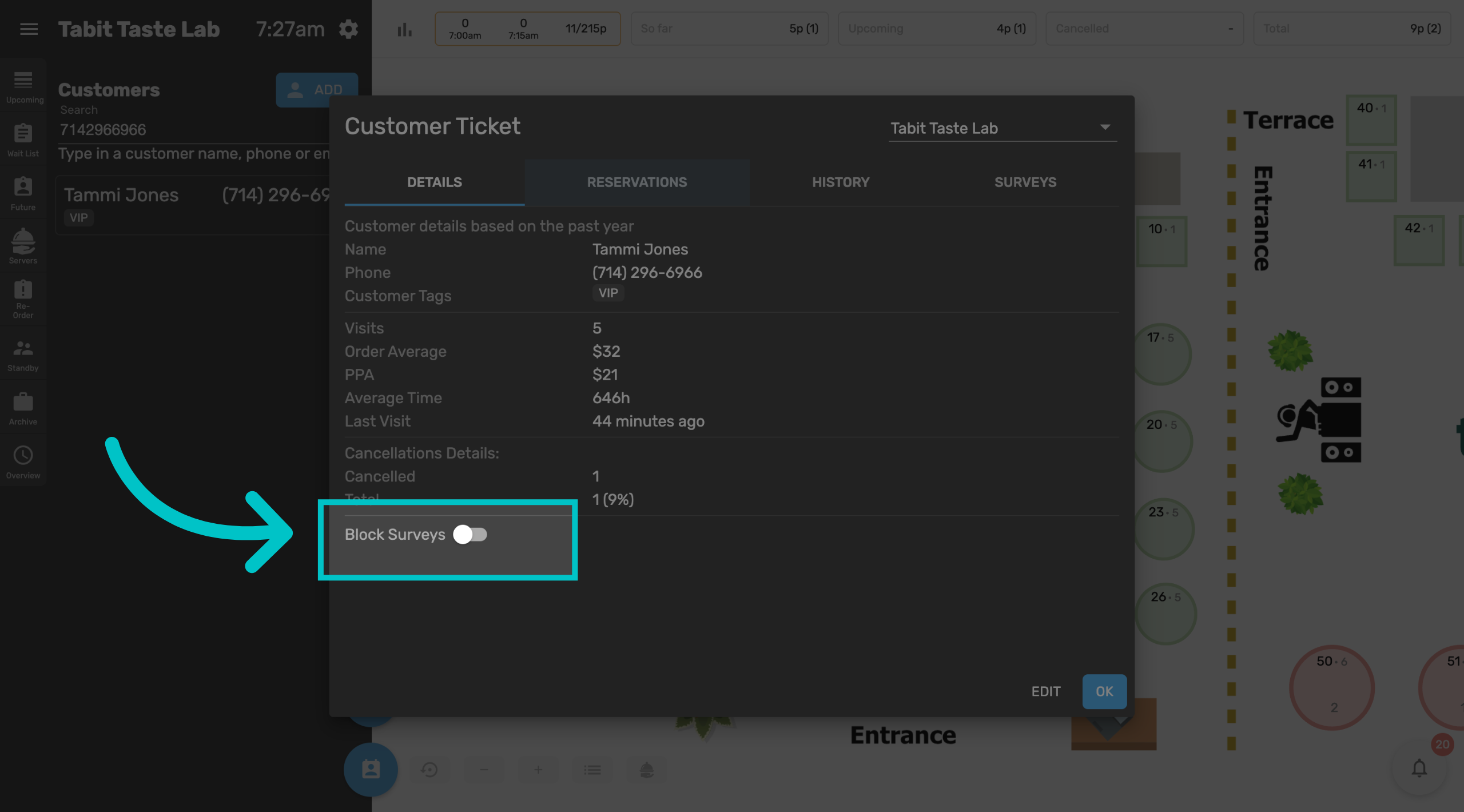
Here you can view their customer details, including their phone number, any tags attached to them, past visits and order averages, and how often they cancel reservations
-
If your restaurant works with Tabit Feedback, you can also block them from receiving surveys here
-
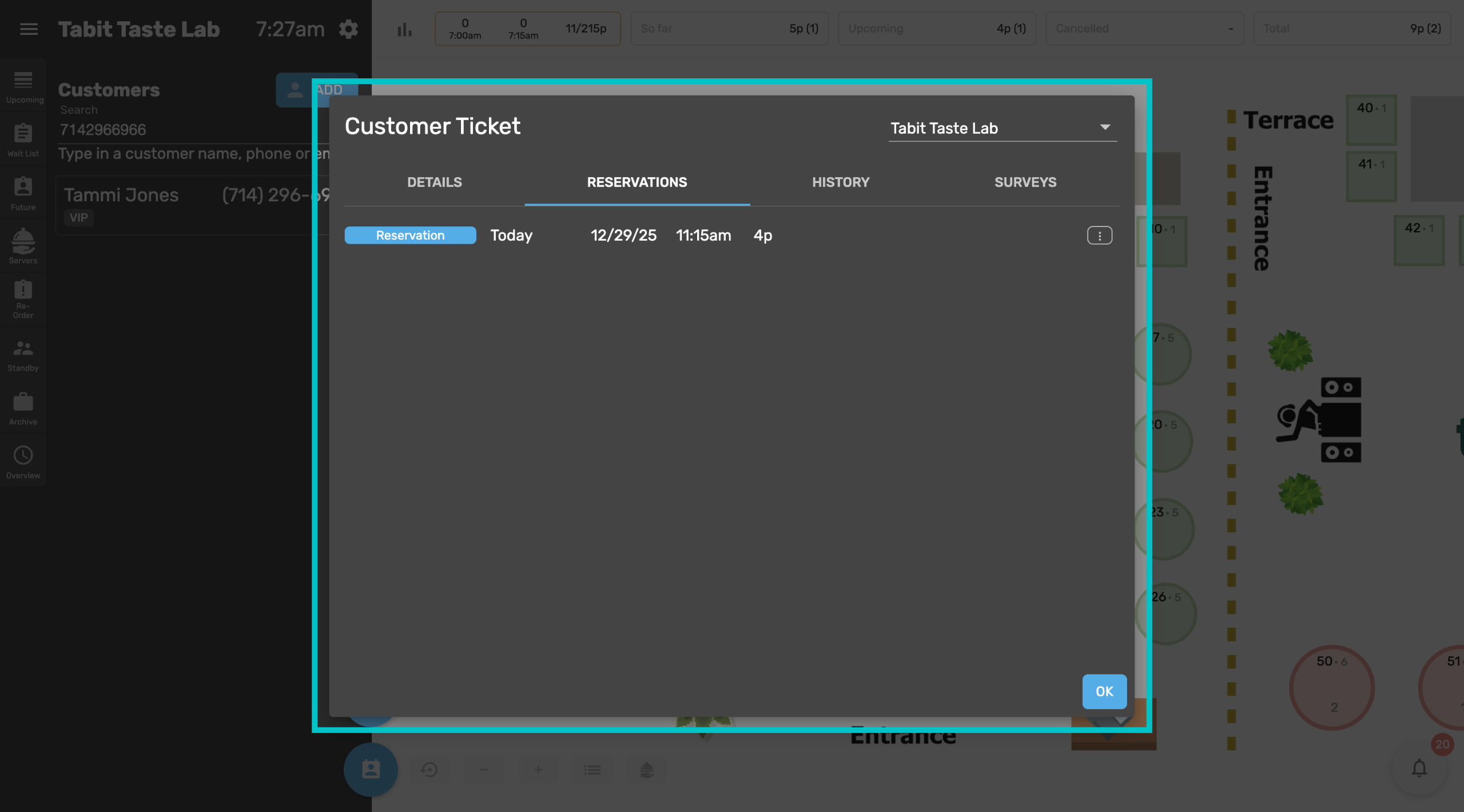
Under the Reservations tab you can see any upcoming reservations they have.
-
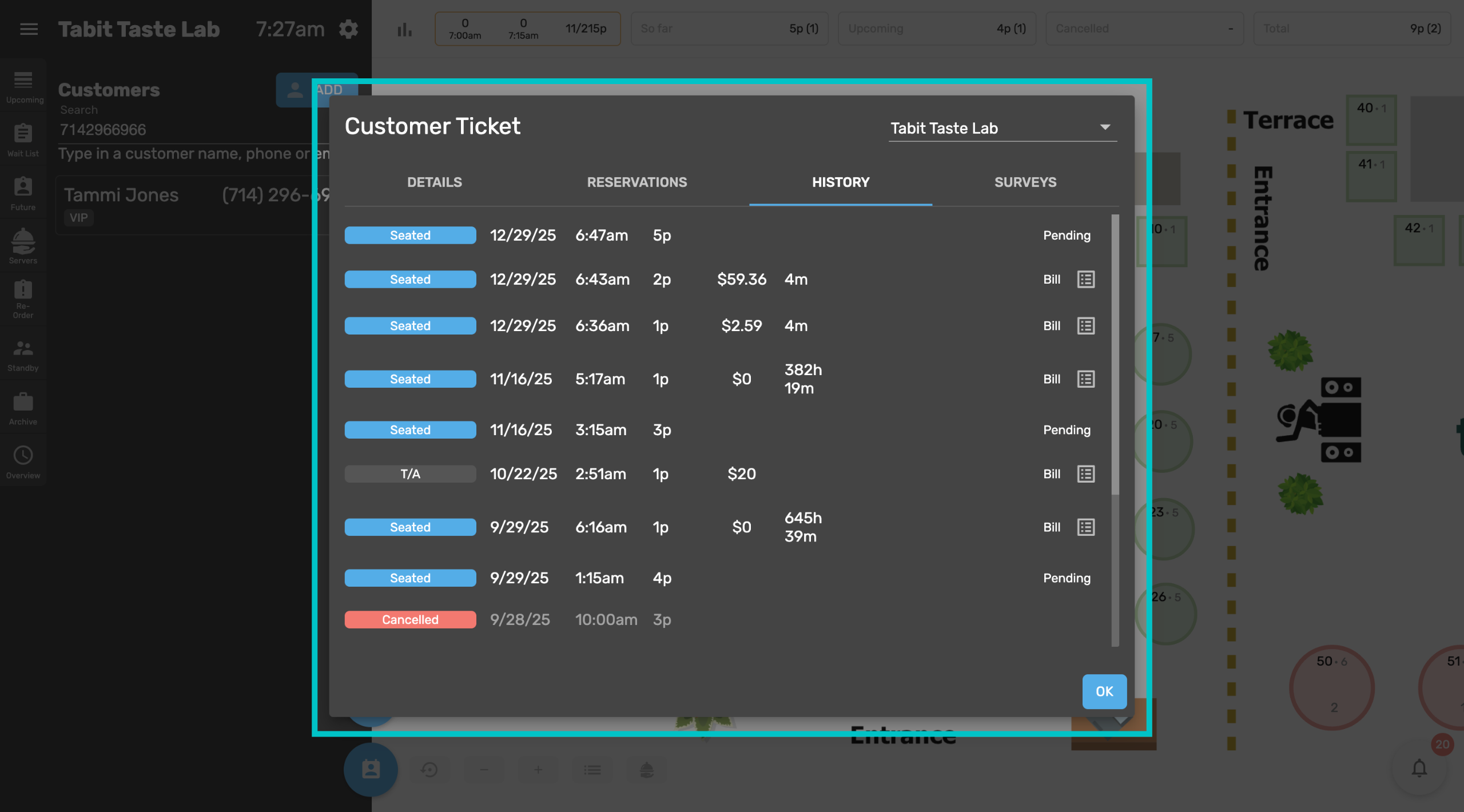
The History tab shows all past reservations or any orders where they identified themselves with a phone number. You can also view any past bills from here
-
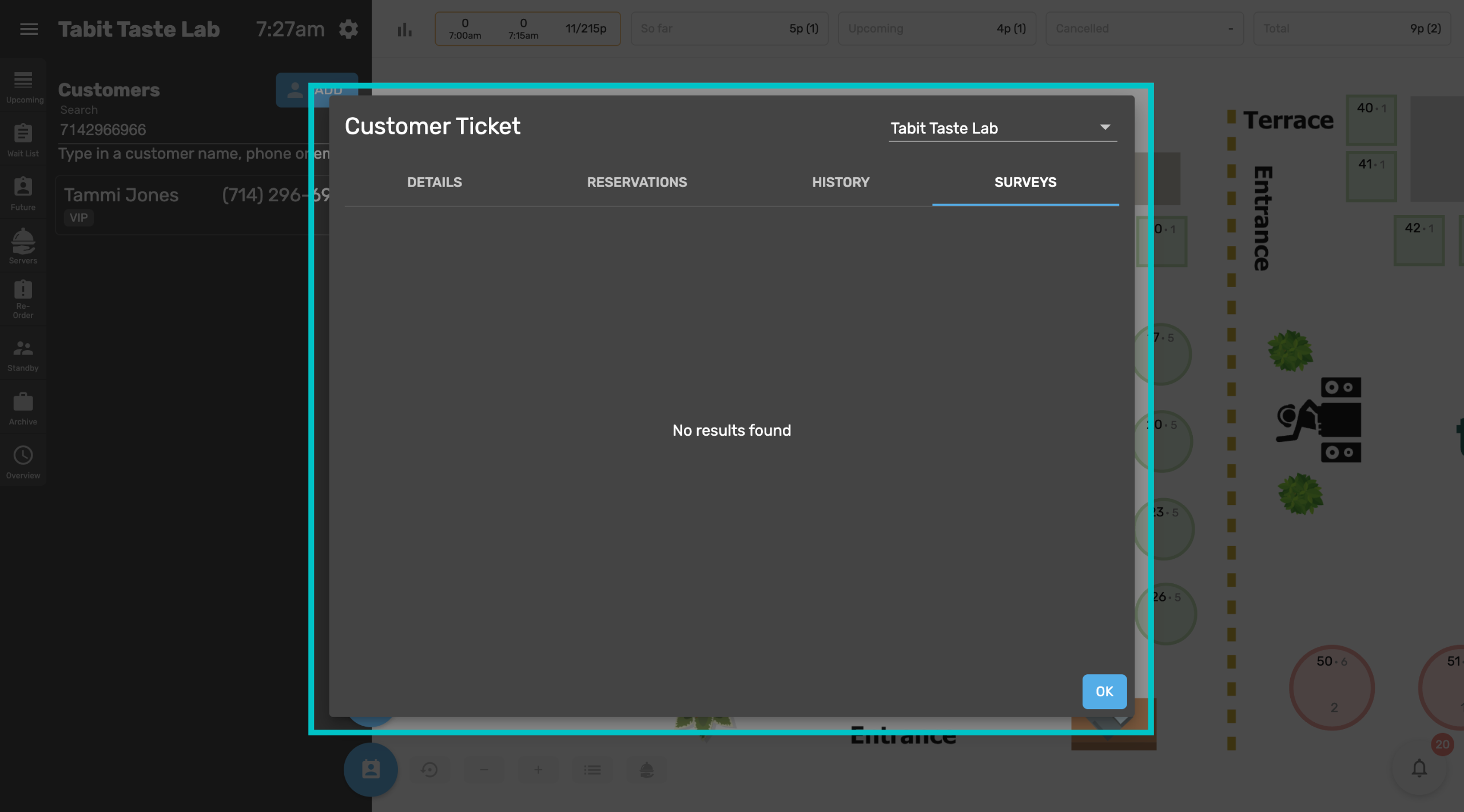
If your restaurant works with Tabit Feedback and the customer has filled out a survey, it will appear under the Surveys tab
-
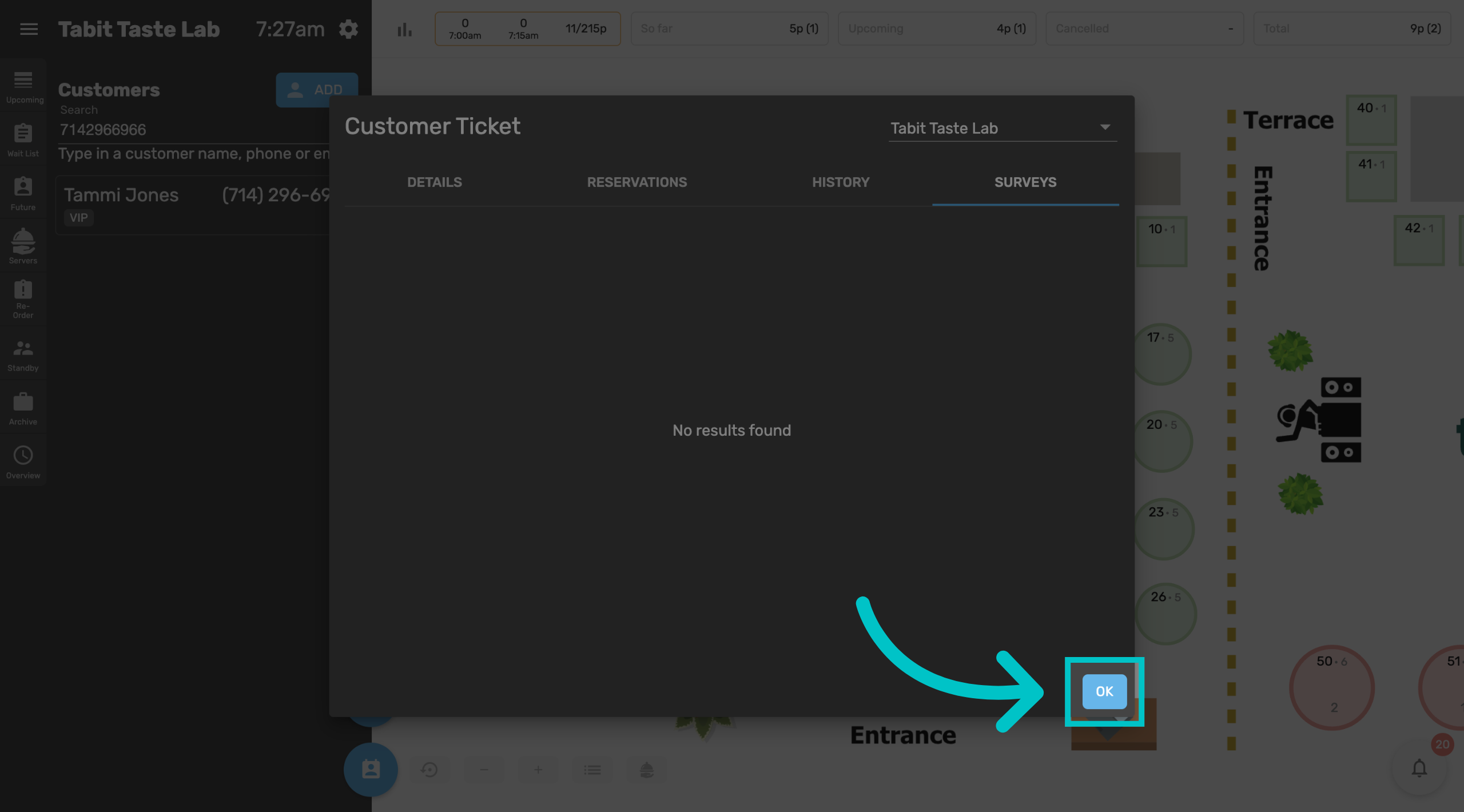
Once you're done viewing customer information, select OK to go back to the map screen
Learn here how to pull customer information in Tabit Office