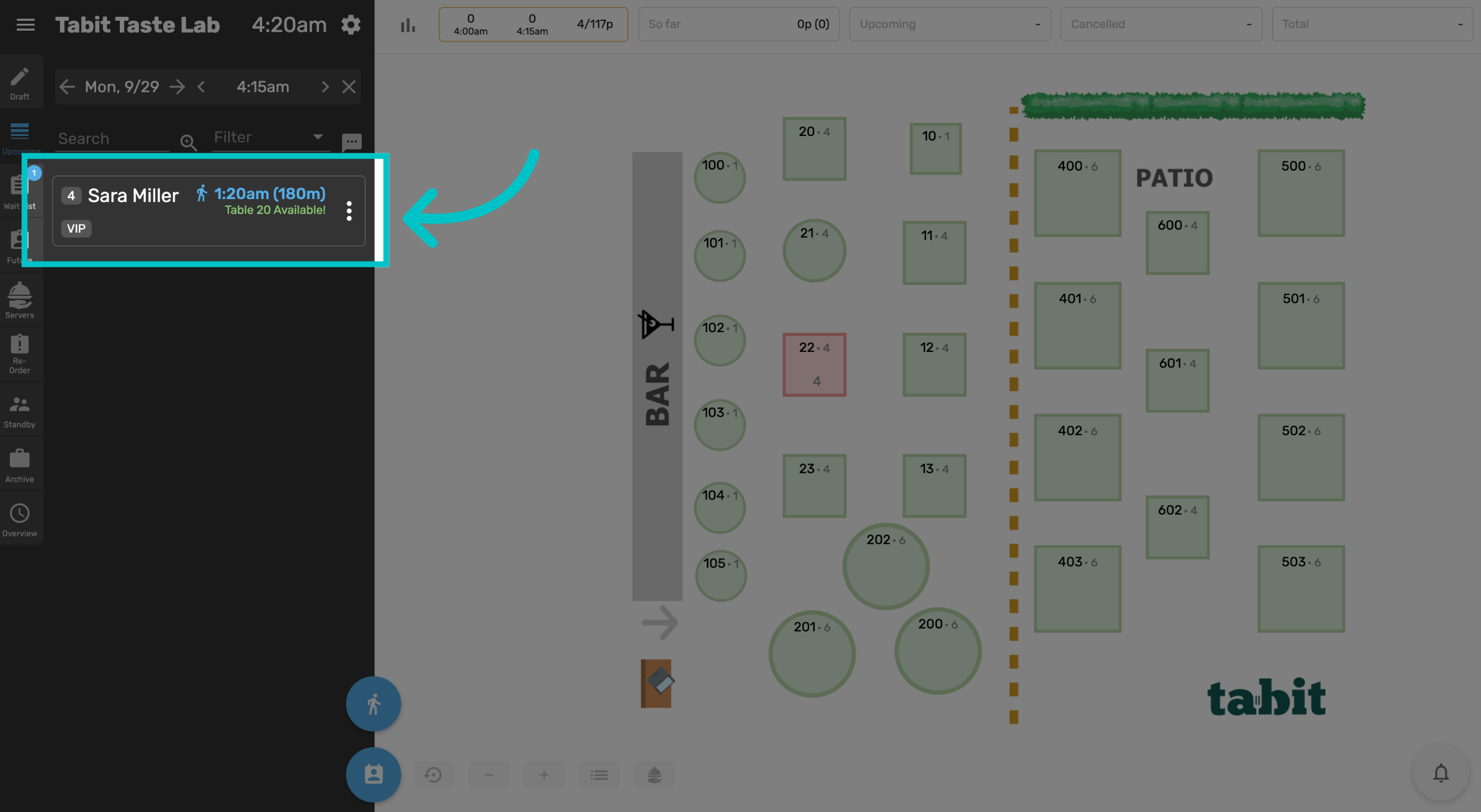
Guests who arrive without a reservation can either be added as a walk-in or added to the waitlist. The waitlist can be used when there are no available tables for a guest right away. The hostess can add the guest’s details, party size, and any notes to the system, and be notified when a table is available. This keeps the seating process organized, allows guests to be notified when their table is ready, and helps staff manage seating flow more efficiently.
Follow the steps below to learn how to add a guest to the waitlist in Tabit Guest:
-
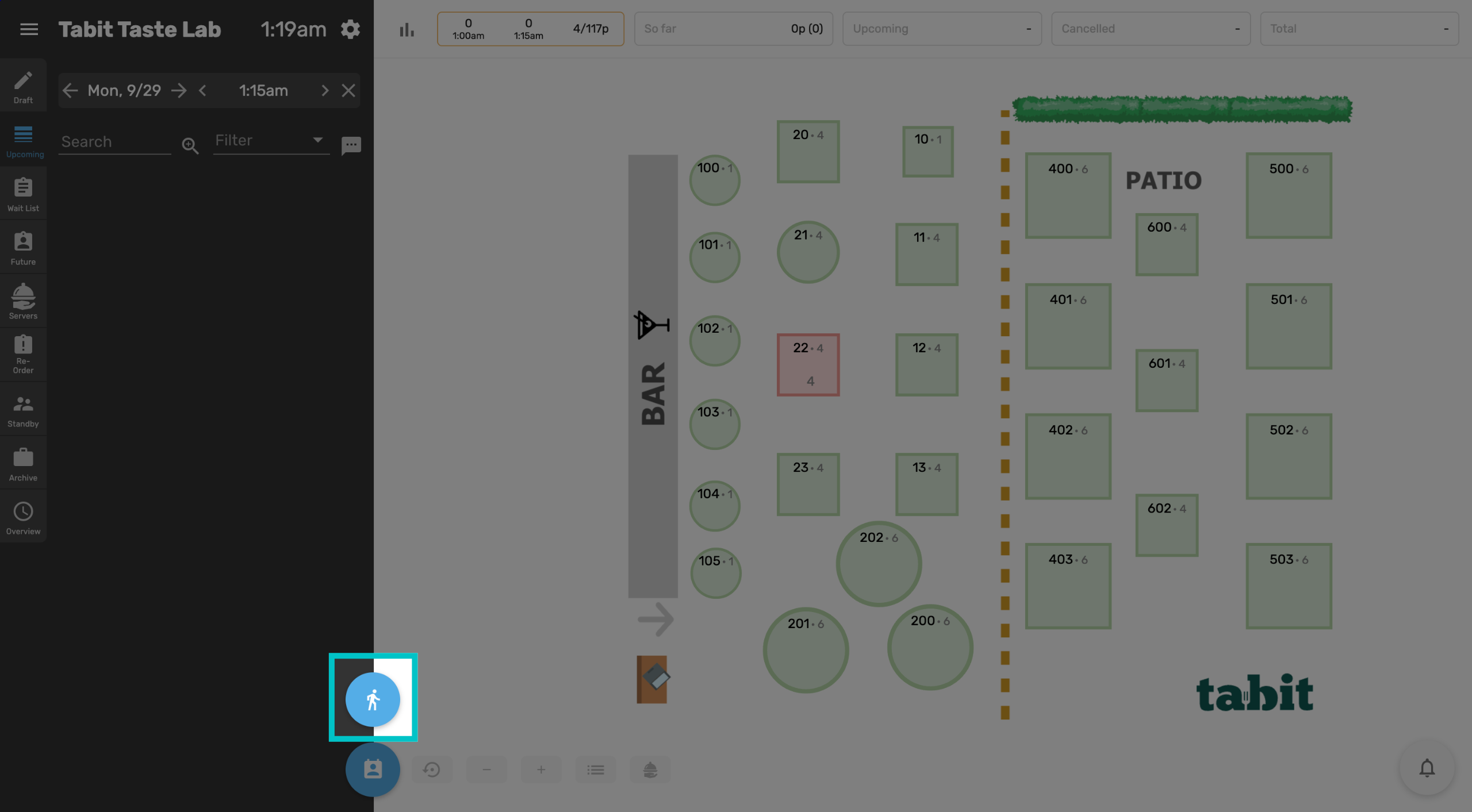
In Tabit Guest, select the walk-in icon at the bottom of the menu. This can be used to immediately seat walk-ins or add them to the waitlist
-
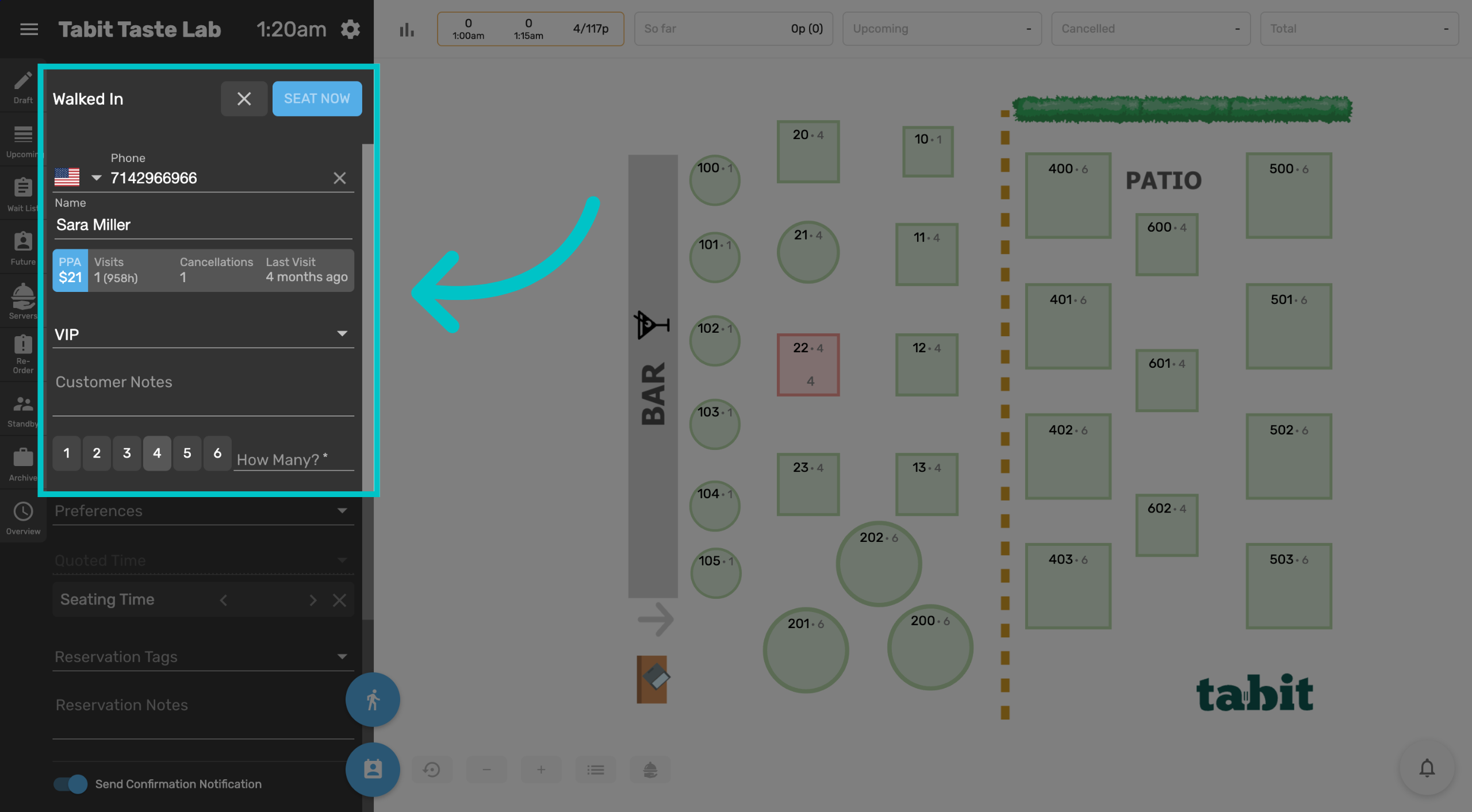
Enter the customer's phone number, name, and select the number of guests
-
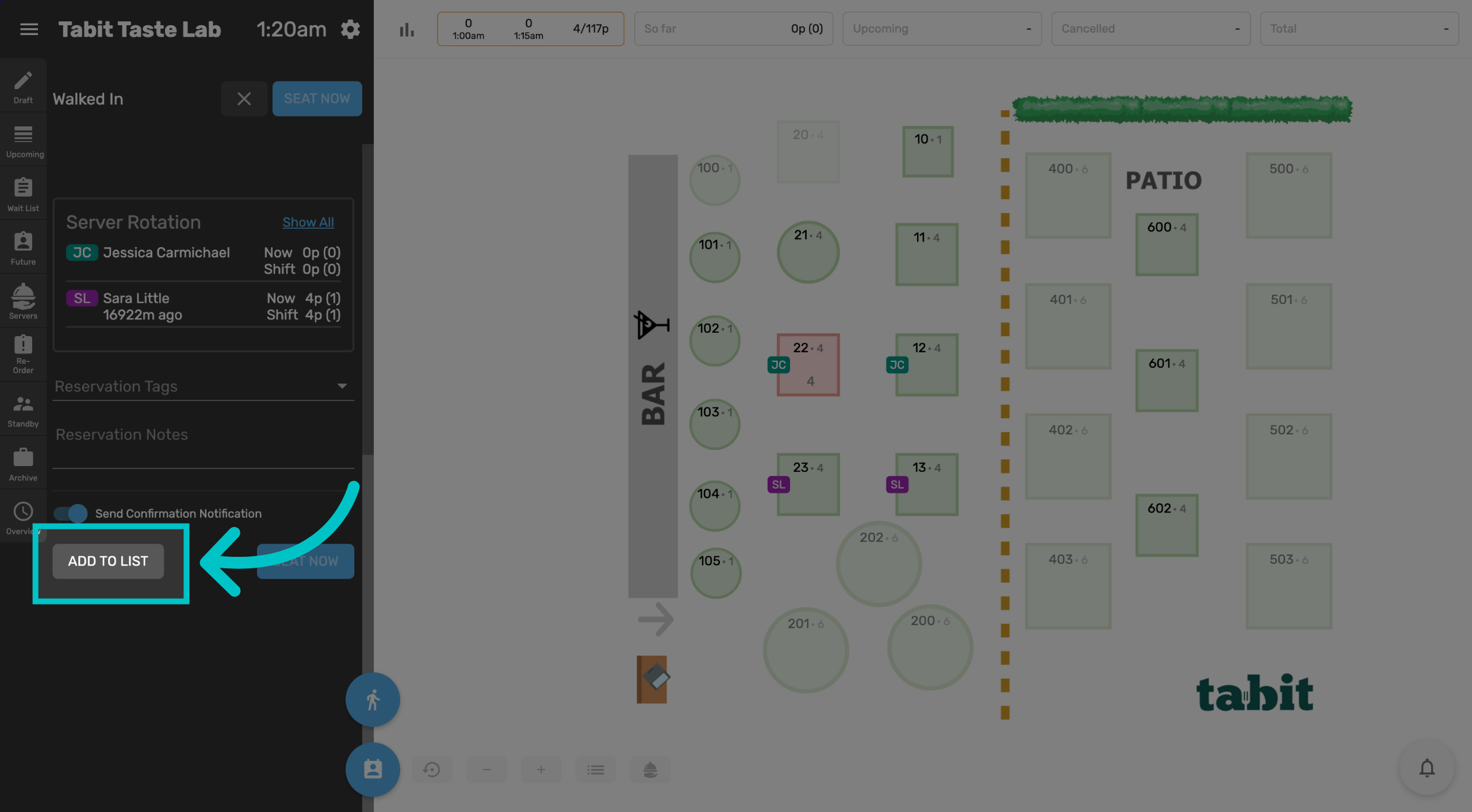
Scroll down and select Add to list to add the guest to the waitlist
-
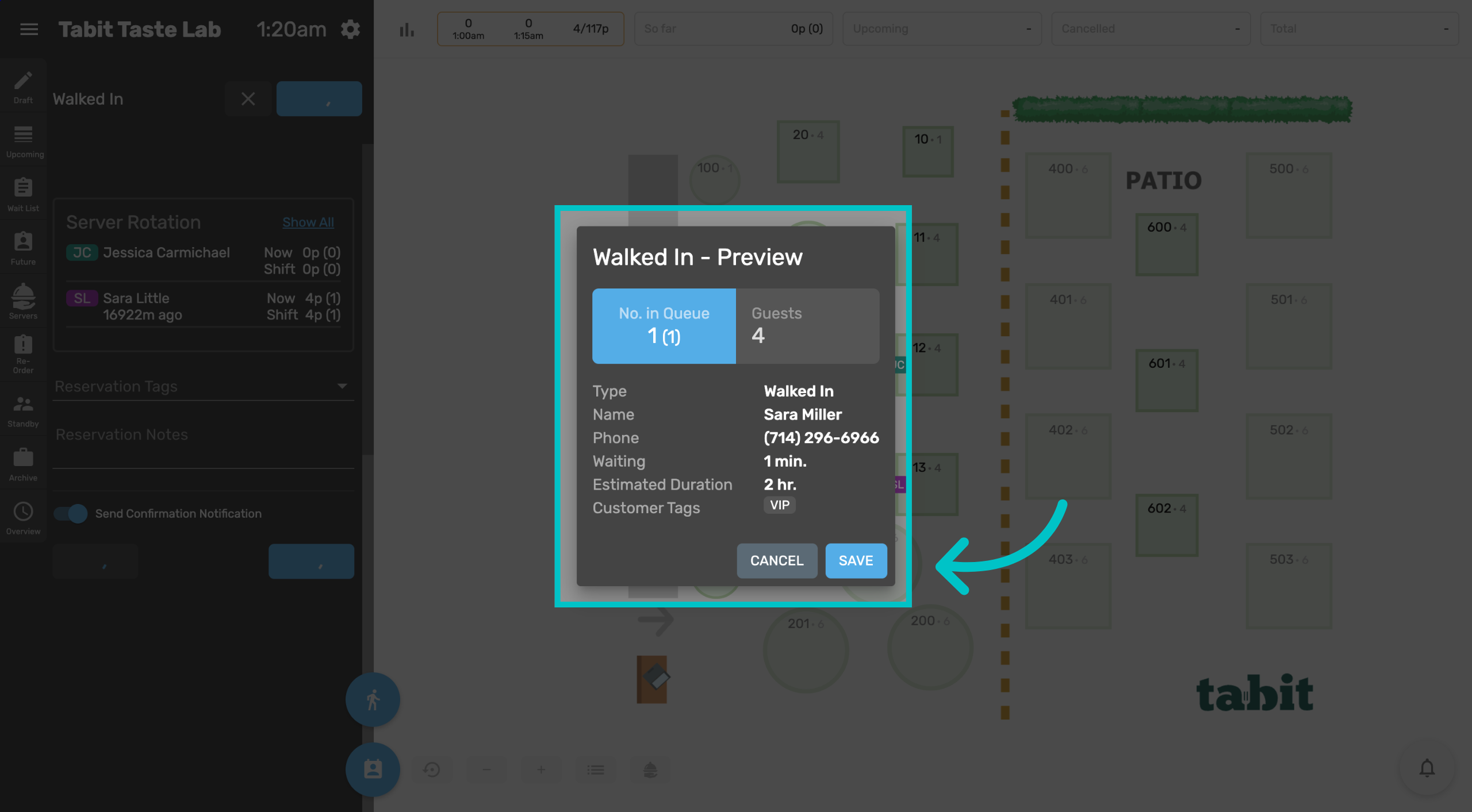
Review the details and select Save
-
Now the guest has been successfully added to the waitlist