Changing your PIN code from time to time is a way to keep your user account protected and prevent unauthorized access.
Follow the steps below to change your user PIN code on the PAD:
-
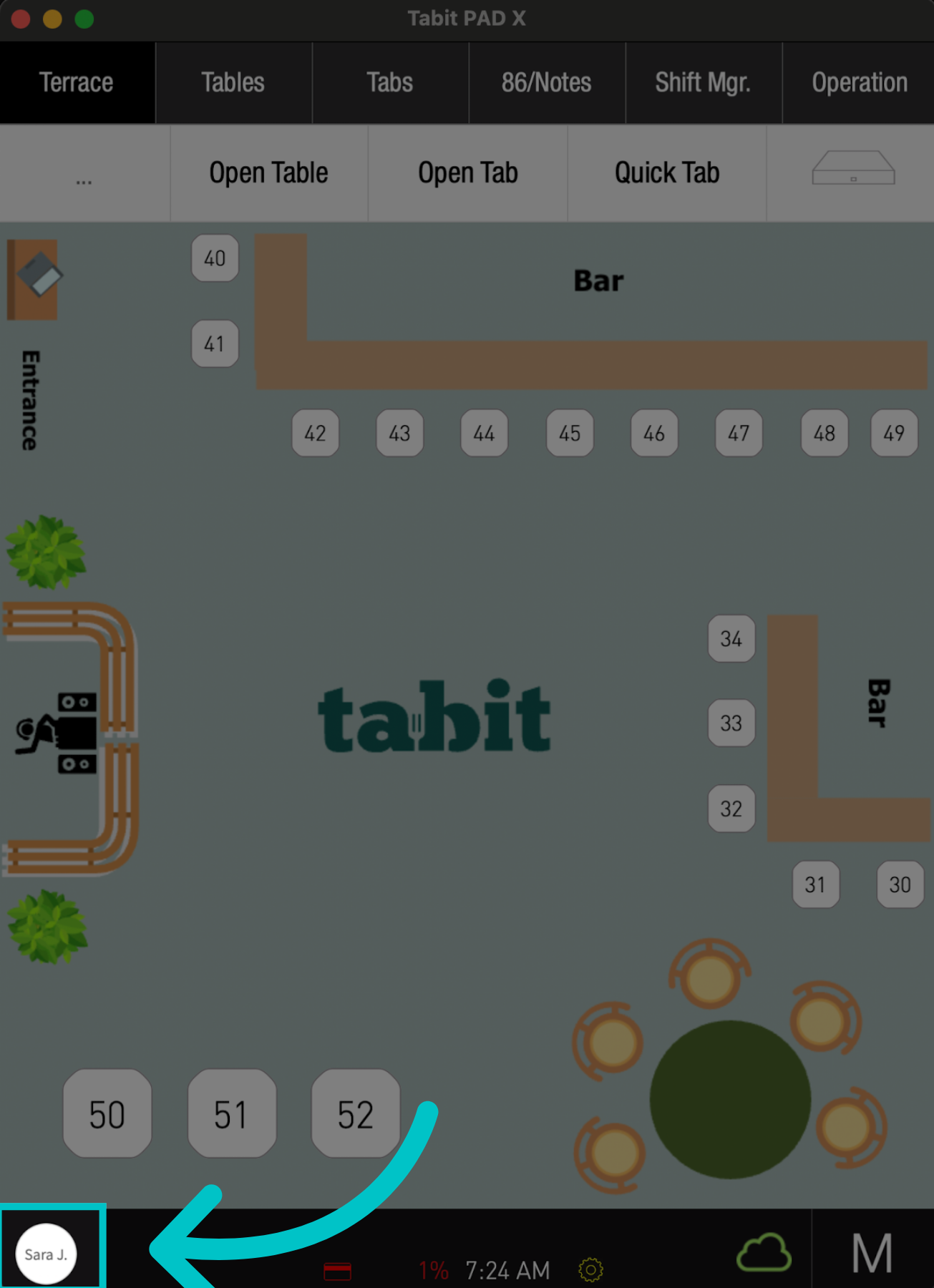
Tap the User icon on the bottom left
-
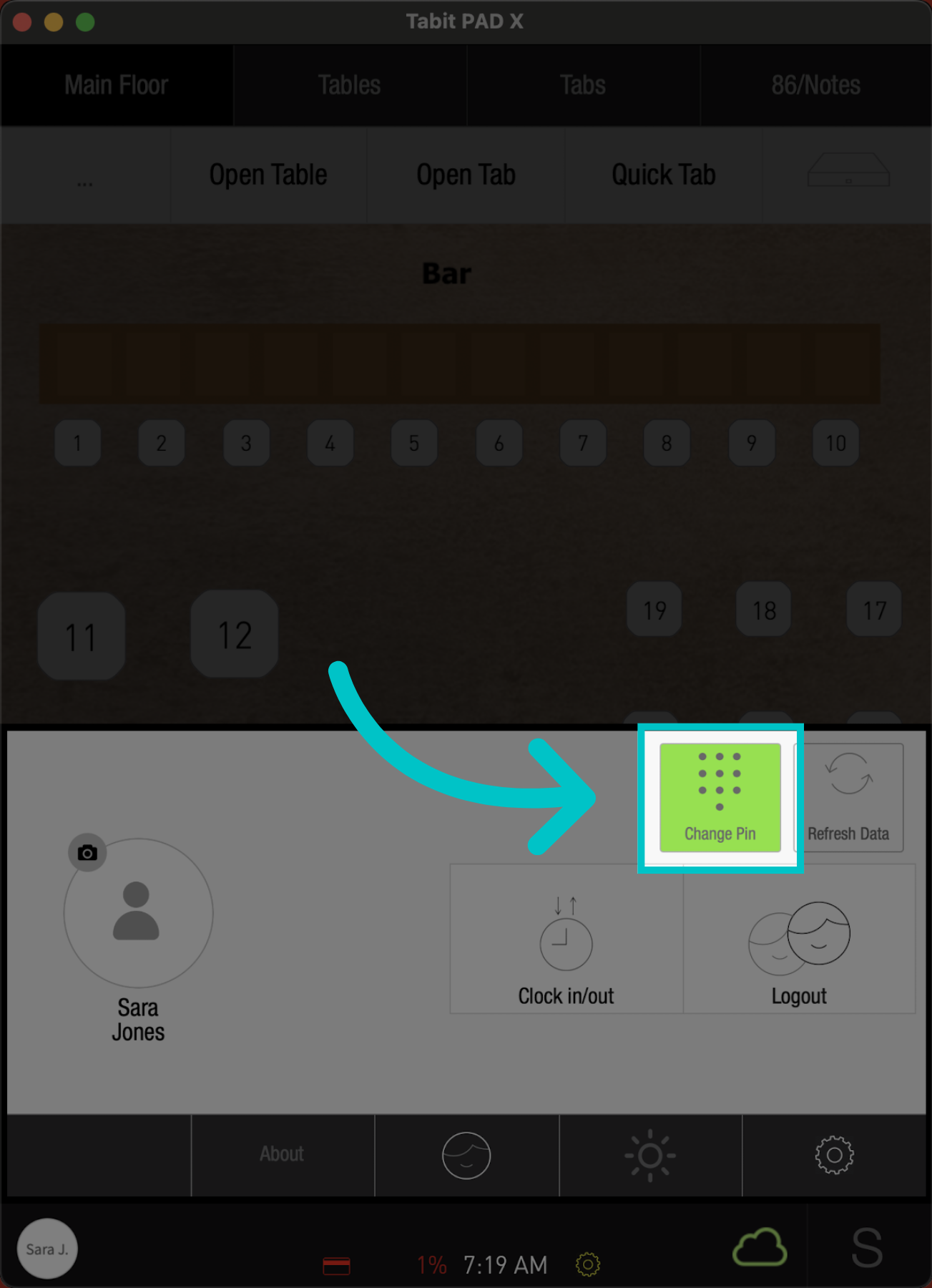
Then select Change Pin
-
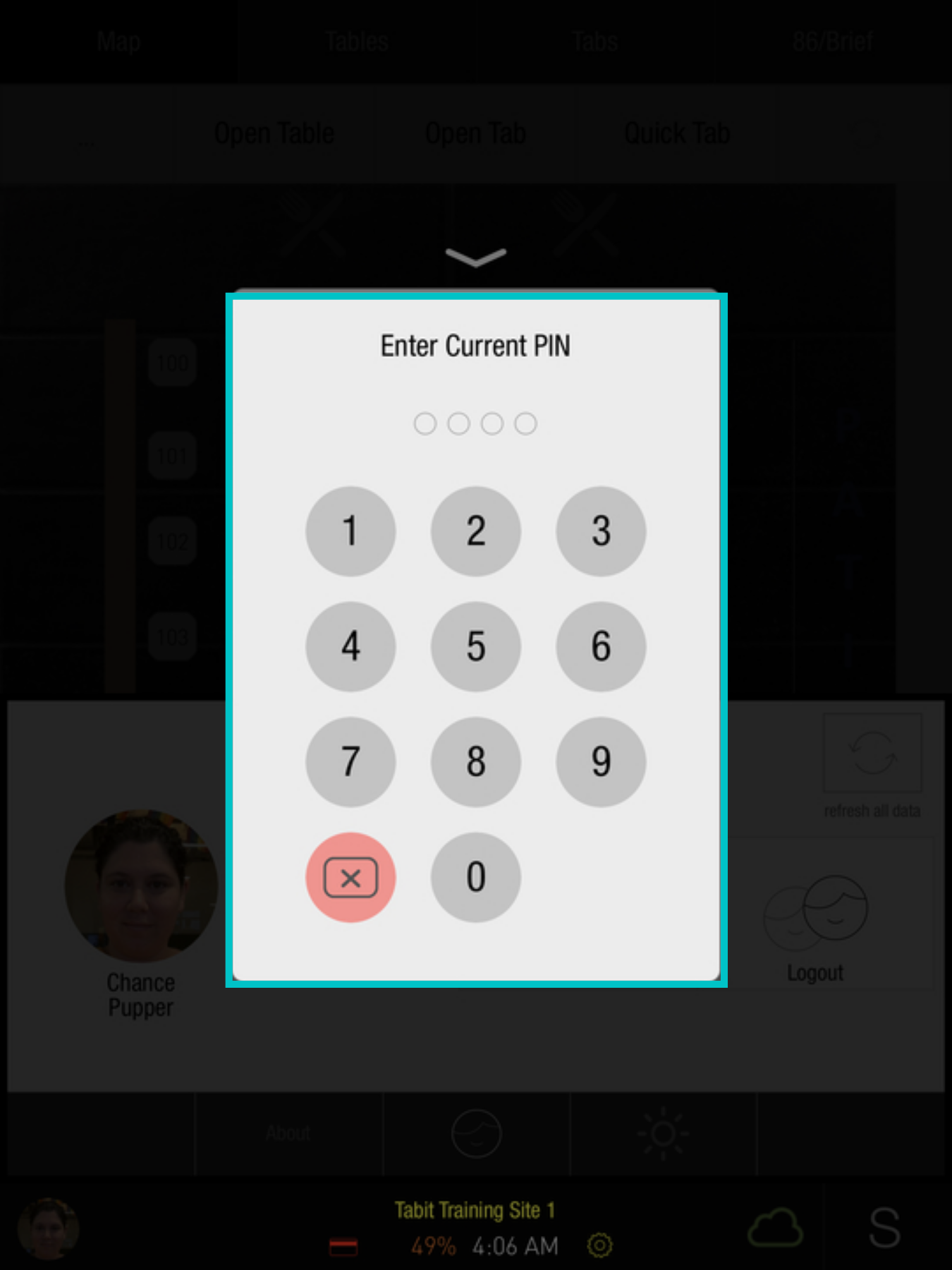
Enter your Current PIN code
-
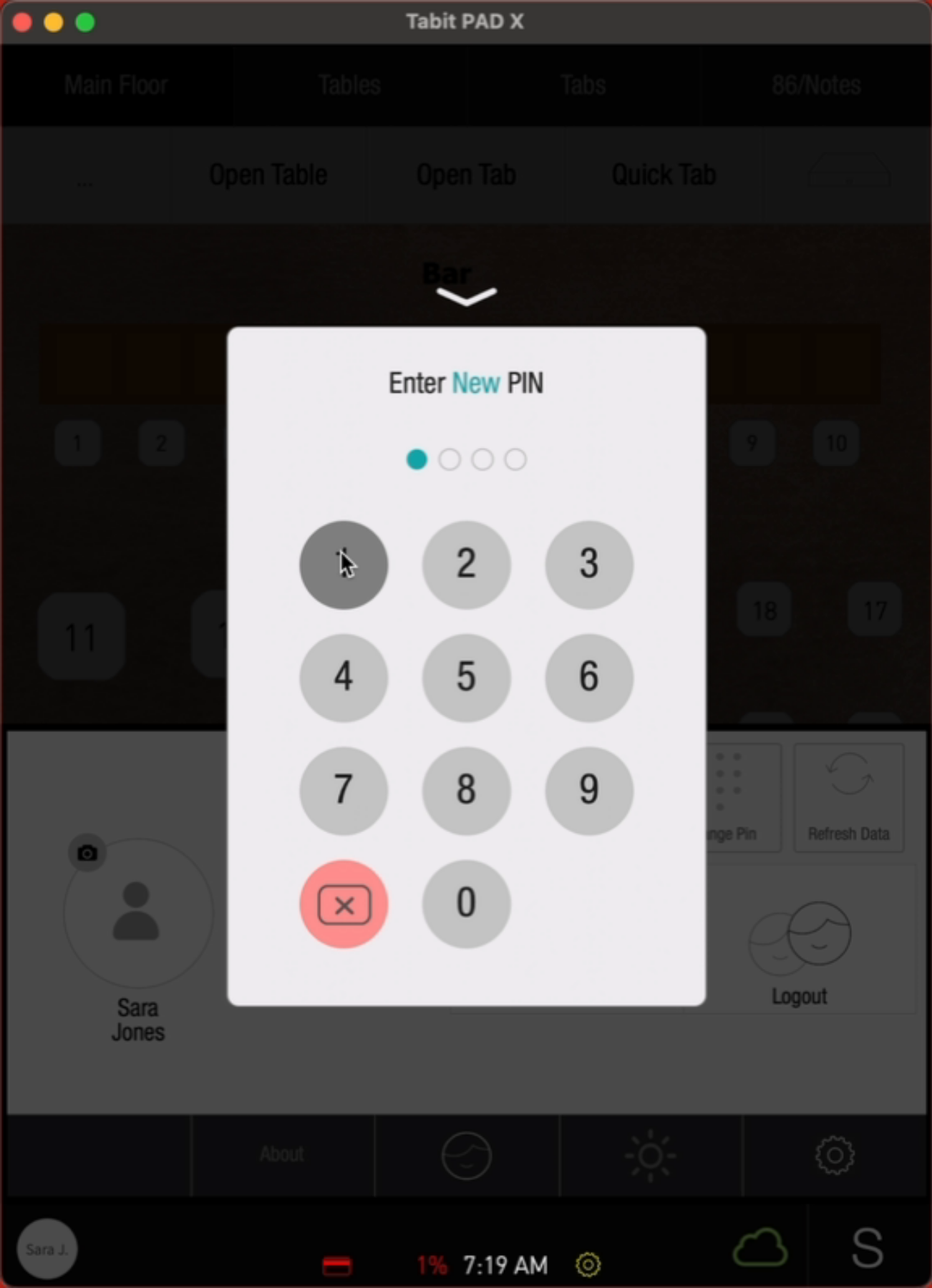
Then enter the New PIN code and Repeat it
-
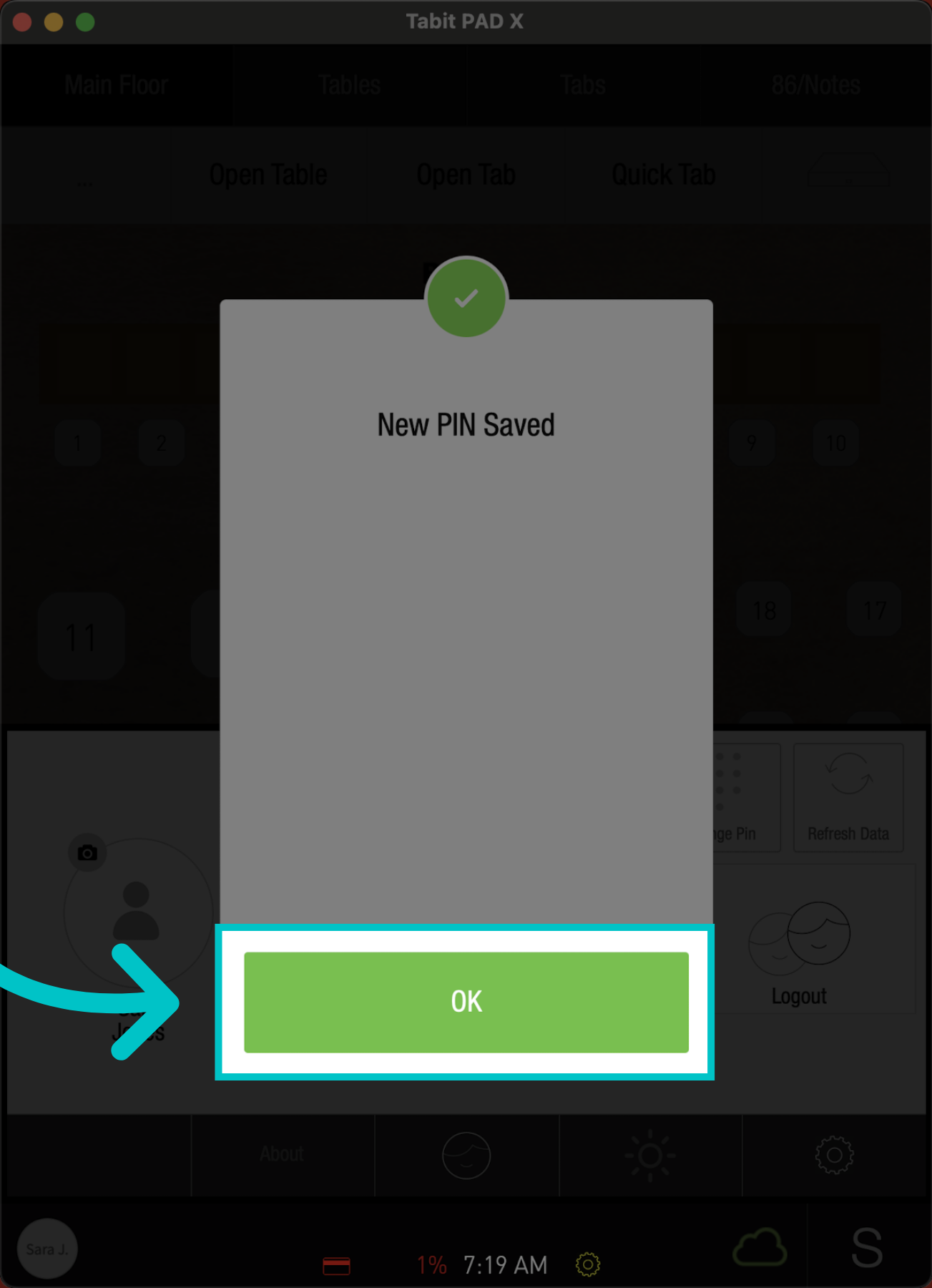
Tap OK to complete the process
-
Now, you will be able to log in to the PAD with the new PIN code