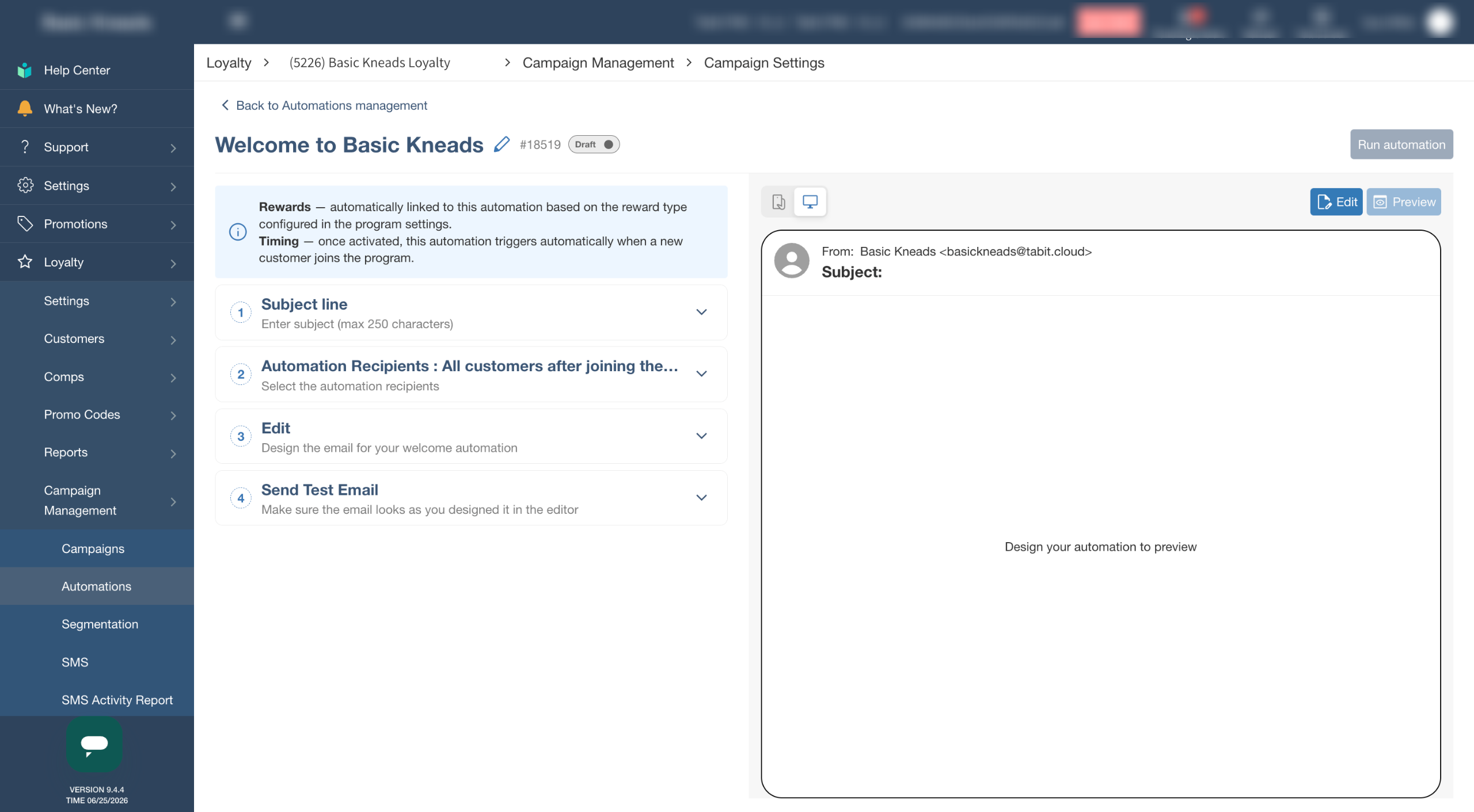
Automated messaging is a powerful tool for customer engagement, allowing you to send triggered campaigns that keep your loyalty members informed and encourage repeat visits. These automated messages are sent based on specific customer actions, such as joining the loyalty program, redeeming a reward, or completing a purchase.
To learn how to create automated campaigns in Tabit Loyalty follow the steps below:
-
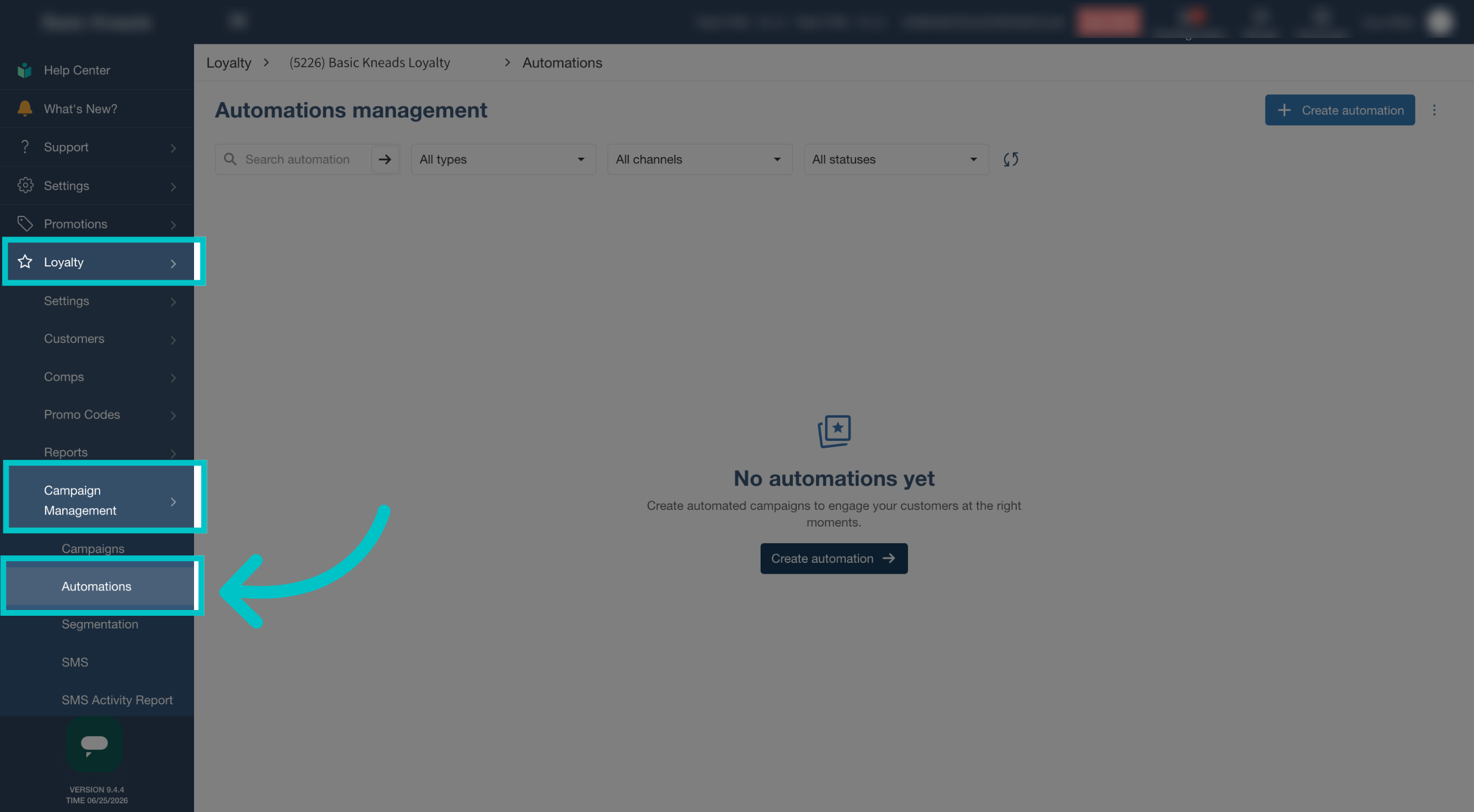
Go to Loyalty > Campaign Management > select Automations
-
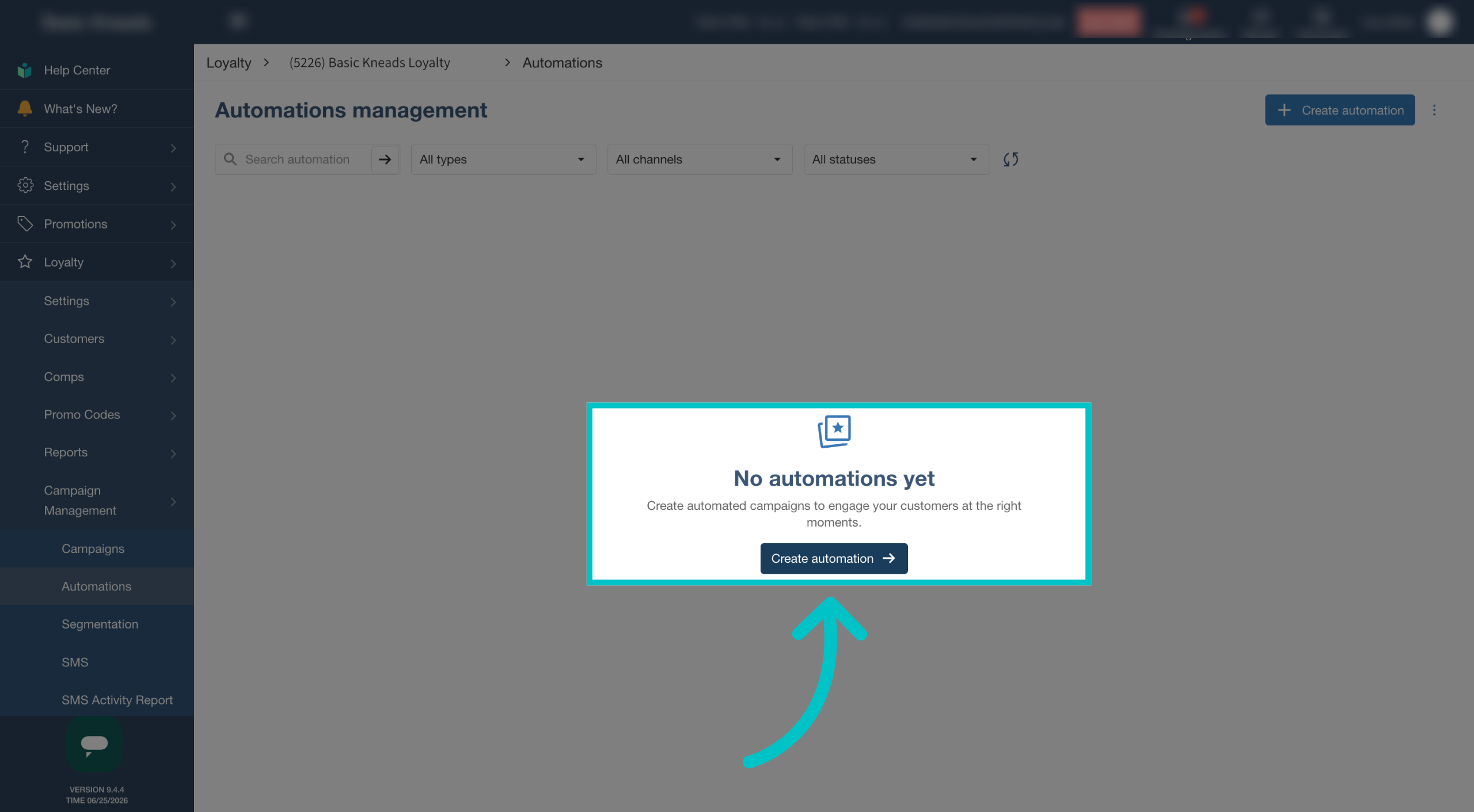
Select Create Automation to create a new automation
-
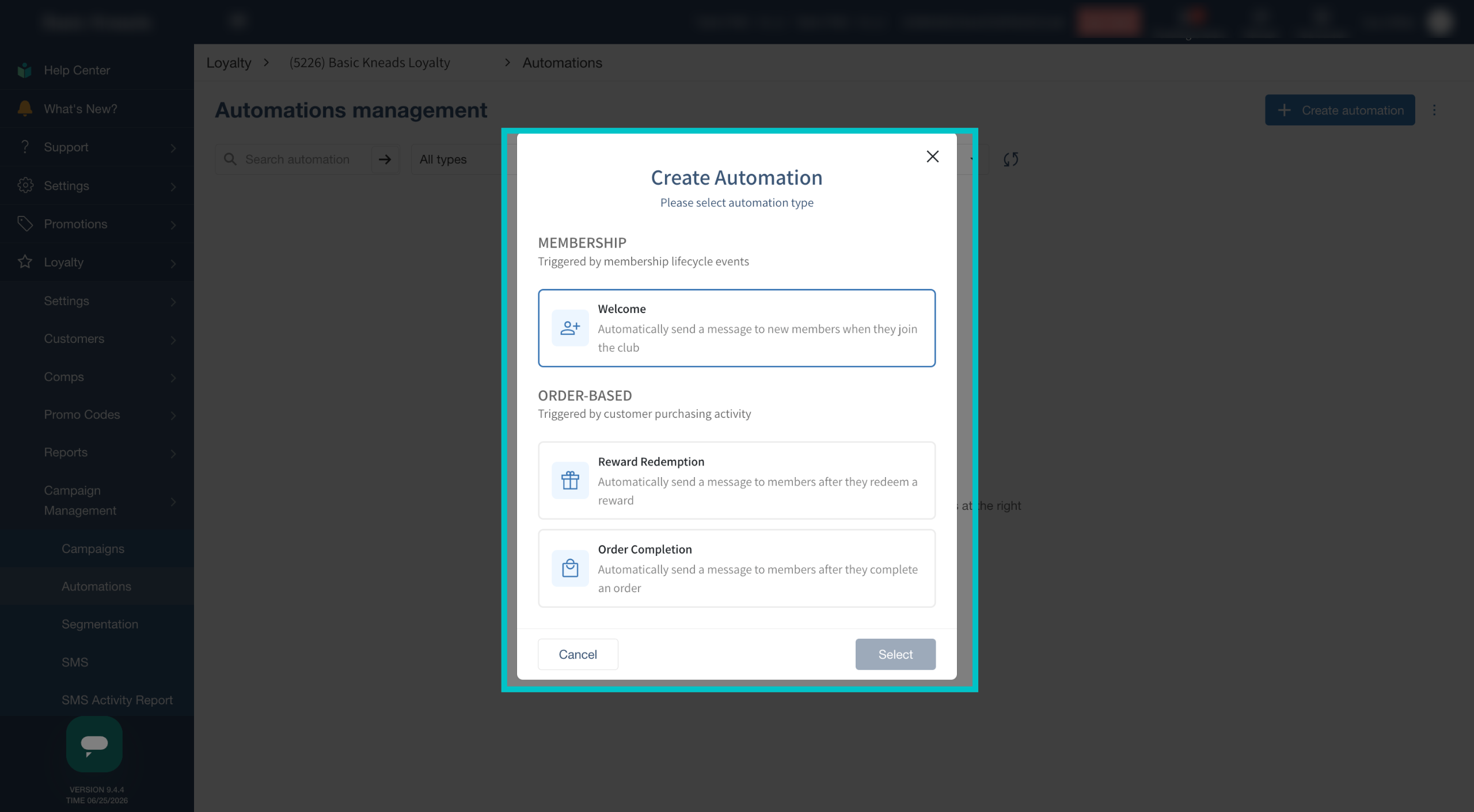
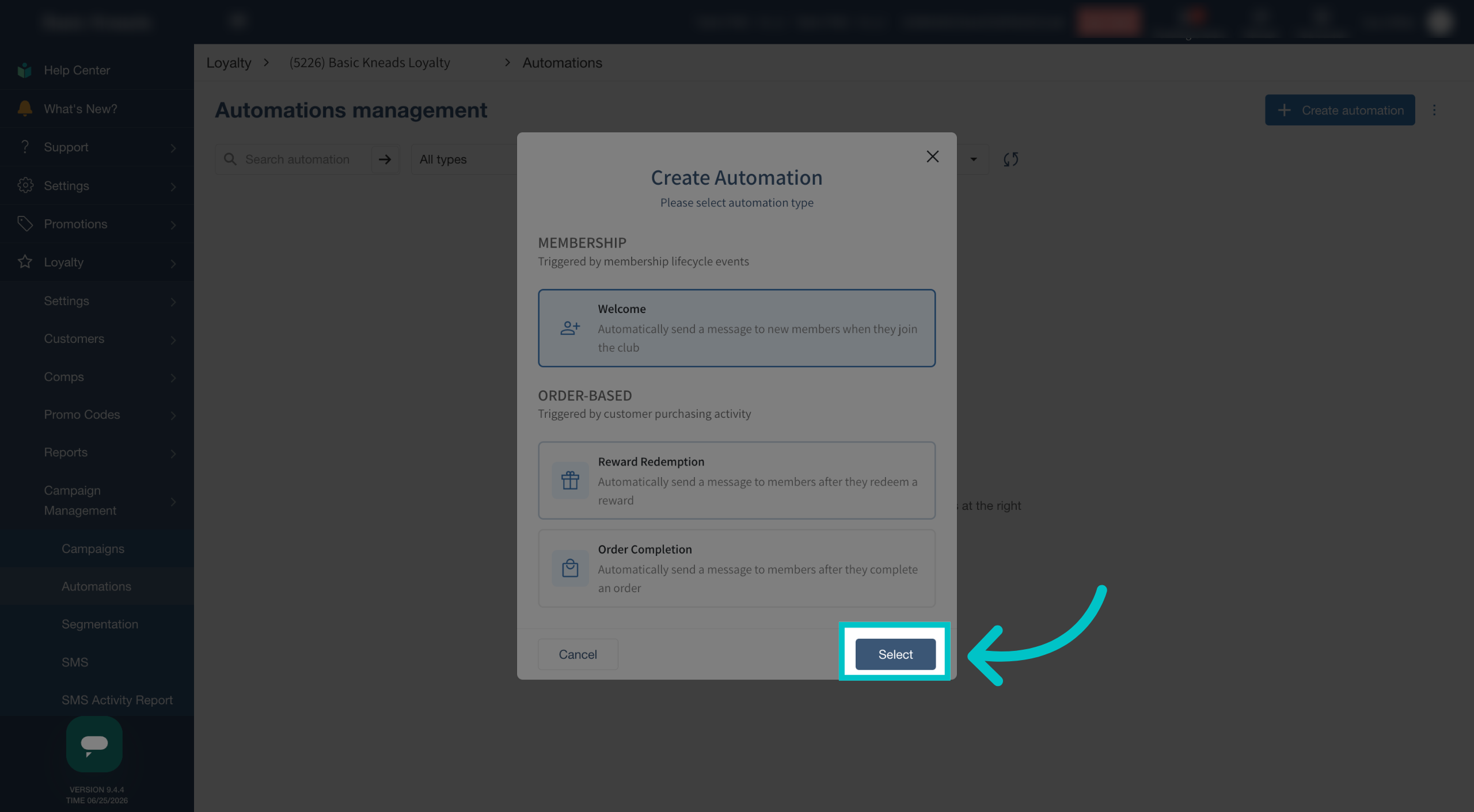
Select the type of automation to create
- Welcome: triggered when a new customer joins the loyalty program
- Reward Redemption: triggered when the customer redeems a reward
- Order Complete: triggered when the customer completes an order
-
Click Select
-
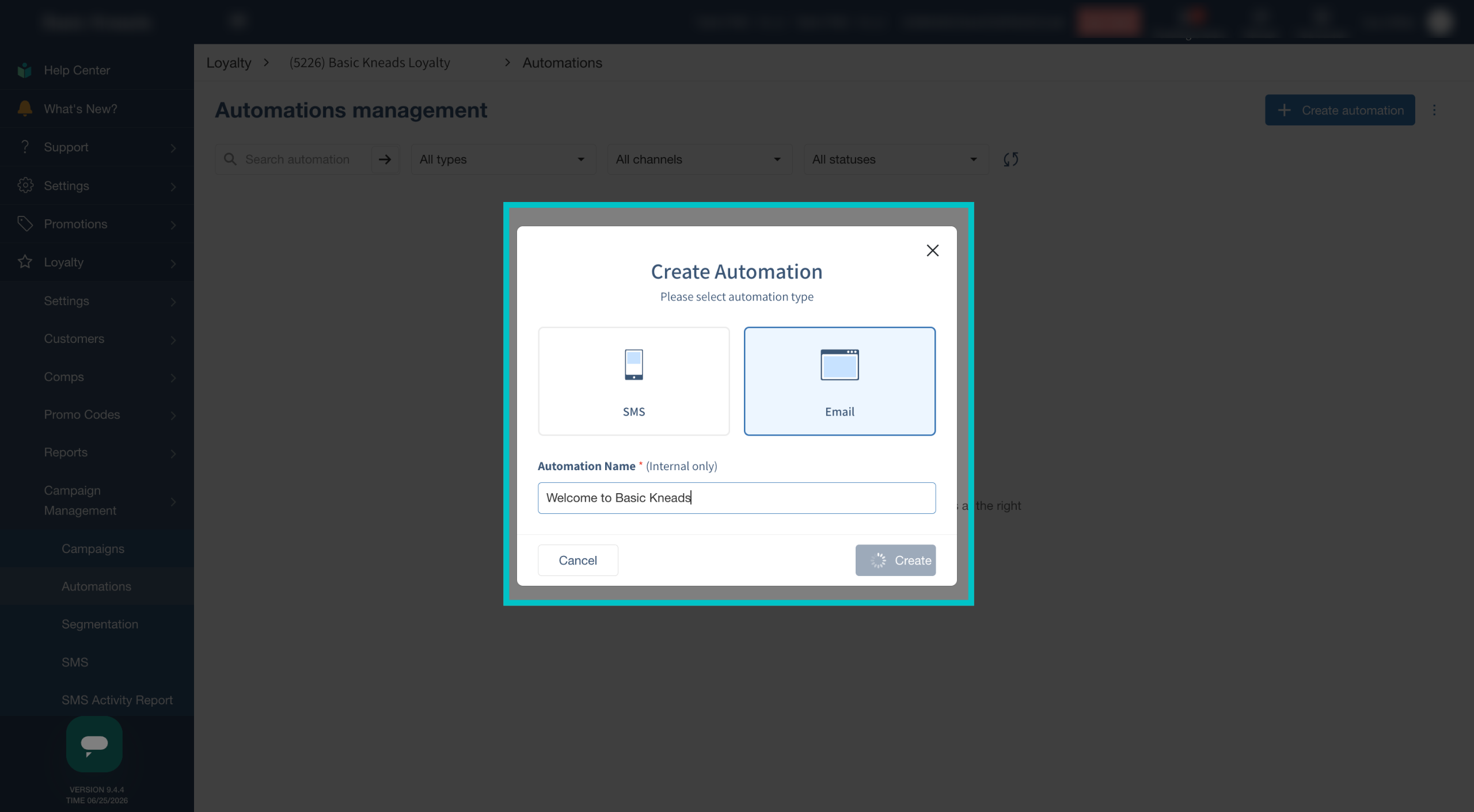
Select if this should be an automated SMS or email, give it a name, and then select Create
-
Continue building the campaign as you would for regular SMS or email campaigns