You may need to apply a tax exemption when an order qualifies for special cases, such as nonprofit organizations, government entities, or other legally exempt situations. Using this feature ensures that sales tax is correctly excluded while keeping a proper record for reporting and compliance.
Follow the steps below to apply a tax exemption to an order:
-
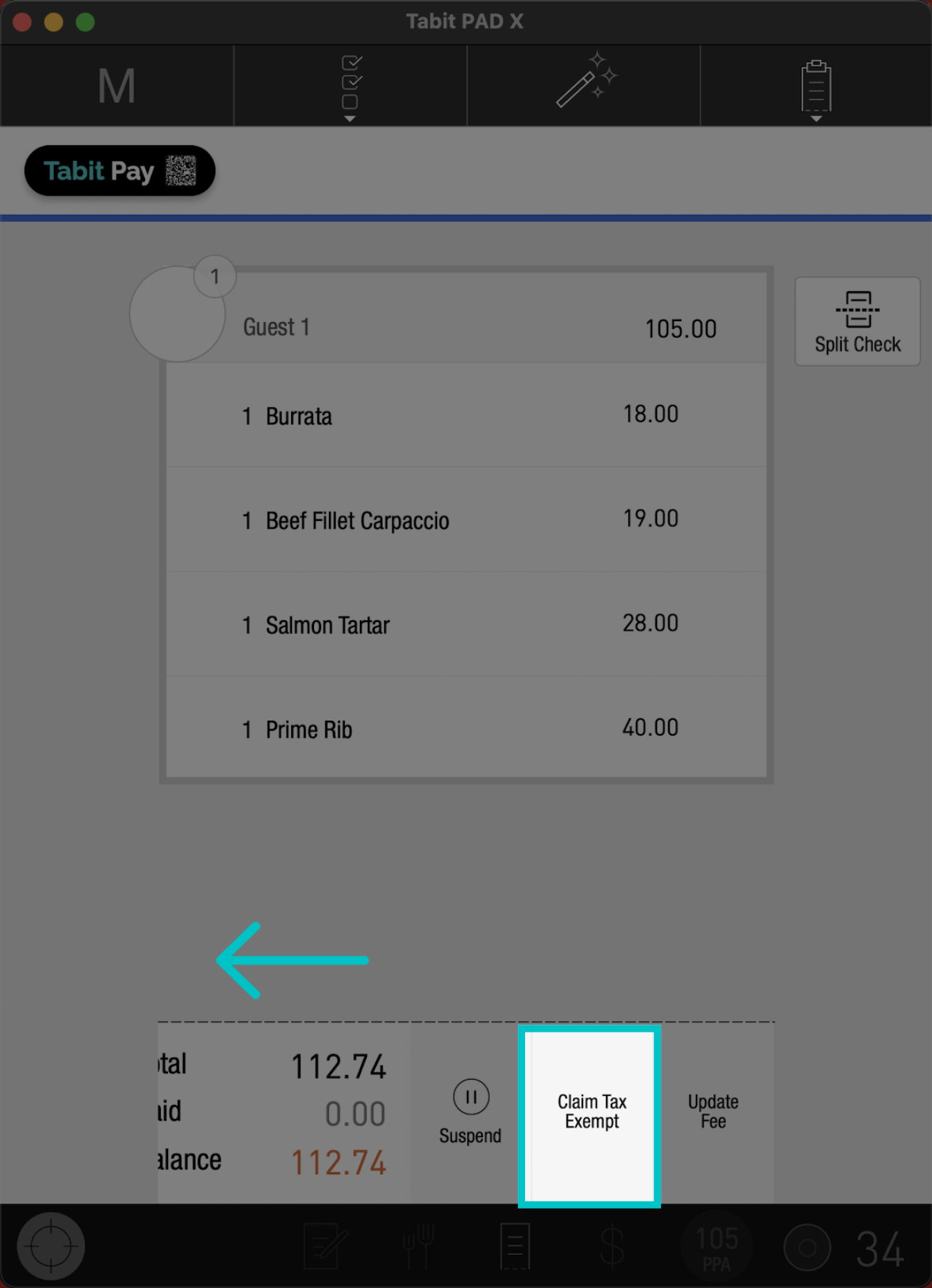
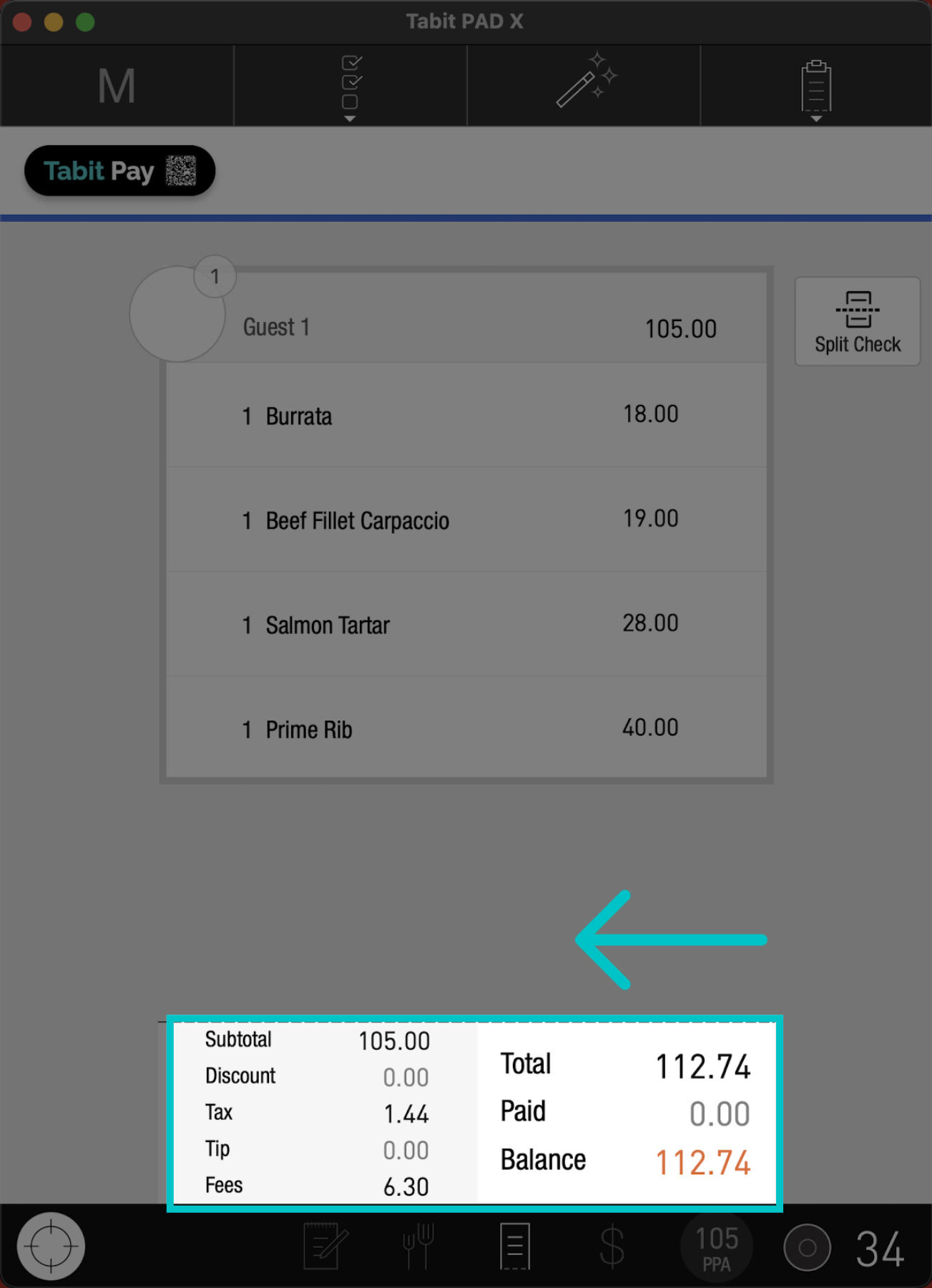
From the check screen, swipe the check summary section to the left and select Claim Tax Exempt
-
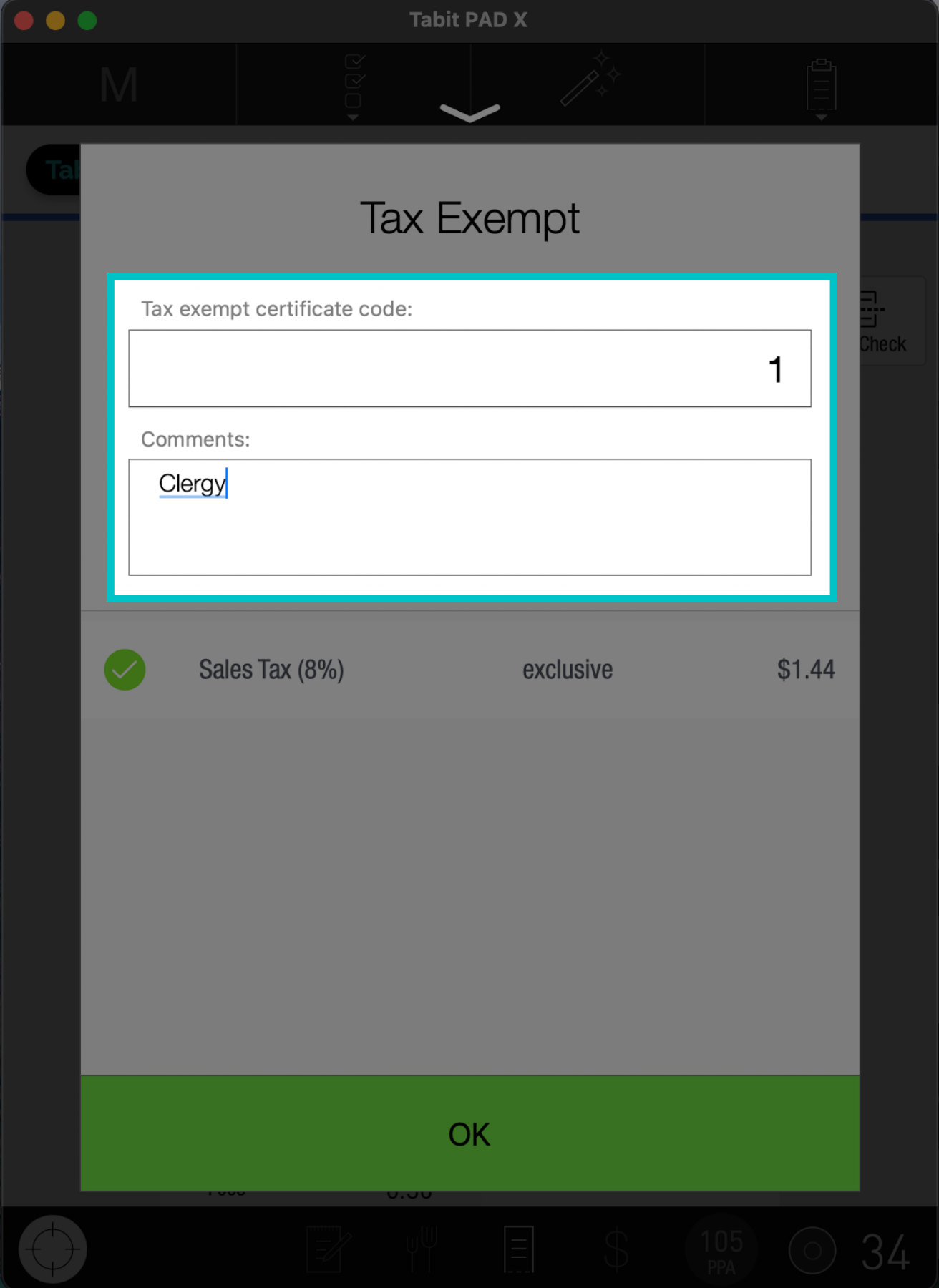
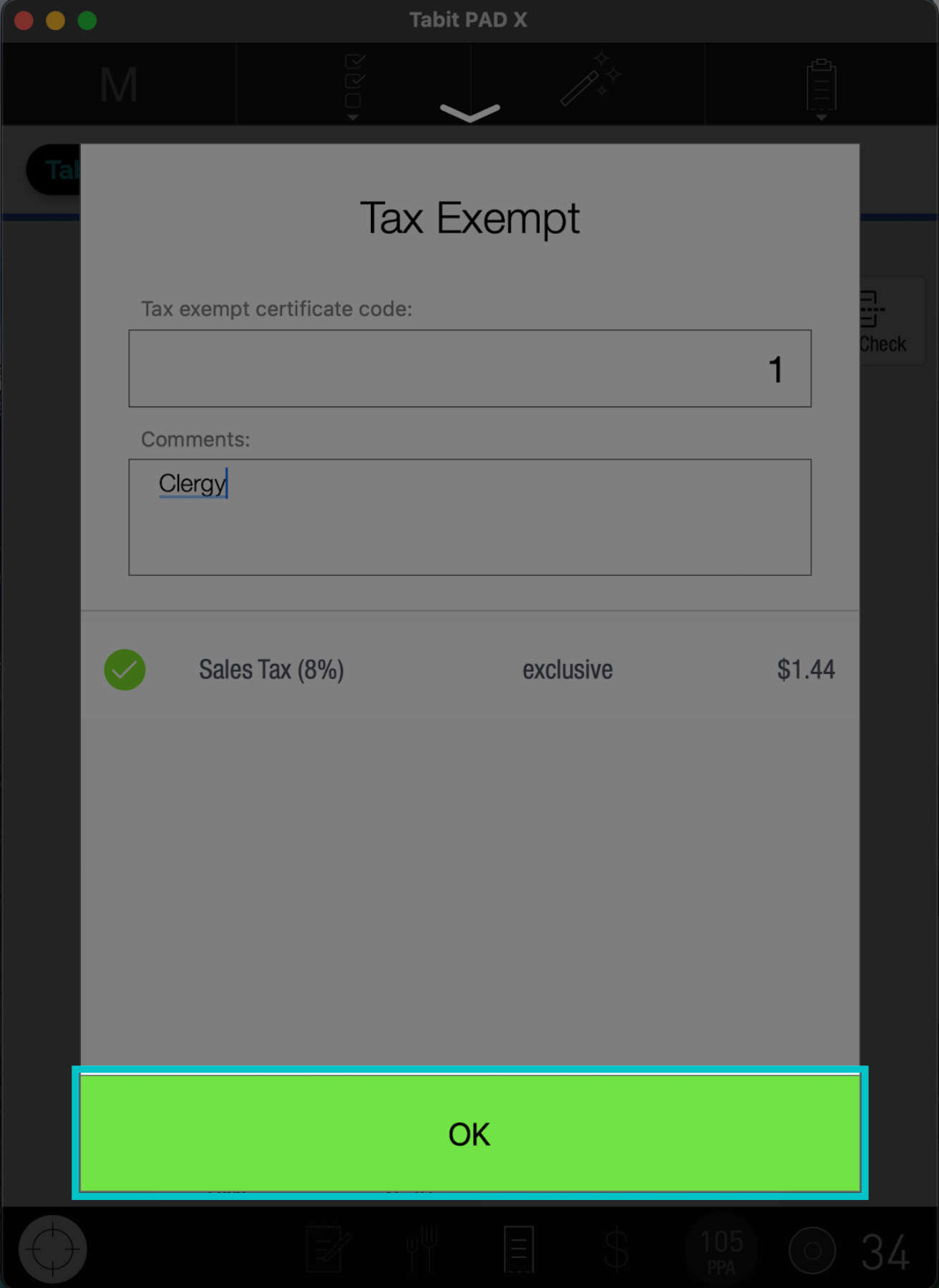
Type in the certification code and add a comment
-
Tap OK to complete the action
-
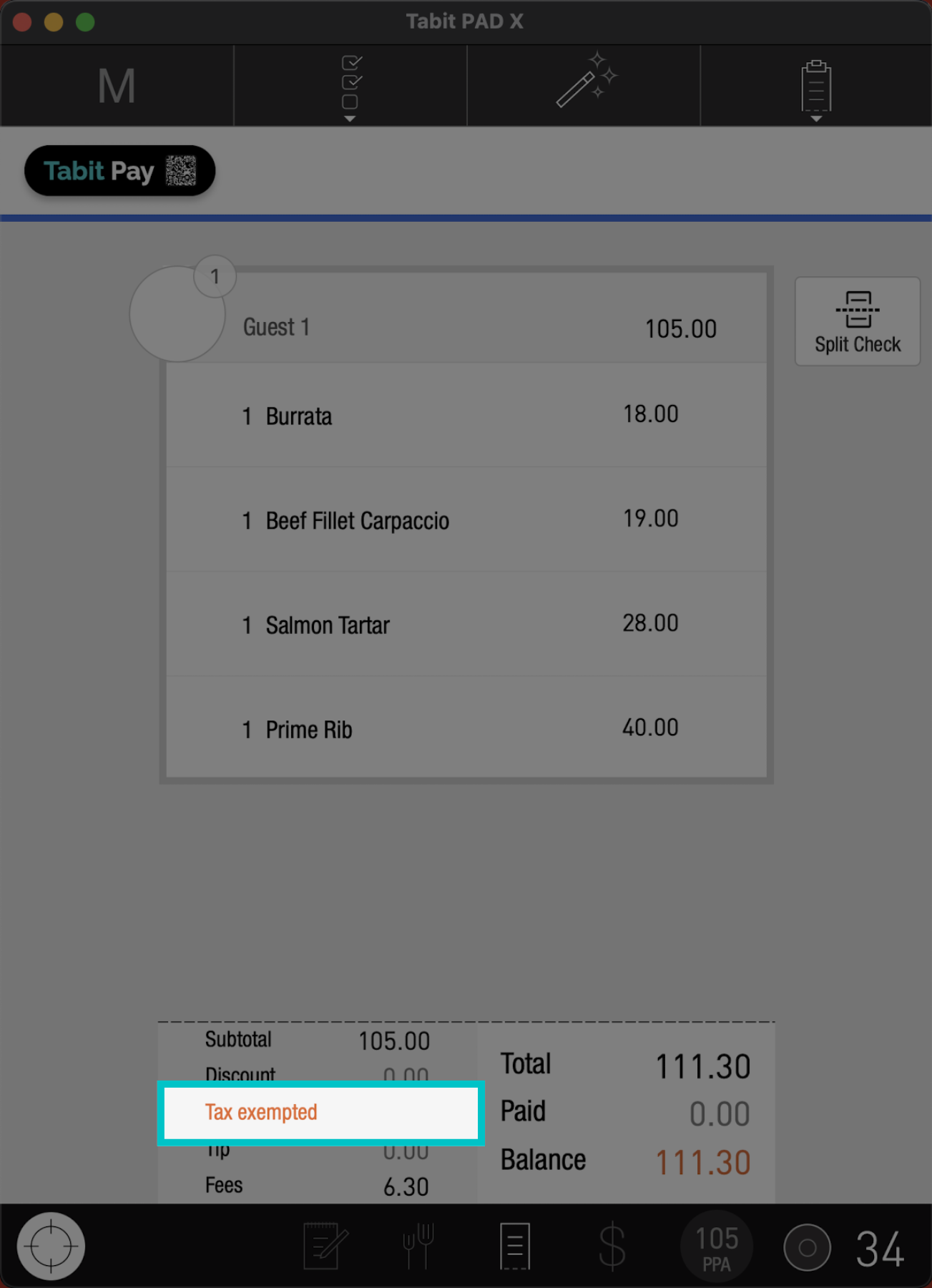
Now, the tax will appear in orange, indicating that it is exempt