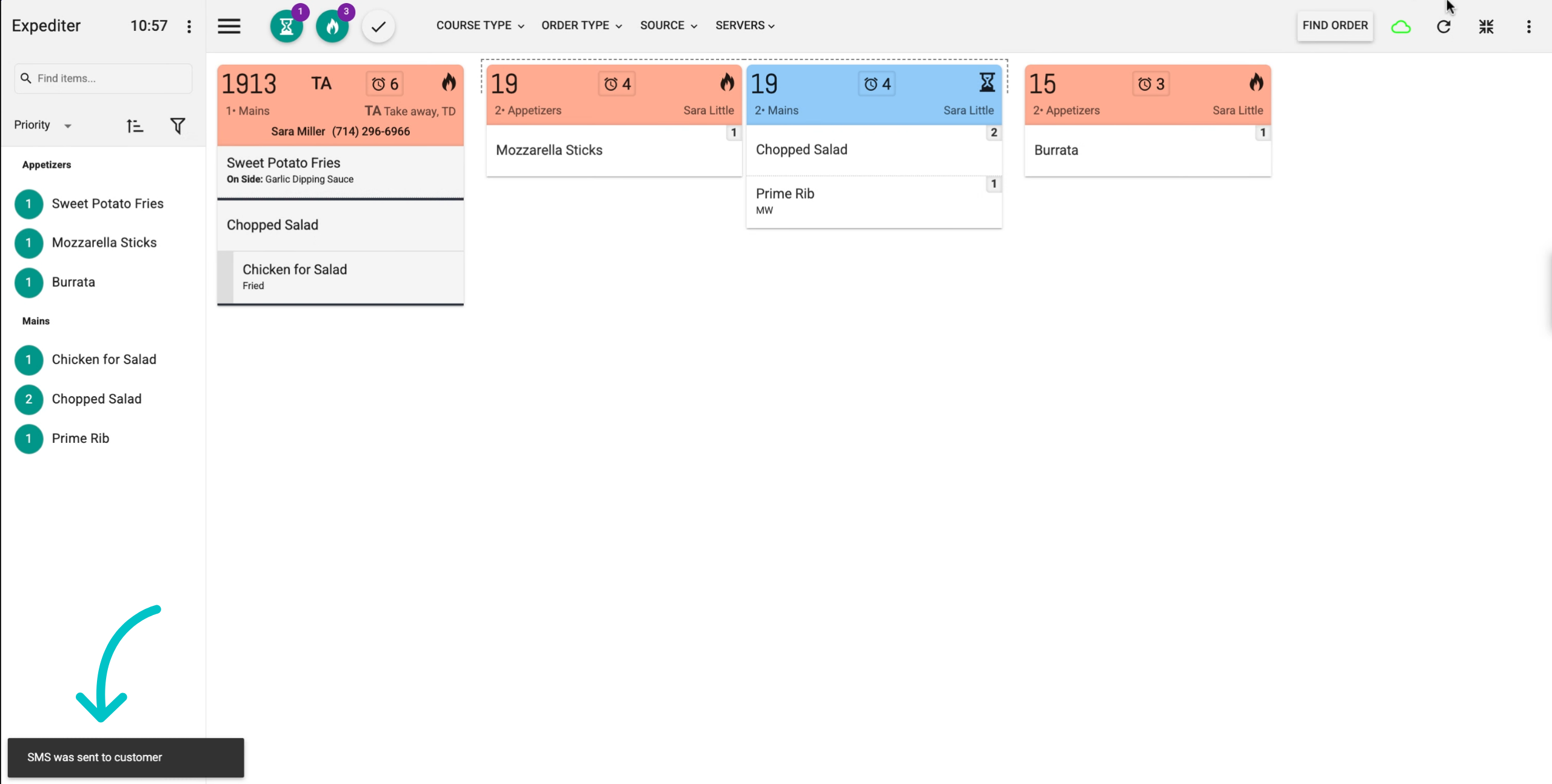
The Notify Guest feature provides an easy way for kitchen staff to communicate with guests when their orders are ready. For takeaway or over-the-counter (OTC) orders, if the guest’s phone number is entered during order creation, the kitchen display system will offer the option to send a text notification directly to the customer.
Please be aware, SMS rates apply
This feature is dependent on the KDS parameter Notify Customer being turned on. To turn it on, from within KDS setup go to Profiles > select the relevant profile > Presentation > Ticket Options > Notify Customer
Learn how to notify customers from the KDS screen below:
-
When a ticket comes through for a TD or OTC order with a guest phone number, there are two ways you can notify the customer when their order is ready:
- From the ticket header
- When items are bumped
-
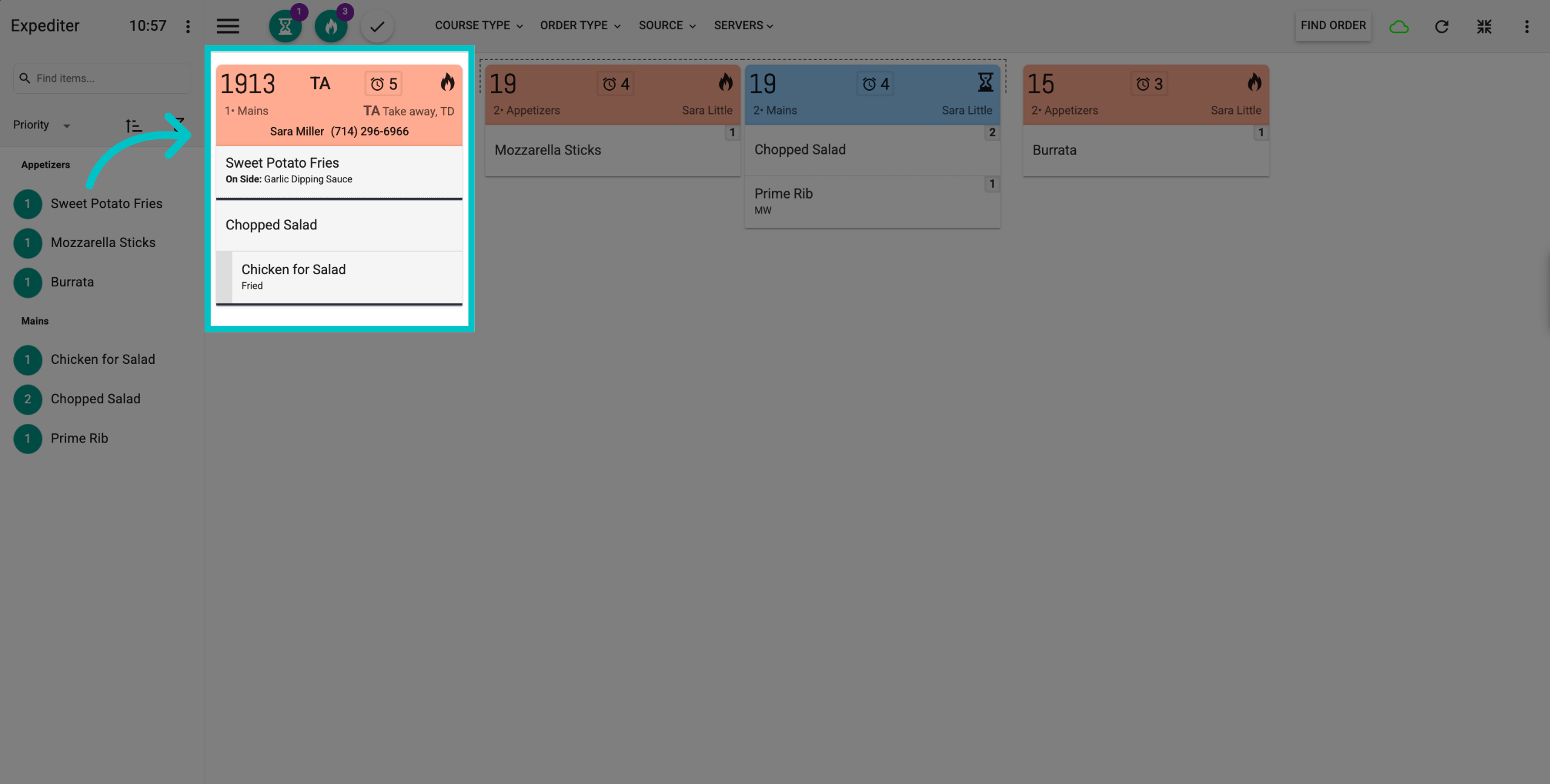
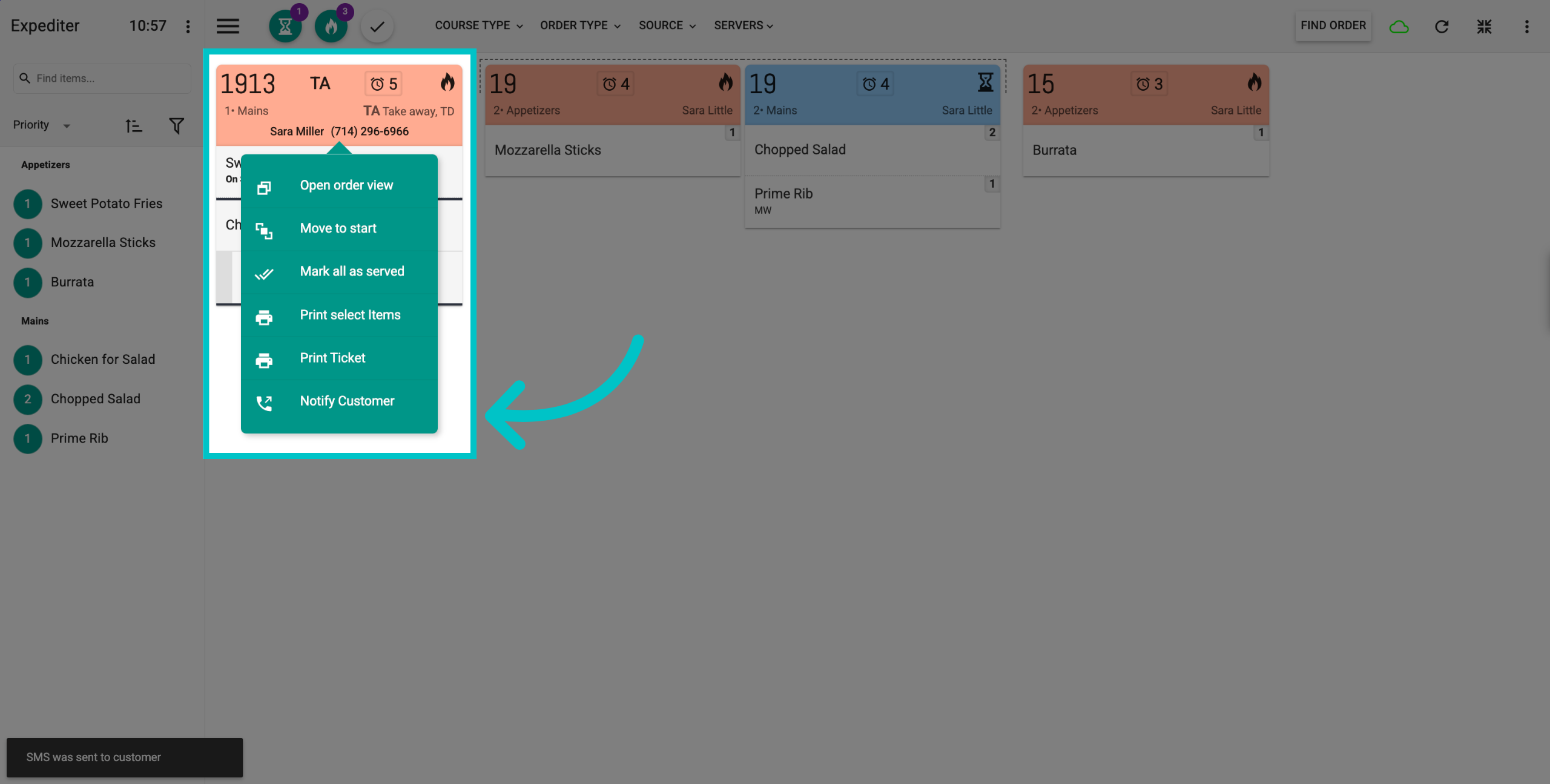
Tap the ticket header and then tap Notify Customer to send the customer a text message letting them know their order is ready
-
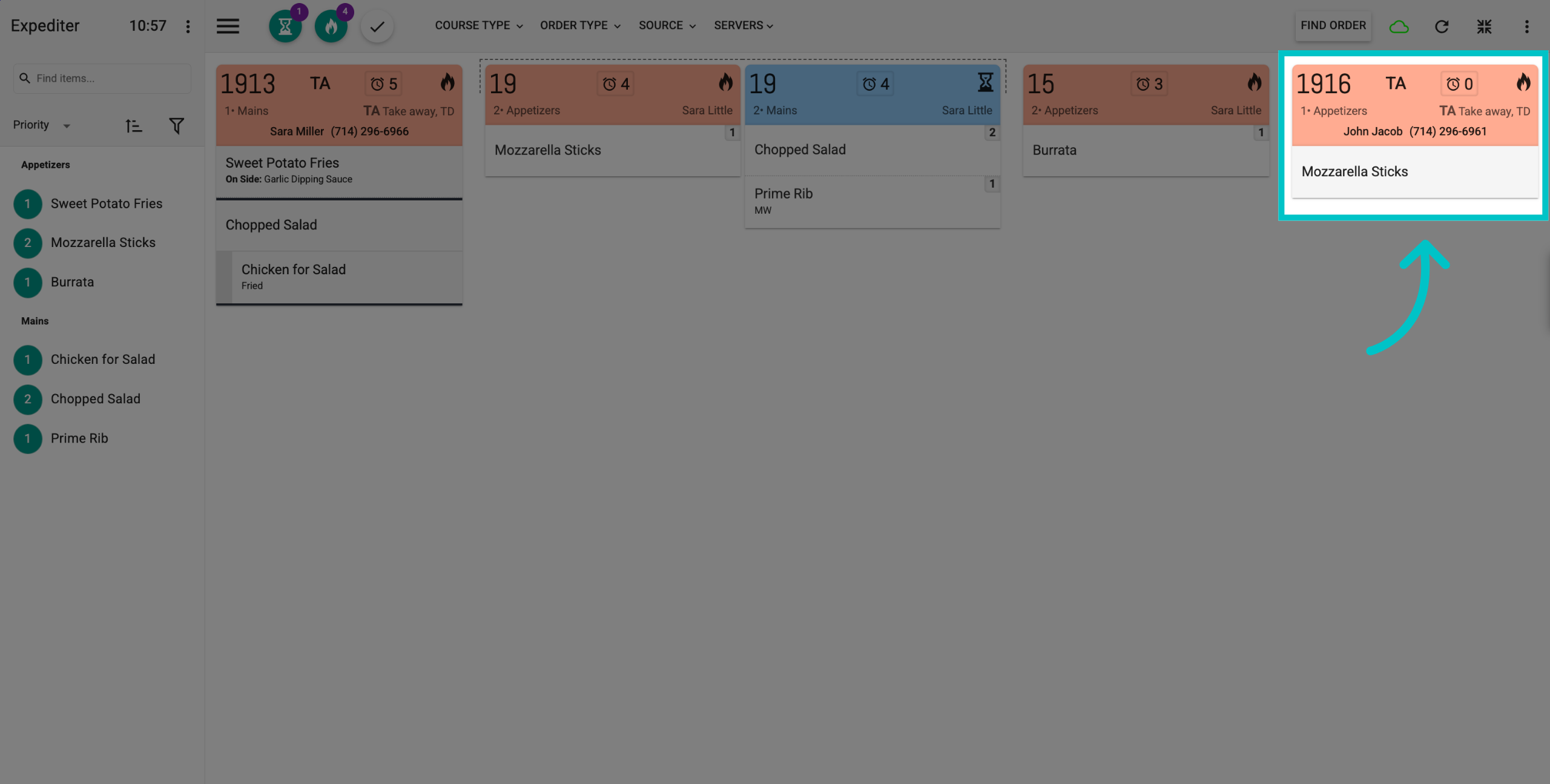
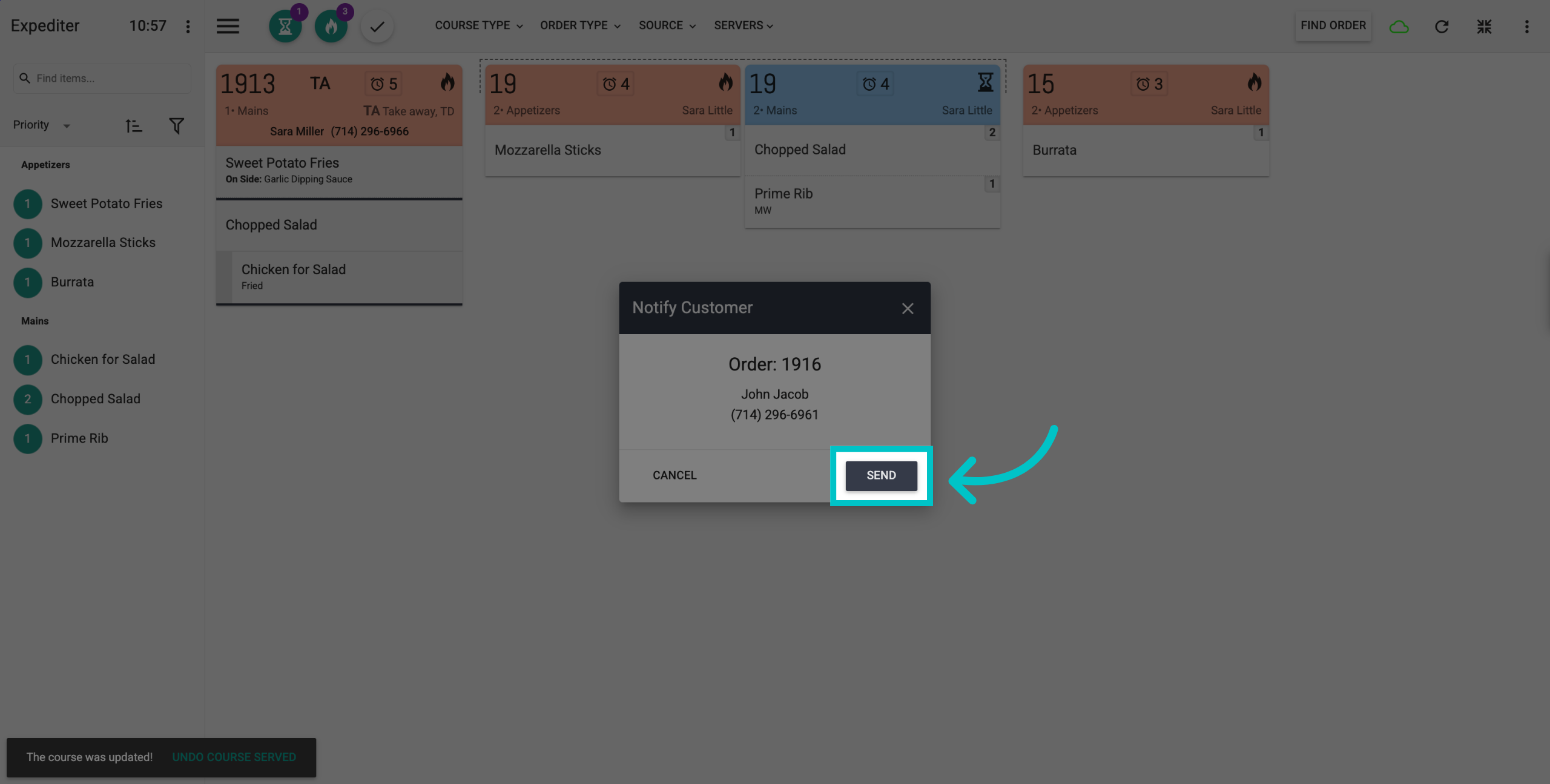
Or, when bumping items in the order, a pop-up will appear
-
Select Send to notify the customer that their order is ready
-
When the text message is sent, a notification will appear at the bottom left of the KDS screen. The customer has now been notified that their order is ready for pickup