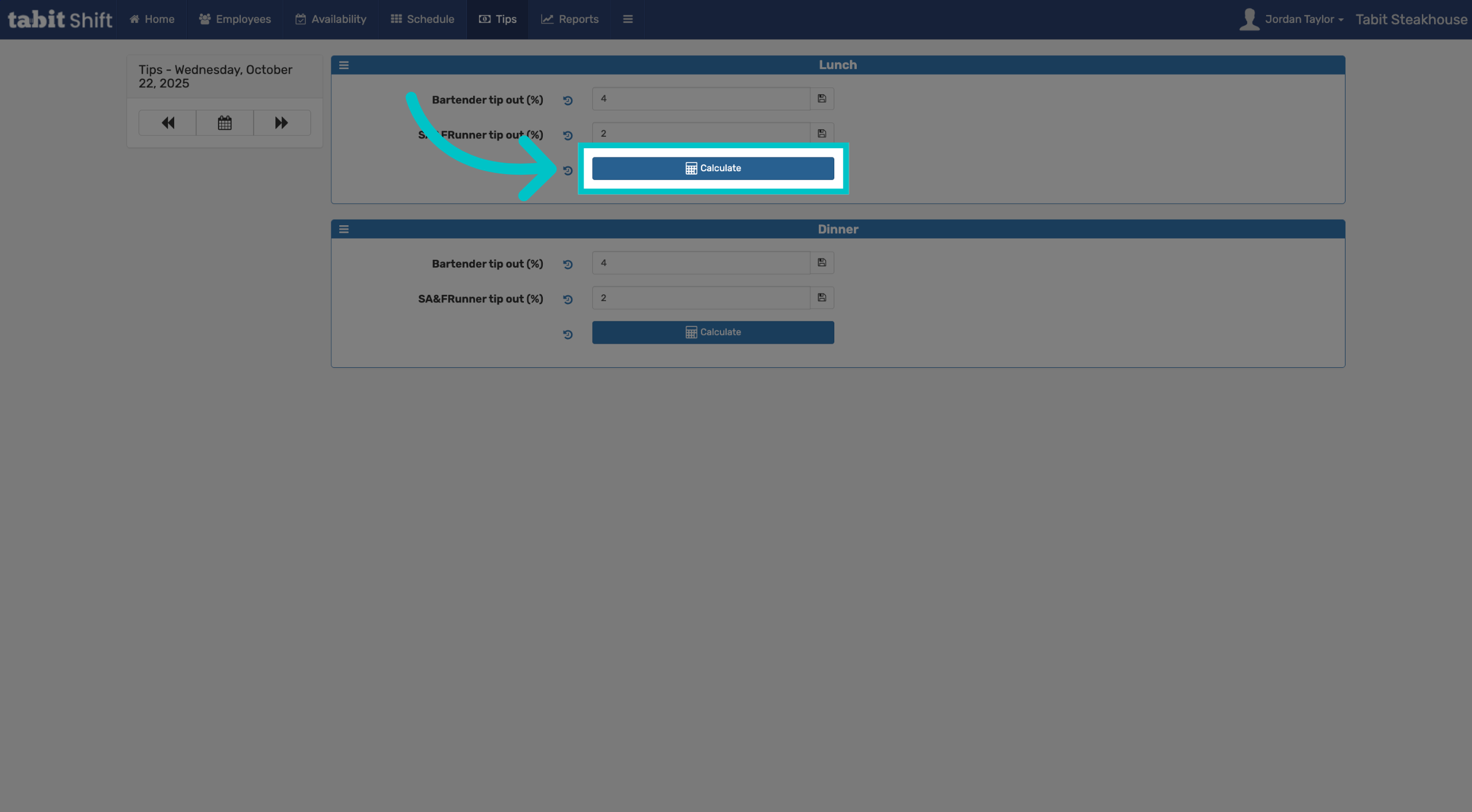
Tip outs are the portions of tips shared with supporting staff, such as bartenders, bussers, or barbacks, based on pre-set percentages. Managing these percentages ensures fair and transparent distribution among your team. As a manager, you can easily adjust the percentage of tips allocated to each role
Follow the steps below to update tip out percentages:
-
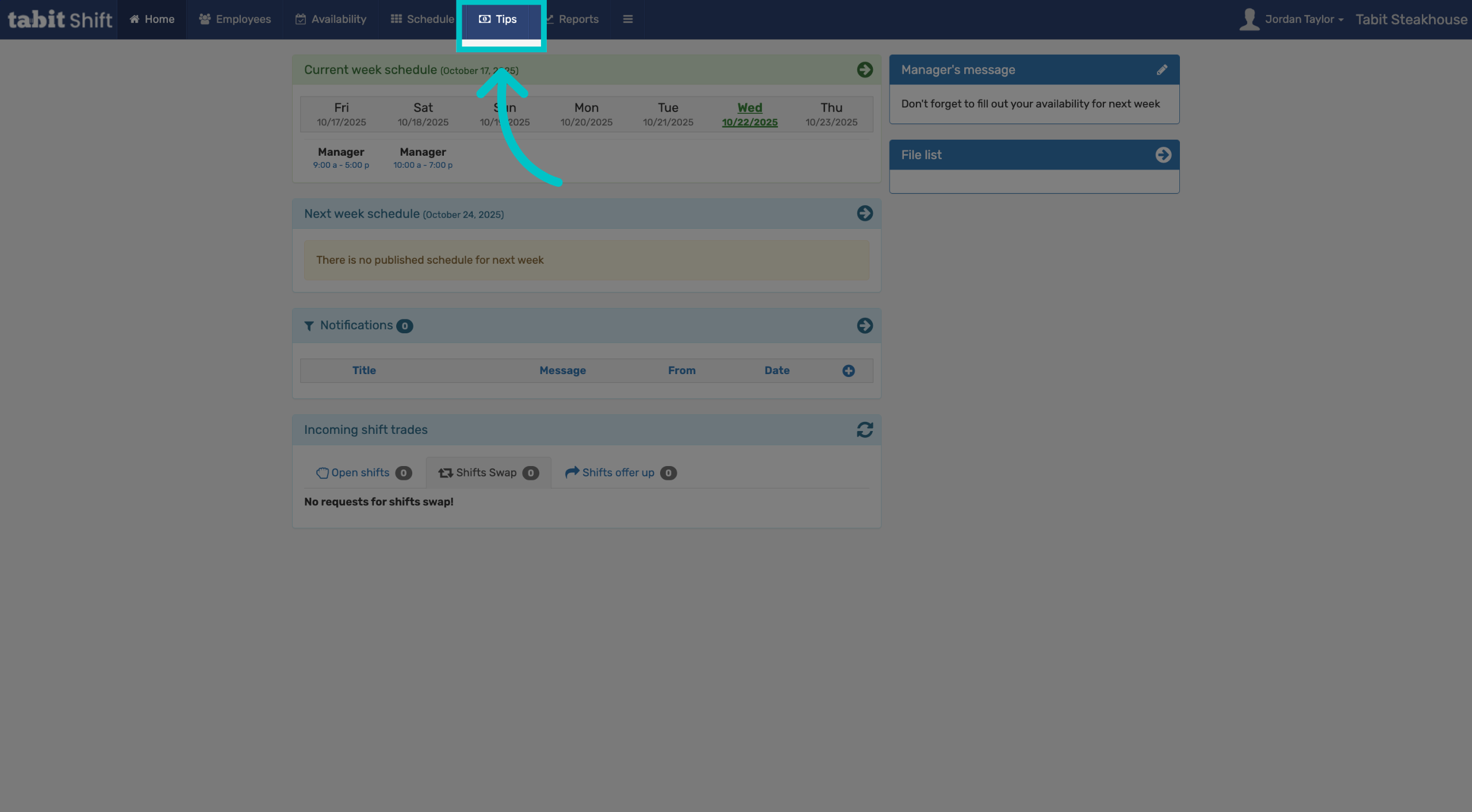
Sign into Tabit Shift as a manager. Then select the Tips tab at the top of the screen
-
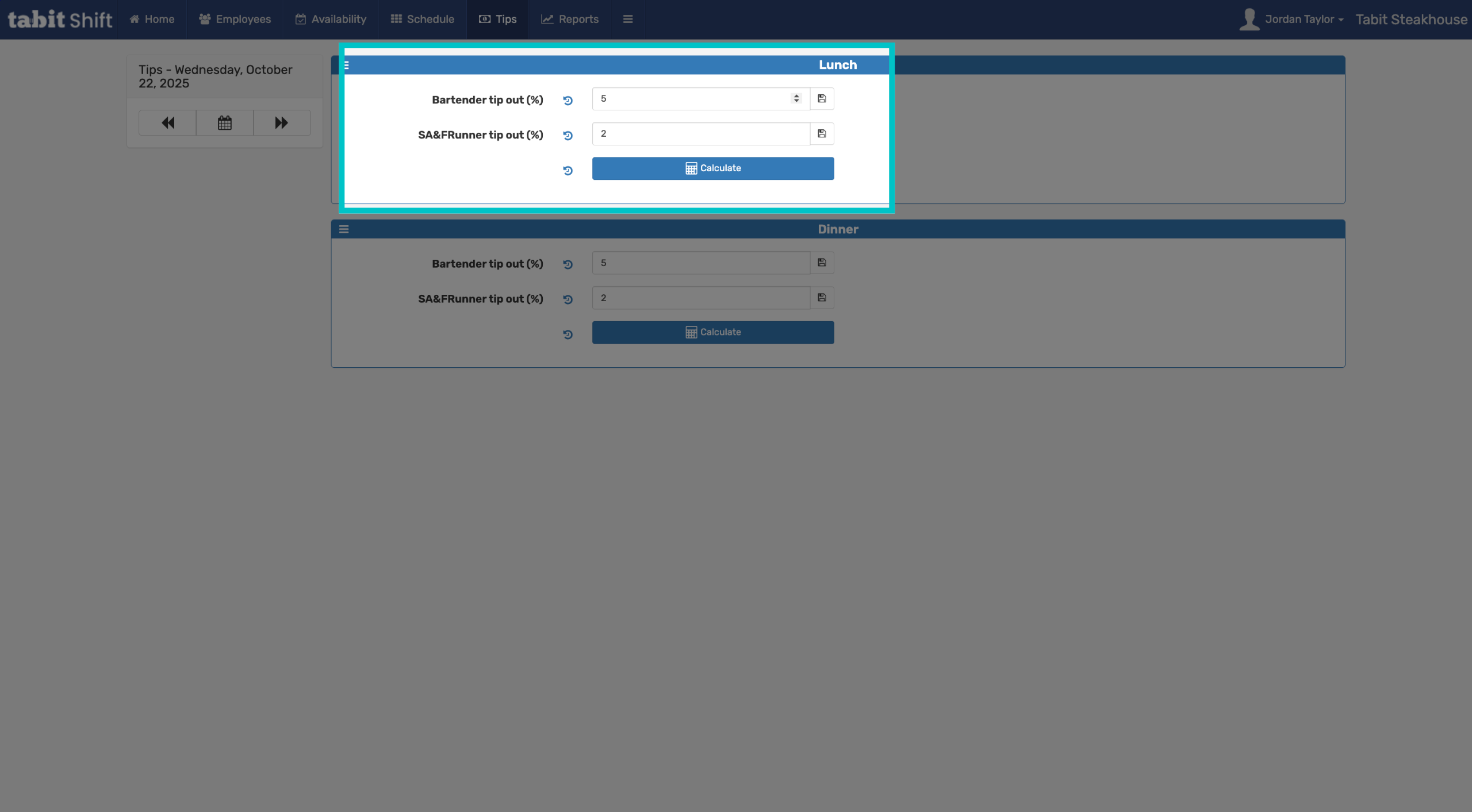
Select the tip out percentage you would like to edit and enter a new percentage
-
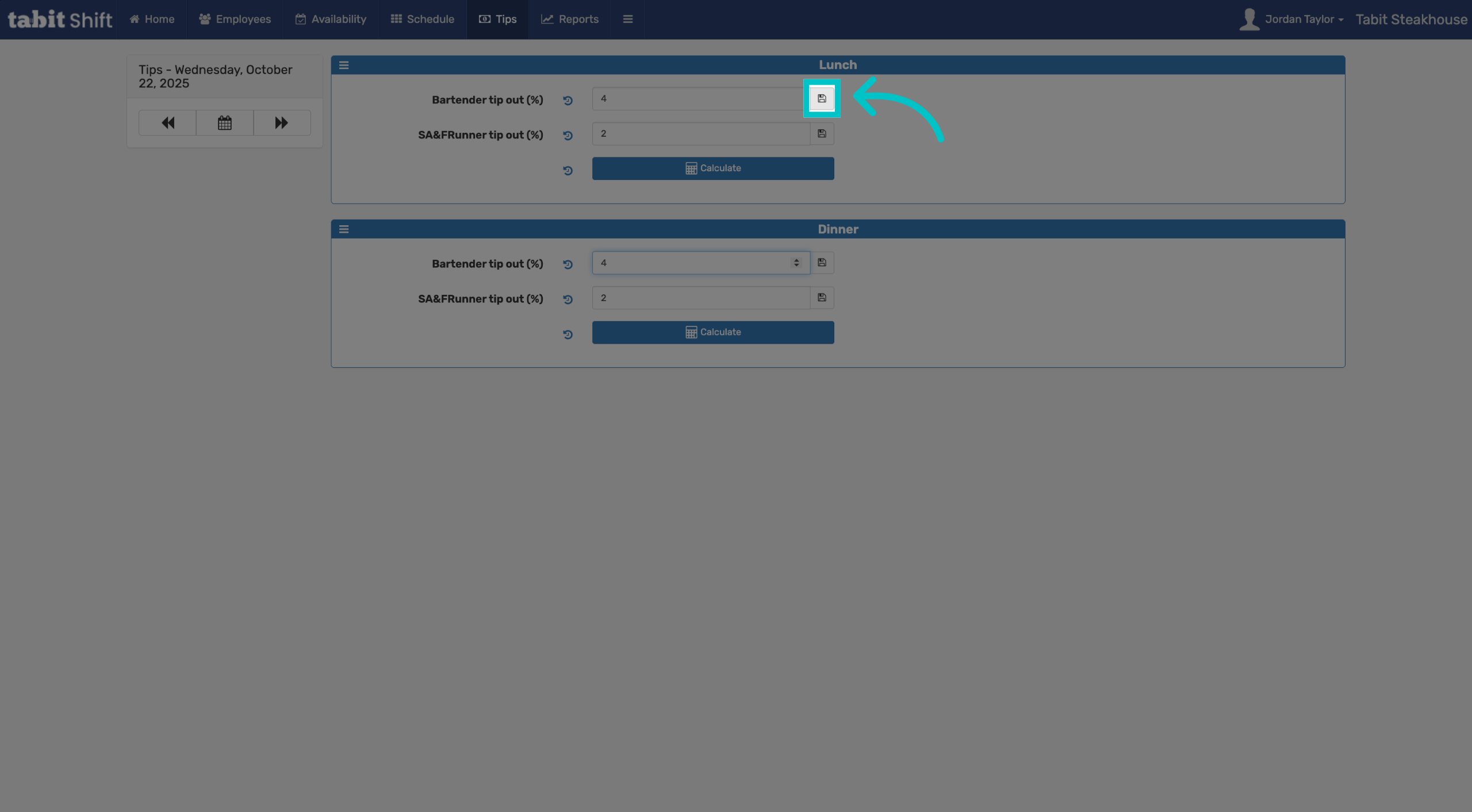
Select the Save icon next to all of the percentages you edited to save your updates
-
Now when you calculate tip out it will be calculated according to the percentages you set