In Tabit Office, promotions can be updated by adding or removing offers, ensuring they remain relevant and aligned.
Promotions should not be edited during operational hours as it could cause order balance issues
Follow the steps below to add offers to a promotion:
-
In Tabit Office, go to Promotions > Promotions

-
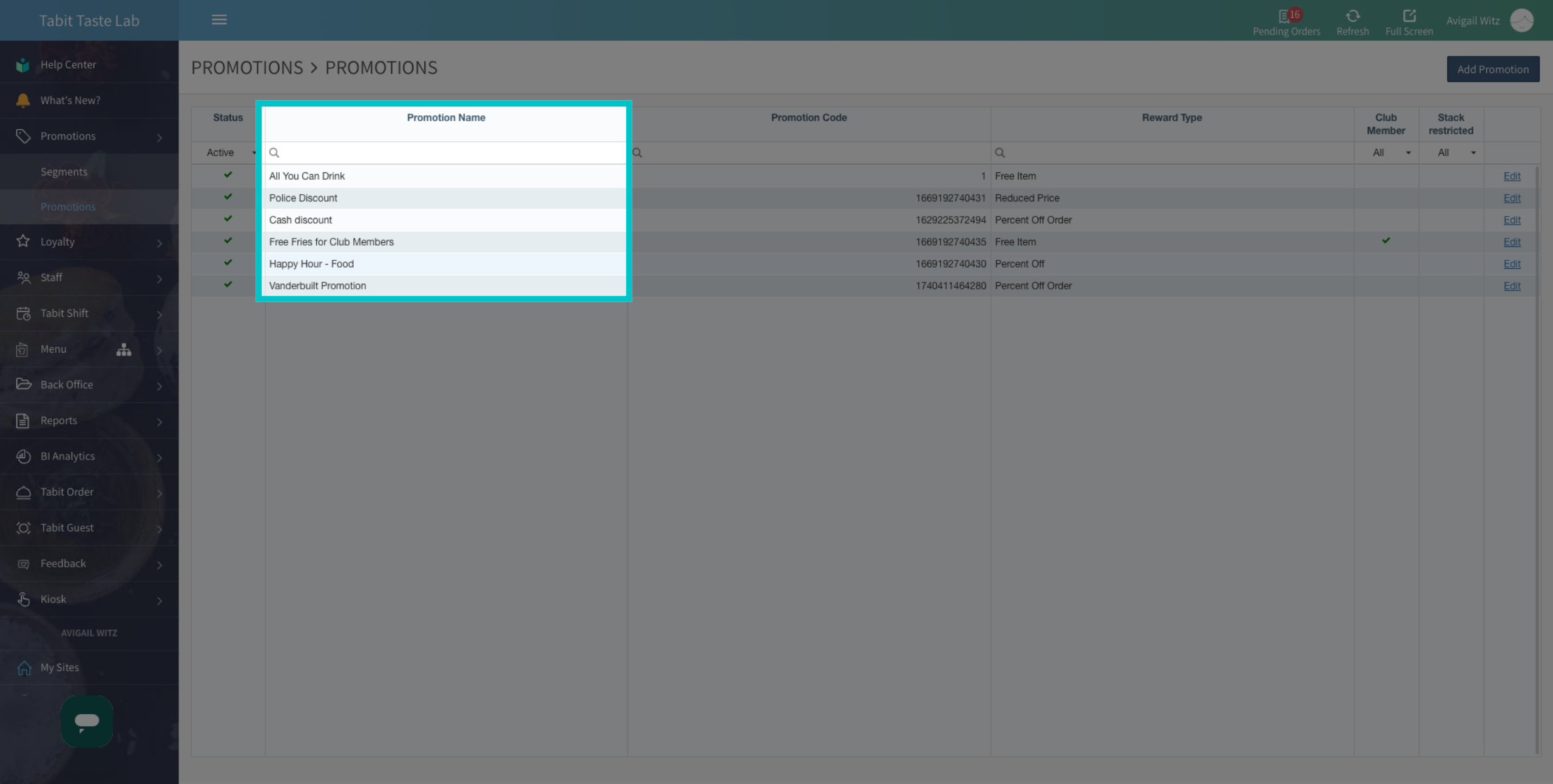
Locate the promotion you want to update
-
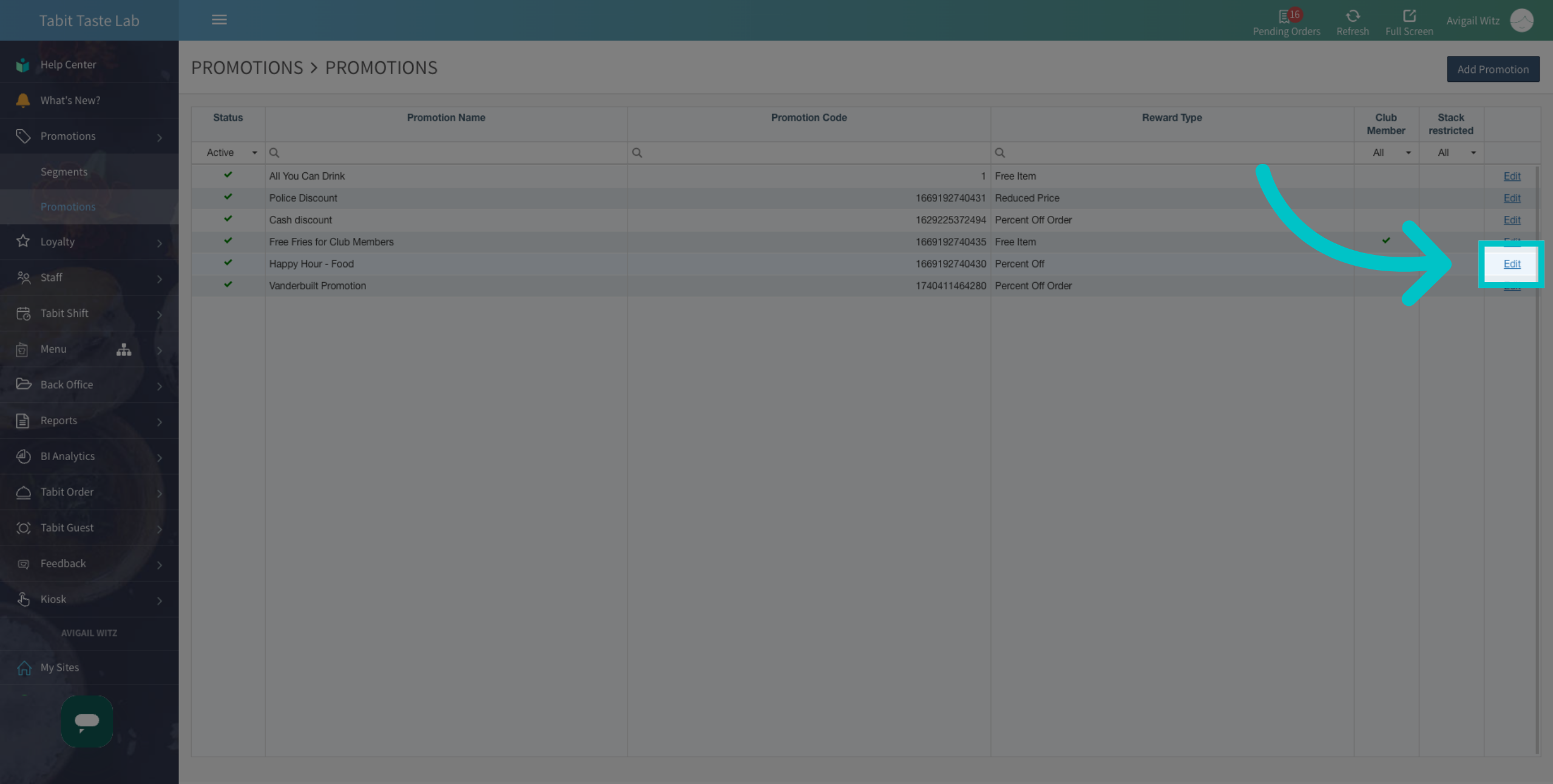
Select Edit
-
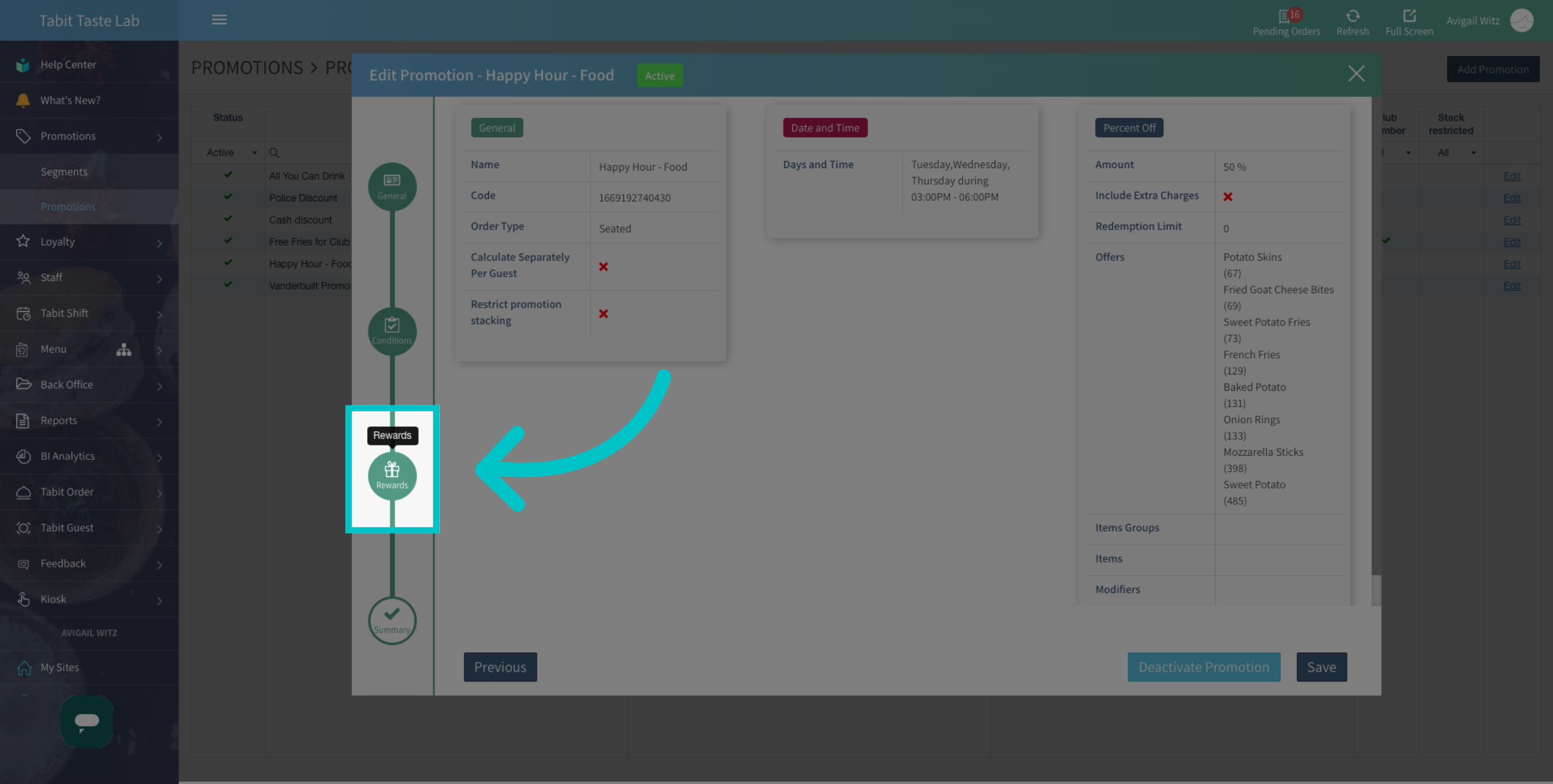
Go to Rewards
-
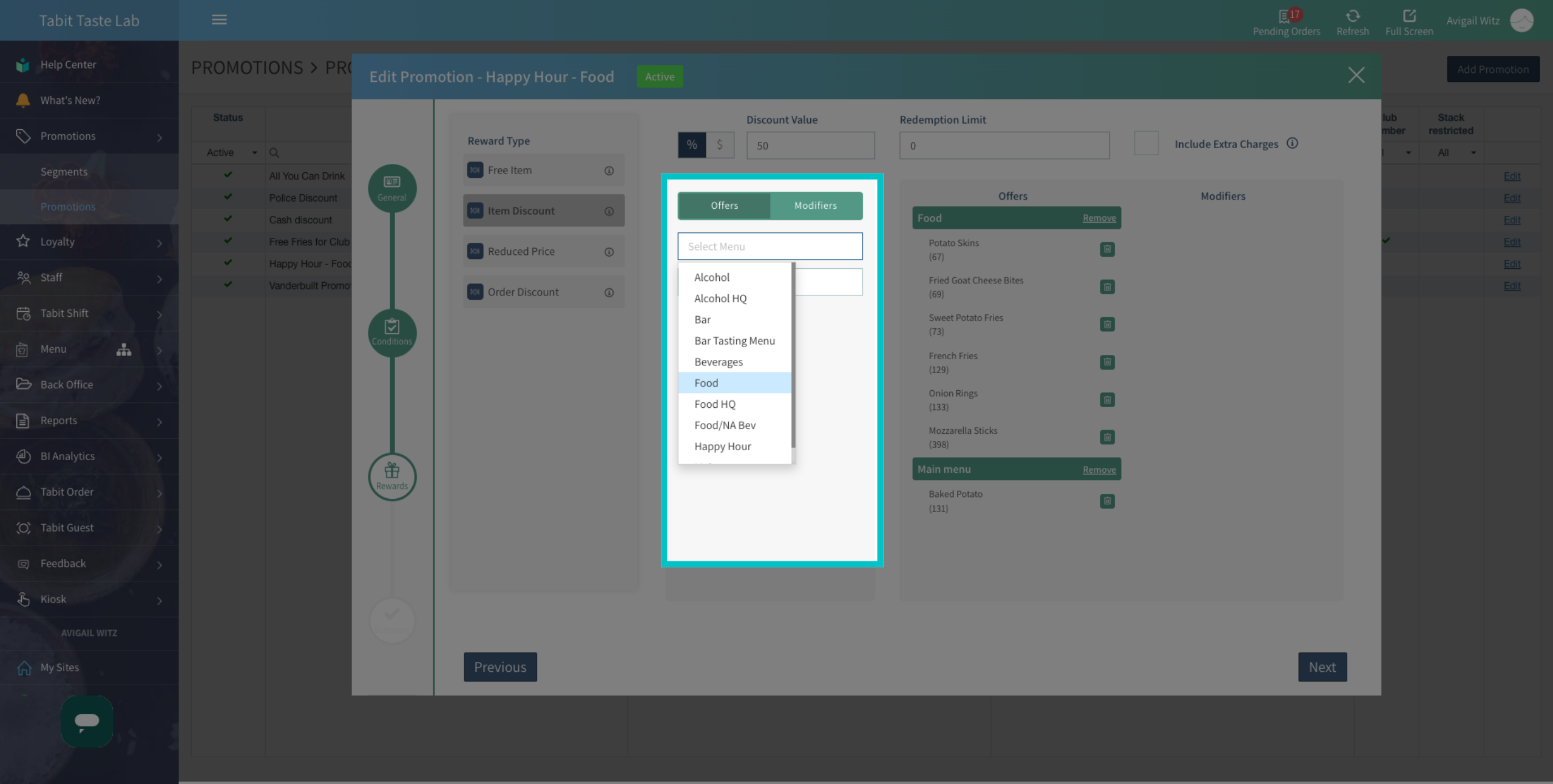
Search and select the Menu the offer belongs to
-
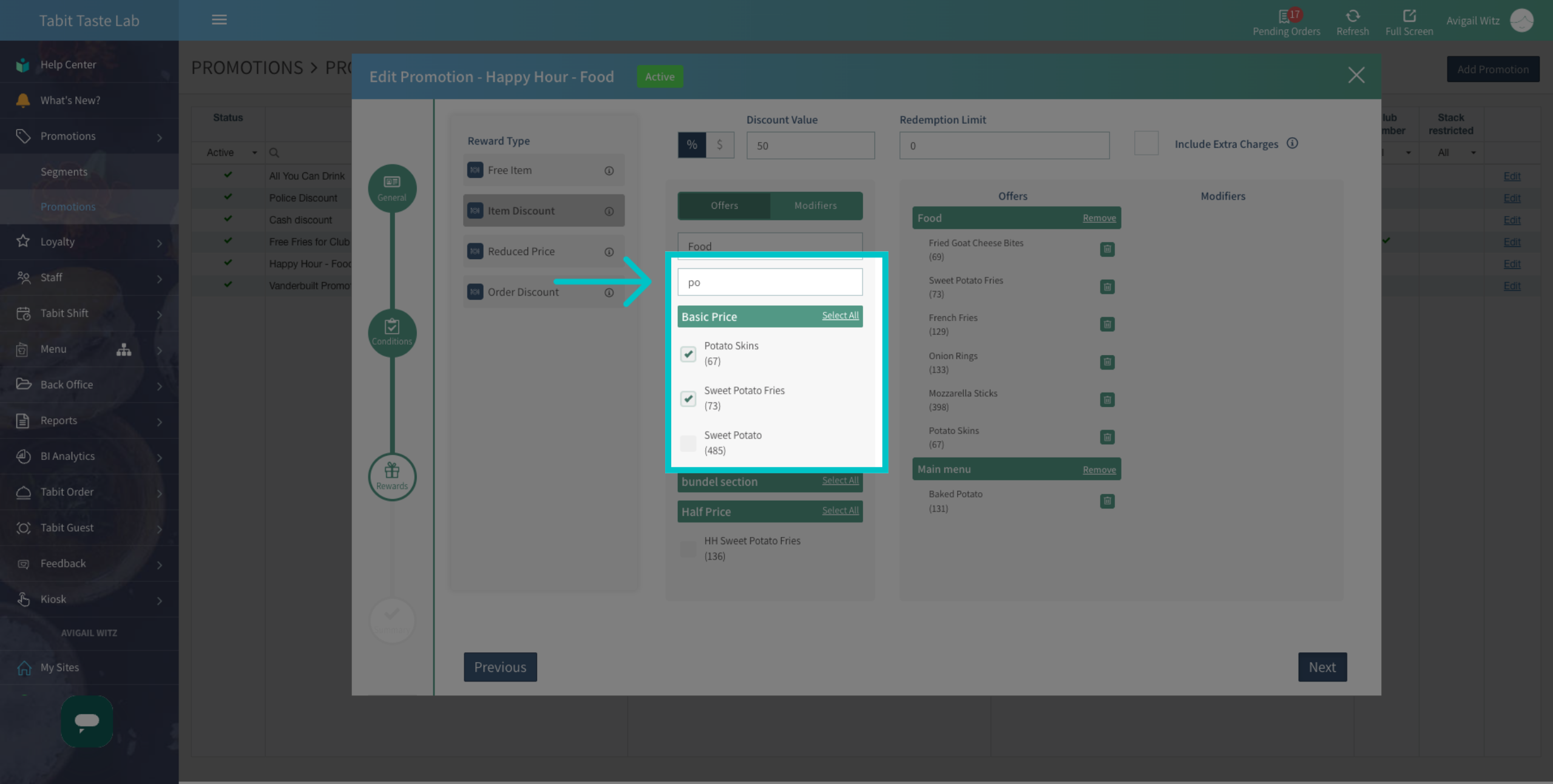
Search for the desired Offer
-
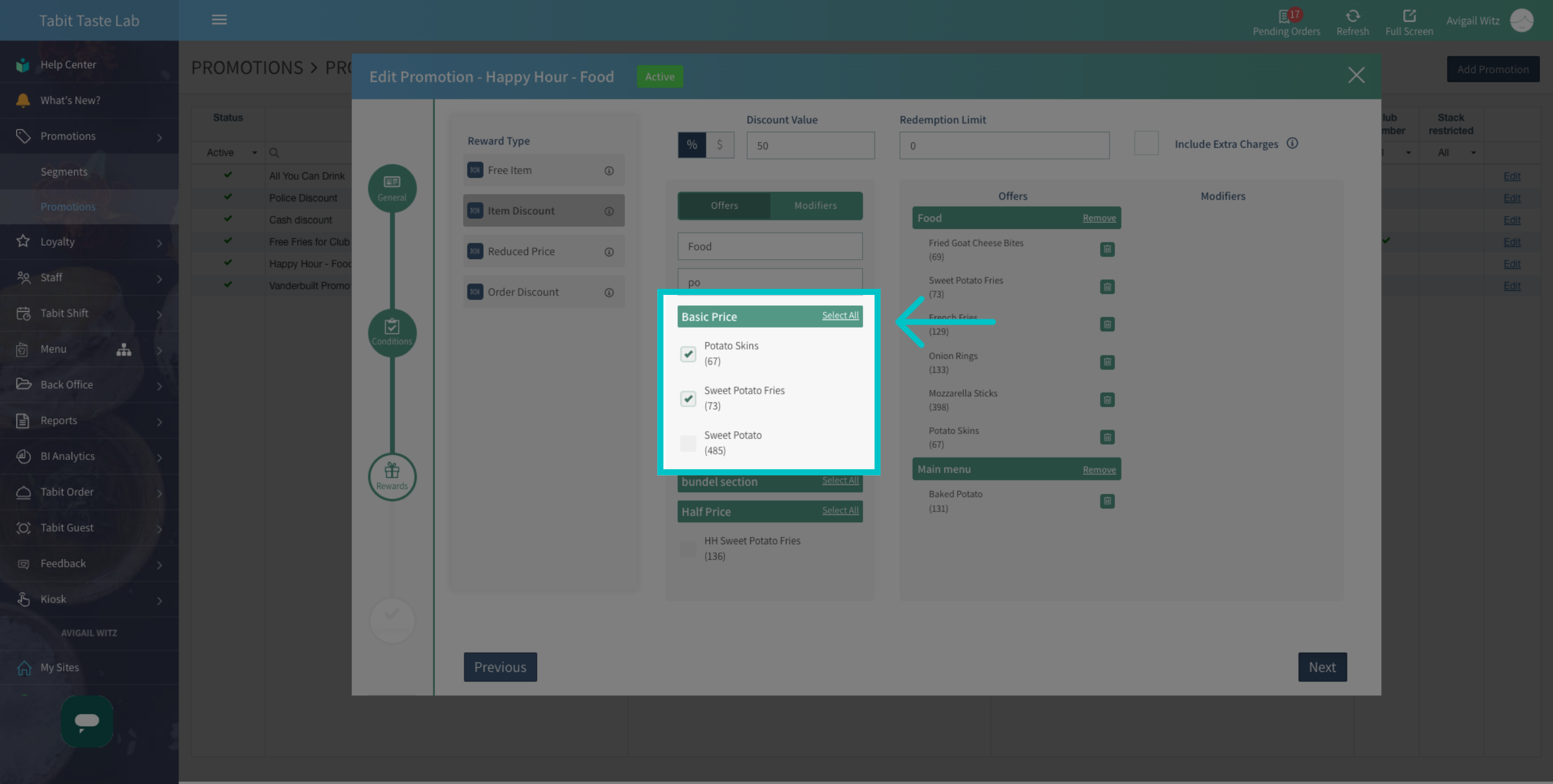
Check the box to add it
-
To add all offers from the same category, choose Select all
-
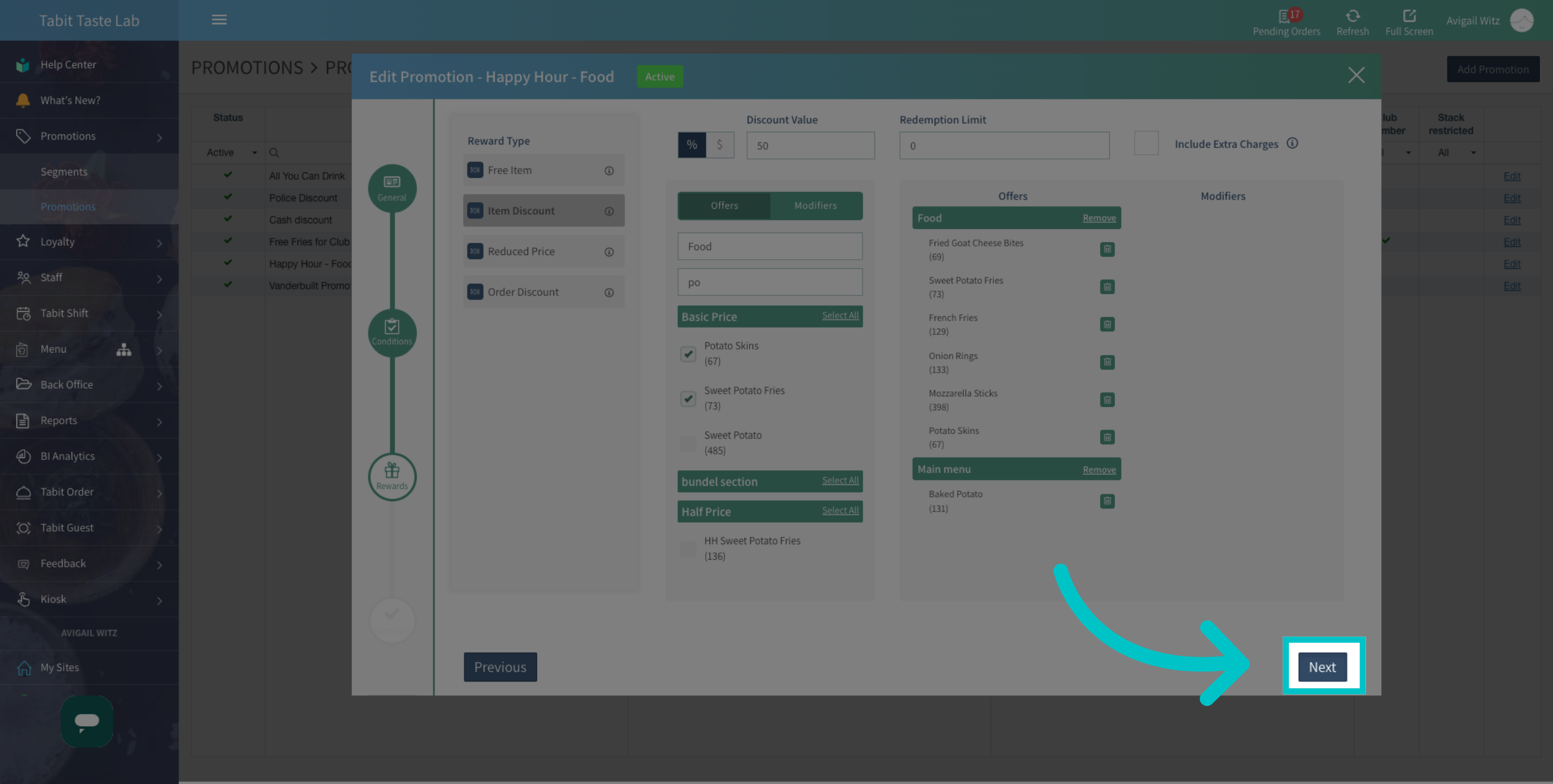
Select Next
-
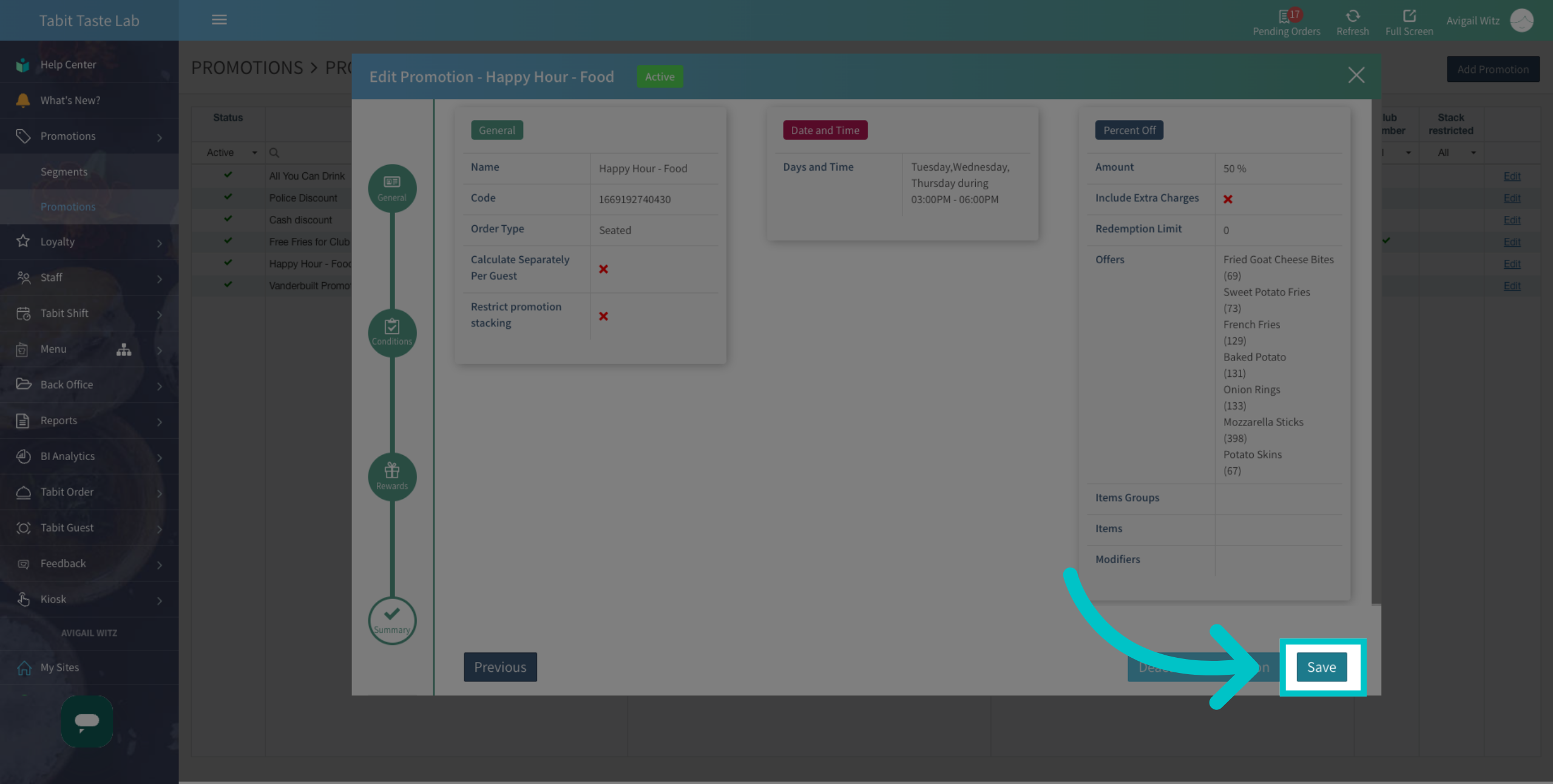
Save to complete the update
-
The offers are now added to the promotion