In Tabit Office, promotions can be updated by removing outdated or unwanted offers, ensuring they remain relevant and aligned.
Promotions should not be edited during operational hours as it could cause order balance issues
Follow the steps below to remove offers for promotions:
-
In Tabit Office, go to Promotions > Promotions

-
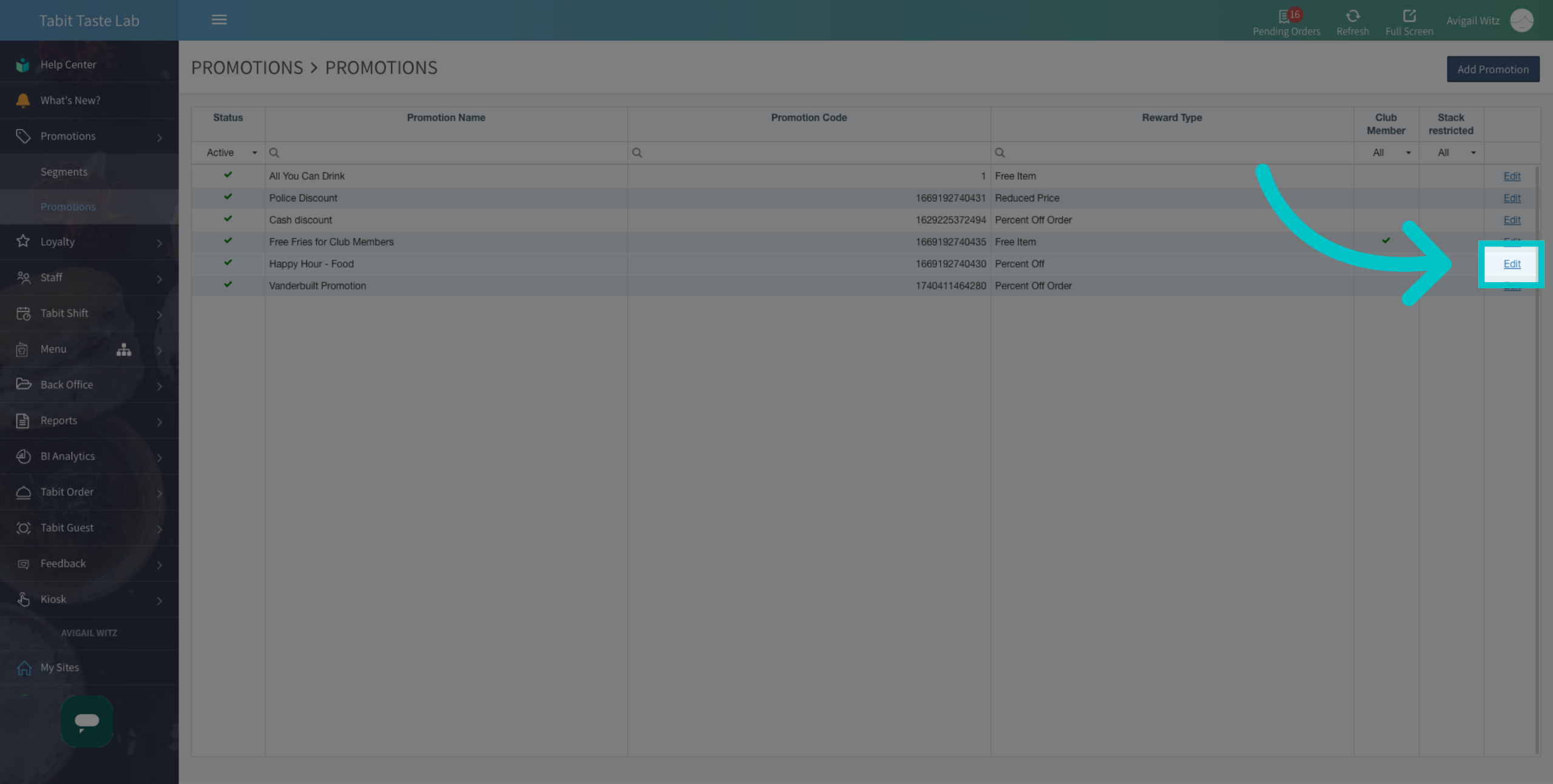
Locate the promotion you want to update, and select Edit
-
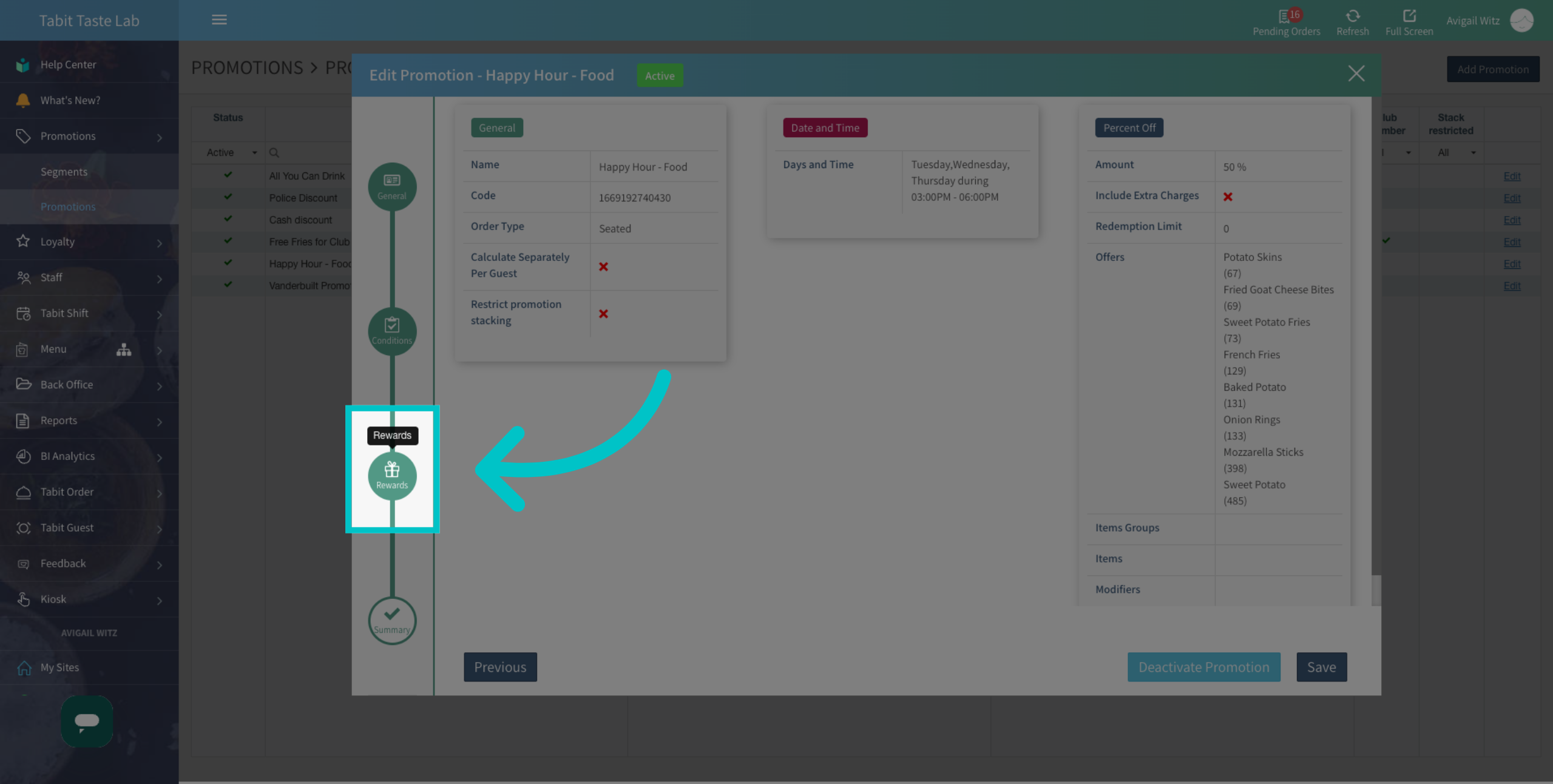
Go to the Rewards tab
-
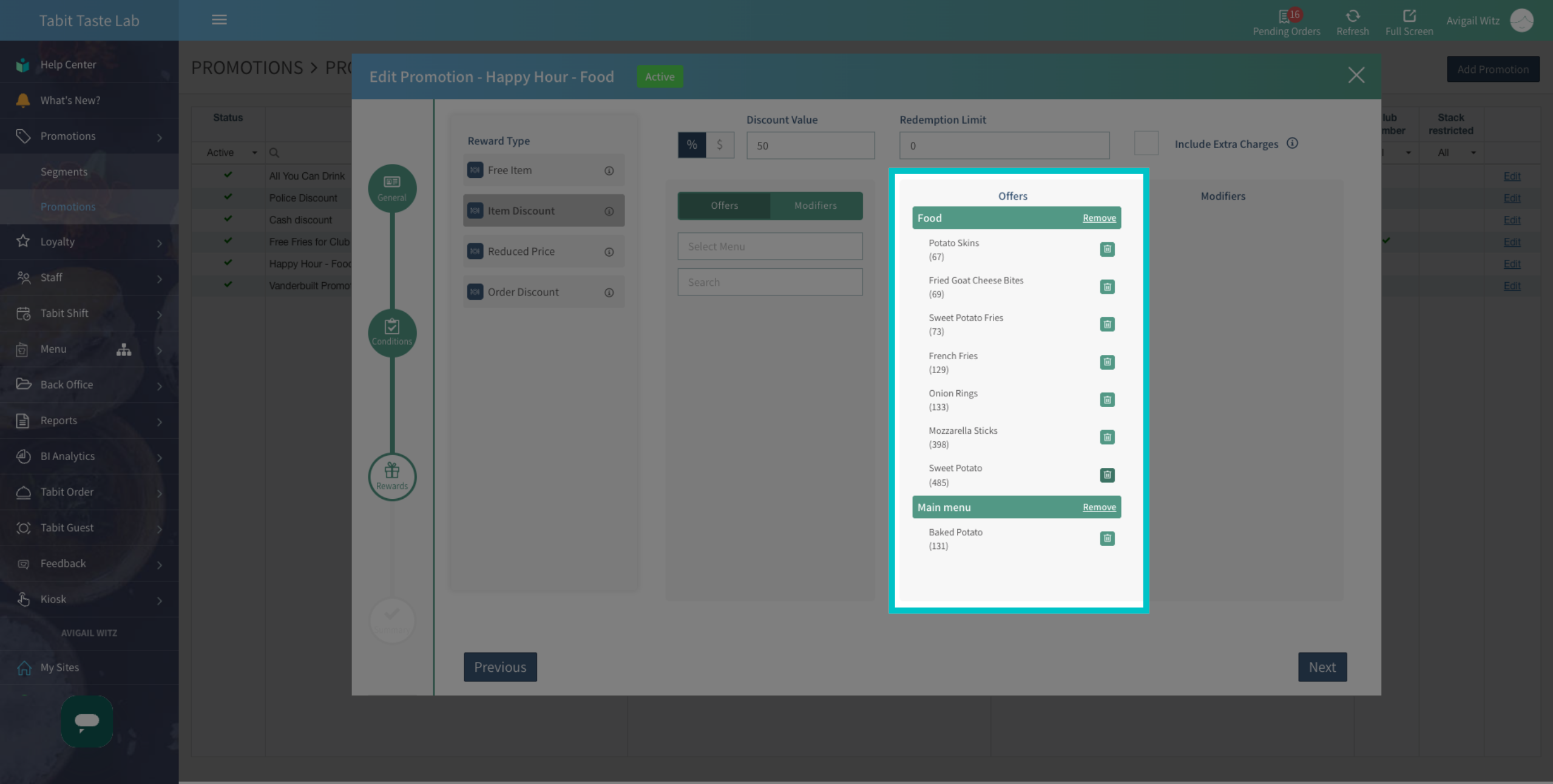
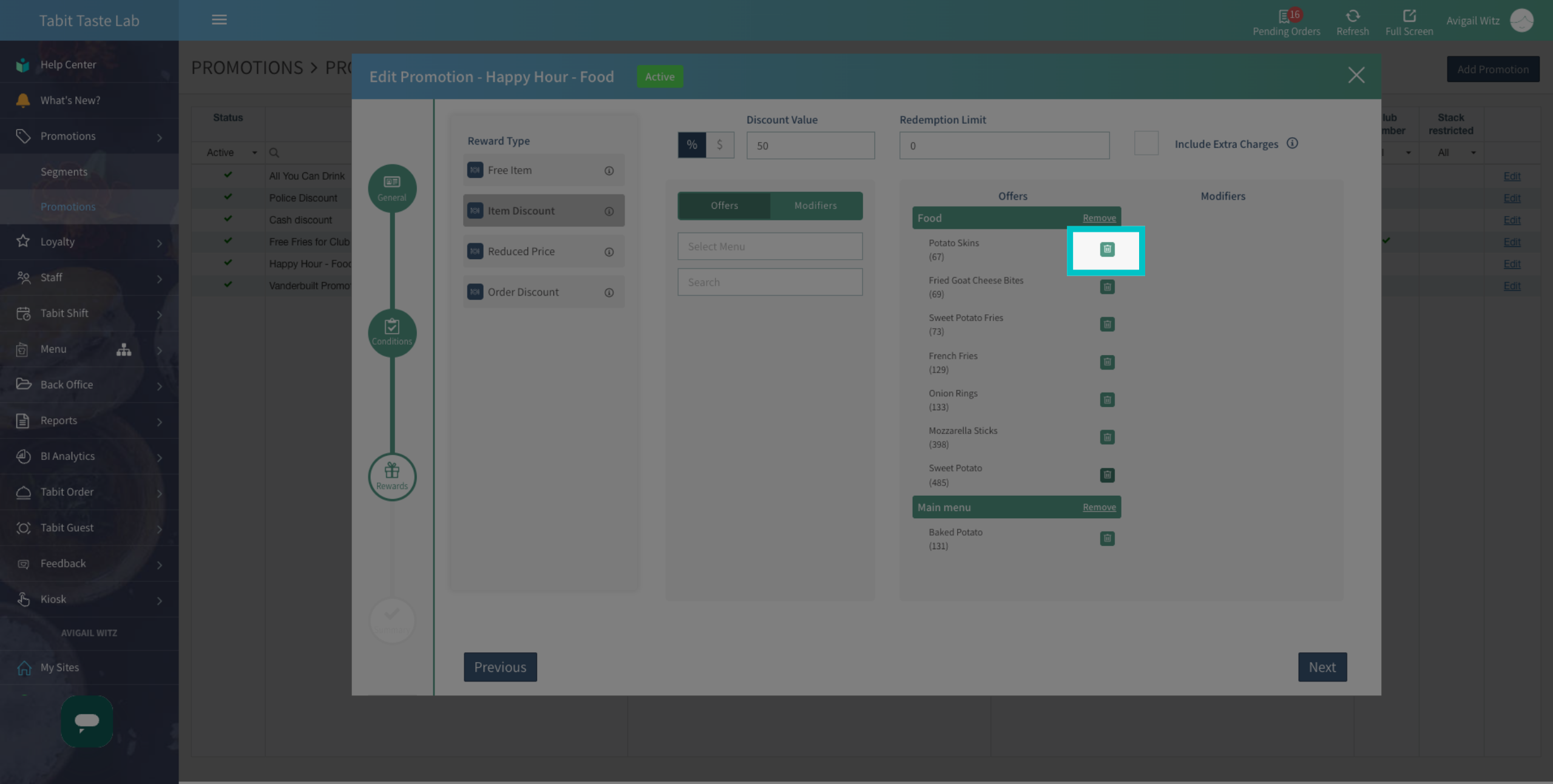
Under Offers, locate the offers you want to remove
-
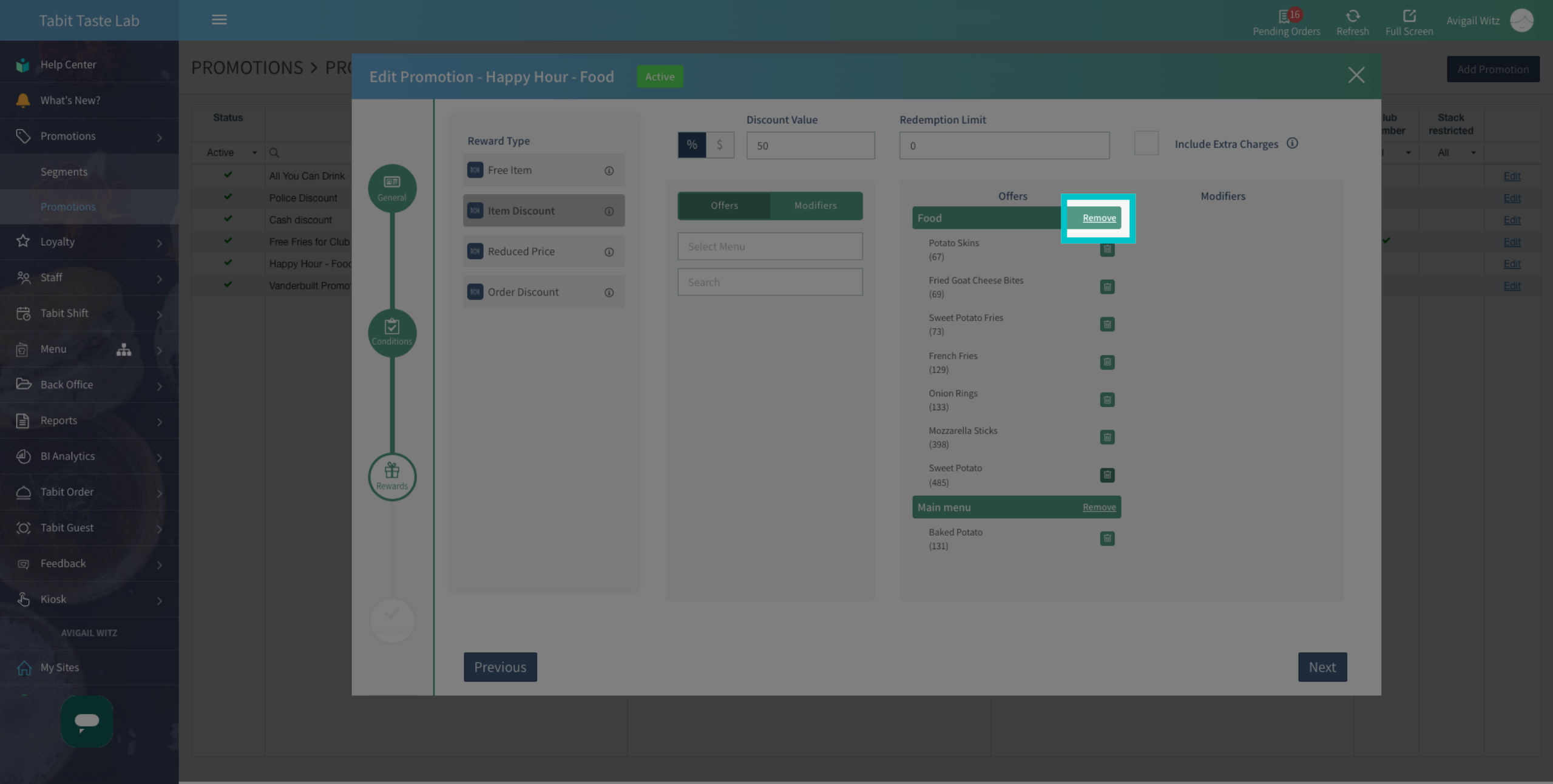
To remove all offers from the same category, select Remove
-
Select the Trash icon to remove specific offers
-
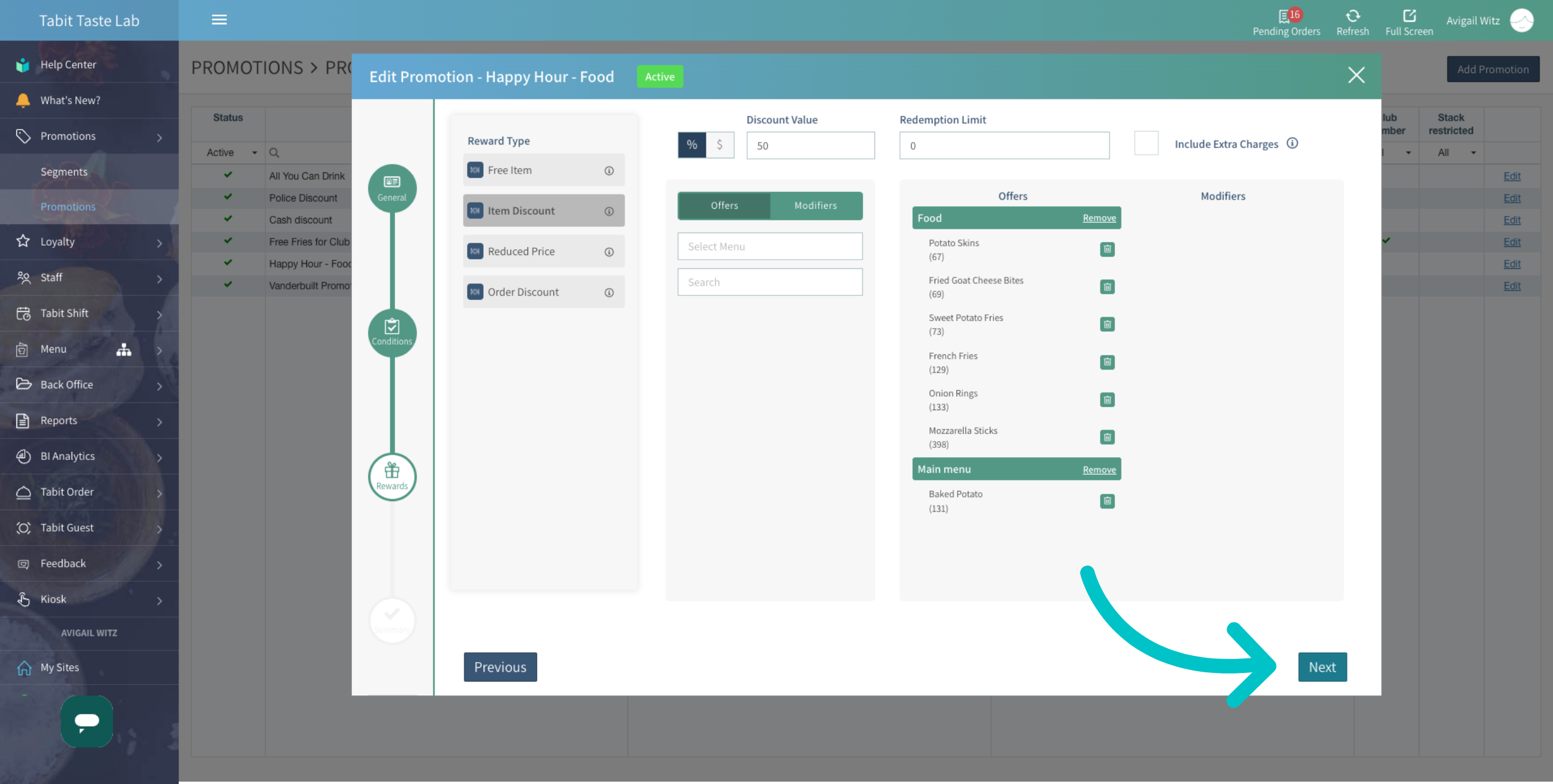
Select Next
-
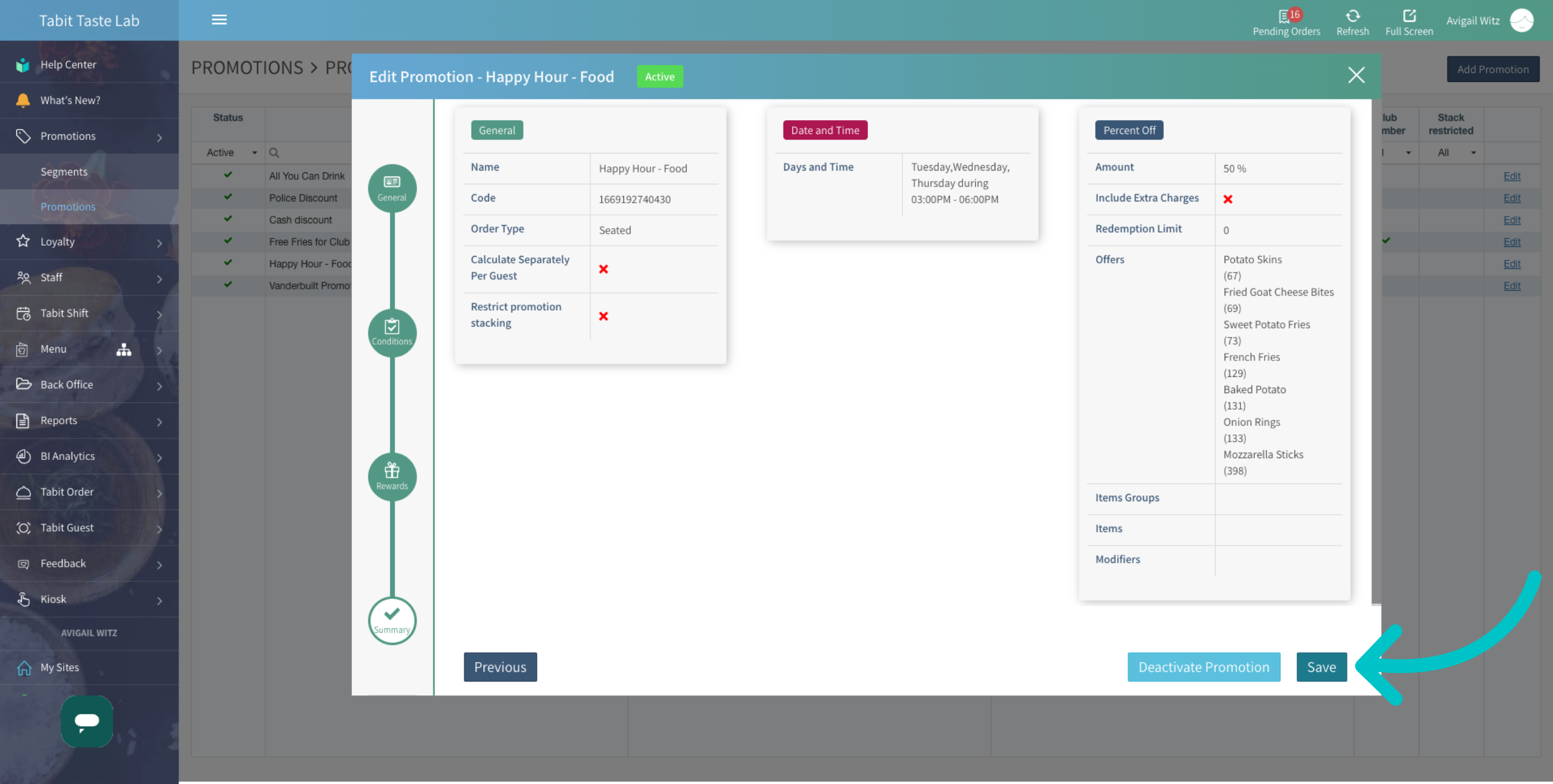
Then, Save to complete the update
-
The offers are now removed from the promotion