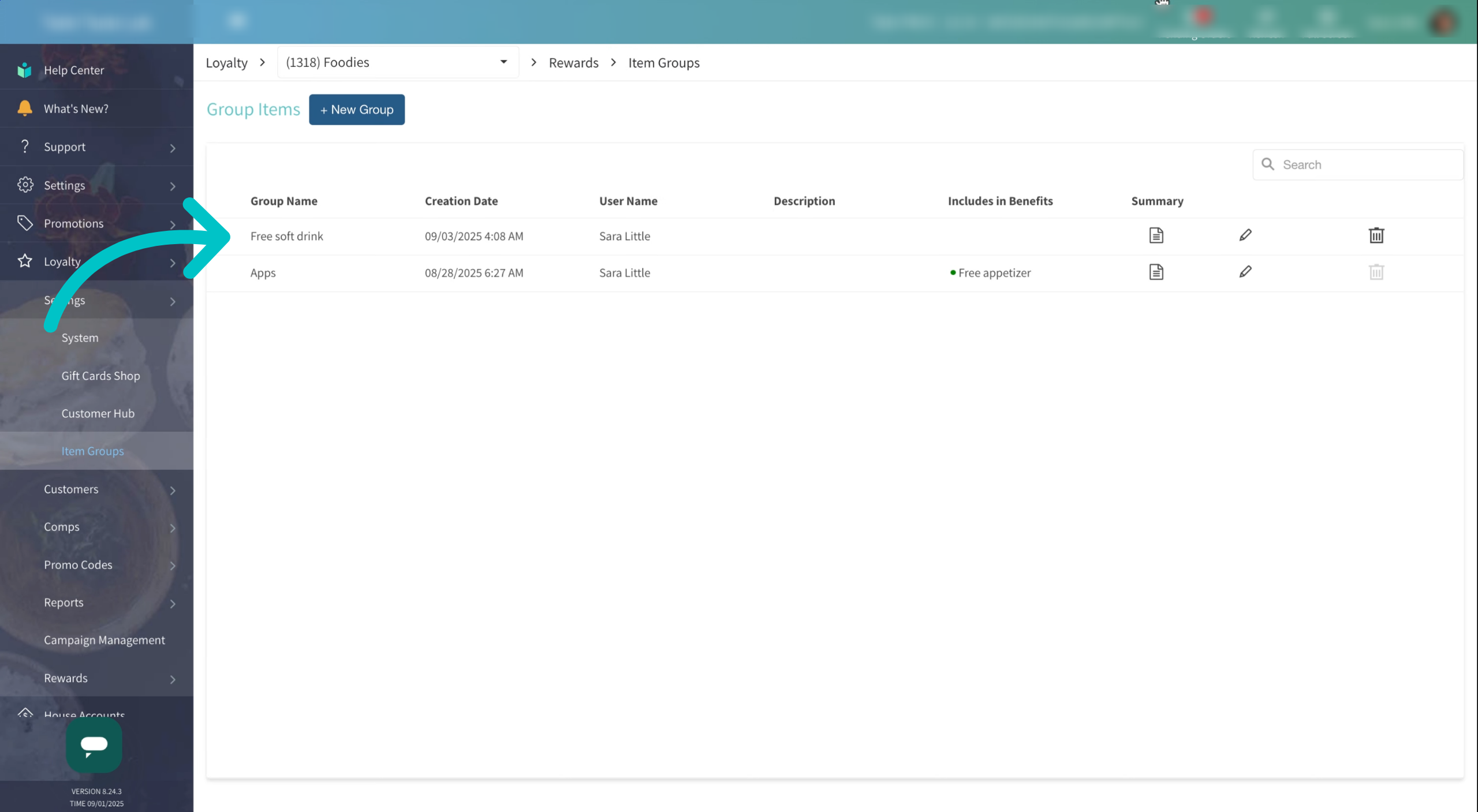
Tabit Loyalty comps require Item Groups in order to be applied. Item Groups let you bundle related menu items together, such as appetizers, desserts, or beverages, so you can easily offer them as a complimentary reward to customers.
Learn how to set up Item Groups below:
-
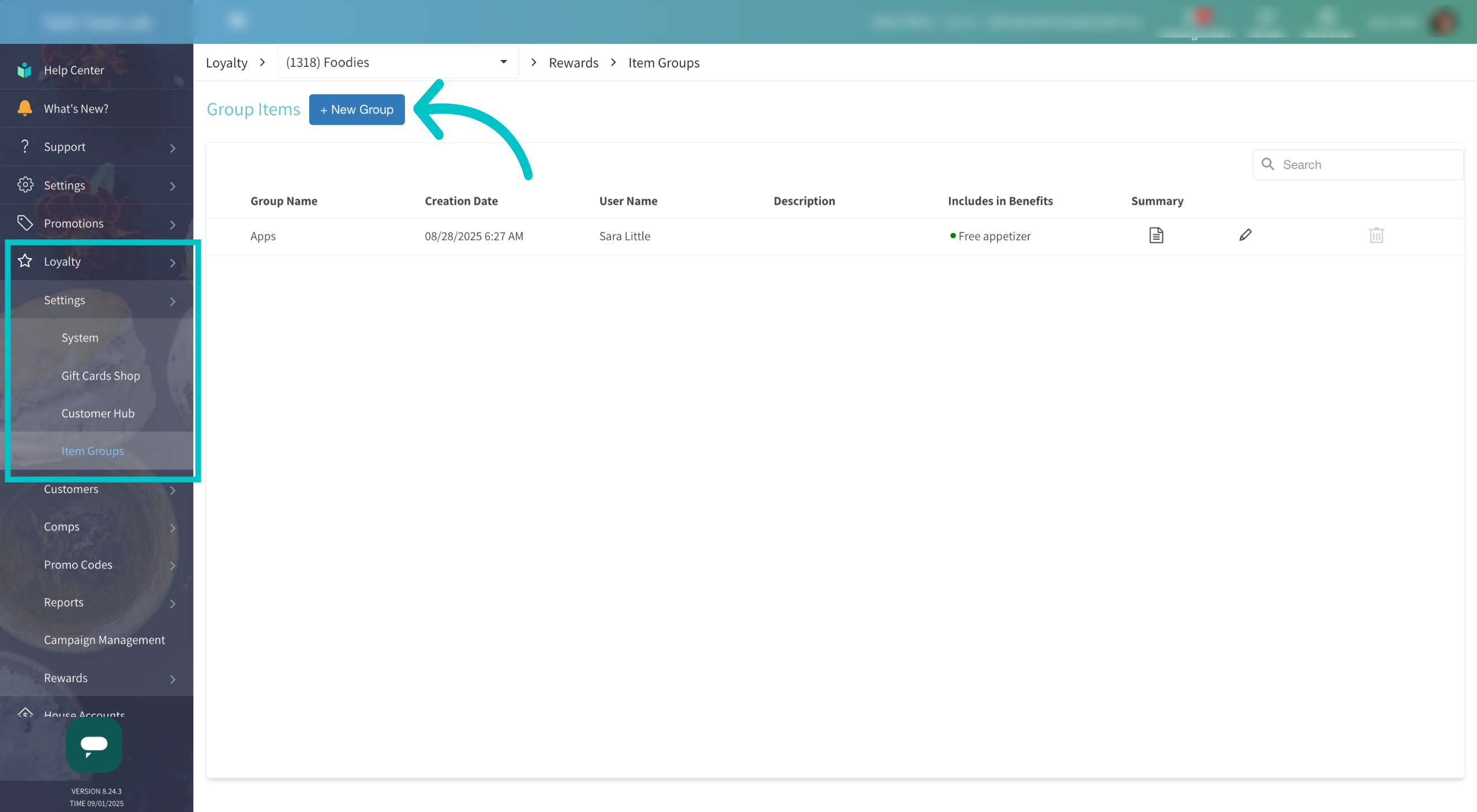
In Tabit Office, go to Loyalty > Settings > Item Groups. Select + New Group to create a new item group
-
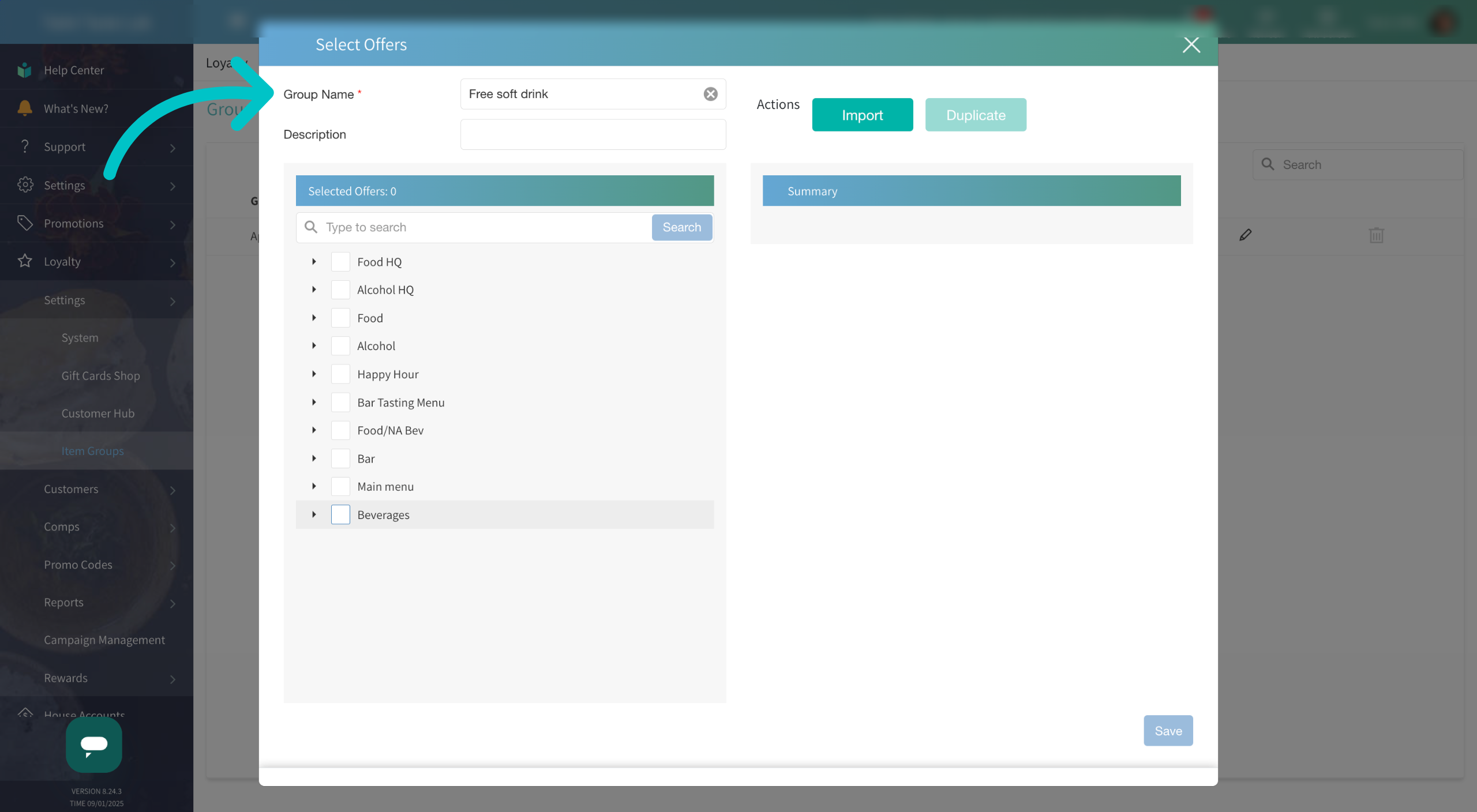
Give a name to the item group. Then use the item search to find and select the items you would like to include in the group
-
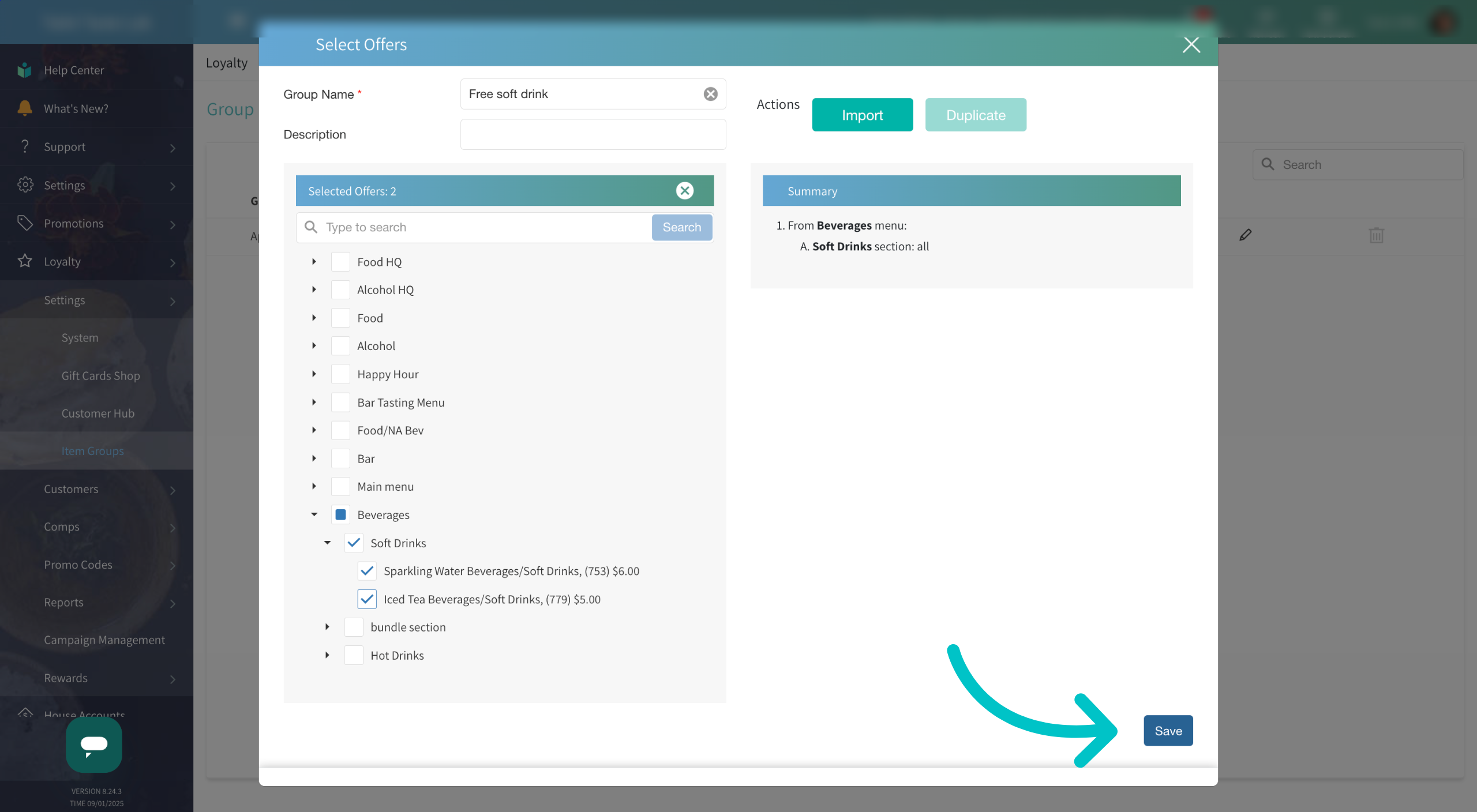
Select Save to save your new item group
-
Now the item group has been created and is available to be used for comps. Item groups already in use will be shown under the Includes in Benefits column