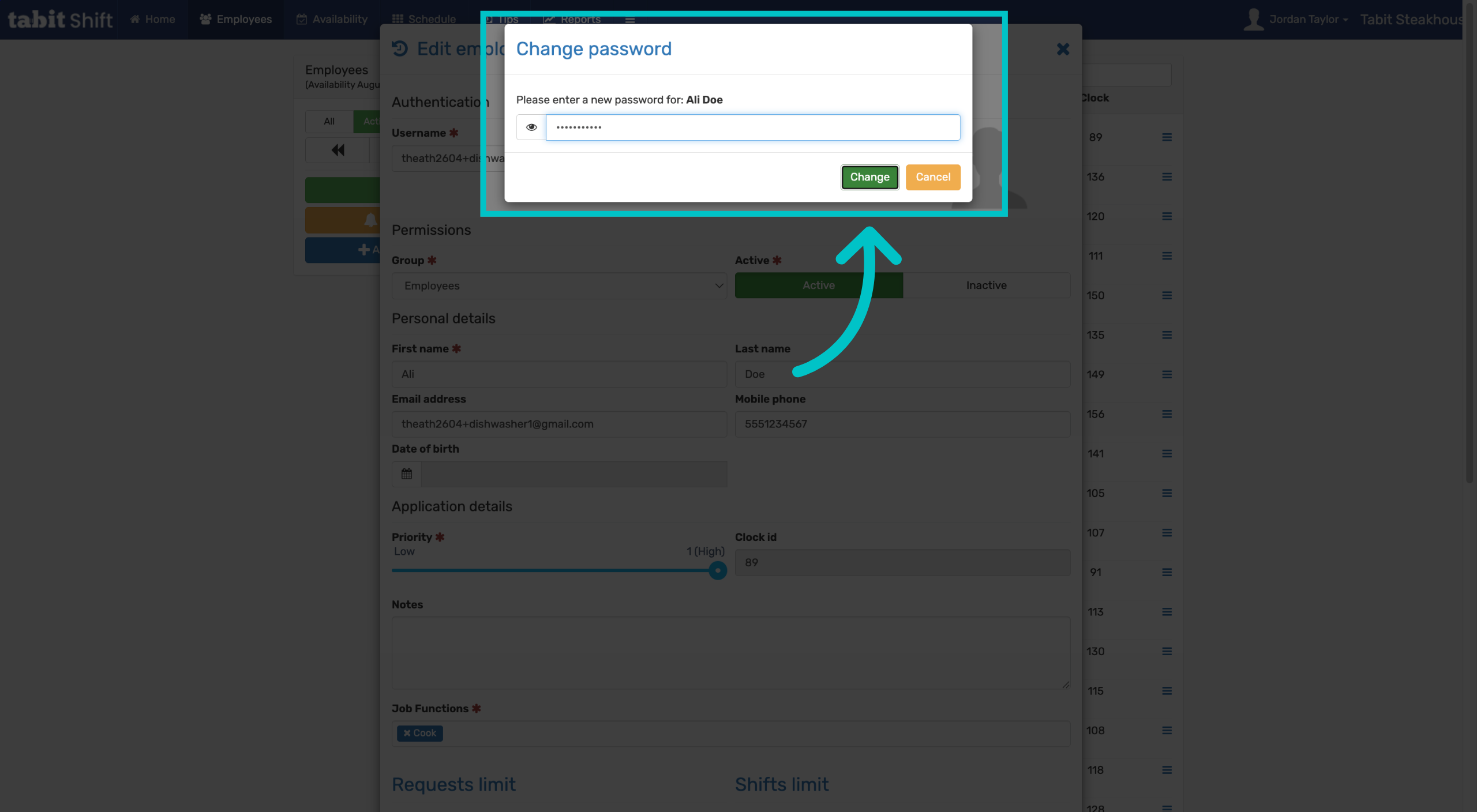
Managers can change employee's passwords for them in Tabit Shift. Learn how to do this below:
-
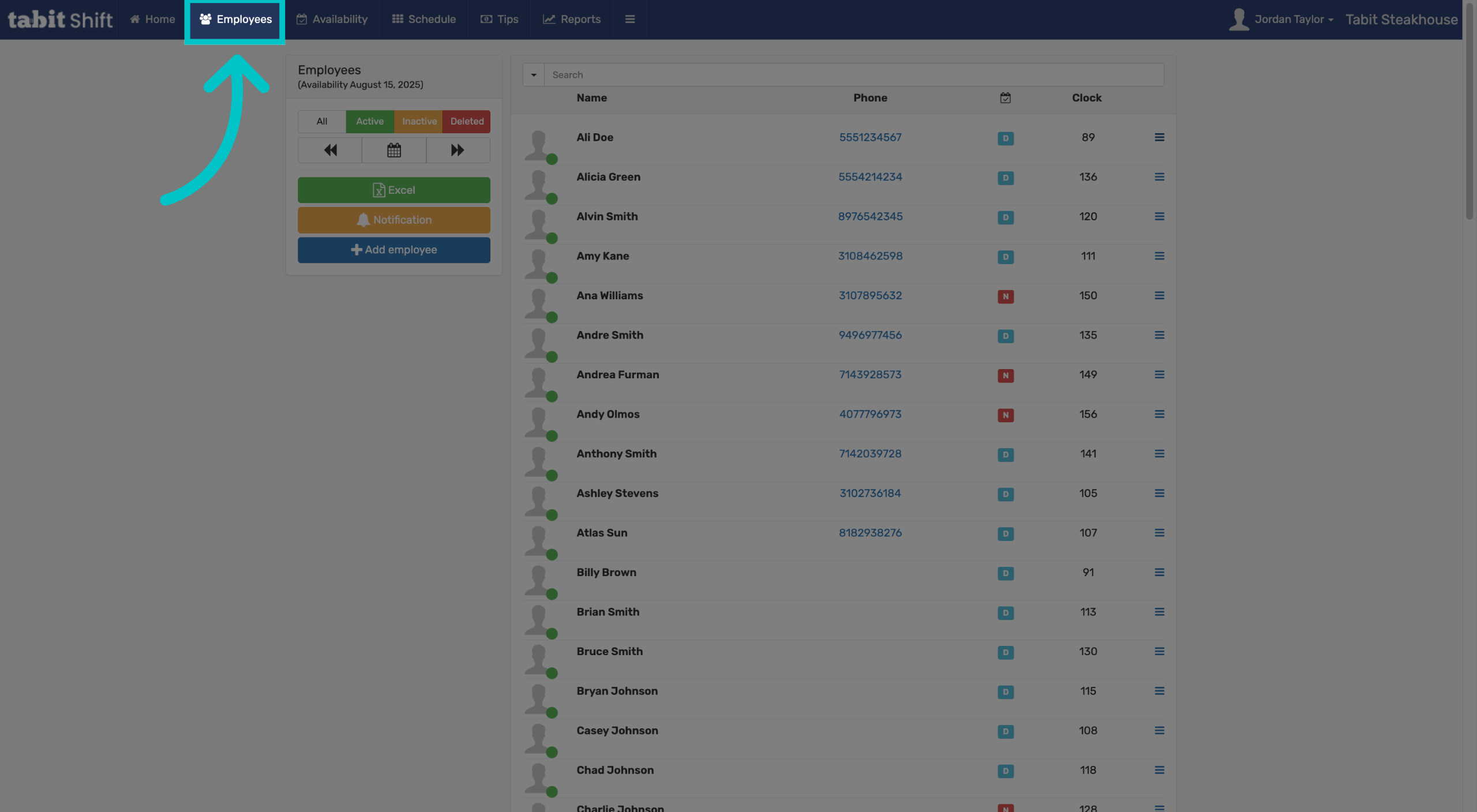
Sign into Tabit Shift as a manager and select the Employees tab
-
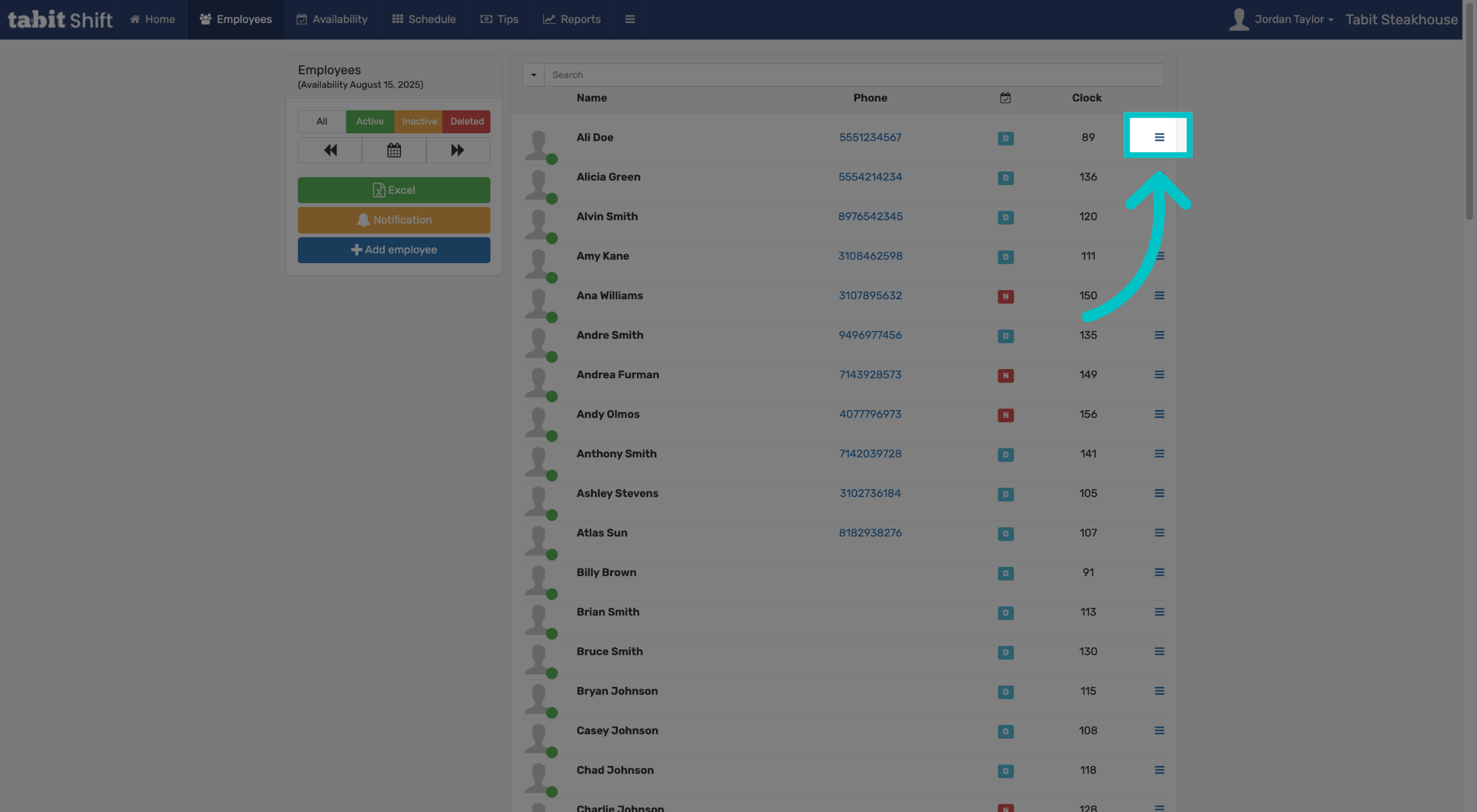
Select the menu icon to the right of the relevant employee
-
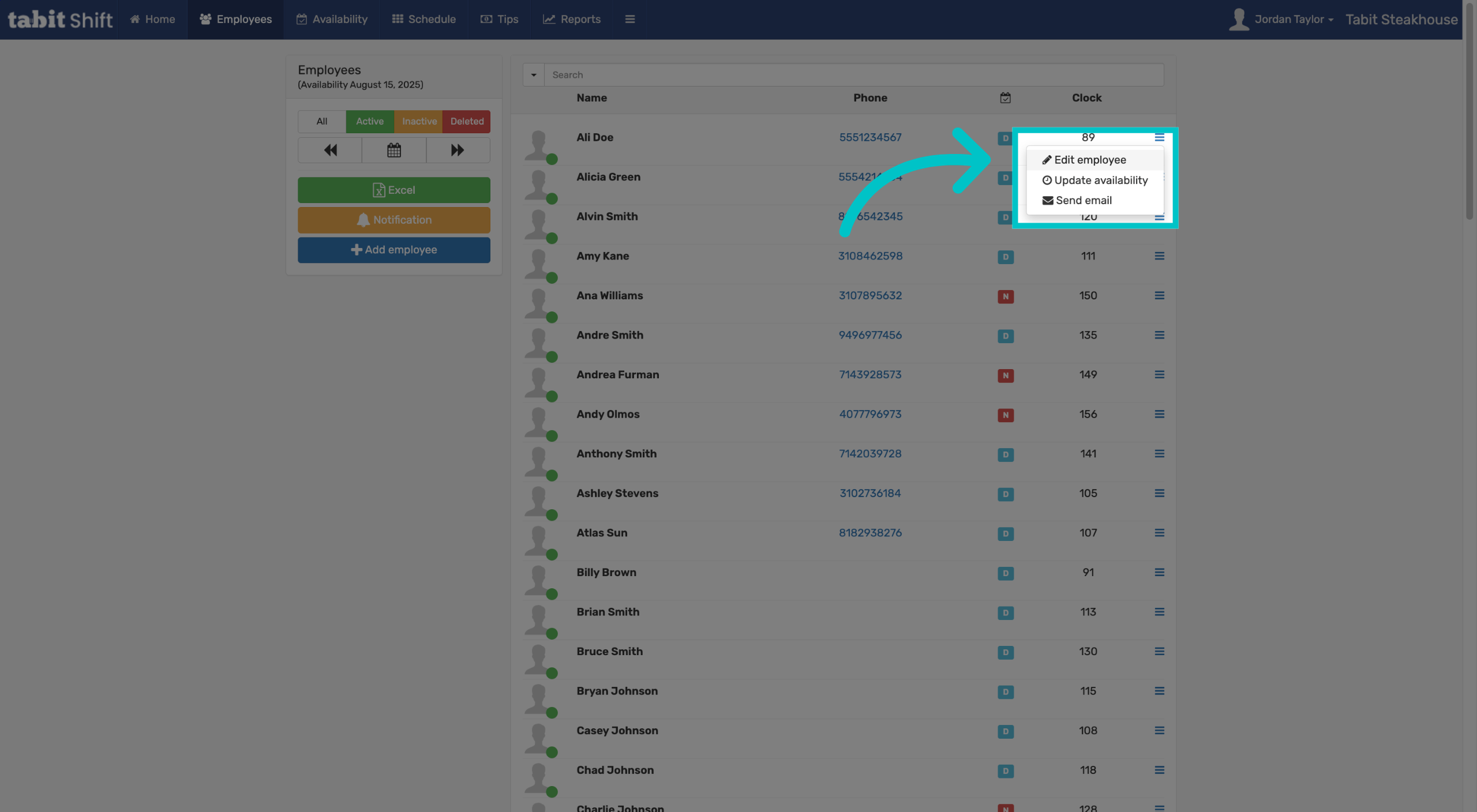
Select Edit employee
-
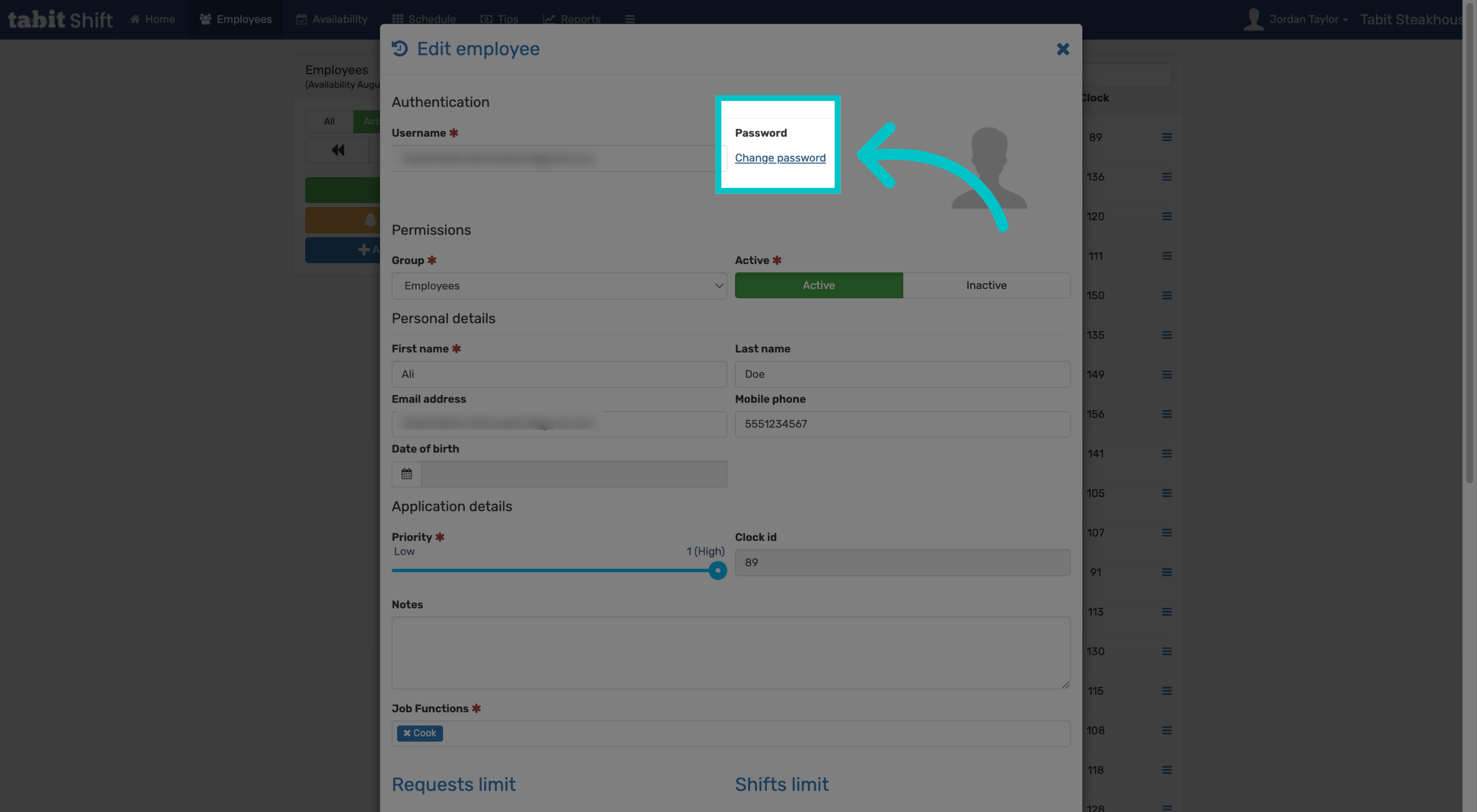
Under Password, select Change password
-
Enter the employee's new password. It must be at least 8 characters and cannot be a common password, like 12345678. Then select Change to complete the process