Revenue Centers help divide restaurant operations into different sections for reporting purposes. This allows the daily summary report (DSR) in the Back Office to break down sales data by area. Typically, Revenue Centers are used in environments with mostly stationary service points or when large physical spaces separate sections.
Creating a Revenue Center requires permission in Tabit Office. Contact your Tabit Support representative to enable this permission
Follow the steps below to create a Revenue Center:
-
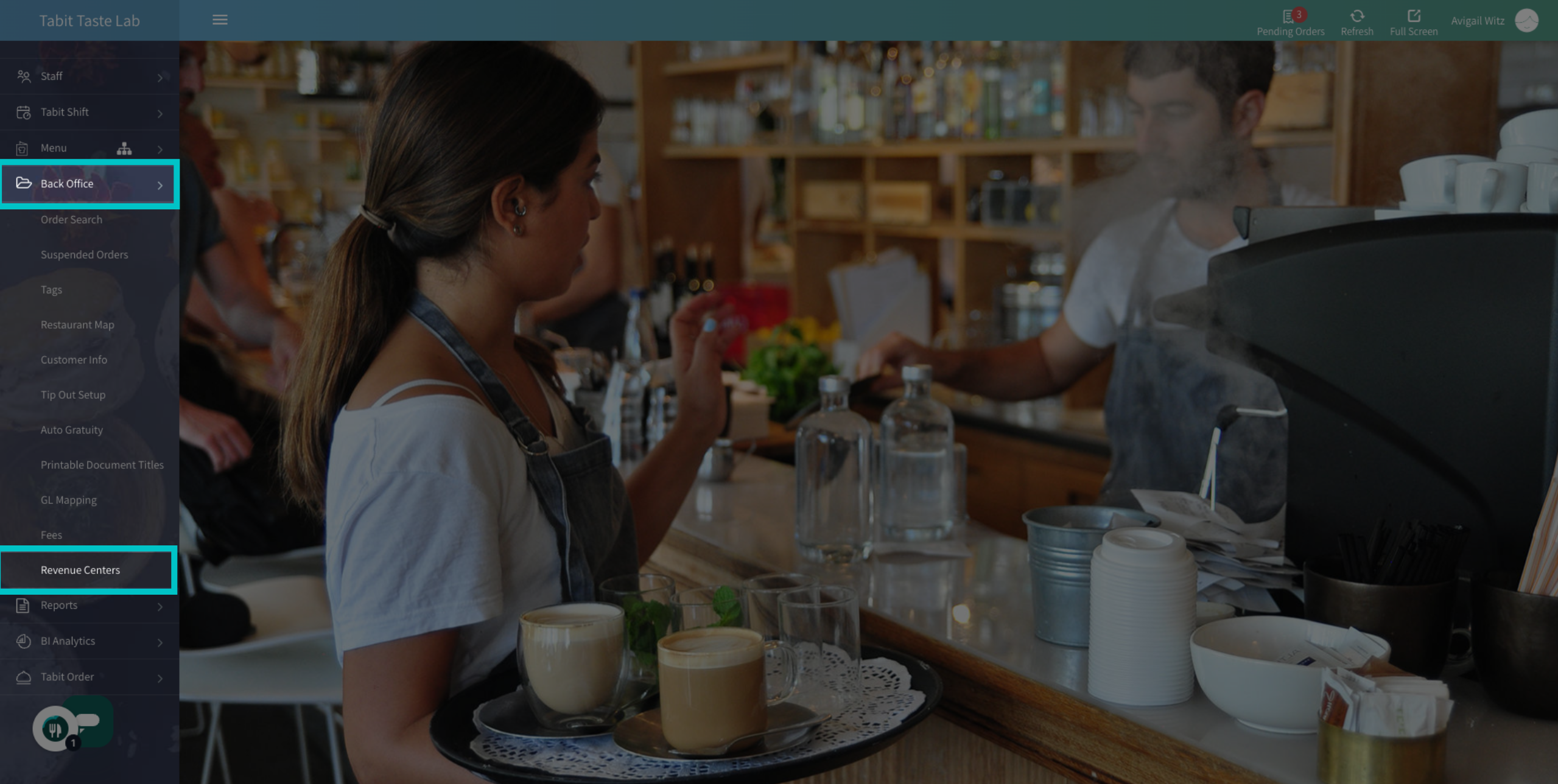
In Tabit Office go to the Back Office > Revenue Centers
-
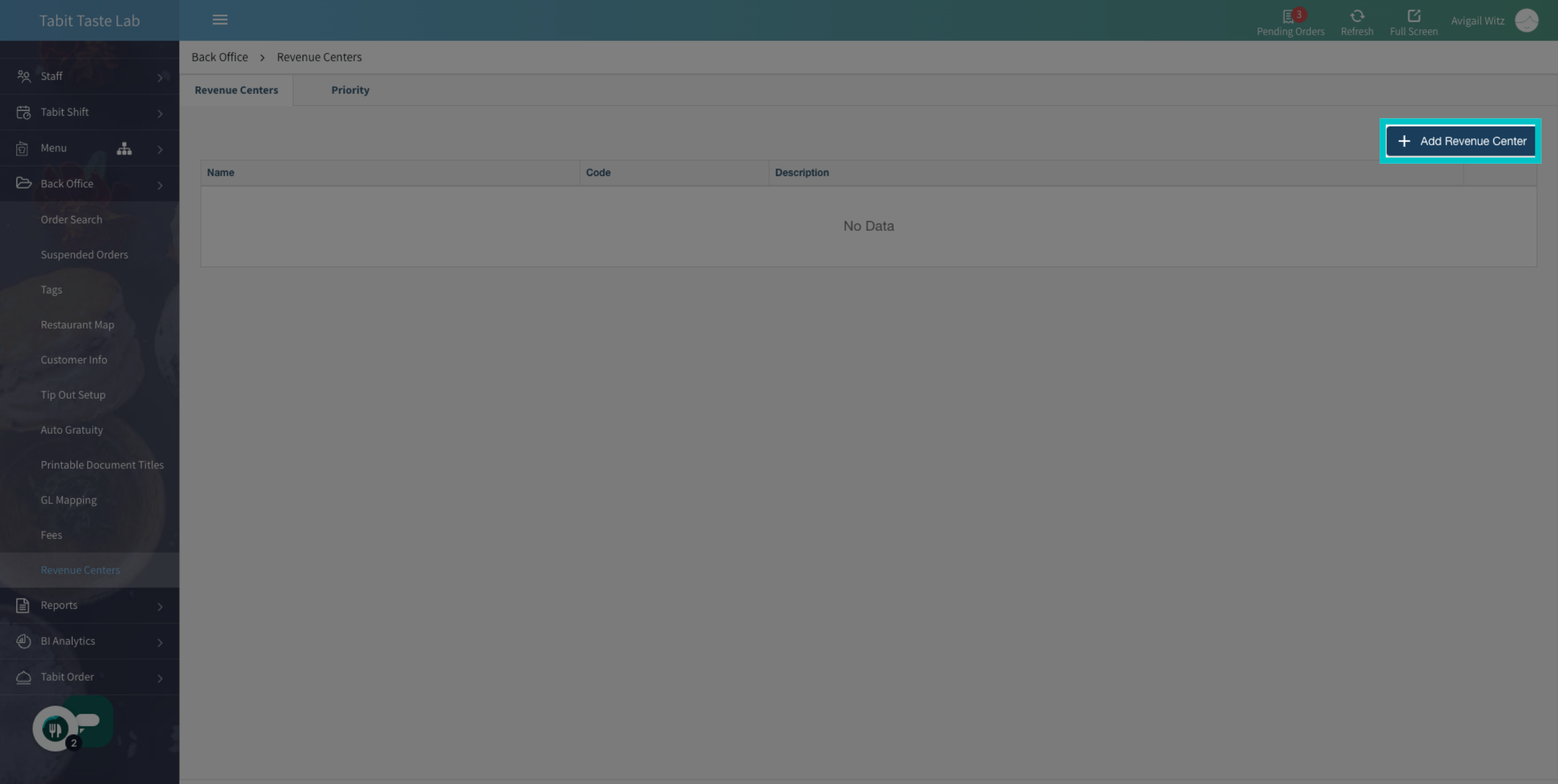
Then, select + Add Revenue Center
-
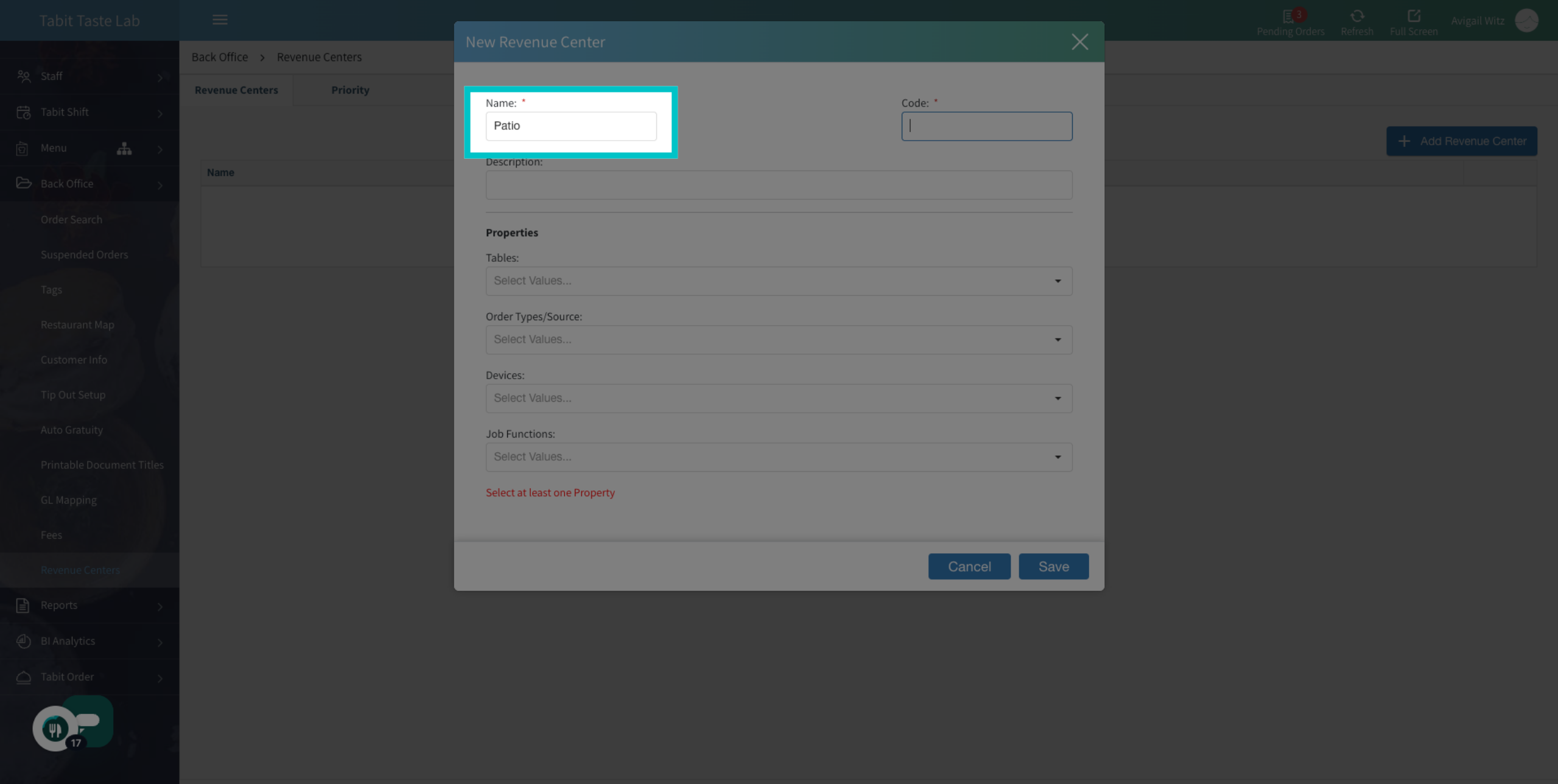
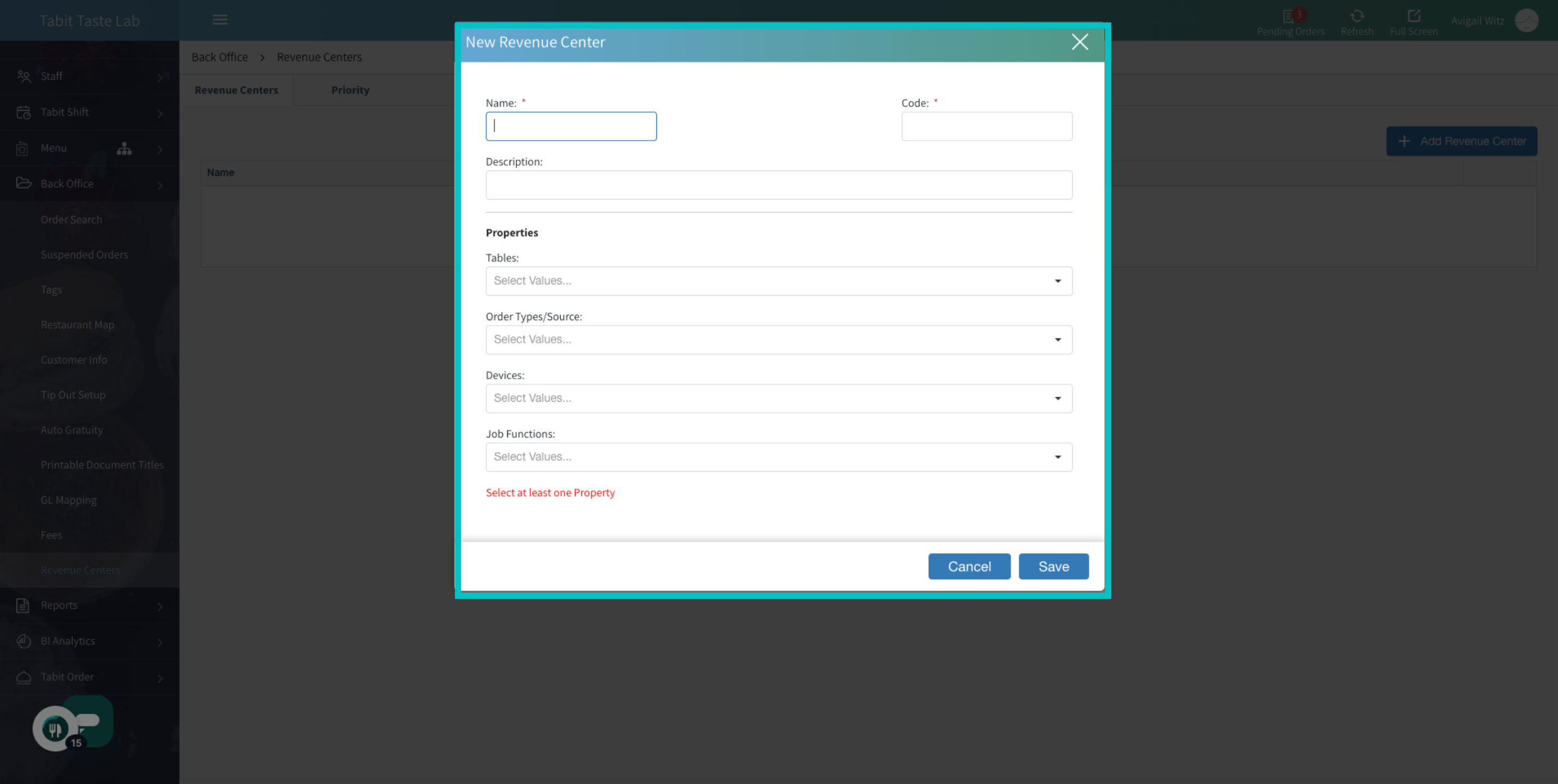
Now, fill in the relevant information:
-
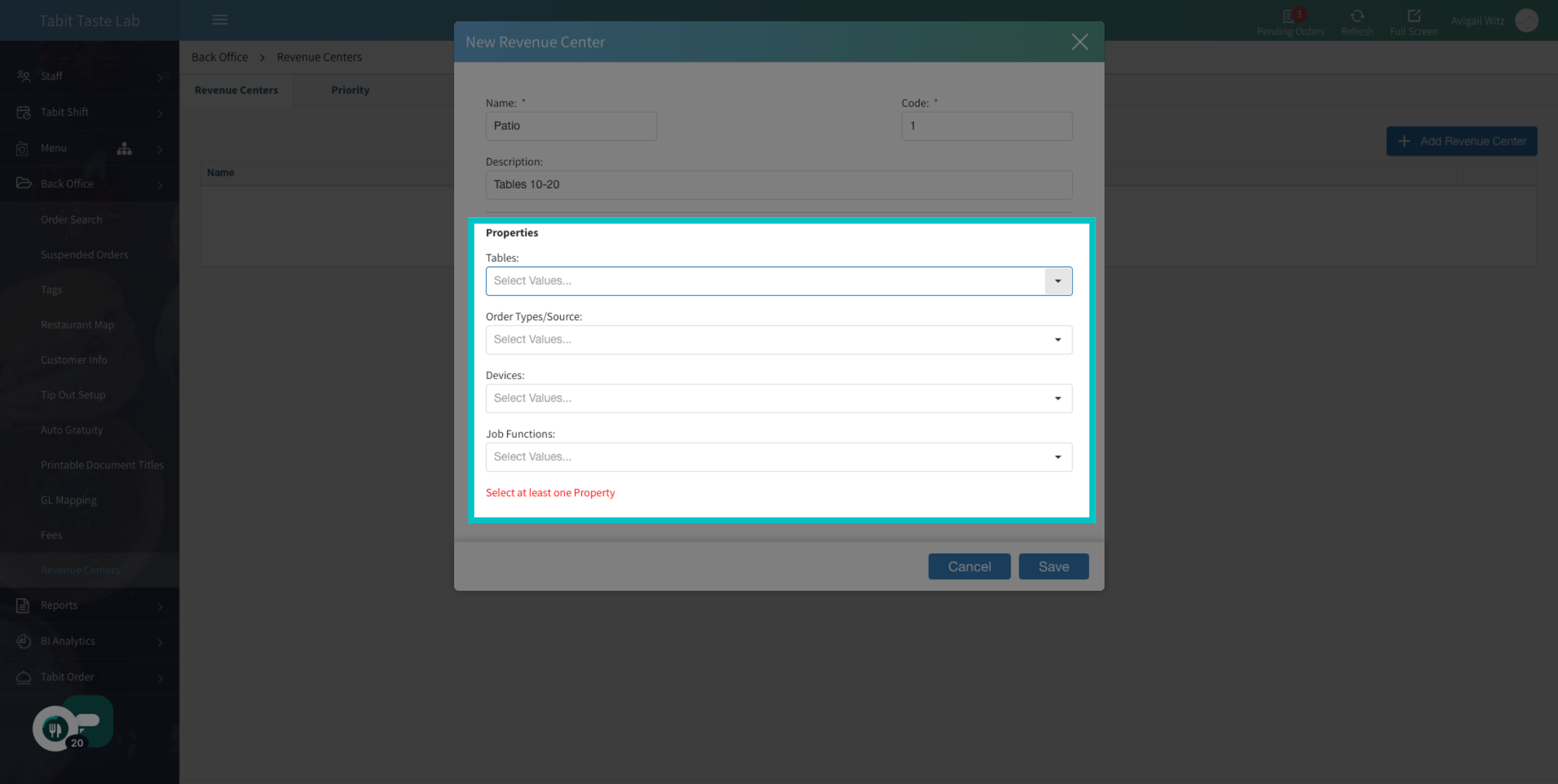
Now, under Properties, add at least one of the following: Tables, Order Types, Devices, or Job Functions related to this Revenue Center
Multiple properties are able to be defined, but only one is required
-
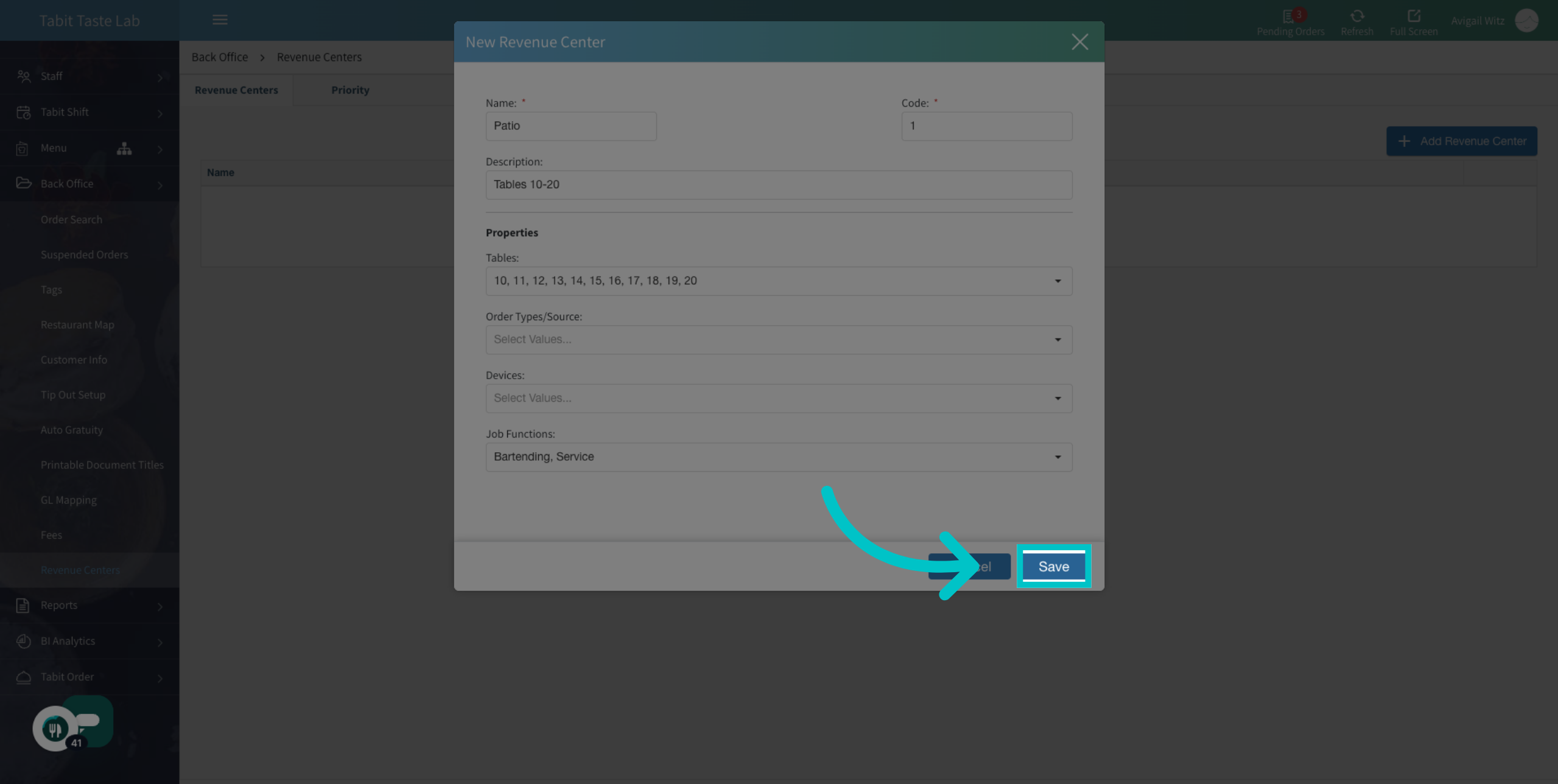
And select Save
-
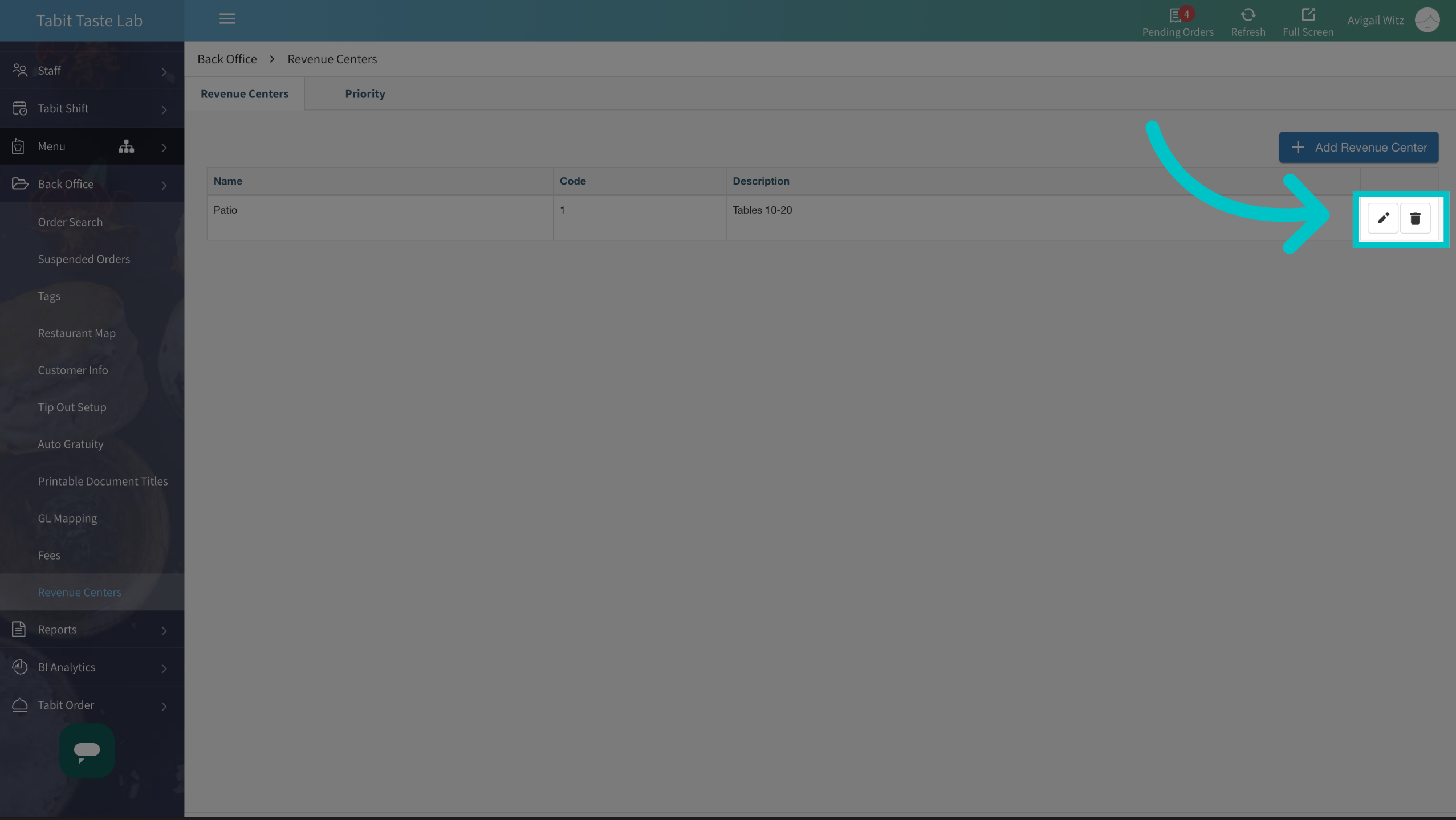
To edit the Revenue Center, select the Edit icon. To delete it, select the Trash icon
-
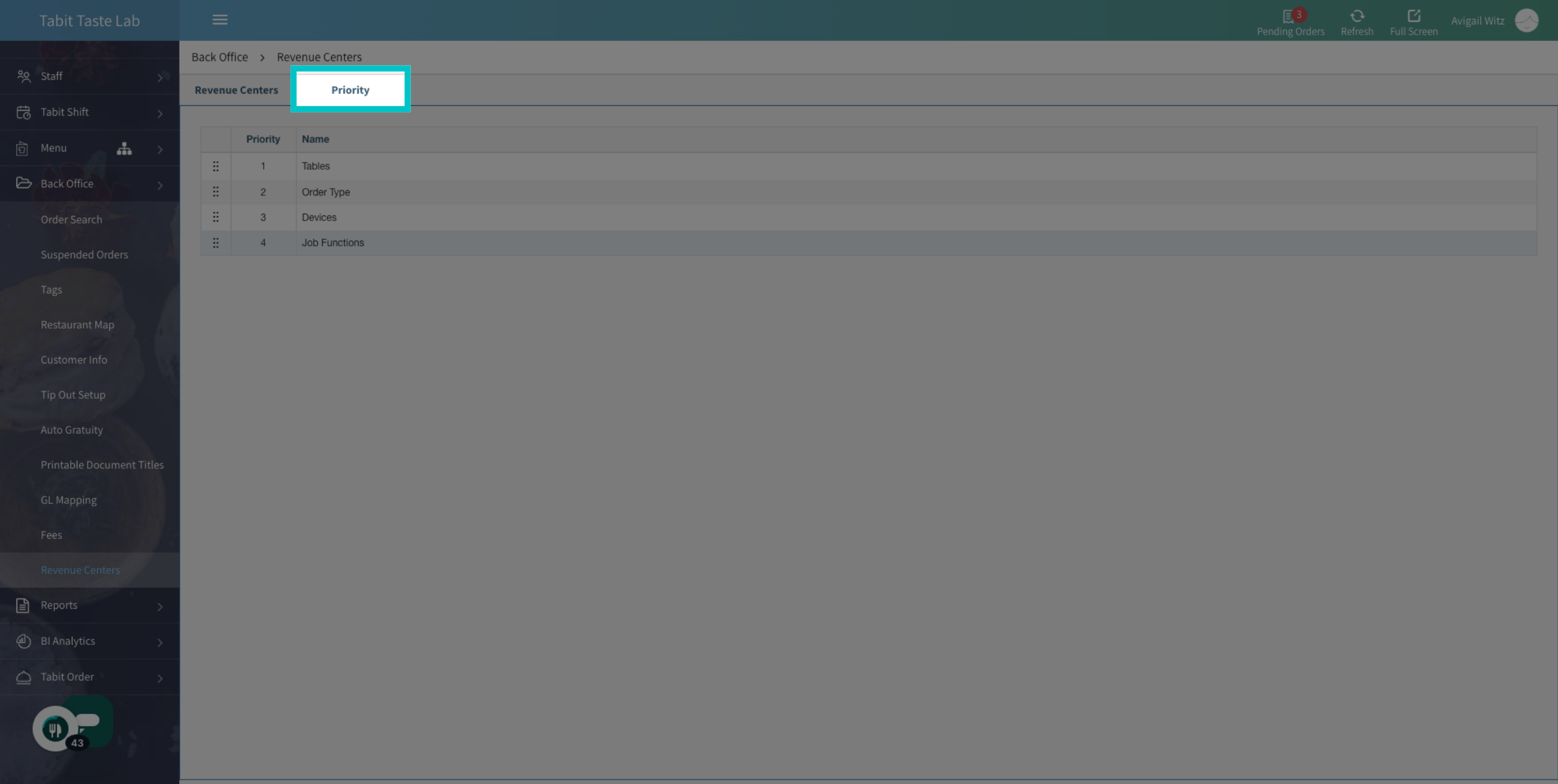
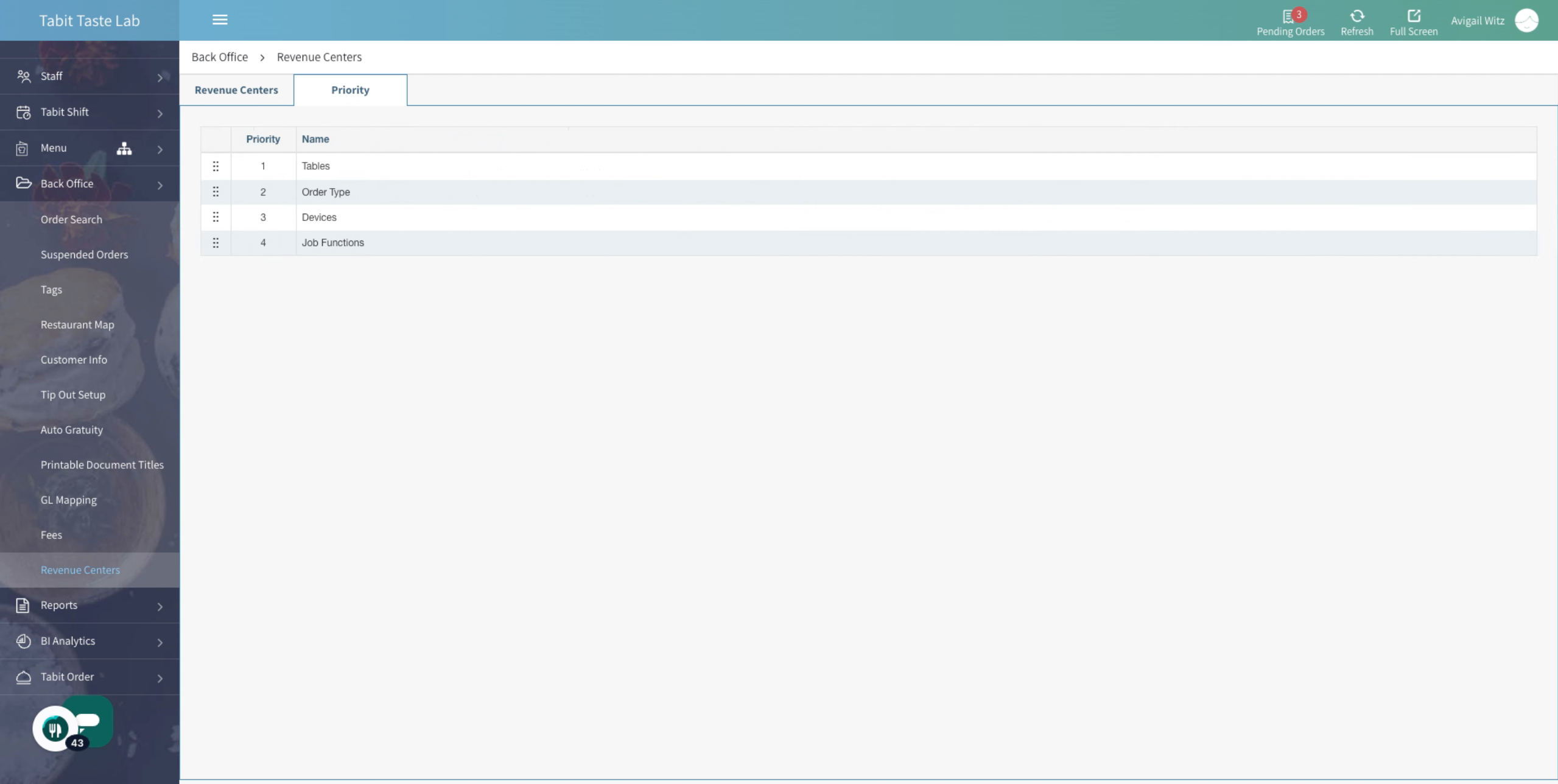
Move on to the Priority tab
-
Sometimes, an order may qualify for more than one Revenue center. By dragging the filters, you can prioritize which parameter takes precedence when there is overlap
- Now you will have a new Revenue Center section in your DSR report