In certain states, the law exempts certain items from taxation if they are sold as takeaway. These items should receive a tax exception, instead of giving items with tax an exemption after the fact.
On single sites this can be managed on the site level. For enterprise sites, when using tax groups on the HQ level, the tax group must also be applied
This is only available to users with Menu management permissions
Follow the steps below to create a tax exception:
-
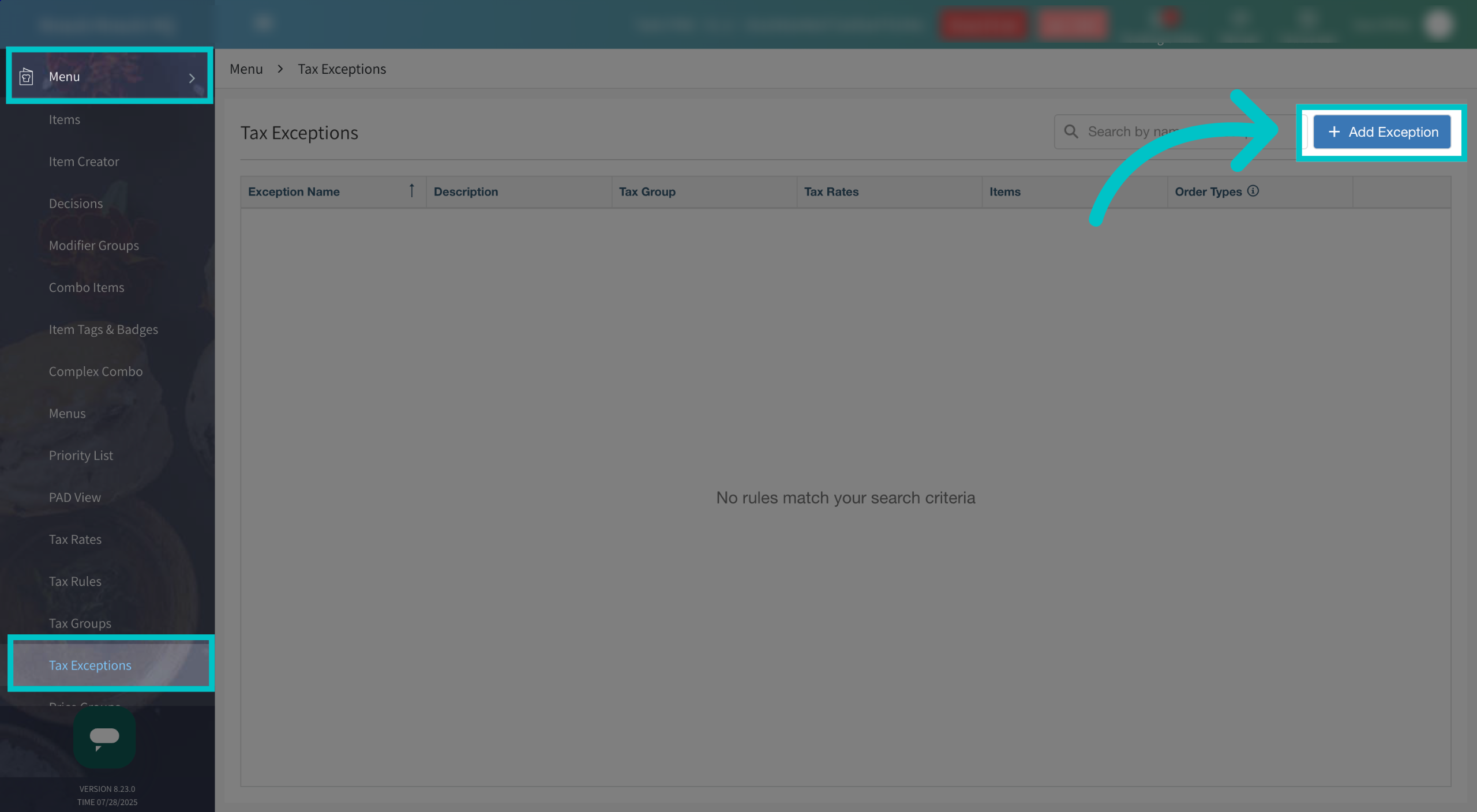
In Tabit Office, go to Menu > Tax Exceptions and select Add Exception in the top right corner of the screen
-
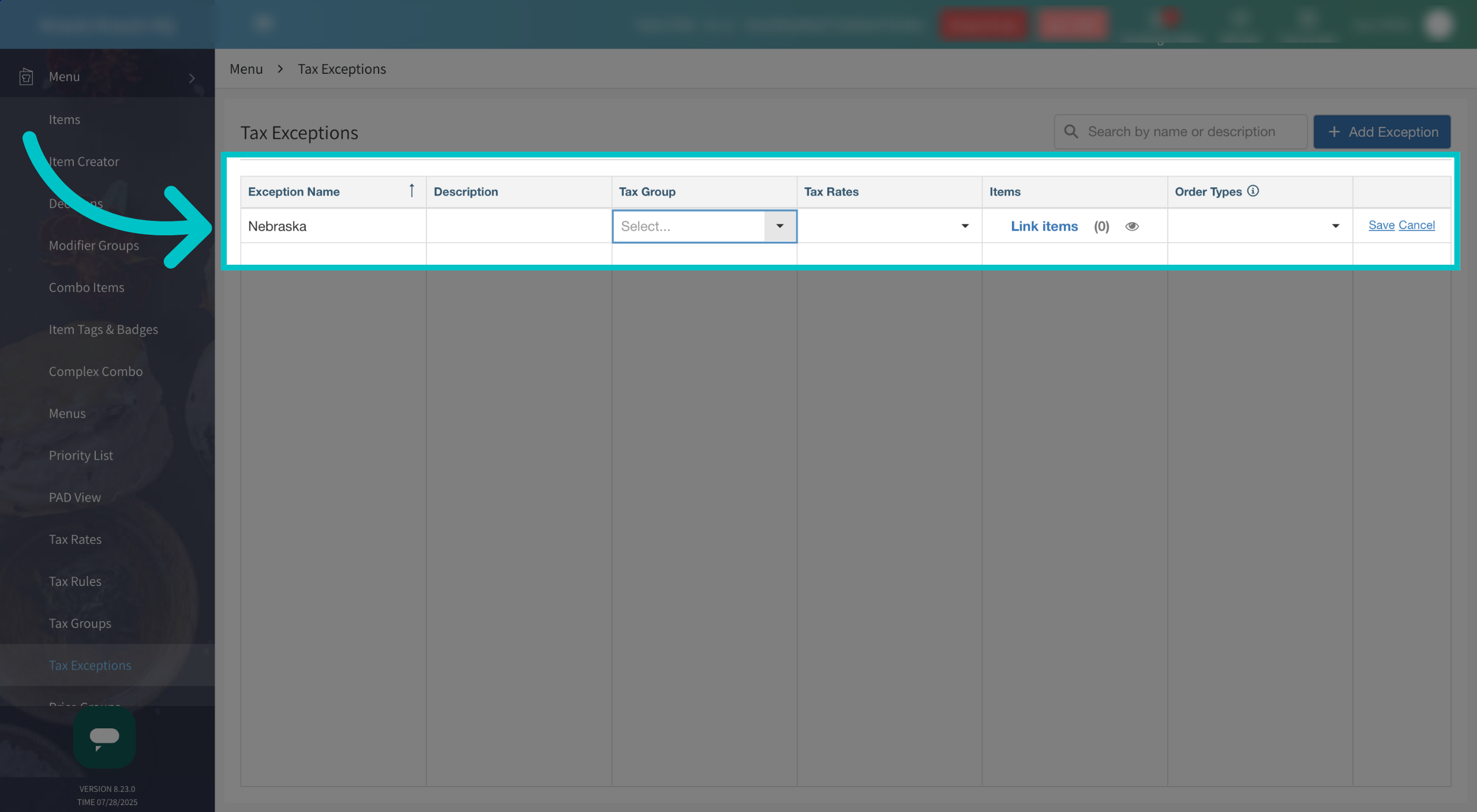
Give the exception a name
-
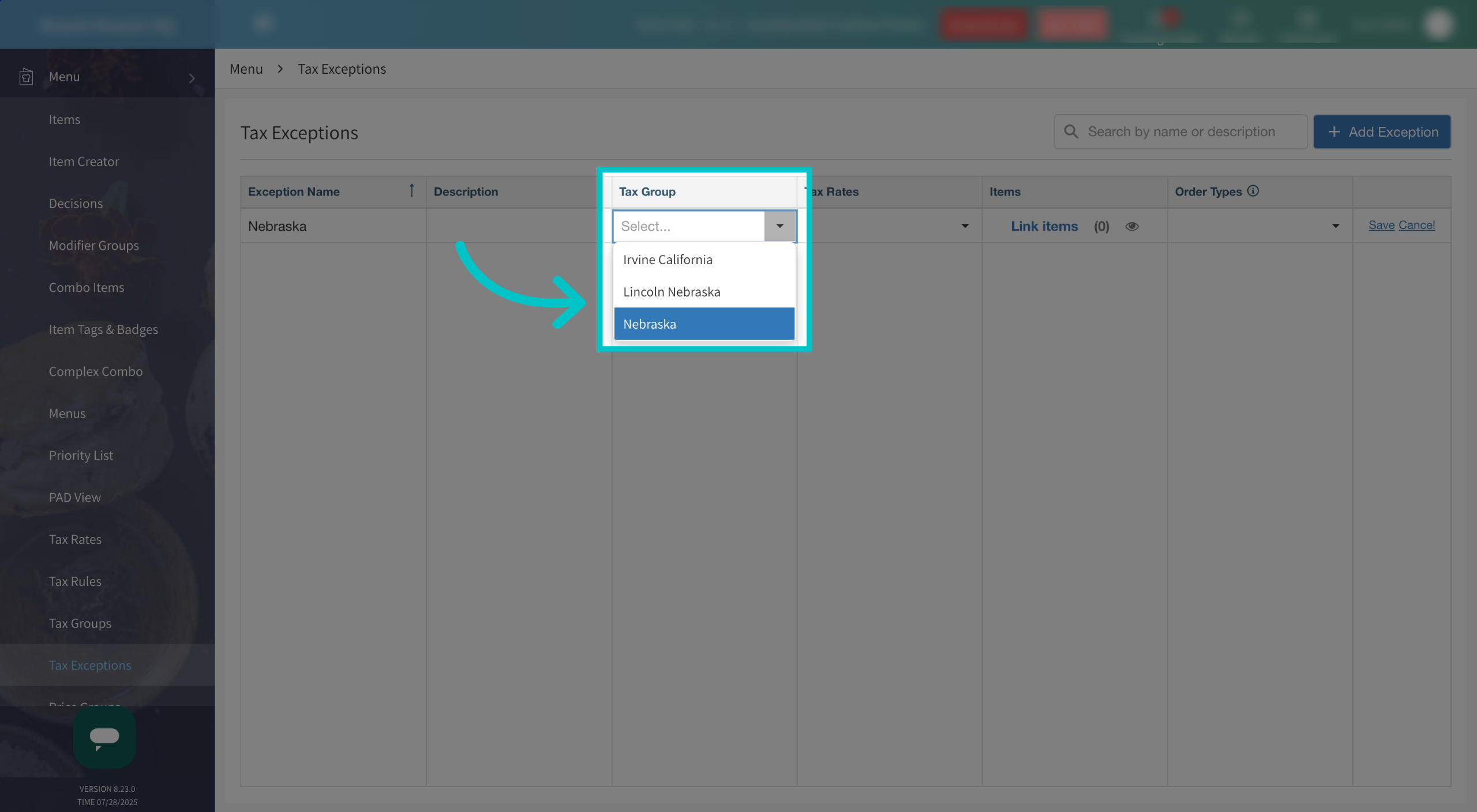
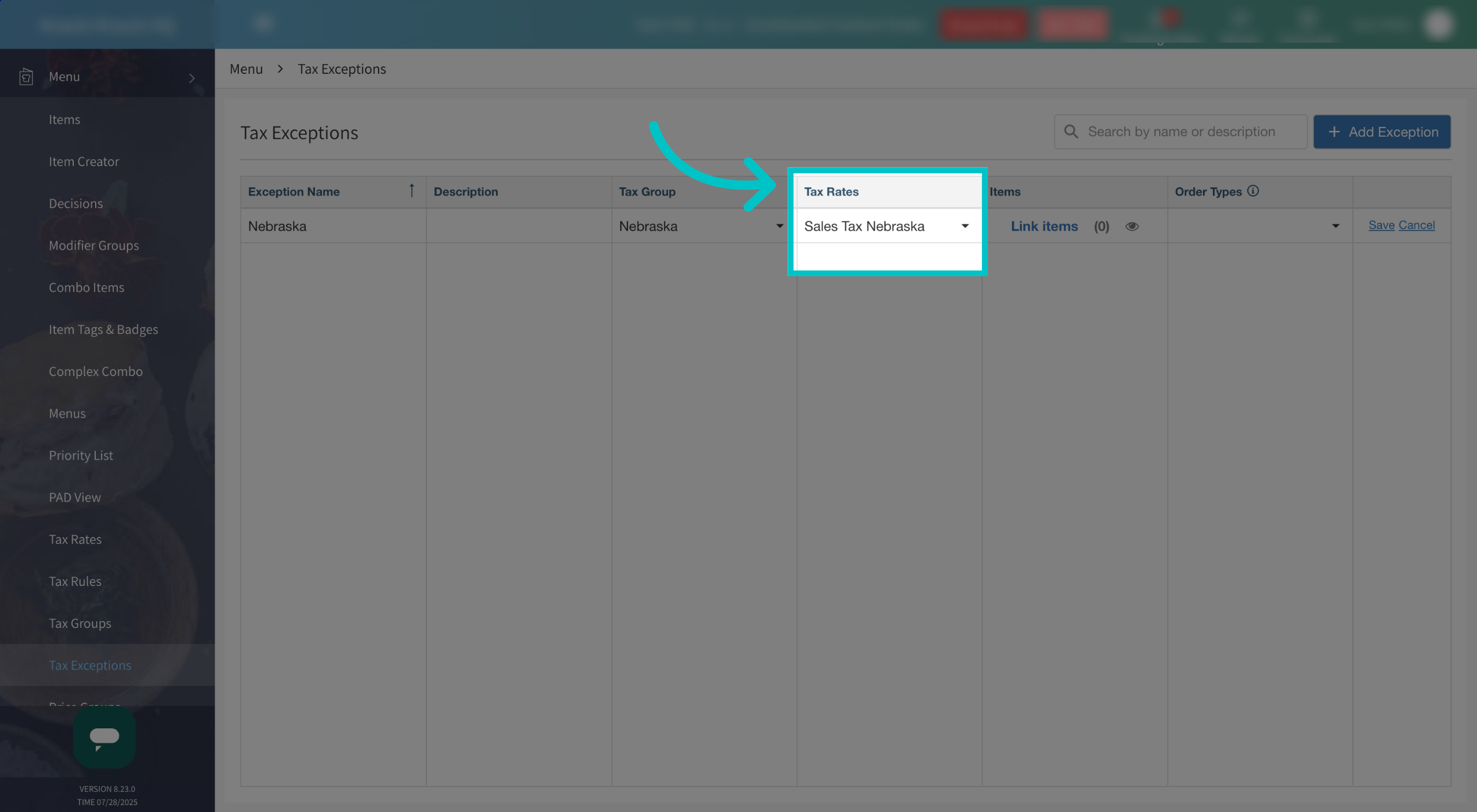
If the tax exception is on an HQ site, select the relevant Tax Group
-
Select the relevant tax rate.
-
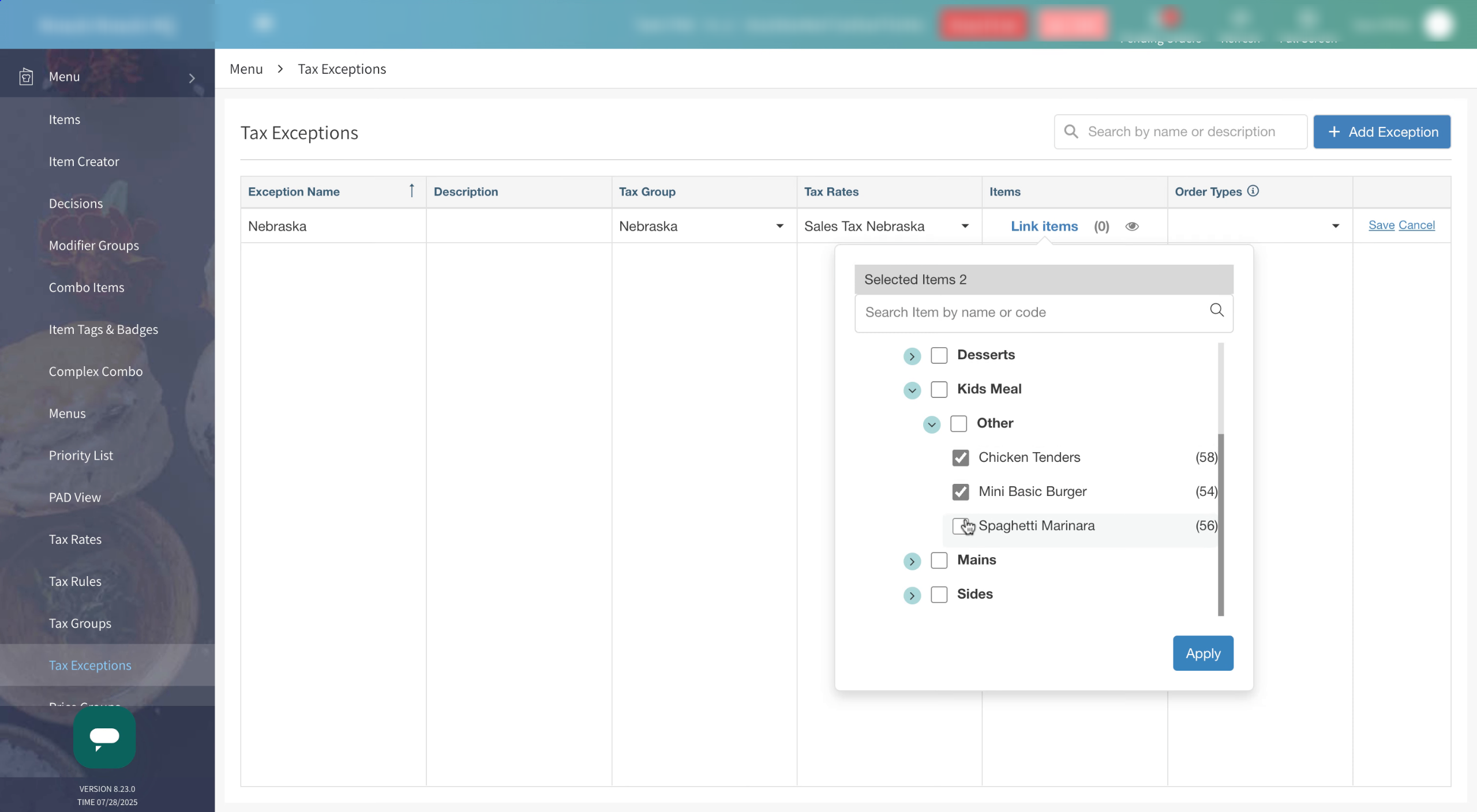
Search for the items the tax exception should be applied to and select them. Then select Apply
-
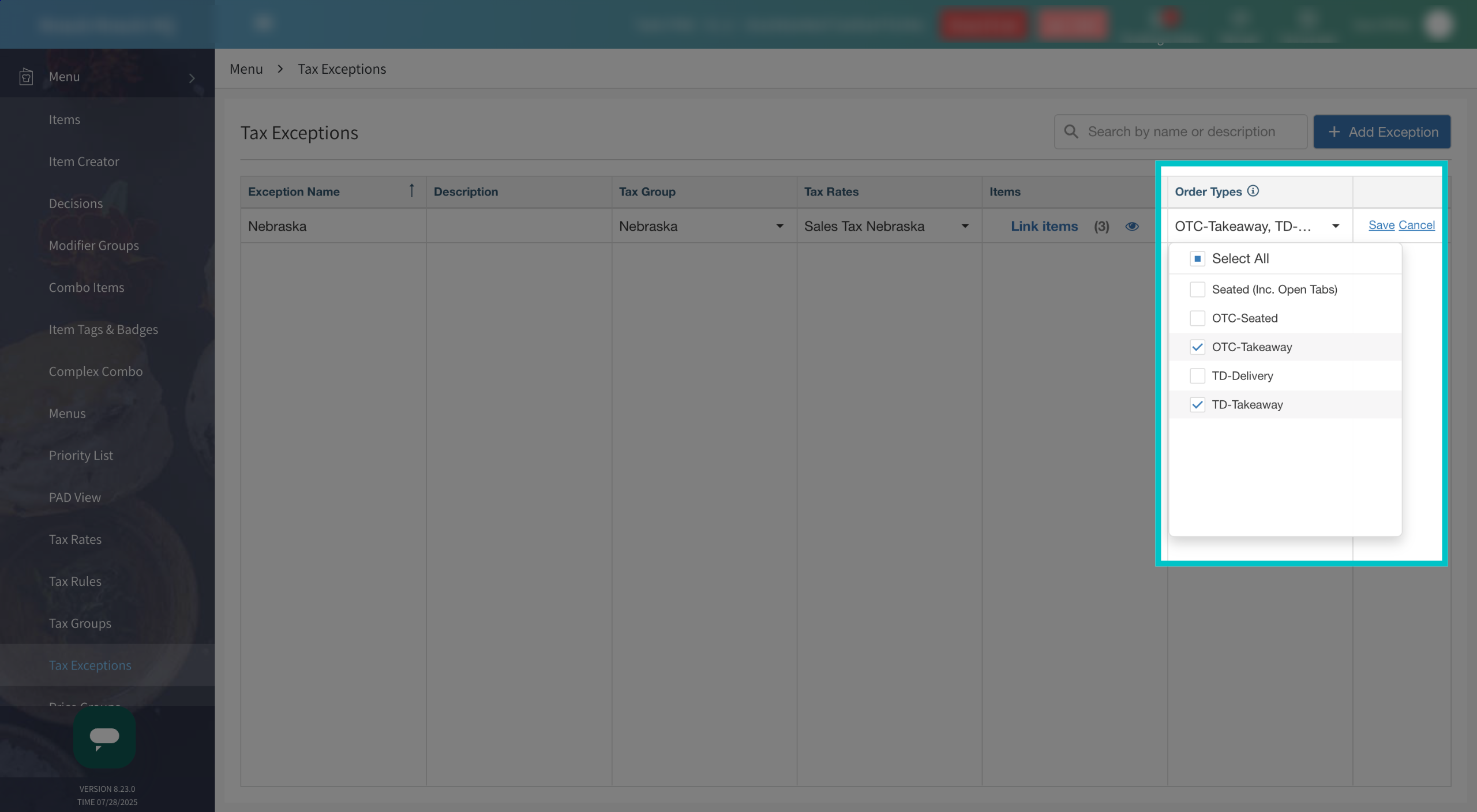
Select the order types that should receive the tax exemption.
-
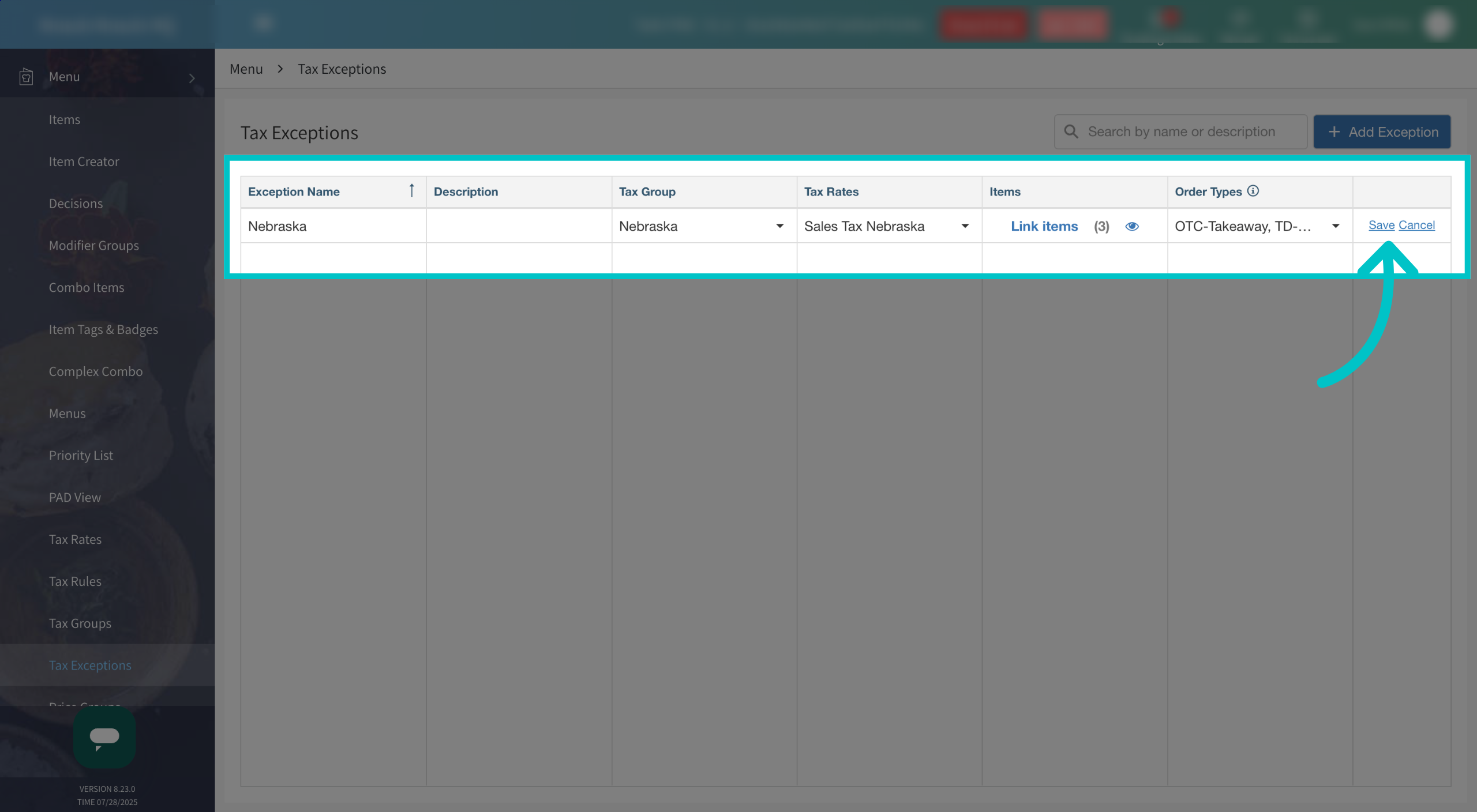
Once all fields have been completed, select Save to save the tax exception. Now the selected items won't have tax attached to them when ordered