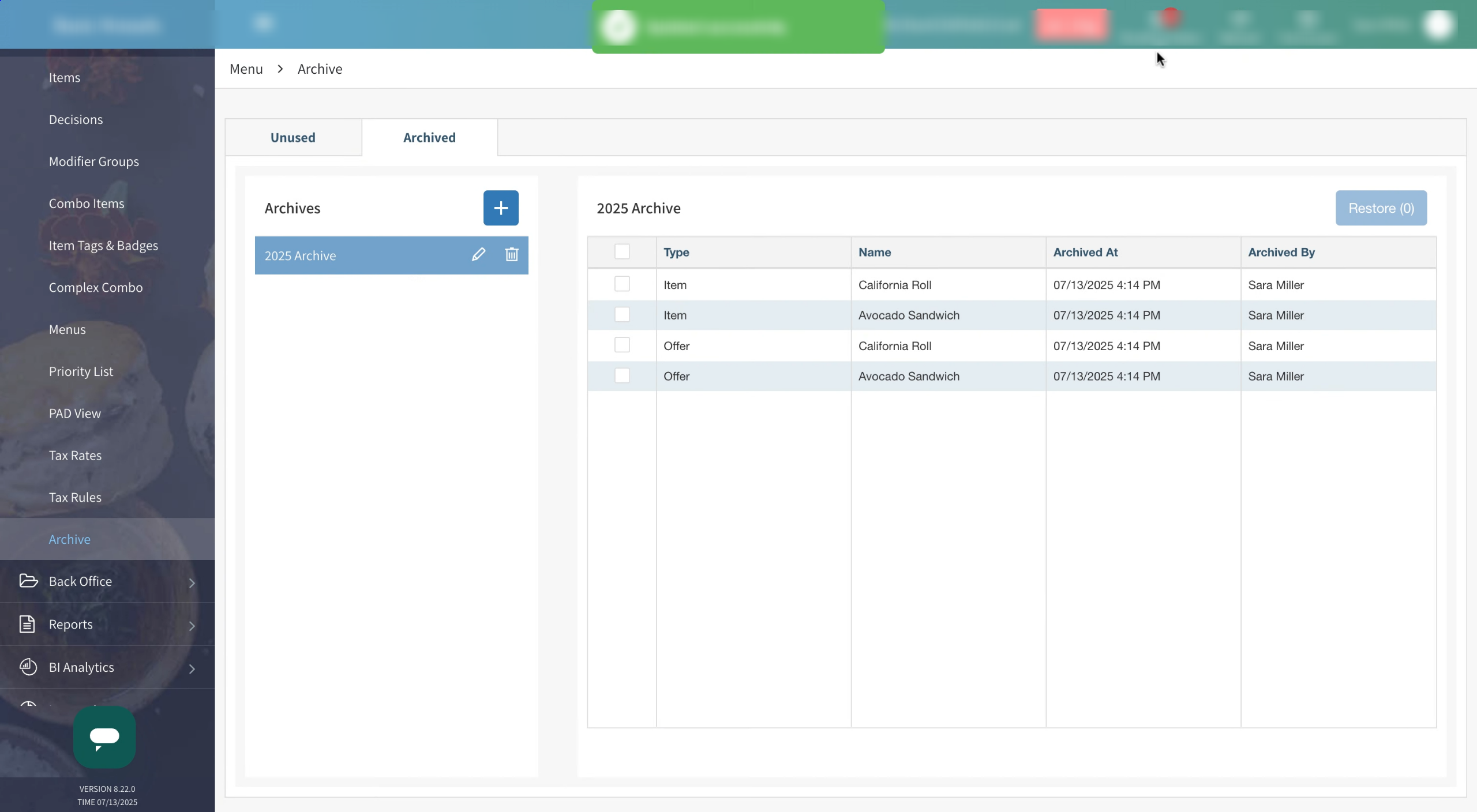
While items cannot be deleted from Tabit, they can be archived if not in use. This is useful to keep categories clean and organized, and to prevent outdated items from being accidentally added to menus.
Only items that don't appear on any PAD views, Menu views, Tabit Order, or as a modifier, decision or combo item etc. will be available to be archived
The Item Archive is open to users based on permissions, as defined here
Learn how to archive items and offers below:
-
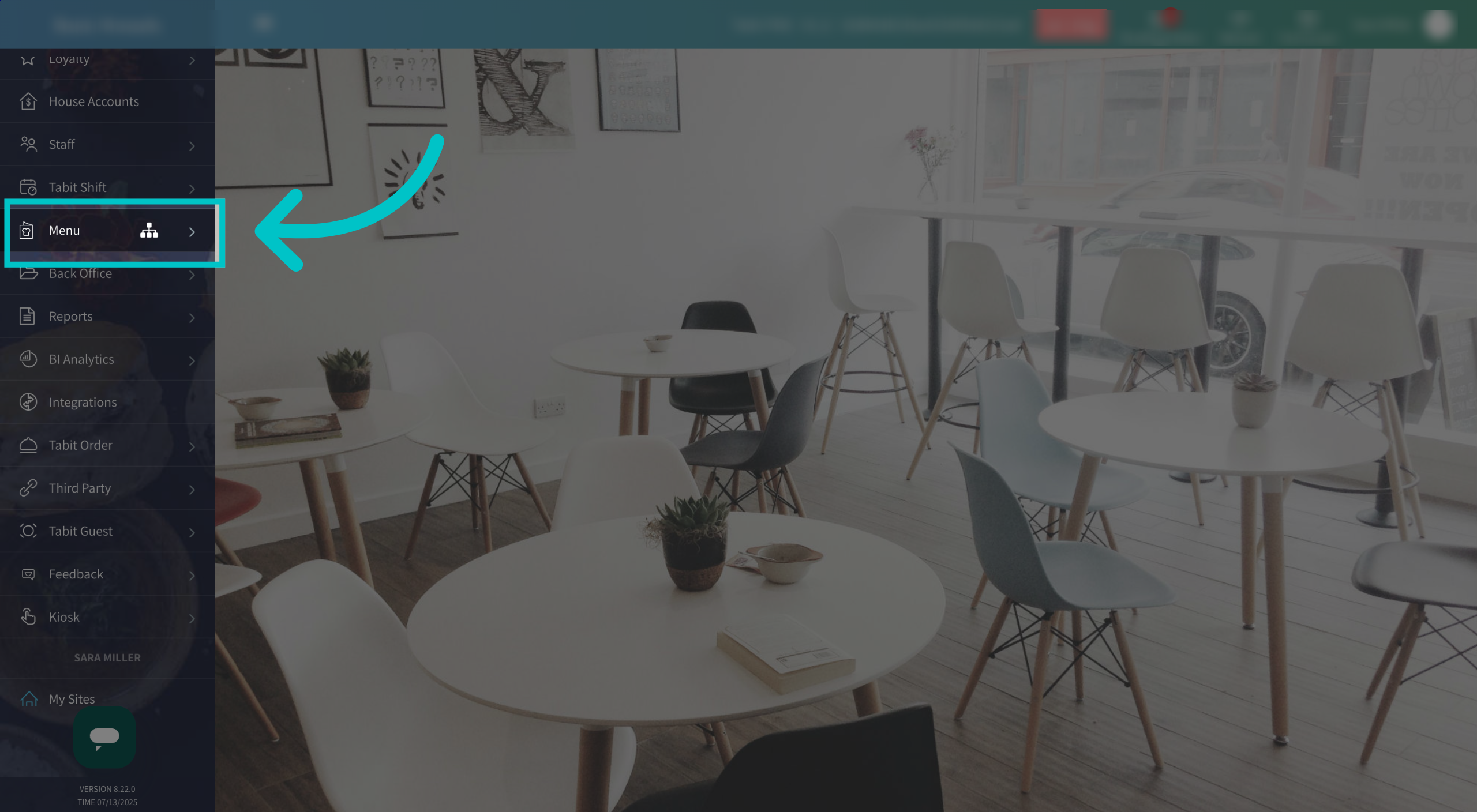
In Tabit Office, select the Menu tab
-
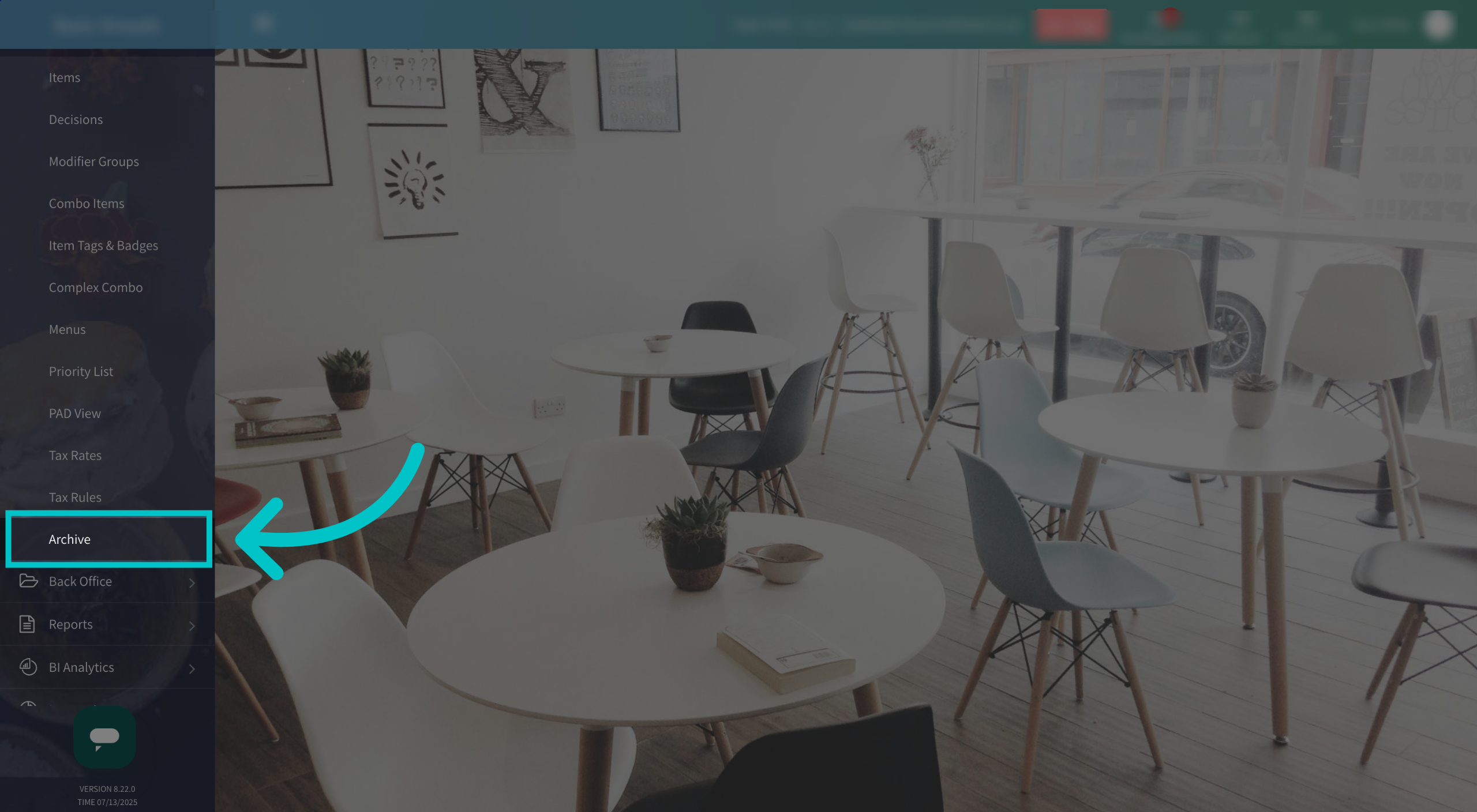
Then select Archive
-
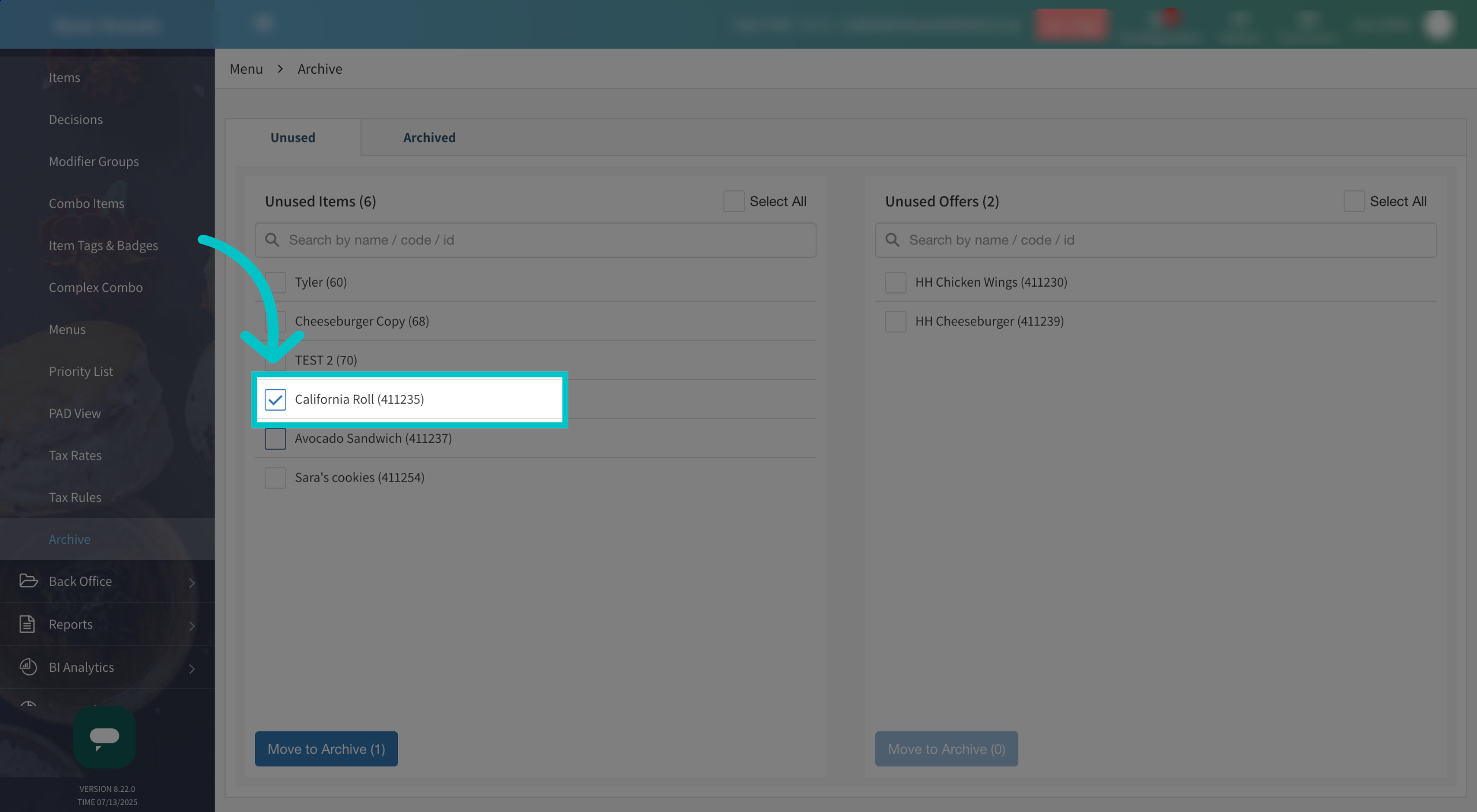
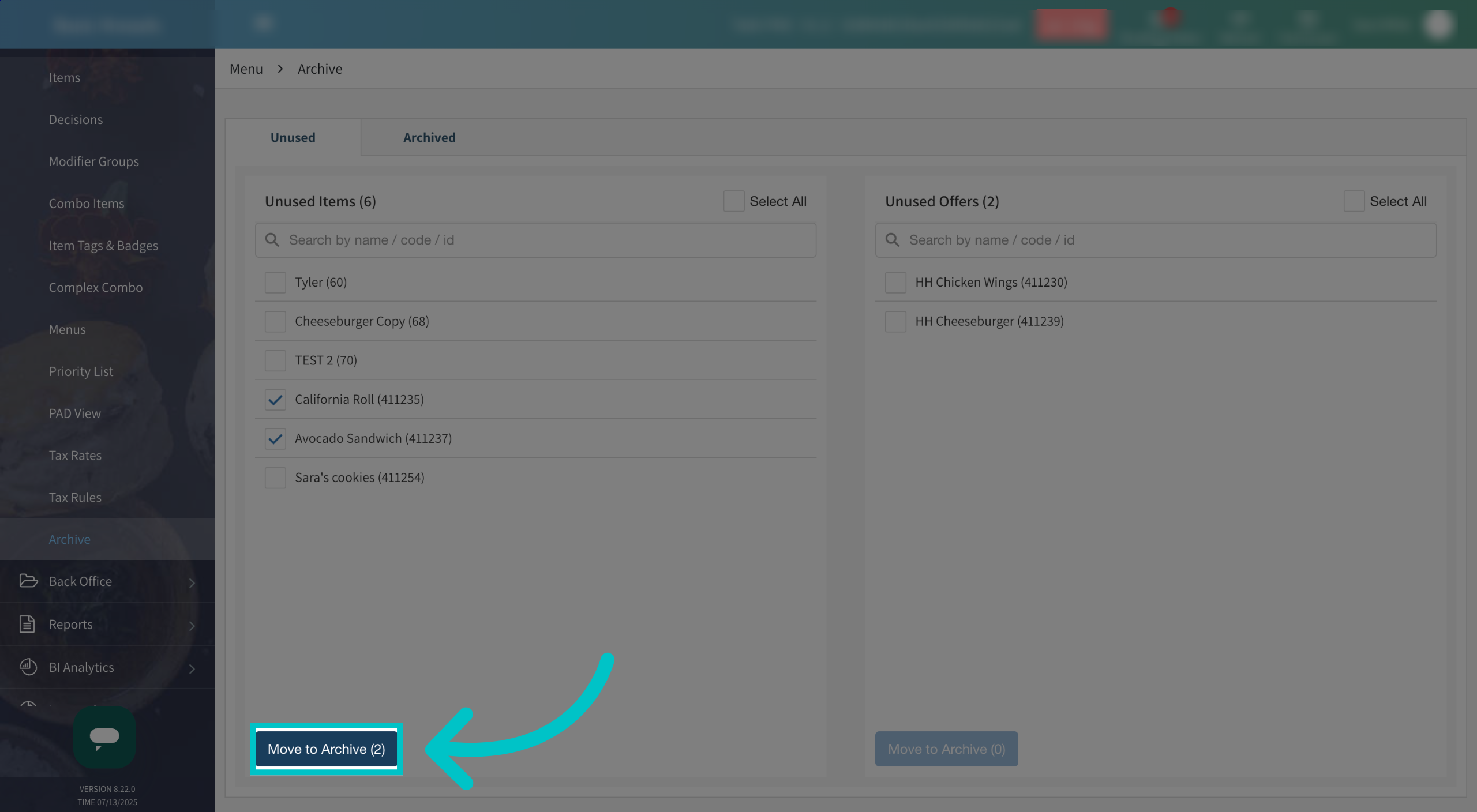
Check the box next to the items or offers you would like to archive
-
Select Move to Archive to move the selected items to the archive
-
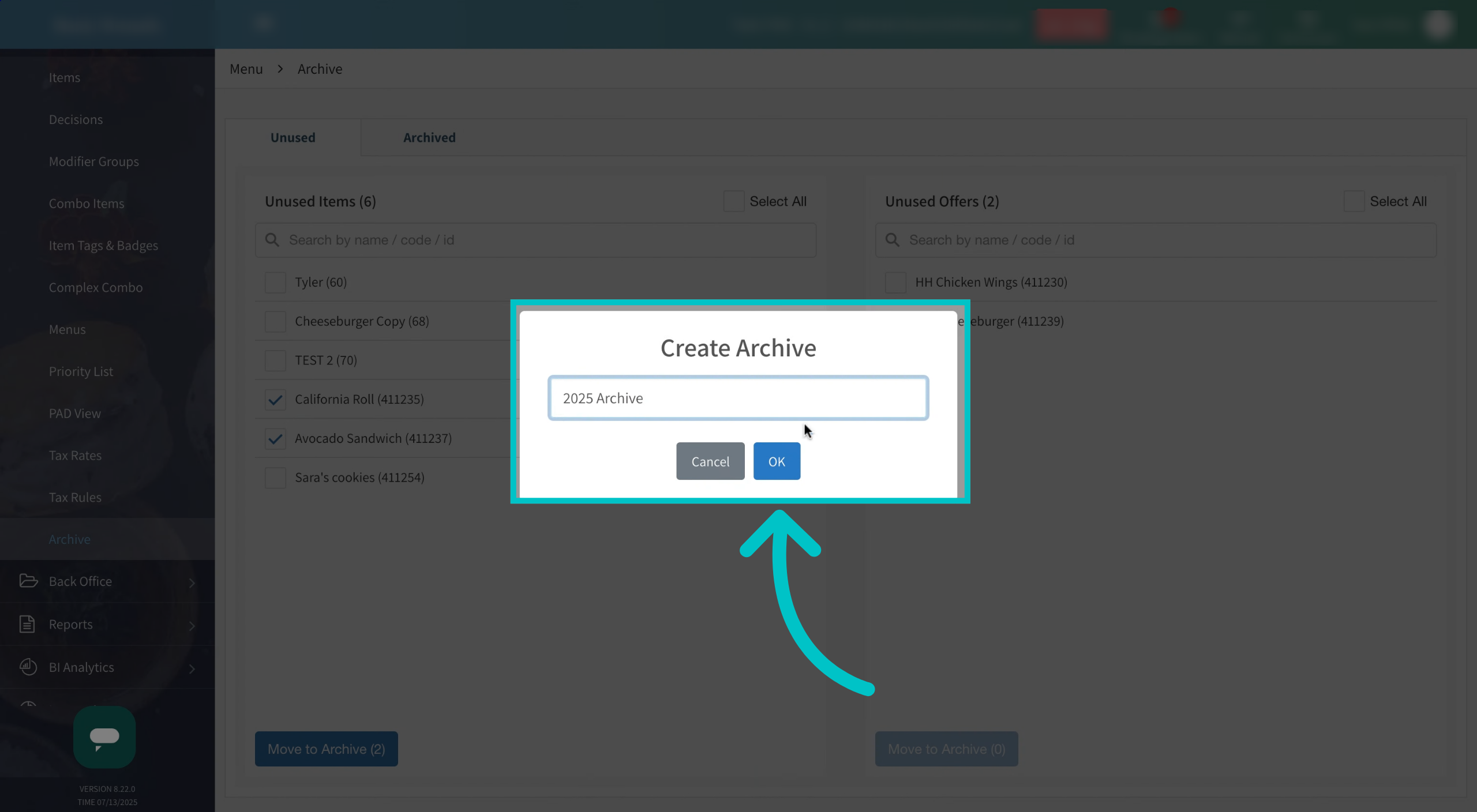
Name the archive and select OK
-
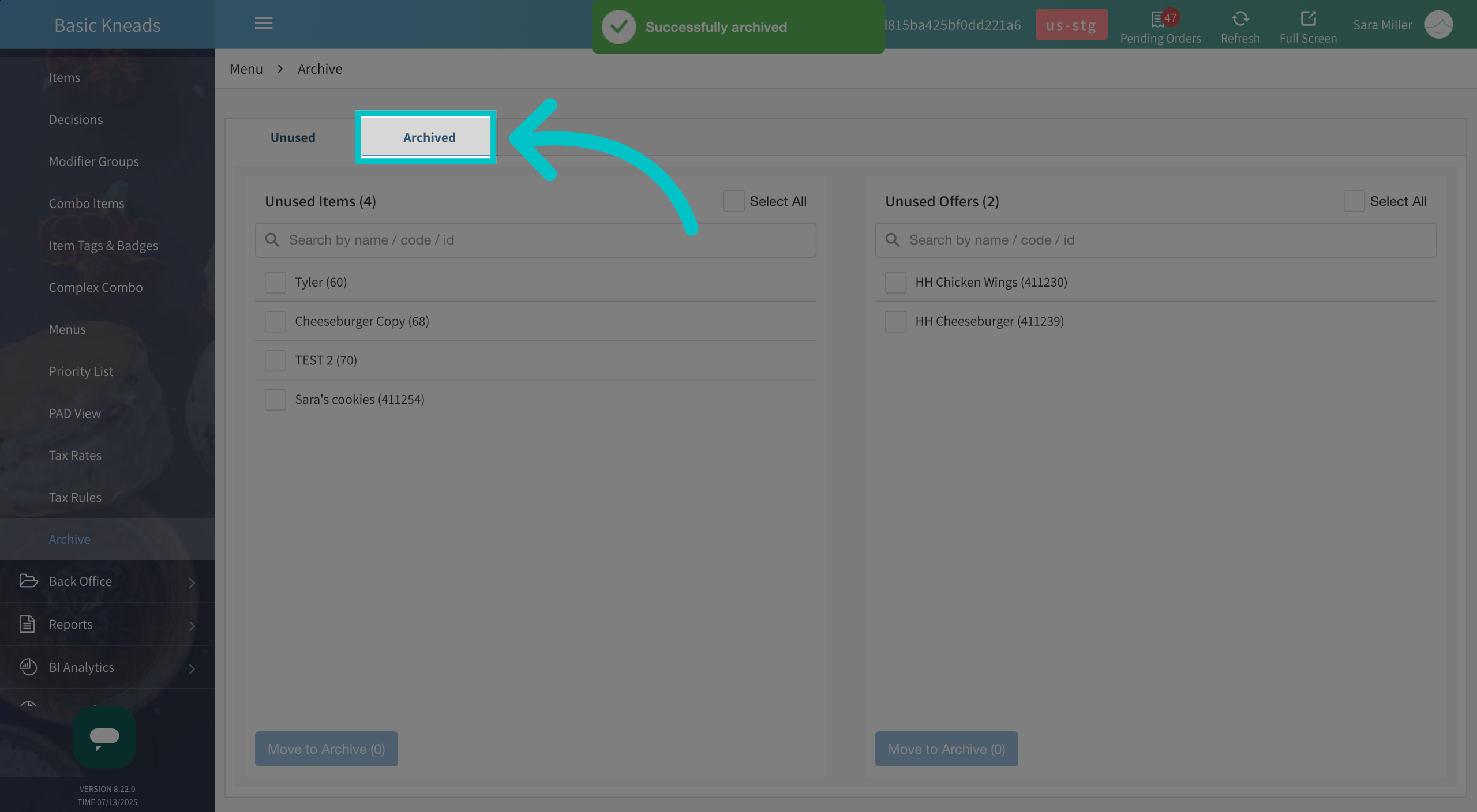
Now you can view archived items by selecting the Archived tab
-
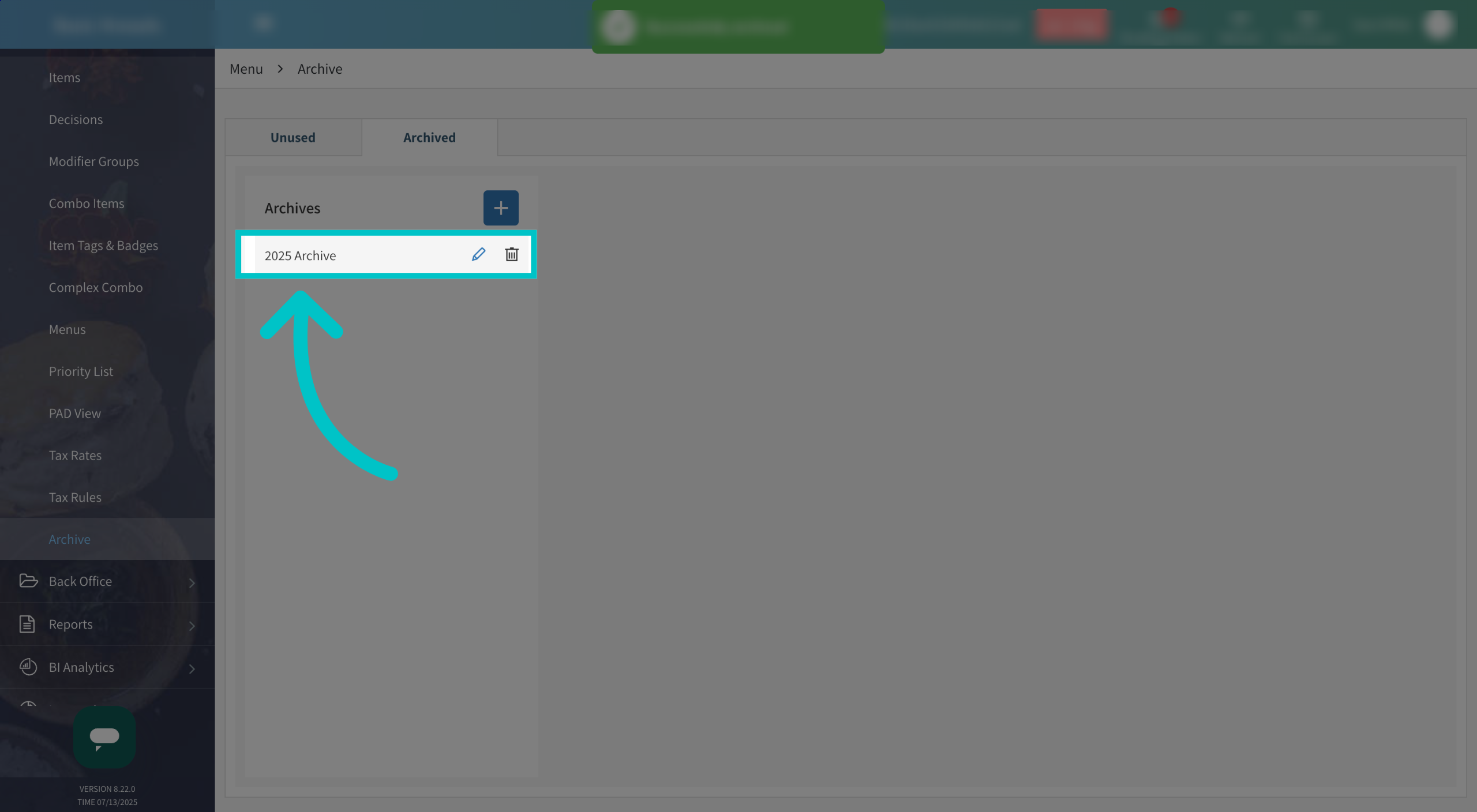
Select the relevant archive
-
All items and offers in this archive will now appear. They can be restored if desired by selecting Restore in the top right corner.