Training Mode lets employees practice Tabit PAD workflows, just like during real service, without affecting real restaurant operations. Orders, payments, and actions taken in this mode are not reflected in reports, don’t affect inventory, and aren’t sent to the kitchen or printers.
Watch the video above for a full walkthrough. Below you’ll find detailed written instructions and key feature highlights.
Enabling Training Mode
-
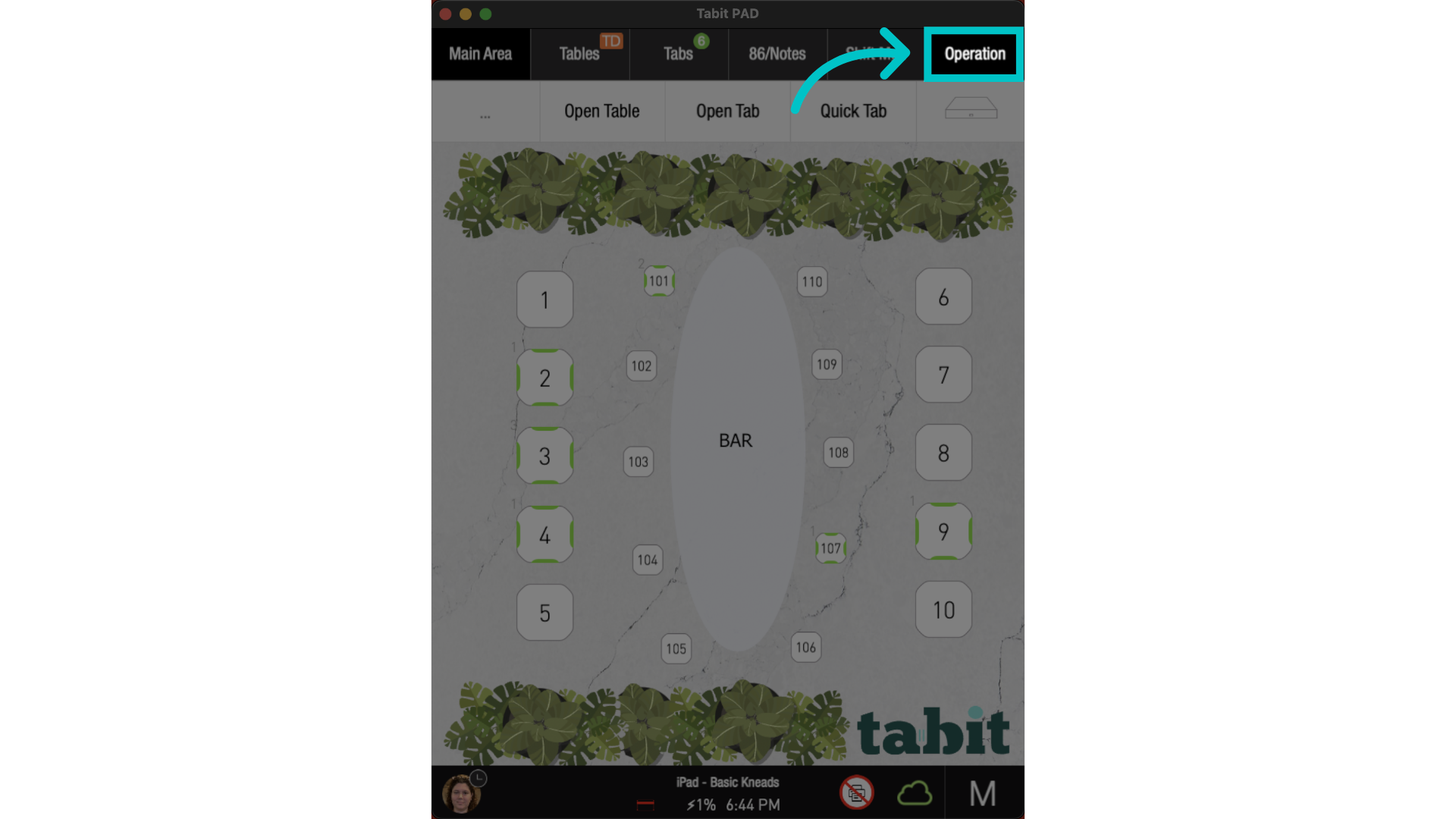
From a Manager (M) profile, go to the Operations tab
-
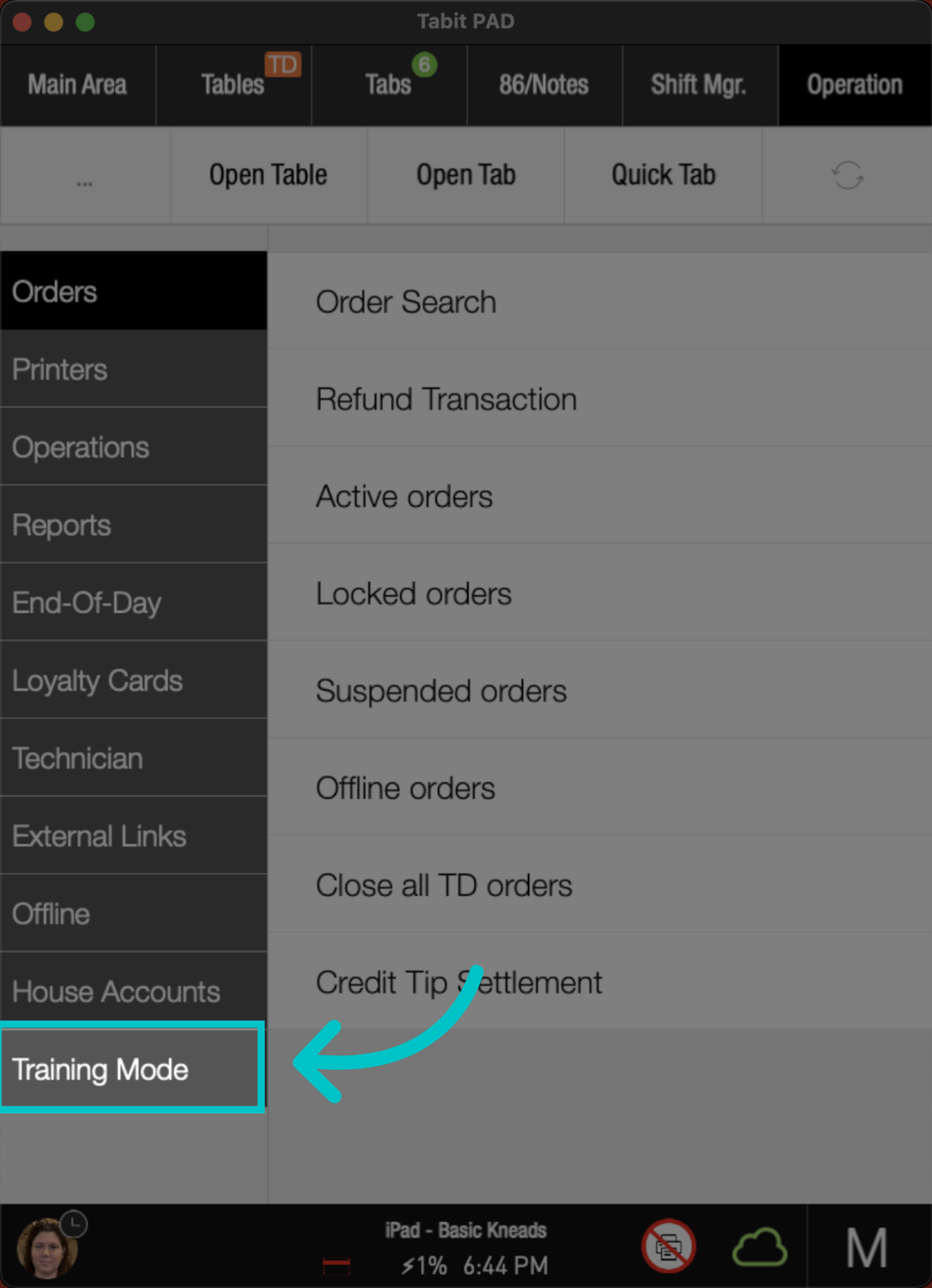
Select Training Mode
-
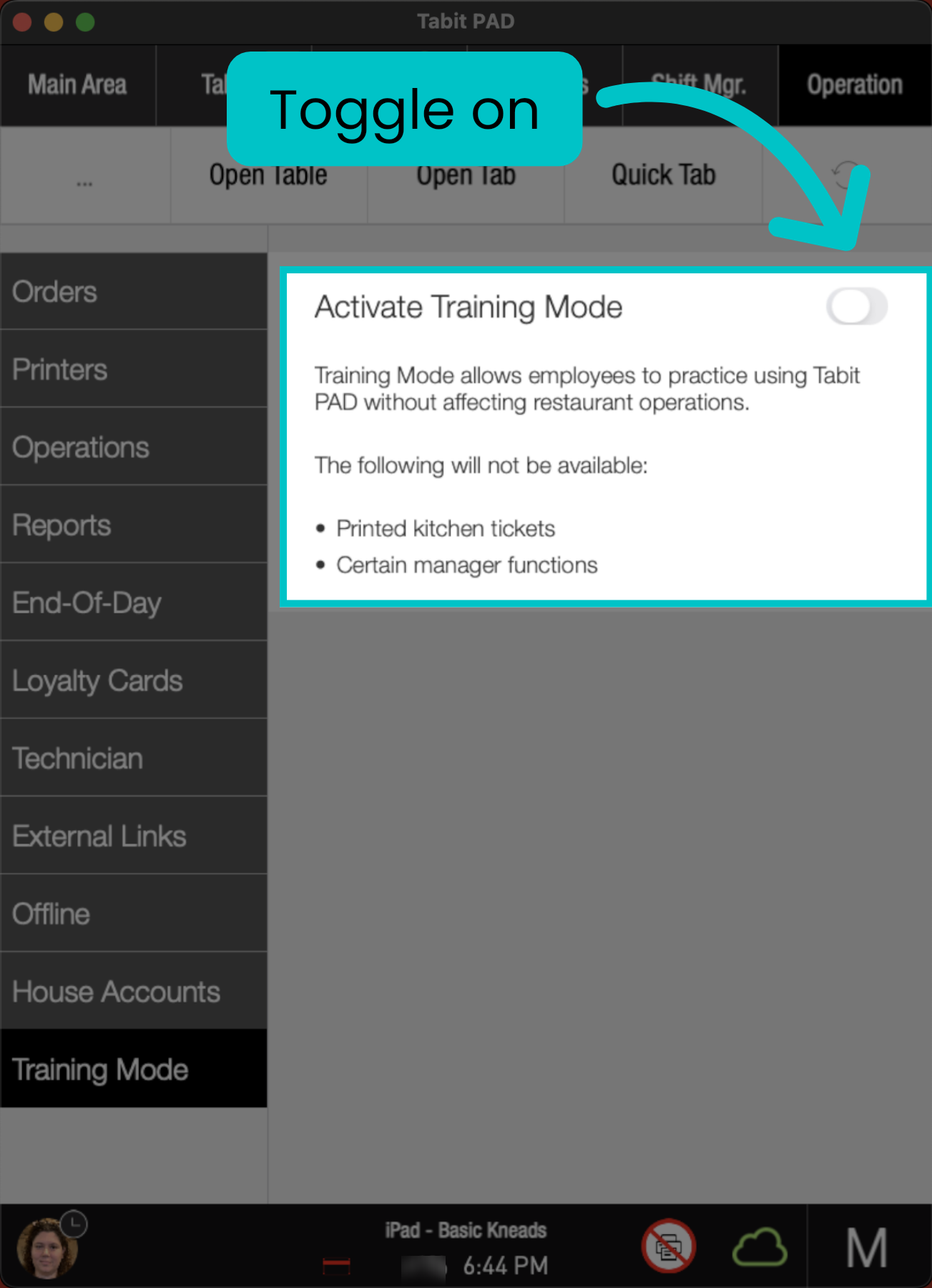
Toggle on Activate Training Mode
-
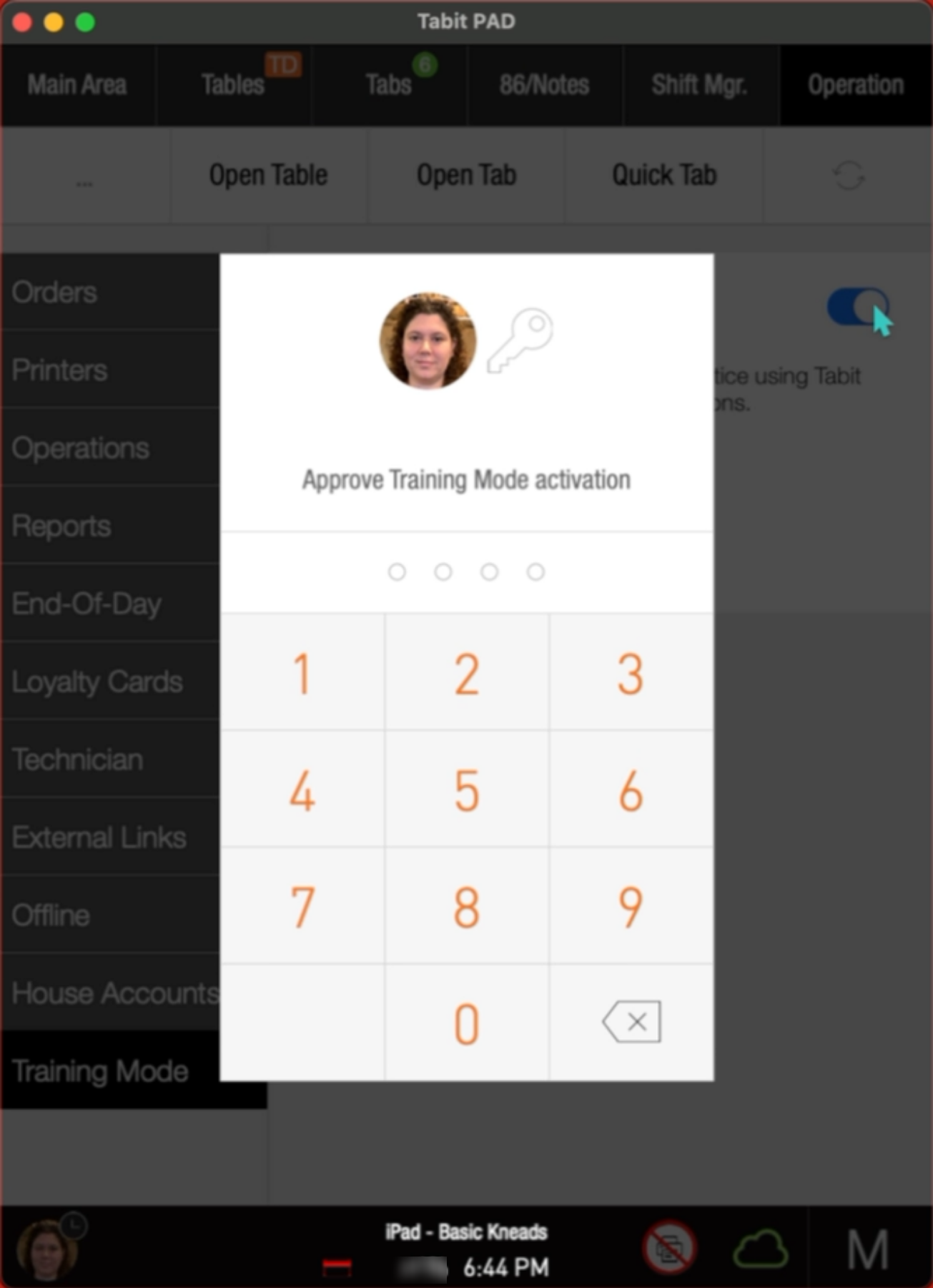
Enter your manager code
-
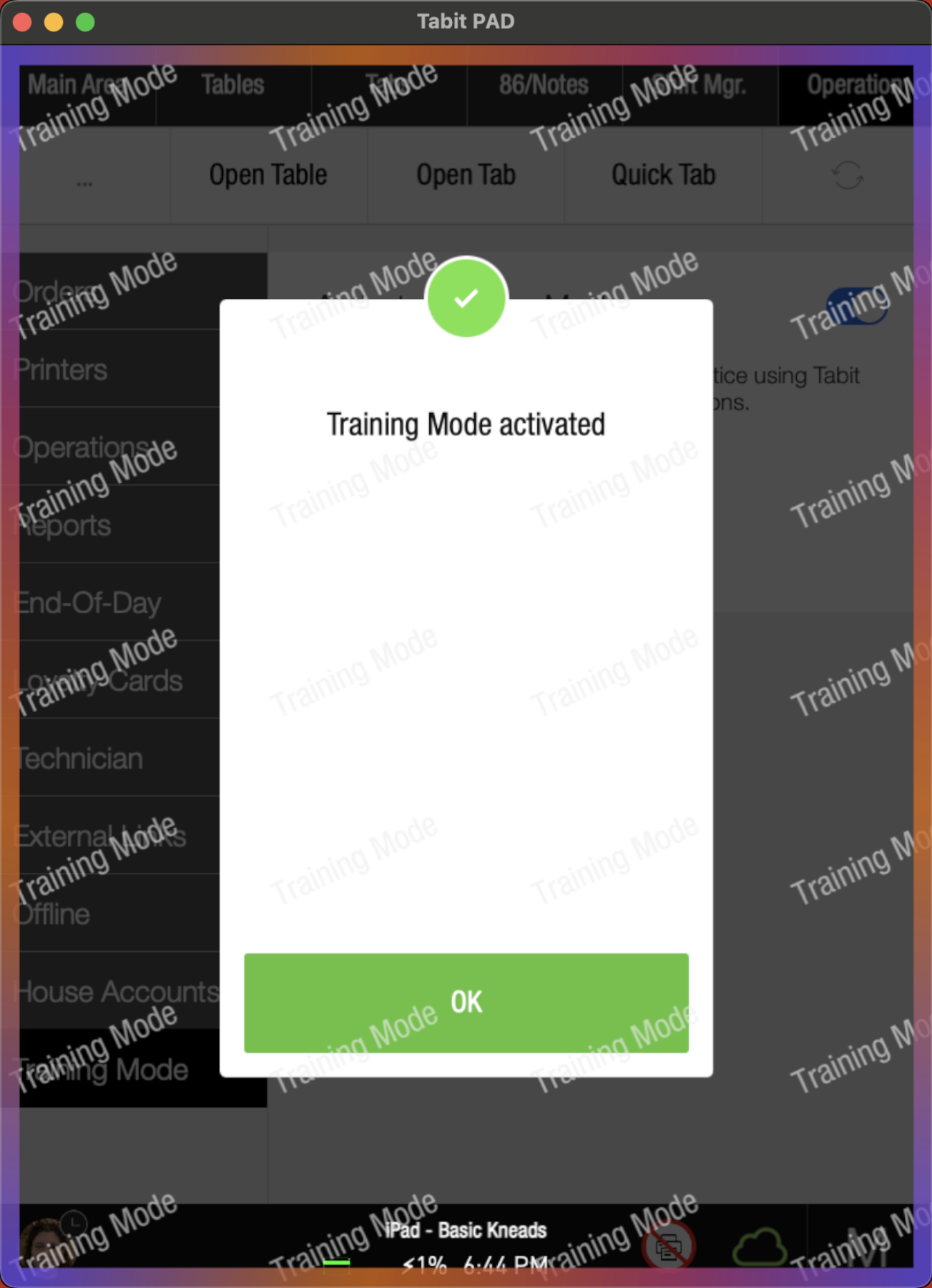
Once confirmed, the PAD enters Training Mode and returns to the login screen
Visual indicators
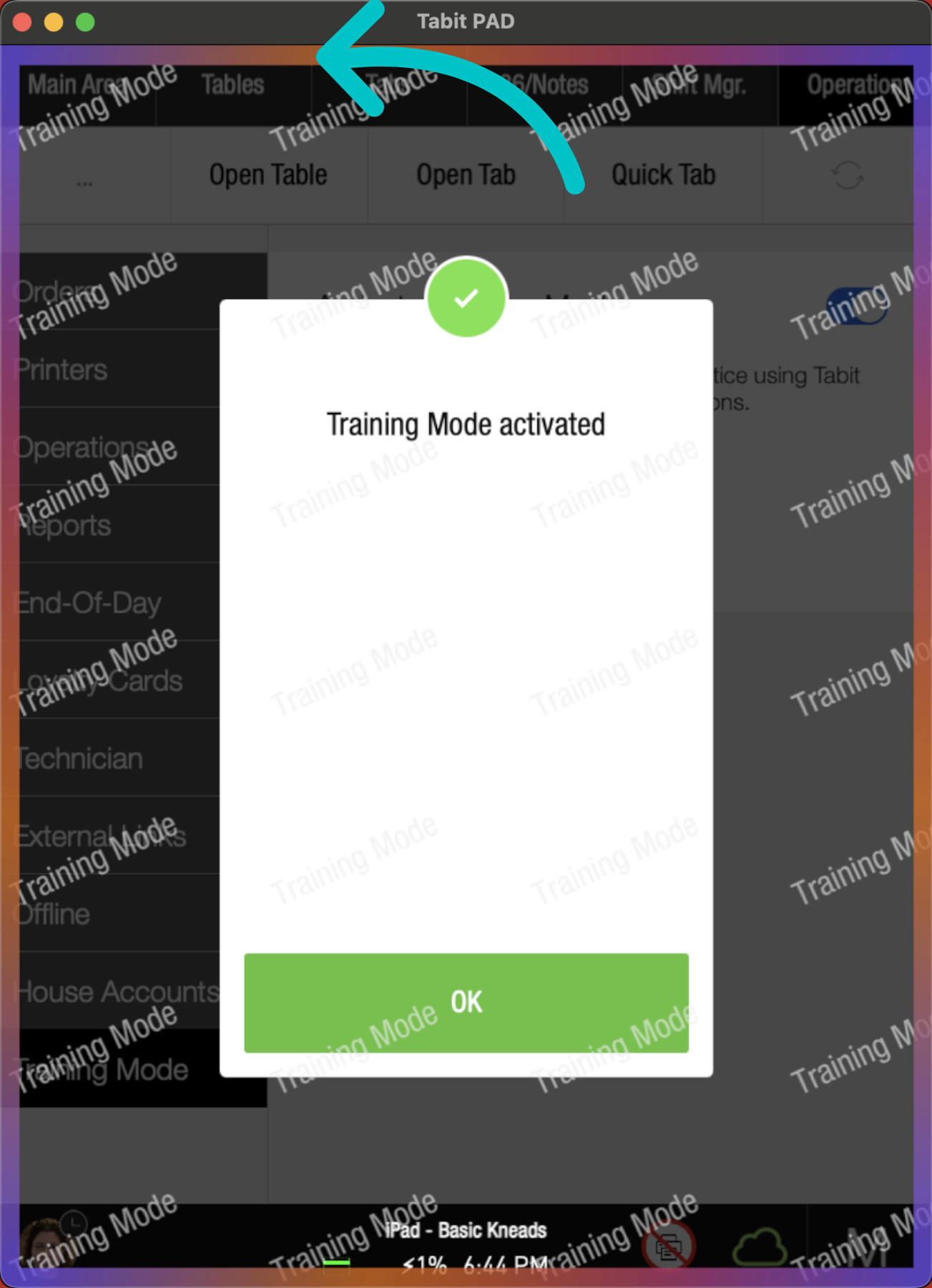
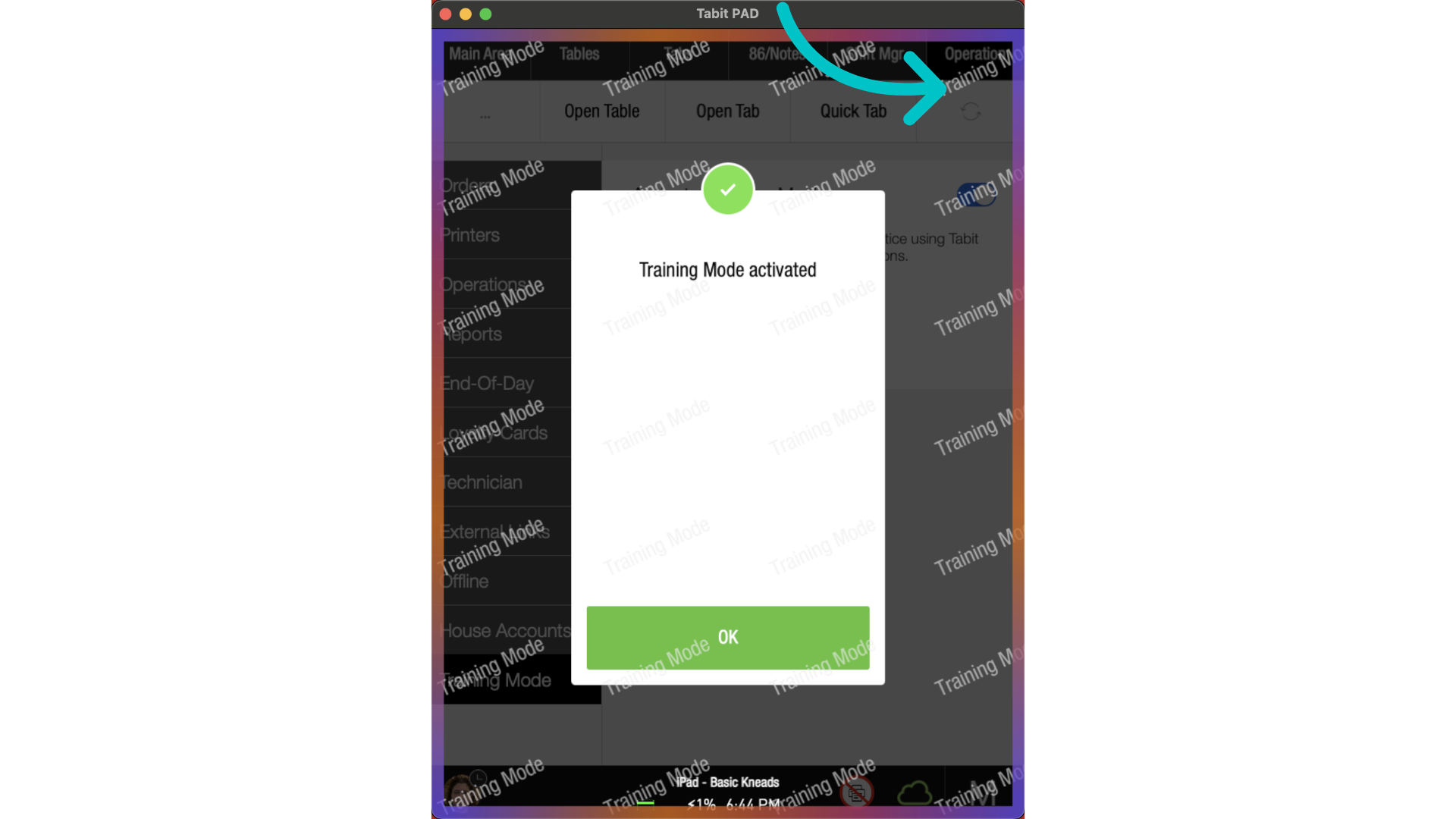
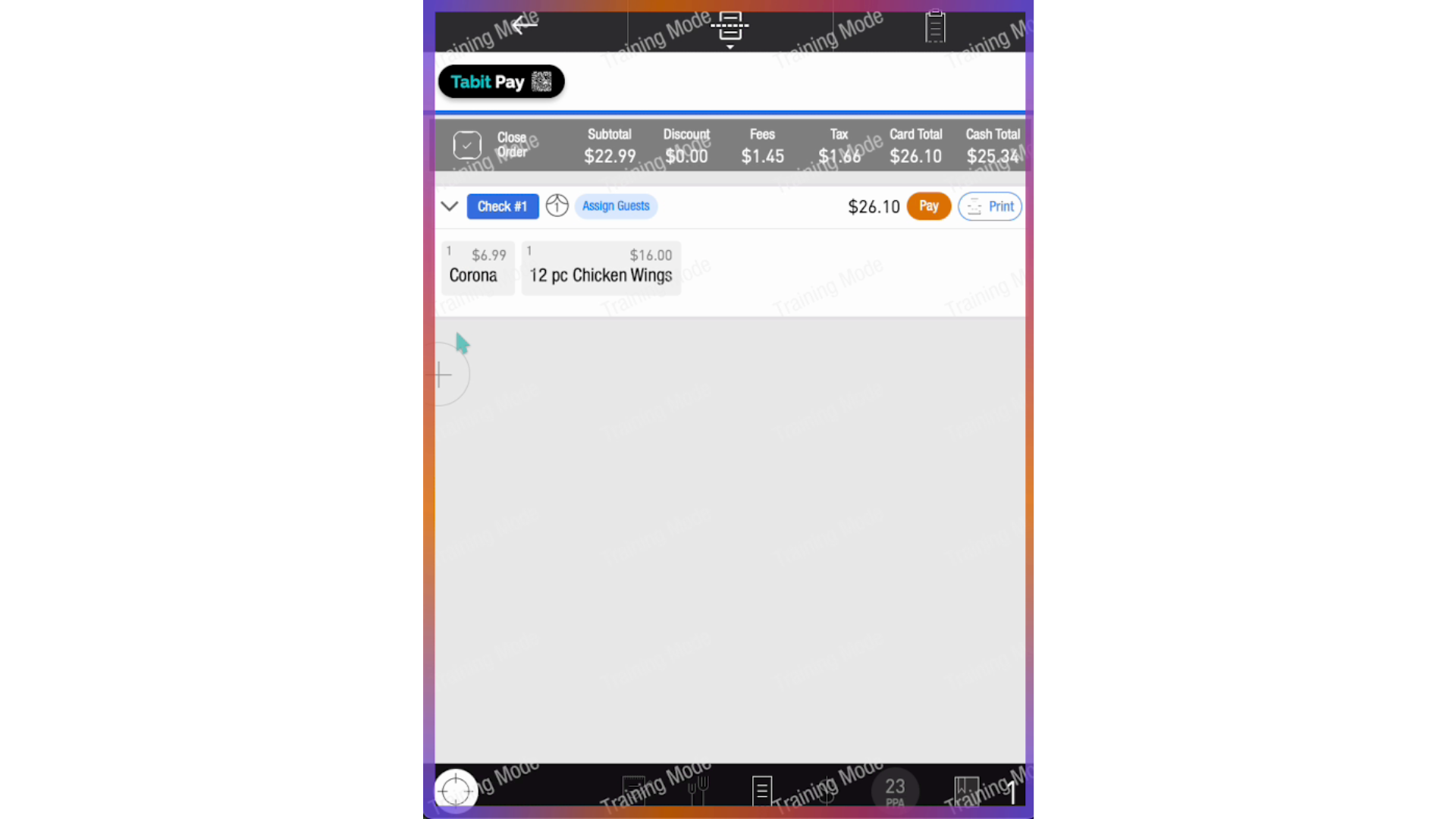
While in Training Mode, the screen shows a colorful frame and tiled "Training Mode" background across all views. This ensures staff can easily recognize they are working in a simulated environment.
What you can do in Training Mode
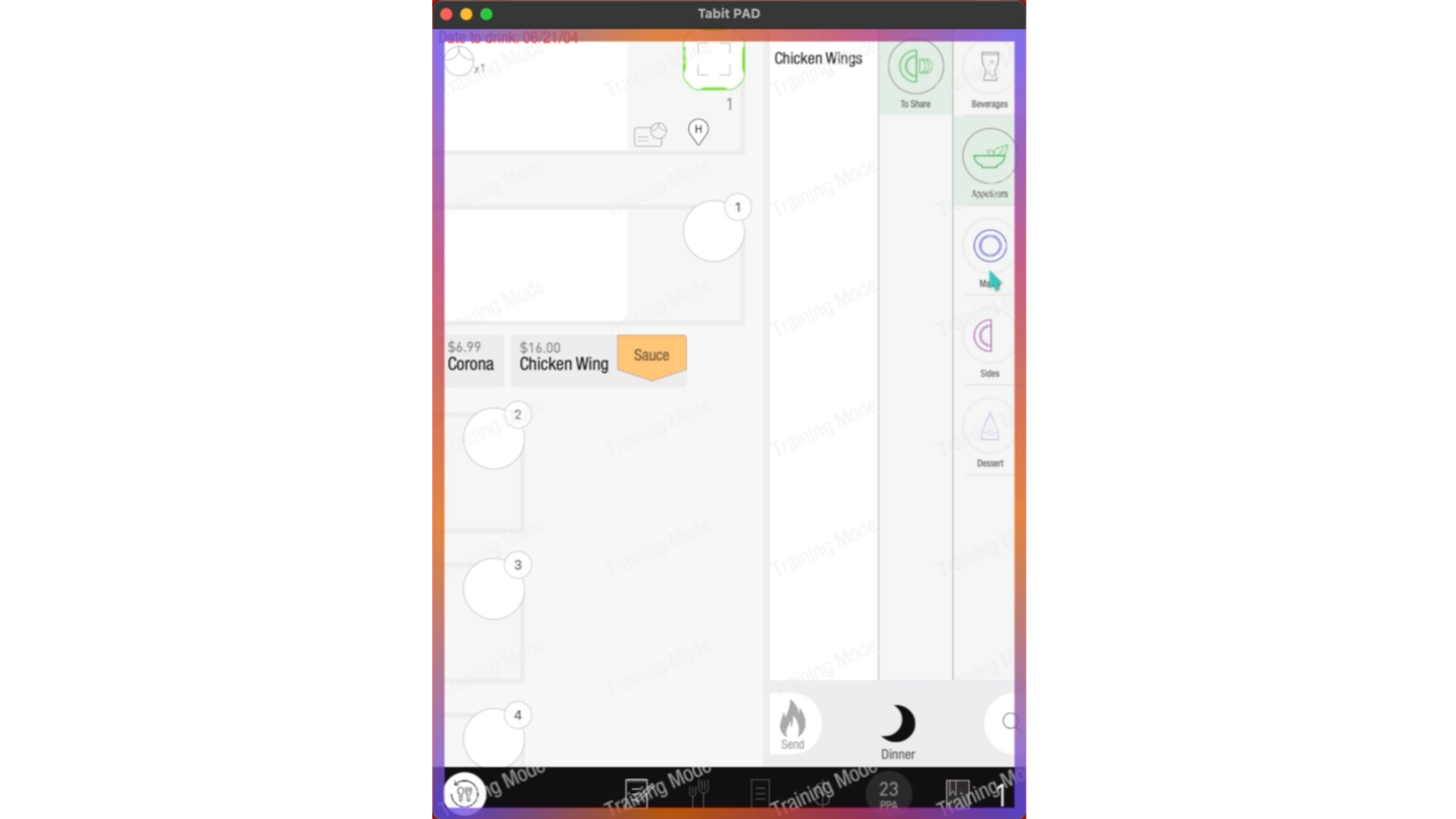
- Open and manage orders on tables, tabs, OTC, or TD
-
Add, modify, and fire items (no inventory impact, no kitchen tickets)
- Practice payments with:
- Simulated credit payments
- Prepaid, house account, or room charge
-
Split checks and payments
- Apply discounts and perform OTH
- Print bills and receipts — with “Training Mode” clearly marked
- Use manager approval flow for exceptions
What is disabled or limited
- Kitchen tickets and KDS printing
- Tip Adjust flow
- Tabit Pay QR code (disabled with message)
- Clock in/out and change PIN
- 86 and Notes access
- Suspend orders
- Shift management and some manager settings
- Actions unavailable in Training Mode display a message indicating the feature is not supported
- Manager and inventory functions
Exiting Training Mode
- Return to the Operations tab as a manager
- Toggle off Training Mode
- Re-enter your manager code to confirm
- All training orders will be deleted, and PAD returns to regular mode
Training Mode is device-specific
You can enable Training Mode on one device without affecting others. This allows targeted training without impacting operations across the site