Update the default selection in a decision group using one of two options: through the Lead Item if the change applies to a single item, or through the Decisions Catalog if you want to update the default for multiple lead items.
Follow the steps below to edit the default choice for a Decision Group:
Through the Lead Item
-
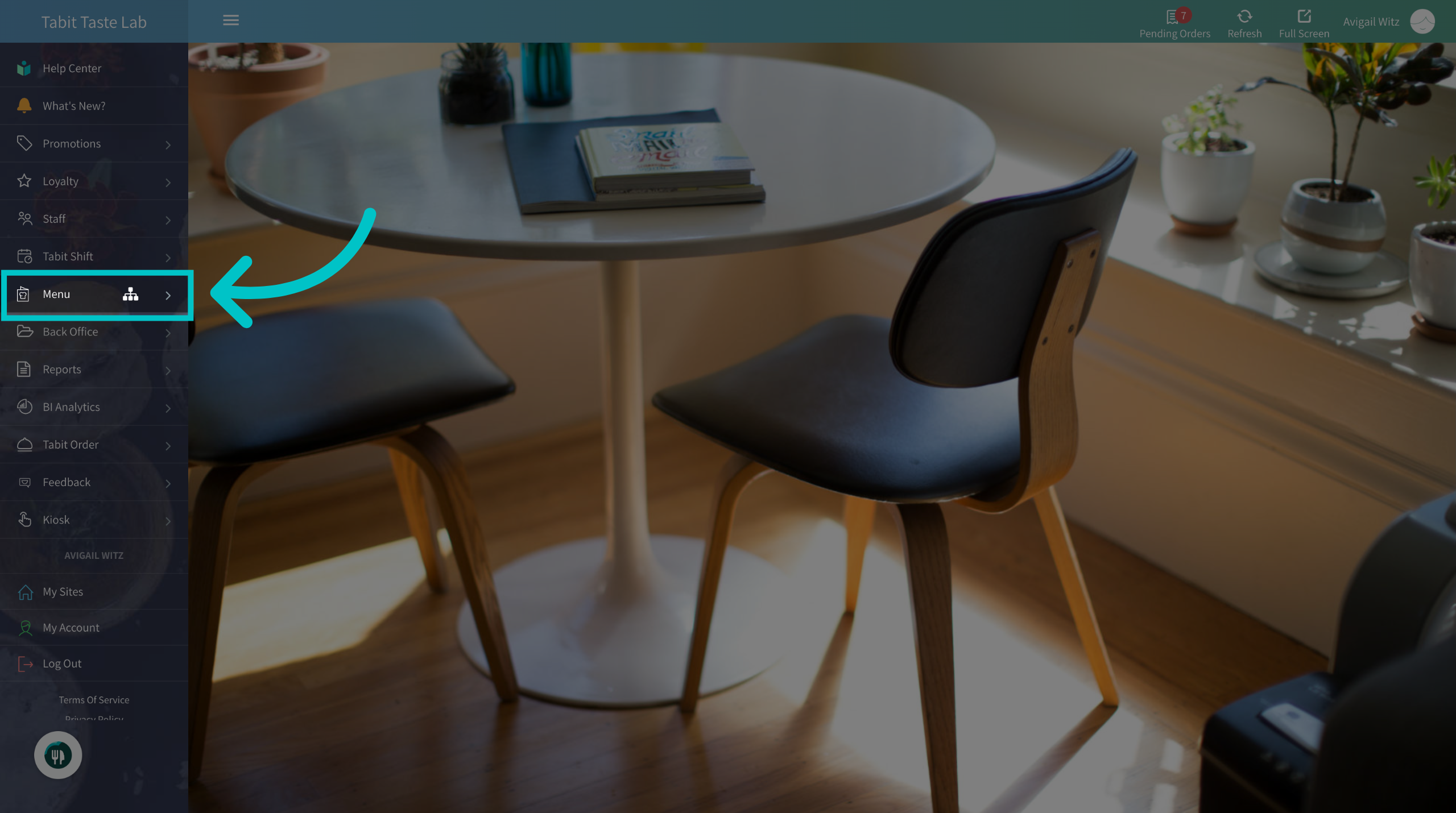
In Tabit Office, go to Menu
-
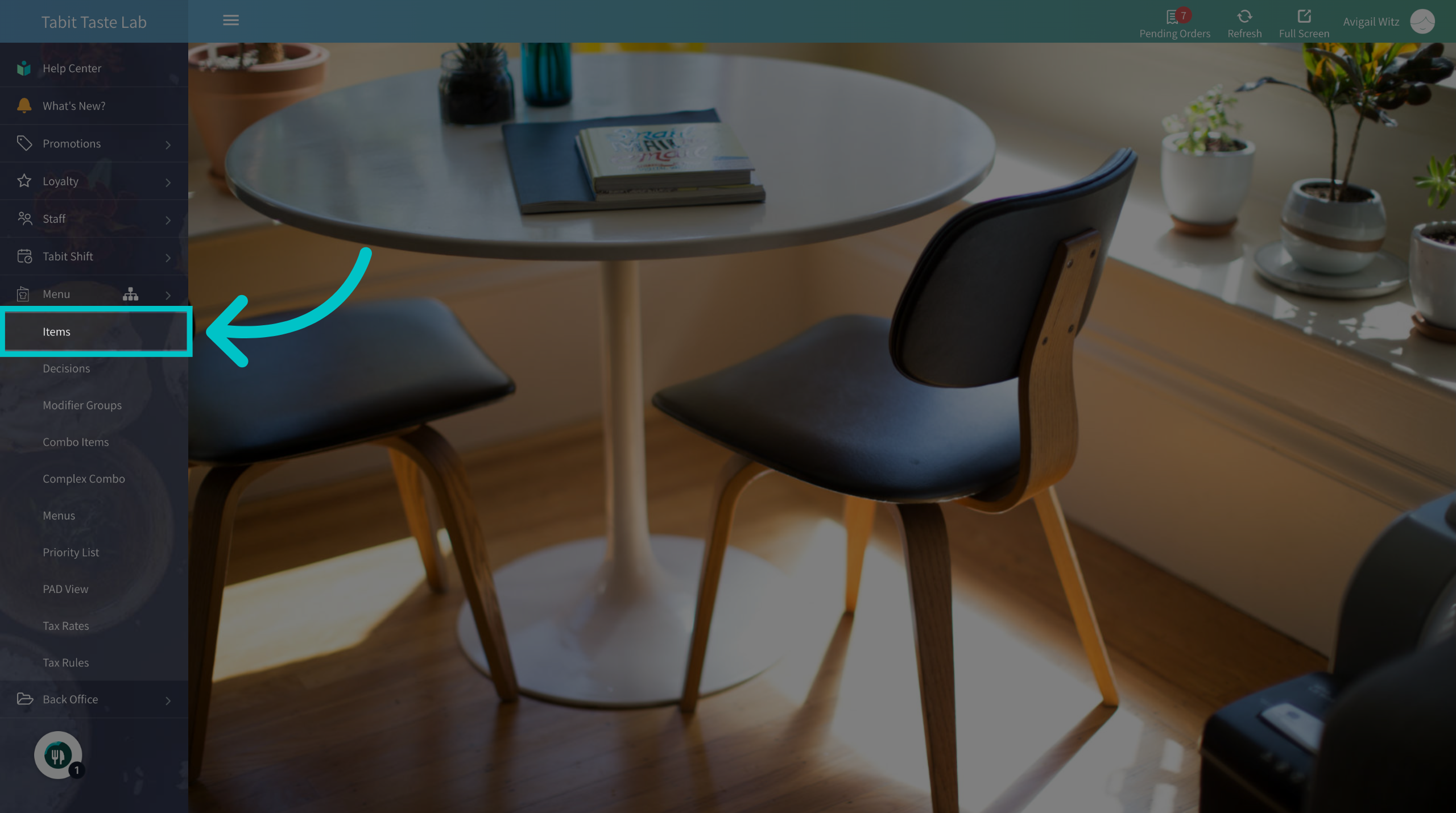
Navigate to the Items section
-
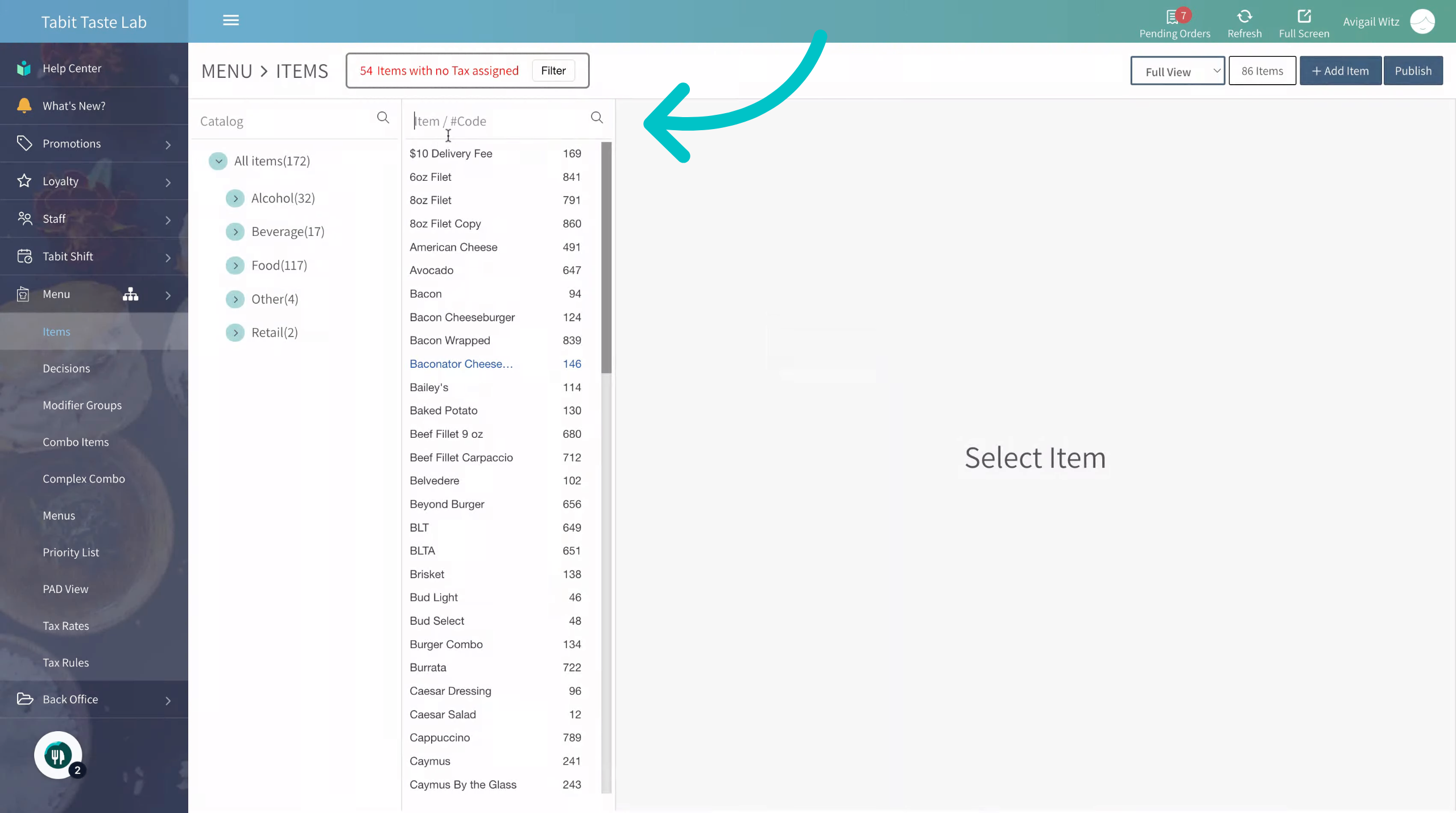
Search and select the item you want to update the Decision Group for
-
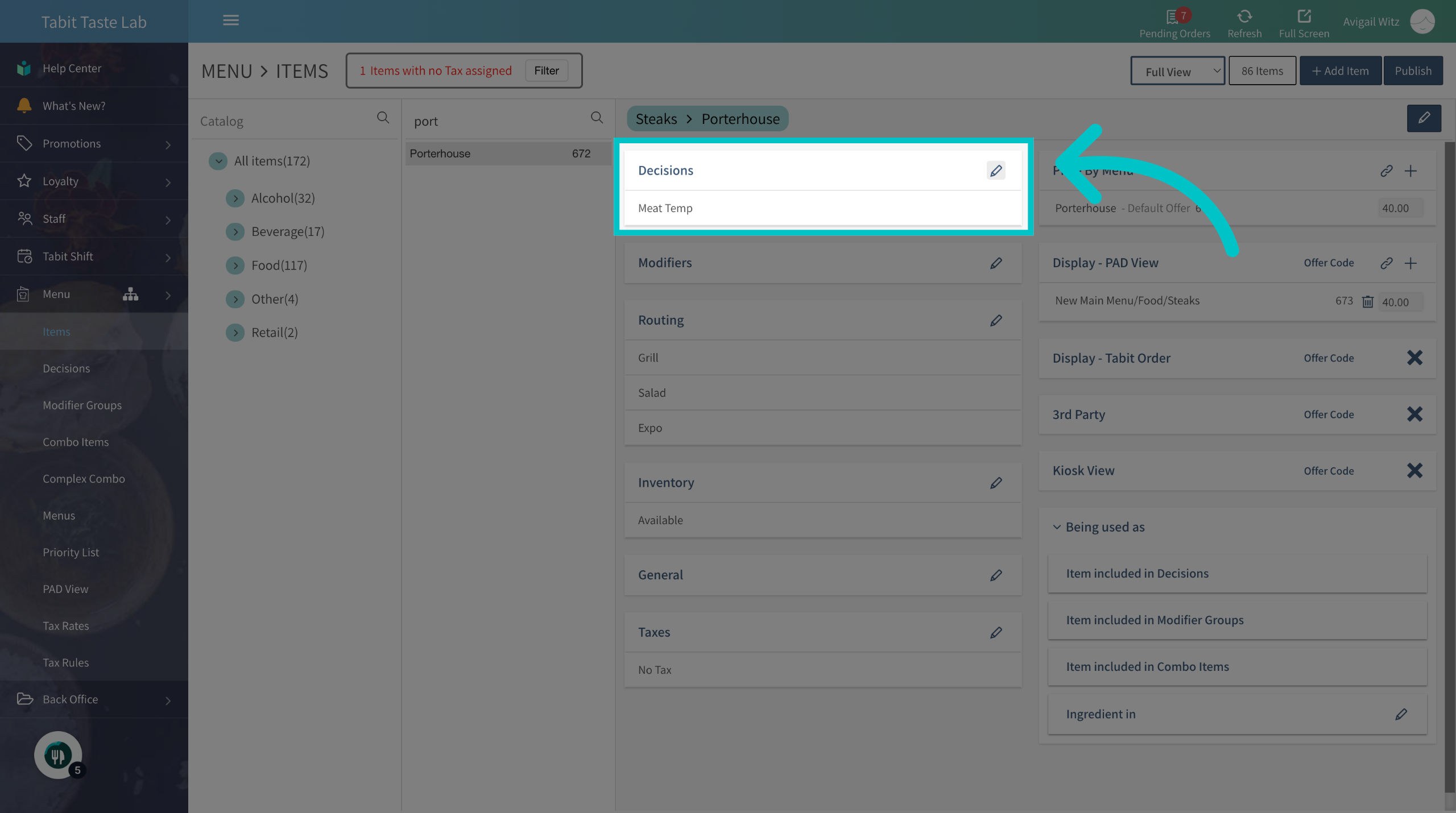
Access the decisions section by selecting the Edit icon next to it
-
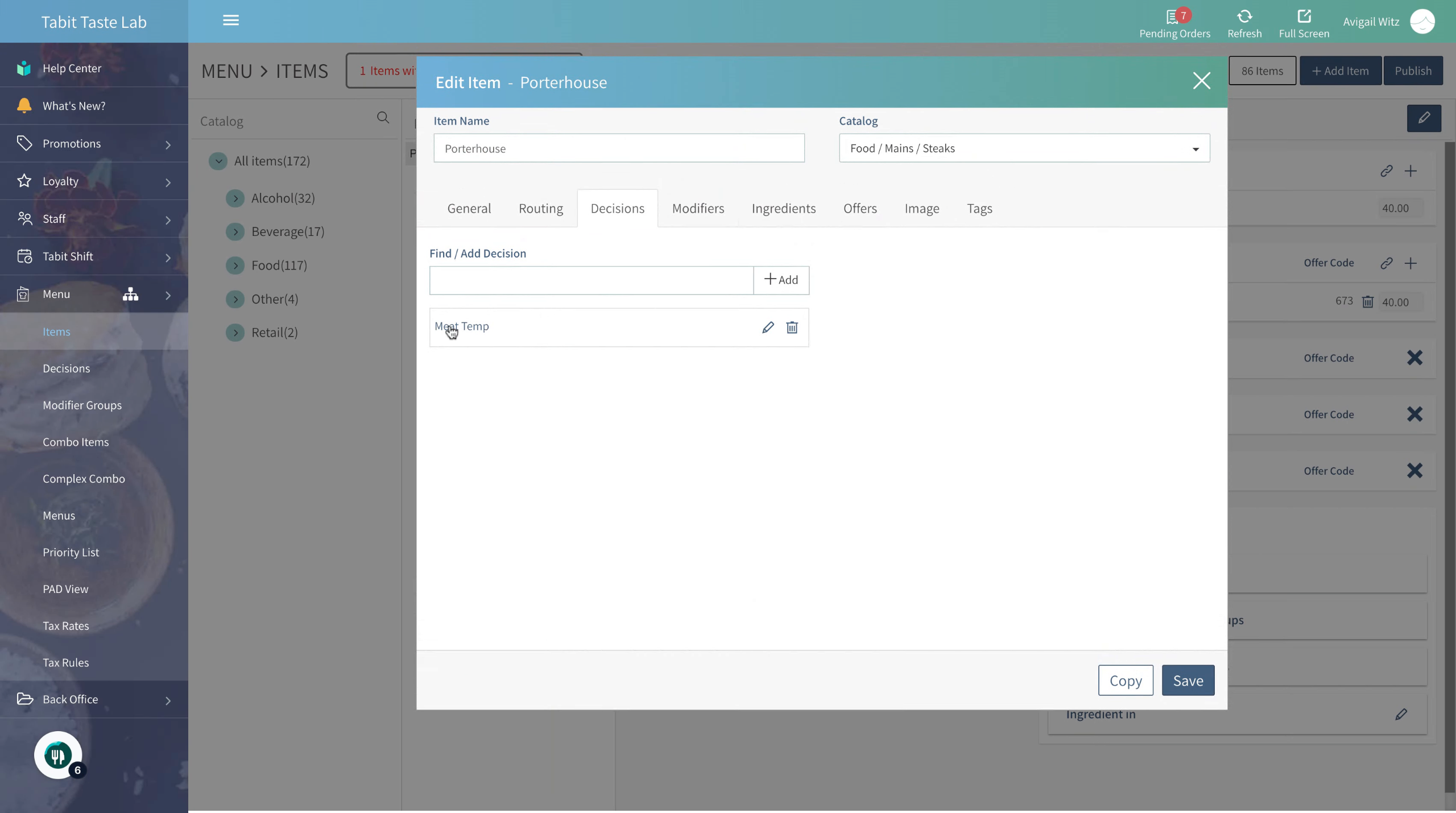
Select the relevant Decision Group
-
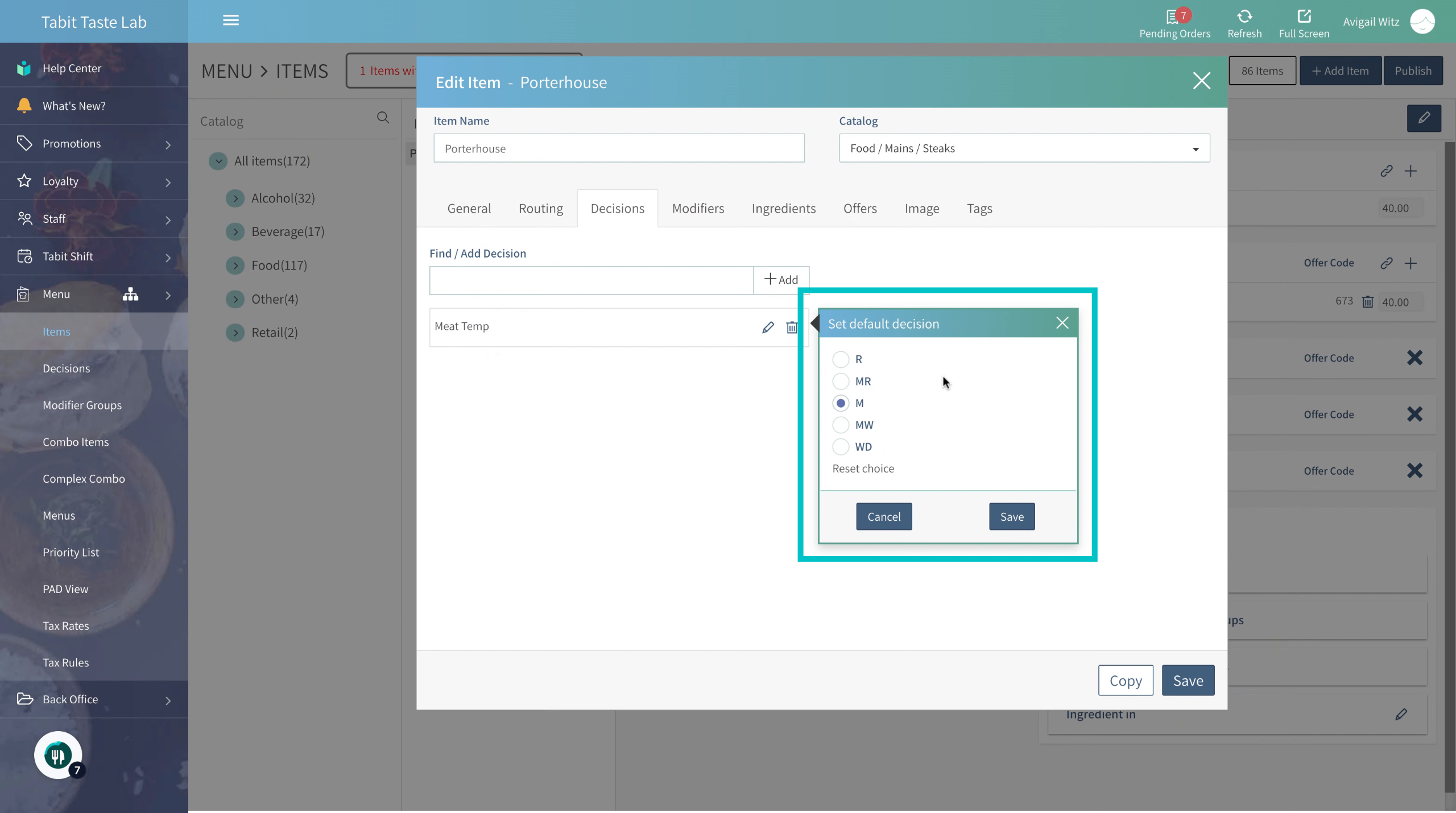
Change the default selection
-
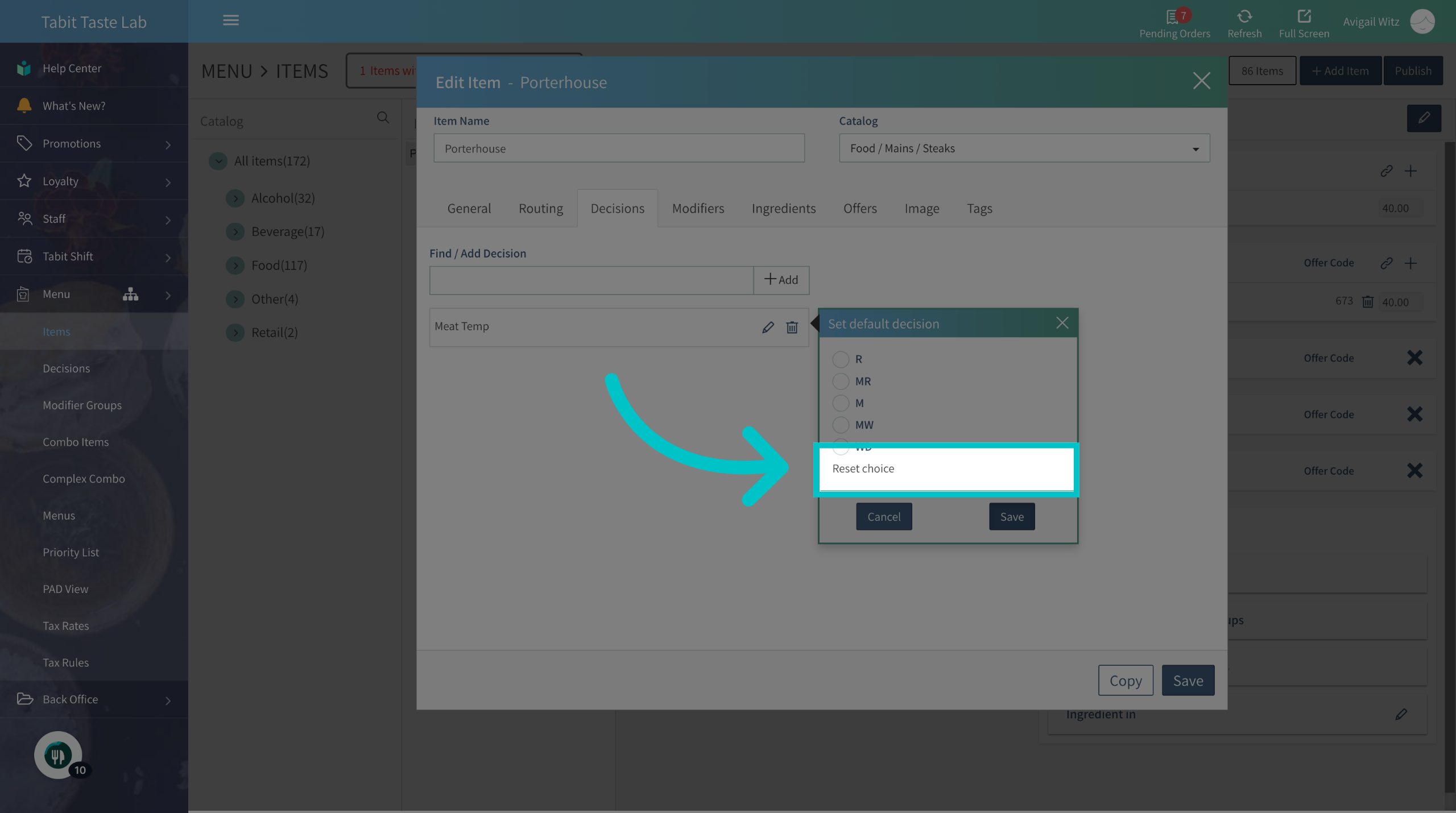
Or reset the selection and change it to a required decision selection
-
Save the changes to complete the updates
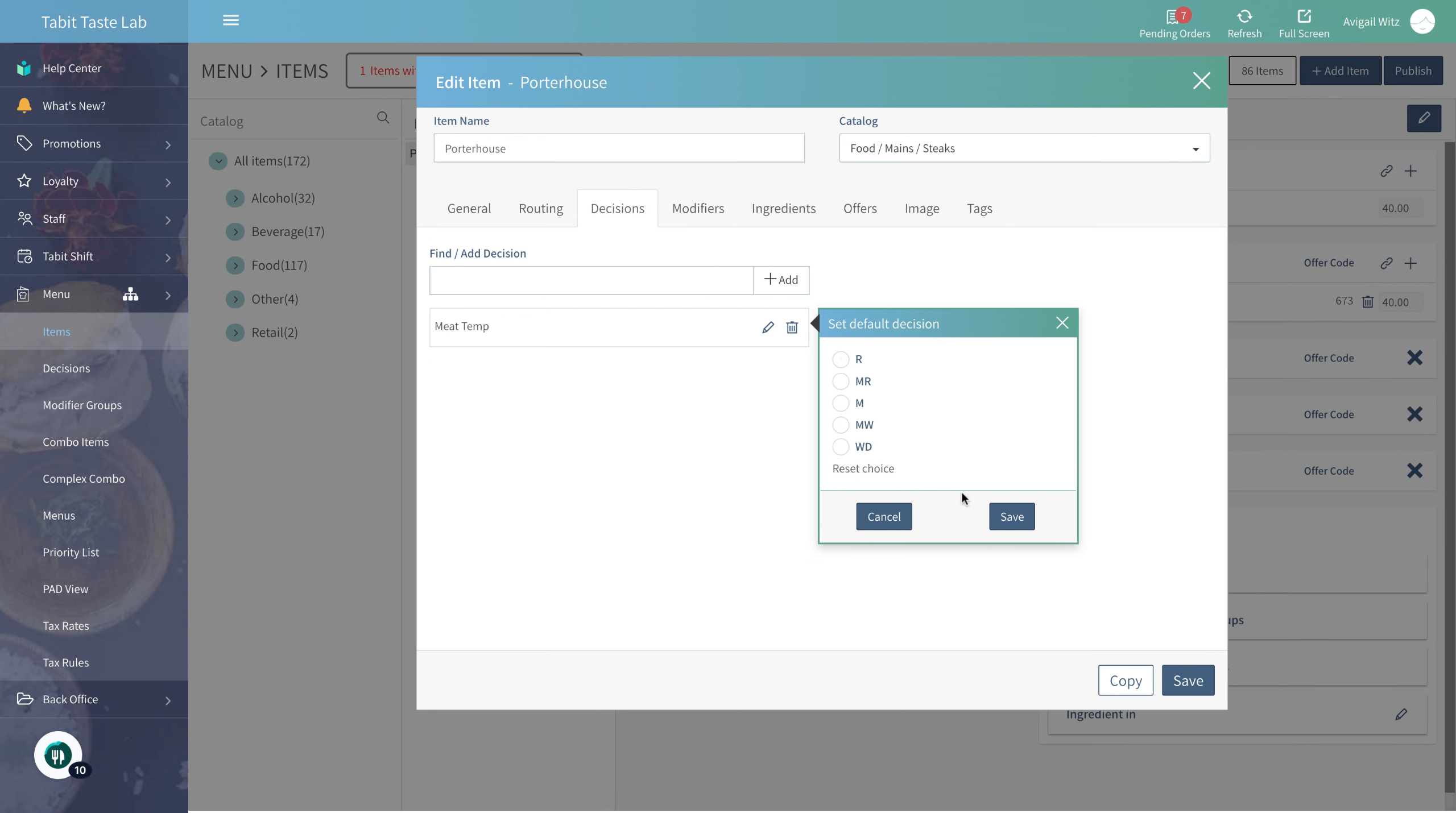
-
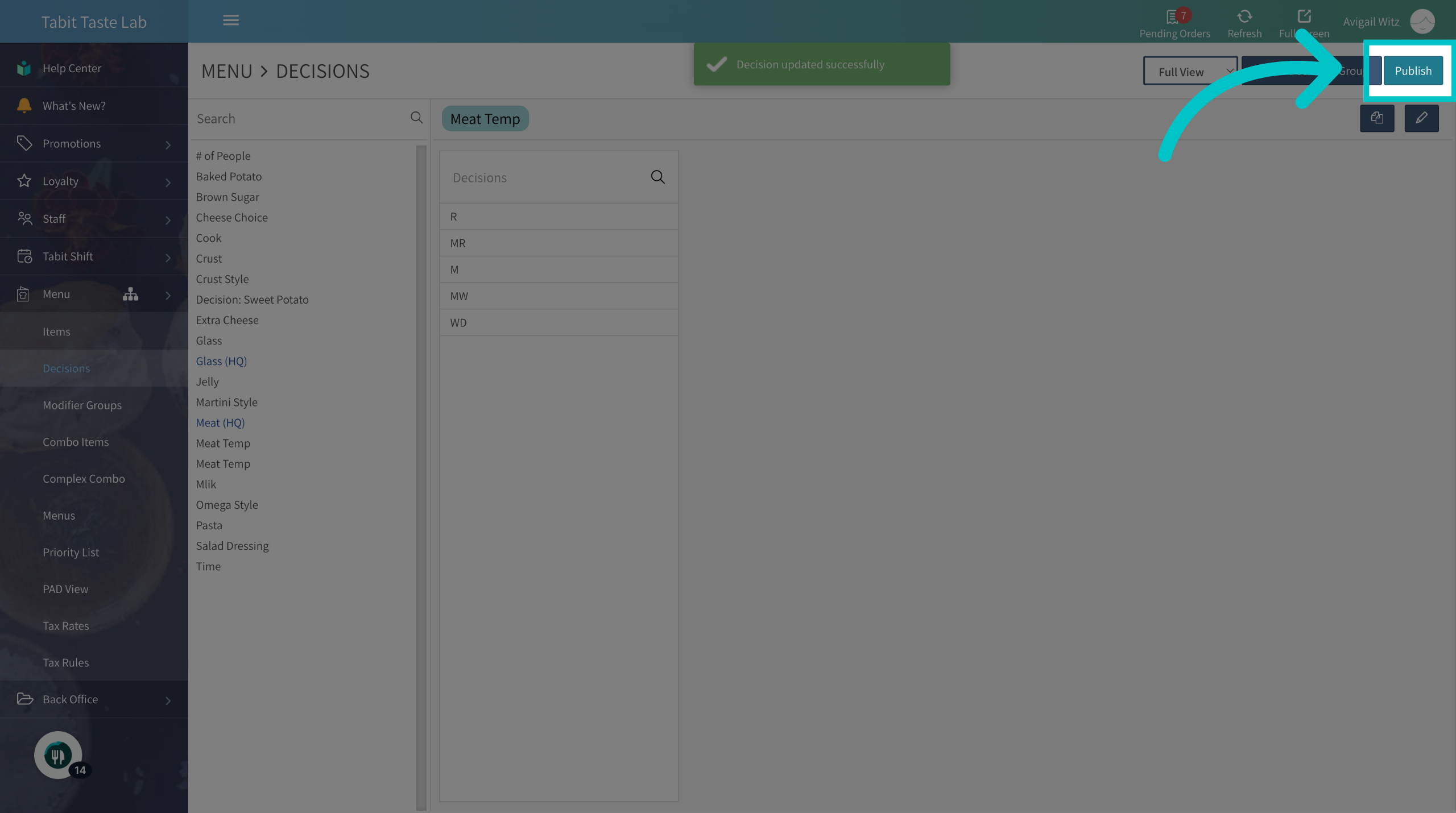
Don't forget to Publish to update the changes to all Tabit platforms
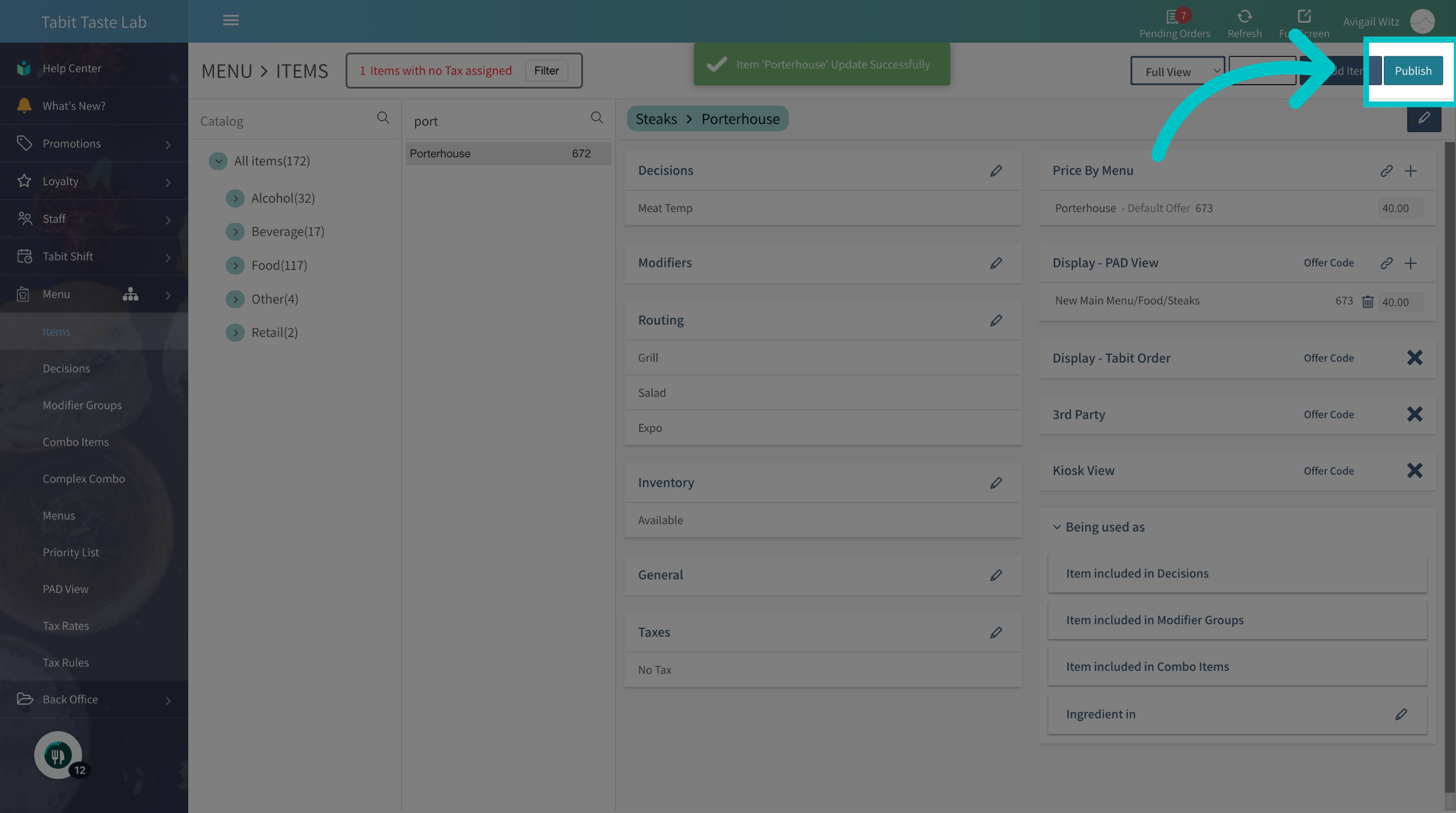
Through the Decisions Catalog
-
In Tabit Office, go to Menu

-
Navigate to the Decisions section

-
Locate the Decision group you want to edit and select the Edit icon next to it
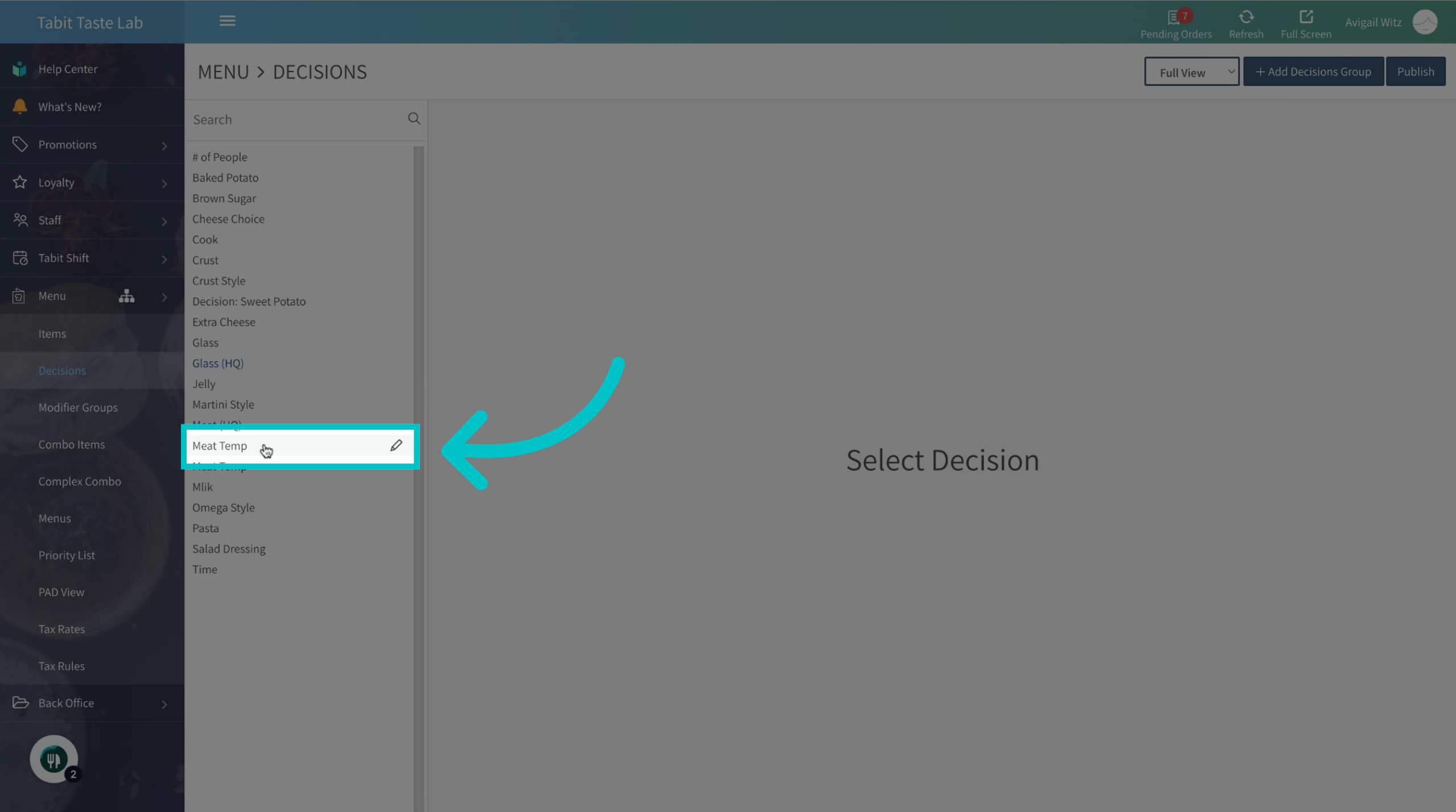
-
Then, go to the Items tab
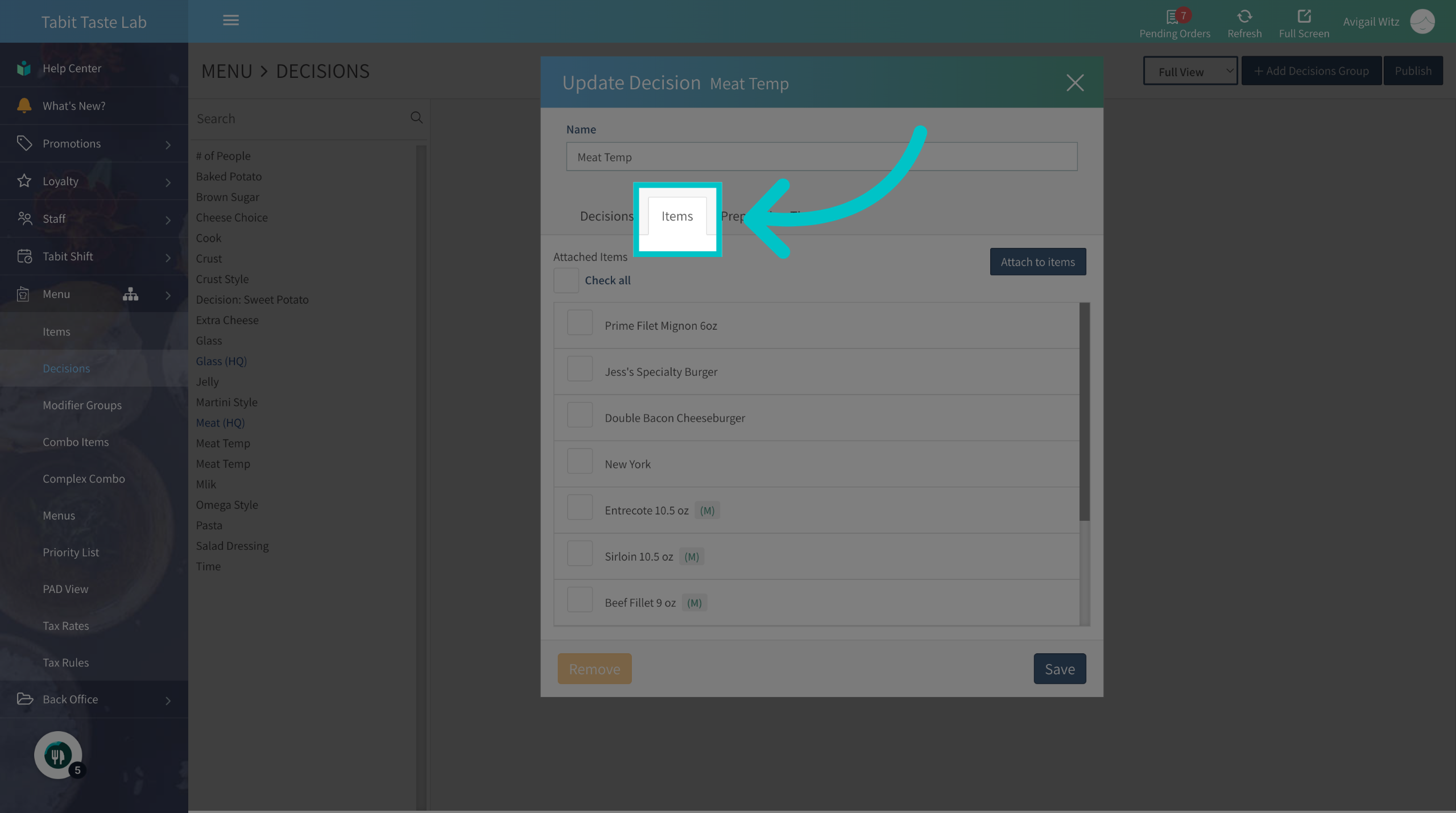
-
Select the items you want to change the default choice for
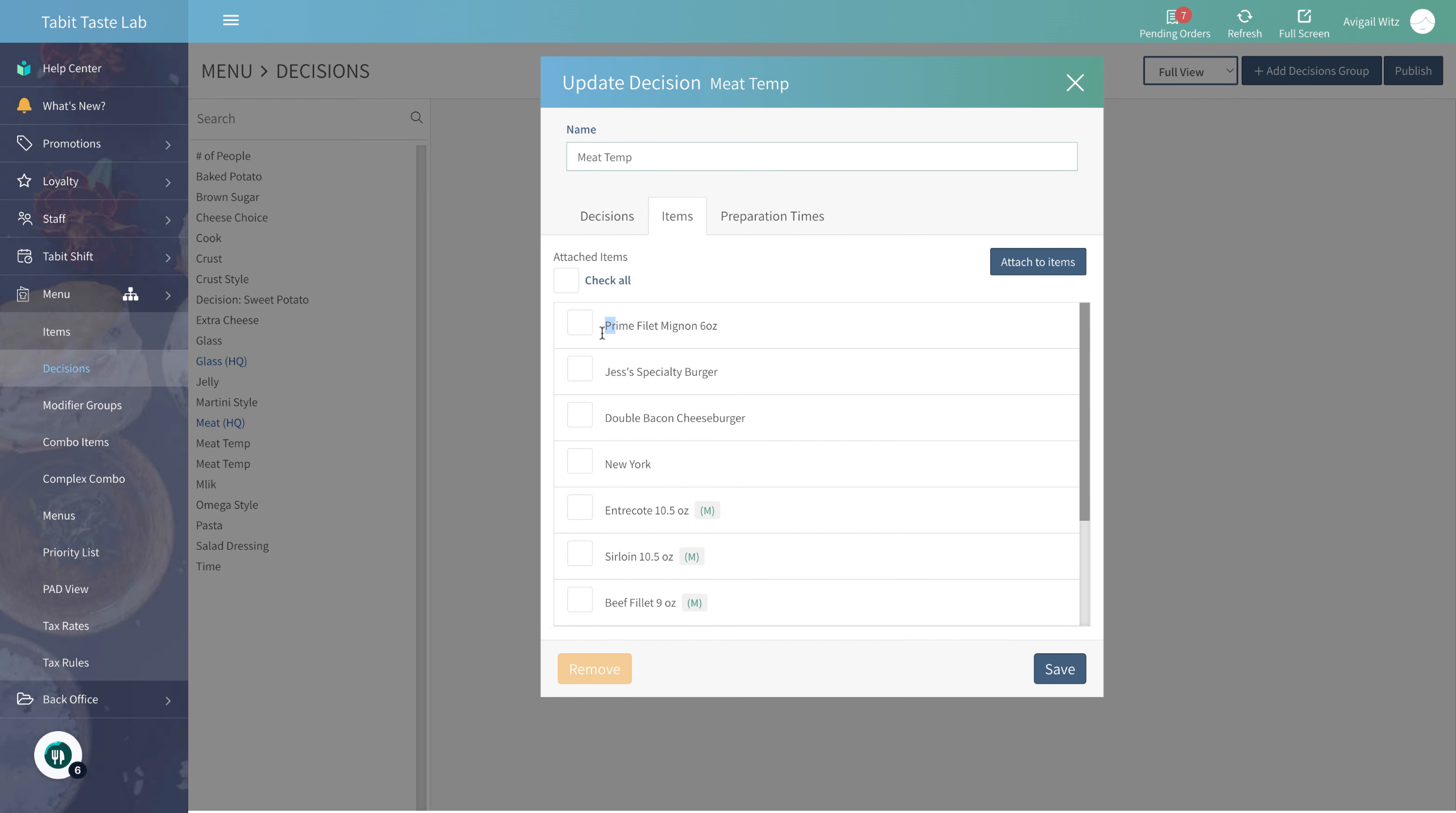
-
Now, select Update default
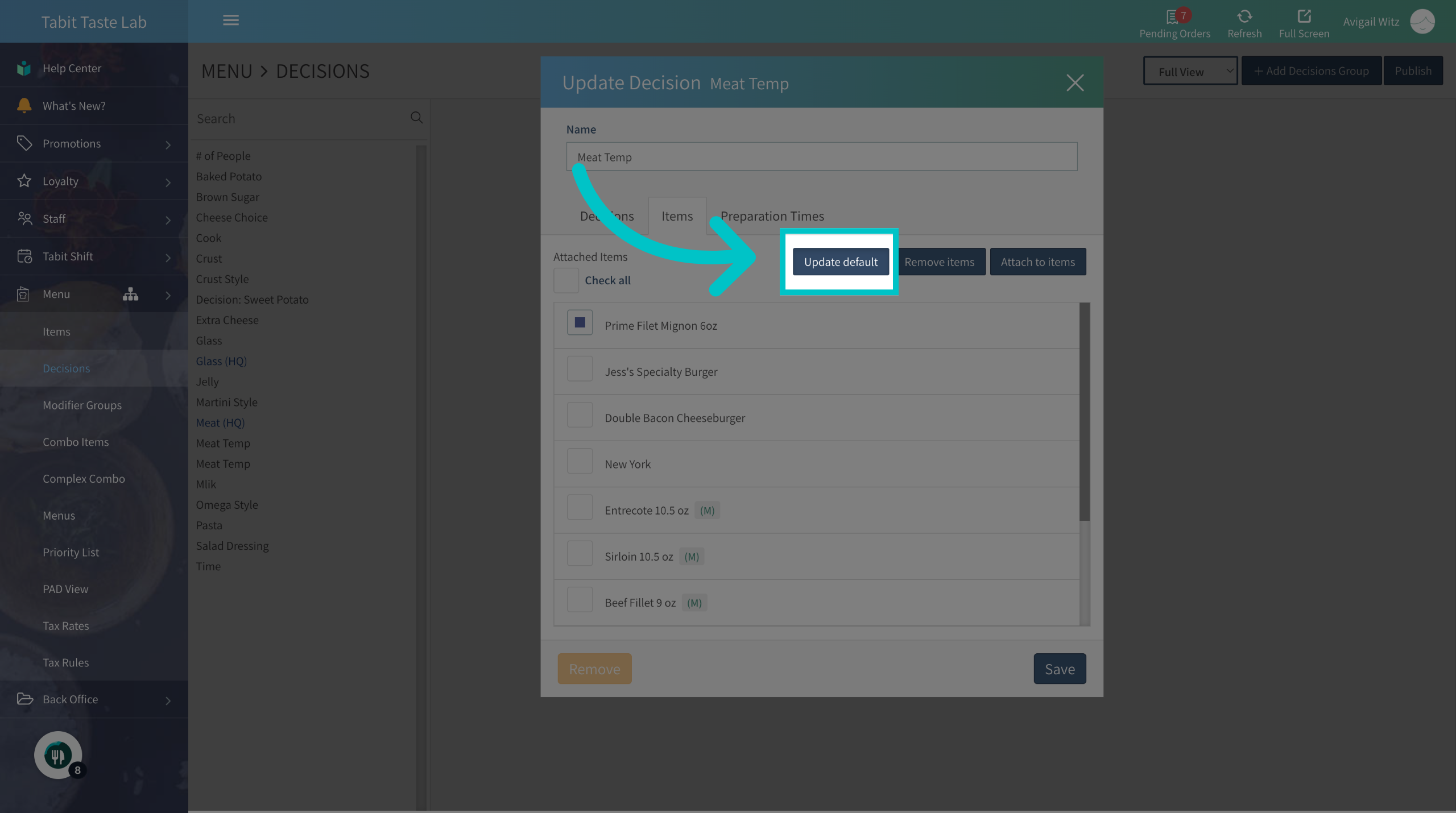
-
And edit the decision selection
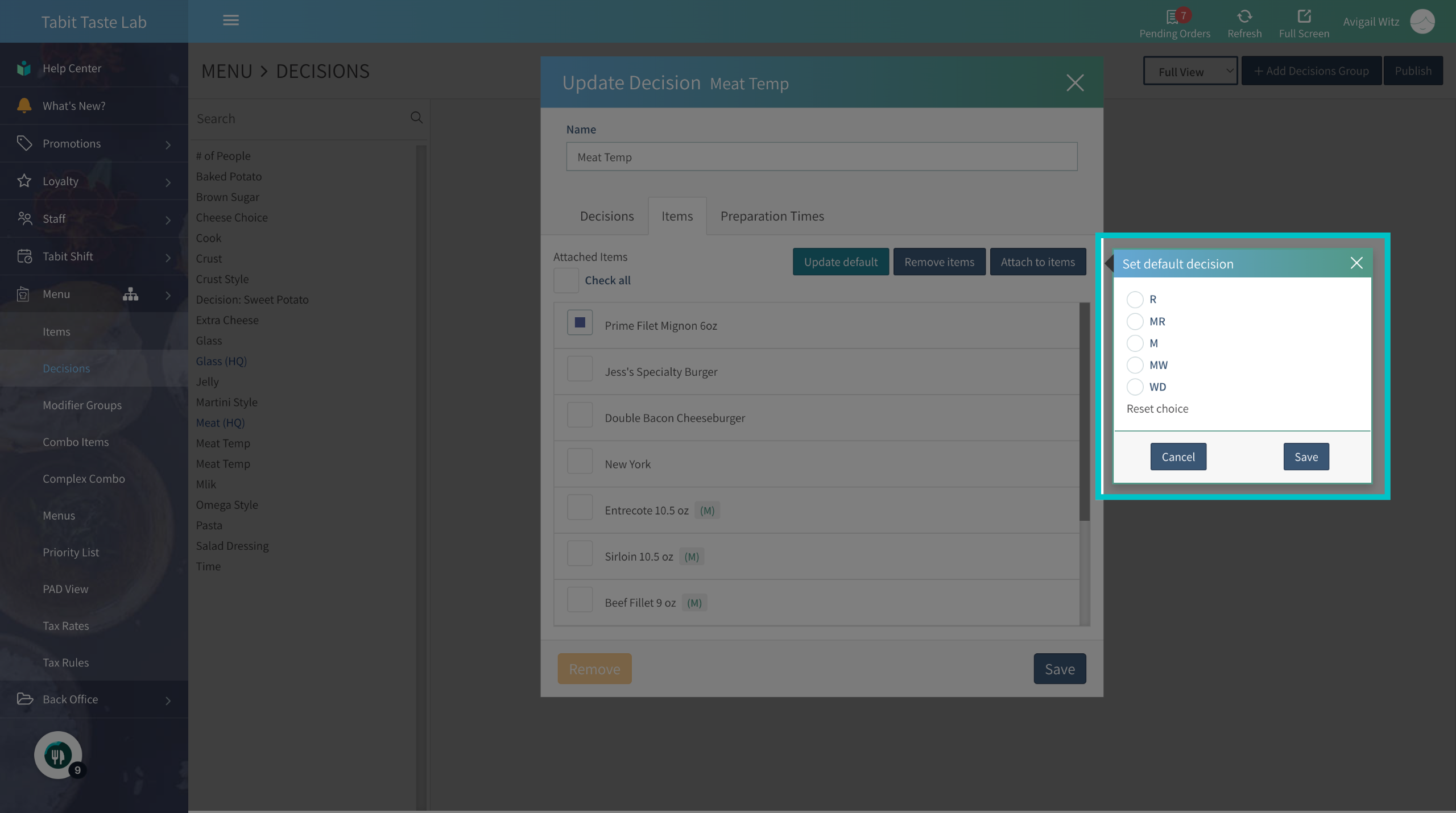
-
Set a decision as a default choice
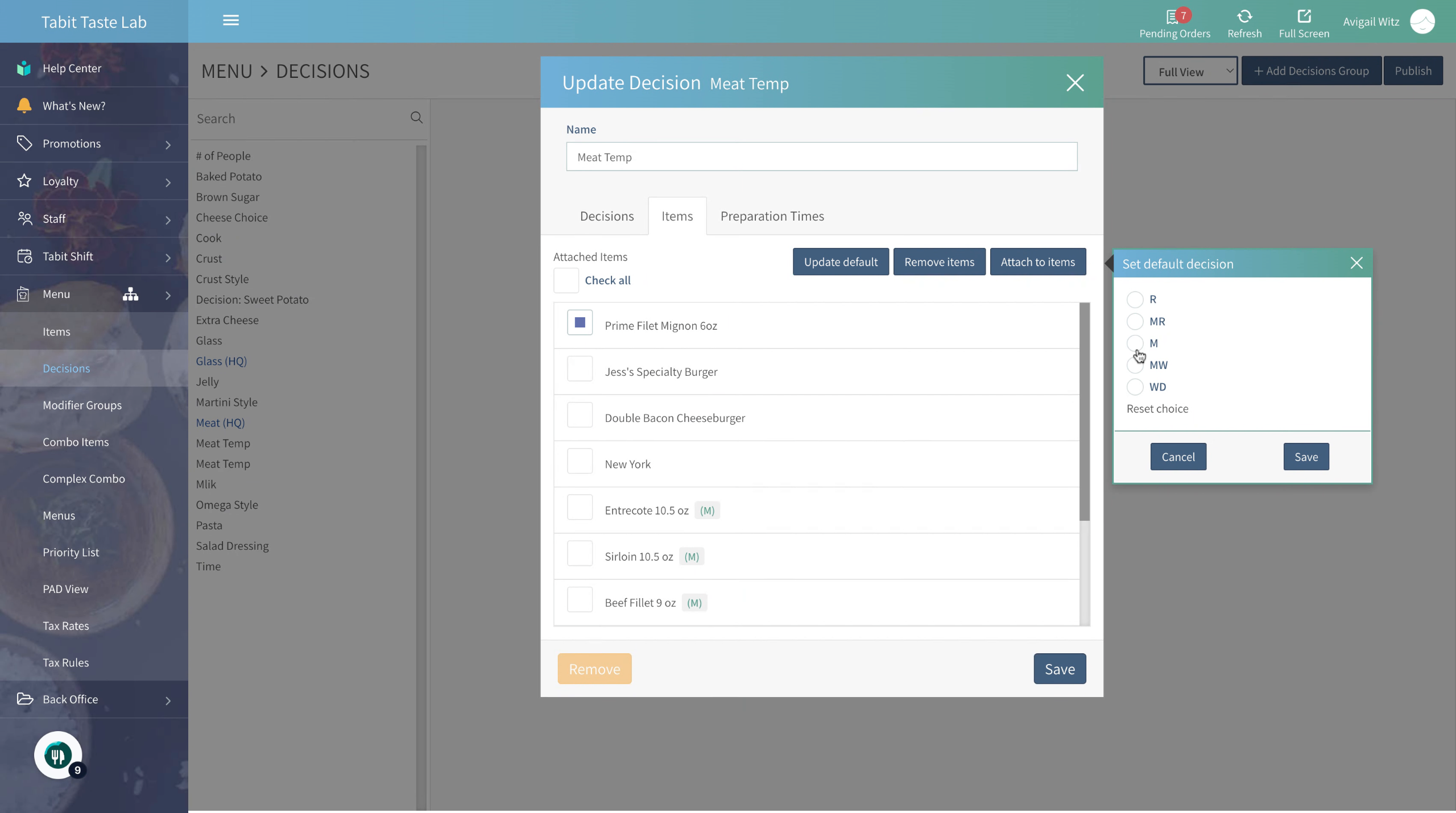
-
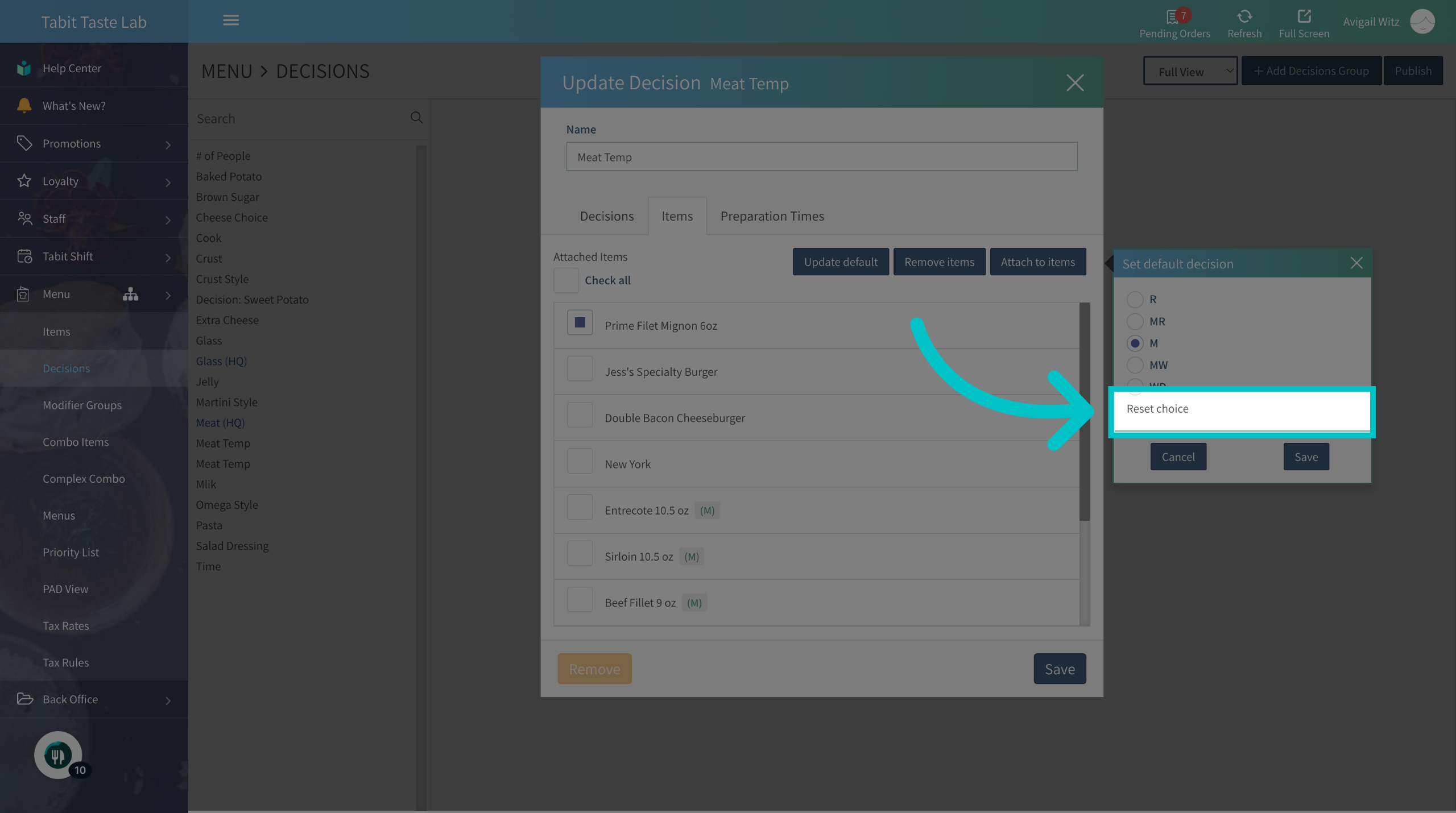
Or reset the selection and change it to a required decision selection
-
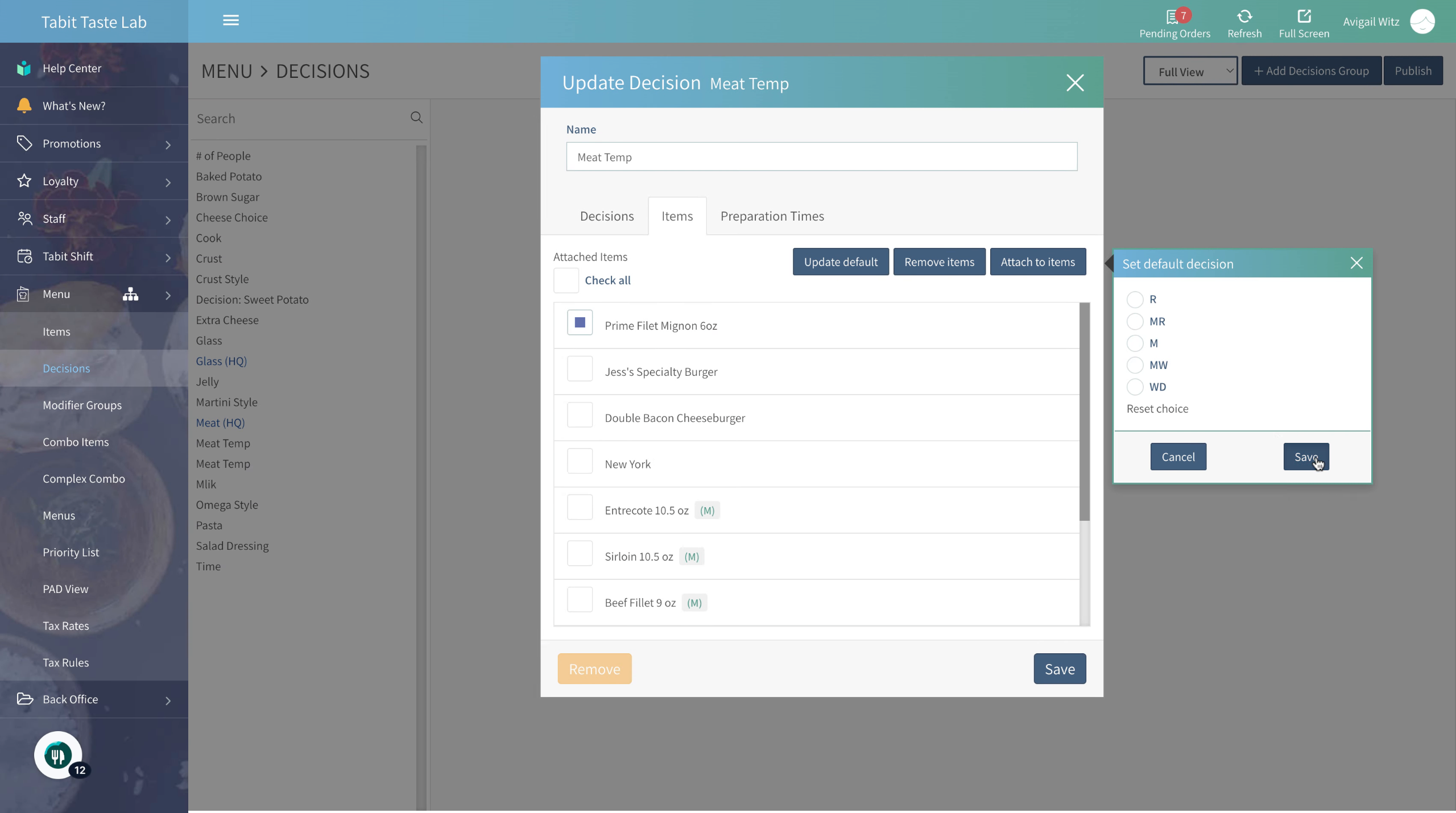
Now, save the changes to complete the updates
-
Don’t forget to Publish to update the changes to all Tabit platforms