Tabit Kitchen has three options for profiles that can be configured – Expediter, Kitchen Station, and Customer display. Multiple Profiles for each type can be set up as needed. Continue watching to learn how to create a new Profile in Tabit Kitchen.
-
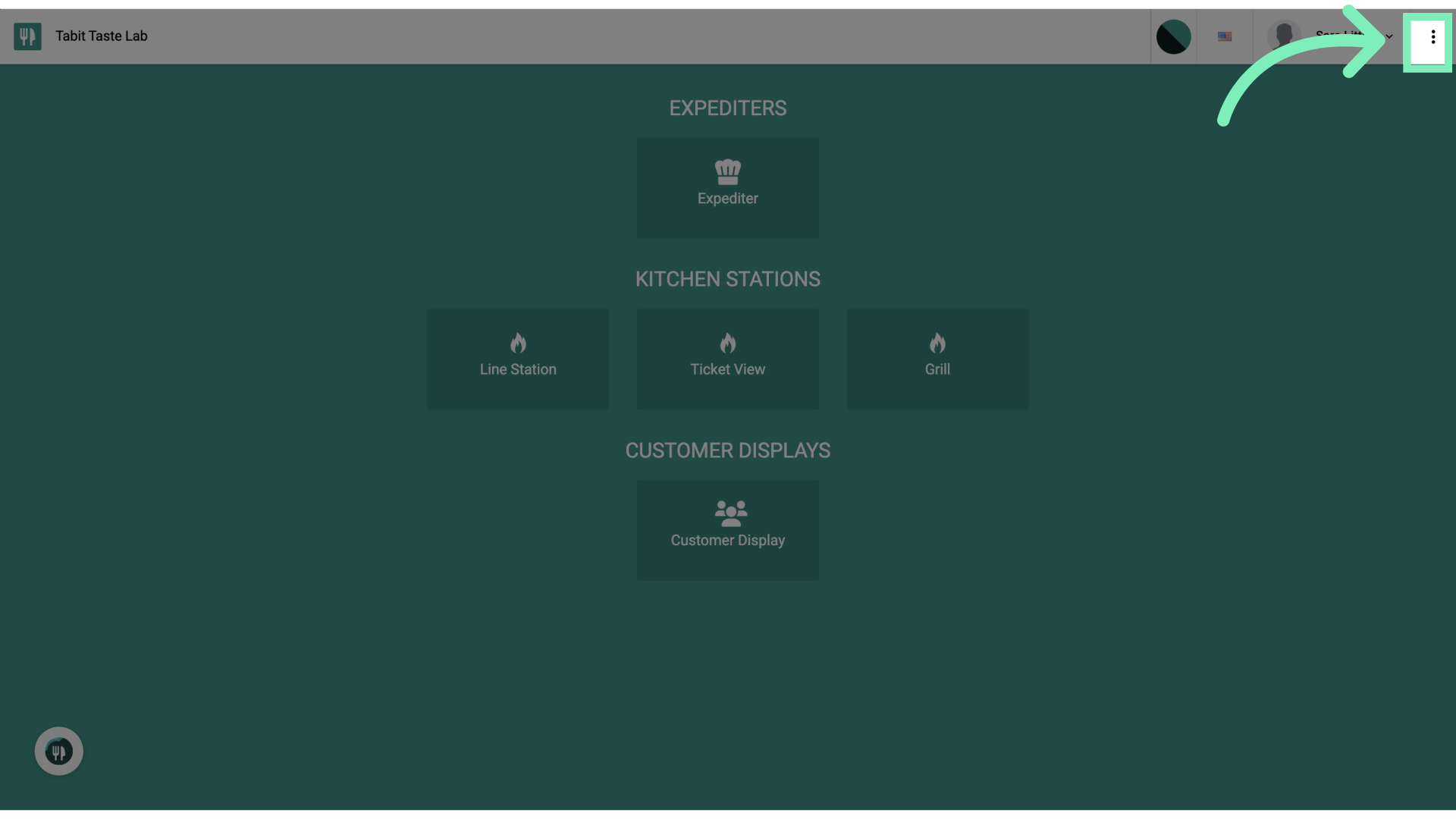
In Tabit Kitchen, select the three dots in the top right corner of the KDS screen
-
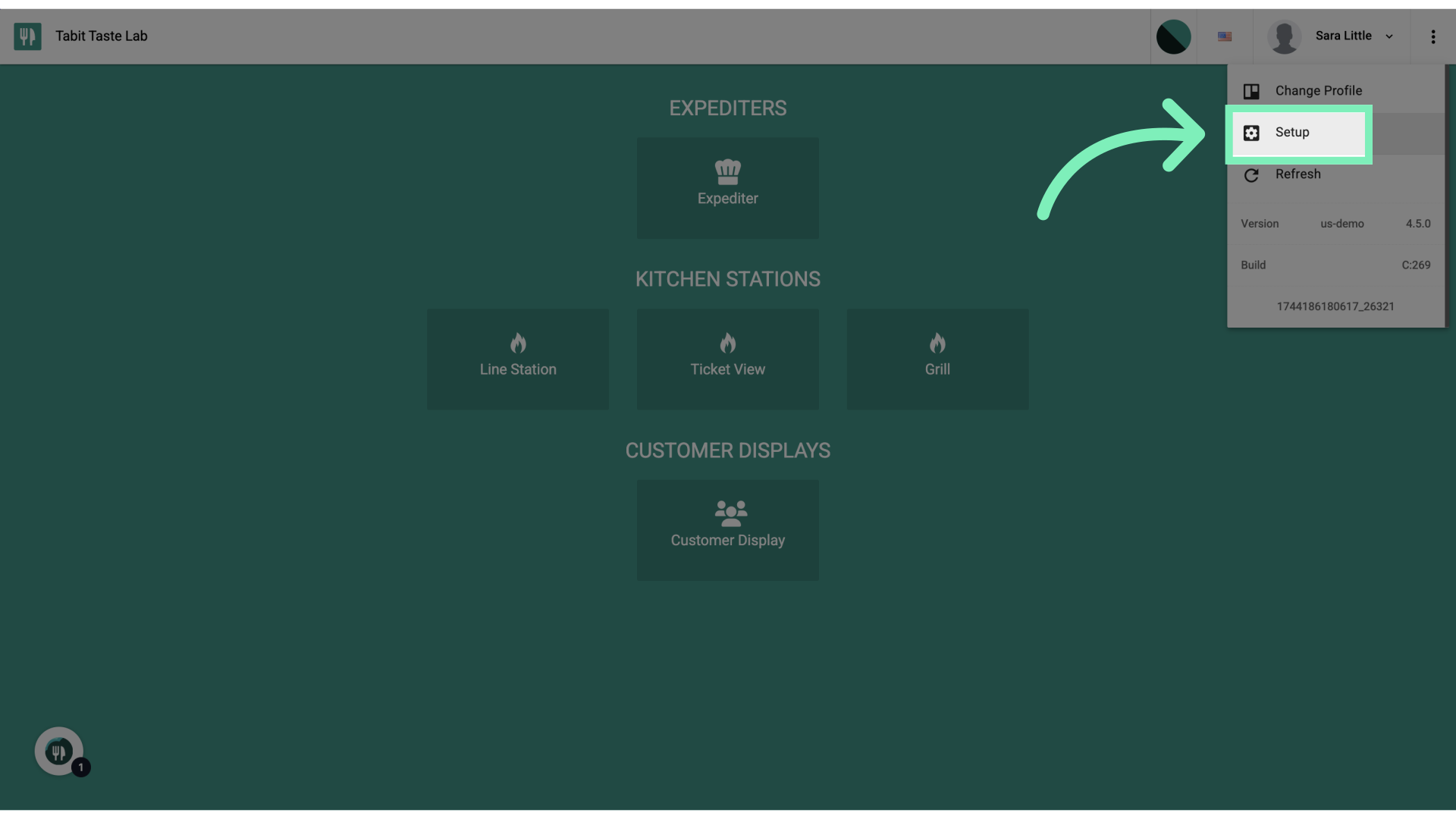
Select Setup from the dropdown menu
-
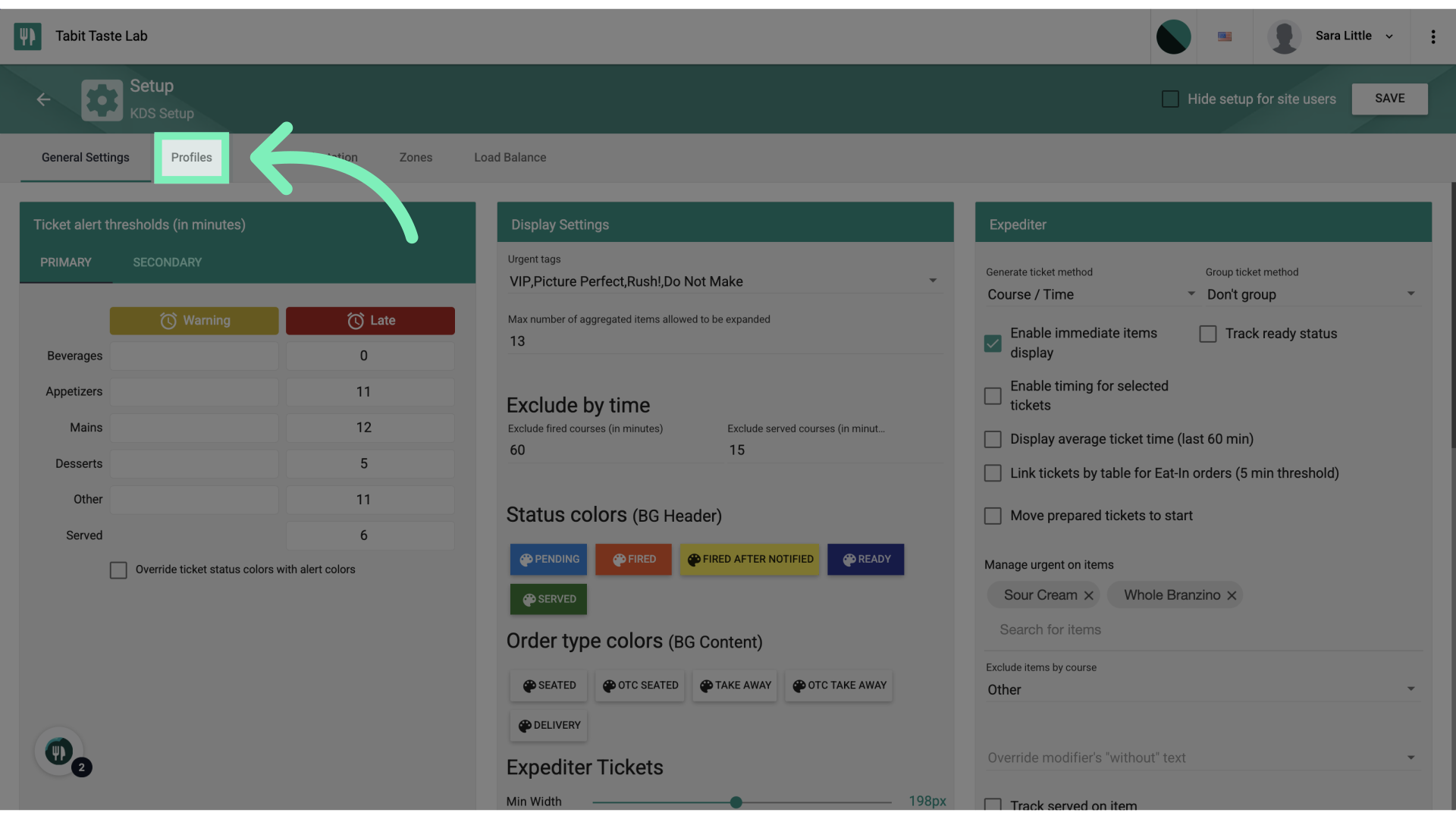
Select the Profiles tab to view all profile configurations
-
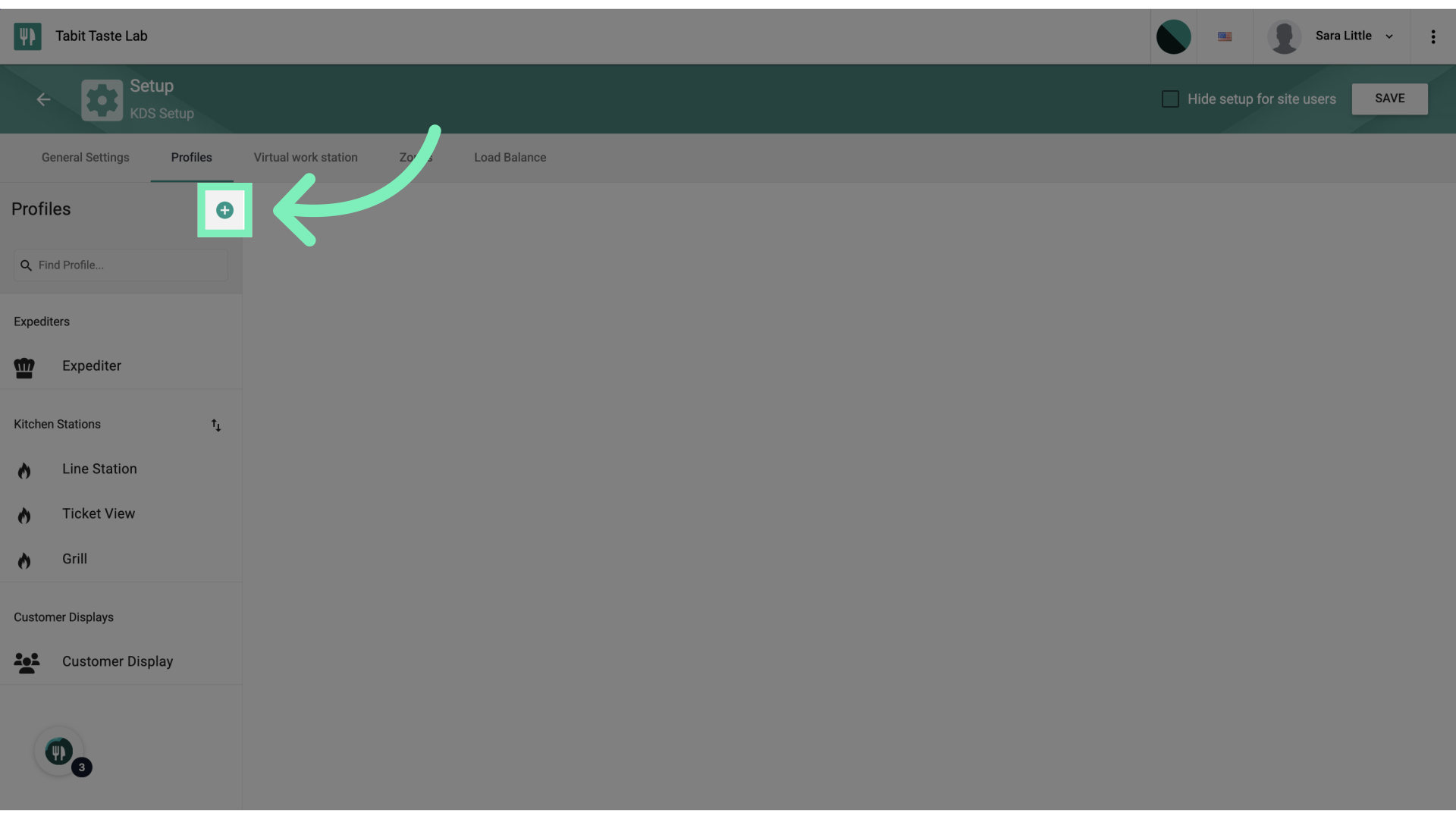
Select the + icon to add a new Profile
-
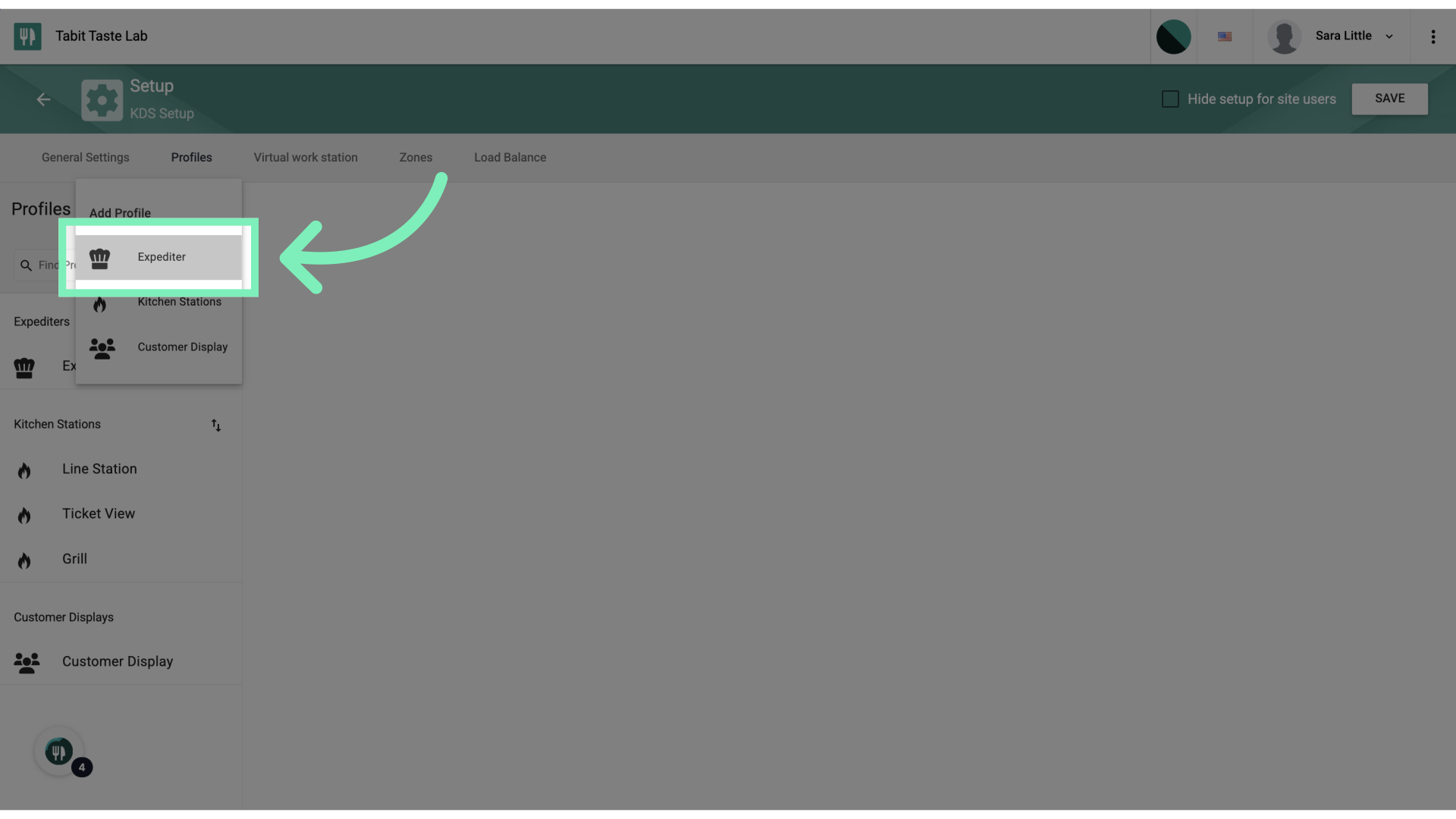
Select the relevant Profile type from the dropdown menu
-
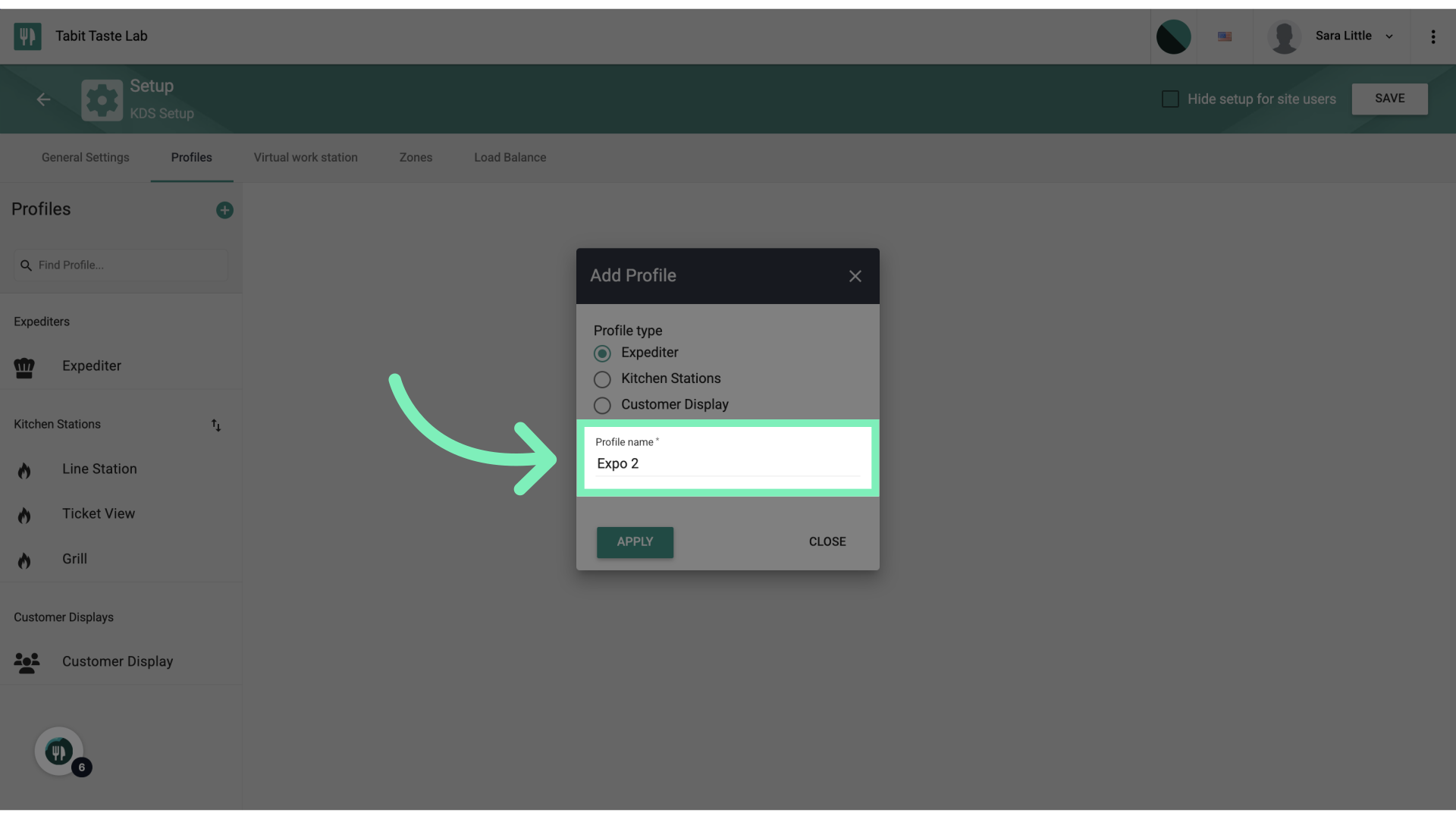
Enter a name for the new Profile
-
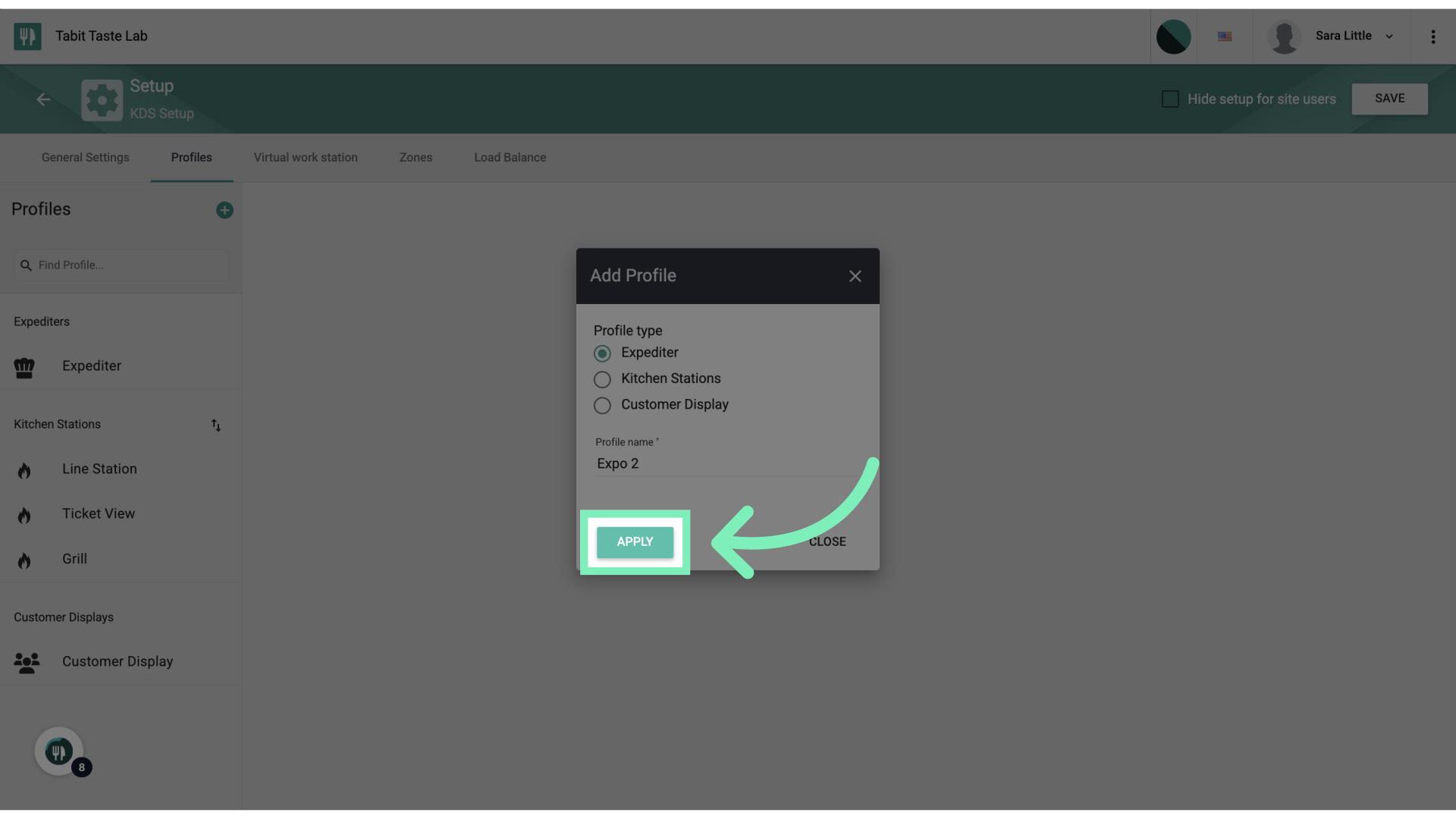
Select Apply to save the new Profile setup
-
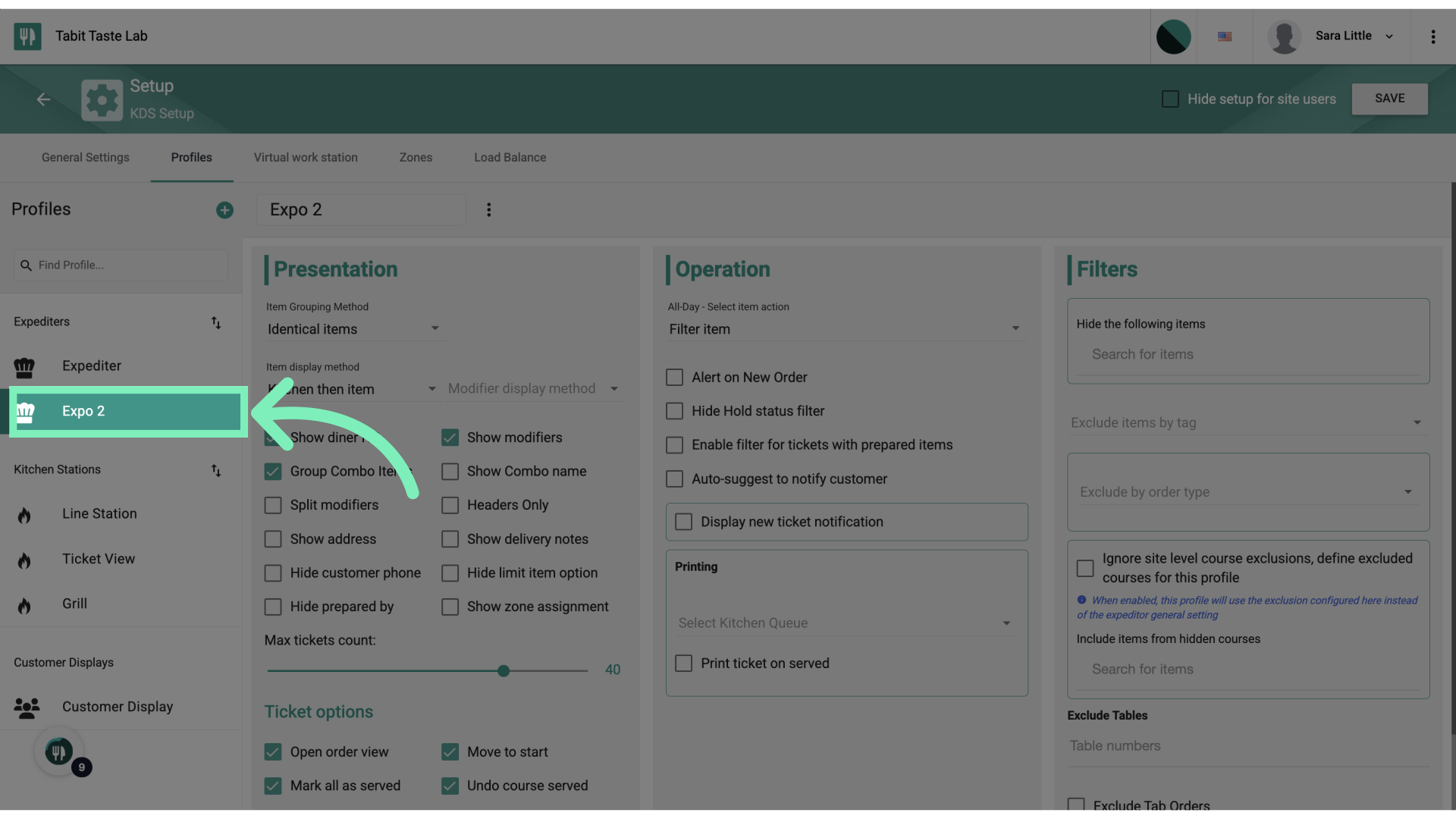
Confirm the new Profile now appears on the left under Profiles
-
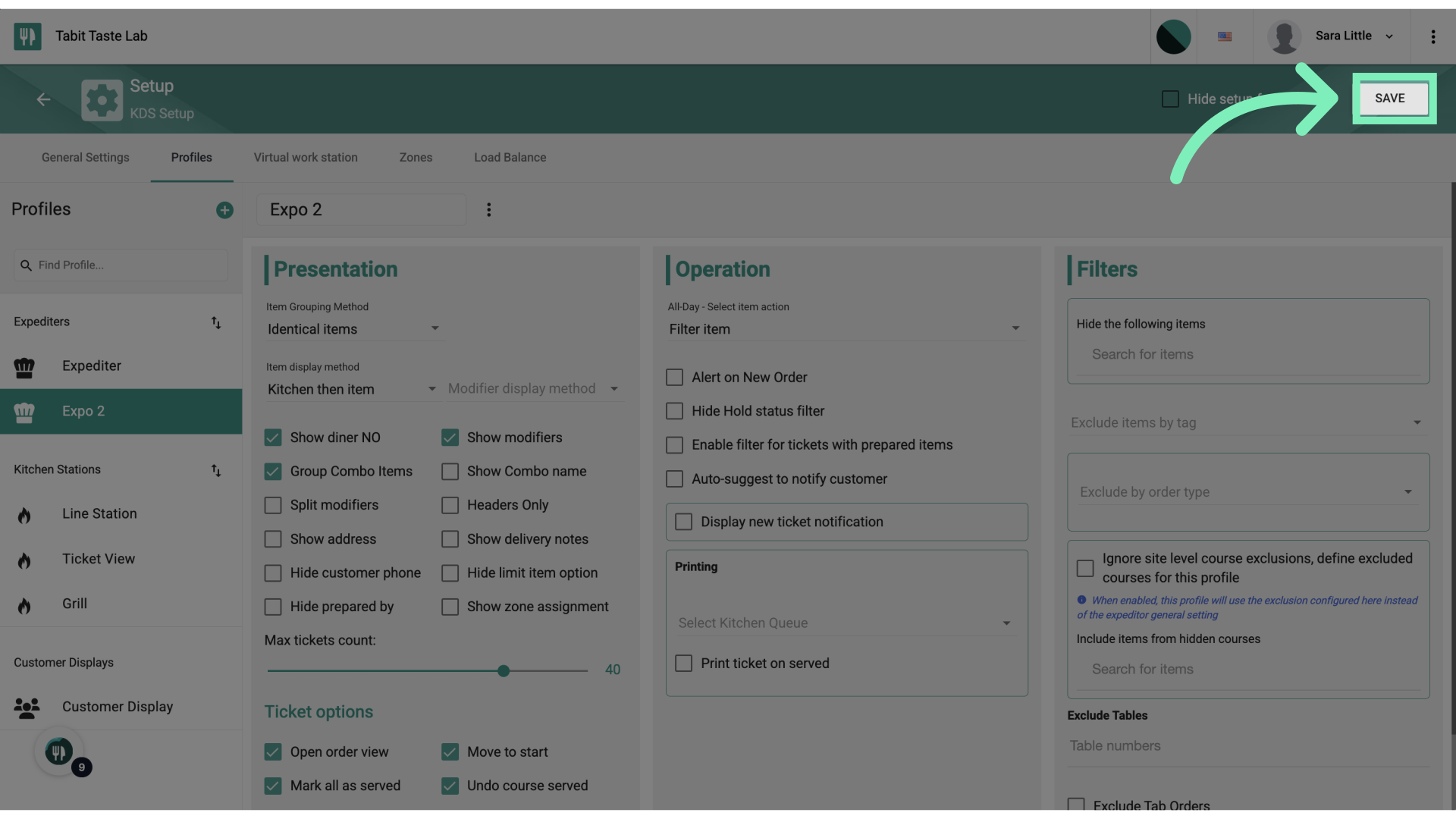
Select Save to complete the process
Now your new Profile has been added to Tabit Kitchen and can be configured as needed.