Customizing the display order of offer groups in Tabit Order to enhance the customer experience. For example, you can show decision options before modifiers or move drink selections to the end of the ordering process. This flexibility ensures the ordering flow meets your operational needs and customer expectations.
Learn how to set the order of offer groups in Tabit Order below:
-
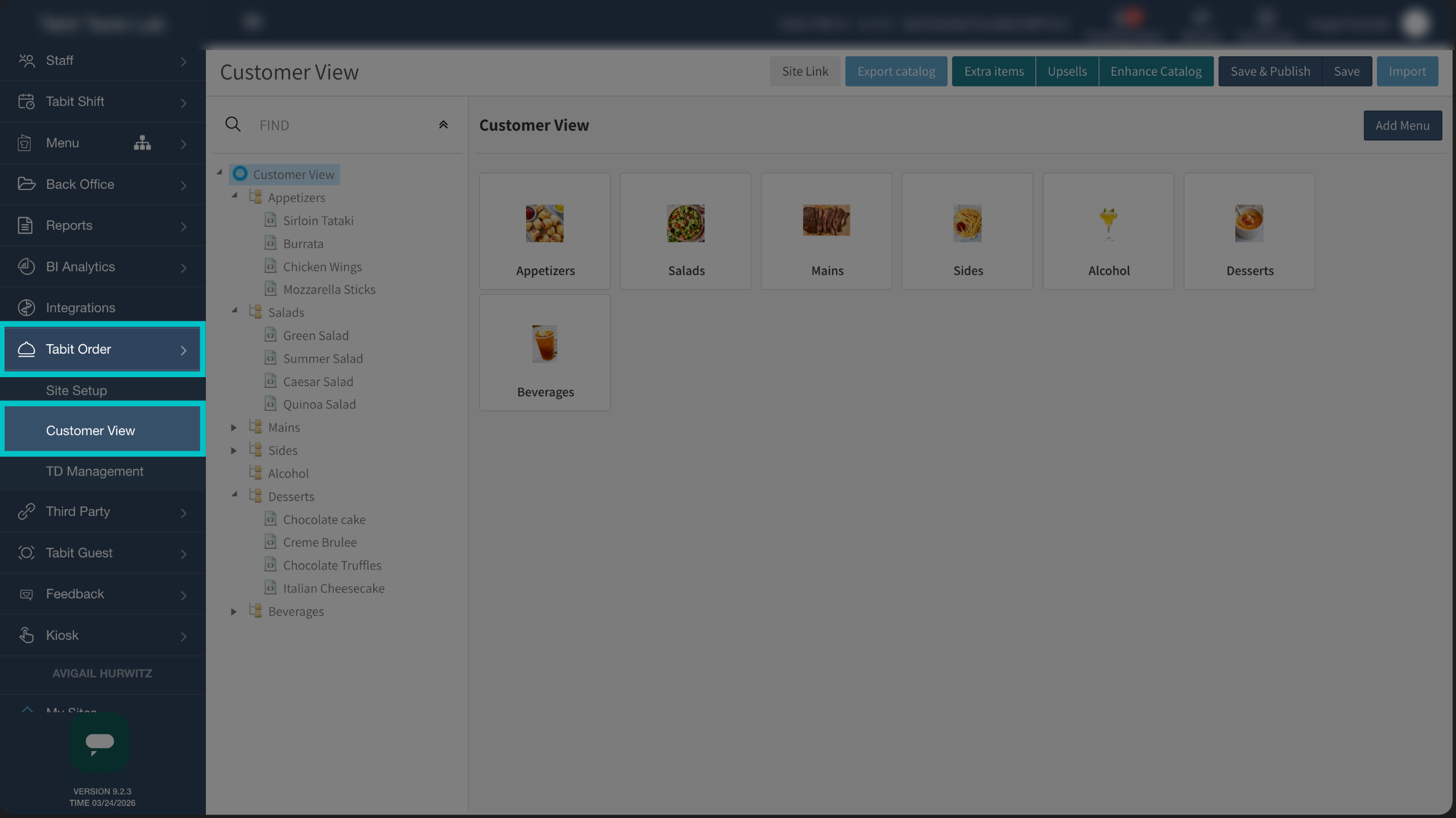
In Tabit Office, go to Customer Order > Customer View
-
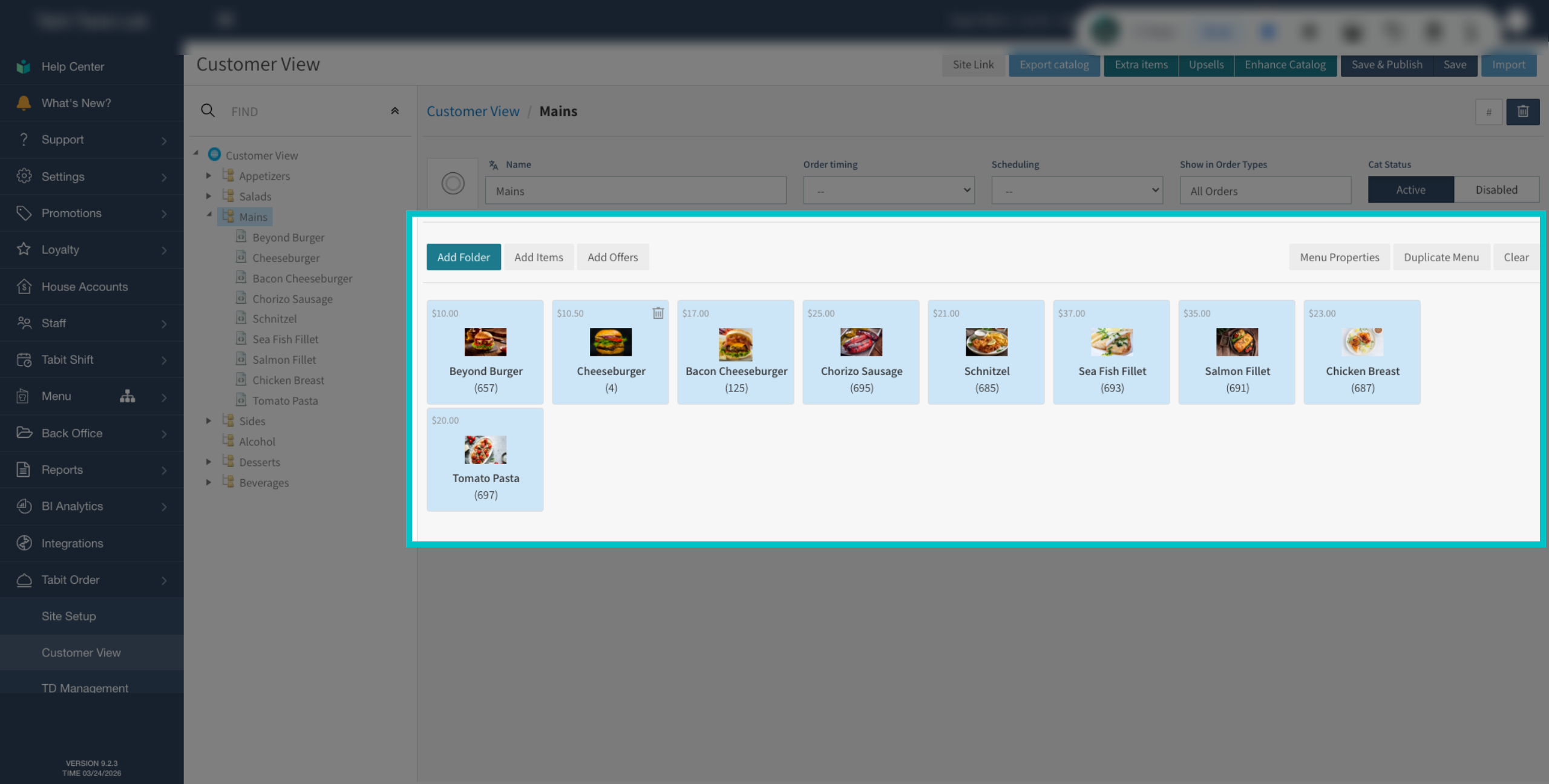
Locate the offer in the menu and select it
-
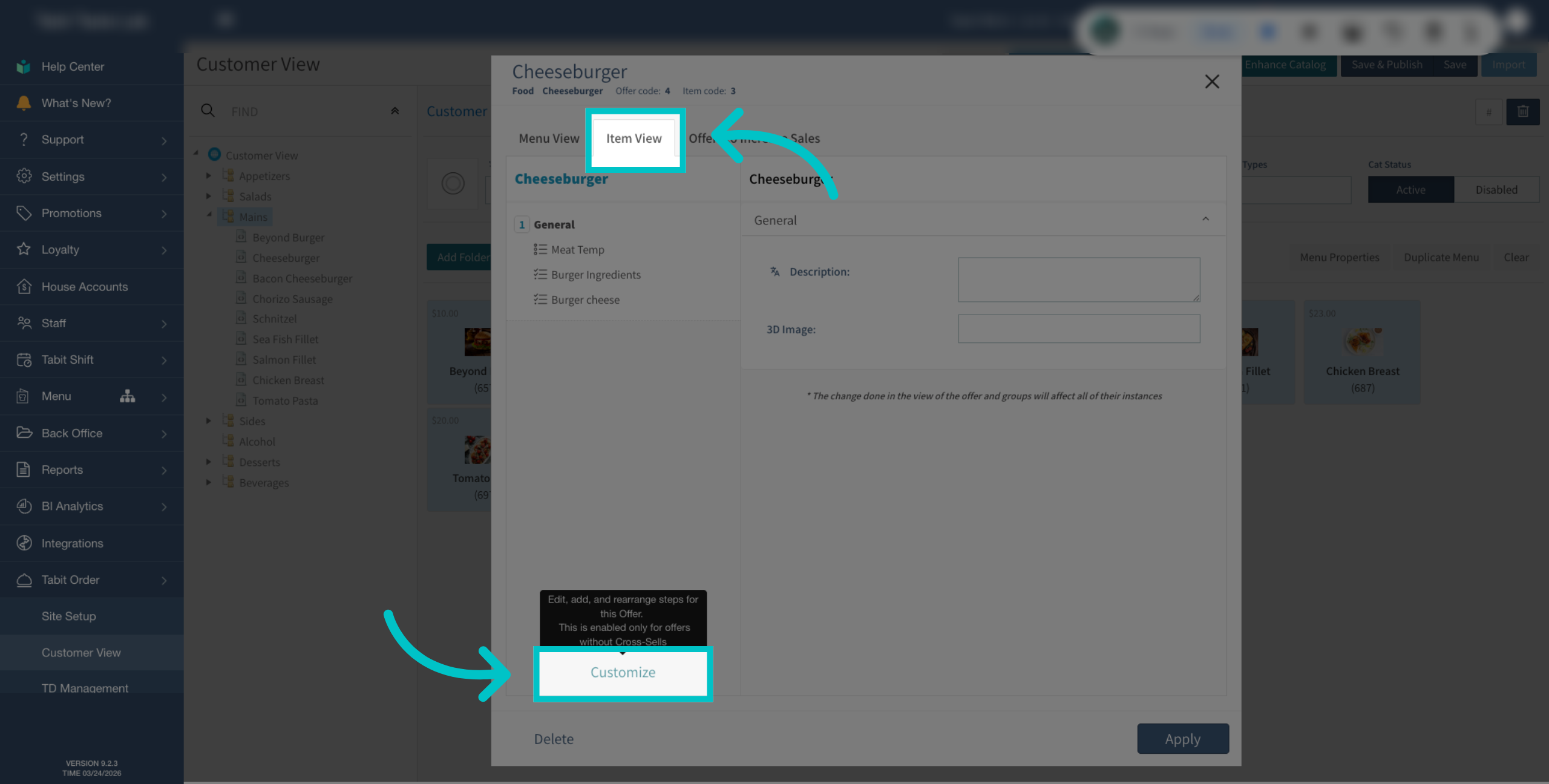
Select Item View and then Customize
-
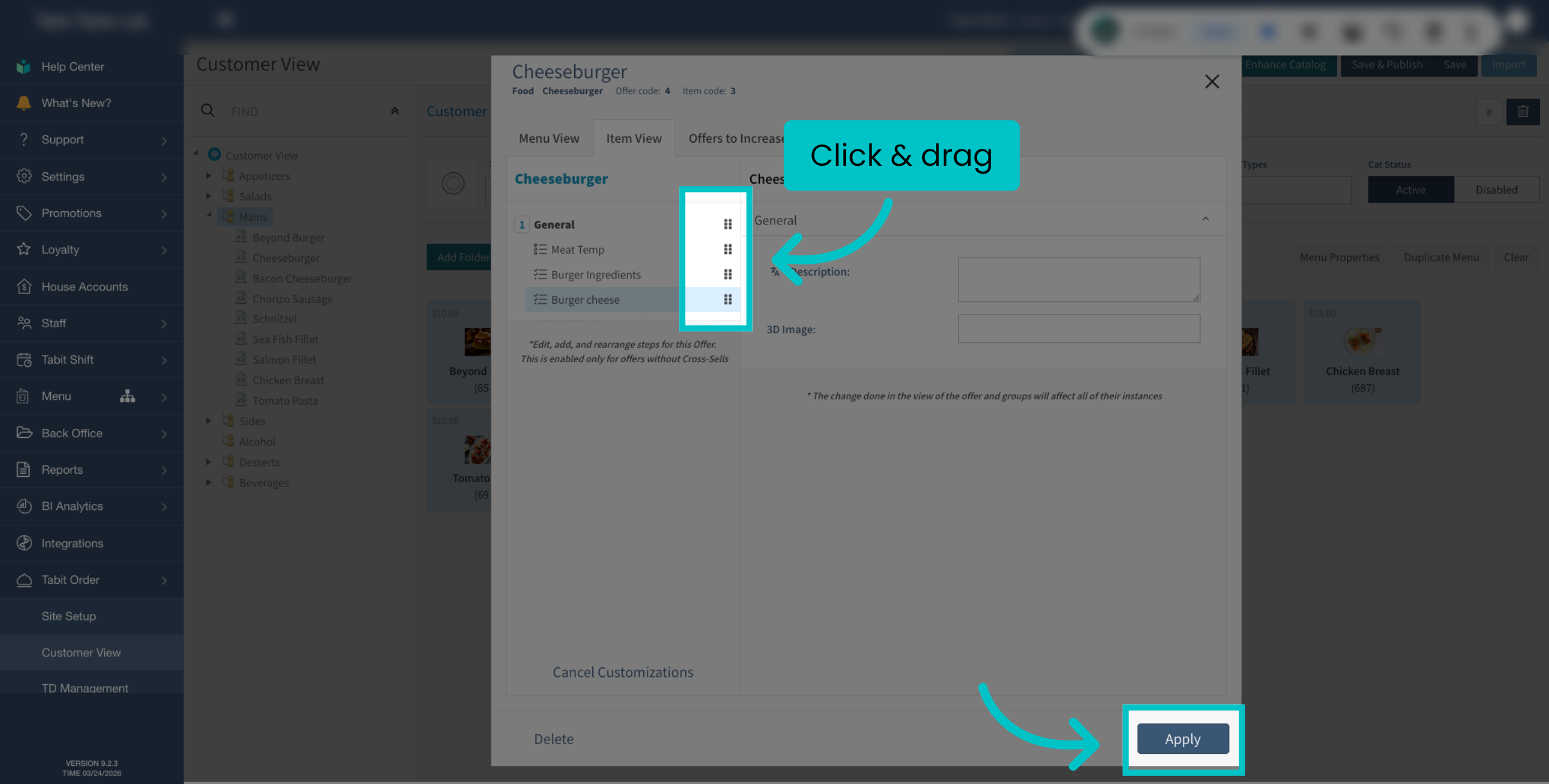
Click and drag the different groups as desired, and then select Apply
-
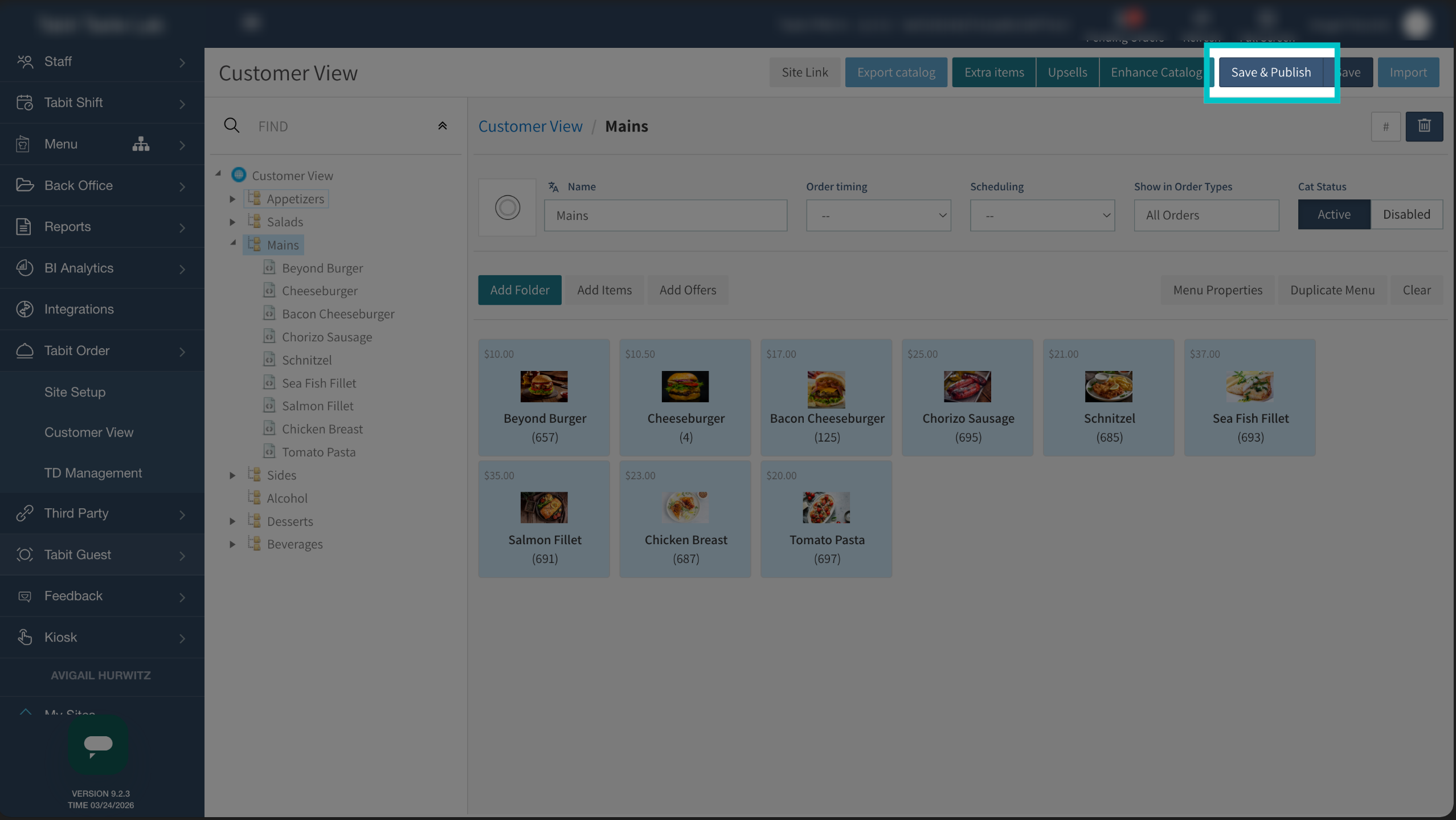
Now, Save and Publish to update the changes
Now the groups will appear in the order you set. Learn here how to hide groups in Tabit Order