When using a TD profile, you can easily manage incoming online orders from Tabit Order through the PAD.
Follow the steps below to accept and fire a TD order:
-
On the TD screen, when a new online order arrives, an incoming alert will pop up
-
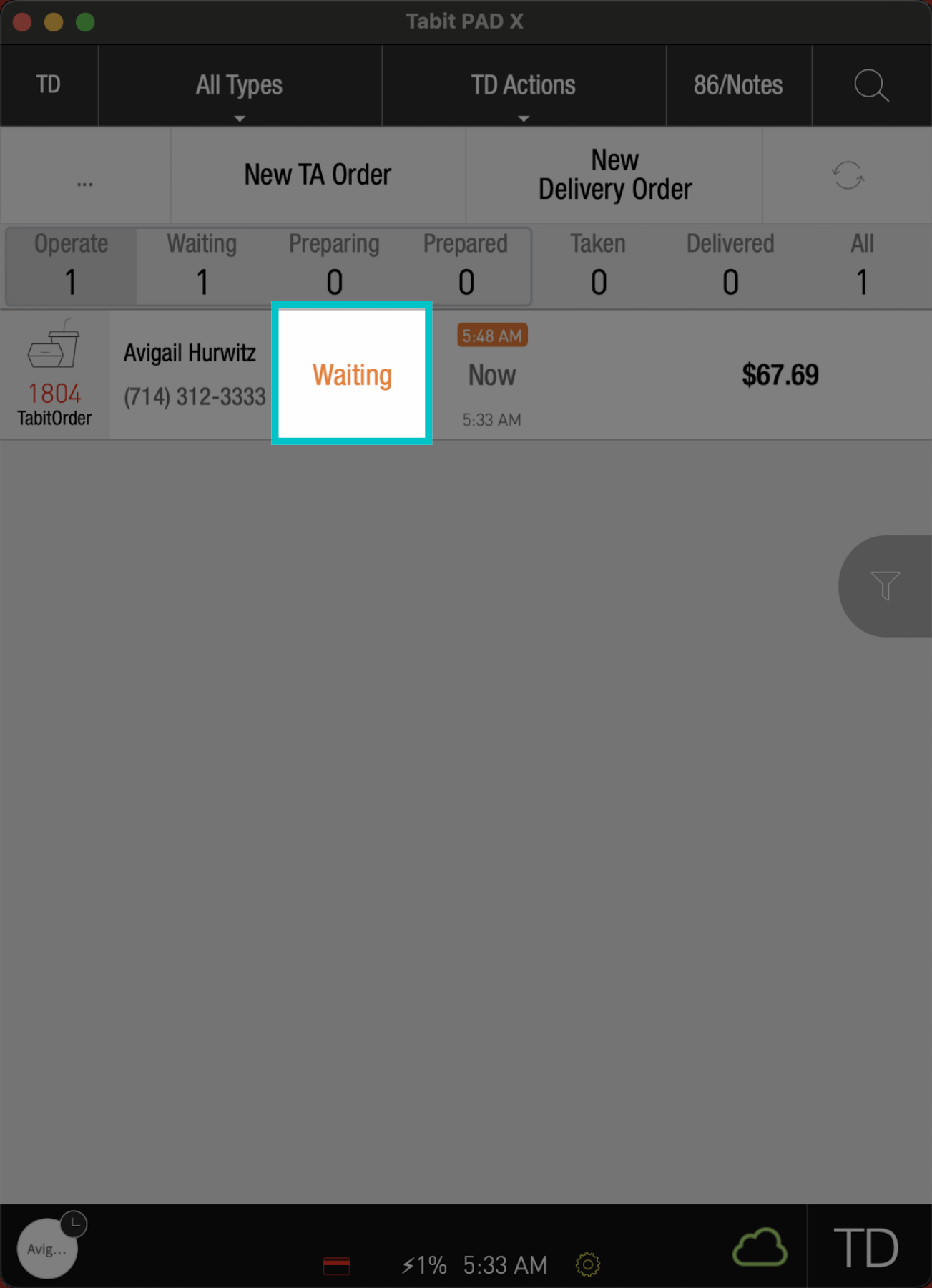
The order will appear on the PAD in Waiting status, meaning a ticket hasn't been fired to the kitchen yet, and modifications can still be made
Depending on your restaurant’s setup, orders that arrive on the PAD already paid may fire automatically. If your restaurant accepts payment at pickup, those orders may need to be fired manually when they appear on the PAD
-
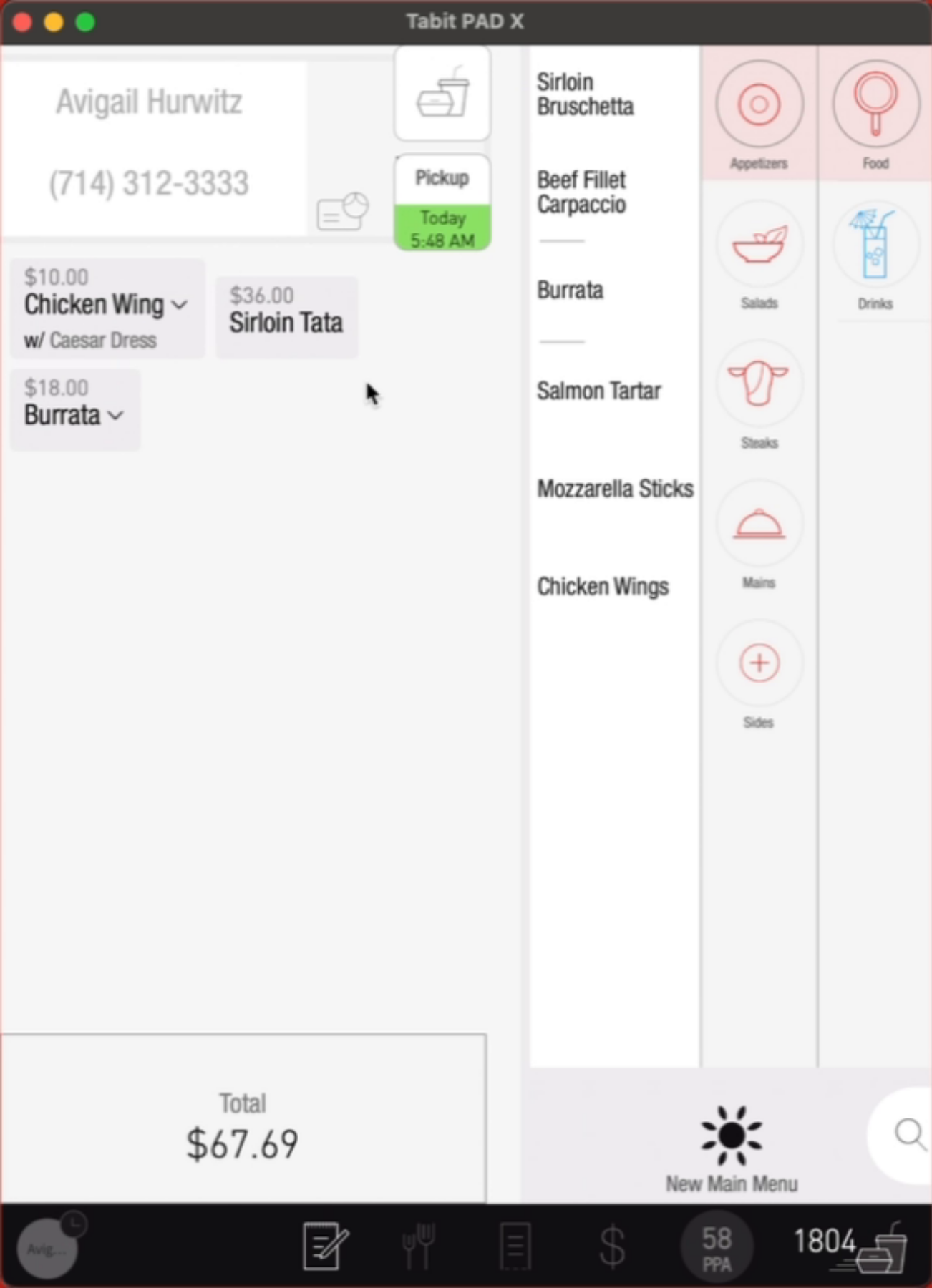
Enter the order to modify the items if needed, then continue to the payment screen, and select Fire Now to fire the order
-
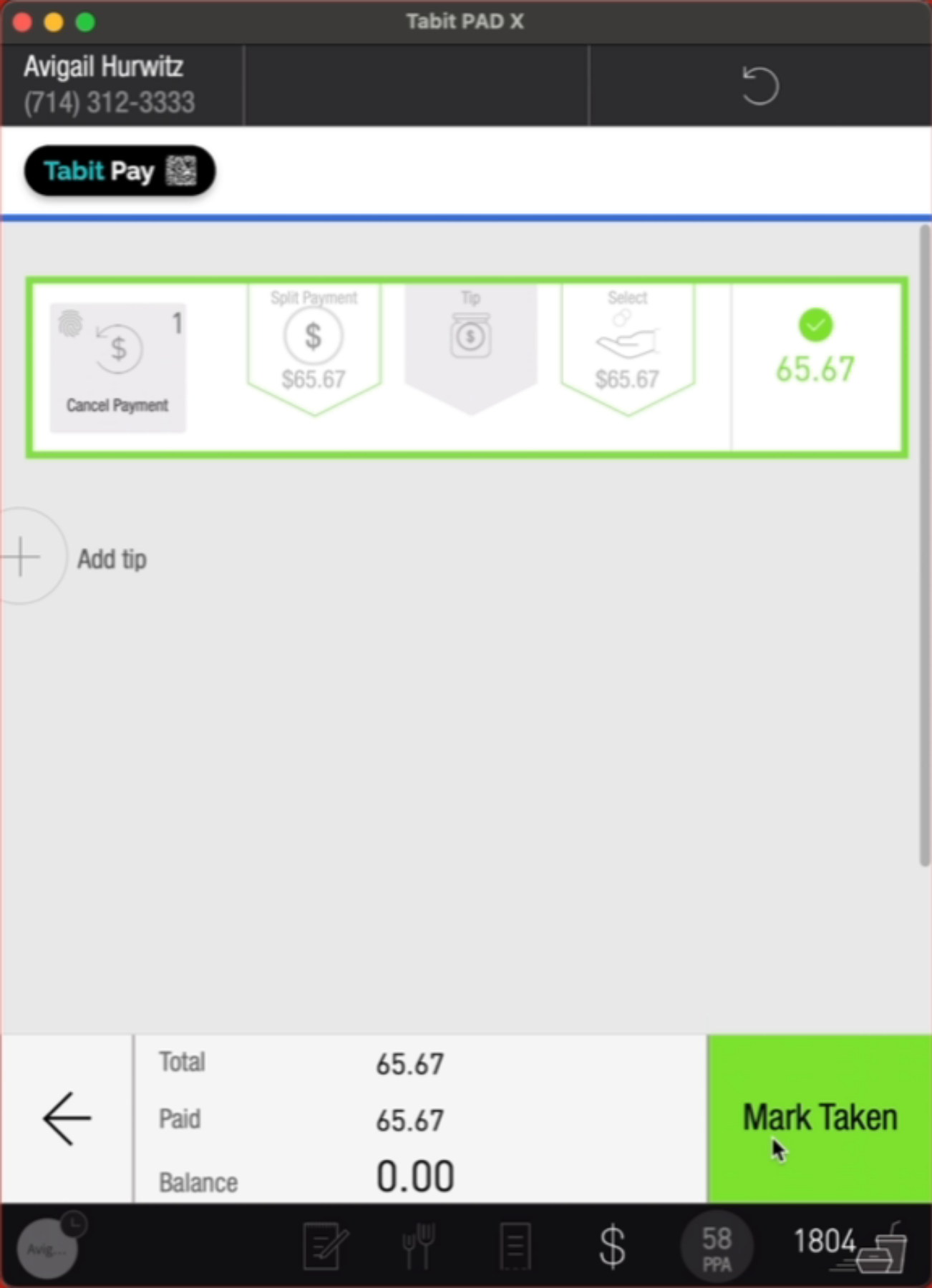
Once payment is received, you will be able to change the order status to Mark Taken when the customer arrives for pick up