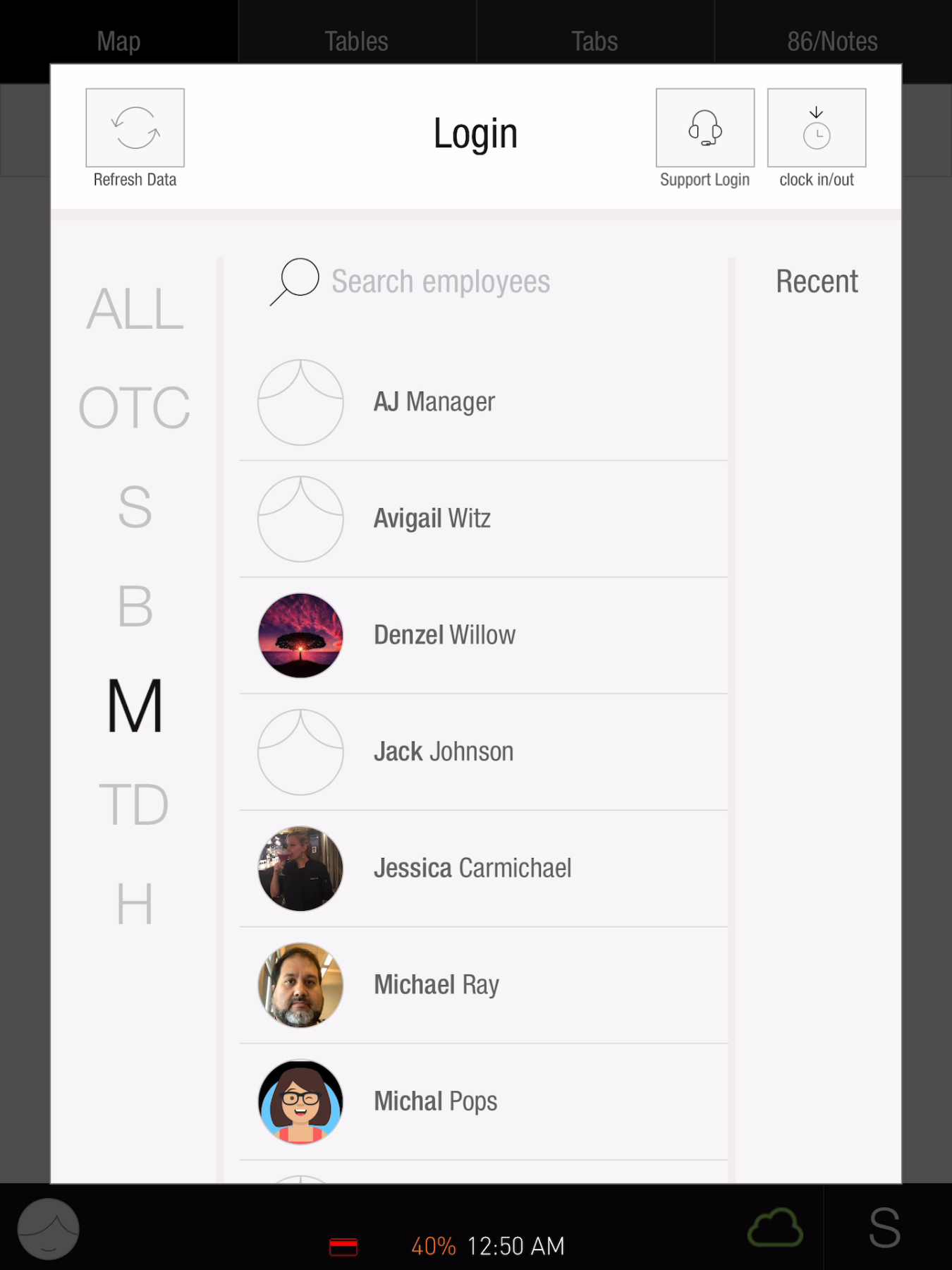
Use the Tabit app on your PAD to connect your device to your restaurant’s site and access your user account.
Follow the steps below to log in to the Tabit app:
-
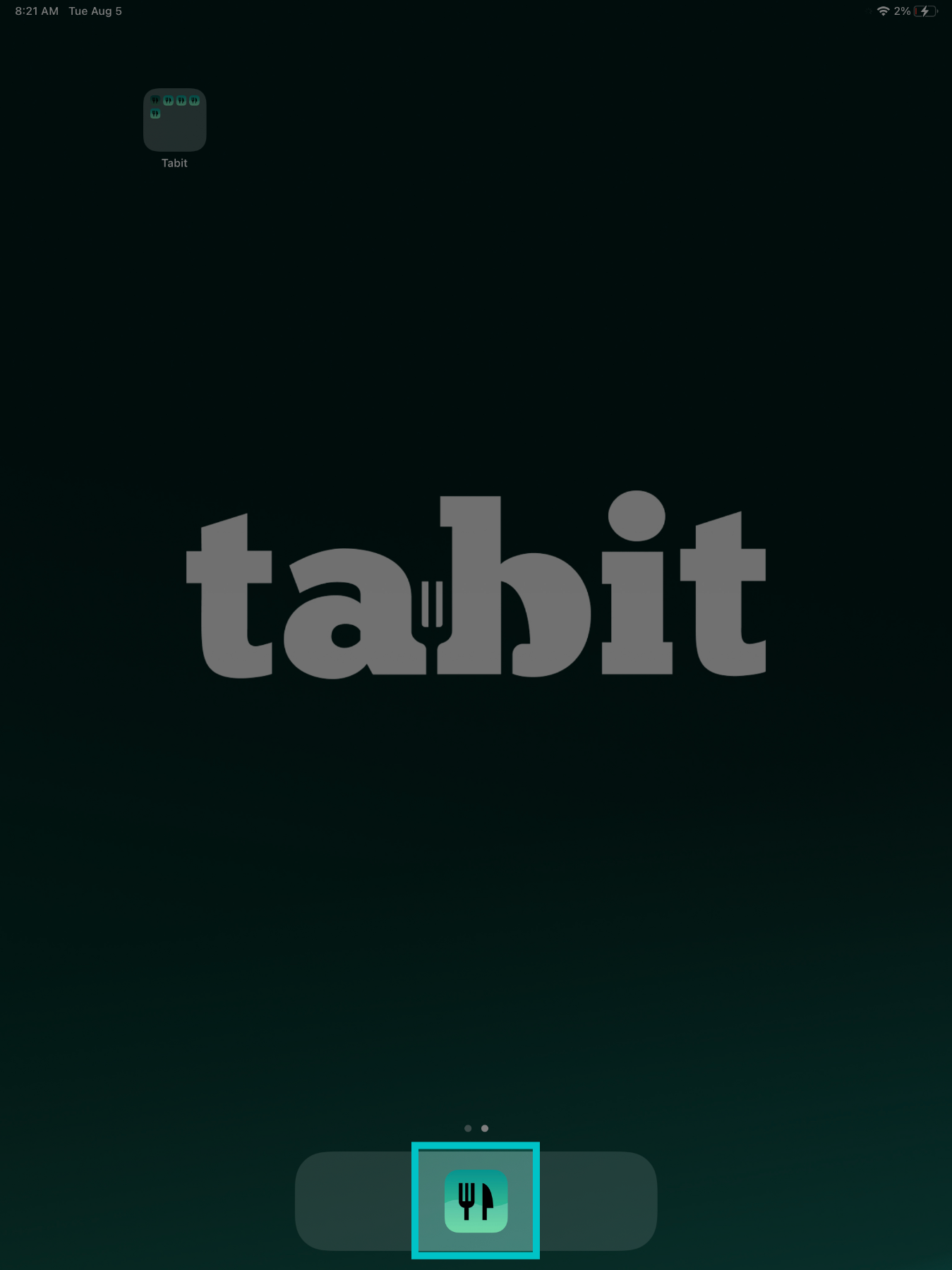
From the home screen on the PAD, tap the Tabit application
-
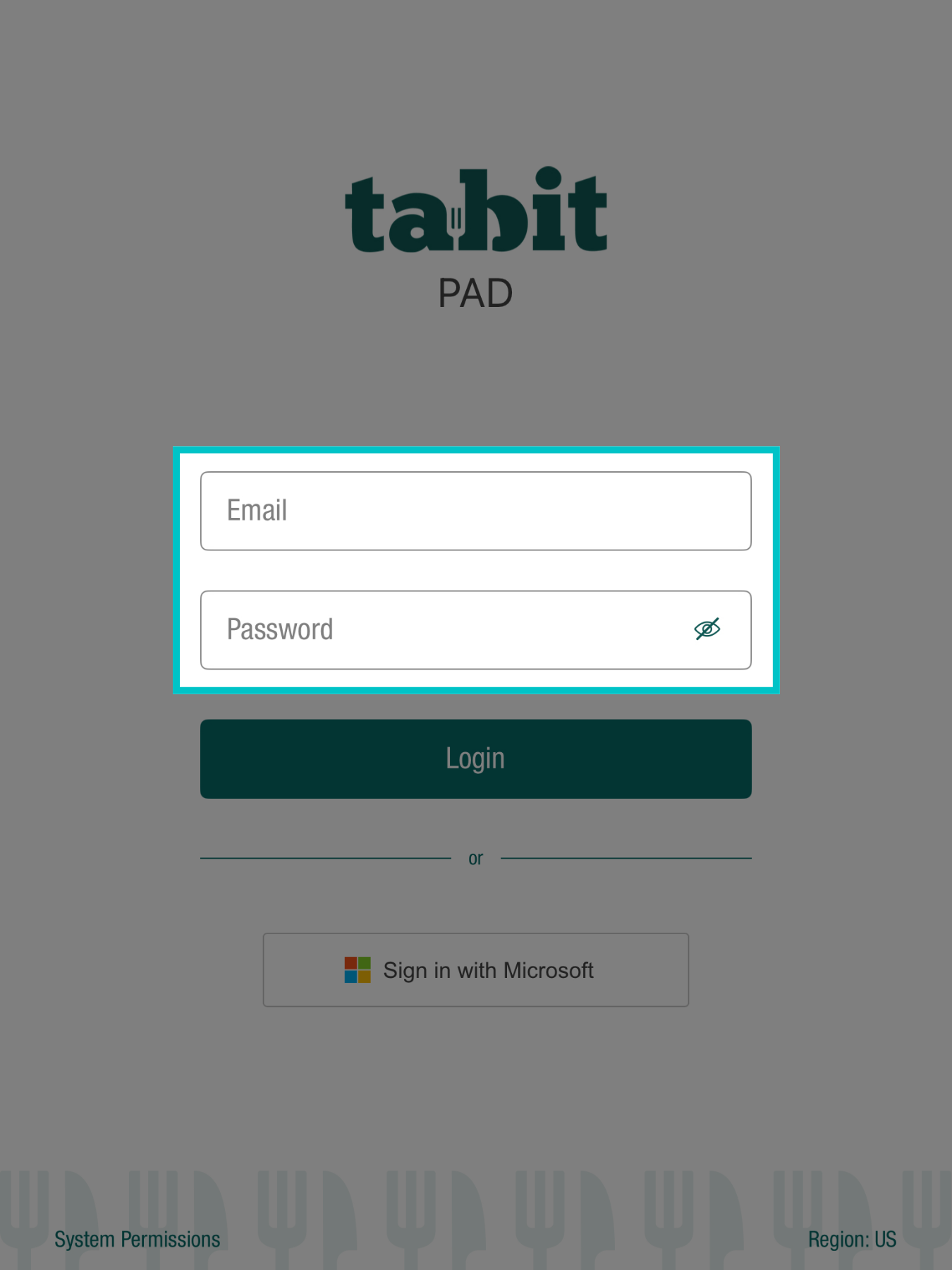
Enter your Email and Password. These are the same details used to access Tabit Office
-
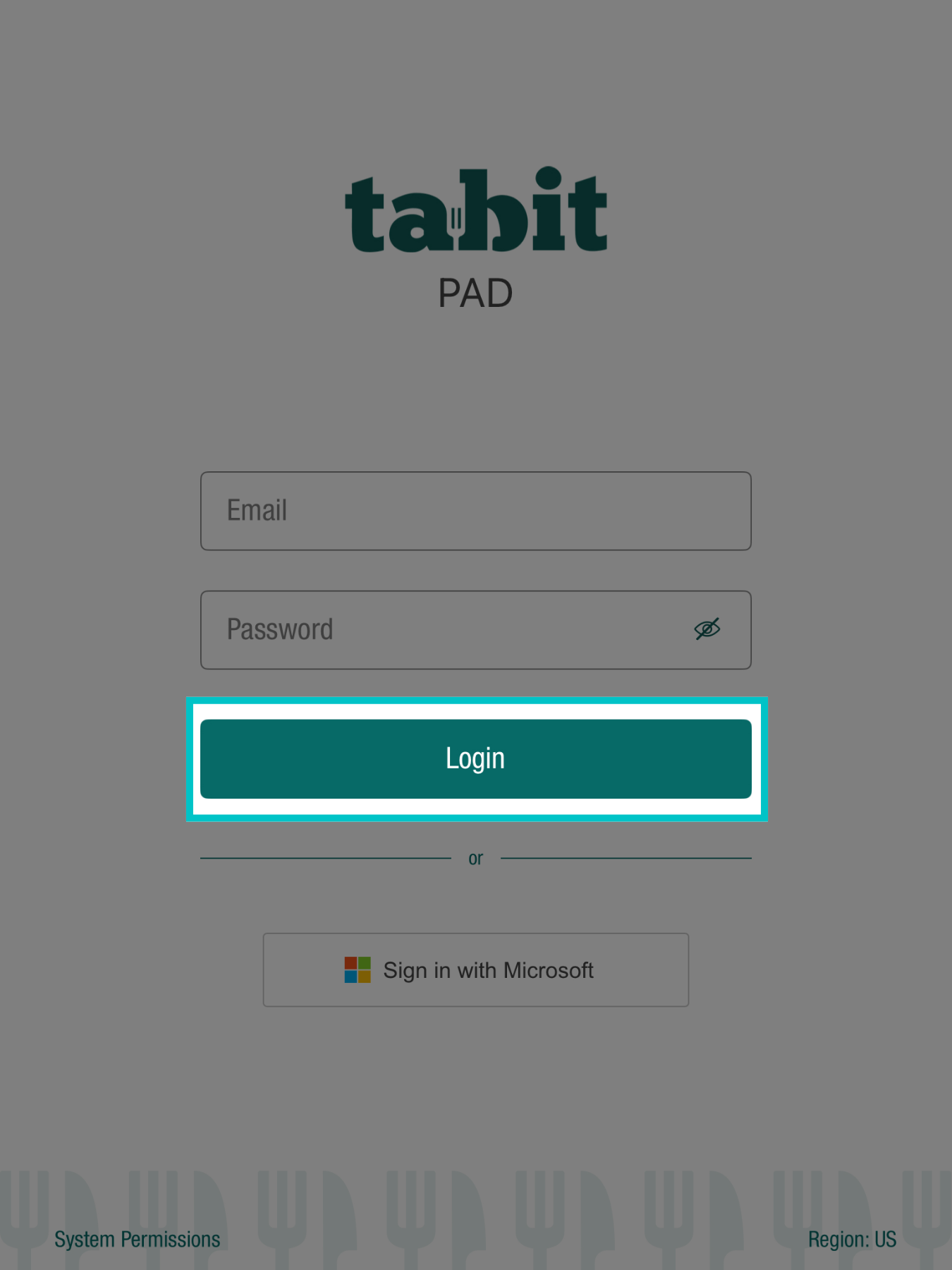
Then, select Login
-
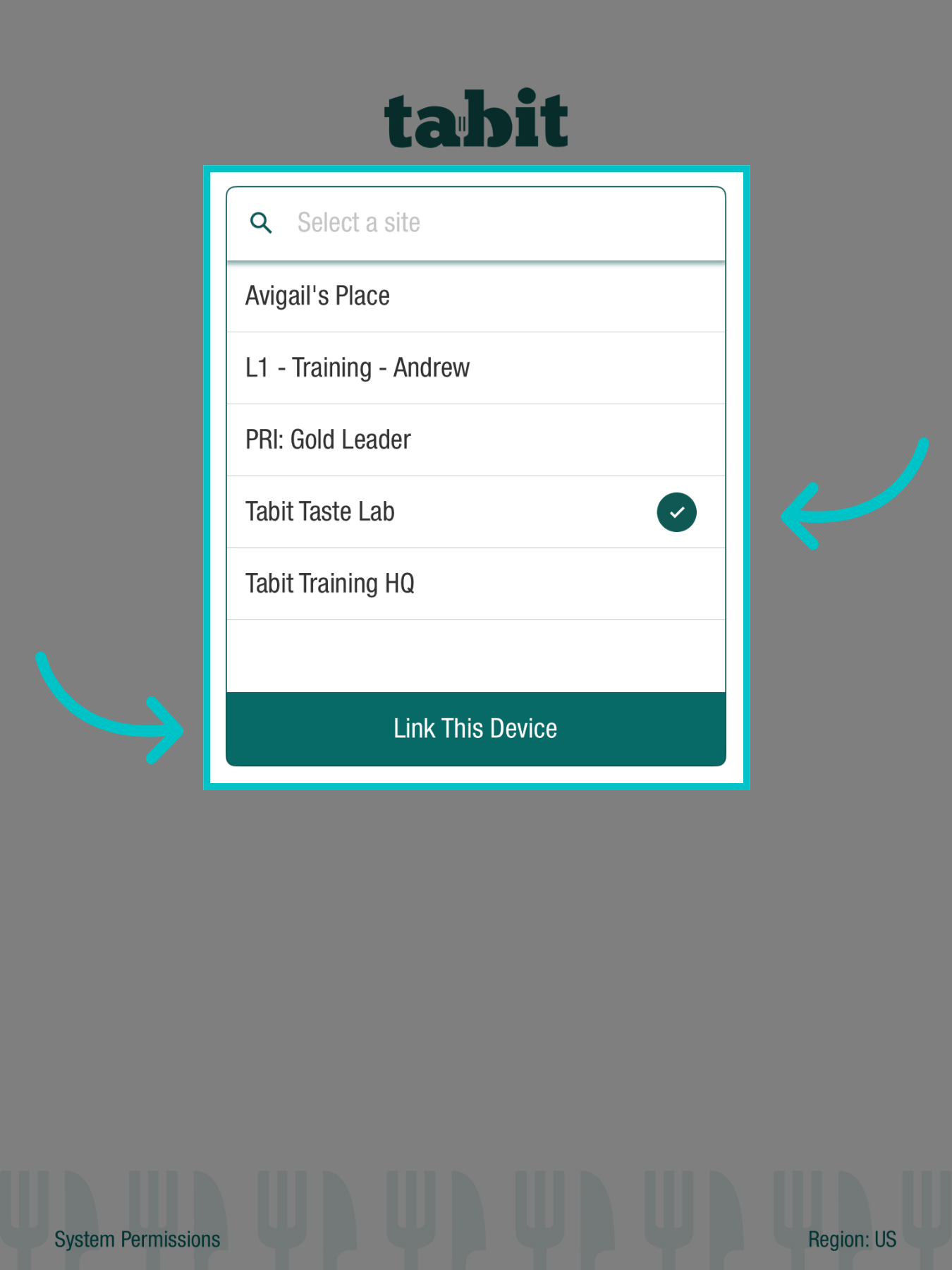
Now tap the Site you want to link to (you may only have one option), and select Link This Device
-
Wait for the app to upload
An alert will appear causing the app to close. Opening the app again will continue the connection process

-
Log in to your user to continue to any PAD actions
Depending on your restaurant settings, you may be required to clock in first. Do so using the Clock In/Out button in the top right of the screen