Managers can edit time records directly from the PAD to avoid discrepancies and ensure accurate reporting and proper payroll processing.
Follow the steps below to edit an employee's time record on the PAD:
-
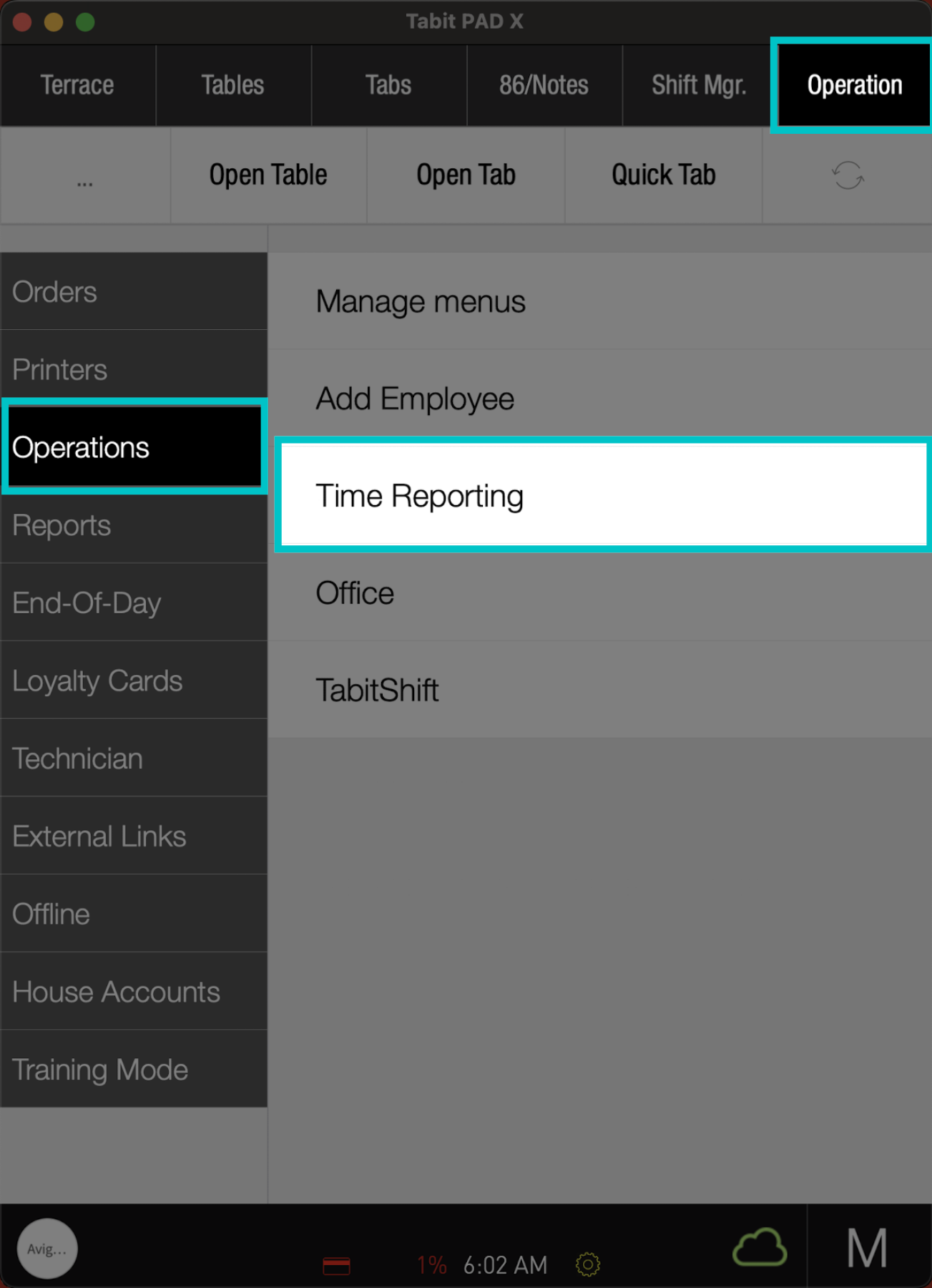
From the Operation tab, go to Operations > Time Reporting
-
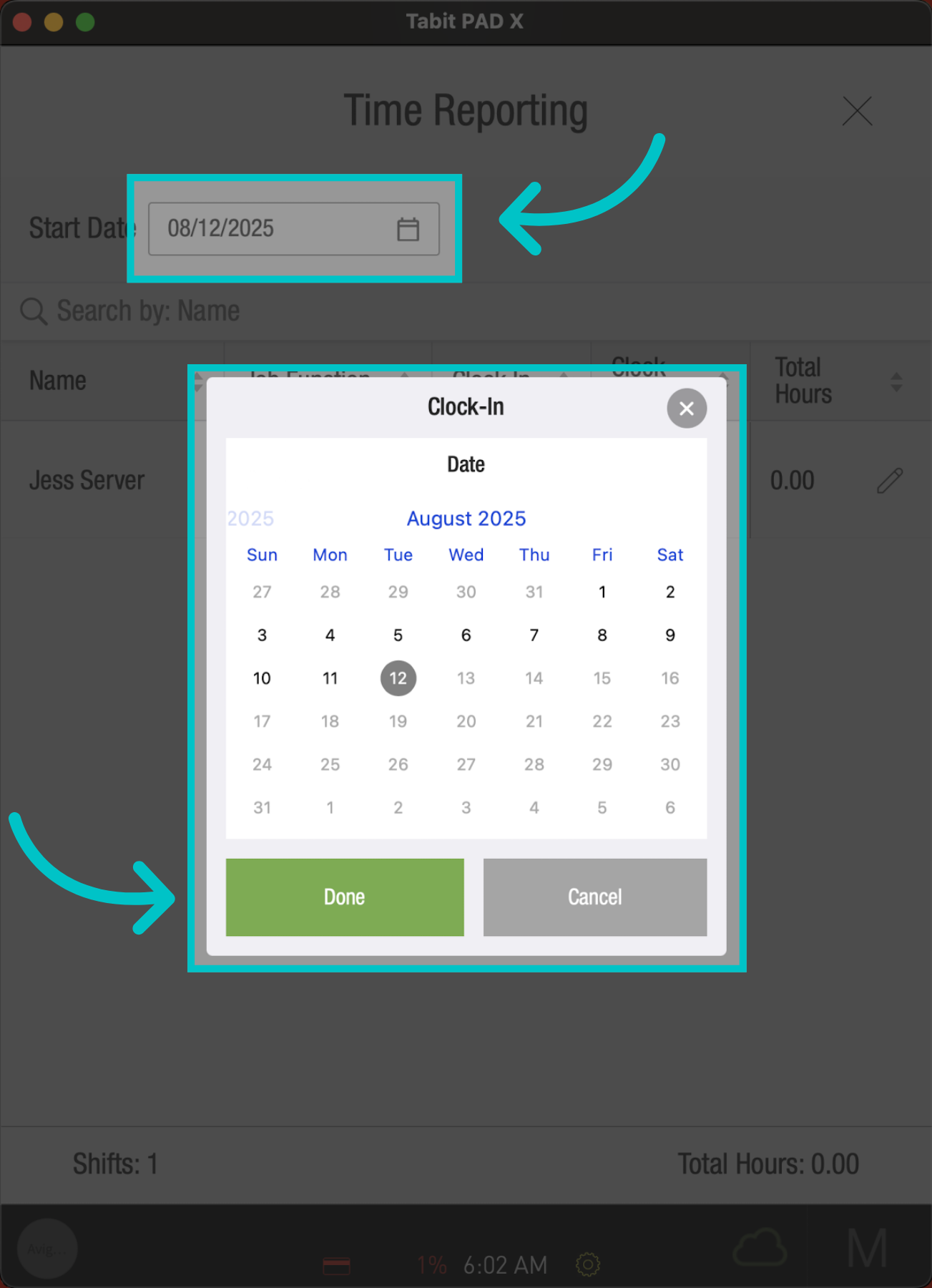
Tap the Date filter, mark the relevant date, and select Done
-
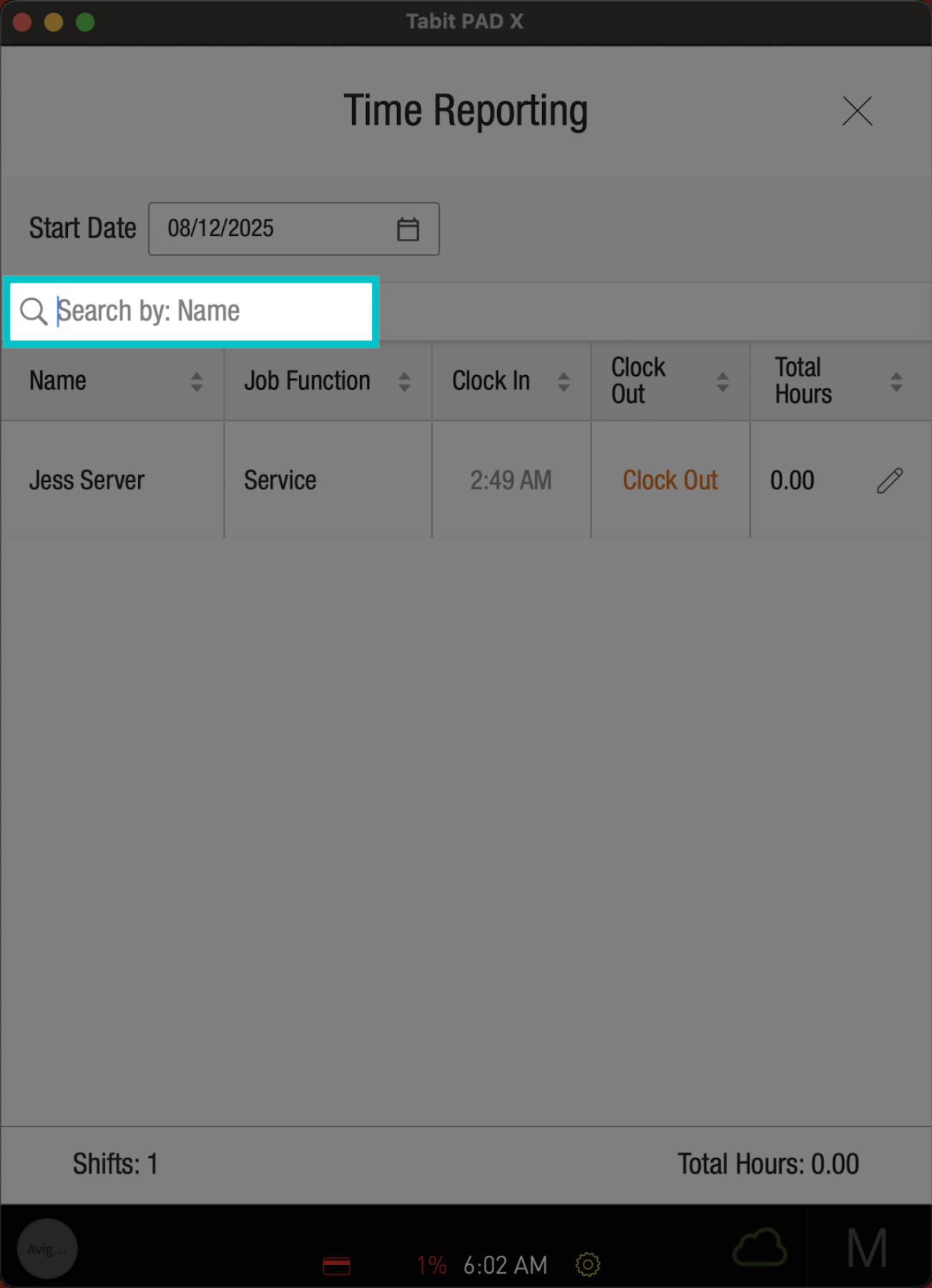
If needed, use the search bar to locate the employee
-
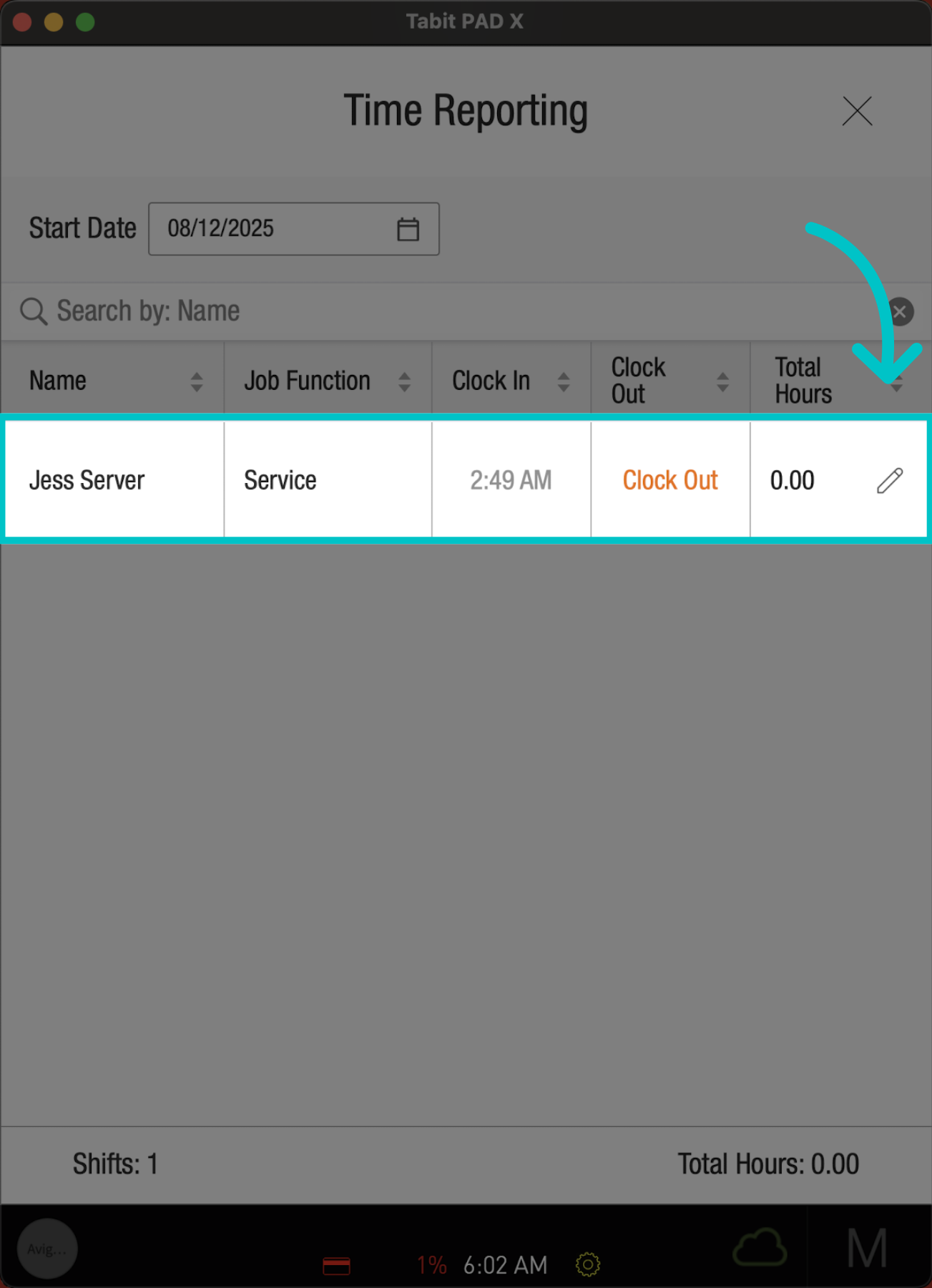
Find the record you’d like to edit, and select the Edit icon next to it
-
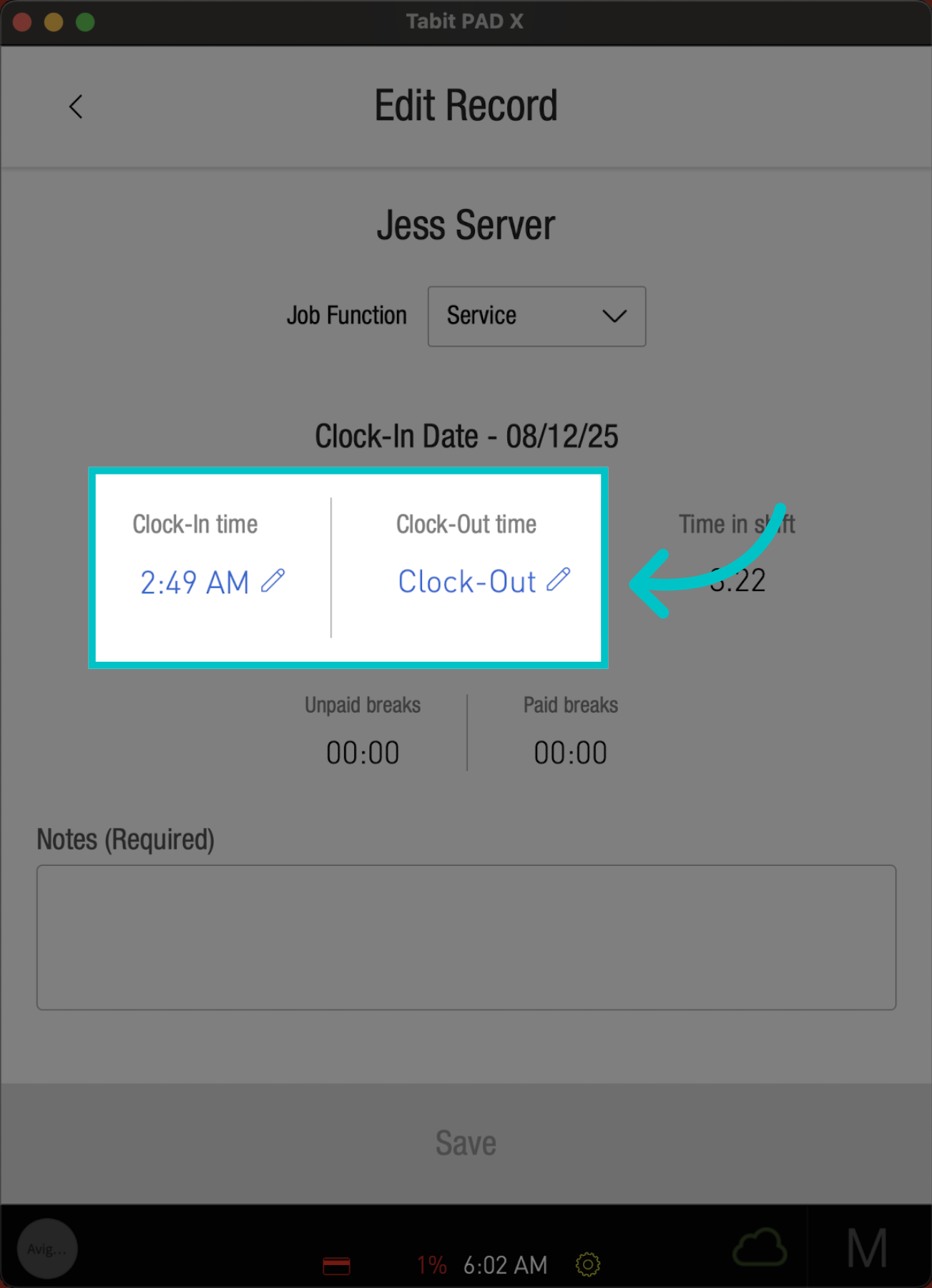
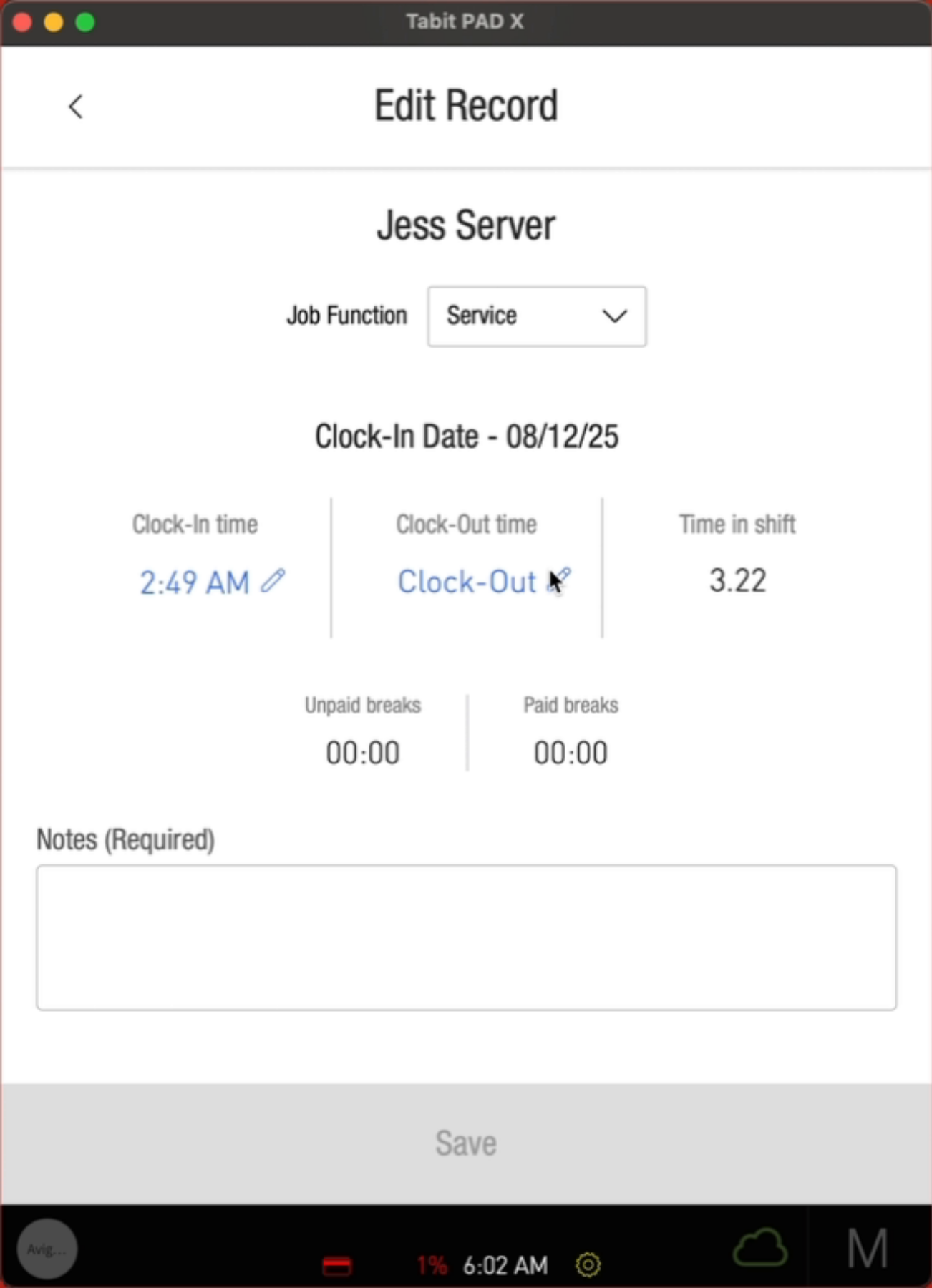
Now, change the clock in or clock out time by selecting the Edit icon
-
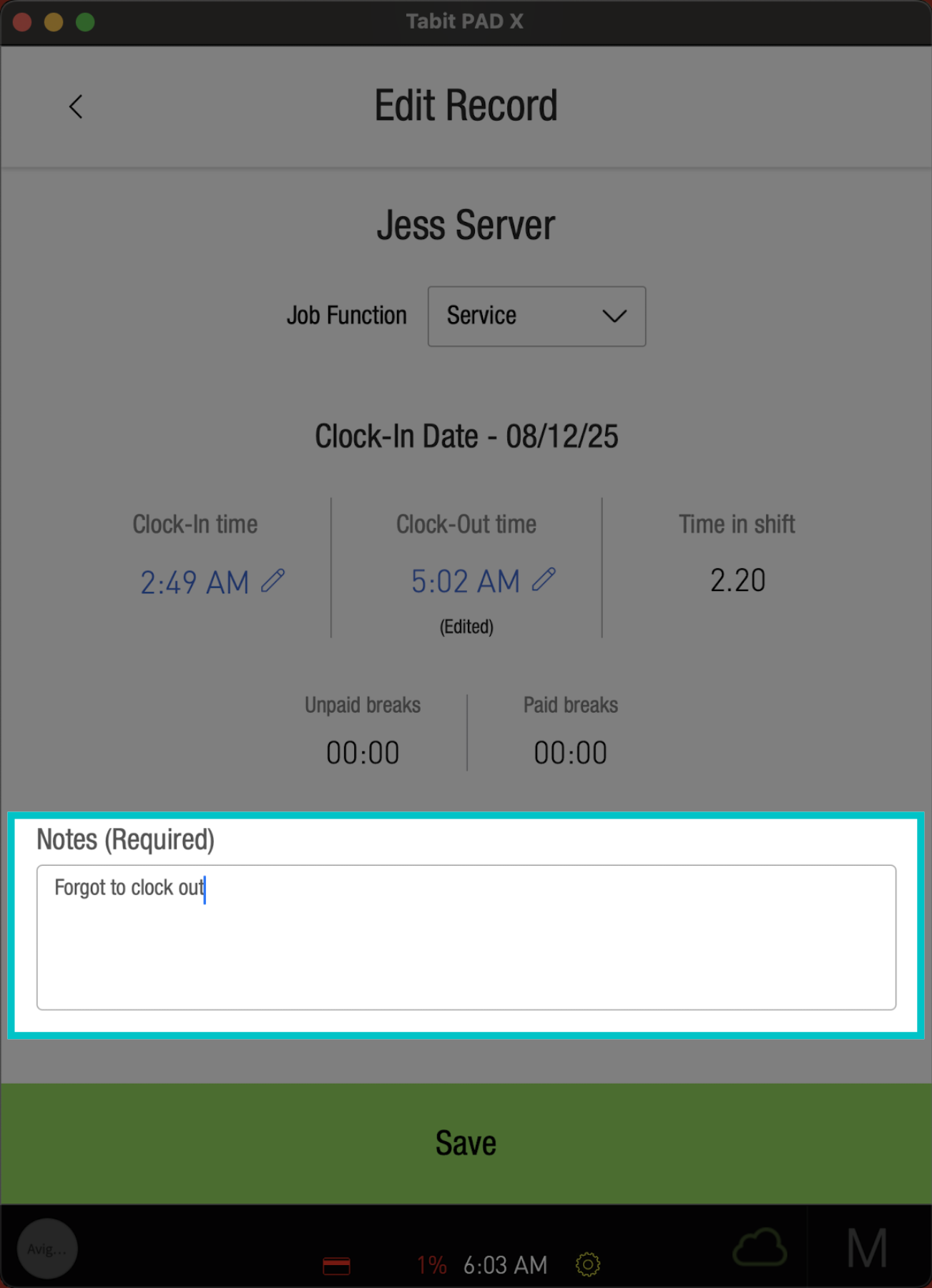
And enter a Reason for the changes
-
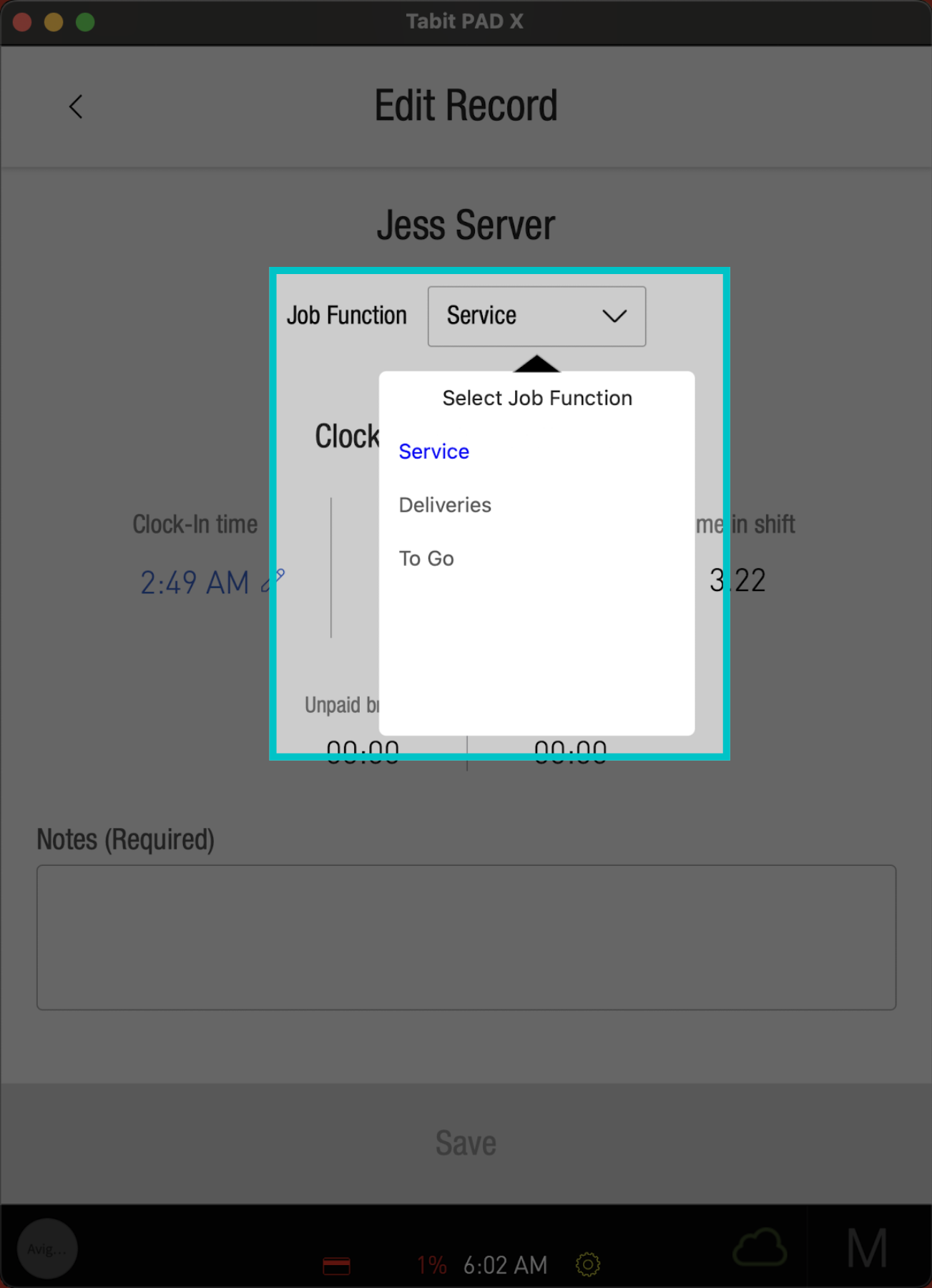
Note that you can change the Job Function as needed
-
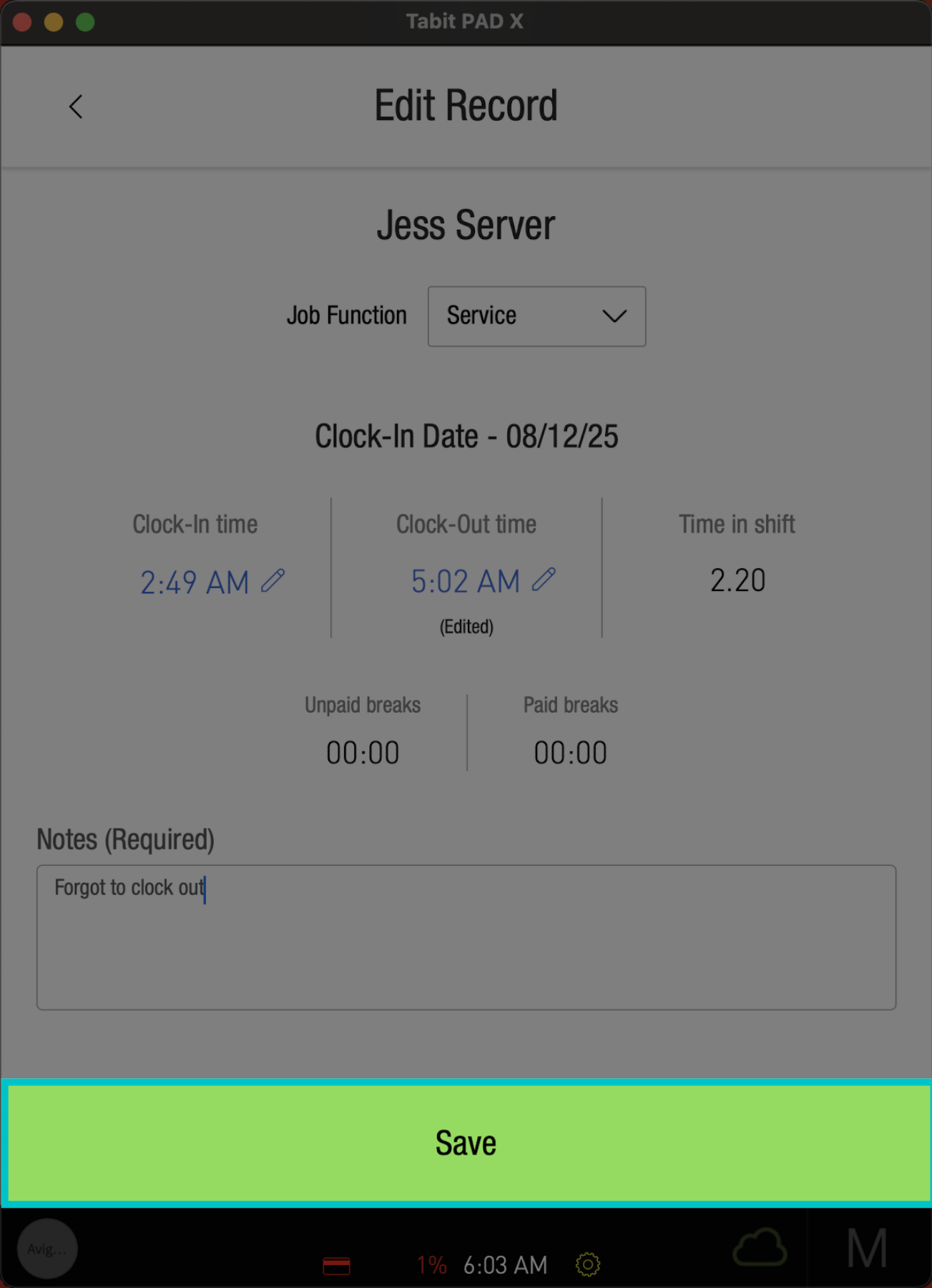
Select Save to complete the changes
-
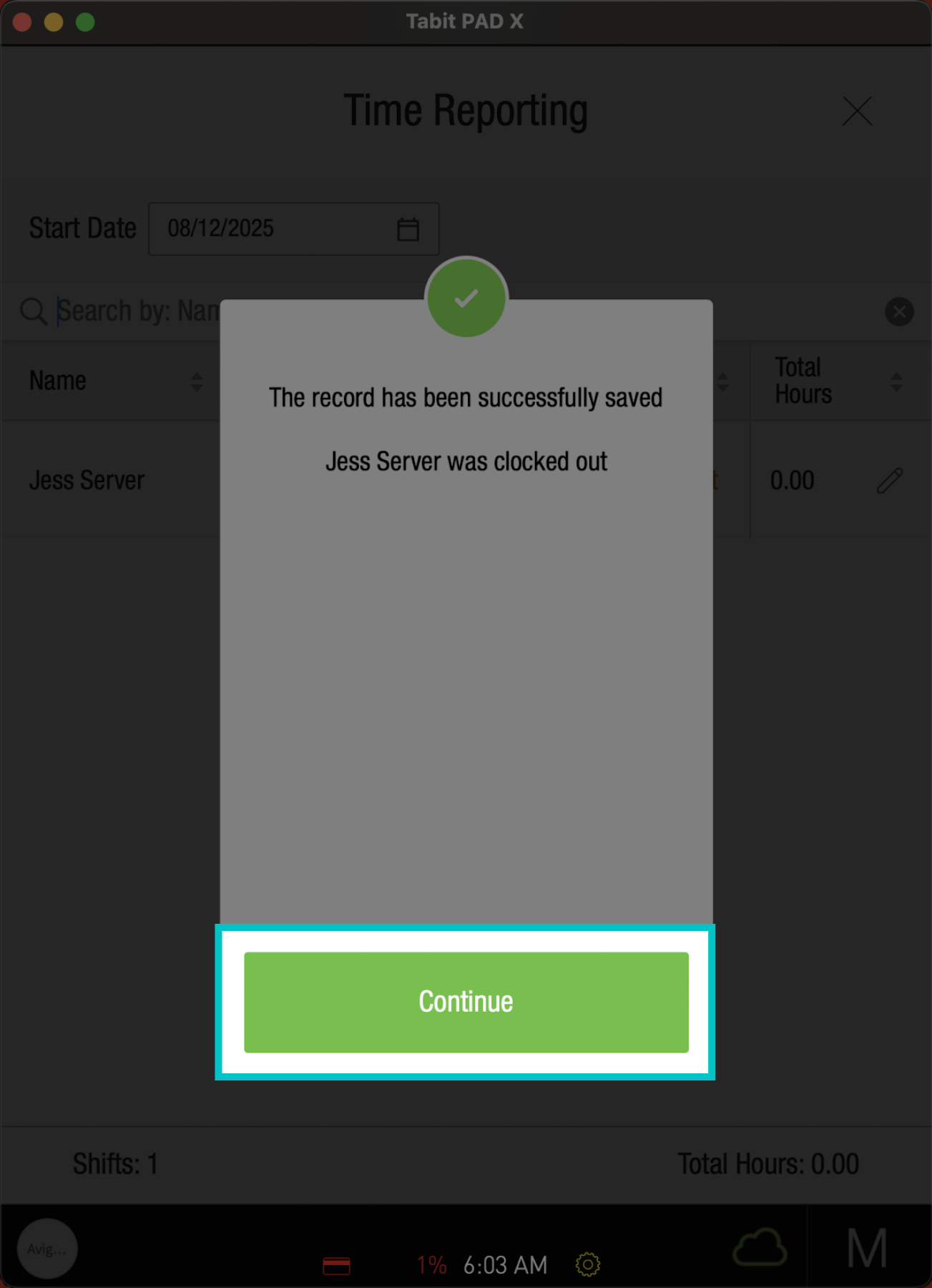
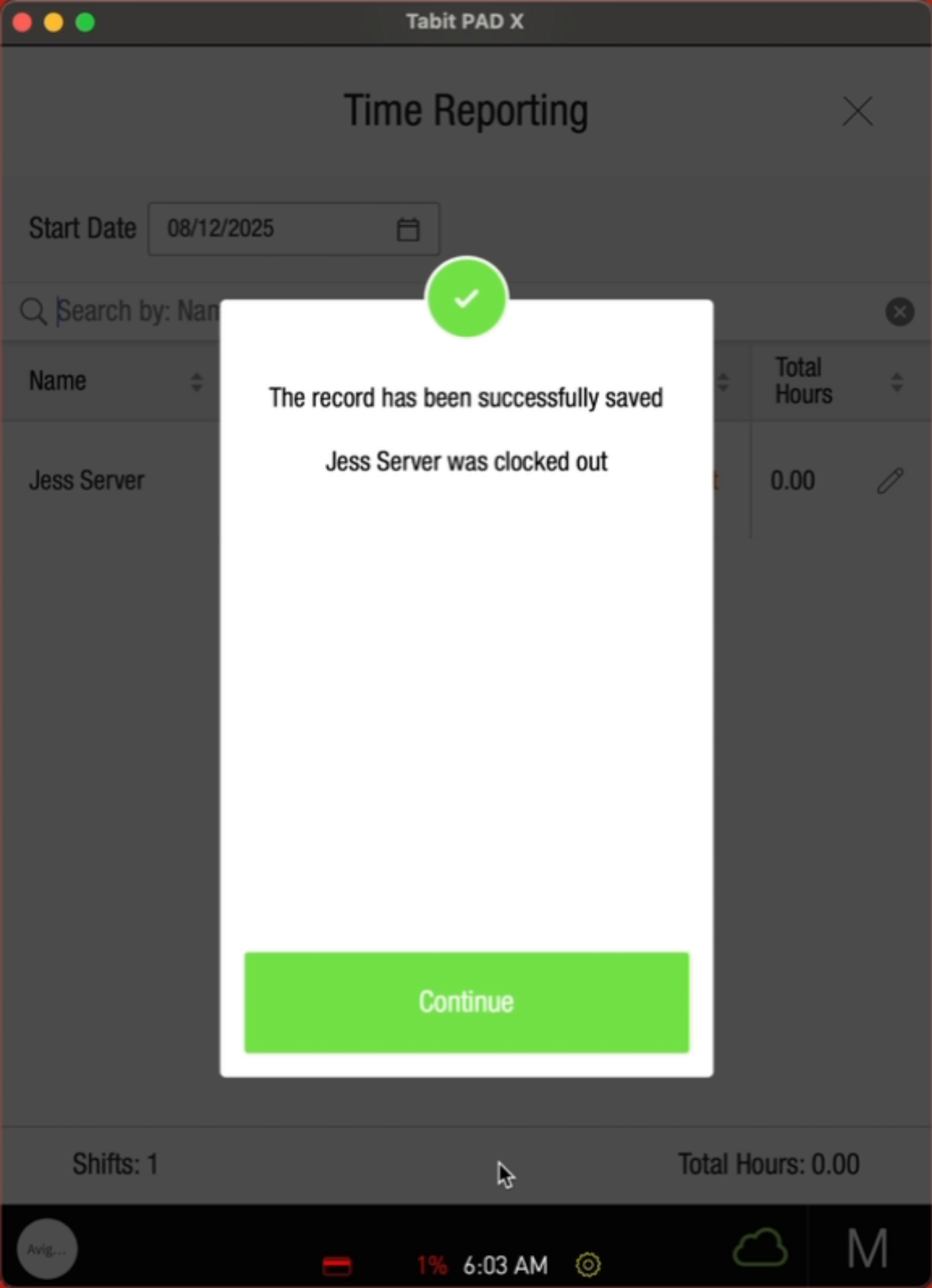
And Confirm
-
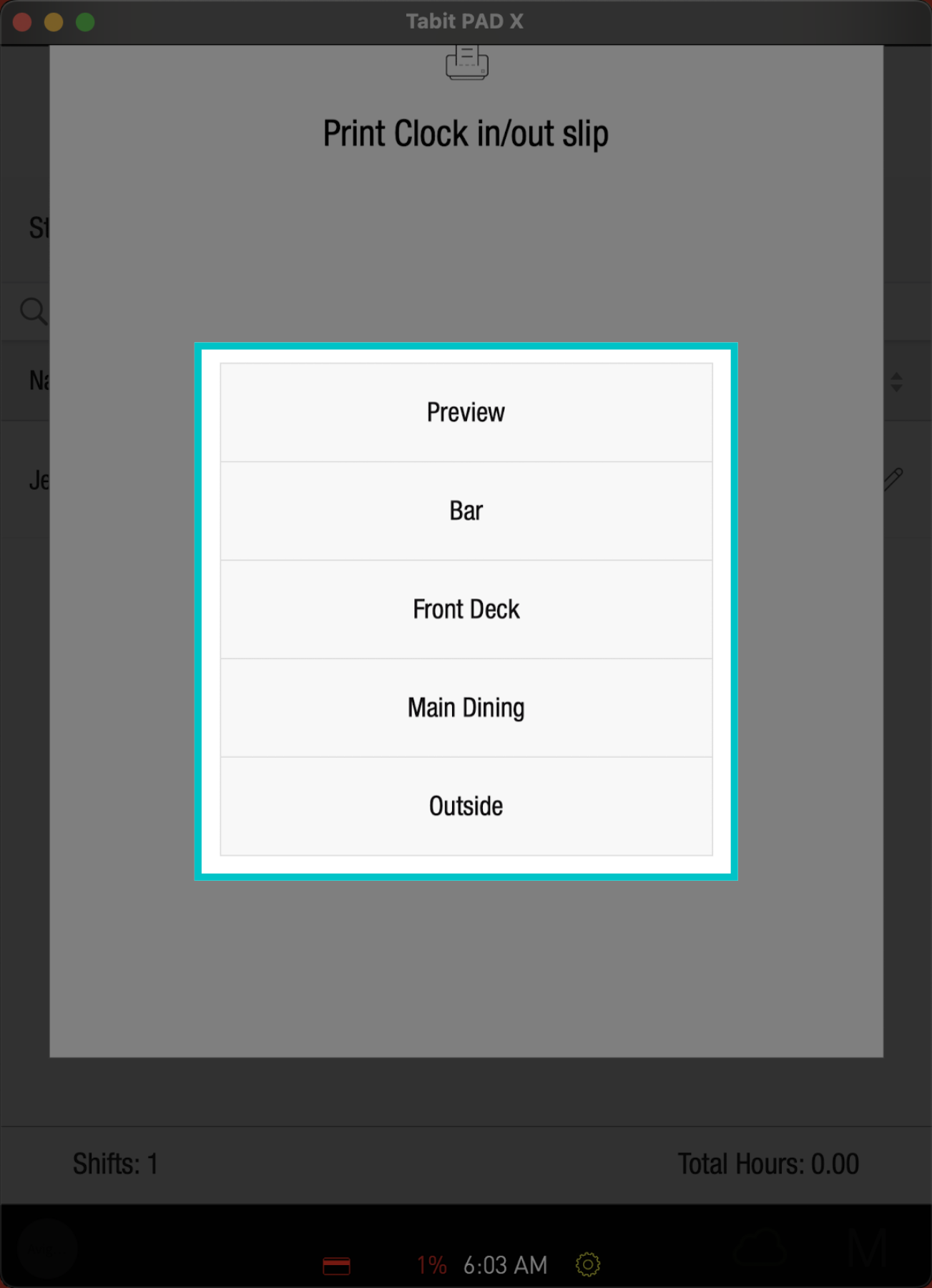
Now select the Printer for the slip
Learn here how to edit additional employees' time record details in Tabit Office