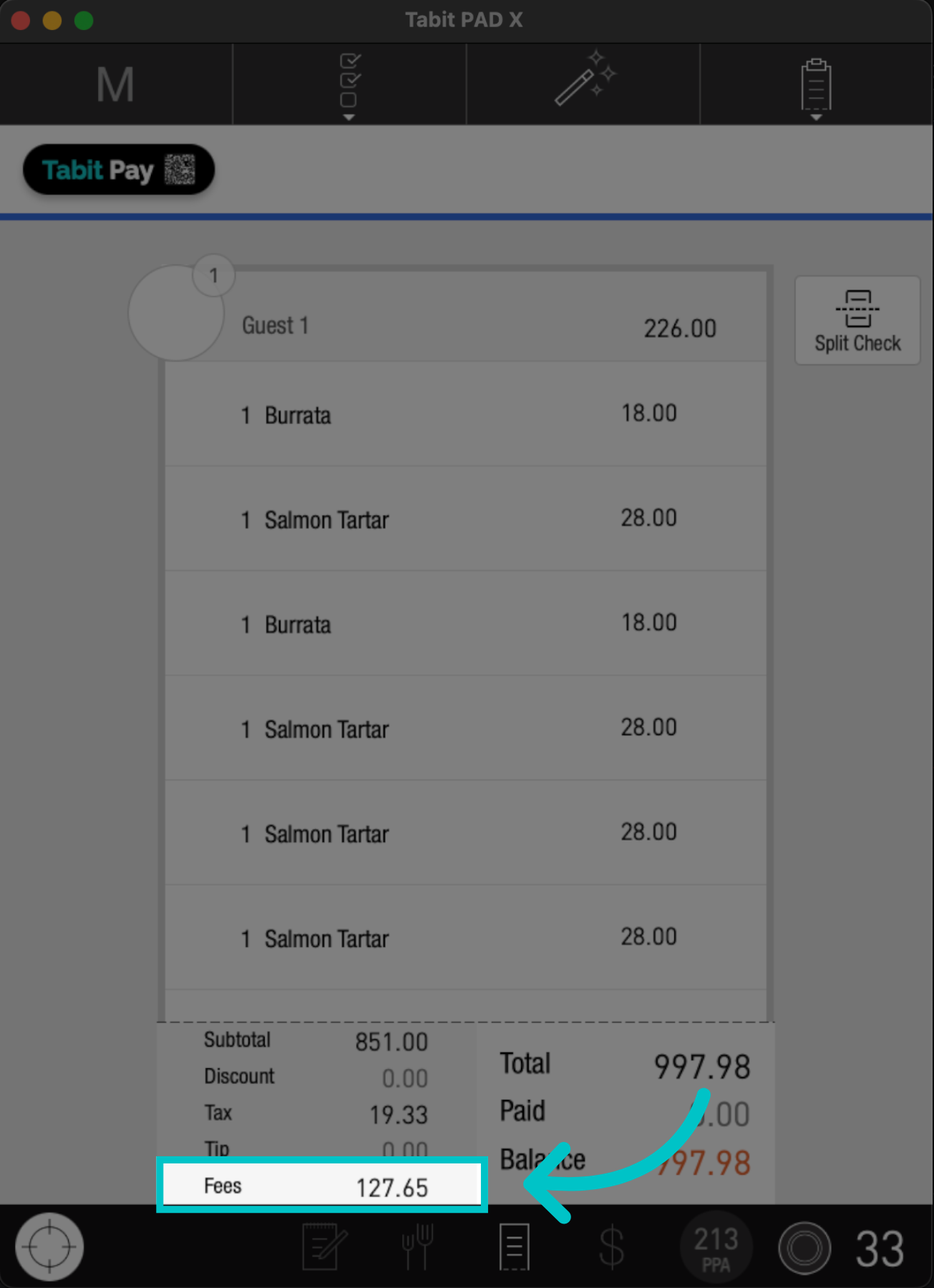
Updating fees on the PAD is a simple flow for removing, adding, or editing the values of fees already set up in Tabit Office for an individual order.
The ability to update fees on the PAD is available to managers only
Follow the steps below to update fees on the PAD:
-
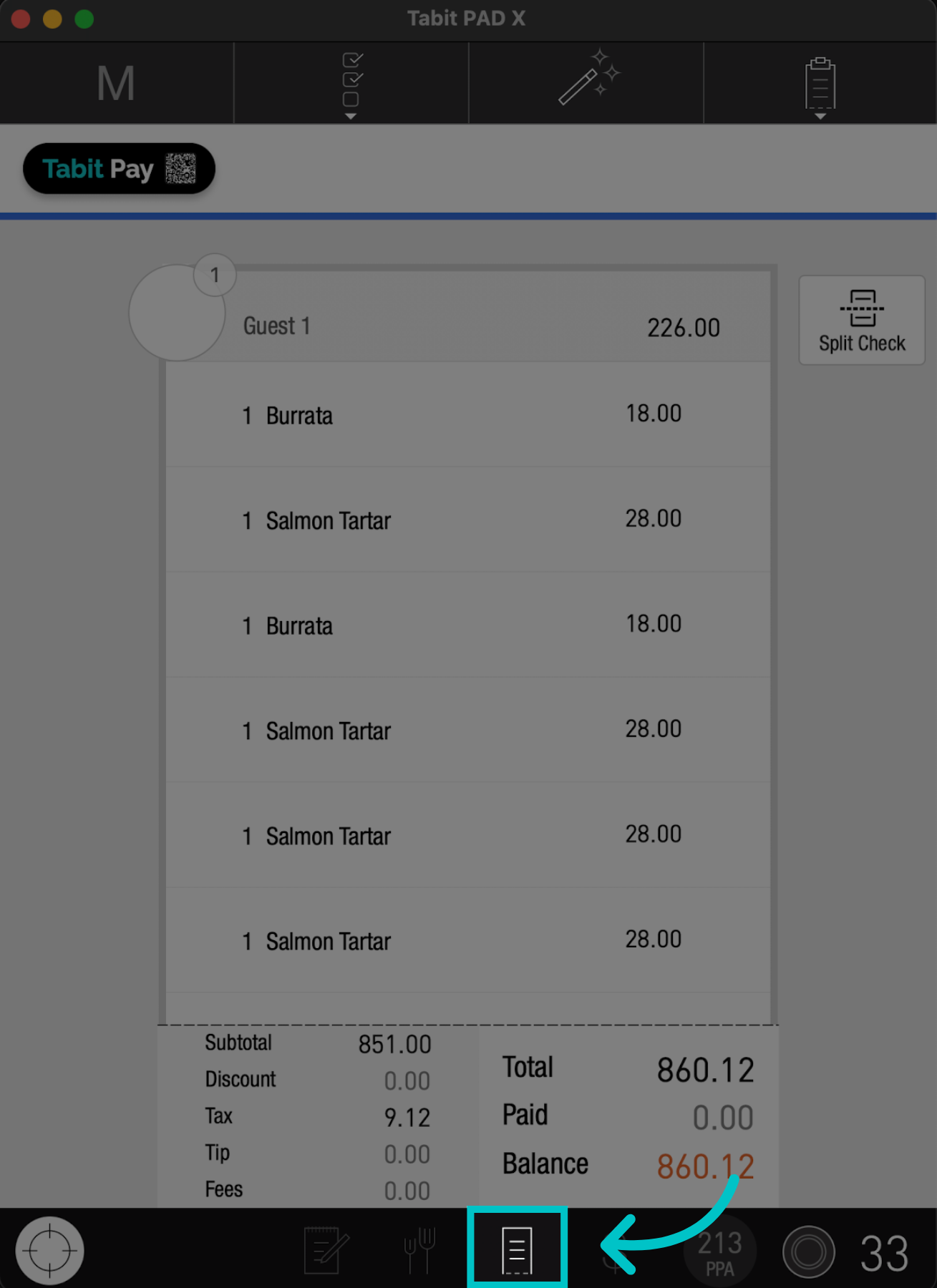
On the PAD, go to the Check screen of the relevant order
-
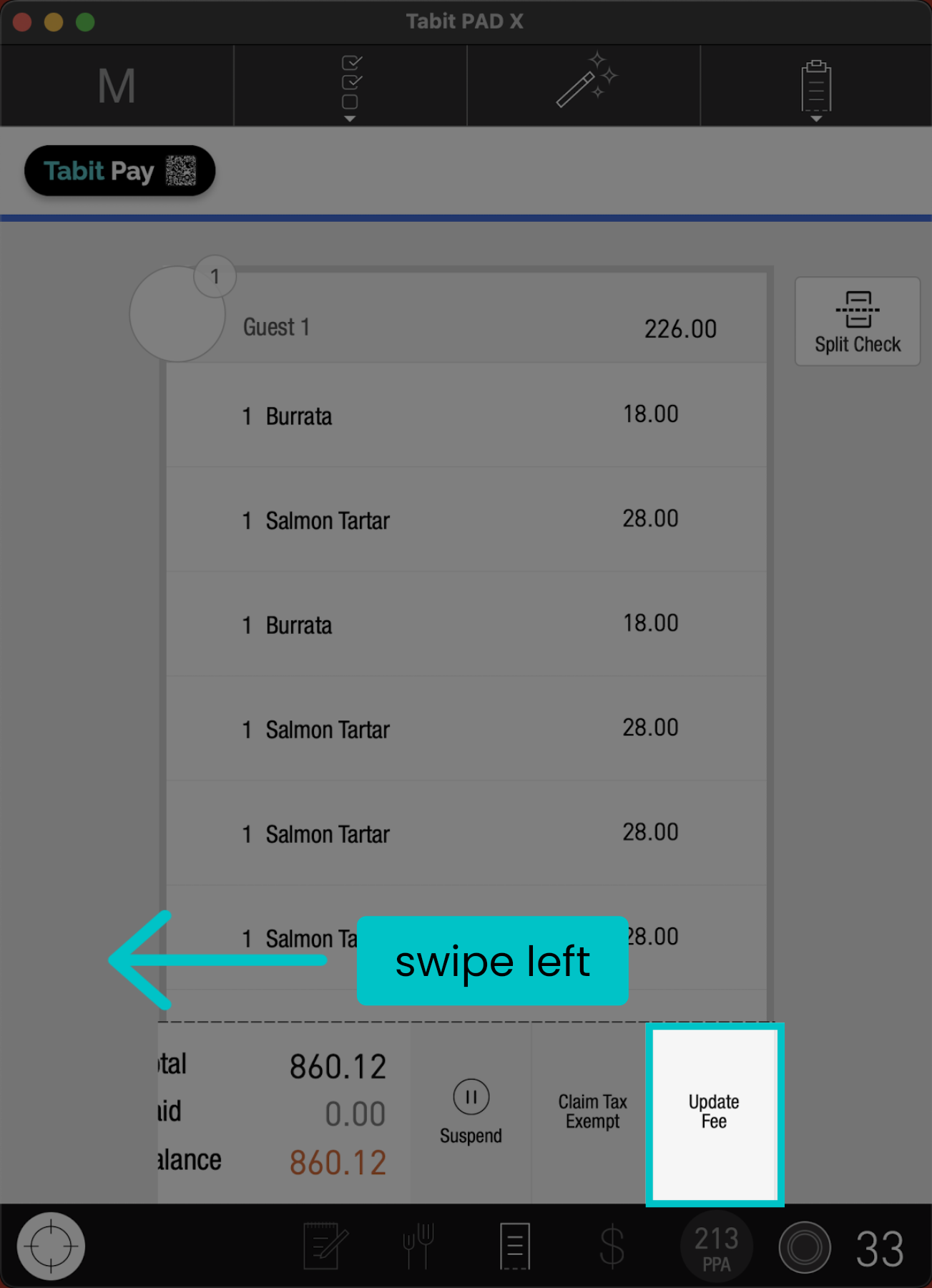
Swipe left on the bottom of the screen, and tap Update Fee
-
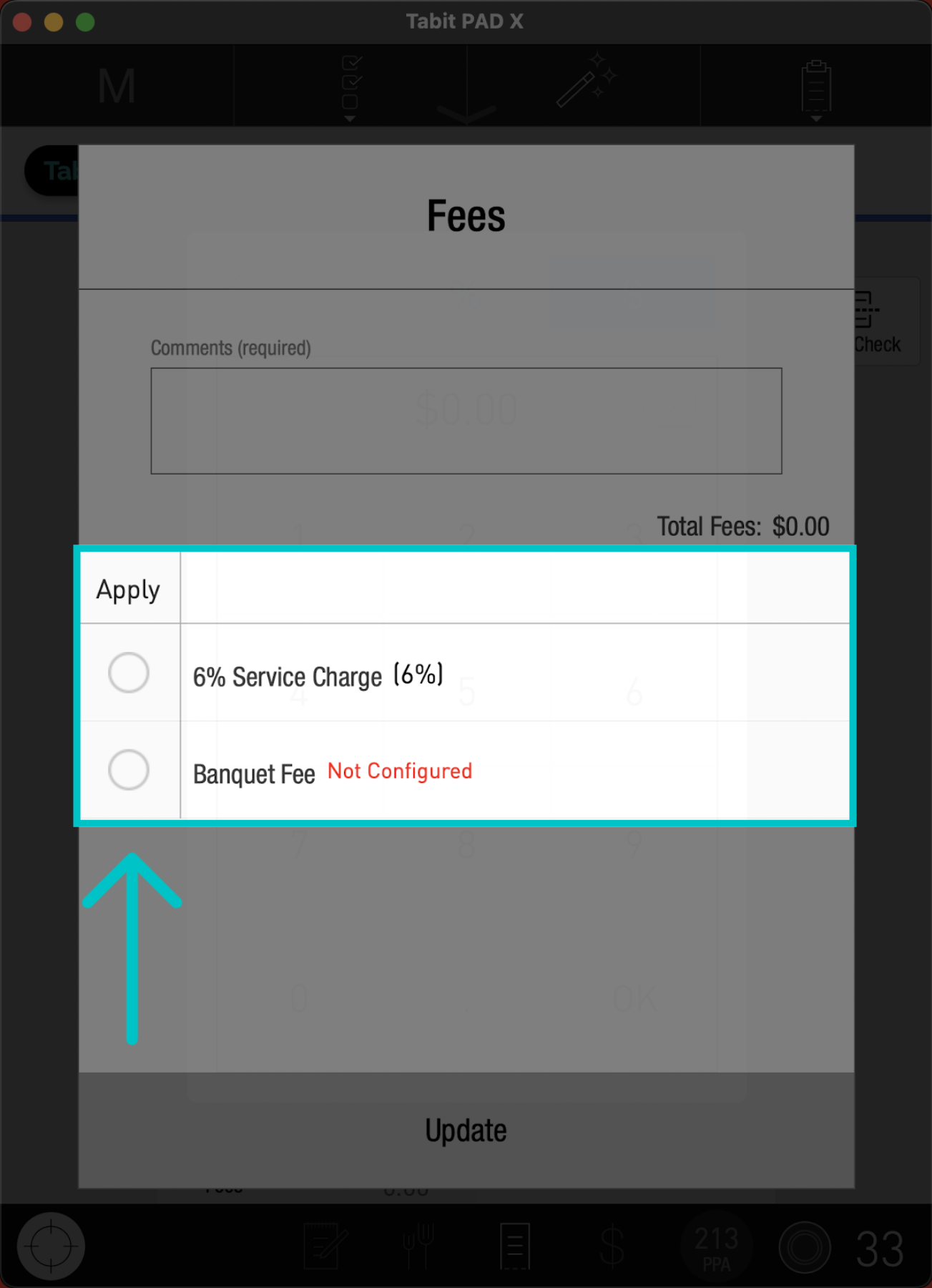
Mark the relevant fee
-
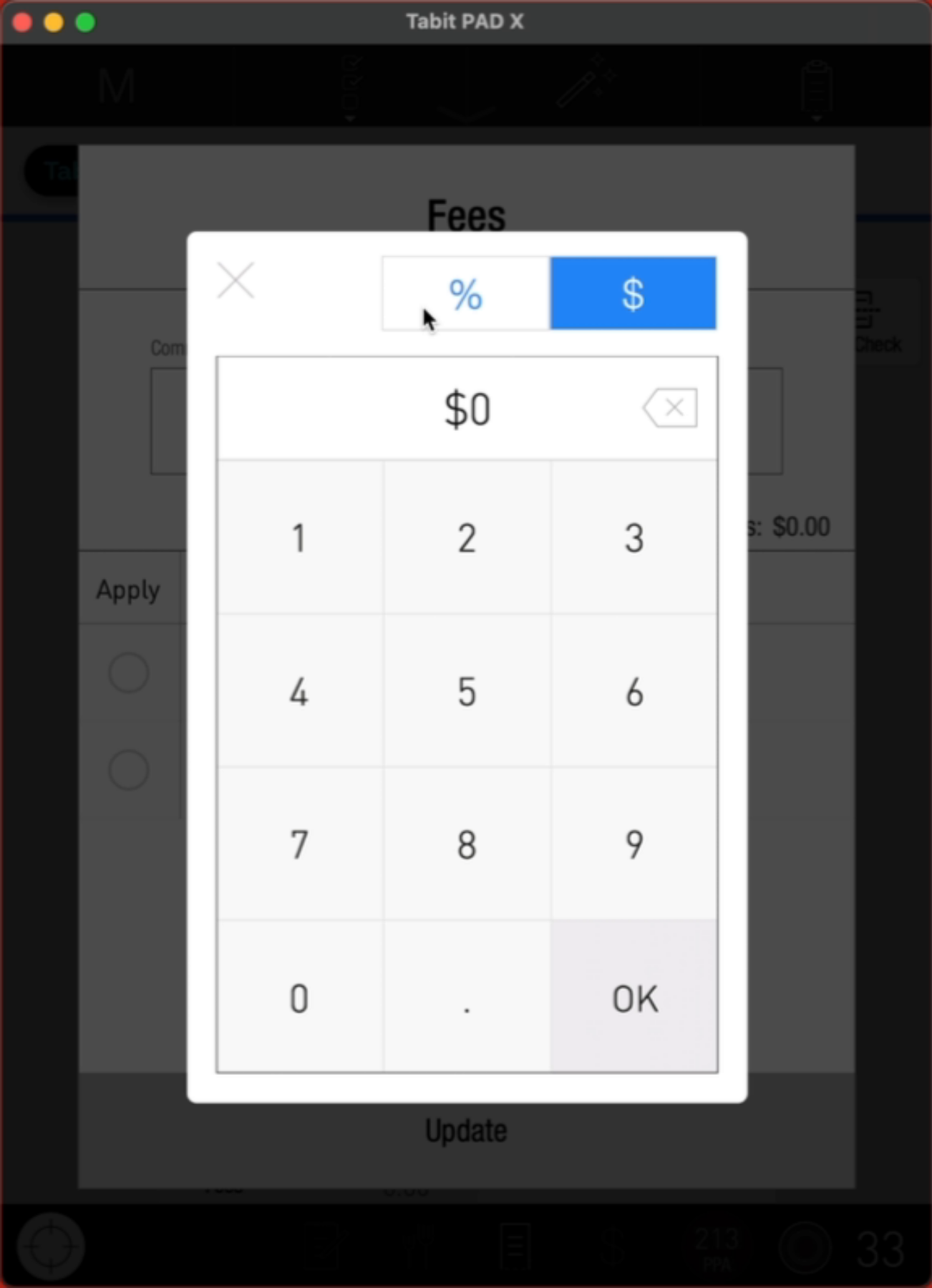
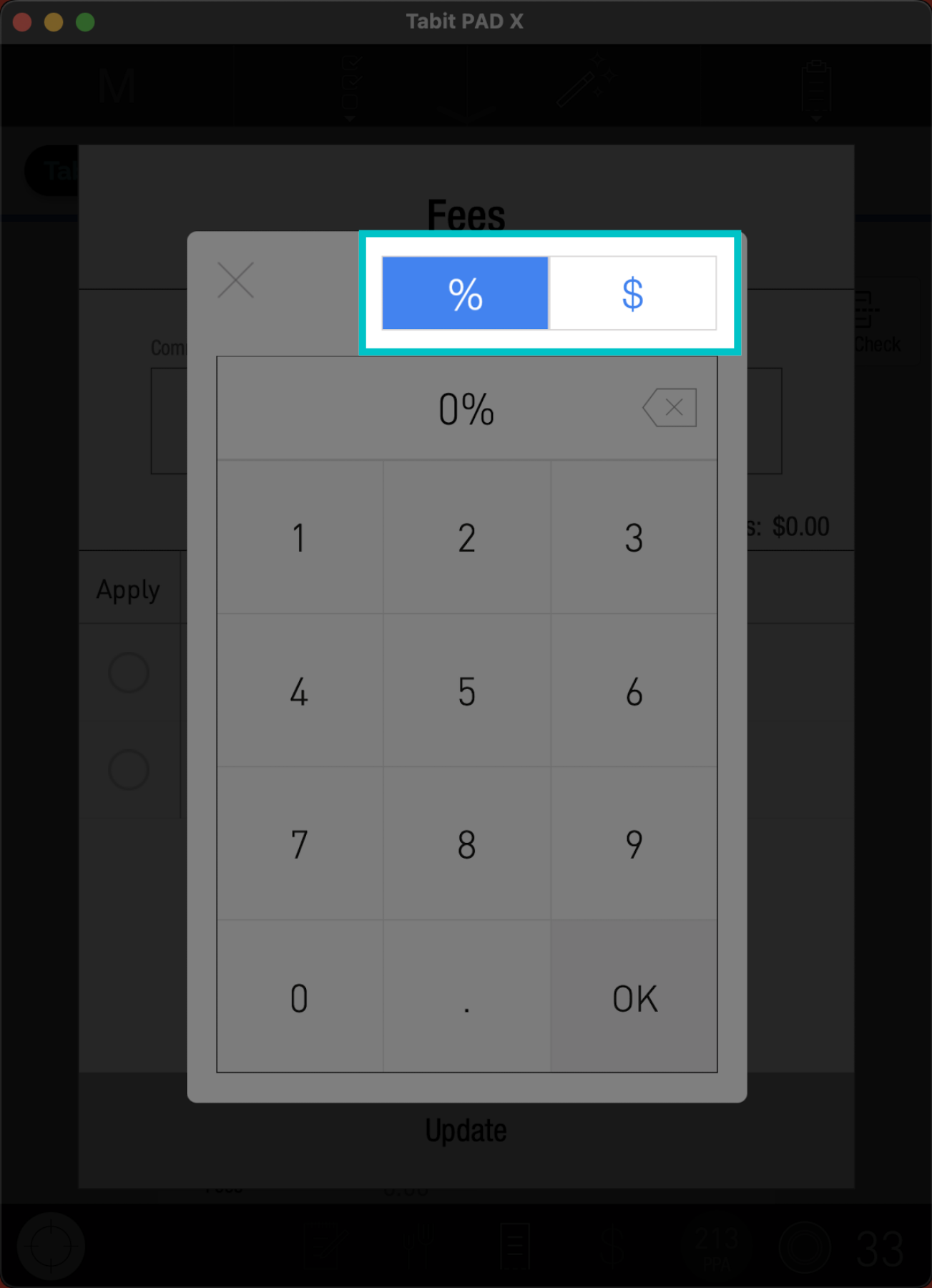
Select whether to apply the fee as a Percentage or in Dollars
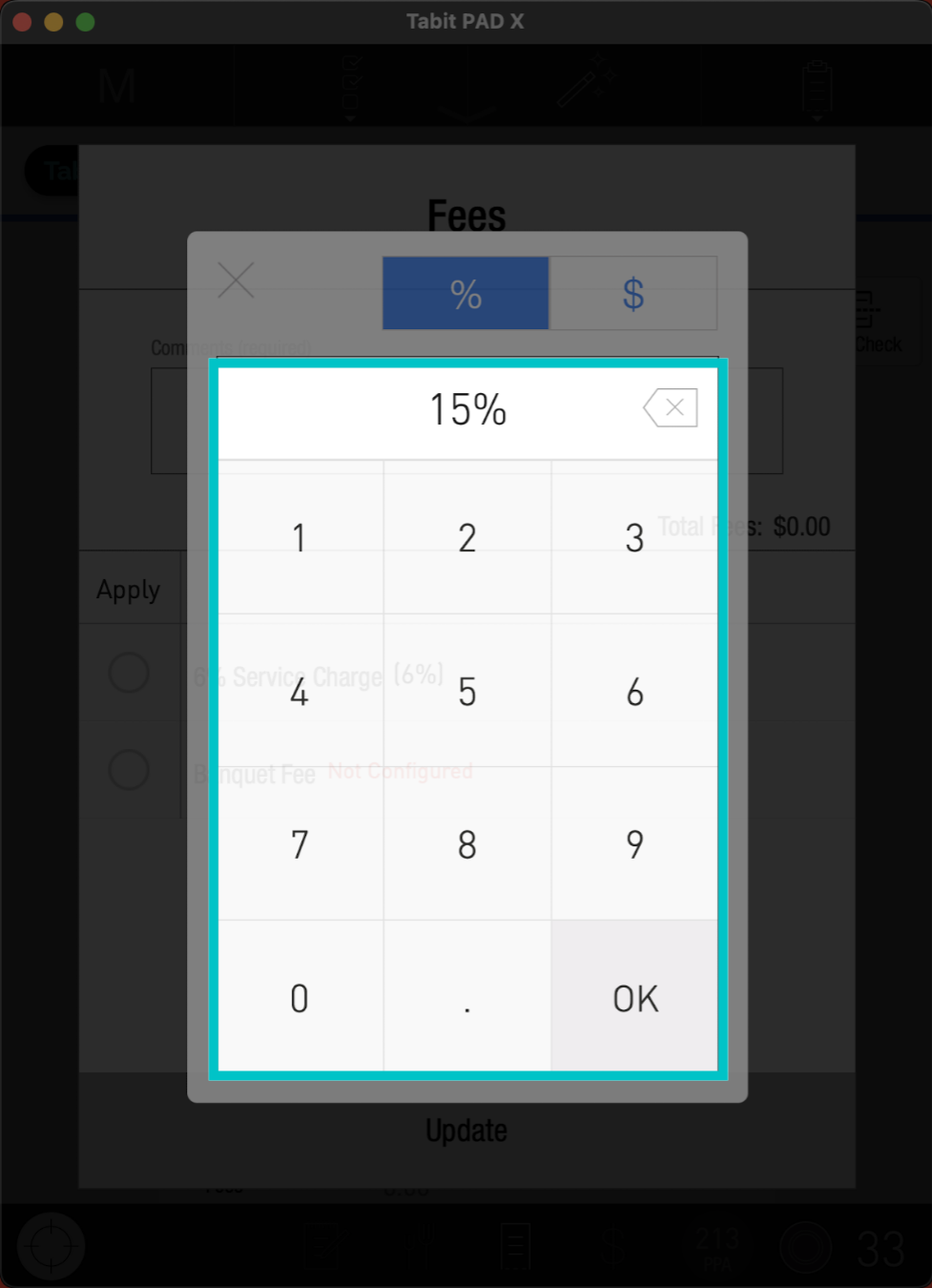
- Enter the desired amount, then tap OK
-
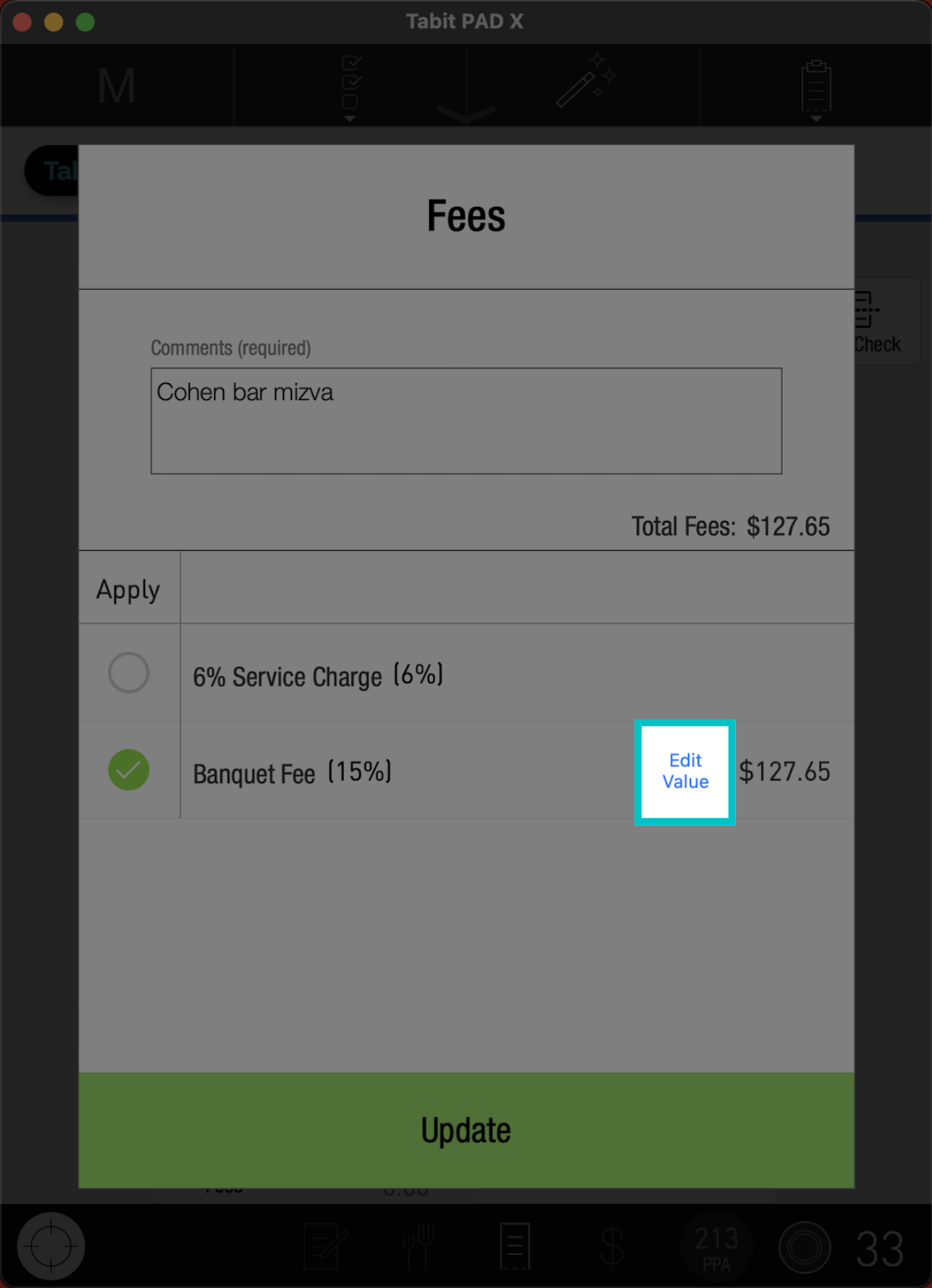
To update the fee amount, select Edit Value at any time
-
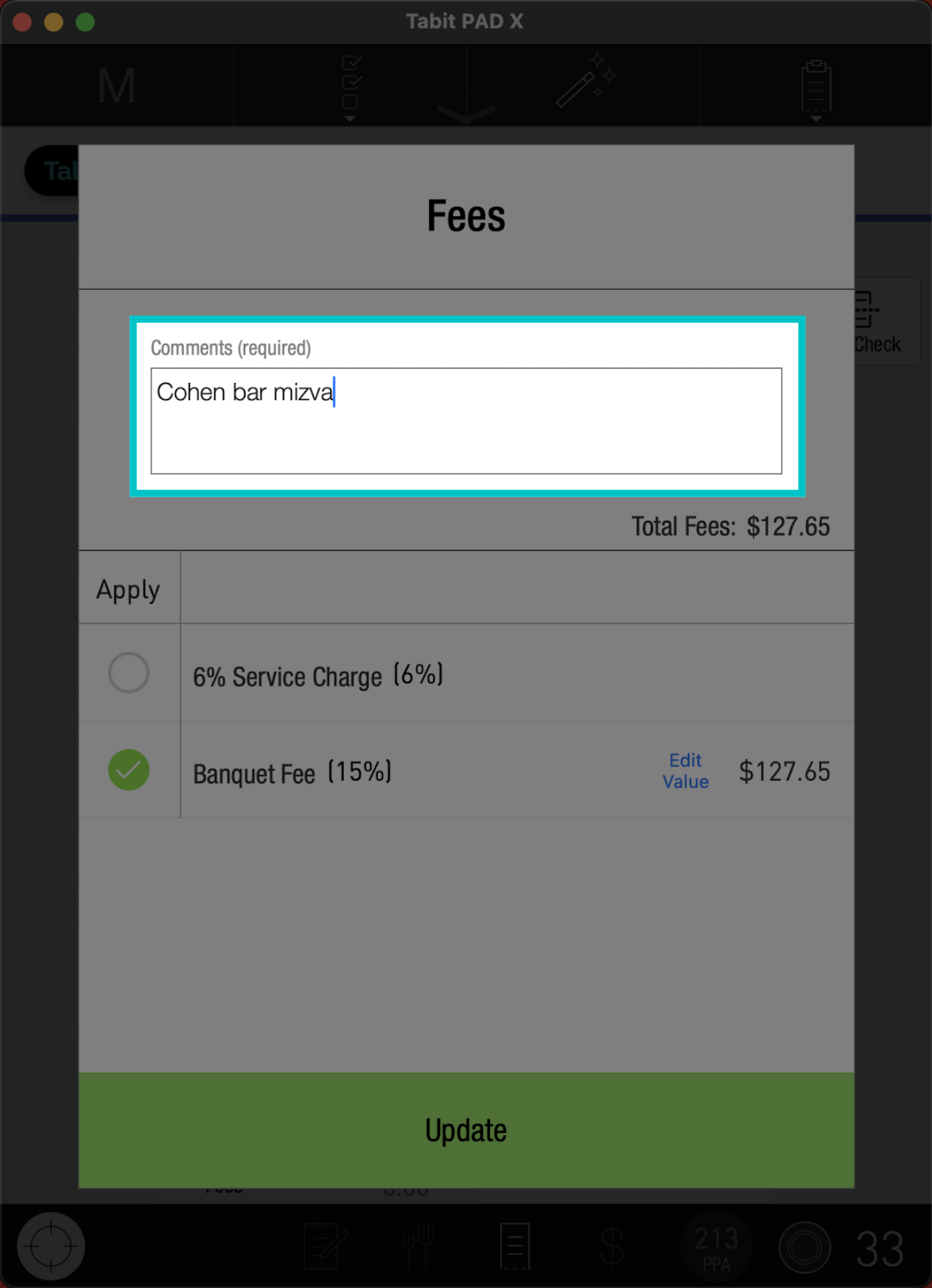
Add a comment in the comment box at the top if required
-
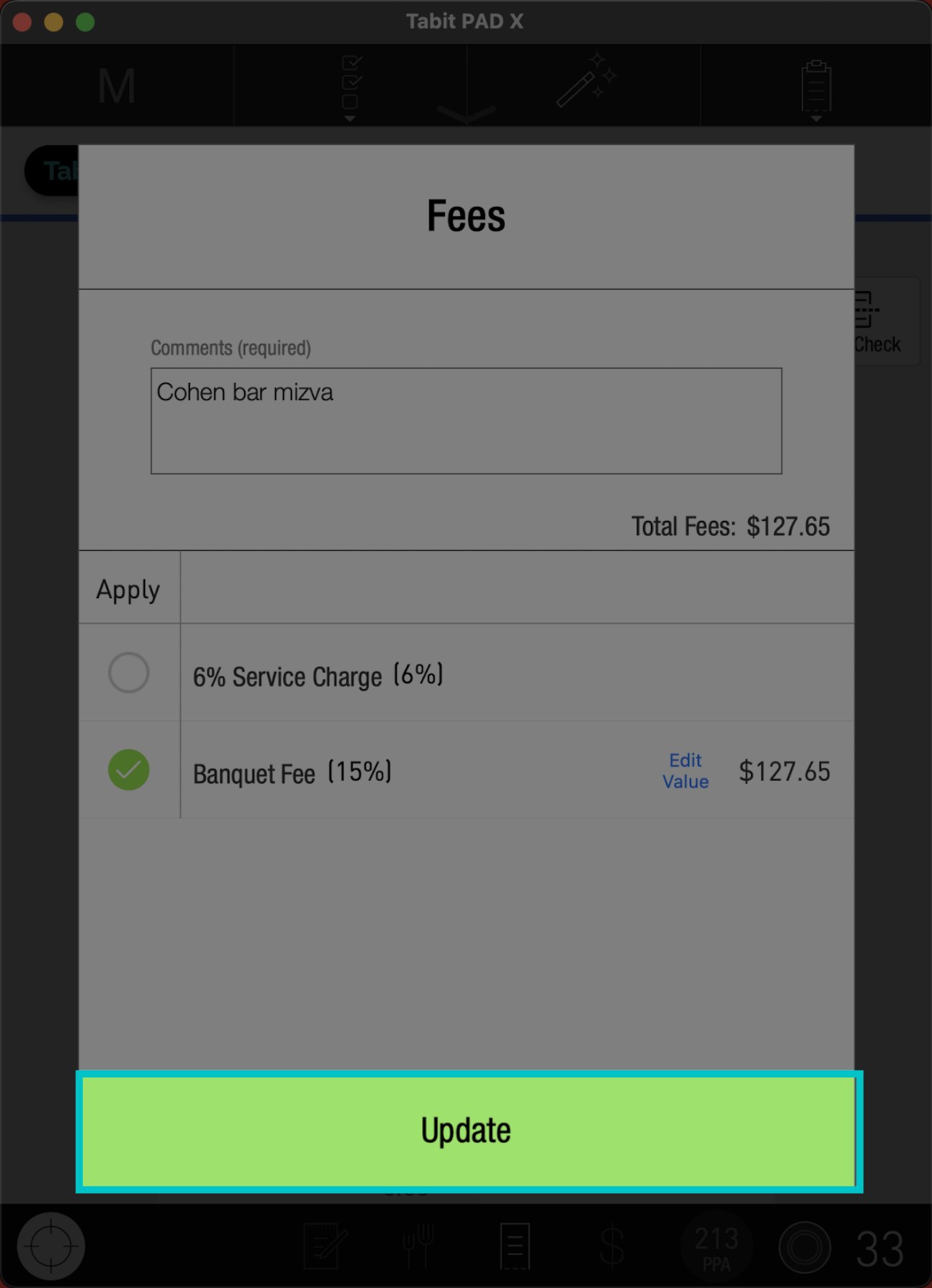
Tap Update to save your changes
-
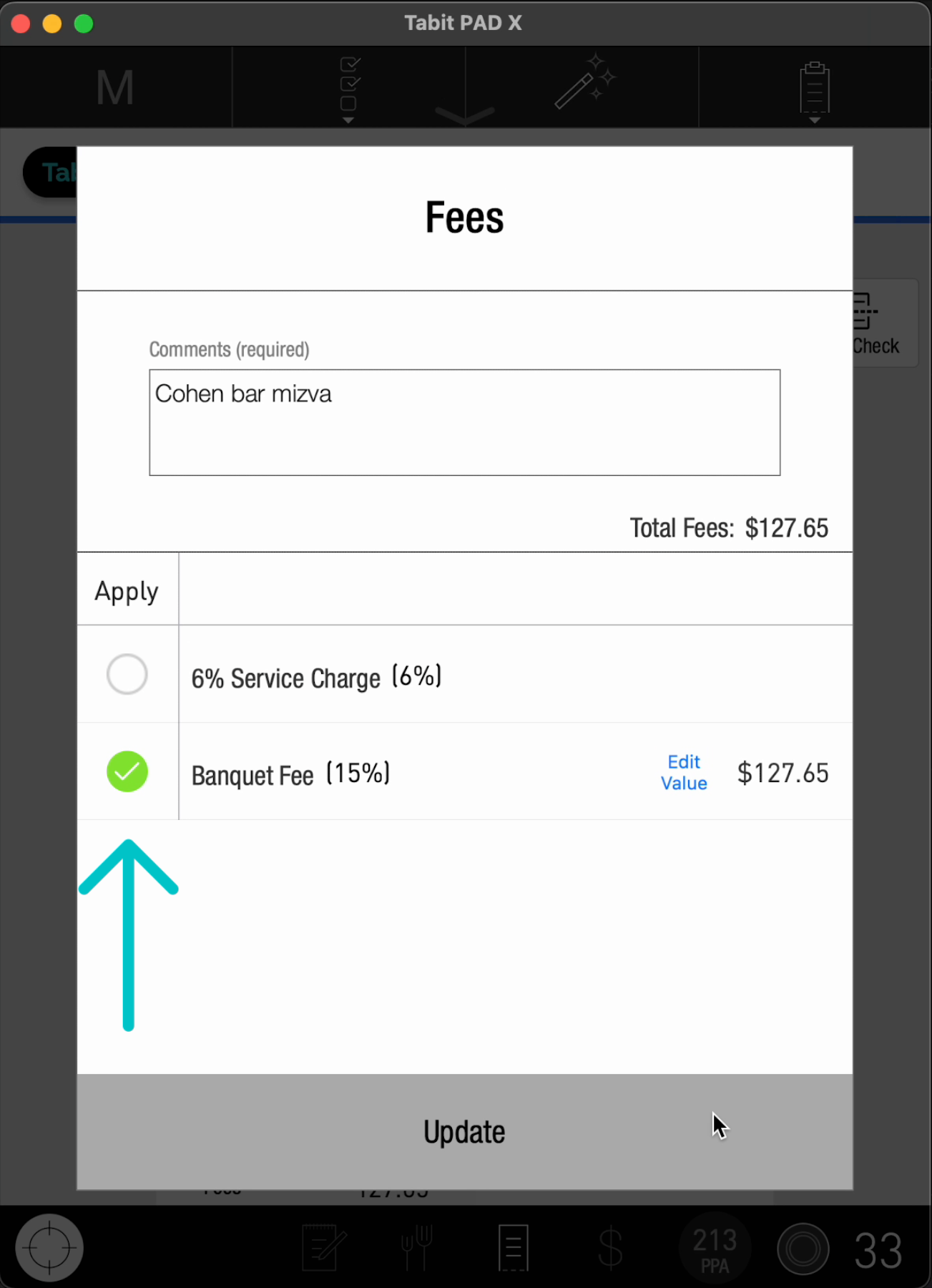
To remove a fee, unmark the fee and select Update
-
The updated fee(s) will reflect on the order check screen