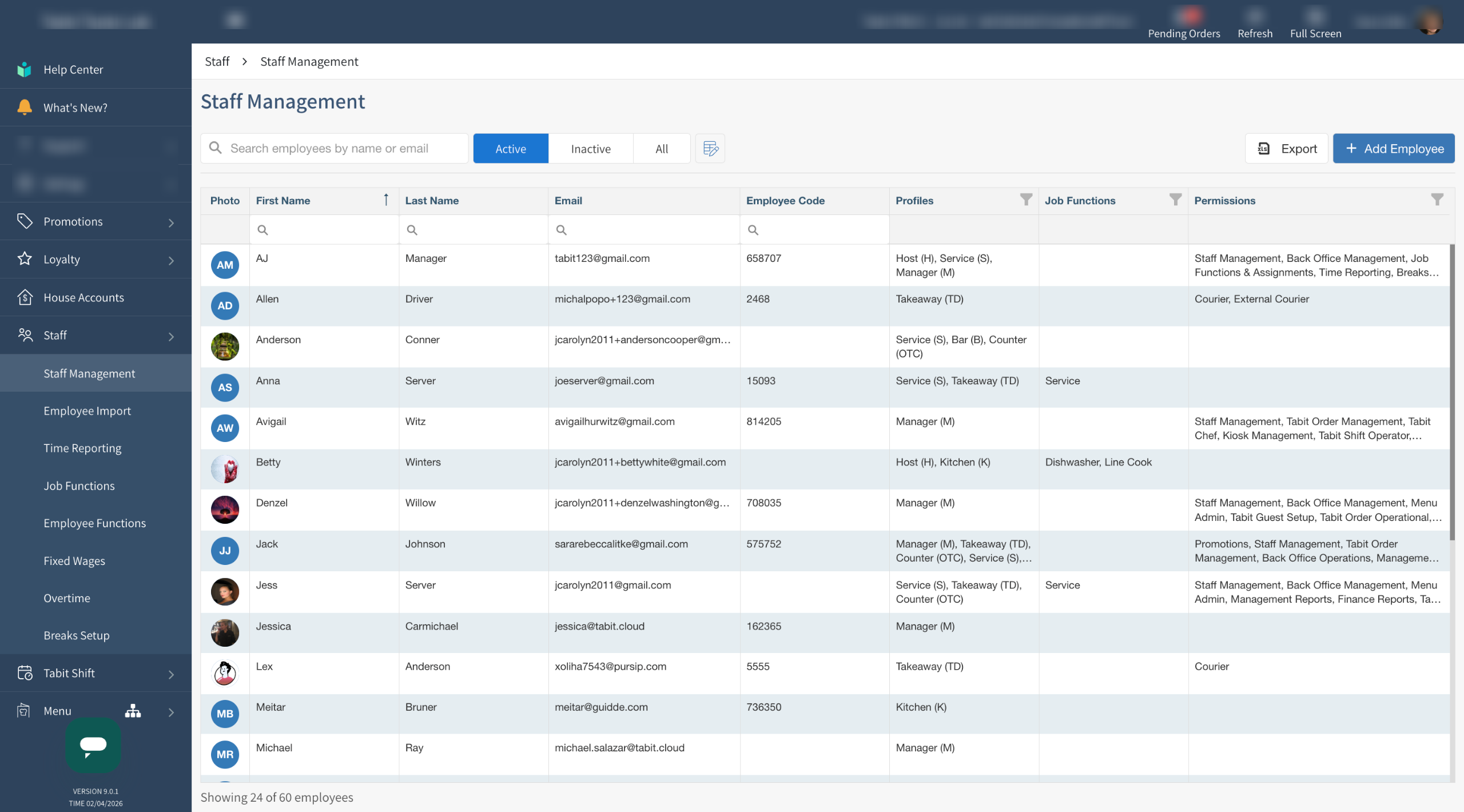
When an employee's account is deactivated, it is moved to the Inactive Employee list. If needed, inactive employees can easily be reactivated.
Before reactivating an employee, ensure that Employee Functions are up to date for accurate timekeeping/payroll
Follow the steps below to reactivate an employee profile:
-
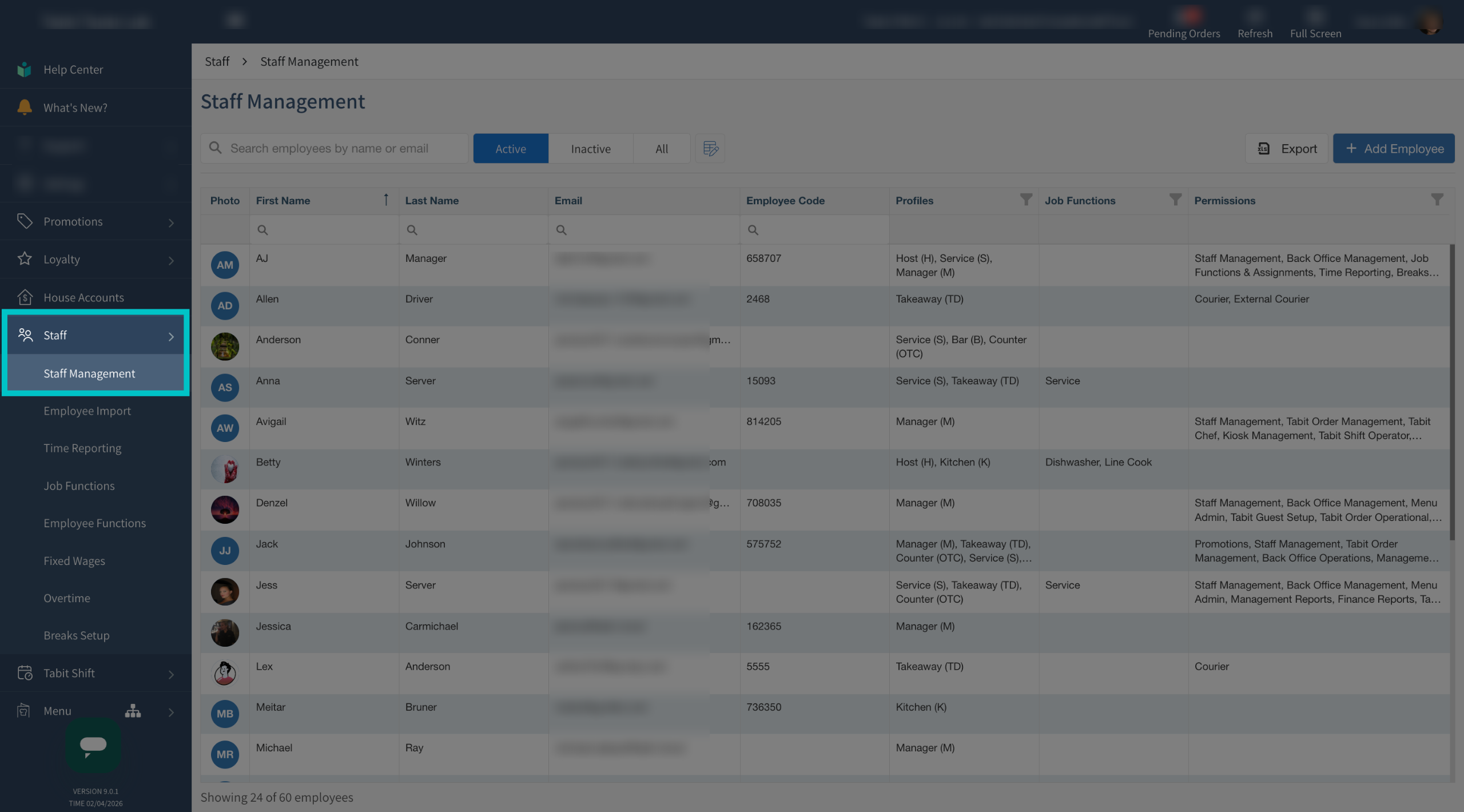
In Tabit Office, select Staff > Staff Management
-
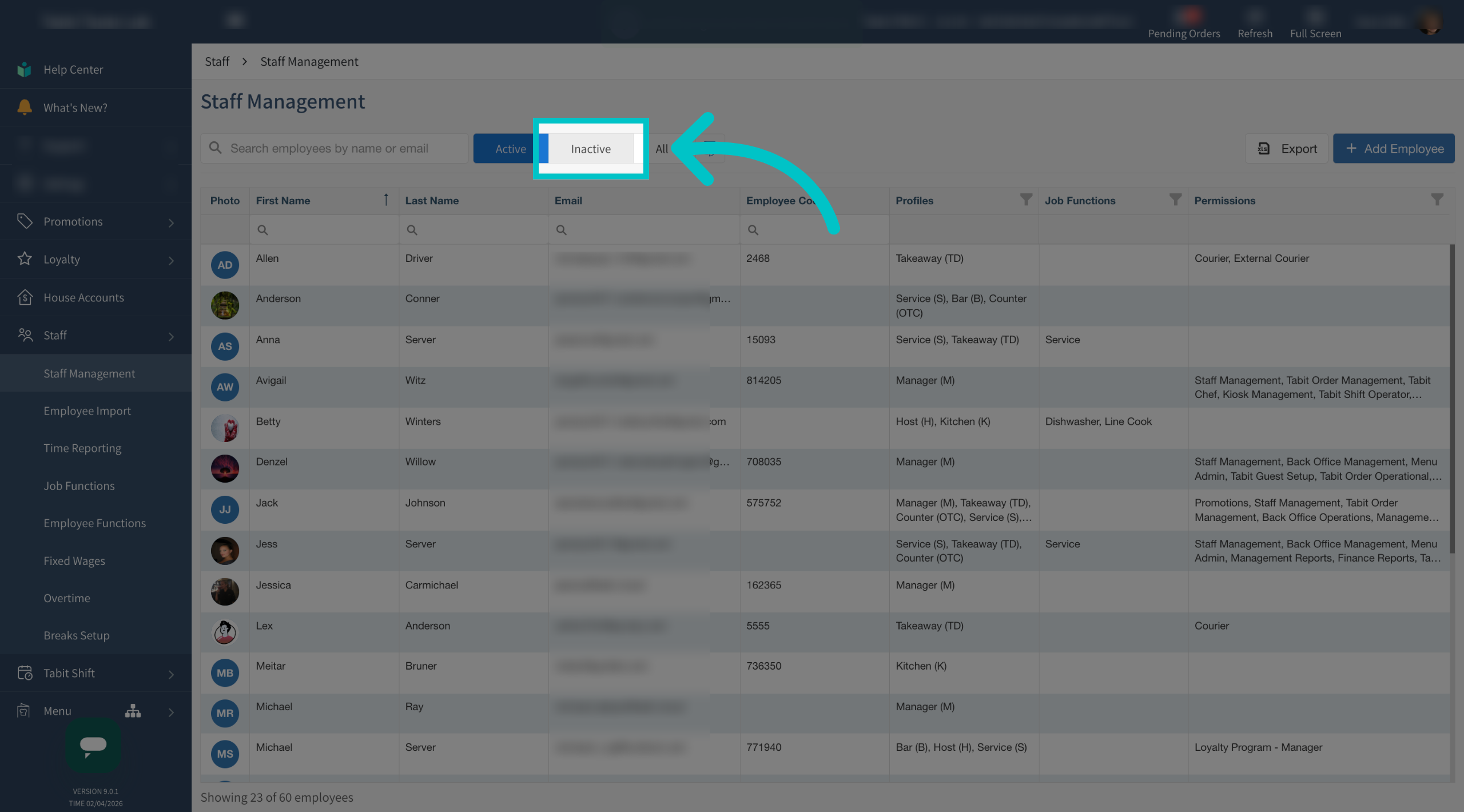
Select Inactive to view all deactivated employees
-
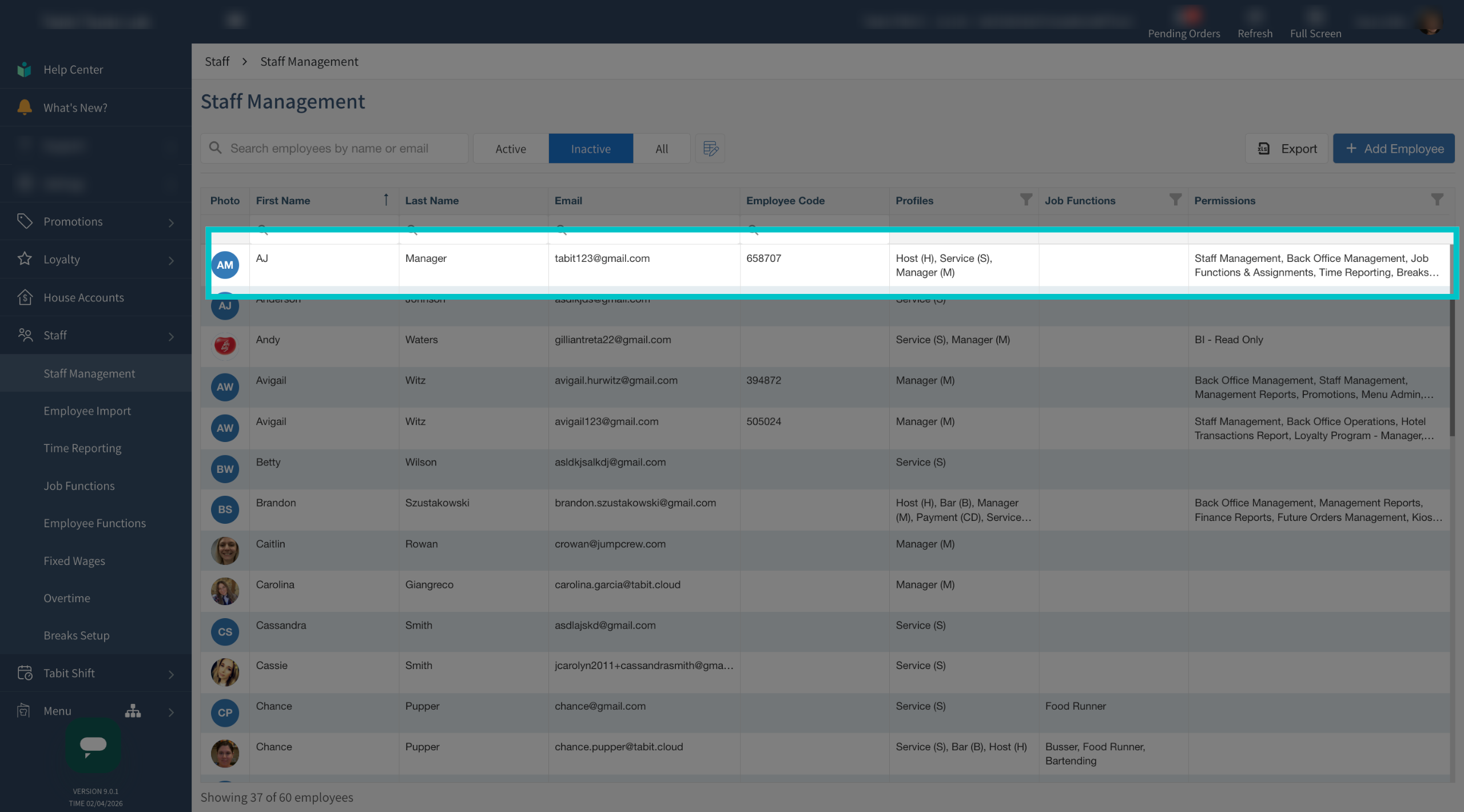
Click anywhere on the line of the relevant employee
-
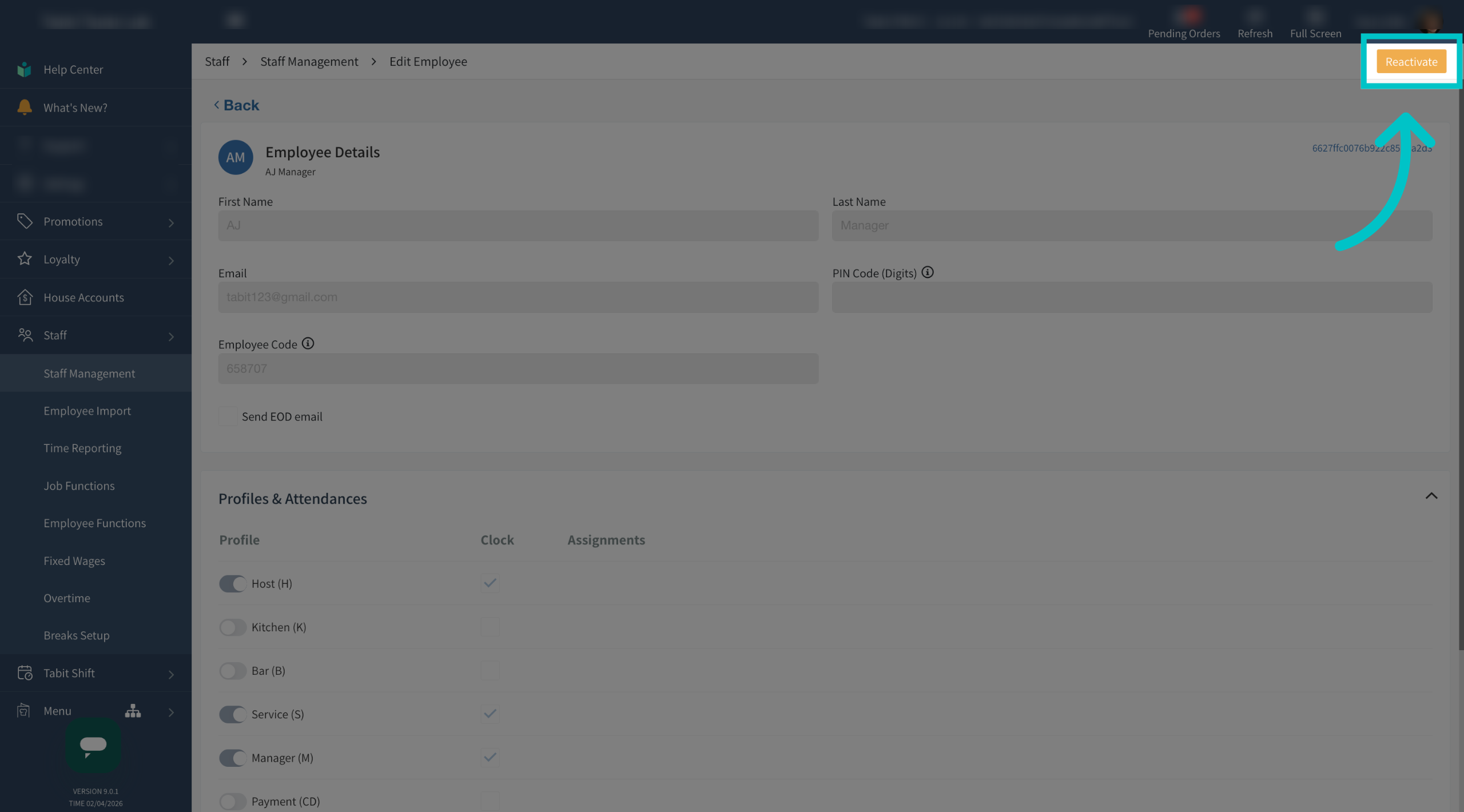
Select reactivate in the top right corner of the screen to move them to the active list of employees and reactivate their account
-
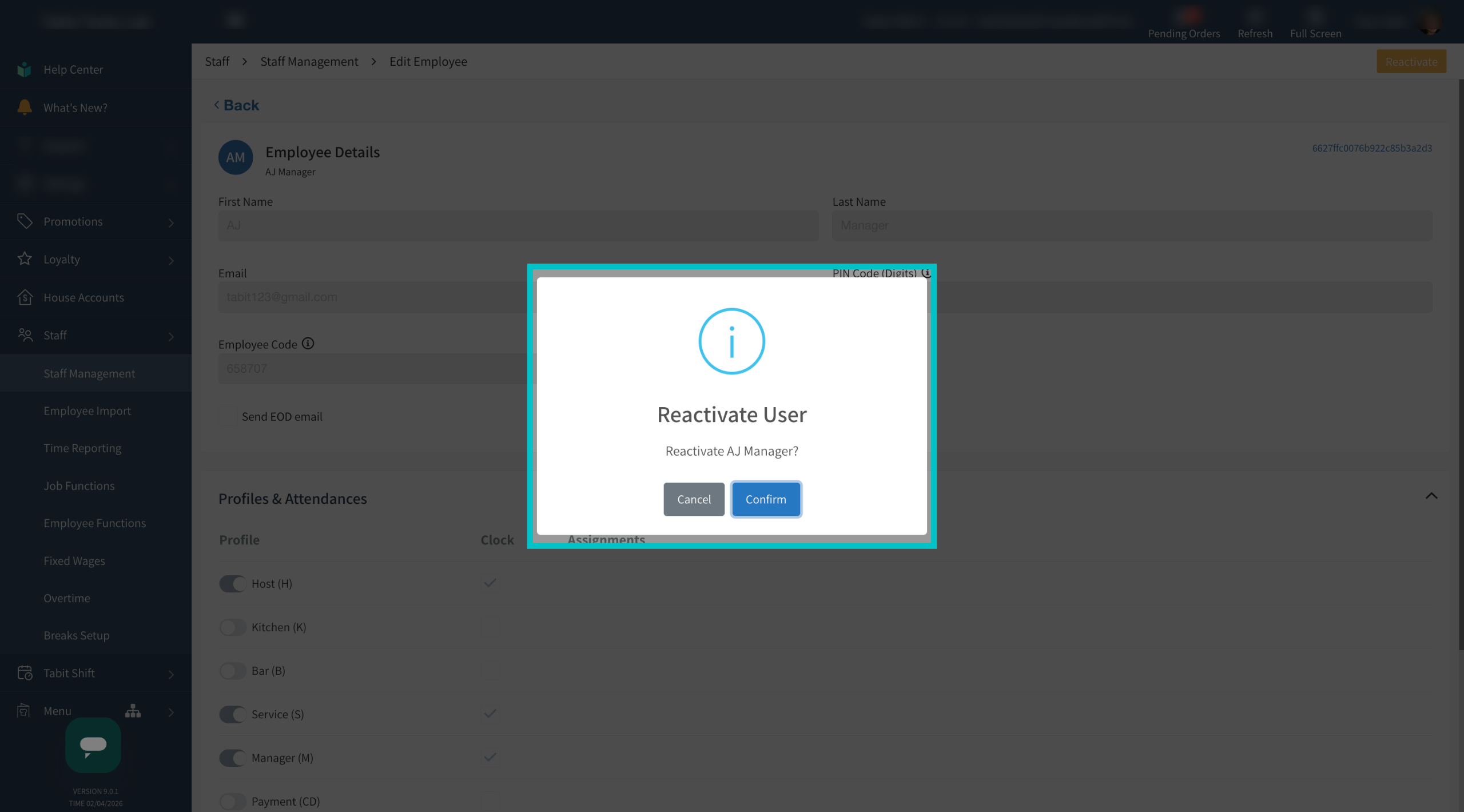
Select confirm to complete the reactivation process
-
Now the staff member will appear on the list of active employees and can access their user on the PAD and in Tabit Office if they have office permissions