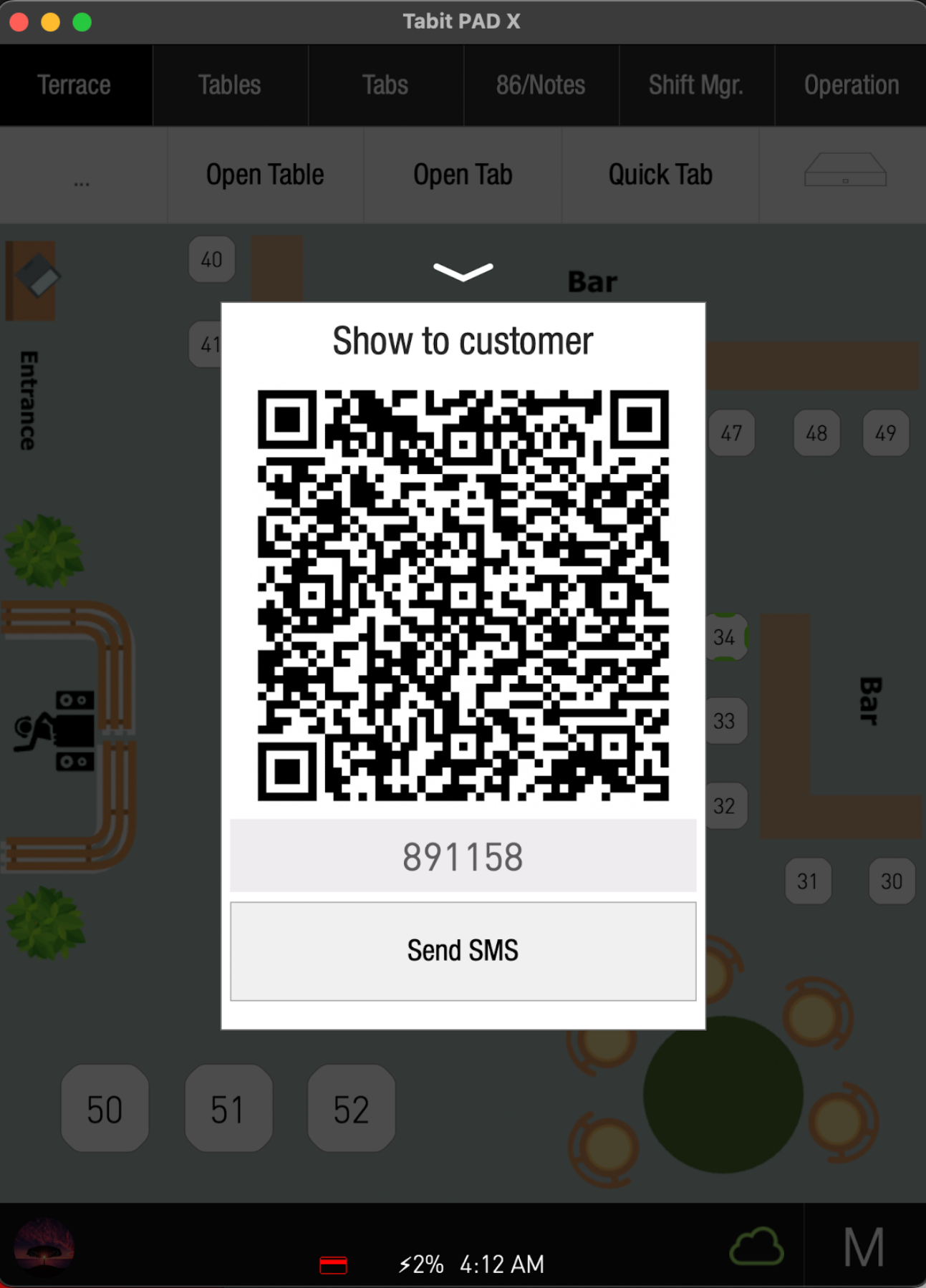
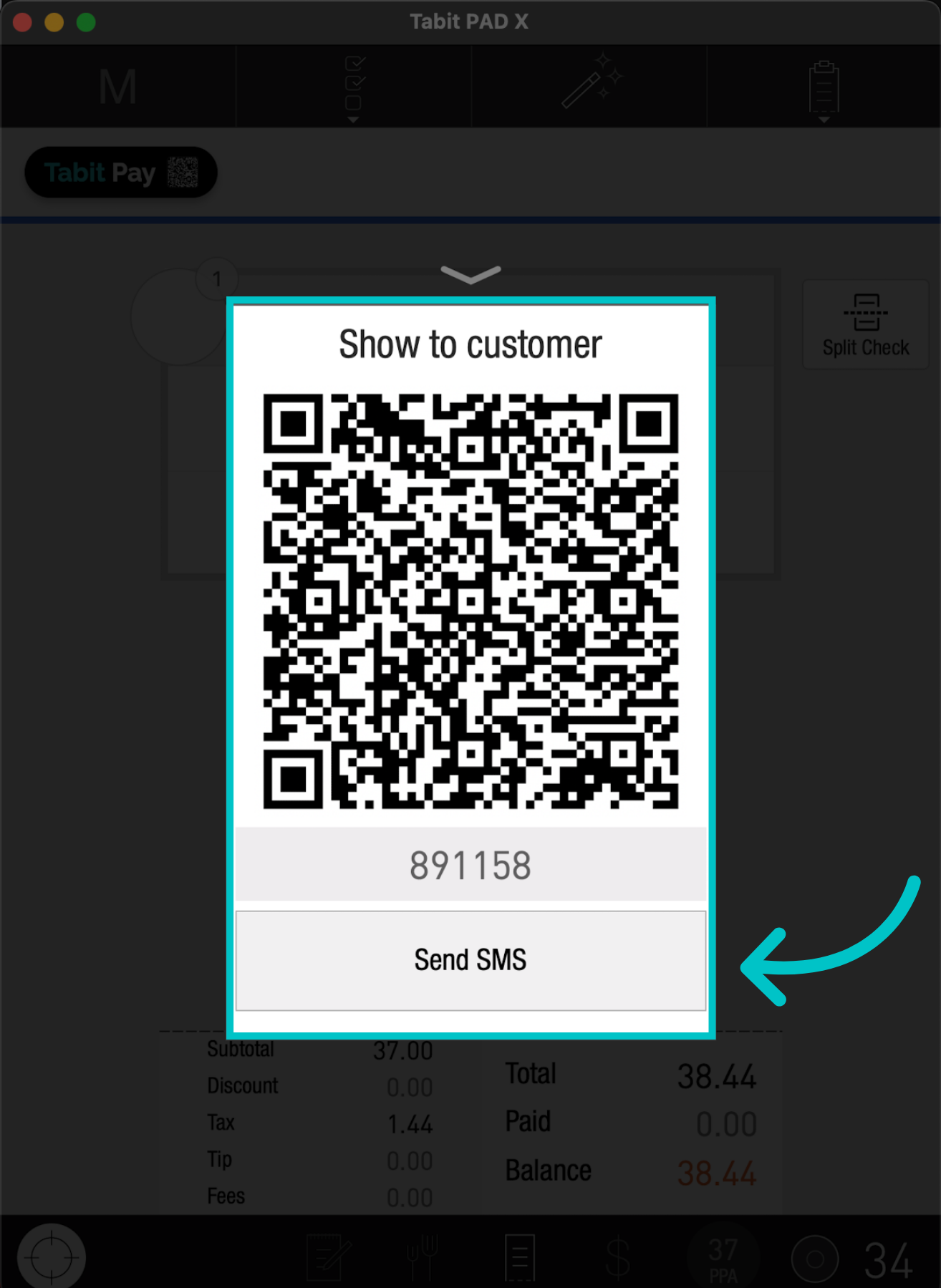
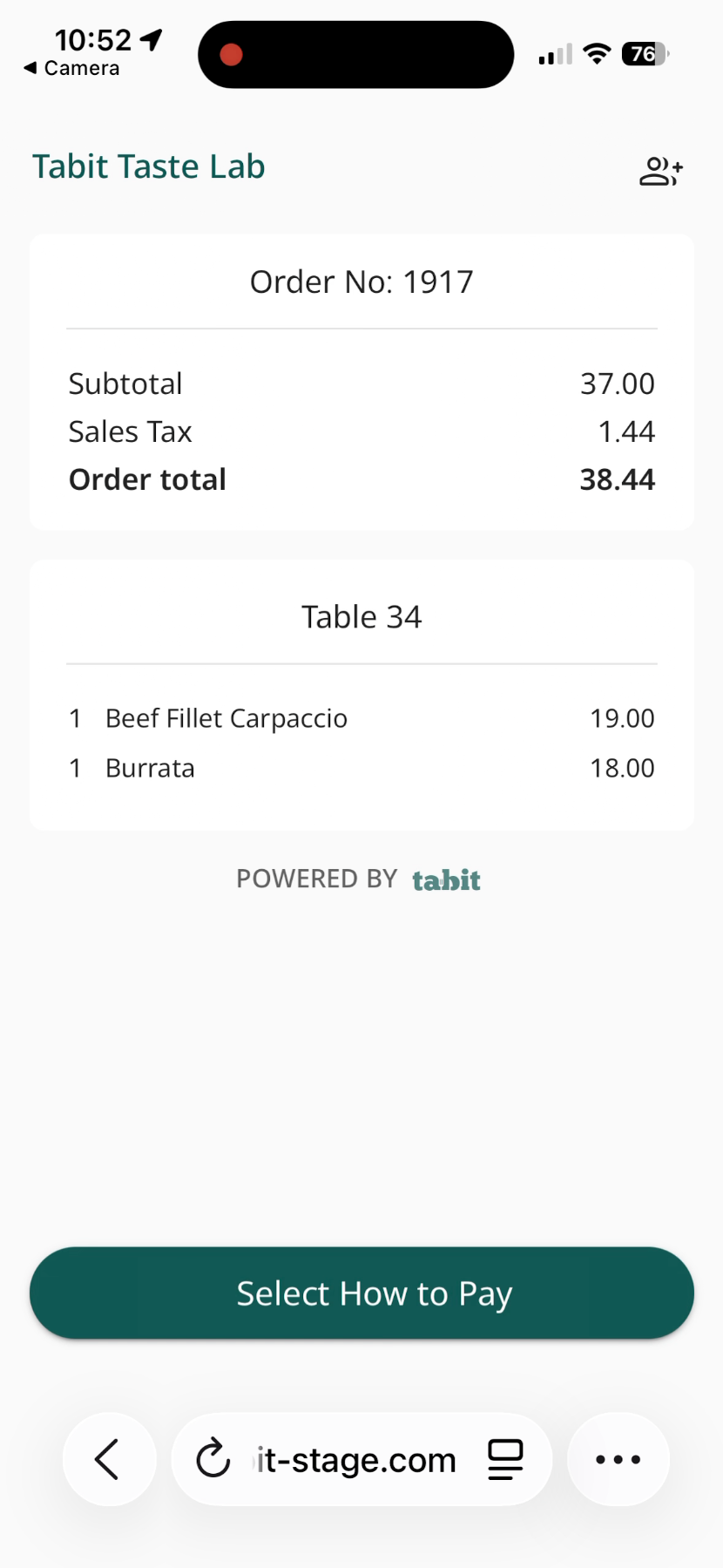
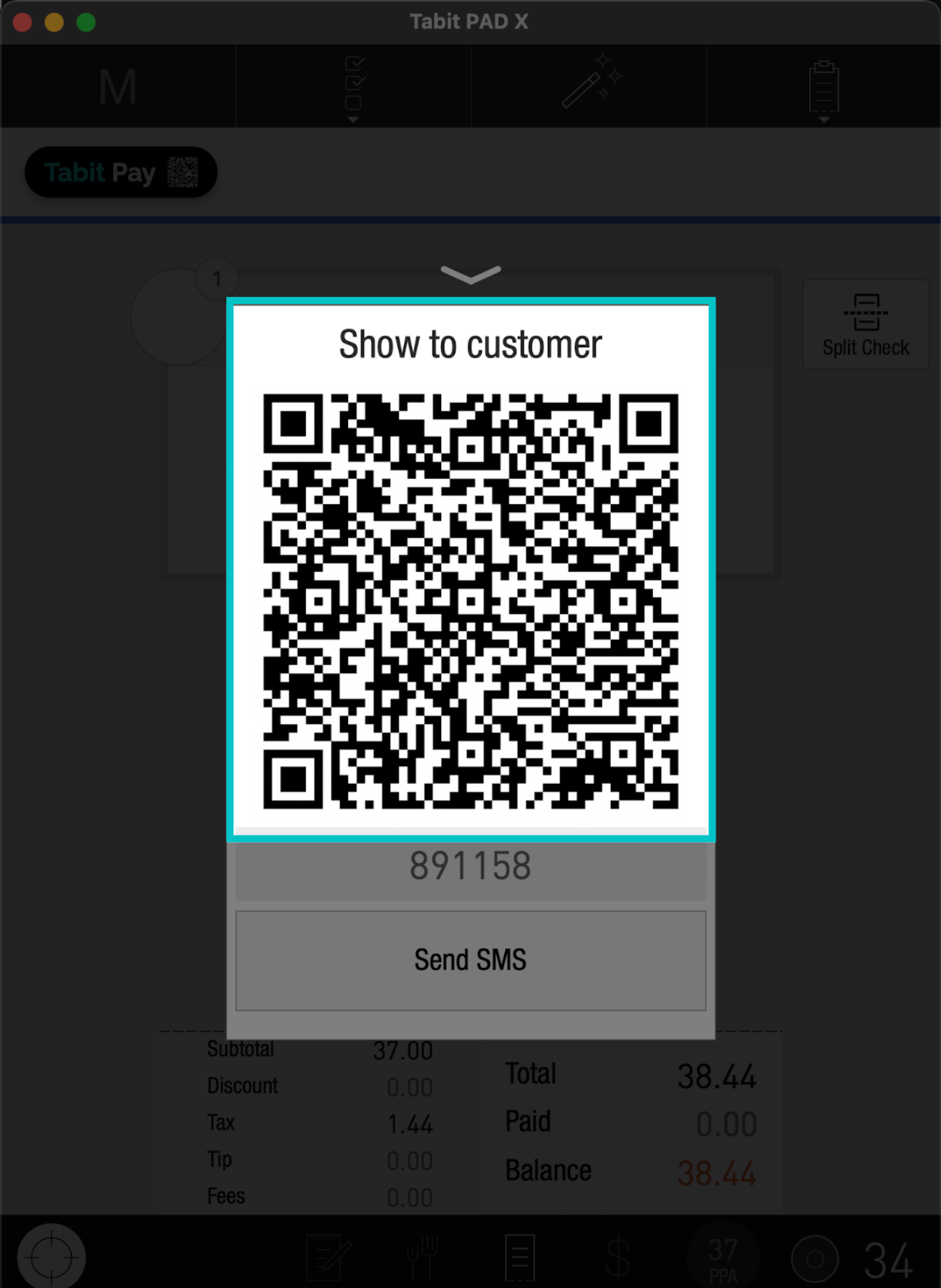
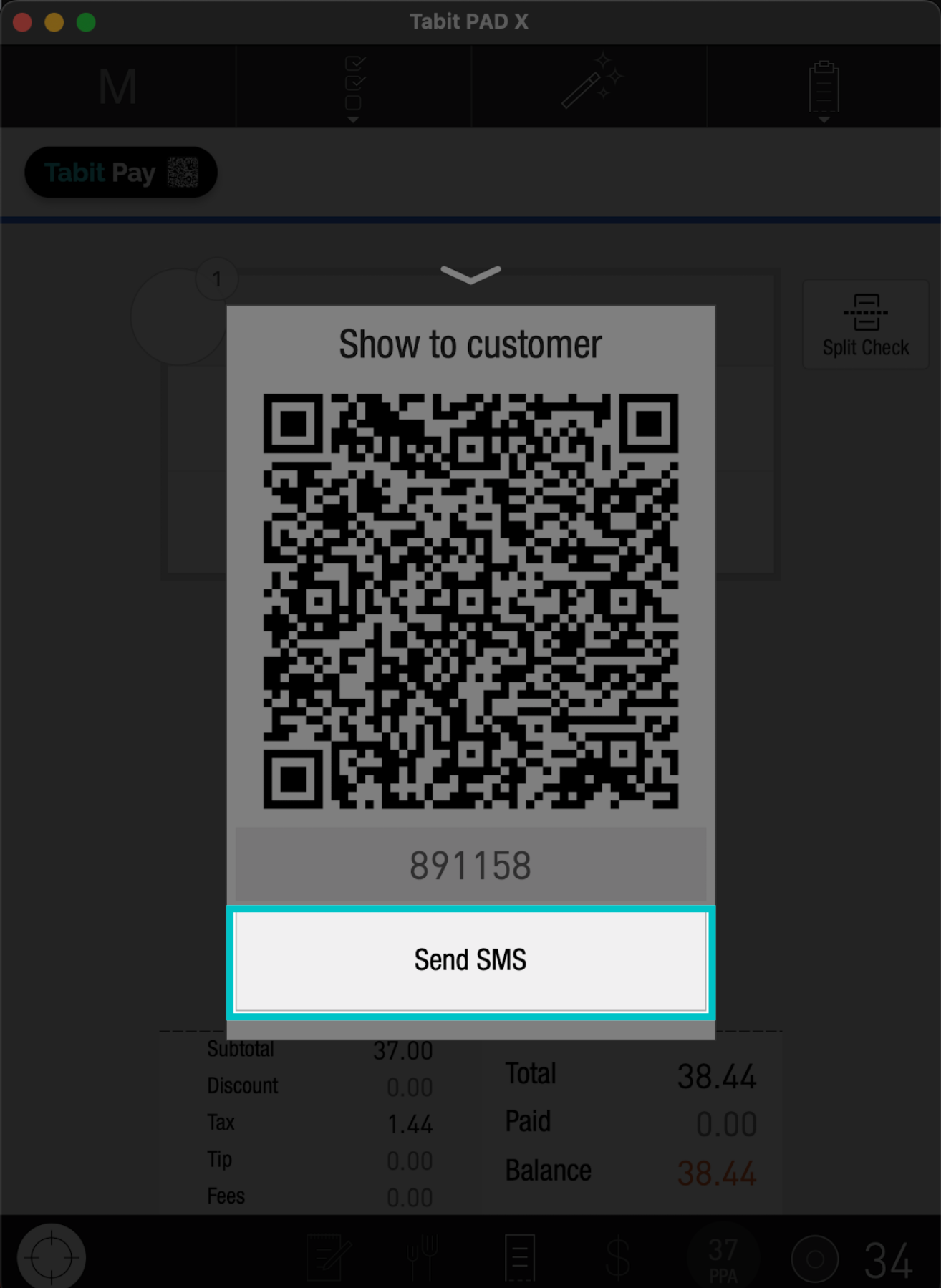
Tabit Pay allows customers to settle their bills quickly and independently by scanning or receiving a QR code directly from their server. This gives them the flexibility to split payments, add a tip, and complete the payment from their own device.
To enable Tabit Pay, reach out to your Tabit representative
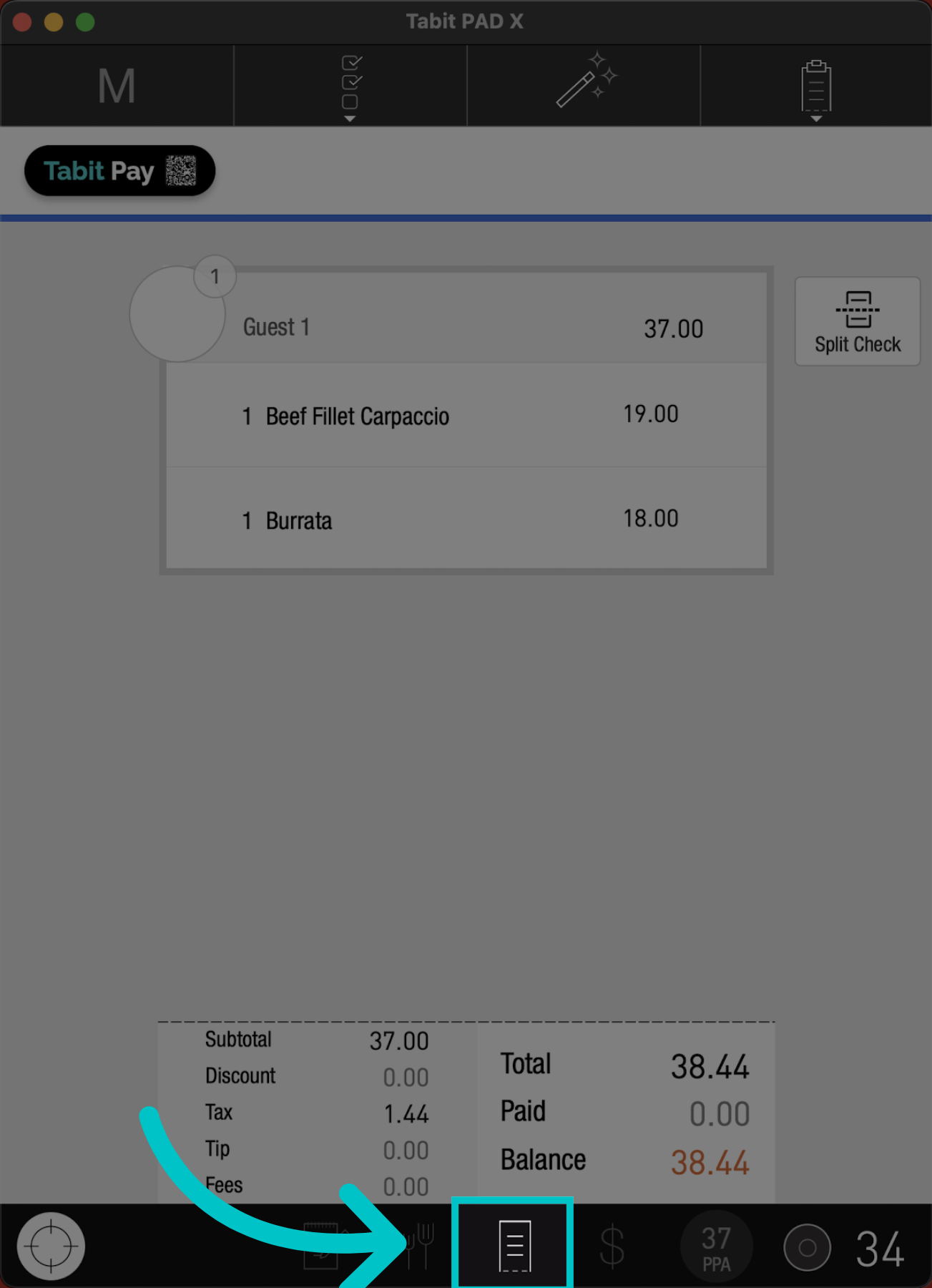
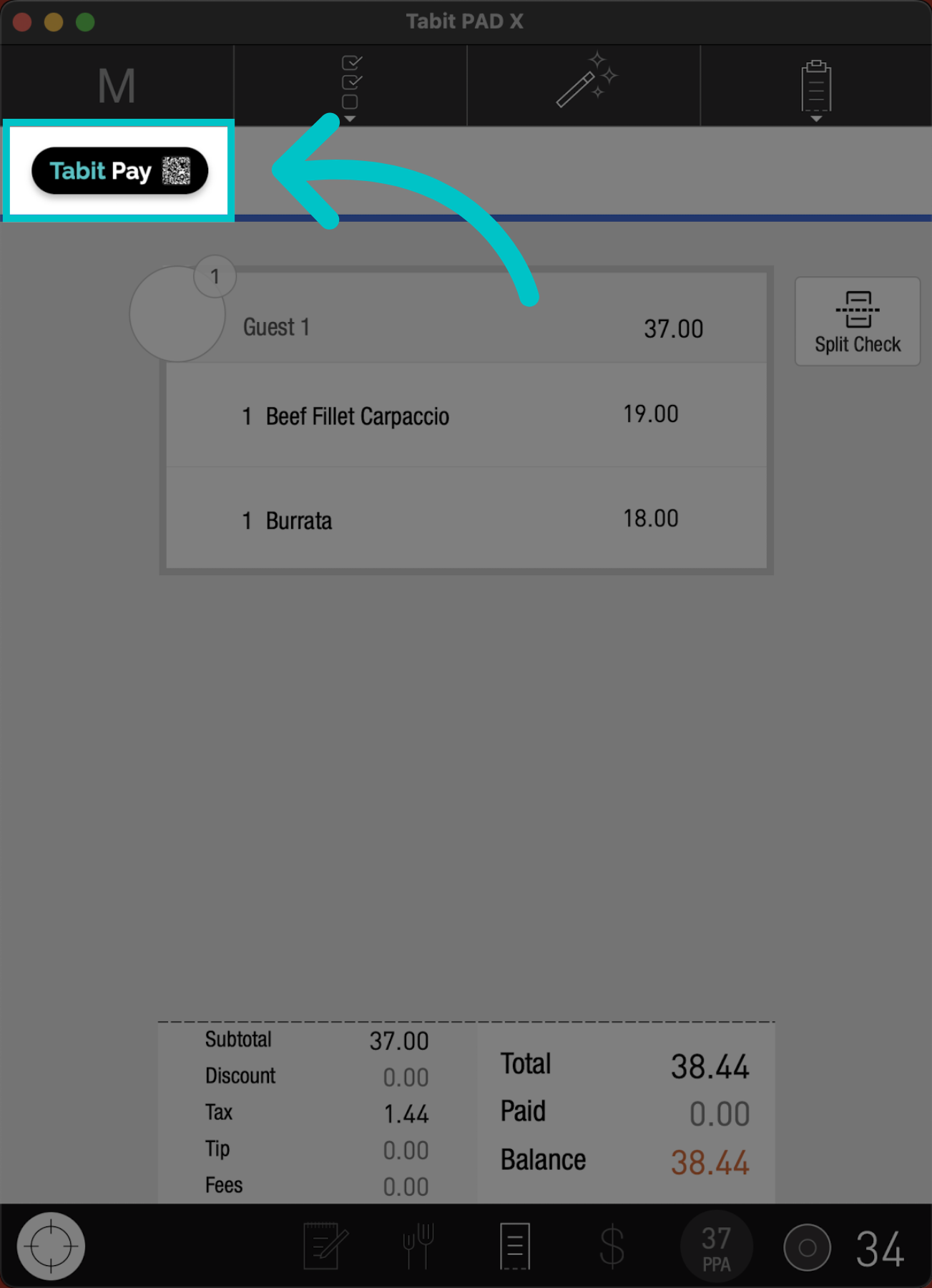
There are two ways to access the QR code:
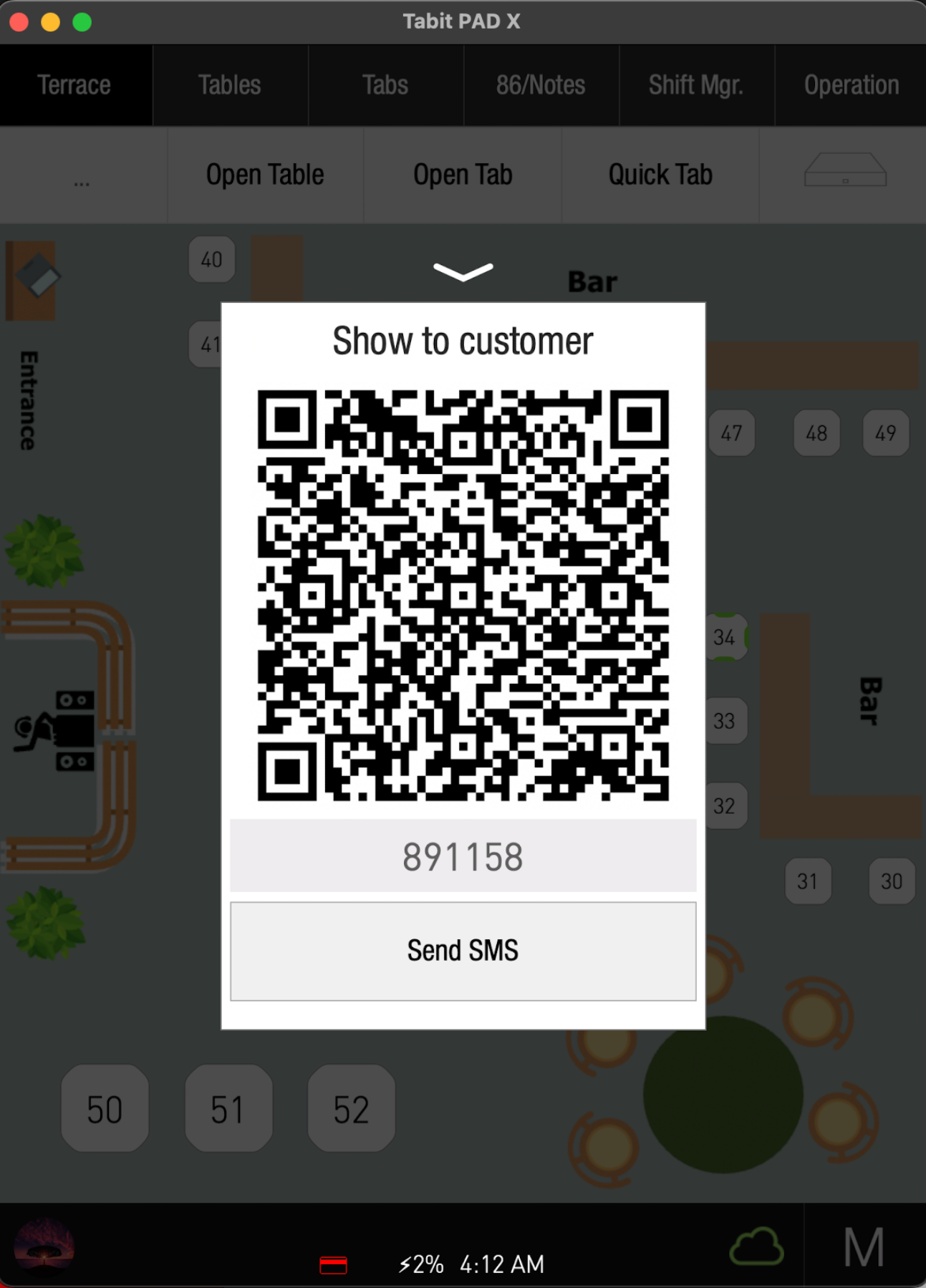
Follow the steps below to access Tabit Pay QR code:
From the map screen
-
Long press the relevant table and select QR
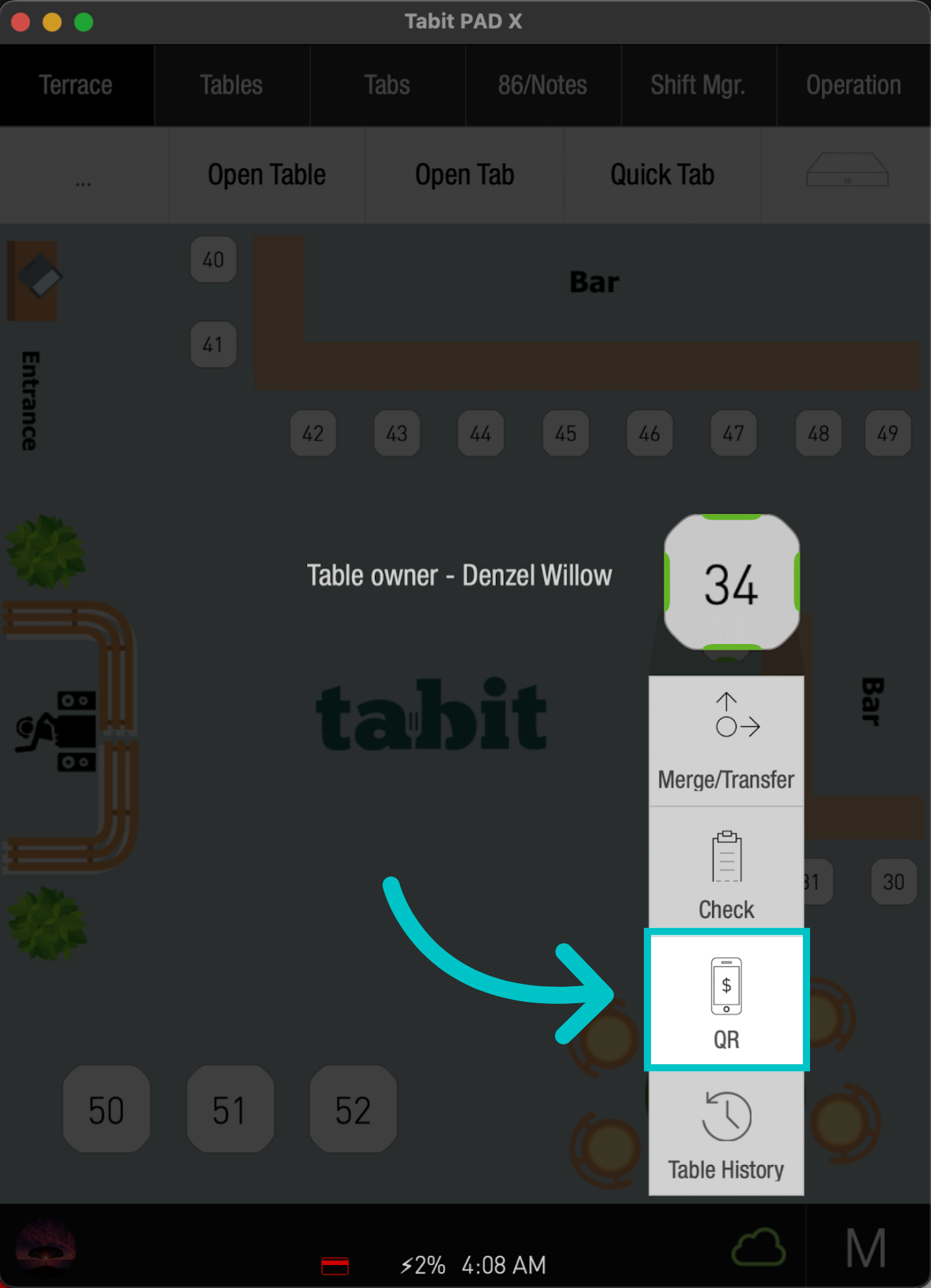
-
Then, show it to the customer so they can scan it with their device